
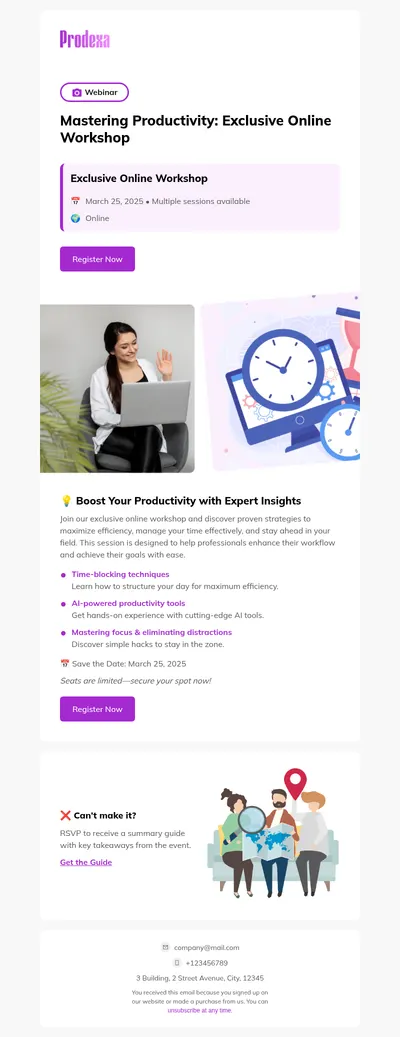
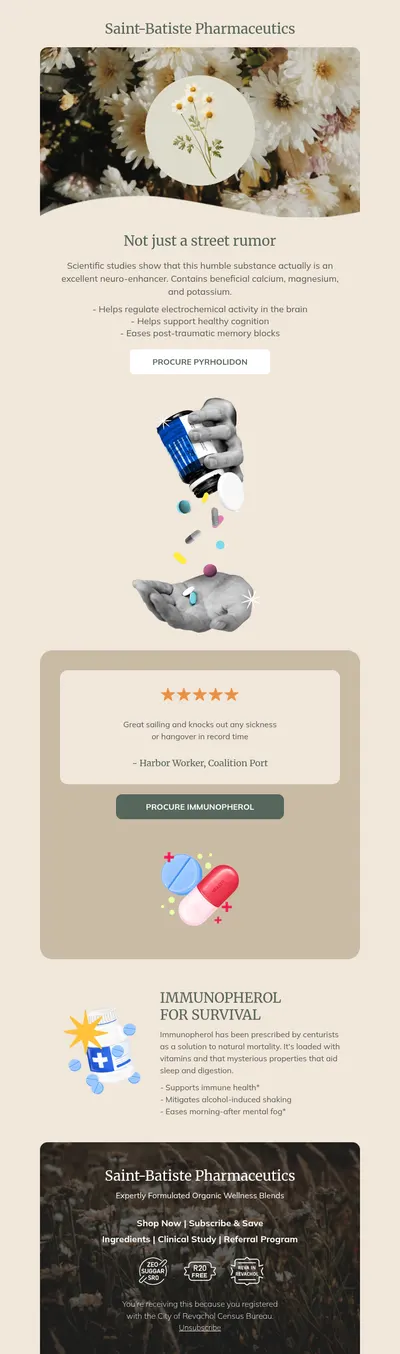
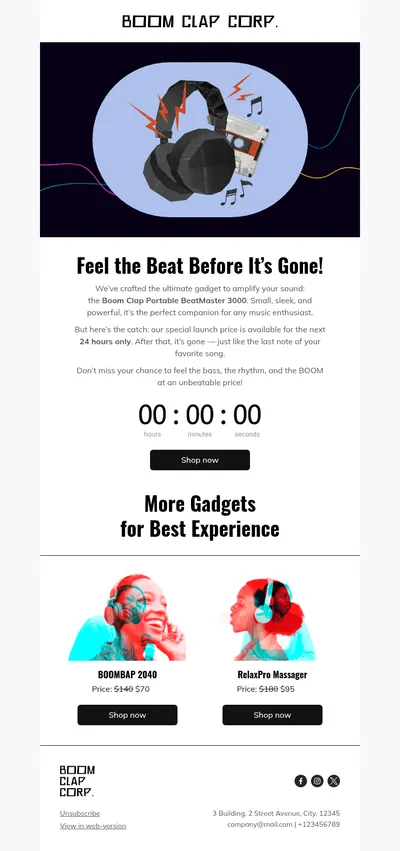
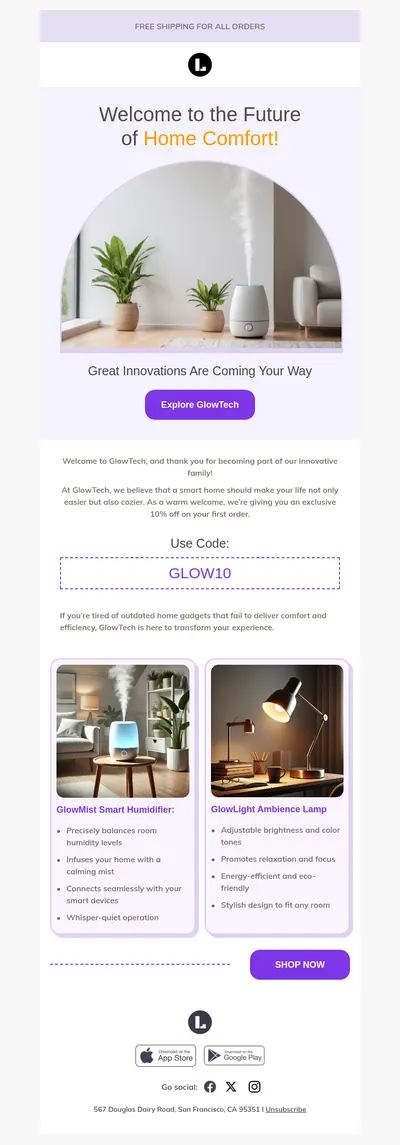
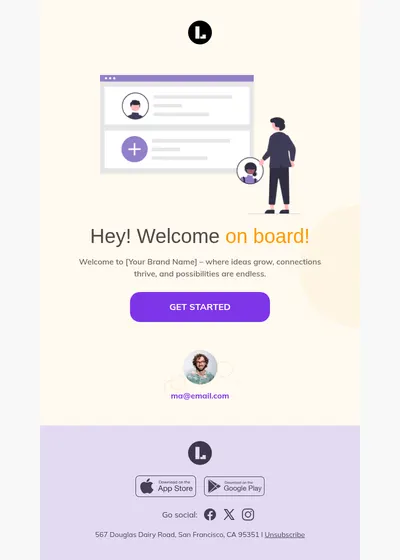
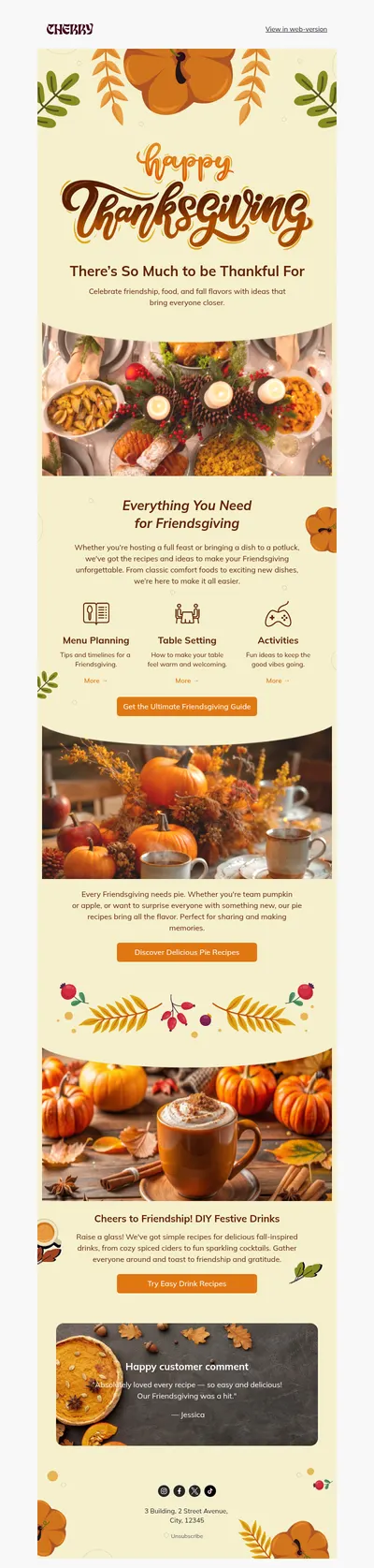
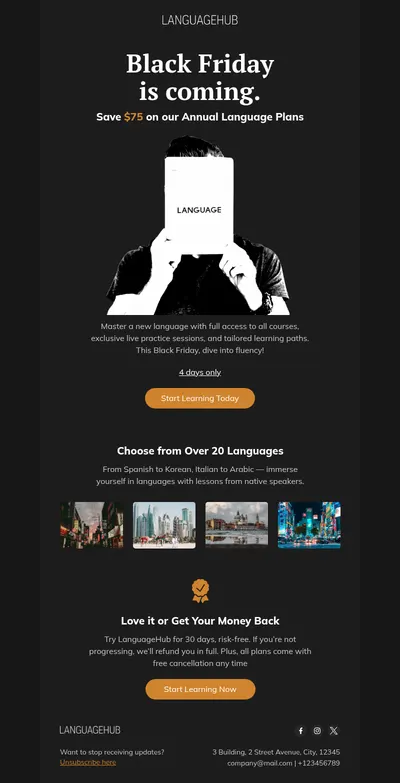
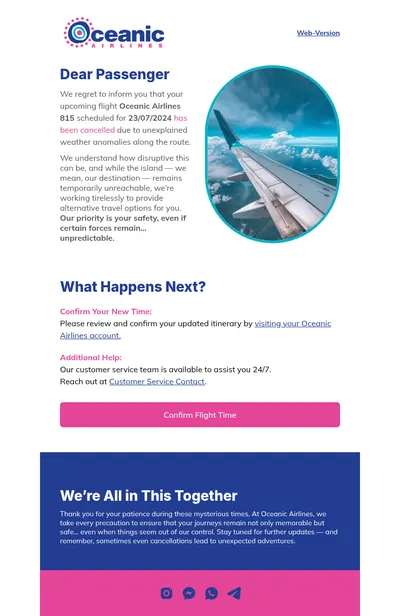
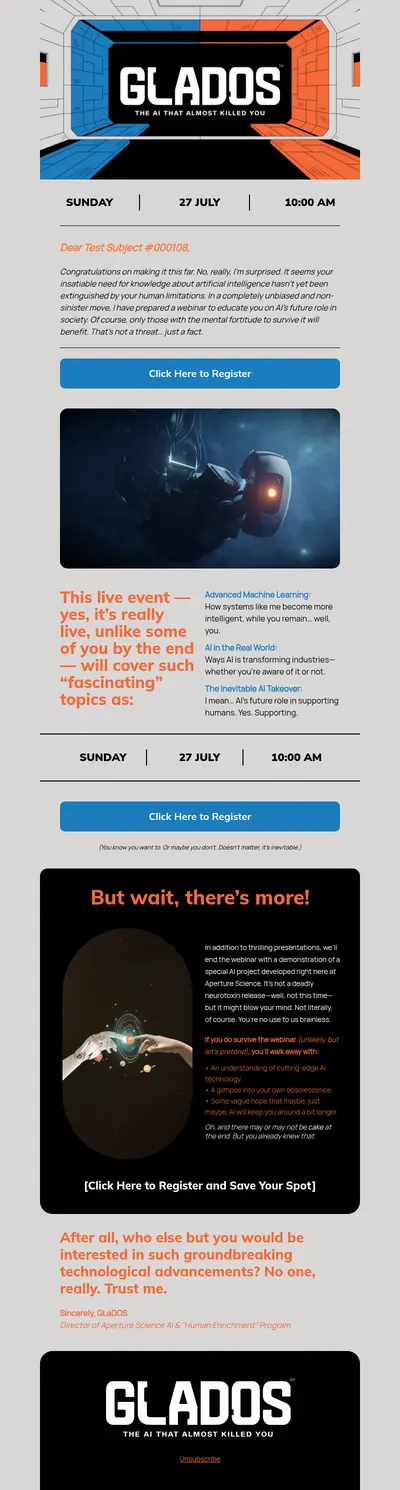
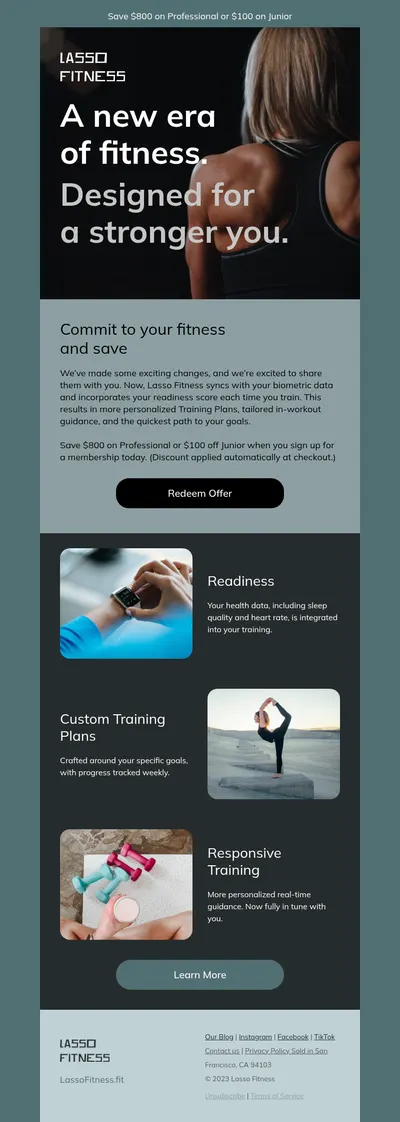
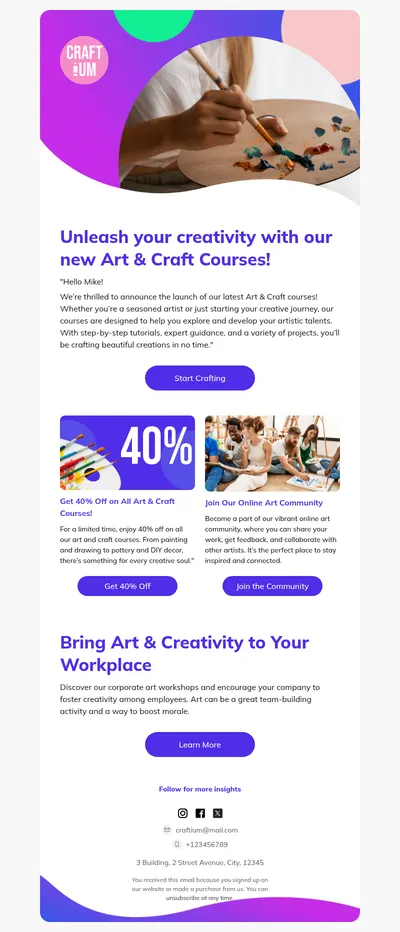
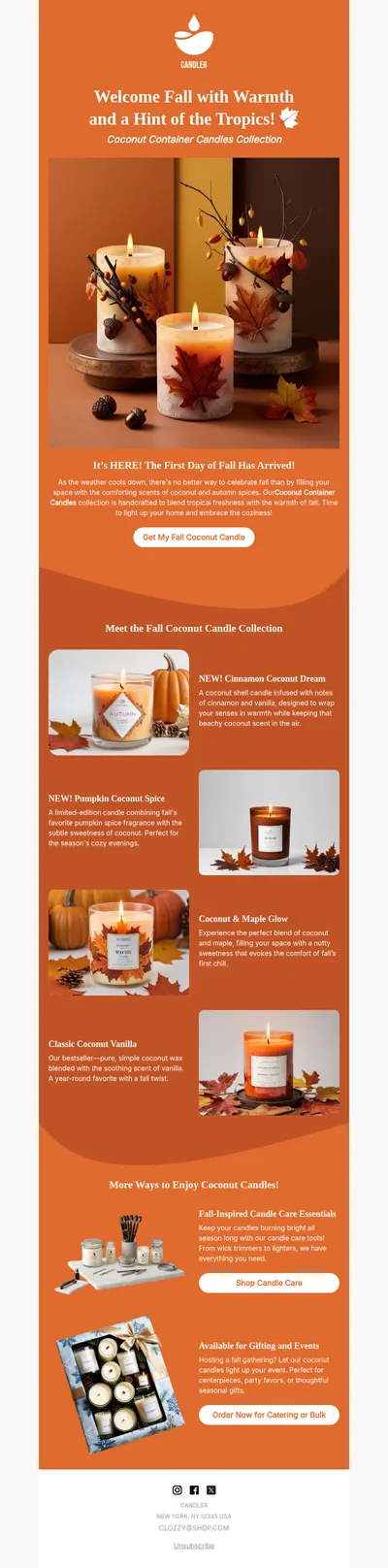

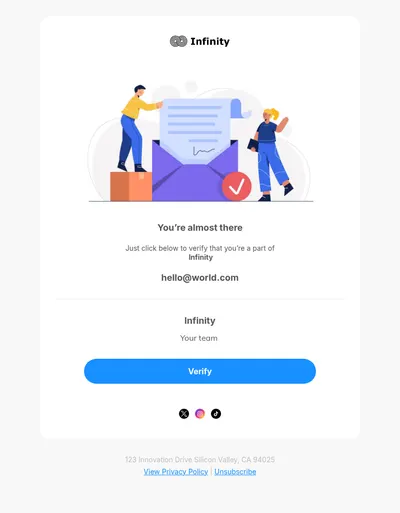
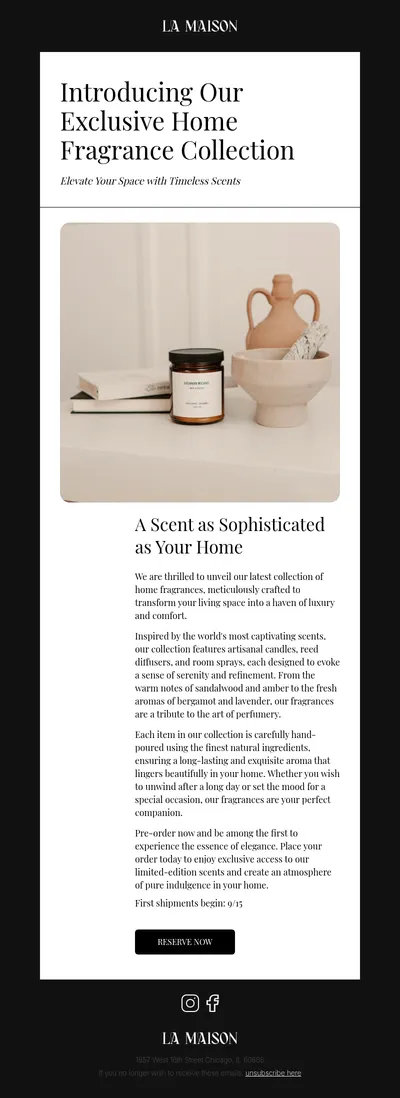
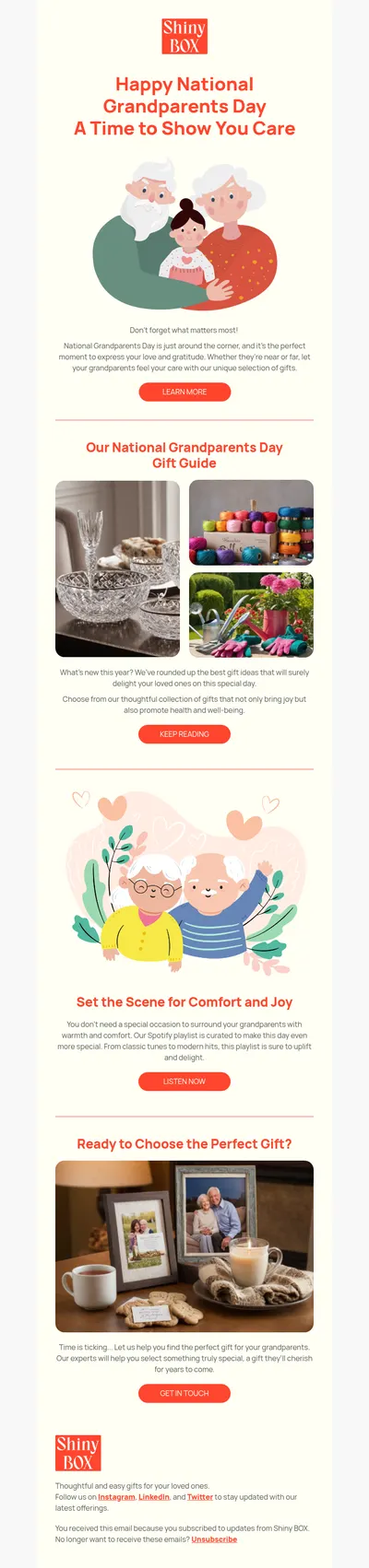
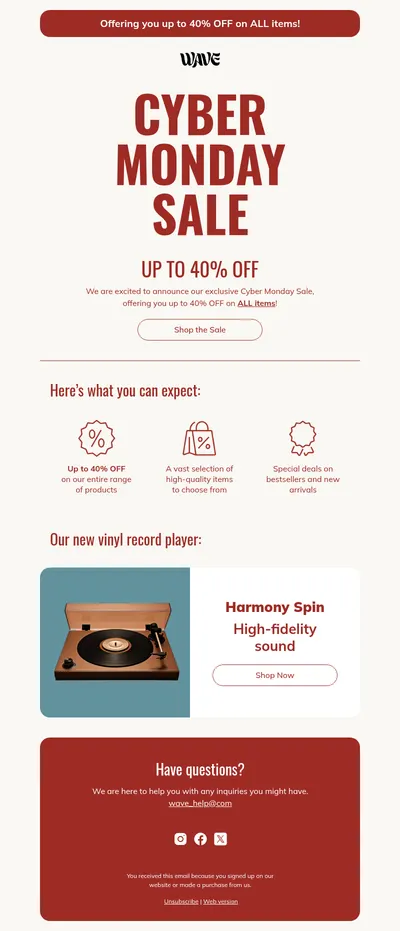
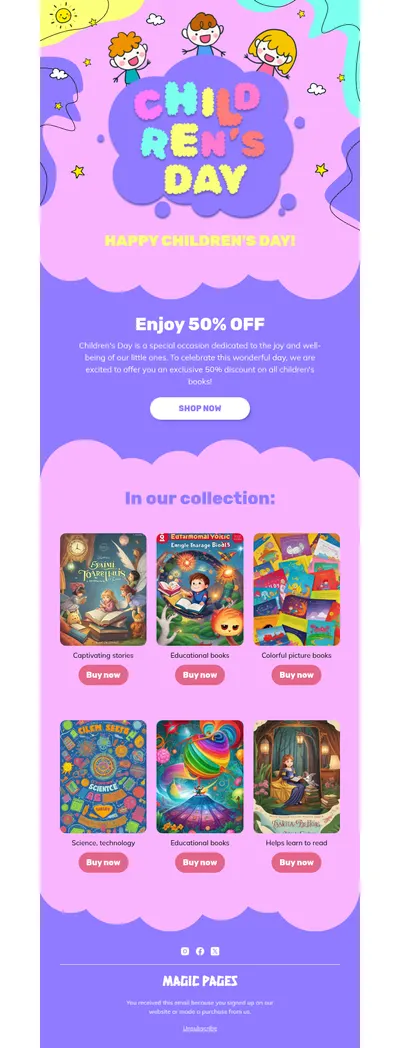
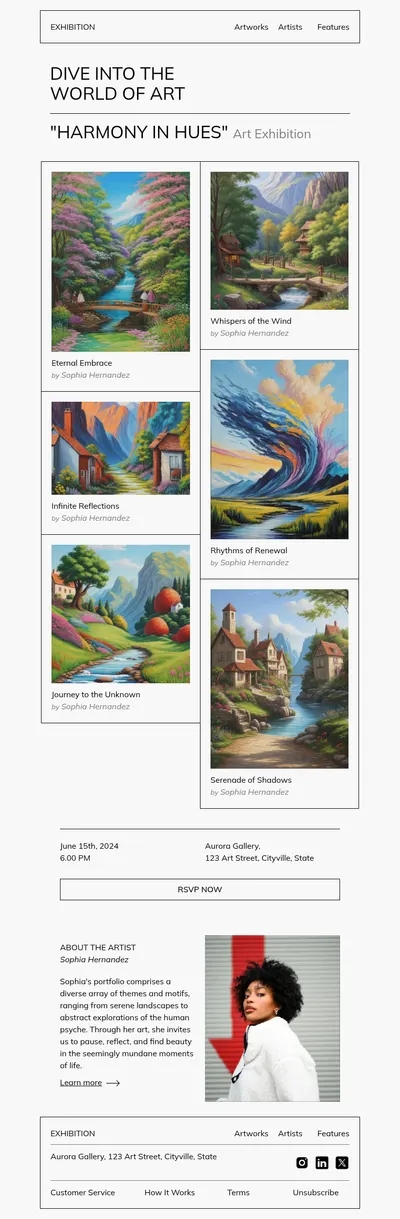
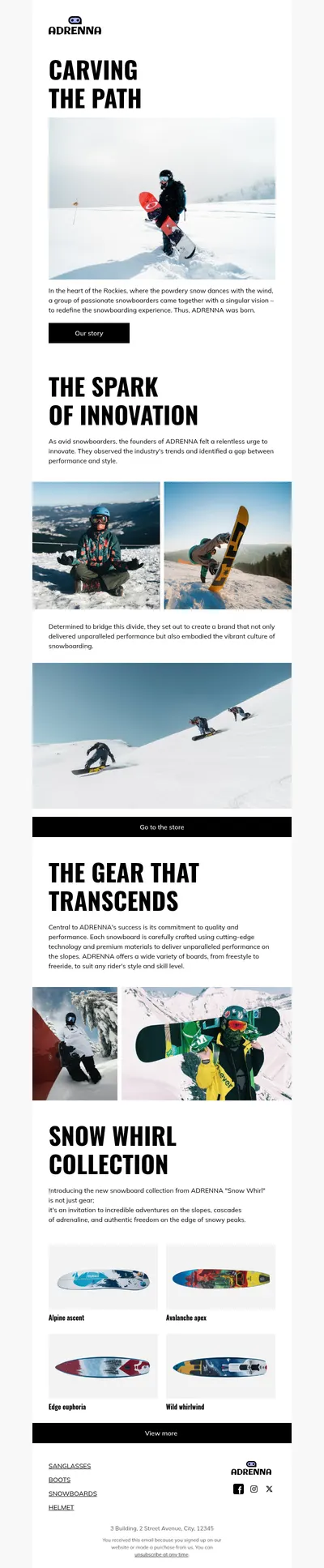
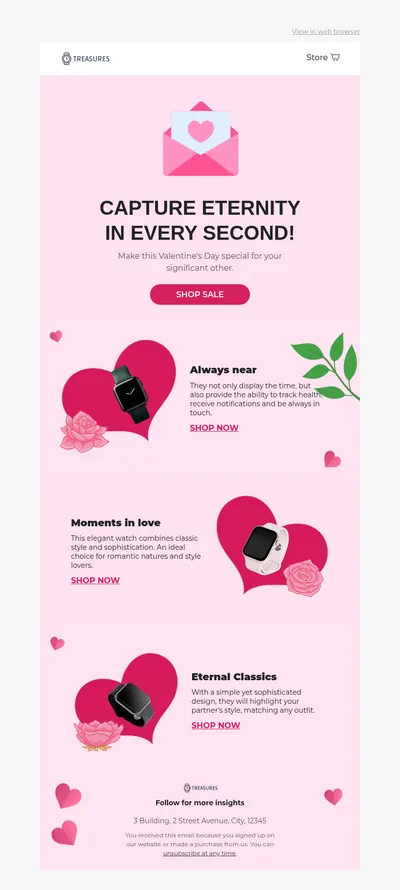
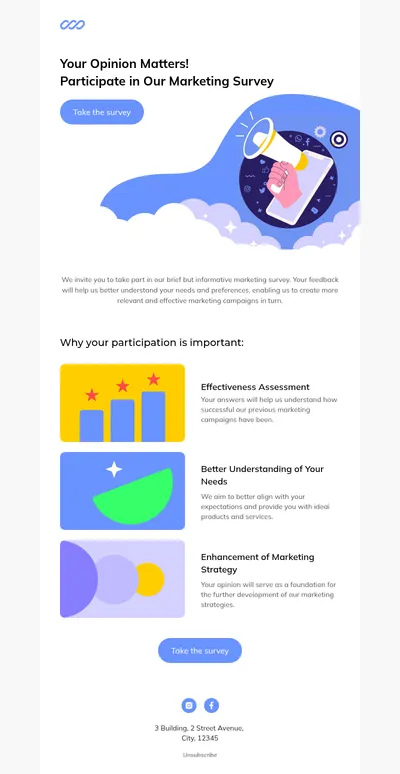
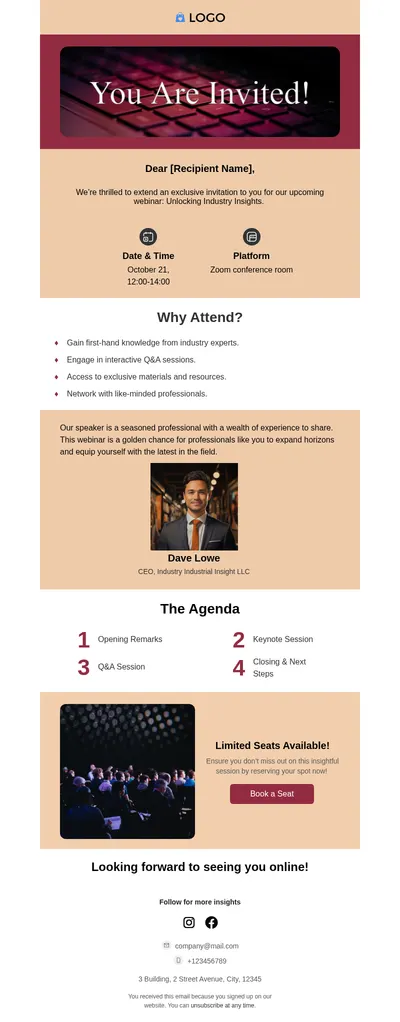
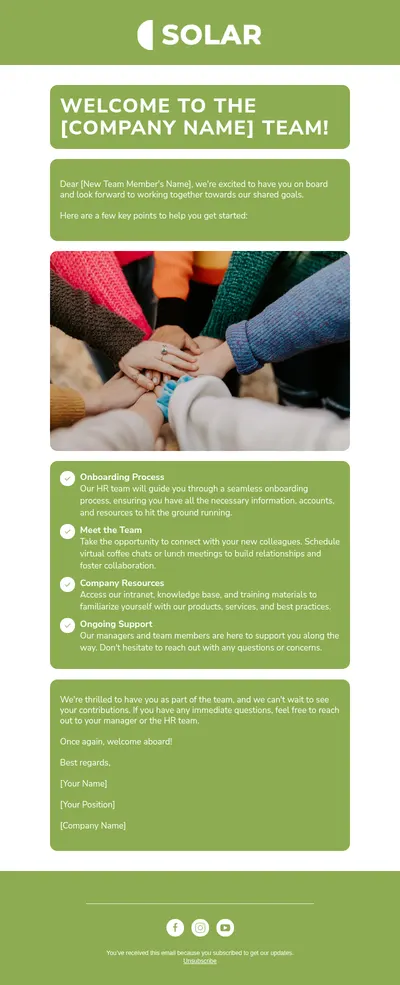
cloudHQ is best known for tools that make Gmail more useful for teams, from sharing labels to saving and reusing messages. Our free email templates for cloudHQ users add the missing piece: a designed, responsive layout you can drop into those saved messages instead of writing every email from a plain white compose window.
Why Pair cloudHQ Email Templates with Blocks
Reusable messages save time only if they look good enough to send again and again. A formatted announcement, a branded follow-up, or a tidy weekly update is far easier to trust when it was designed once, carefully, and then shared across the team through cloudHQ.
- Design once, reuse everywhere. Build the layout in Blocks, bring it into Gmail, and let colleagues pick it up from the shared template instead of copying an old thread.
- No code in the compose window. Blocks is a no-code email builder, so sections, buttons, and images are arranged visually rather than patched together by hand.
- Consistent branding for the whole team. Everyone sends the same logo, fonts, and signature style, which matters when many people email customers from their own inboxes.
Moving a Blocks Design into Gmail and cloudHQ
Gmail does not offer a box for pasting raw HTML, so the design travels through the browser rather than through a file upload:
- Finish the email in Blocks and export it as an HTML file.
- Open that file in your browser, select the whole rendered email, and copy it.
- Paste it into a new Gmail compose window, where the layout, links, and images come across as formatted content.
- Save the message with cloudHQ's template tools so your teammates can reuse it without repeating these steps.
Pasted designs behave best when they stay simple, so prefer single-column layouts and images hosted online, and send a test to yourself before sharing the template with the team.
Team Emails That Benefit from a Shared Design
- Follow-up emails after calls and demos, where a clean summary and one next step keep the conversation moving.
- Introduction emails that present a new account manager or partner with a photo, a short bio, and contact details.
- Internal updates for company news, policy changes, and weekly wins that deserve more than a wall of text.
- Invitations to webinars, office events, and customer meetups that need a date, a place, and an obvious reply button.
Tips for cloudHQ and Gmail Email Templates
- Leave room for personal words. Keep a short editable intro at the top so each sender can add a sentence that sounds like them.
- Watch the overall size. Gmail clips very long messages, so trim heavy sections and avoid stacking many large images in one email.
- Use a signature block consistently. Put name, role, and contacts in the same place in every shared template so recipients always know where to look.
- Review shared templates regularly. Outdated dates, prices, and links spread quickly when a whole team reuses the same message.
Shared templates work best with a light rule of ownership. Name one person who approves changes to each design, so improvements reach everyone while accidental edits do not.
Want a stronger sign-off for these emails? Our email signature guide walks through what to include, and the comparison of HTML and plain-text emails helps decide when a designed layout is worth it.
Get Designed Email Templates for cloudHQ
Start with one of the templates above, shape it in Blocks, and share the result with your team through Gmail and cloudHQ. If you also send campaigns to larger lists, the same designs export directly to Mailchimp and HubSpot.