
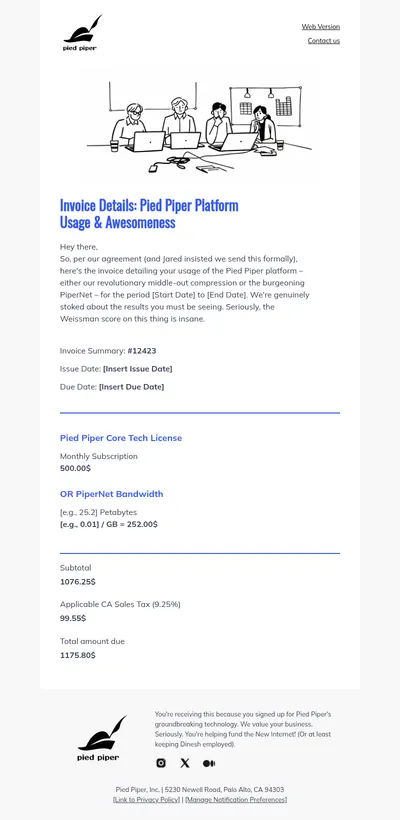
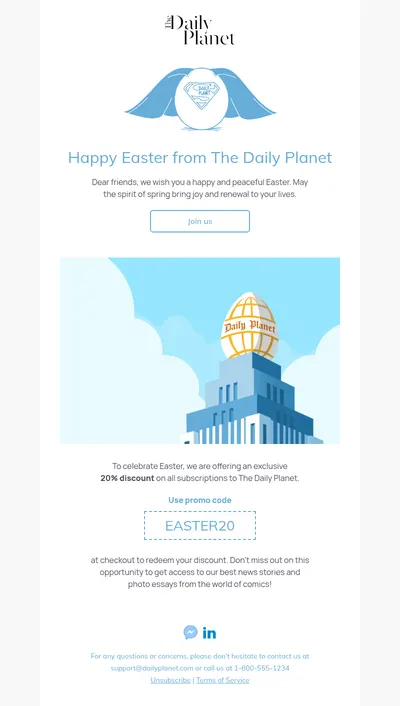
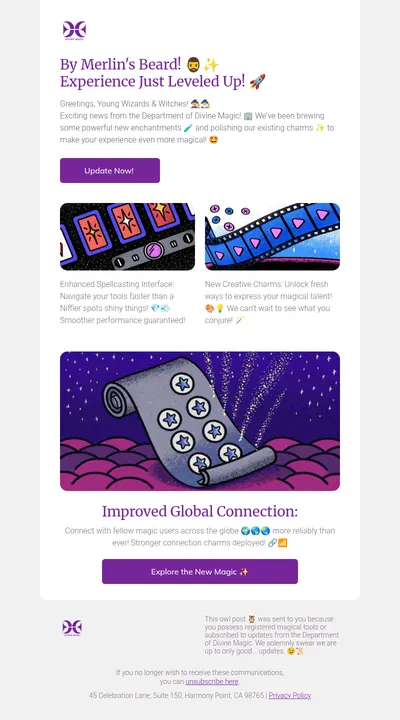
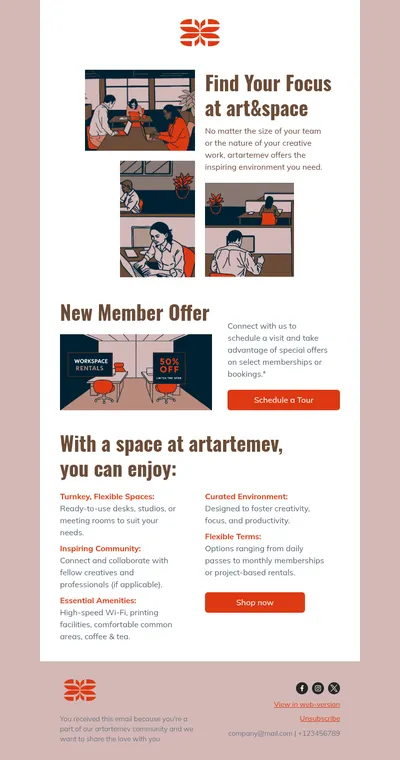
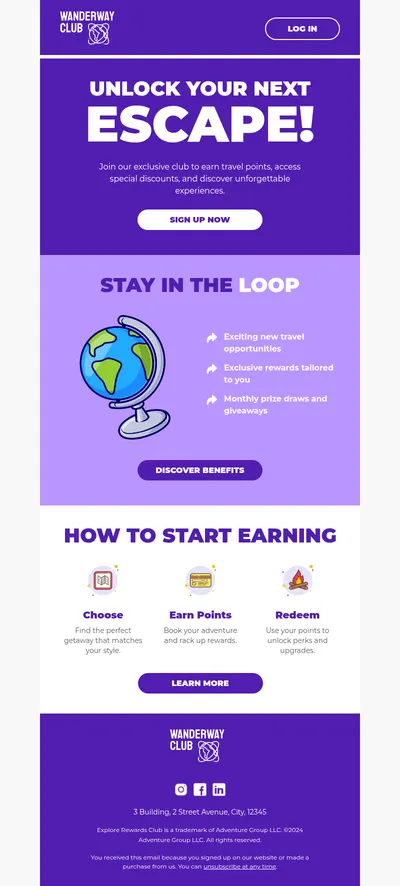
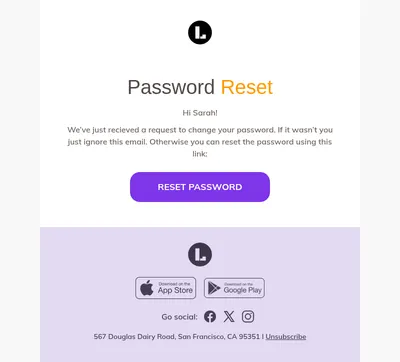
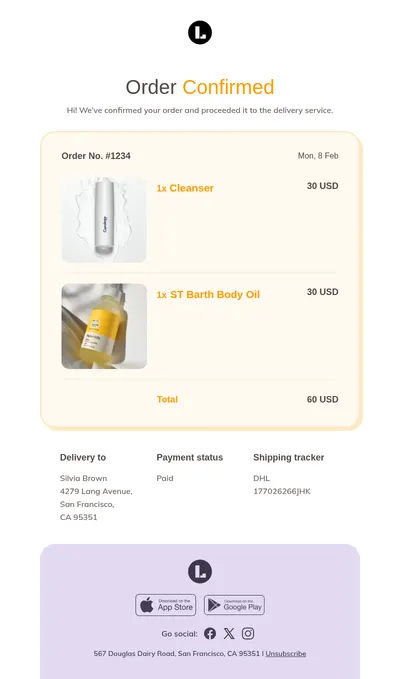
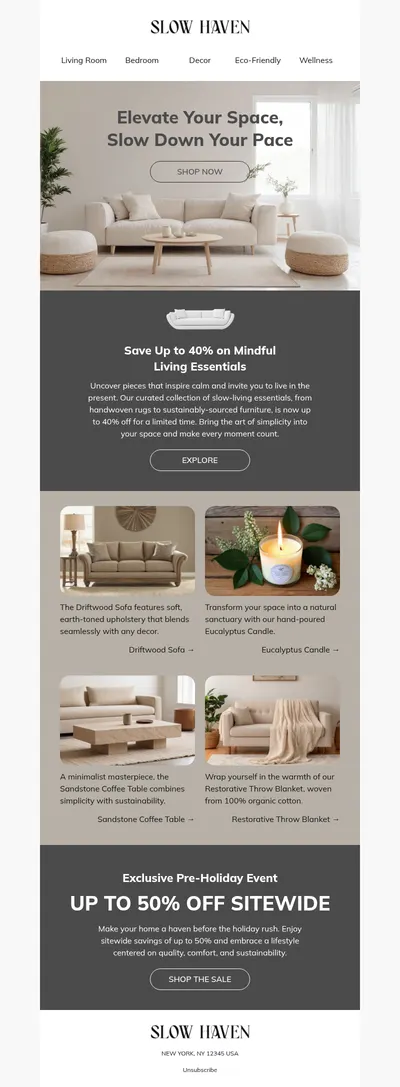
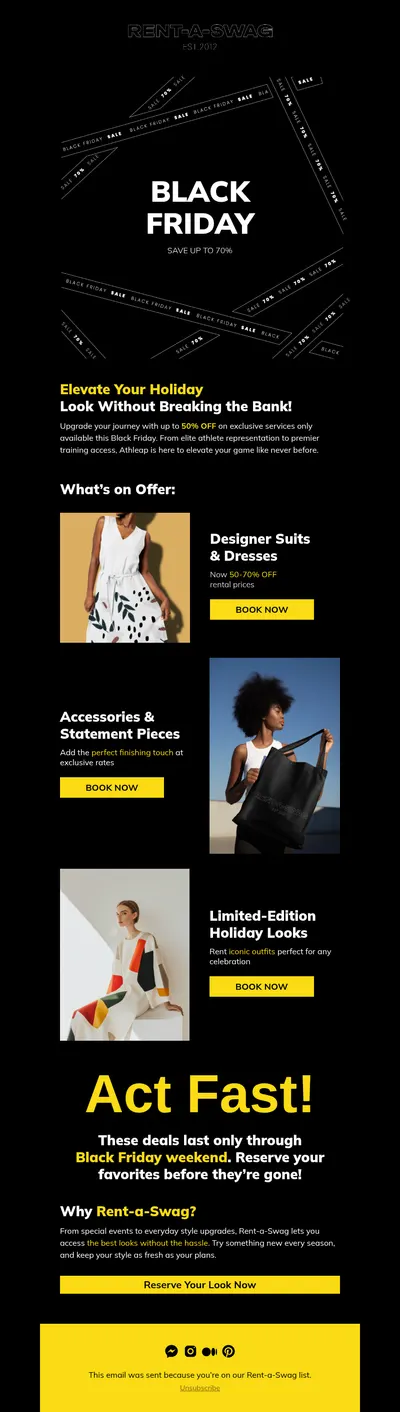
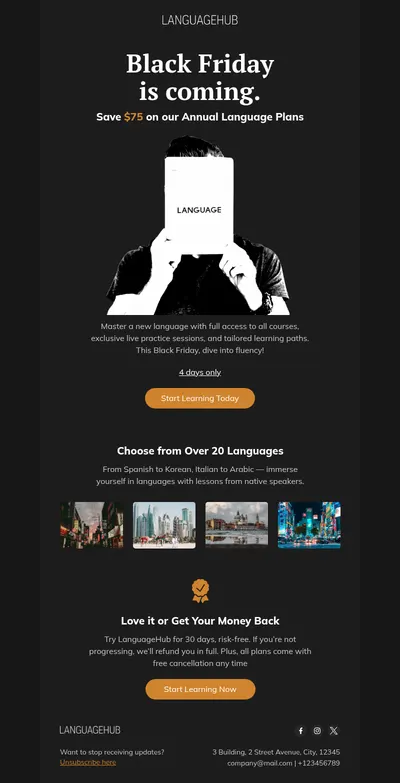
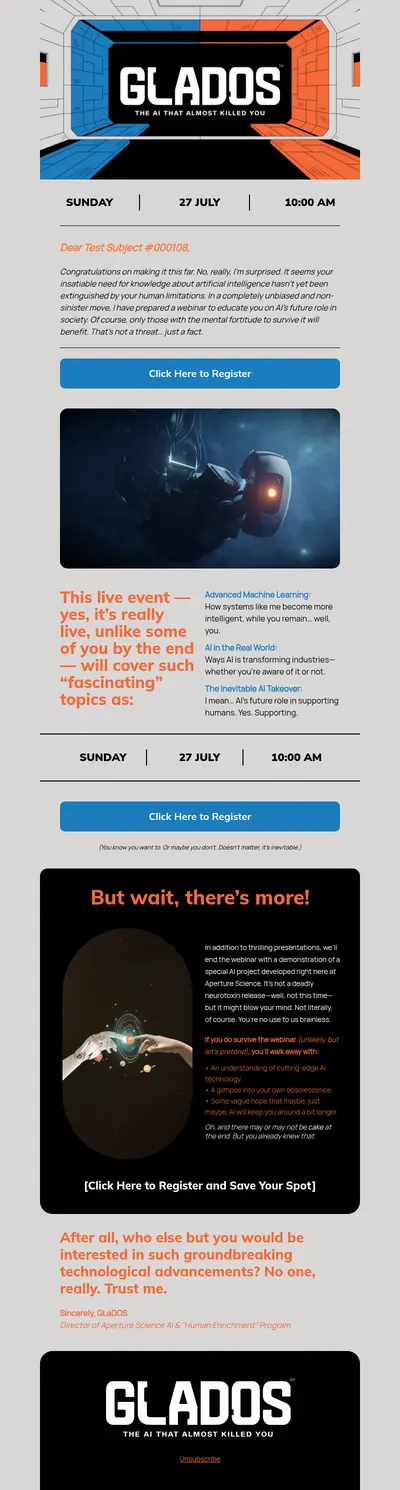
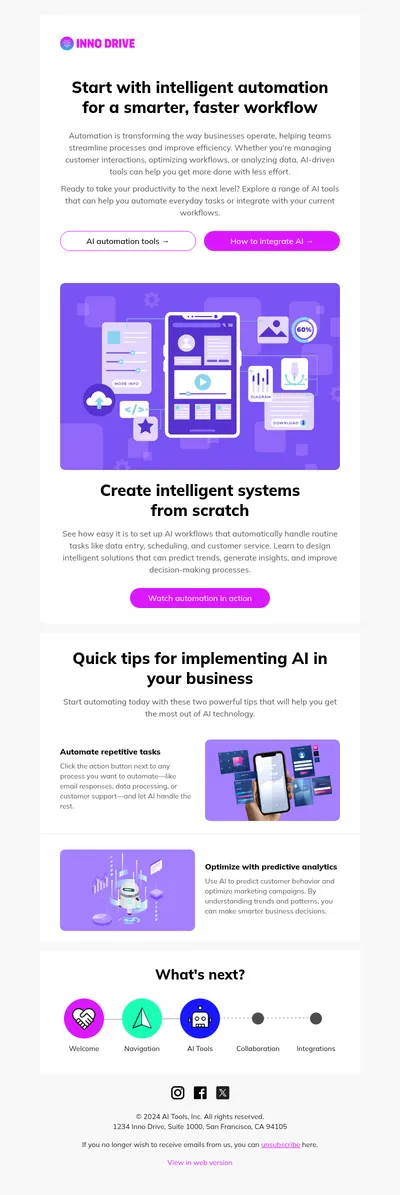
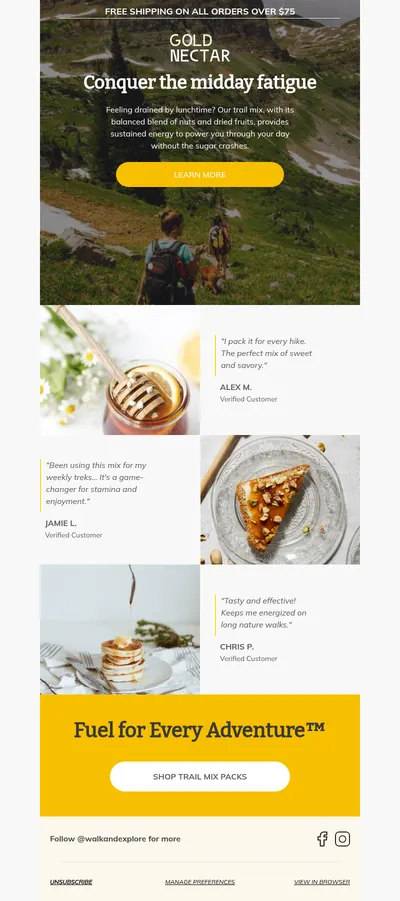
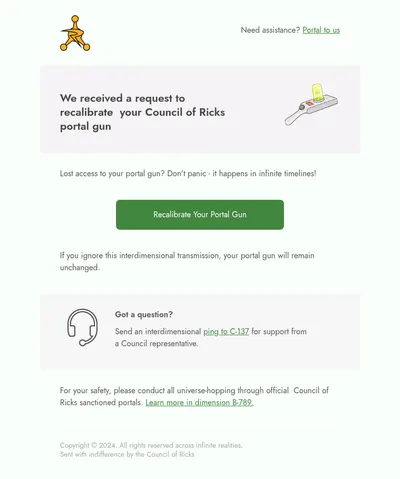
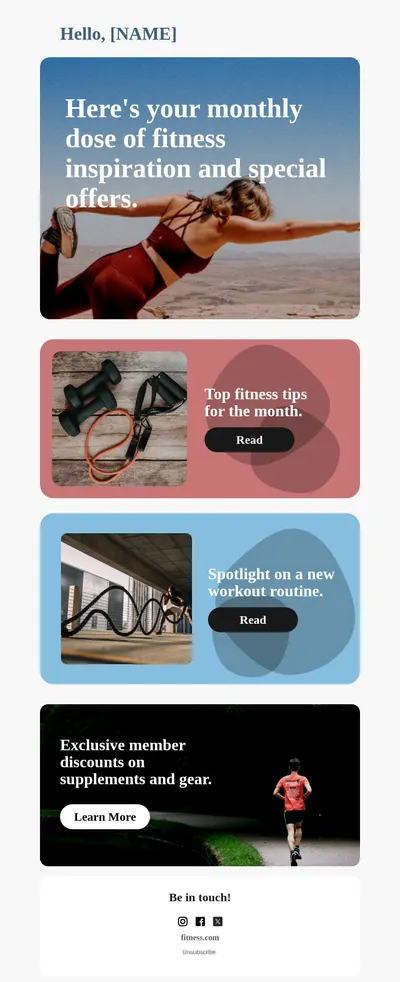

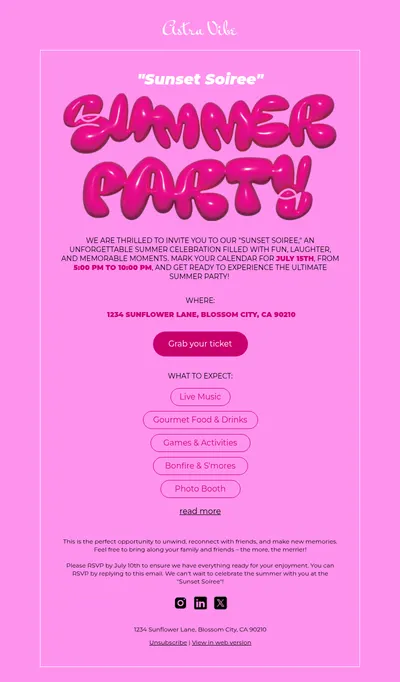
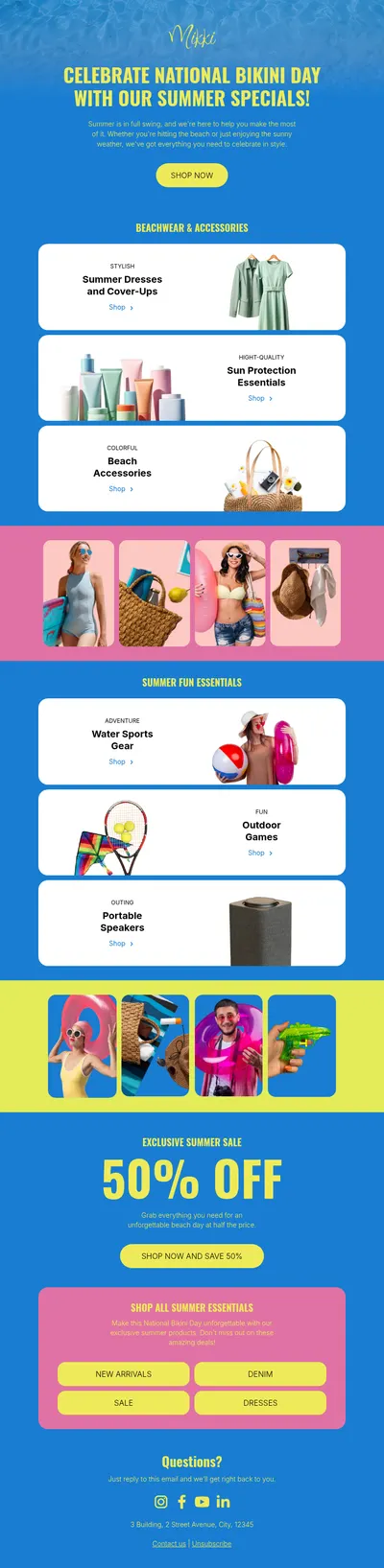
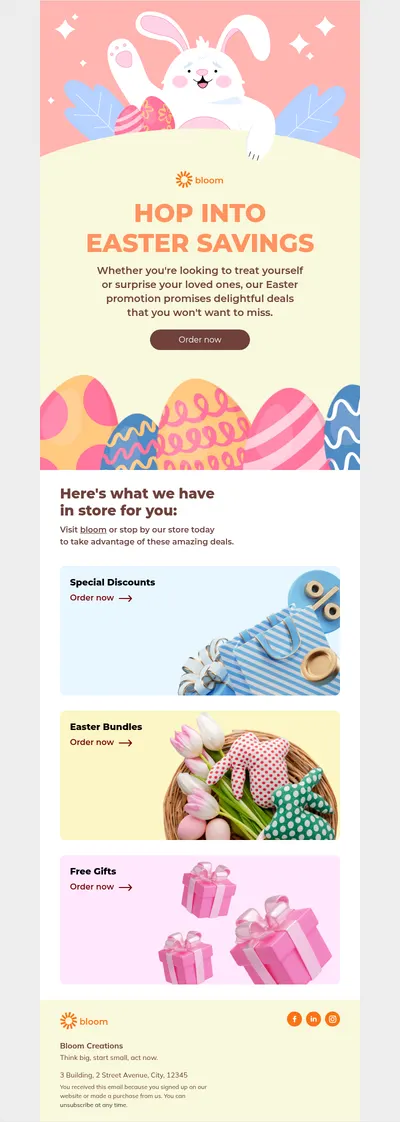
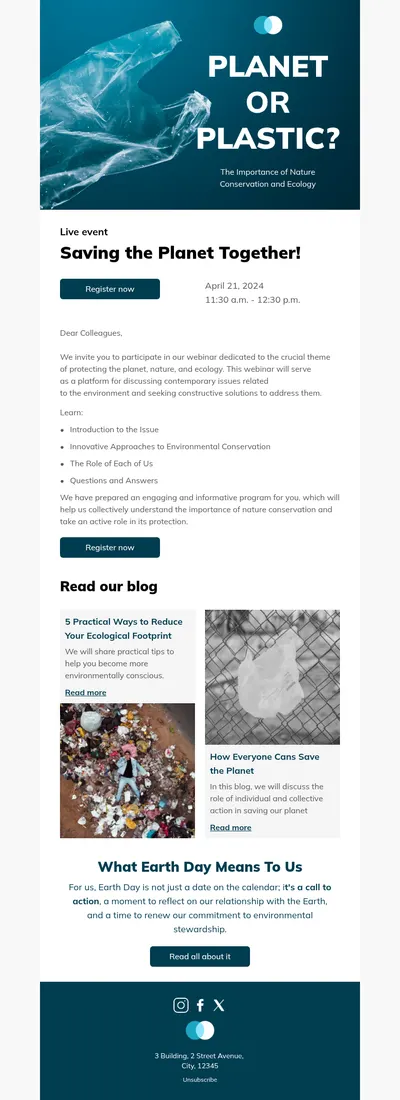
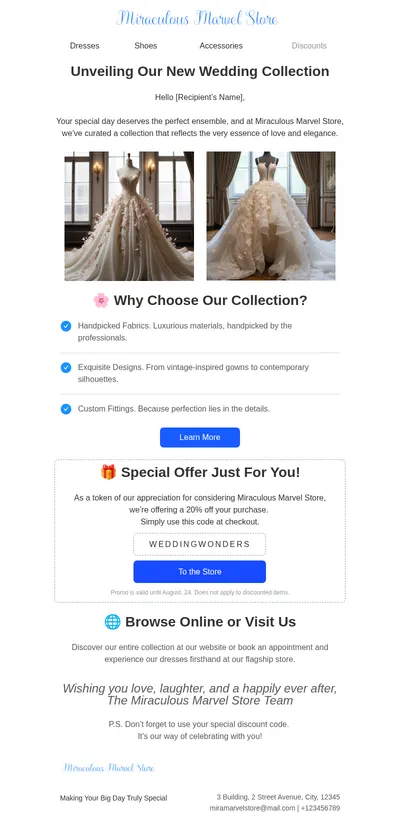
Designmodo is a web design company best known among email marketers for Postcards, its drag-and-drop email builder. Our free email templates for Designmodo Postcards users add more designs to start from: pick one in our gallery, adjust it in Blocks, and continue in the tool your team prefers.
Using Designmodo Email Templates from Blocks in Postcards
Postcards can import an existing email. Its HTML Email Import, part of the AI Suite, accepts an HTML file or a ZIP archive with the HTML inside and converts it into an editable Postcards template, aiming to keep the structure, layout, and styles. The import uses AI credits and is offered on paid plans.
- Customize a template in Blocks and export it as an HTML file or a ZIP archive with images.
- Upload it through HTML Email Import in Postcards.
- Compare the result with the original: the conversion aims to match it, but some details may shift.
- Export the email from Postcards to your email service or download the HTML.
Postcards also supports custom code snippets inside an email, but they accept inline CSS only and are meant for small additions rather than a complete email.
Blocks and Postcards: How They Compare
The two builders have a lot in common: drag-and-drop editing, ready-made templates and modules, HTML import, one-click export to email services, and HTML download. The differences are in the details.
- Export destinations. Both export to Mailchimp, HubSpot, Klaviyo, Brevo, Constant Contact, and GetResponse. Blocks also exports directly to Salesforce Marketing Cloud, ActiveCampaign, and Campaign Monitor, which are not on the Postcards integrations list, while Postcards covers services such as Postmark, Mailgun, and Sendy.
- Working with code. Blocks has a built-in code editor for the HTML of the whole email. Custom code in Postcards is limited to snippets with inline CSS.
- Embedding. Blocks is also available as a plugin that software companies embed in their own products, so their users can design emails without leaving the app.
- Templates. The templates in this gallery are free and organized by industry, event, email type, and platform.
Our Designmodo Postcards review goes deeper into features and plans and compares Postcards with other email editors.
Emails to Design First
- Marketing newsletters with a consistent header and footer you reuse every month.
- Promotional emails for launches, sales, and limited offers.
- Welcome emails that introduce new subscribers to your brand.
- Announcements for company news, new features, and events.
Choosing between the two often comes down to where your emails end up. If your team sends through Salesforce Marketing Cloud, ActiveCampaign, or Campaign Monitor, Blocks can deliver the design there without an extra step. If you also build software for other people, the Blocks plugin lets your own users design emails inside your product. Many teams try both on a real campaign before deciding.
Tips for Switching Between Email Builders
- Keep the original file. Save the HTML exported from Blocks so you can compare it with the imported version line by line if something looks off.
- Check fonts and spacing. These are the details most likely to change in any conversion between editors.
- Test before sending. Send the final email to Gmail, Apple Mail, and Outlook accounts, whichever tool you export it from.
Start with Free Email Templates for Designmodo Postcards
Choose a template above, make it yours in Blocks, and import it into Postcards, or export it directly to Mailchimp, Campaign Monitor, and other services from Blocks.