
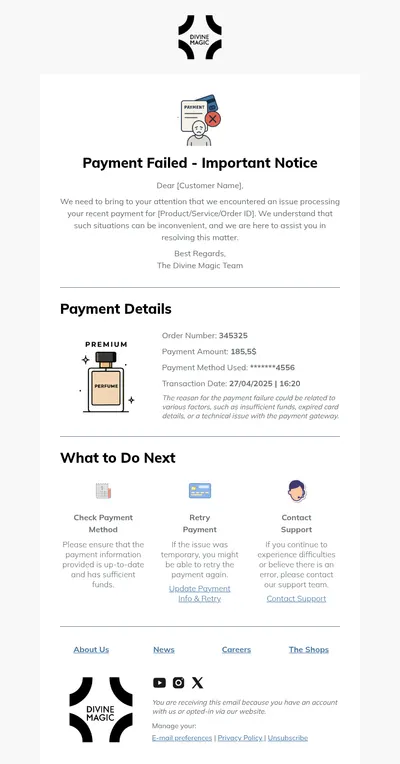
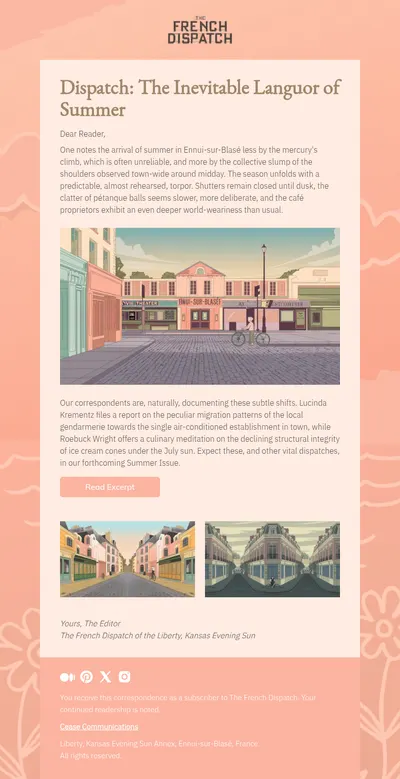
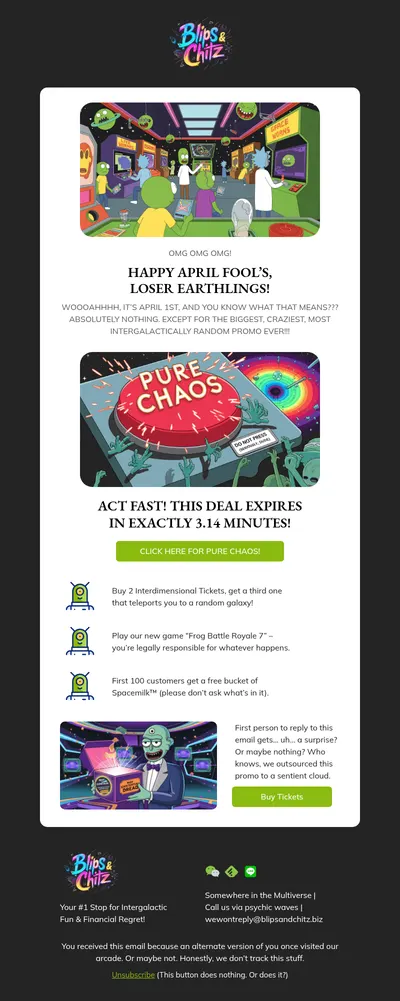
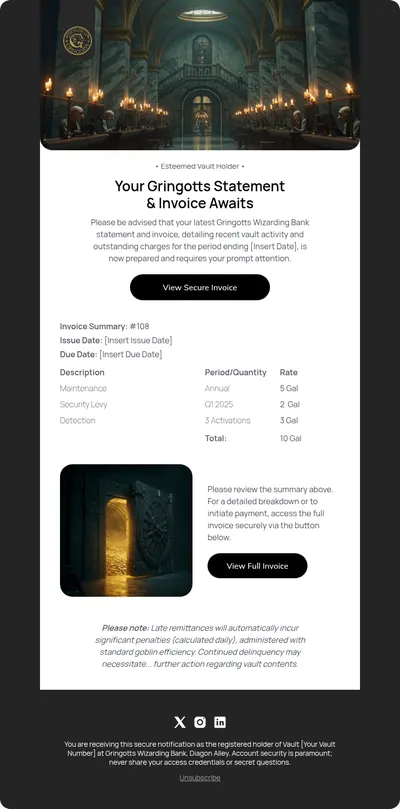
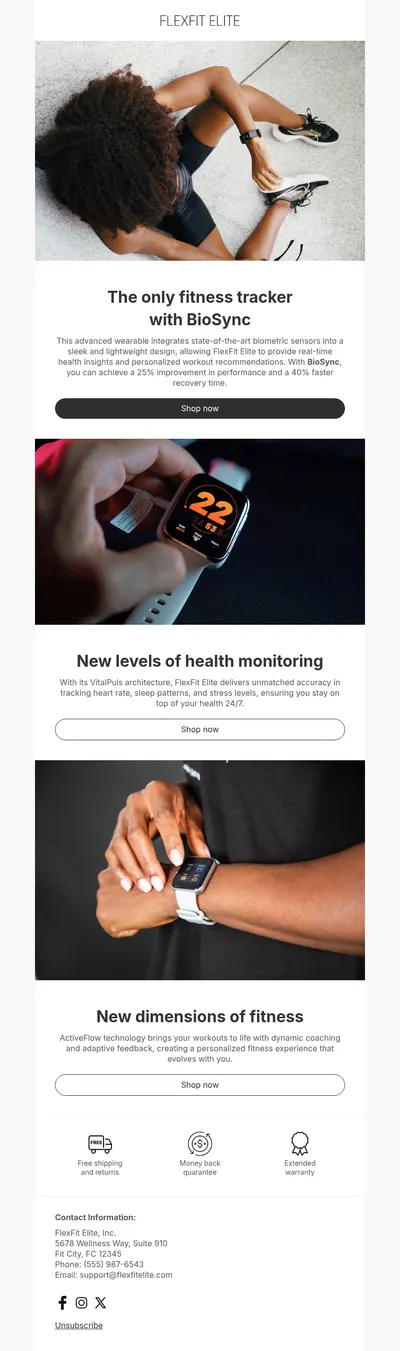
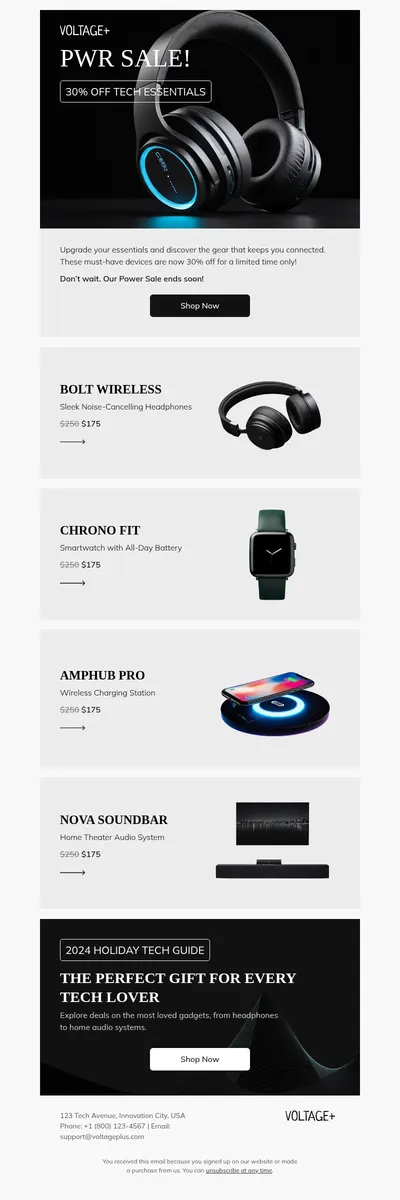
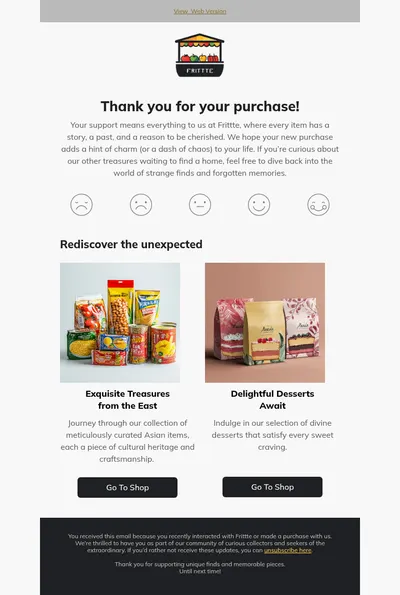
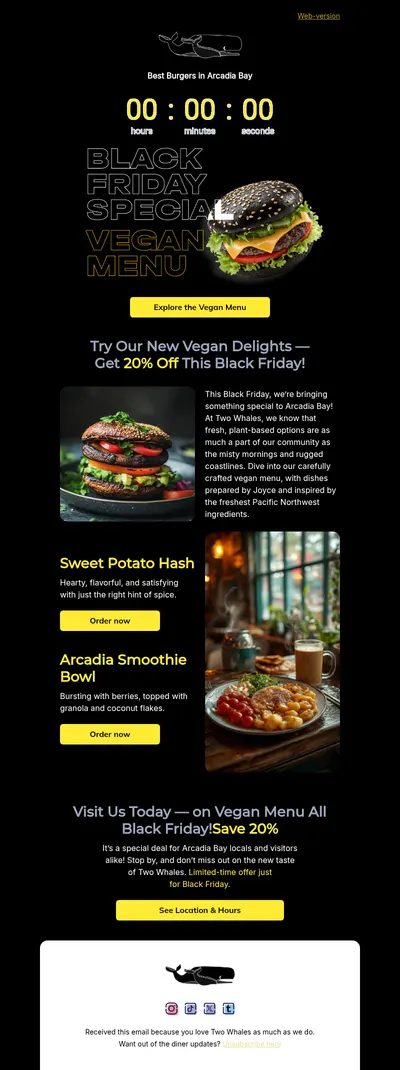
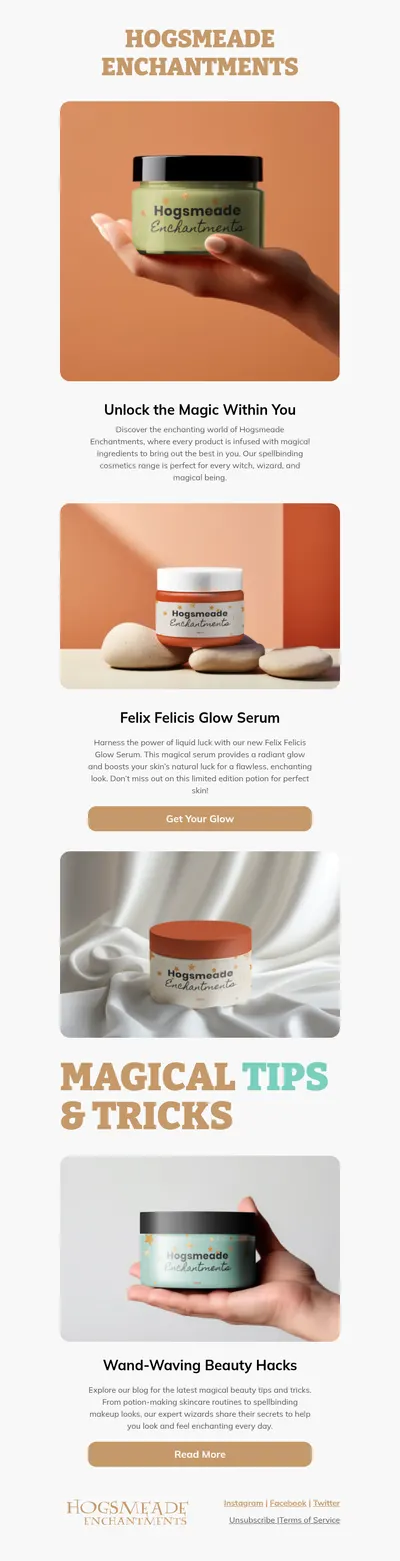

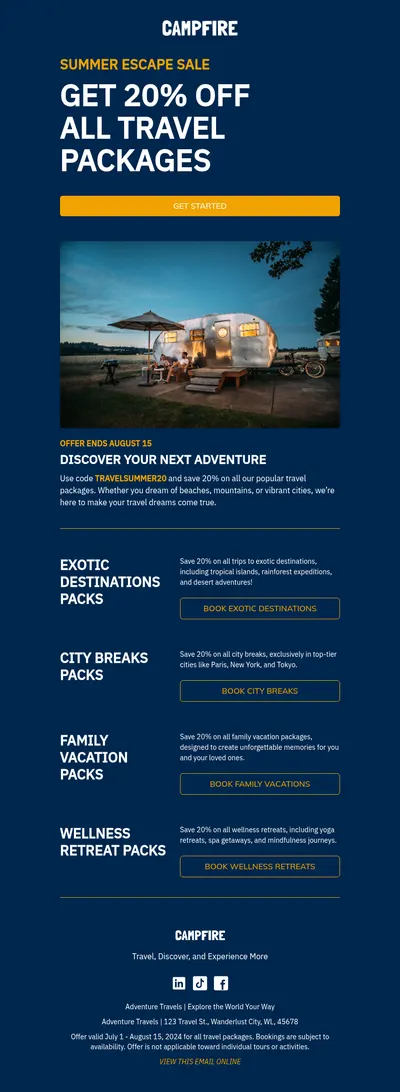
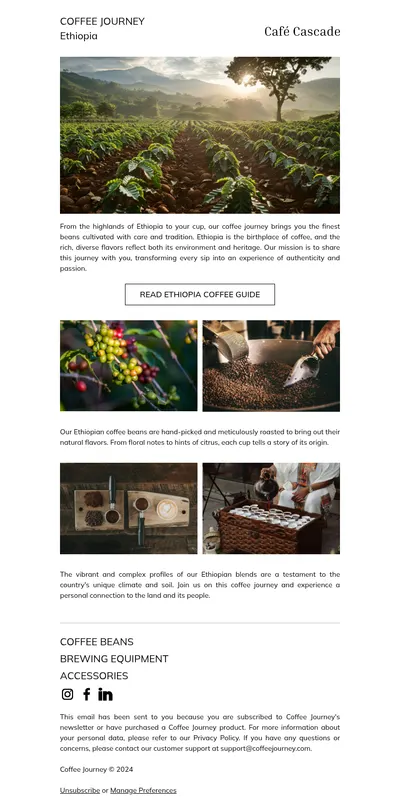
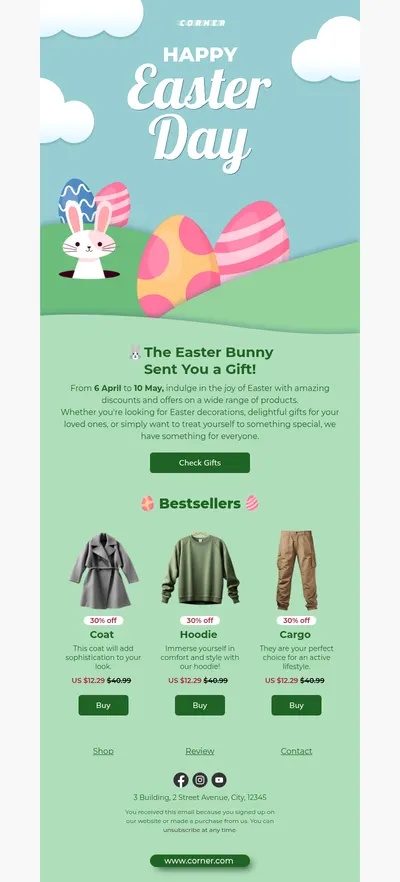

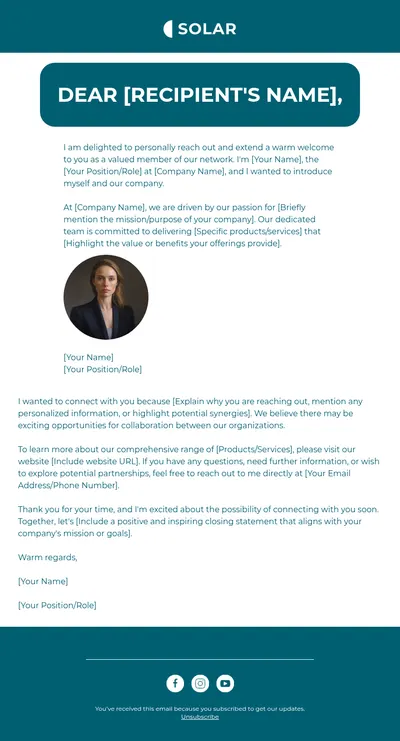
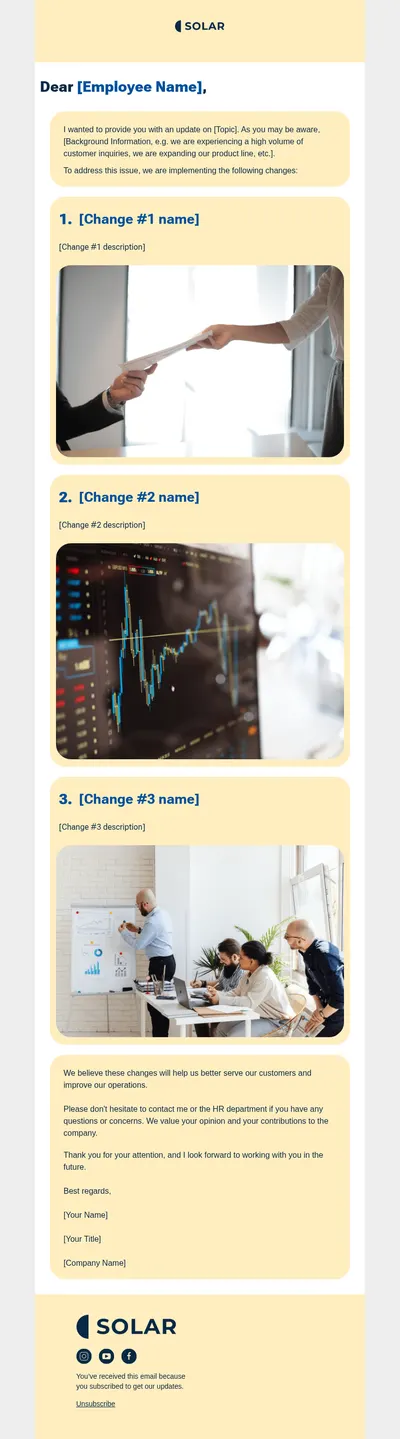
Envato is one of the best-known marketplaces for creative assets, and email template packs are among the things people buy there. If you have been searching for email templates for Envato-style projects, there is another way to get a professional design: start from a free template in Blocks and customize it visually instead of editing purchased files by hand.
Envato Email Templates vs. Building in Blocks
Marketplace packs usually arrive as HTML files, sometimes with a separate builder, and changing them often means working with the markup directly. That is fine for developers, but it slows down marketers who simply want to replace a photo, recolor a button, or move a section.
- Free to start. Every template in our gallery can be opened and edited at no cost, so you can try several directions before committing to one.
- Visual editing instead of code. Blocks is a drag-and-drop email builder: rearranging sections or changing styles takes clicks, not searches through nested tables.
- Responsive by default. Designs are built as responsive email templates, so you do not need to test media queries yourself before sending.
From Template to Sent Campaign
Blocks works with whichever sending platform you already use, and the path from a template to a live campaign stays the same:
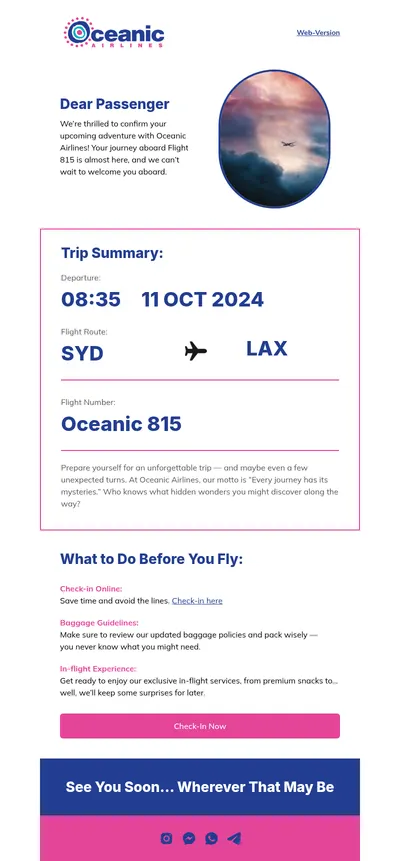
- Open a template that matches your purpose, whether that is a promotion, a newsletter, or a welcome message.
- Adjust content and branding in the editor until it looks like your company rather than a stock design.
- Export the email as HTML, EML, or a ZIP archive with images, or send it straight to a connected platform such as Mailchimp, Klaviyo, or Brevo.
- Import the file into your email service and run a final test send before the real one.
The practical difference shows up months later. A purchased file tends to drift as different people edit copies of it, while a template kept in Blocks stays one shared source that anyone on the team can update or copy as the starting point for a new campaign.
Already own a template pack you like? Keep it for reference, and recreate its key sections in Blocks so the whole team can edit future versions without touching code.
Popular Designs People Look For
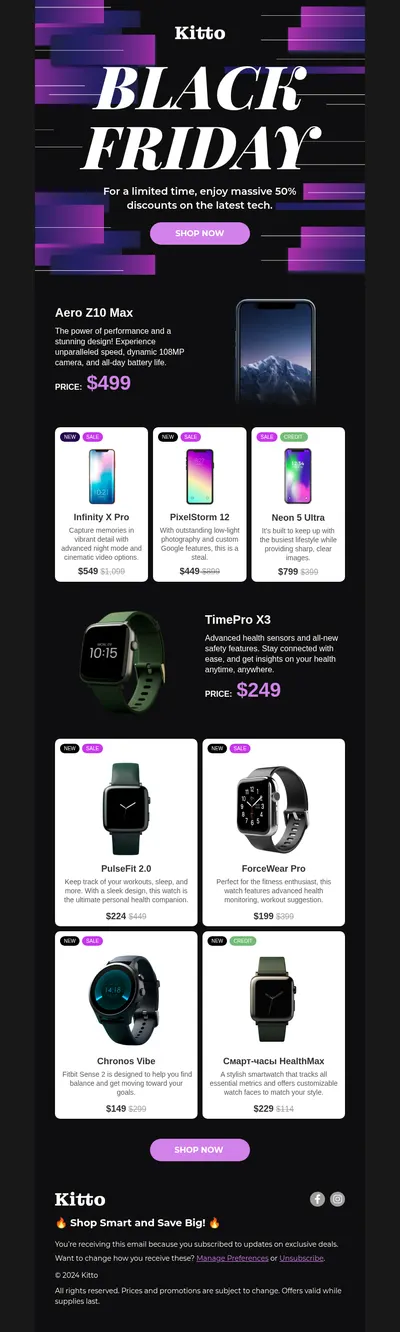
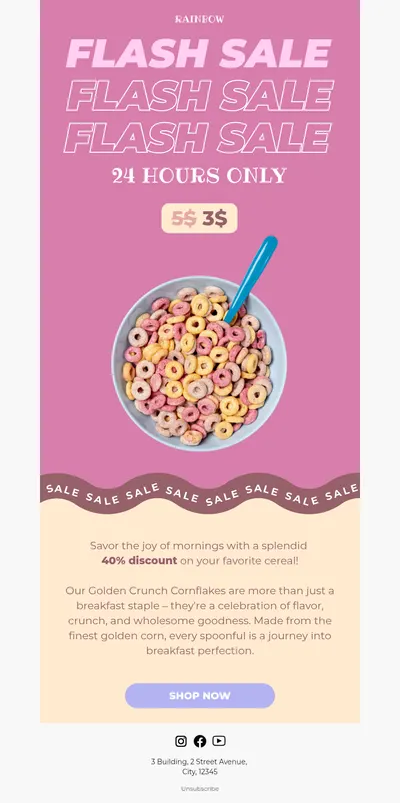
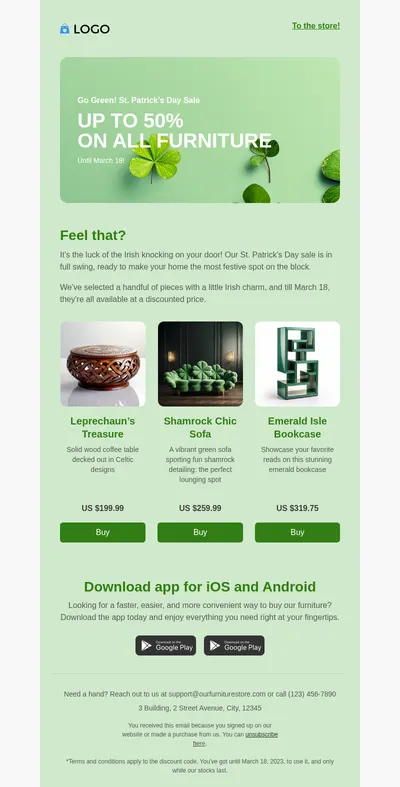
- Promotional emails with bold hero images for launches, flash sales, and seasonal offers.
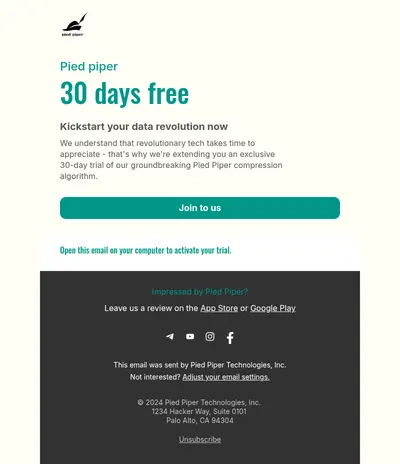
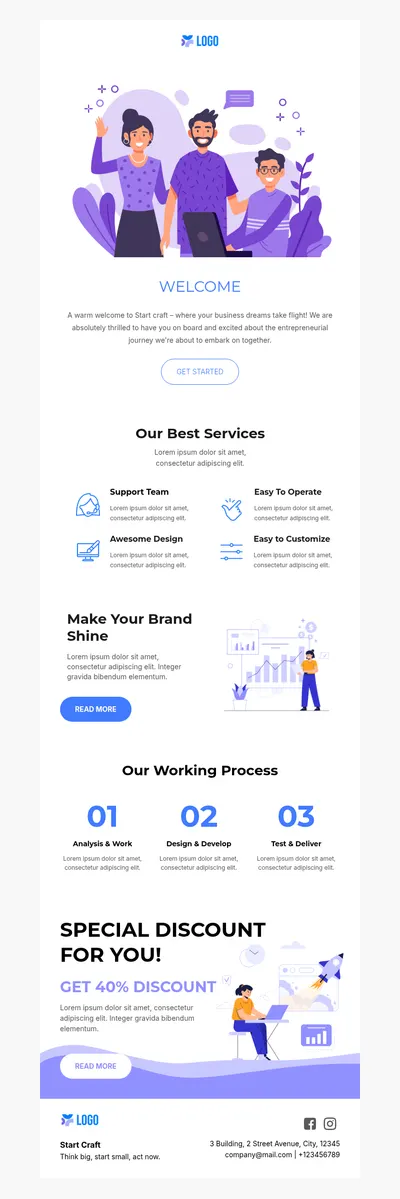
- Welcome emails that introduce a brand and set the tone for everything a subscriber receives afterwards.
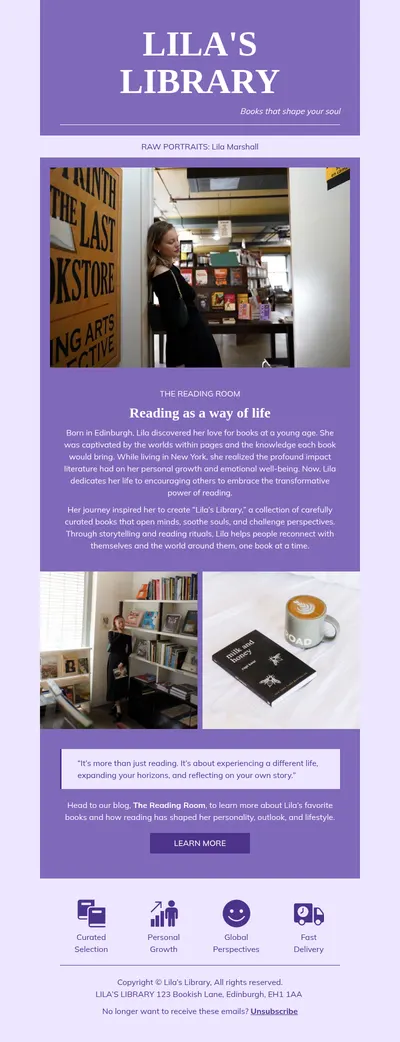
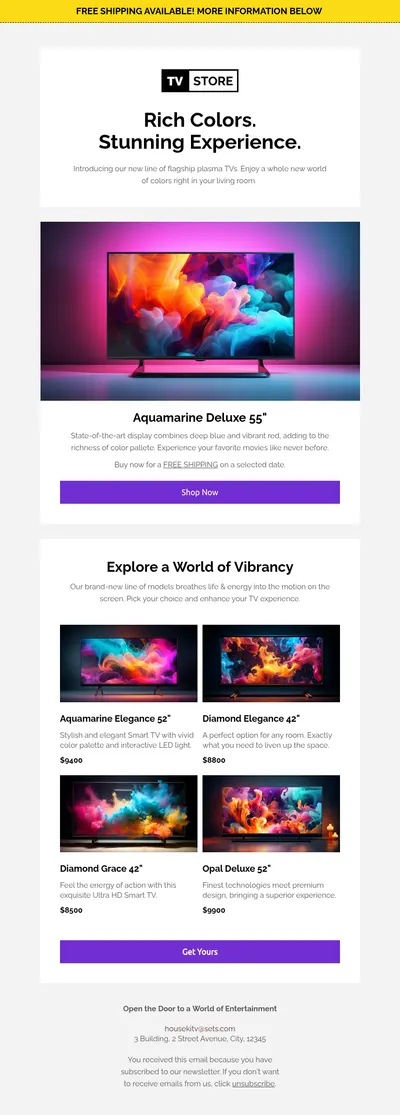
- Newsletter layouts with room for several stories, product picks, or links in a clear reading order.
- Fashion templates built around large imagery for brands that sell with visuals first.
Tips for Choosing an Email Template
- Judge the structure, not the stock photos. Placeholder images change; the order of sections and the clarity of the main button are what stay.
- Check the mobile preview early. A design that impresses on a wide screen can become a long, confusing scroll on a phone.
- Prefer fewer fonts. Templates that rely on one or two web-safe or widely supported fonts render more predictably across email clients.
- Plan for reuse. Choose a layout flexible enough for several campaigns, so each new send starts from something familiar.
Comparing tools before you decide? Our overview of top email builders looks at the main options side by side, and the email design guide explains what separates a good layout from a merely pretty one.
Try Free Email Templates for Envato Projects
Browse the templates above, open the one closest to your idea, and shape it in Blocks. You get the polish of a premium design with the freedom to change it whenever your campaign does.