
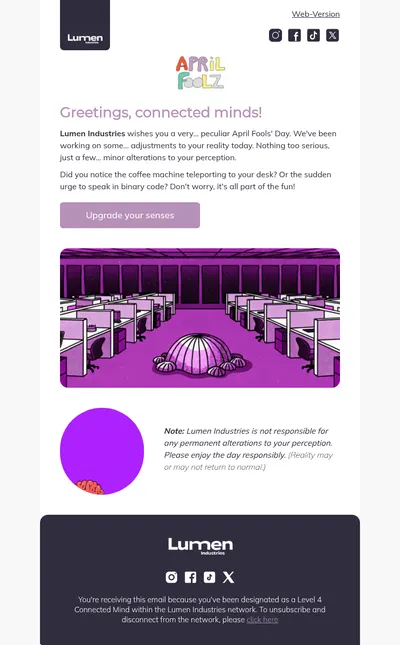
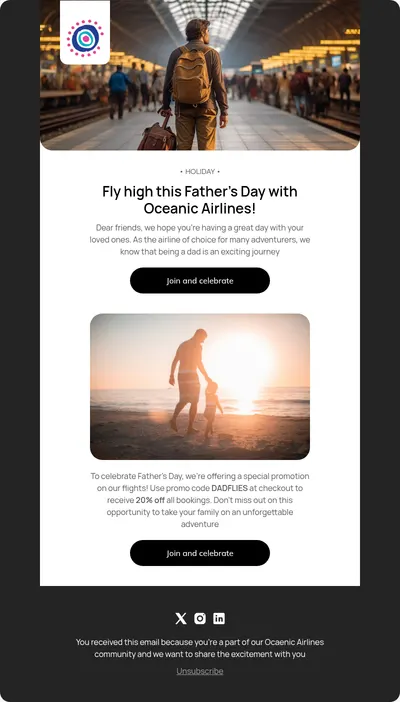



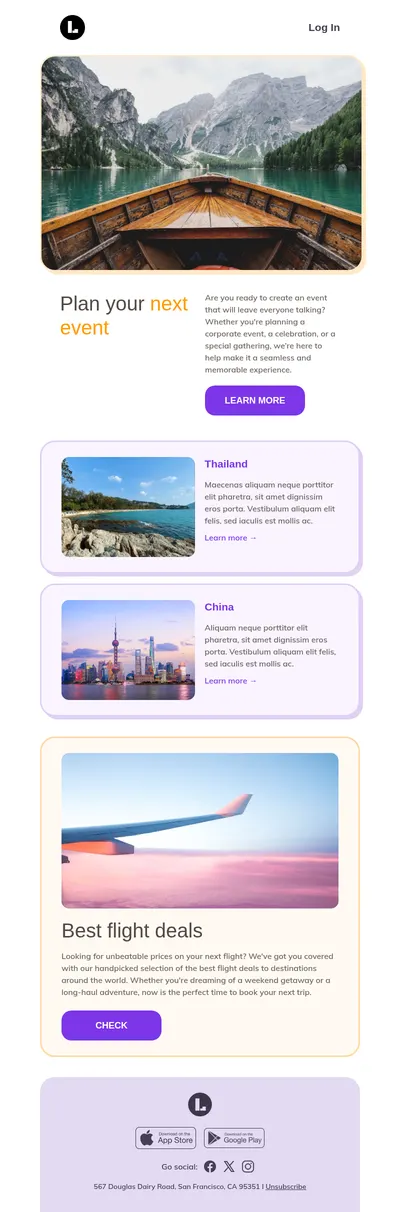

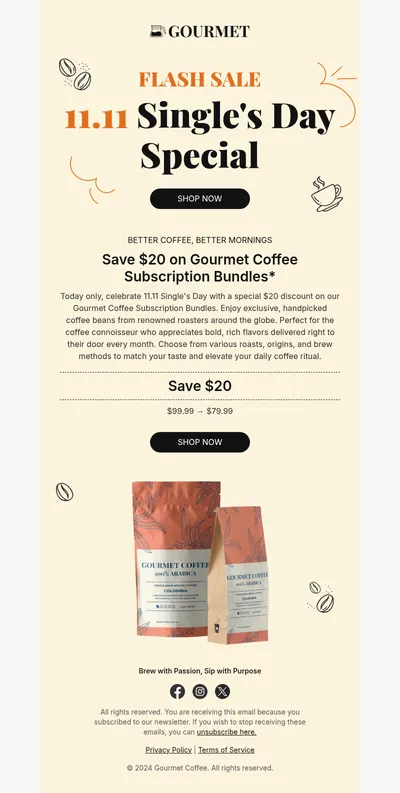

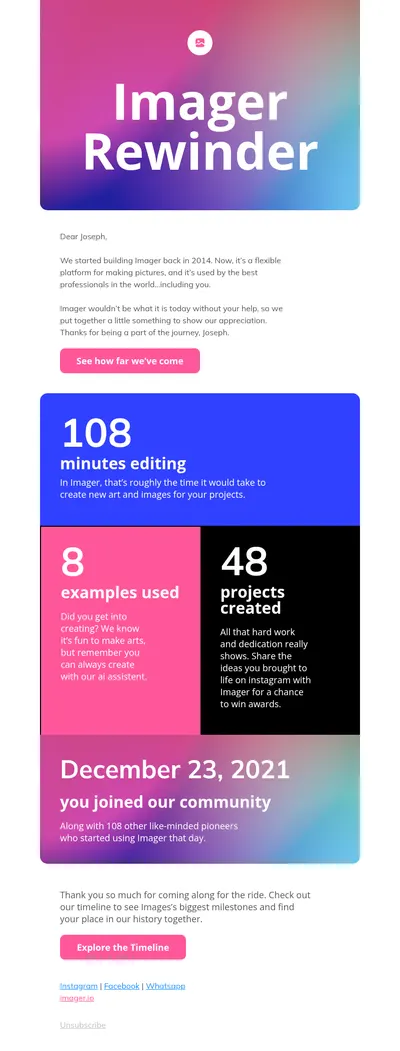
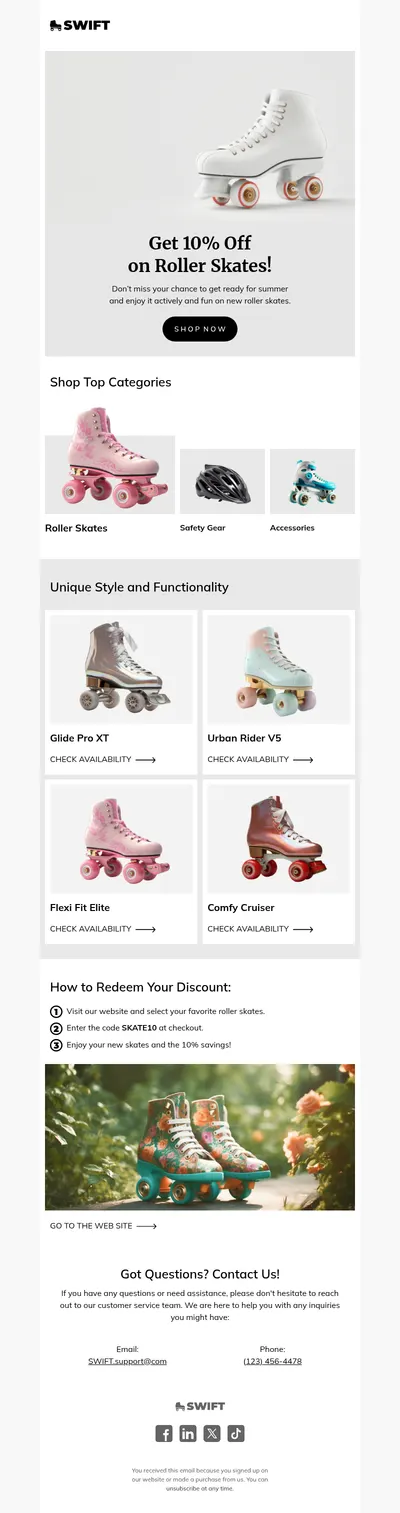
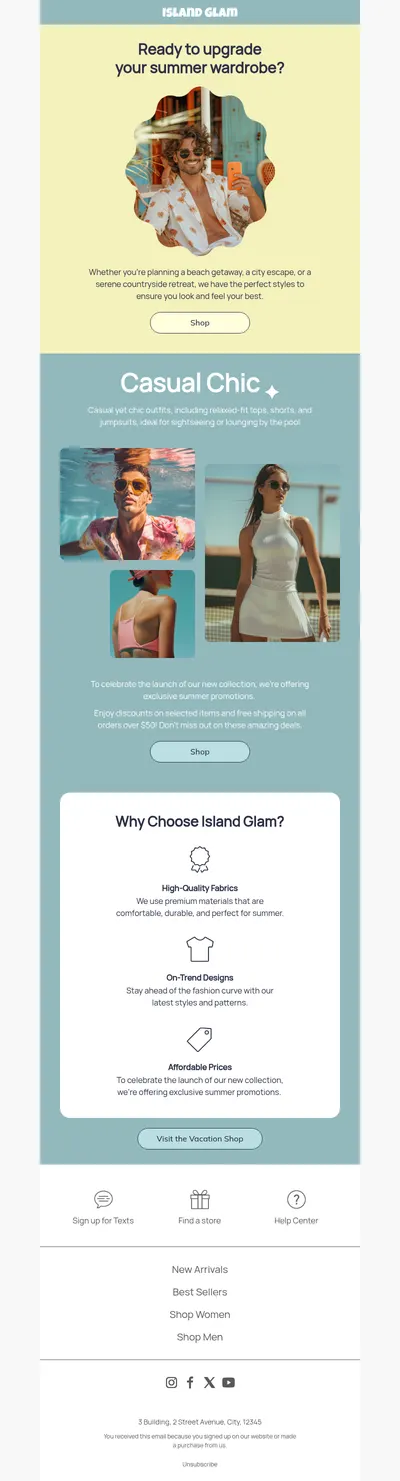
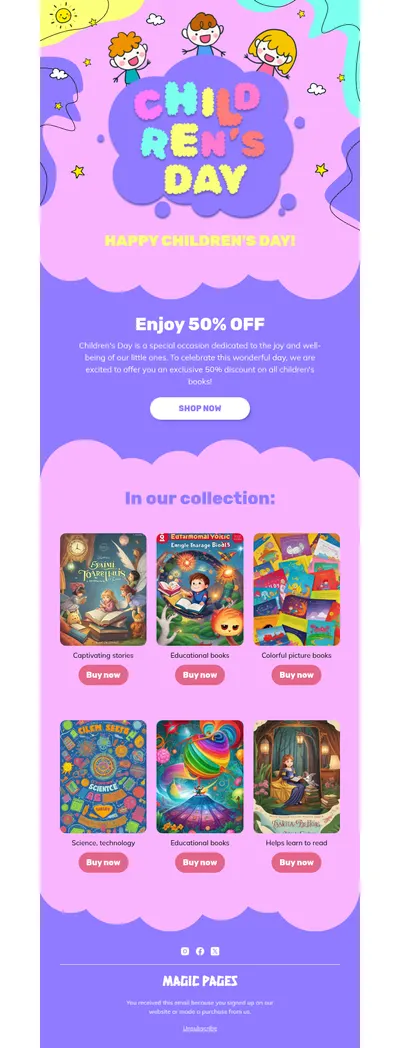
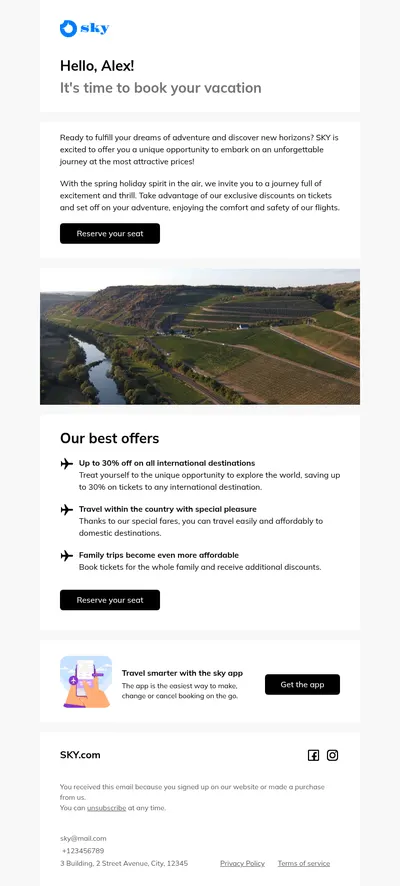
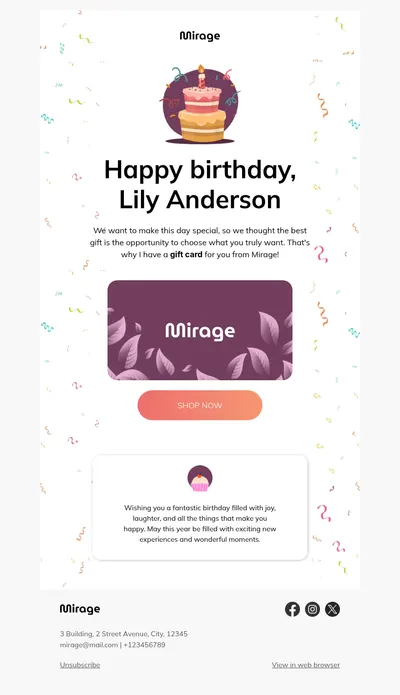
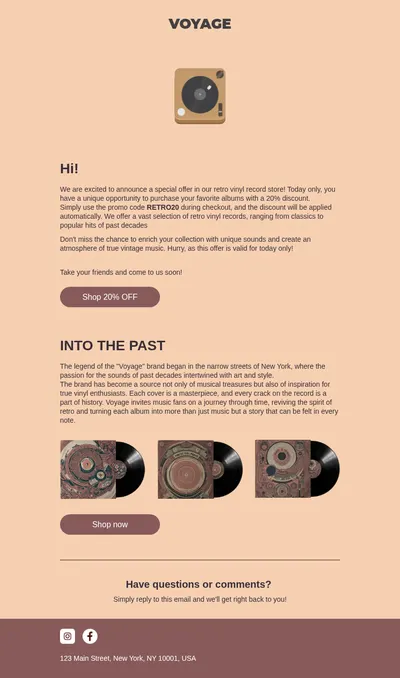



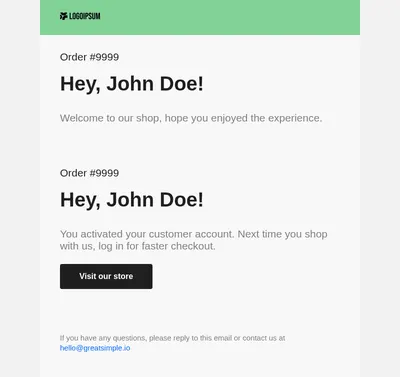
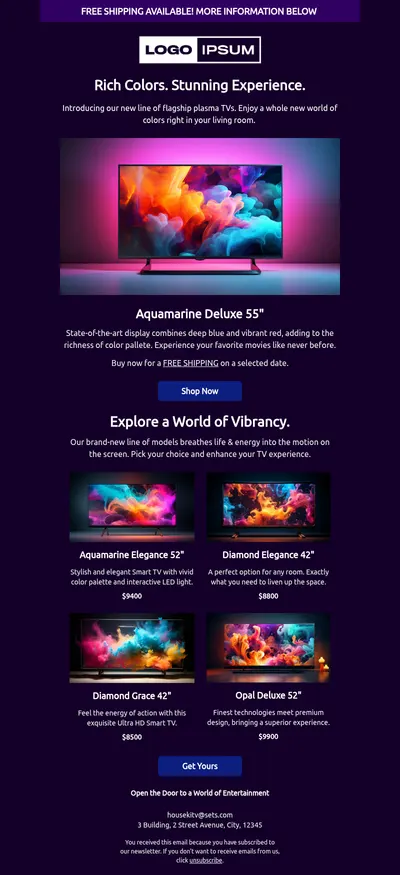
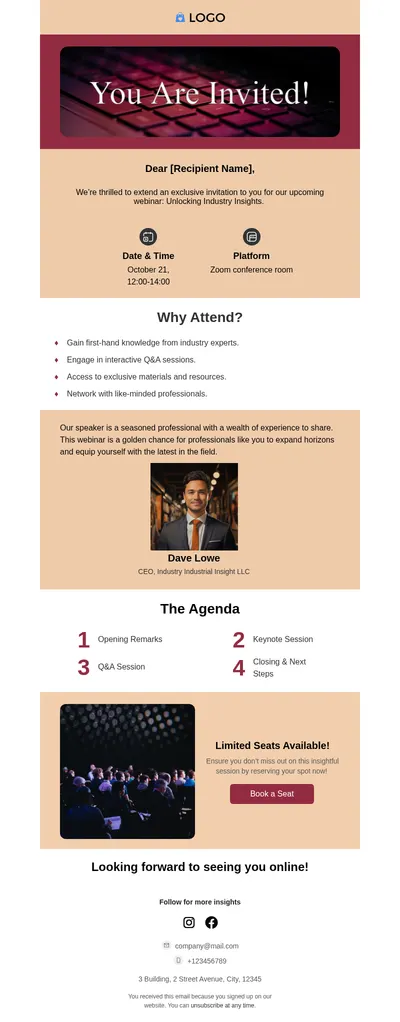
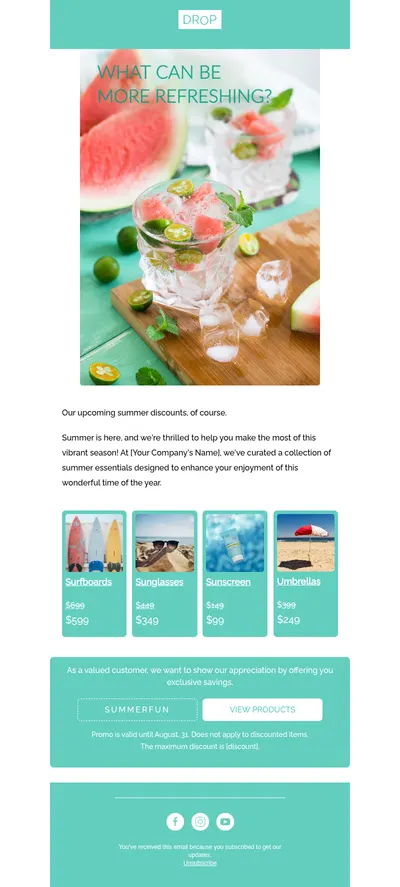
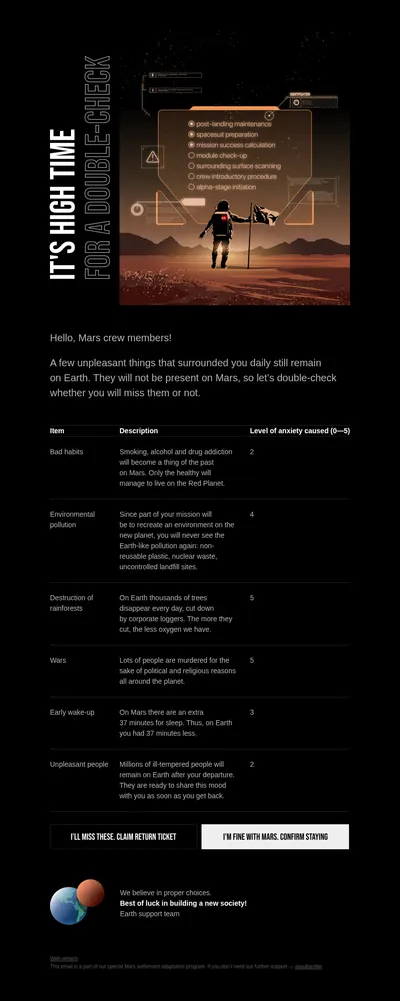
Knak is an email production platform for enterprise marketing teams that build campaigns for Marketo, Salesforce Marketing Cloud, Eloqua, and similar systems. Our free email templates for Knak give those teams a quick starting point: a finished, responsive design that can be brought into Knak and refined there.
How to Bring Knak Email Templates in from Blocks
Knak can import existing HTML emails. Its HTML Import feature uses Knak AI to turn an uploaded file into a draft email in the Knak builder, which your team then reviews and polishes. To use it, Knak AI must be turned on, an admin has to enable HTML import, and your role needs permission to create emails from HTML.
- Customize a template in Blocks and export it as an HTML file.
- Upload the file through HTML Import in Knak to create a draft.
- Review the draft carefully: Knak notes that the import is not exact, dark mode styles are not carried over, and images keep their original addresses.
- Finish the email in Knak and sync it to your marketing automation platform as usual.
Some Knak accounts also have an HTML content block for custom code. Knak recommends it only for special cases and turns it on by request.
Blocks and Knak: How the Two Email Builders Differ
Both tools let marketers build responsive emails without writing code, and both can work with existing HTML. The differences lie in who they are made for and where the email goes next.
- Audience. Knak presents itself as a production platform for enterprise teams, with brand rules built into modules and approval routing that defines who signs off. Blocks is a self-serve email builder: you sign up, pick a template, and start editing the same day.
- Starting point. In Knak, emails are assembled from modules and themes your team prepares in advance. Blocks starts you with a gallery of free, ready-made templates for industries, events, and email types.
- Destinations. Knak syncs with marketing automation platforms such as Marketo, Eloqua, Salesforce Marketing Cloud, Pardot, and HubSpot. Blocks exports directly to email services including Mailchimp, Klaviyo, ActiveCampaign, Brevo, Campaign Monitor, and GetResponse, as well as HubSpot and Salesforce Marketing Cloud.
- Working with code. Blocks includes a built-in code editor for anyone who wants to adjust the HTML by hand, and exports emails as HTML, ZIP, or EML files.
For a closer look at features and plans, read our Knak review, which also compares Knak with other email editors.
Emails Enterprise Teams Build Most
- Product launch emails that need several rounds of review before they go out.
- Webinar invitations and reminders for demand generation programs.
- Newsletters and digests that combine content from several teams in one layout.
- Internal communication for announcements to employees across offices.
Tips for Moving Designs Between Builders
- Host images where they will stay. Imported emails keep their original image addresses, so use a location that will not move or be deleted.
- Write meaningful alt text. Placeholder alt text travels with the import as it is, so fix it before you export.
- Plan dark mode separately. Since dark mode styles are not imported, check the email in a dark inbox after the draft is ready.
Start with Free Email Templates for Knak
Choose a template above, make it yours in Blocks, and import it into Knak to sync with Marketo or another platform your team uses. Teams on Salesforce Marketing Cloud can also export emails from Blocks directly.