

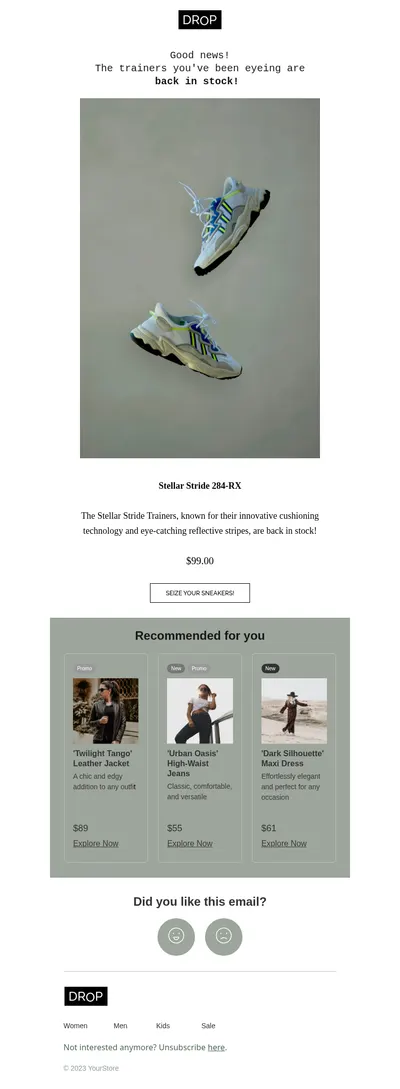
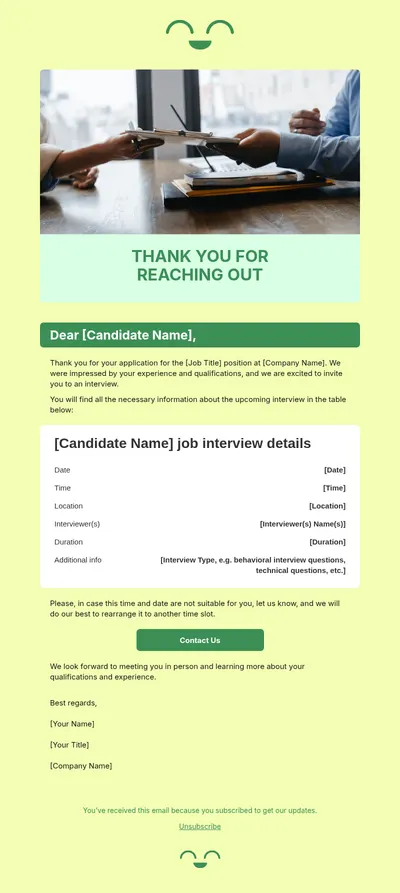
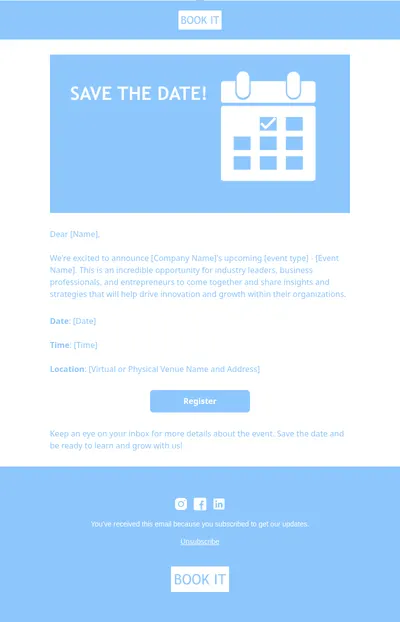
Laravel is a free, open-source PHP web framework designed for building web applications. Laravel is also useful for email marketing: with its built-in features and third-party packages, you can create and send beautiful email campaigns to your subscribers.
You can use Laravel for the following email marketing tasks:
- Setting up email sending: you can configure Laravel to use an email-sending service, such as Mailgun, SendGrid, or AWS SES.
- Creating a mailing list: create a mailing list of subscribers using the database or an ESP. You can use Laravel's database migrations and seeders to create and populate your mailing list.
- Scheduling email sending: use Laravel's Task Scheduling to send email campaigns at a specific time or interval.
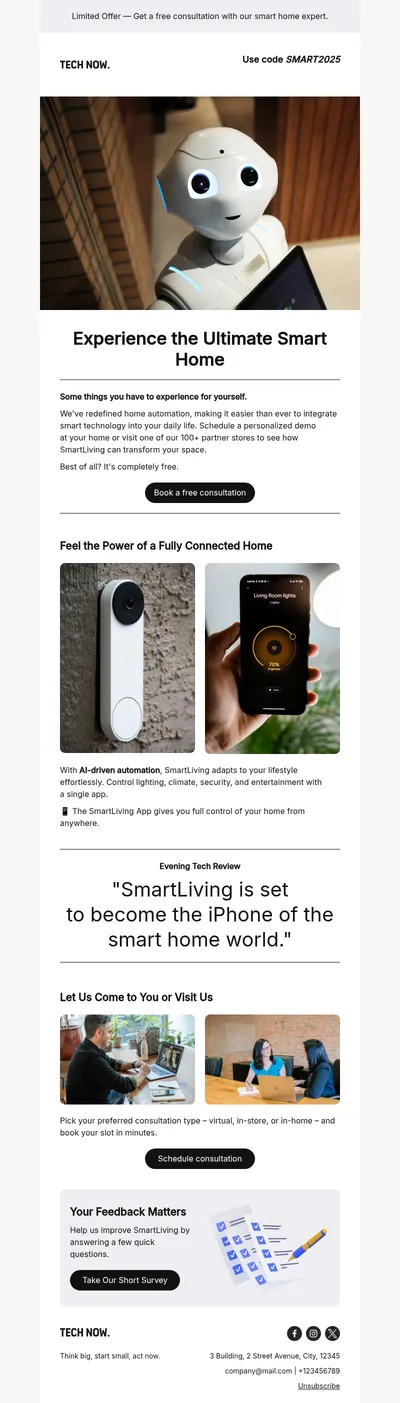
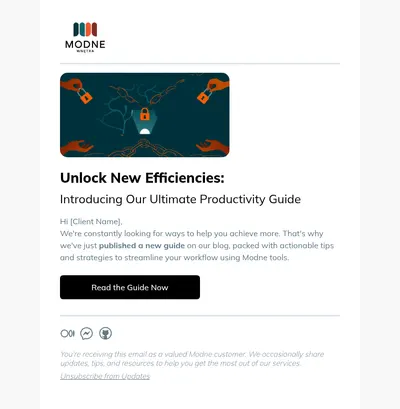
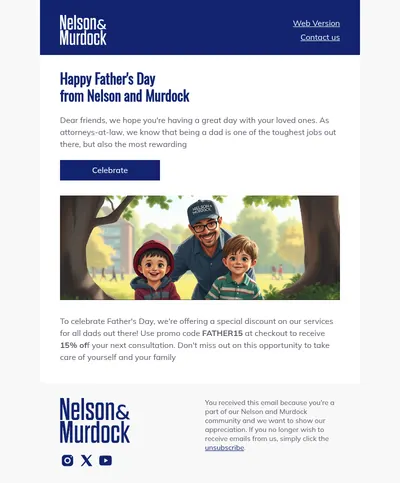
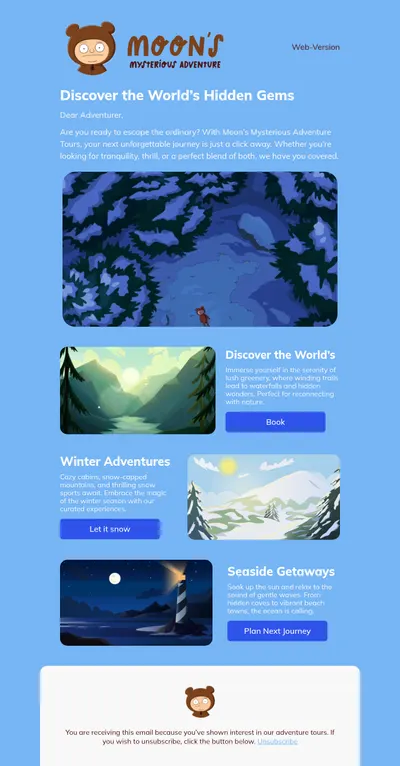
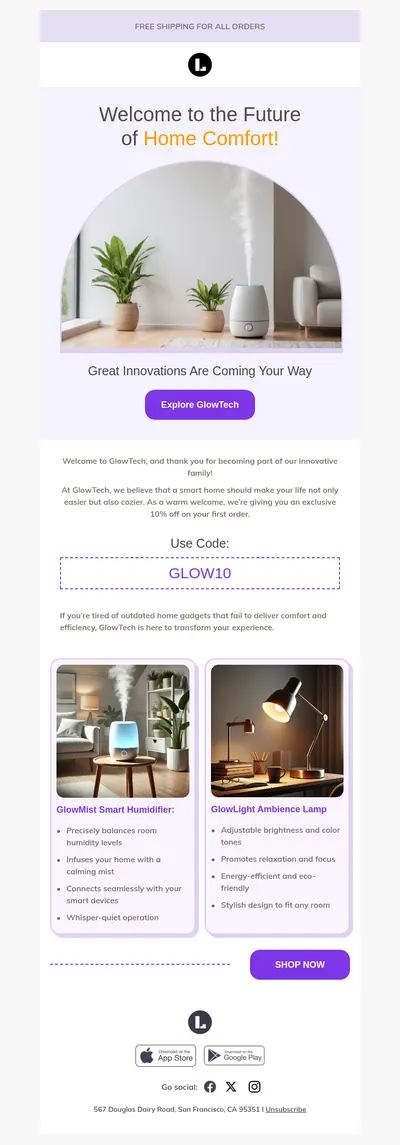
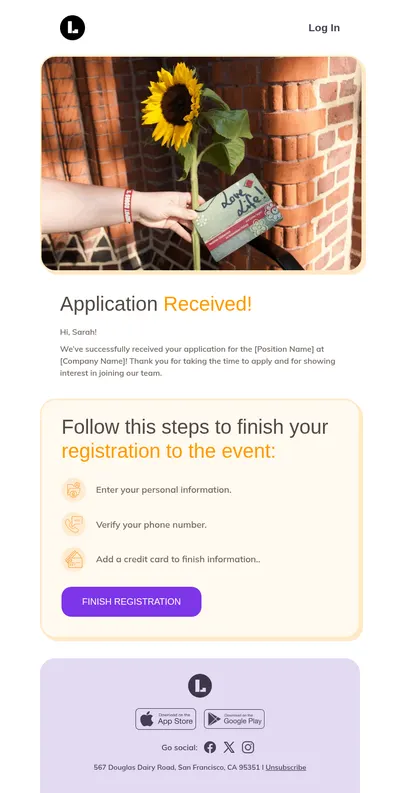
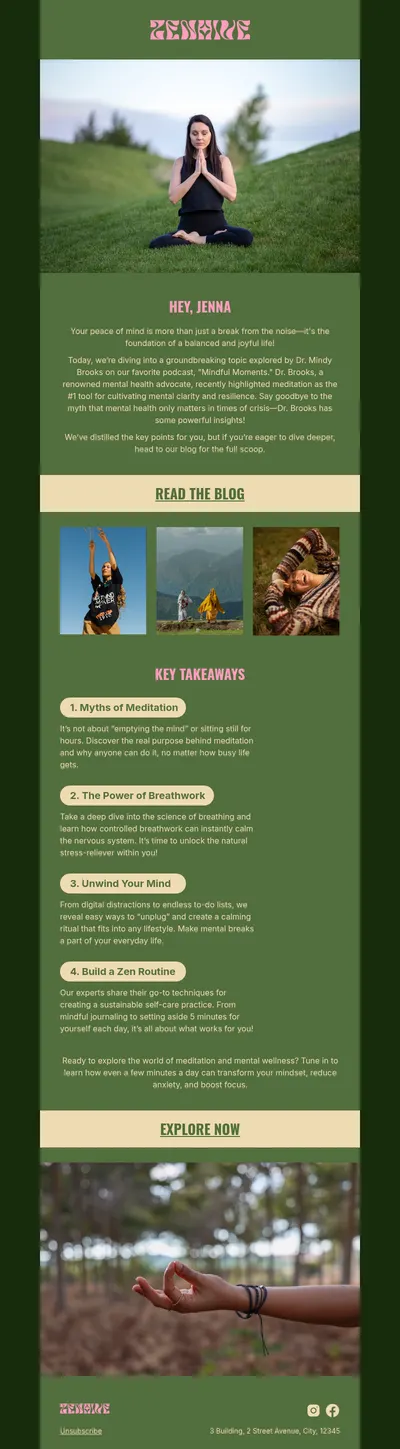
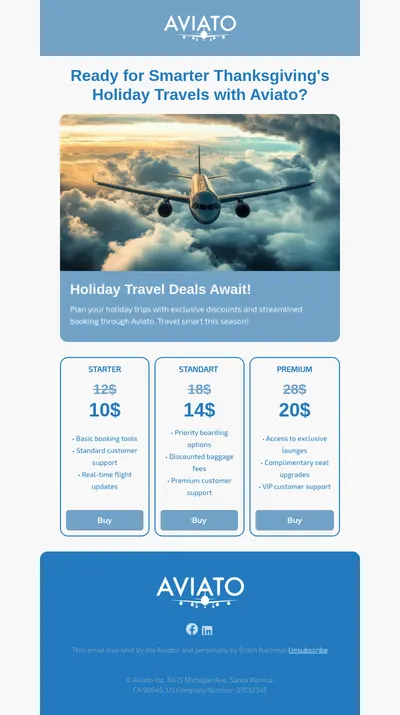
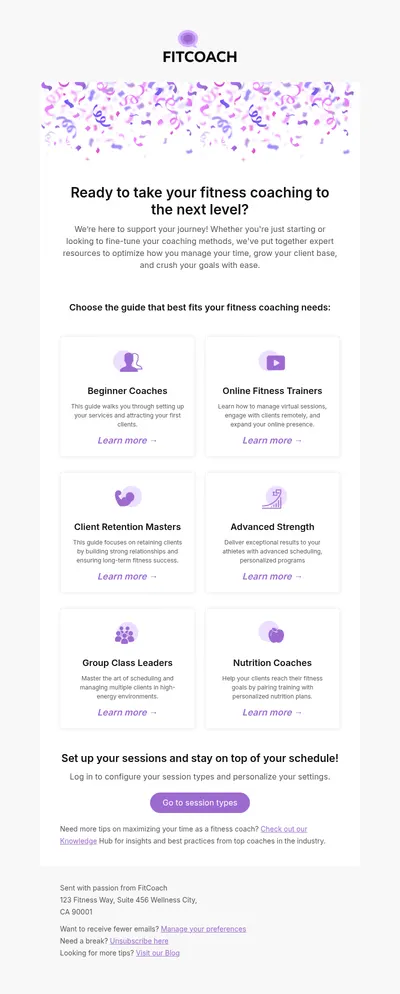
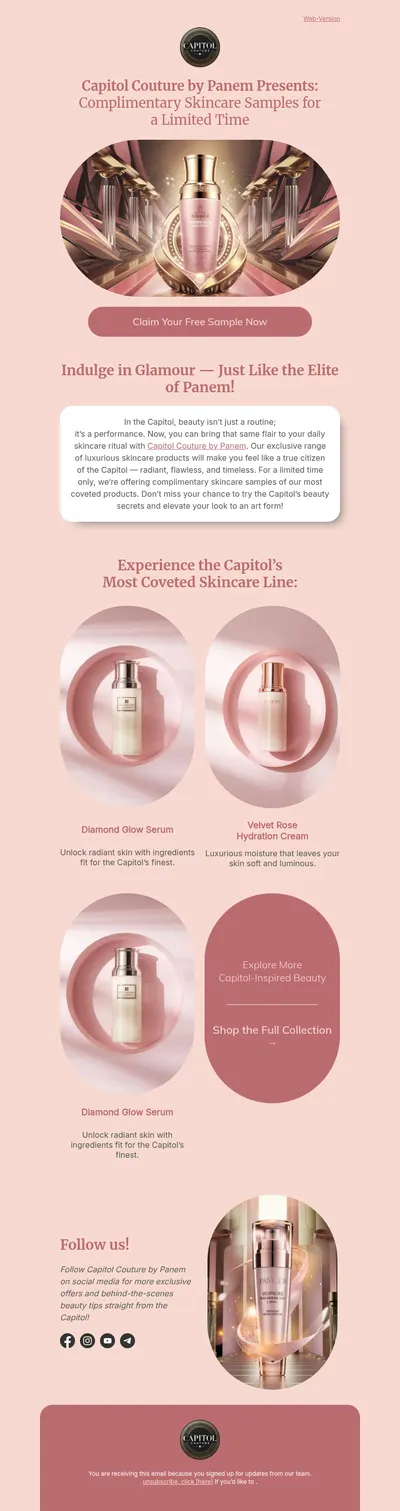
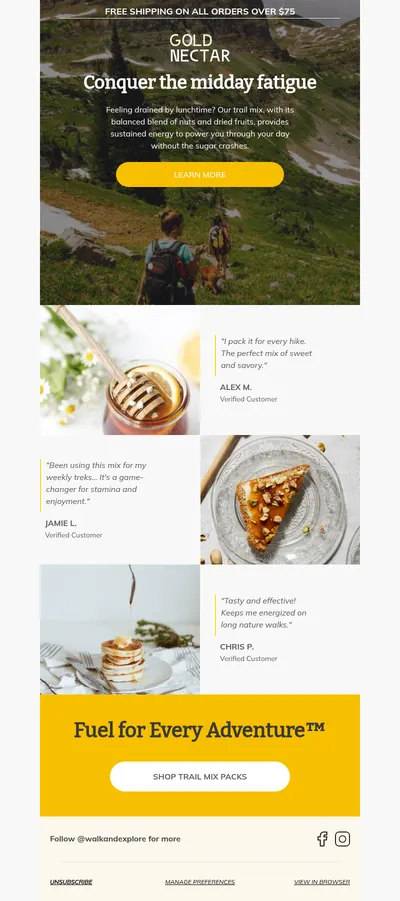
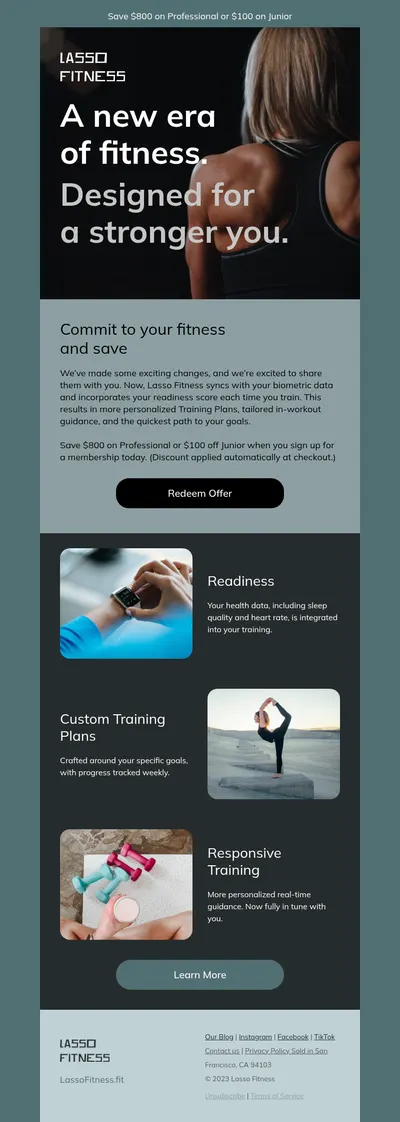
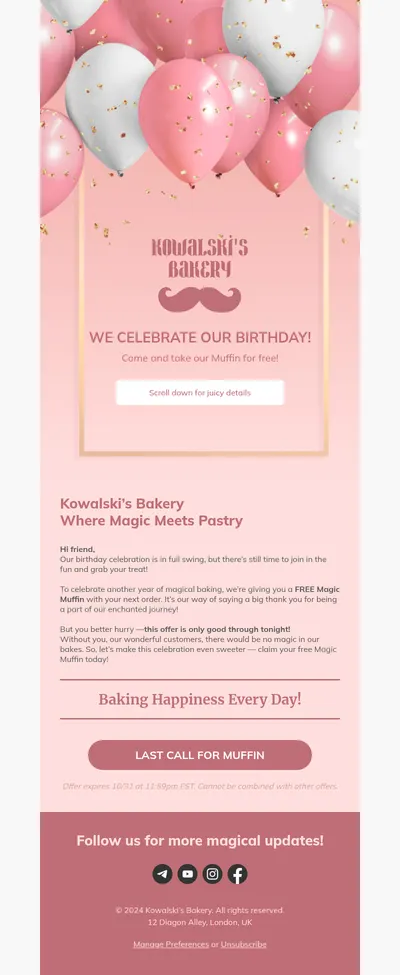
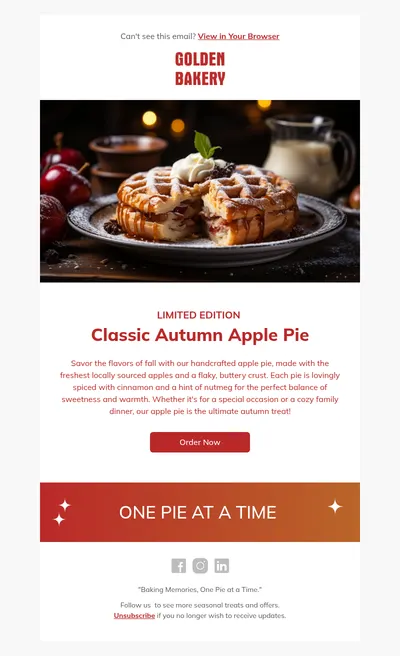
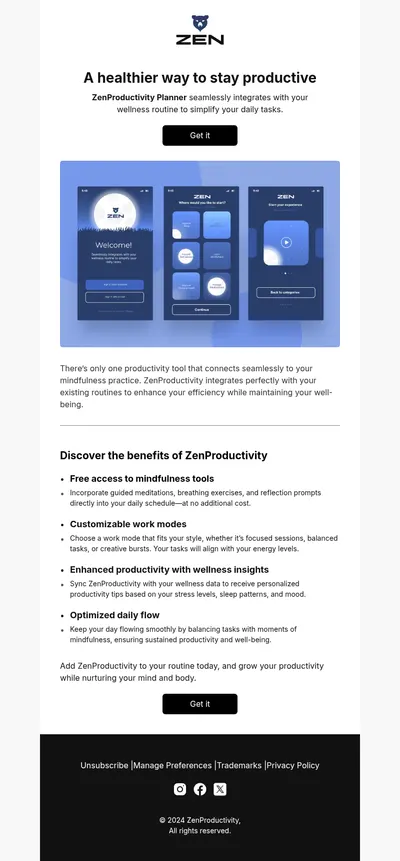
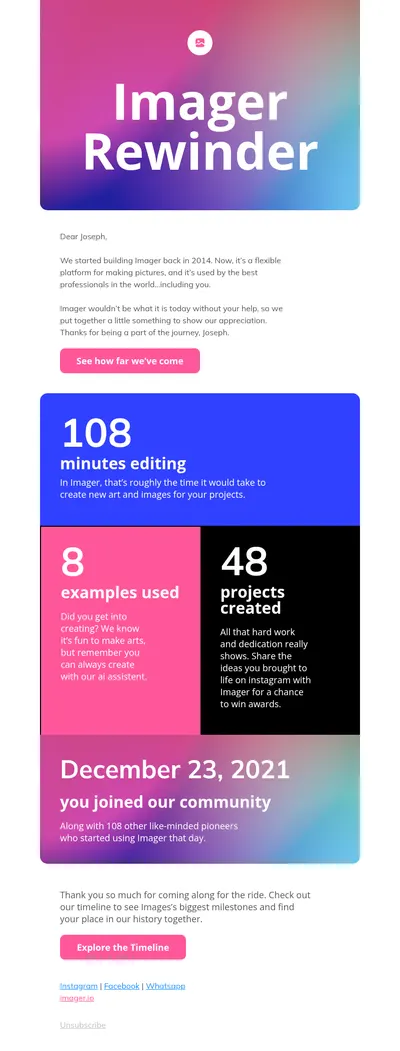
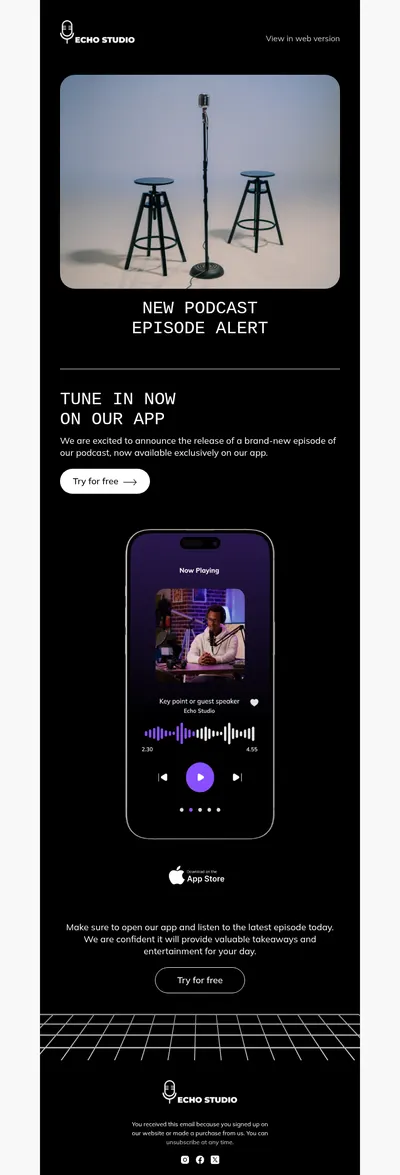
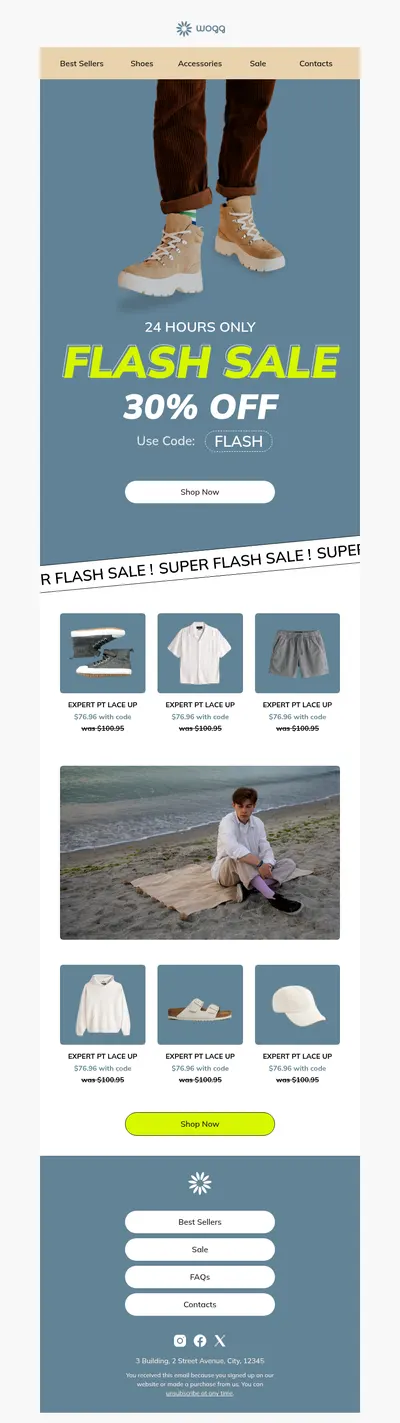
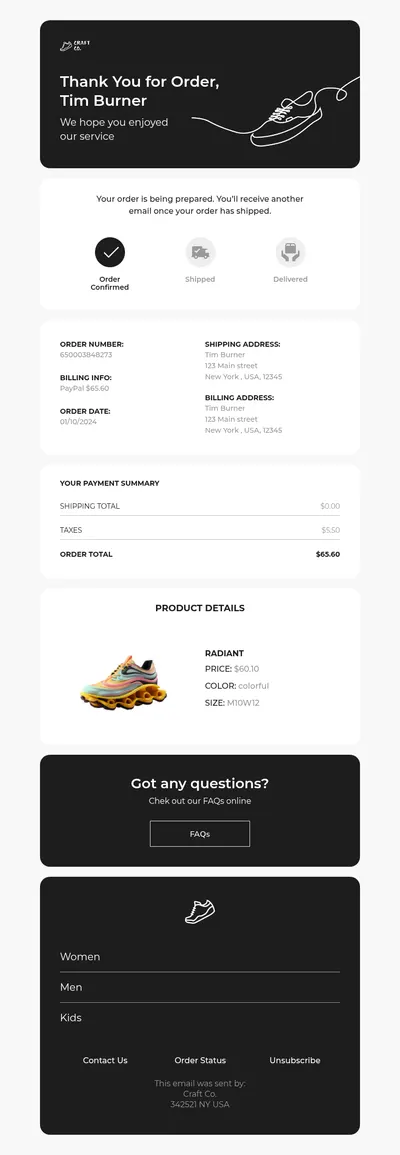
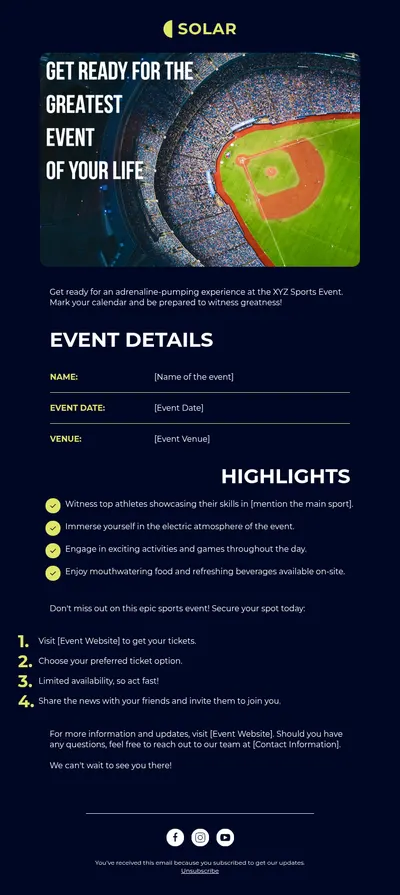
If you need email templates for Laravel email campaigns, use the Blocks editor!
Why Create Email Templates for Laravel With Blocks?
The Blocks drag-n-drop email editor is perfect for creating Laravel email templates for a number of reasons:
1. User-friendly interface. No coding required.
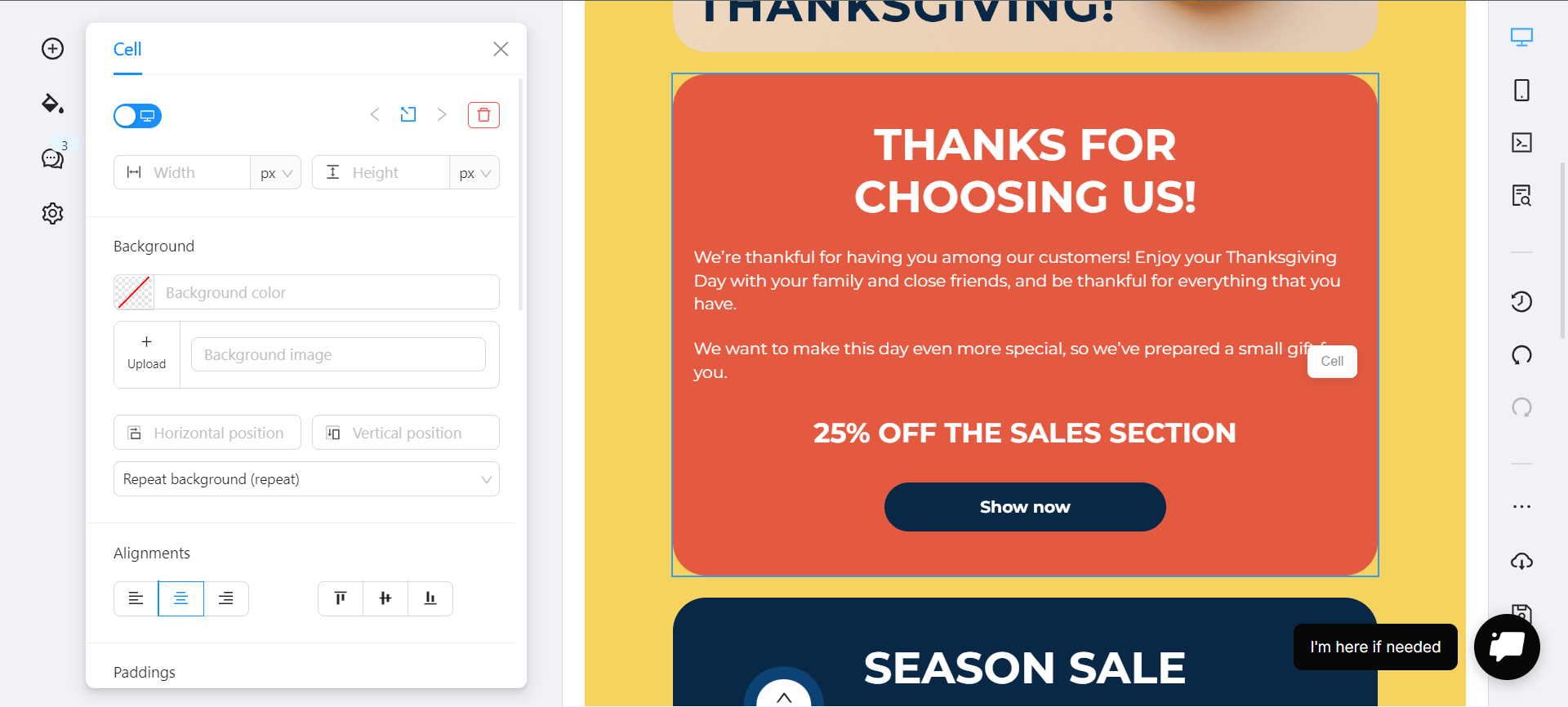
Our drag-n-drop email editor is designed to be user-friendly, making it easy for anyone to create professional-looking emails without needing any coding skills. With Blocks, users can easily add images, change fonts, and arrange content in a visually appealing way.
2. Time-saving
Blocks saves your time because you can quickly create email templates for Laravel without having to start from scratch each time. This is particularly useful for businesses that send out newsletters, promotional emails, and other types of emails on a regular basis.
3. Customization
Blocks provides a high level of customization, allowing you to personalize email templates from the gallery with your own branding, colors, and logos.
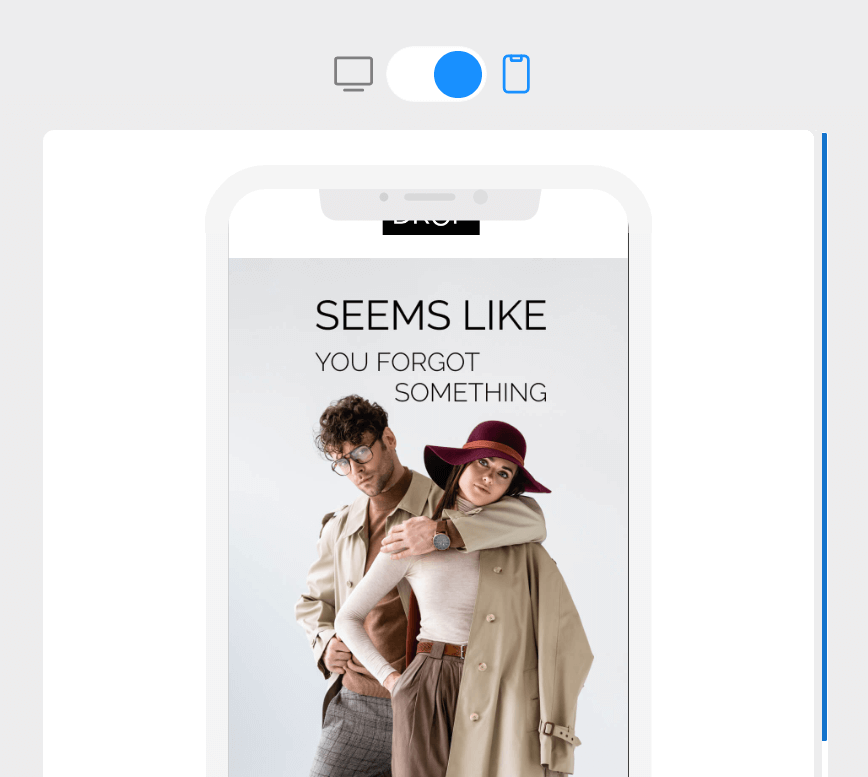
4. Mobile optimization
Blocks offers responsive email templates that look great on both desktop and mobile devices. With more and more people accessing their email on their smartphones, this is a crucially important feature.
5. Cost-effective
The Blocks email editor is more affordable than hiring a professional designer to create email templates. It’s a great opportunity for small businesses and startups that have limited budgets. See it for yourself: check our pricing.
How to Use a Blocks Template in a Laravel Mailable
Laravel sends email through Mailable classes that render a Blade view, so an exported Blocks template simply becomes that view. The steps below follow the Laravel mail documentation for the current release.
Where to Put the Template
Save the exported HTML as a Blade file, for example resources/views/mail/orders/shipped.blade.php. Laravel suggests the mail folder but accepts any path inside resources/views. Generate the class with php artisan make:mail OrderShipped and point its content() method to the view:
public function __construct(public Order $order) {}

public function content(): Content
{
    return new Content(view: 'mail.orders.shipped');
}

// In a controller
Mail::to($request->user())->send(new OrderShipped($order));
Which Variables to Use
Every public property of the Mailable is available in the view, so the order passed to the constructor can be printed right in the HTML. Blade echo statements escape output with htmlspecialchars; switch to {!! !!} only for markup you trust:
<p>Hi {{ $order->name }},</p>
<p>Your order total is {{ $order->price }}.</p>
If the exported HTML already contains double curly braces, for example a placeholder that your sending service fills in, write it as @{{ … }} or wrap the fragment in @verbatim, and Blade will leave it untouched. Both are described in the Blade documentation.
How to Test the Email
Return the Mailable from a route to preview it in the browser, for example return new App\Mail\OrderShipped($order);. To read the full message without delivering it, switch to the log mailer, which writes every email to your log files. In automated tests, call Mail::fake() and then check the result with Mail::assertSent(OrderShipped::class).