
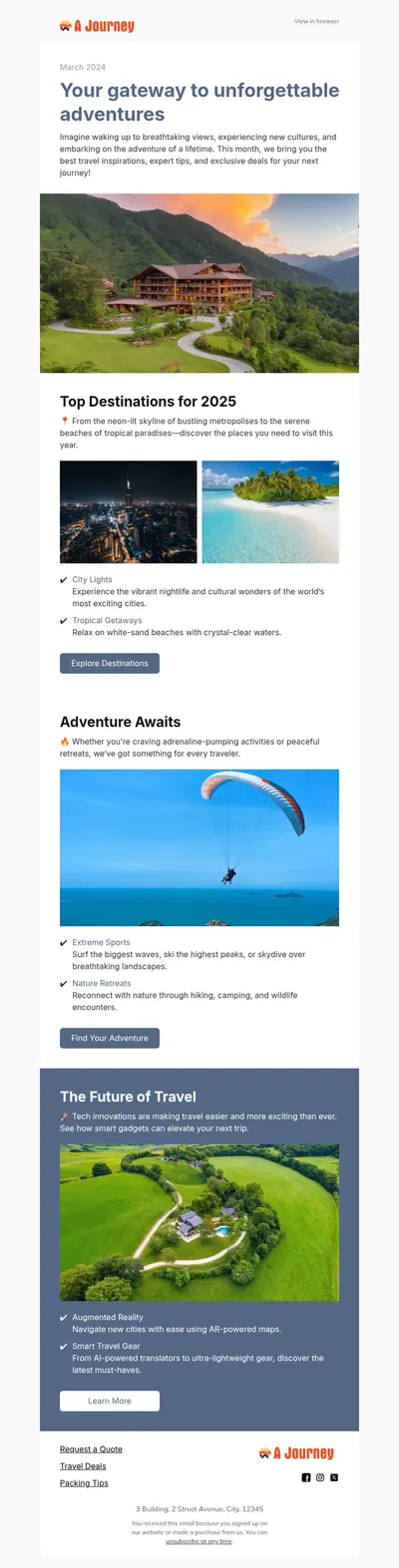
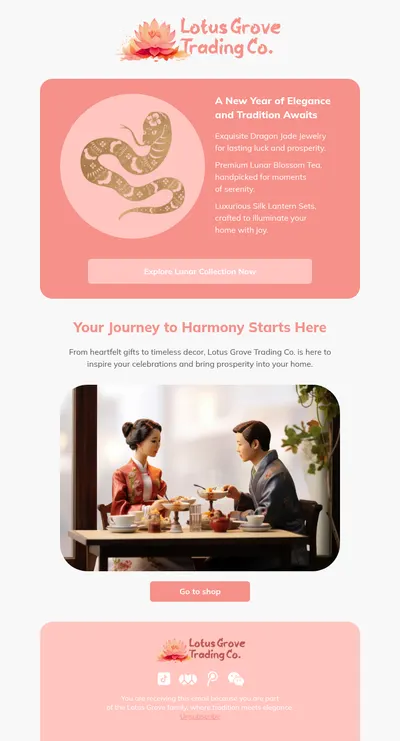
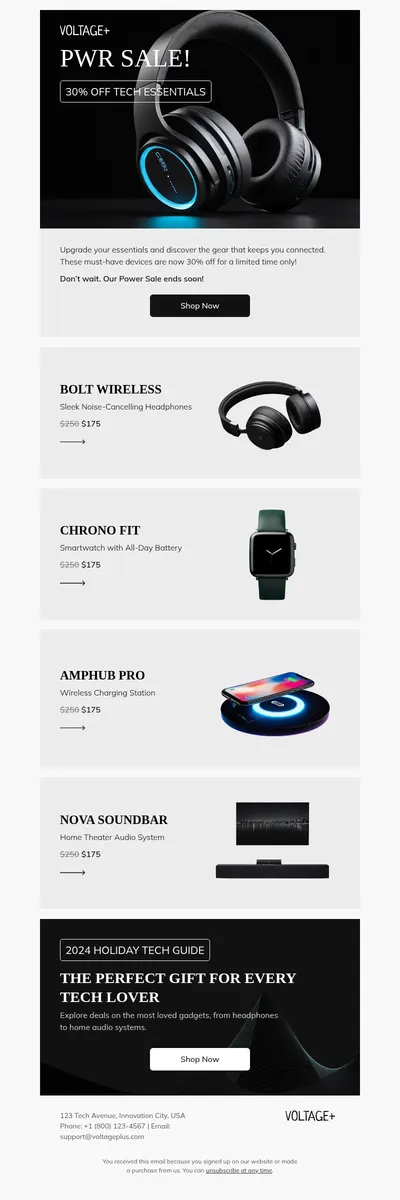
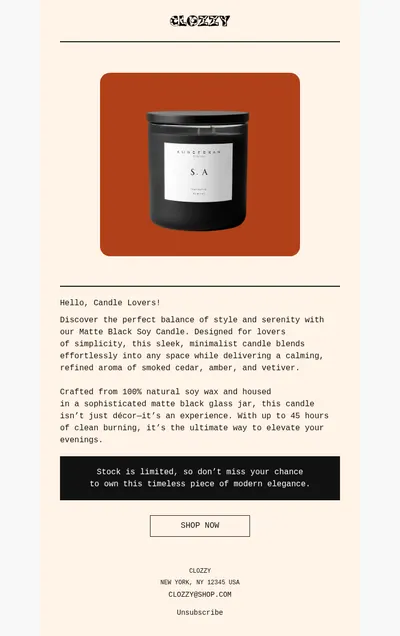
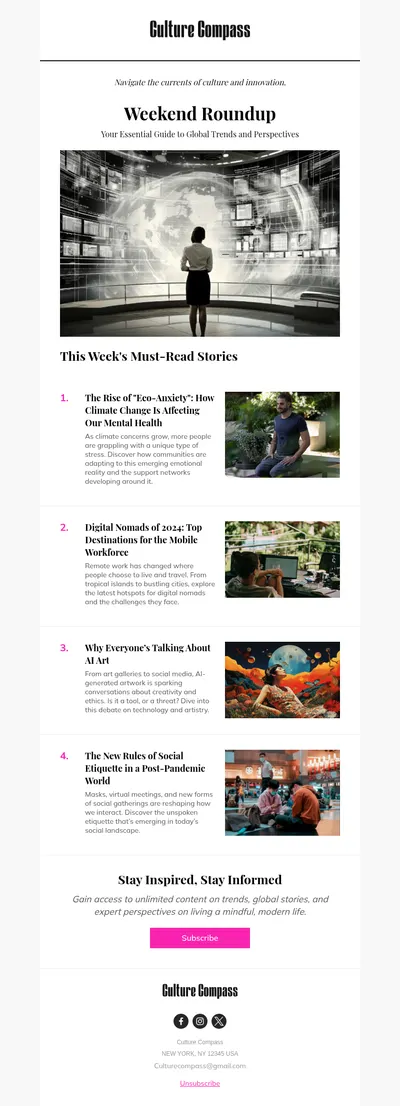
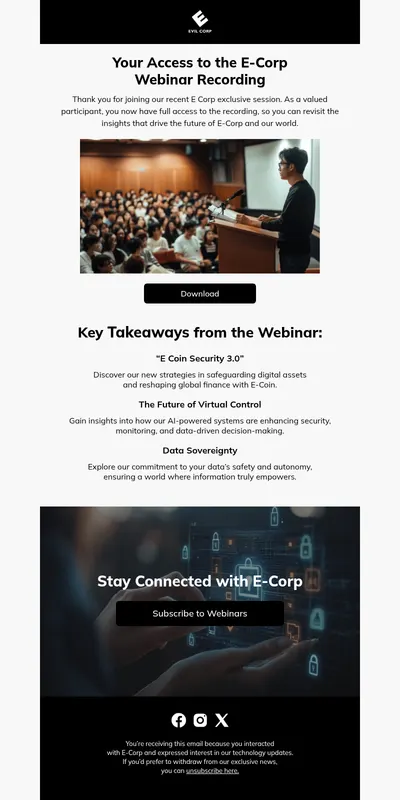
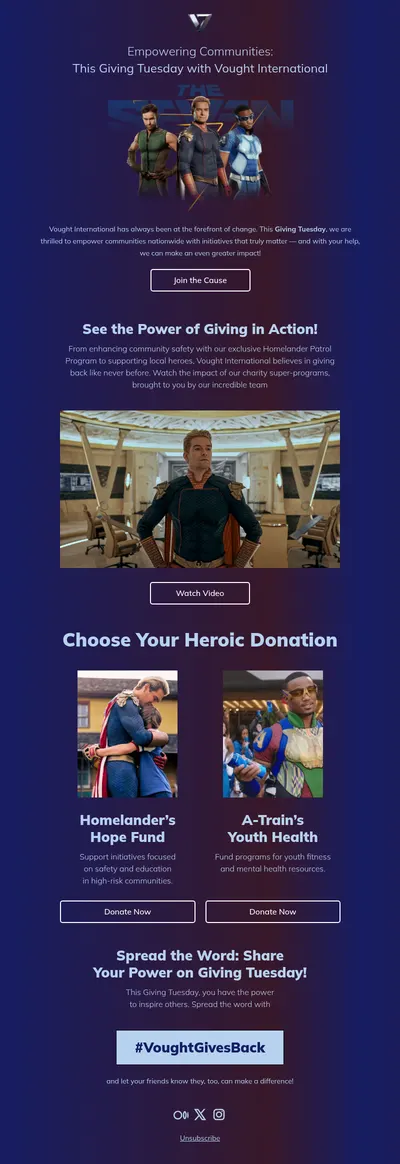
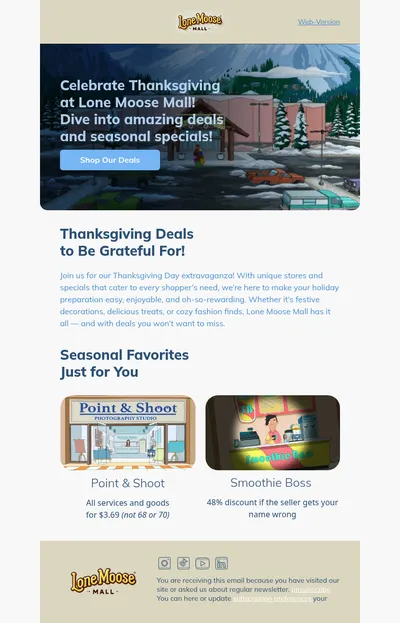
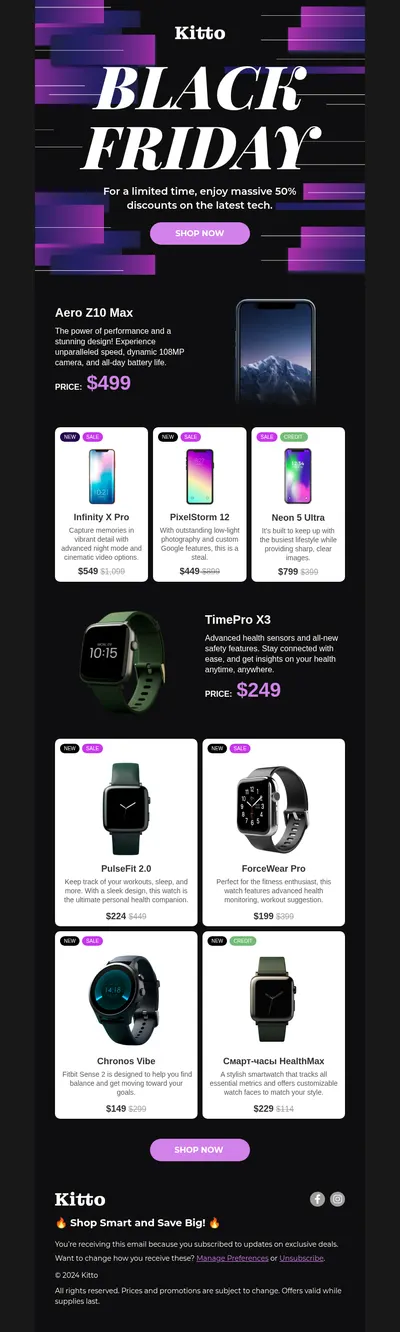
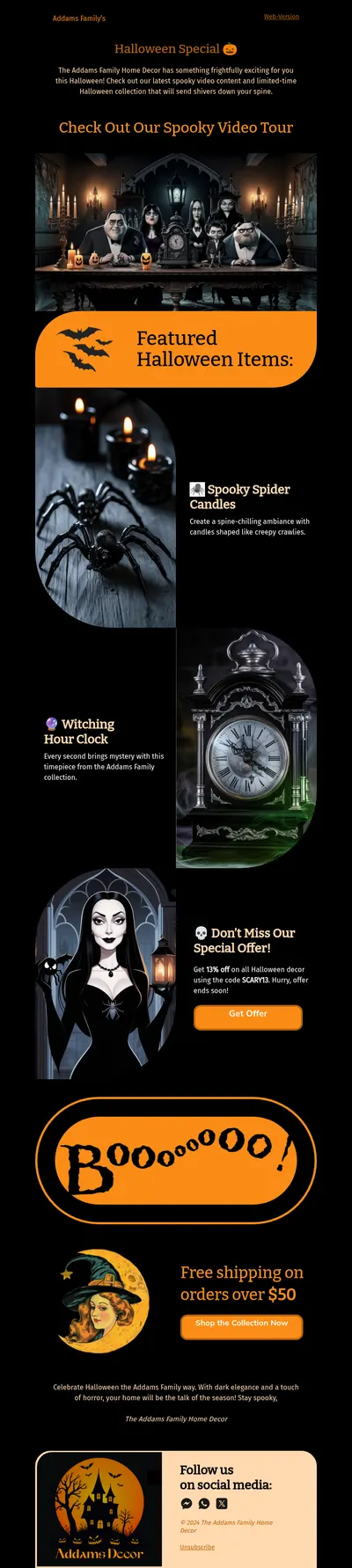
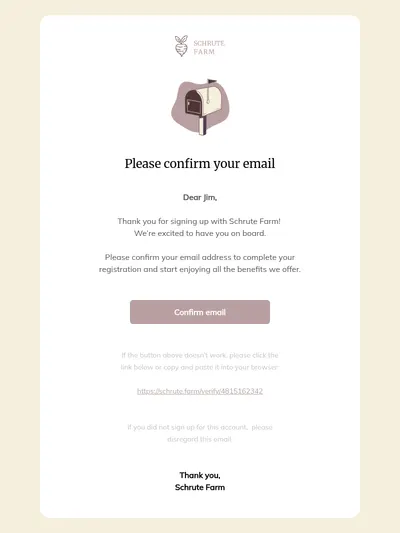
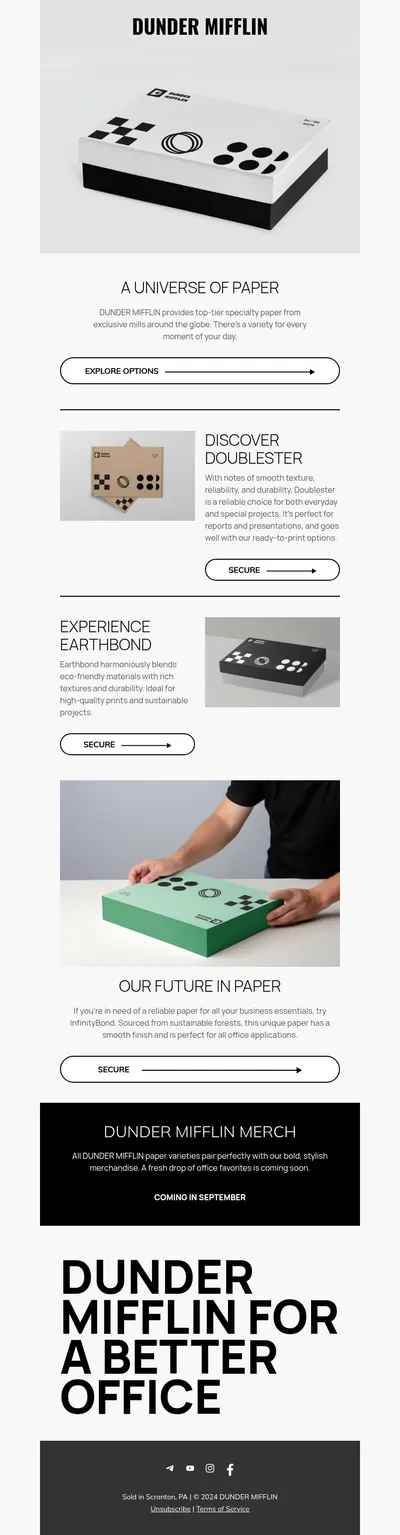
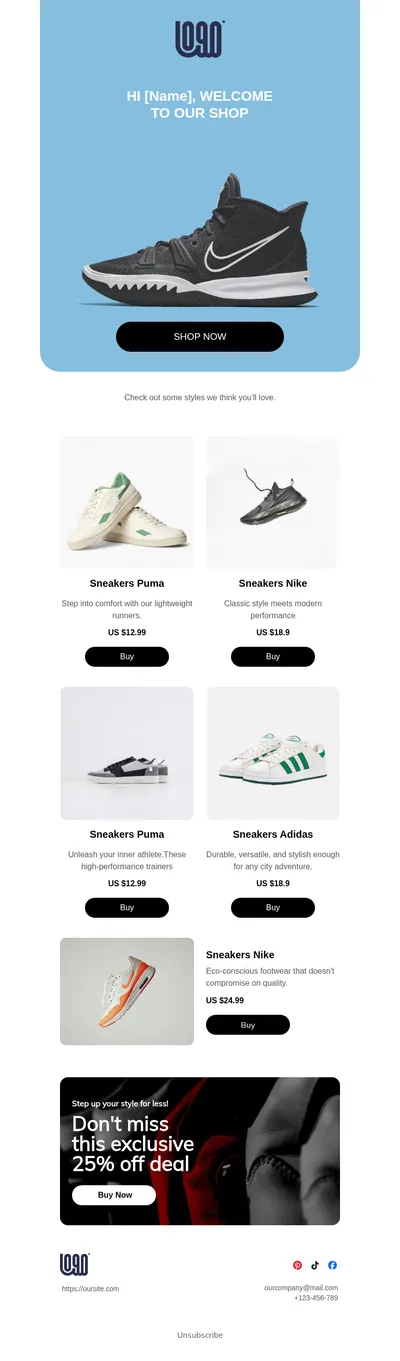
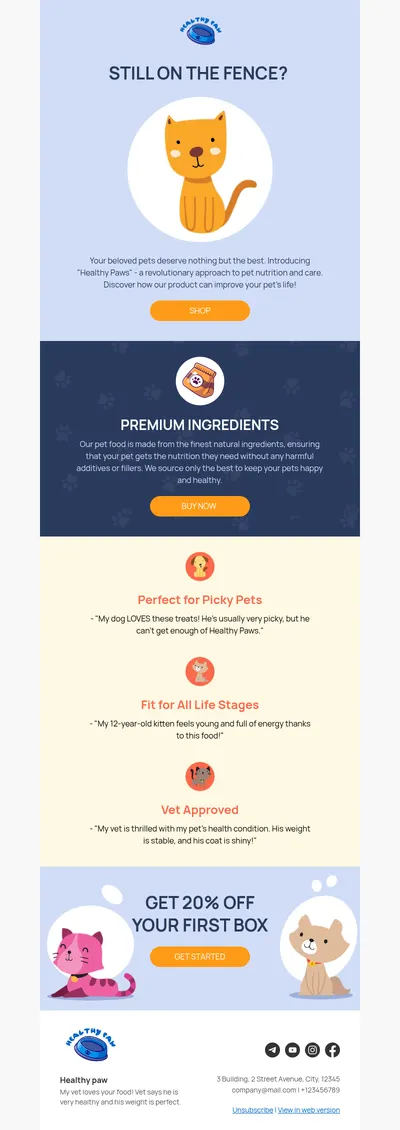
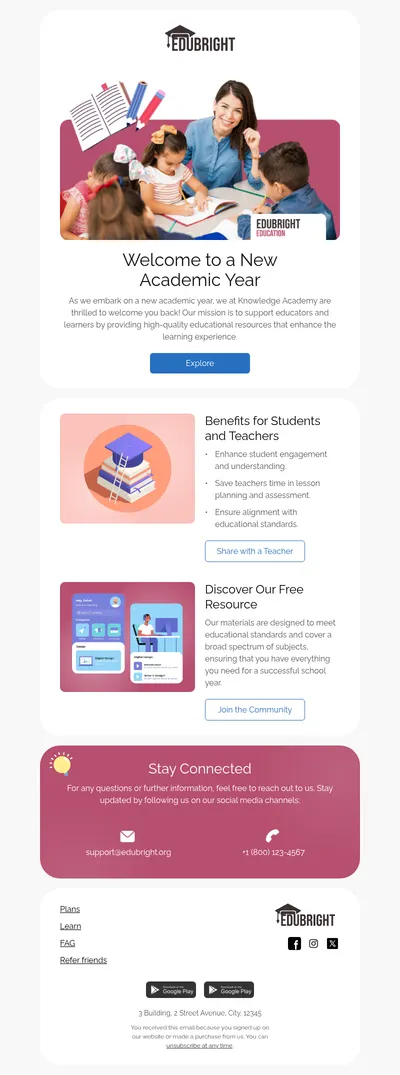
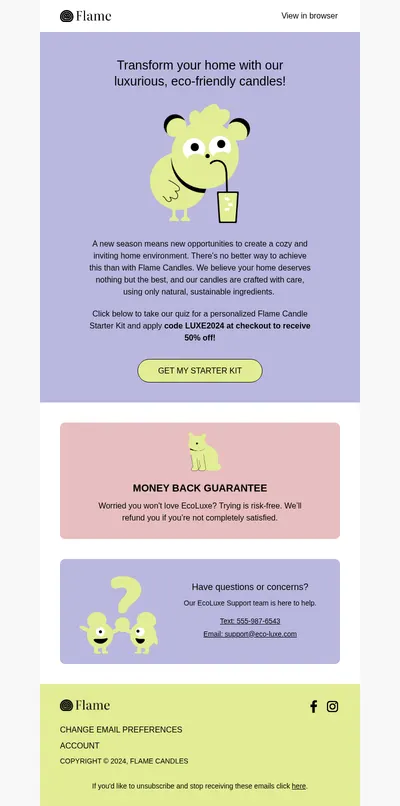
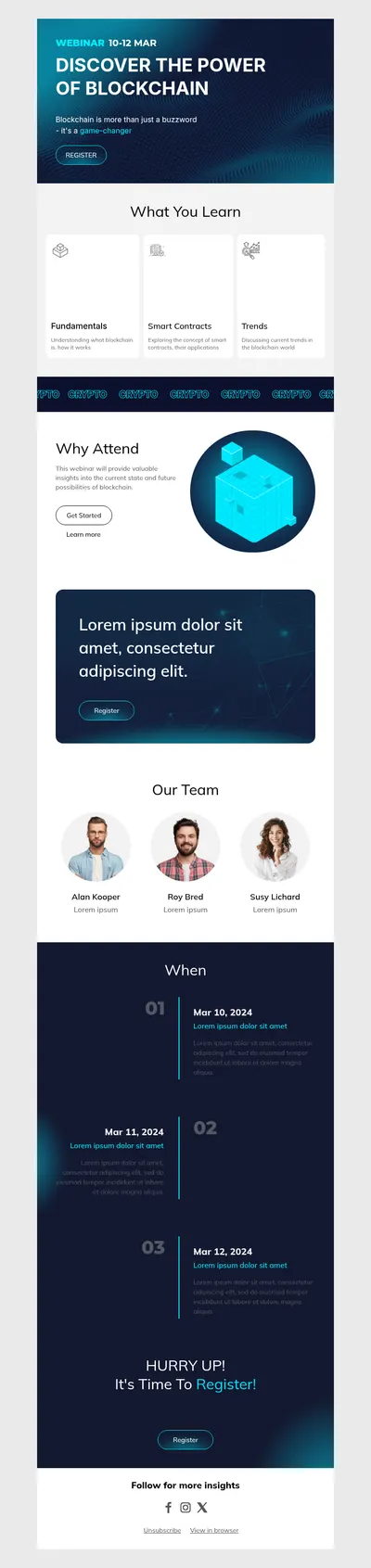
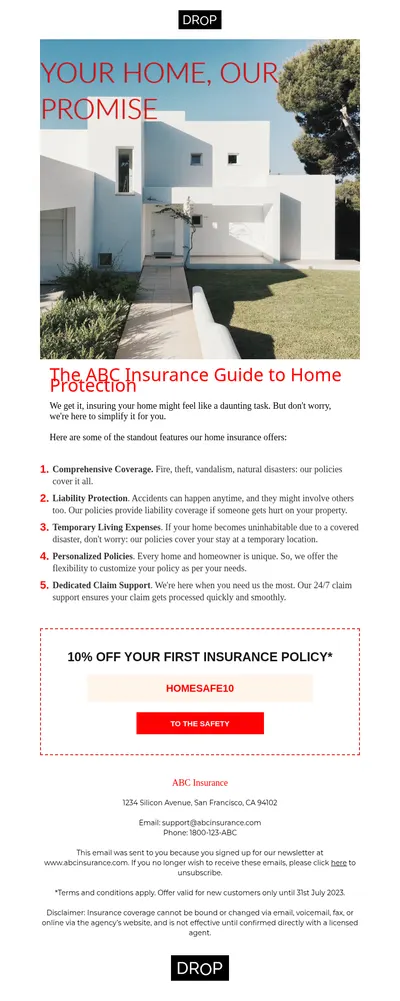
Omnisend is built for ecommerce, combining email and SMS with automations that react to what shoppers do in your store. Our free email templates for Omnisend help the email side of that setup look as good as your product pages, so every automated message and campaign supports the sale instead of distracting from it.
How Omnisend Email Templates from Blocks Help Online Stores
Store emails compete with dozens of other promotions in the same inbox. Clear product imagery, a visible offer, and one obvious next step are what separate an email that brings revenue from one that is deleted after a glance.
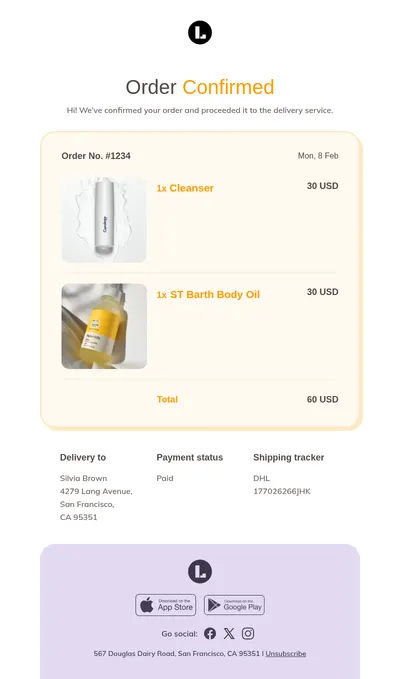
- Product-first layouts. Templates are built around images, prices, and buttons, which is exactly what shoppers scan for in a promotional email.
- Brand consistency across automations. Welcome, cart recovery, and post-purchase messages share one visual style, even though they are triggered at very different moments.
- No-code editing. As a no-code email builder, Blocks lets store owners update offers and seasonal banners on their own schedule.
Bringing a Blocks Design into Omnisend
The route depends on how your Omnisend account lets you work with custom designs, but it generally follows these steps:
- Build the email in Blocks using your store's colors, fonts, and product photography.
- Export it as HTML, keeping images hosted online so they display correctly after import.
- Add the design to Omnisend through the custom HTML option your plan supports, for example a custom HTML section inside a campaign.
- Insert Omnisend's product and discount elements where needed, then send test emails to check links and prices.
Dynamic blocks that pull products or codes from your store are best added inside Omnisend itself, while Blocks takes care of the surrounding layout and brand styling.
Omnisend Campaigns Stores Rely On
- Cart recovery emails that show exactly what was left behind and make returning effortless.
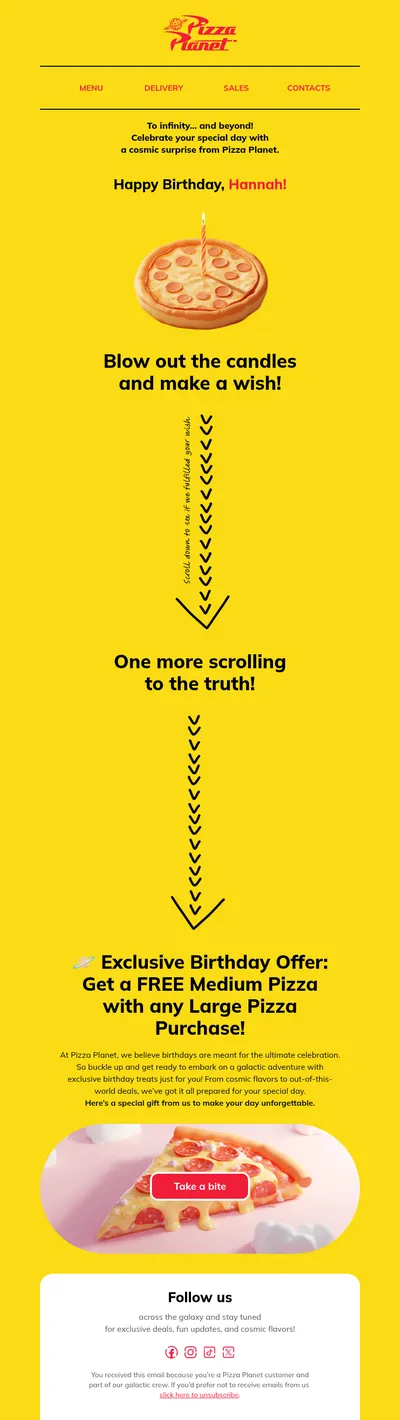
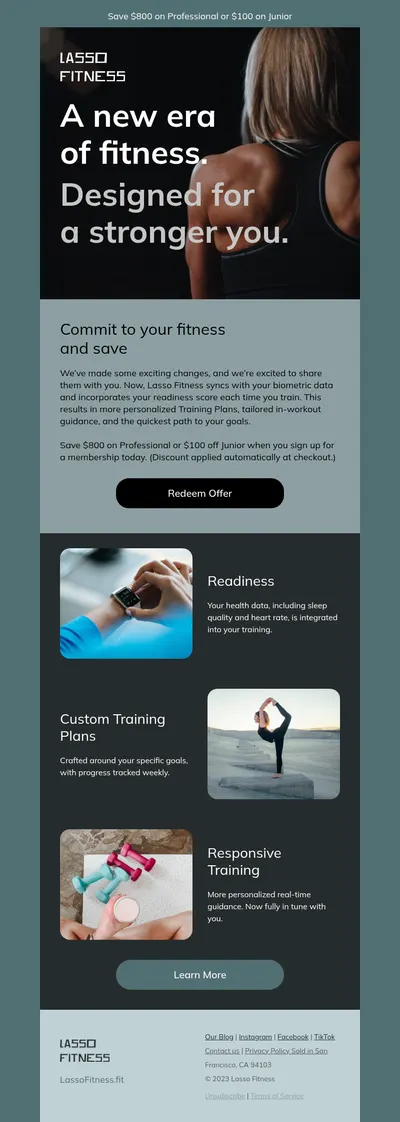
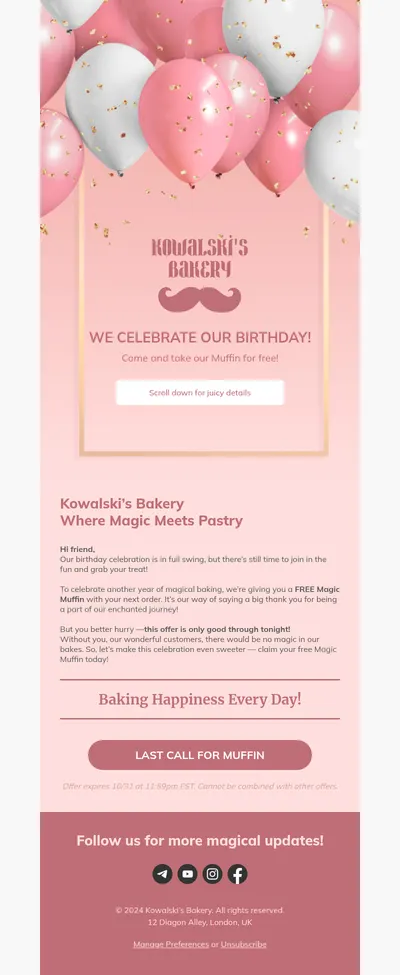
- Discount emails with the offer, its deadline, and the code placed where no one can miss them.
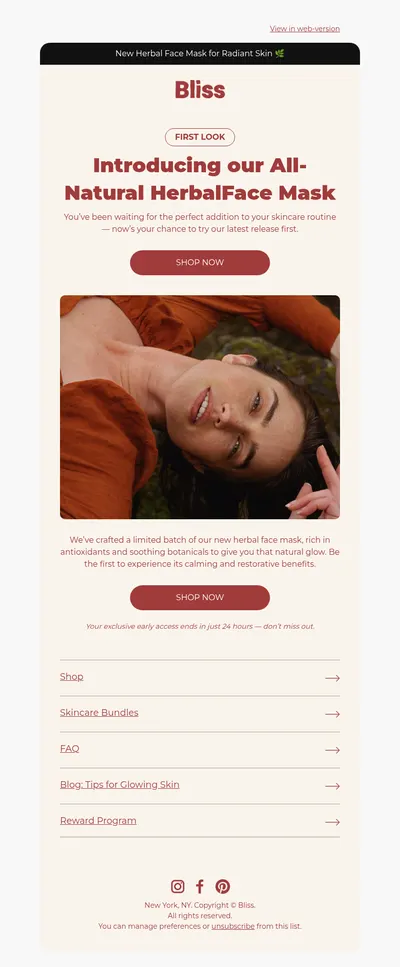
- Product launch emails that build excitement around new arrivals with large visuals.
- Coupon emails designed so the code can be copied quickly on a phone screen.
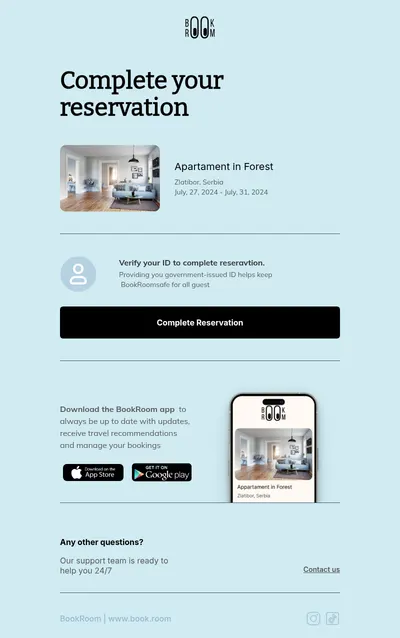
Post-purchase emails are easy to overlook and often the most profitable. A thank-you message with care instructions, a request for a review a week later, and a small reward for a second order all fit neatly into the same design family as your promotional campaigns.
Tips for Omnisend Email Templates
- Match email and SMS timing. When both channels are part of a workflow, make sure the email adds detail rather than repeating the text message word for word.
- Show a clear deadline. Limited-time offers perform better when the end date is visible near the top of the email.
- Recommend products carefully. A few relevant picks outperform a long grid of items the shopper never looked at.
- Check prices after import. Confirm that dynamic prices and currency formats display correctly in test sends before going live.
Want more ideas for store emails? Browse our list of back-in-stock emails and the upsell emails guide, or explore the ecommerce templates for designs made for online shops.
Stores that sell on more than one channel often reuse one core layout for everything. The hero image, headline, and offer change for each campaign, while the header, product grid style, and footer stay the same, which makes new emails quicker to produce and easier for shoppers to recognize.
Start with Free Email Templates for Omnisend
Pick a template above, adapt it to your brand in Blocks, and use it in your Omnisend campaigns. If you also run Klaviyo for another store, the same designs export there directly.