
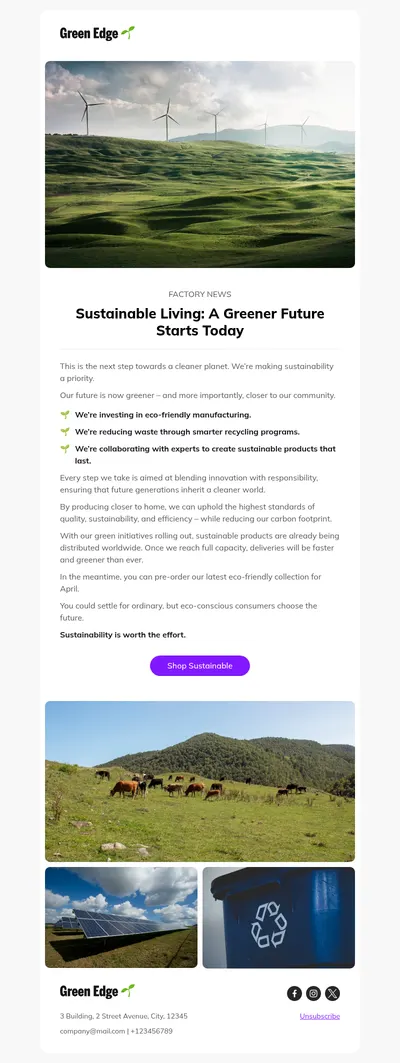
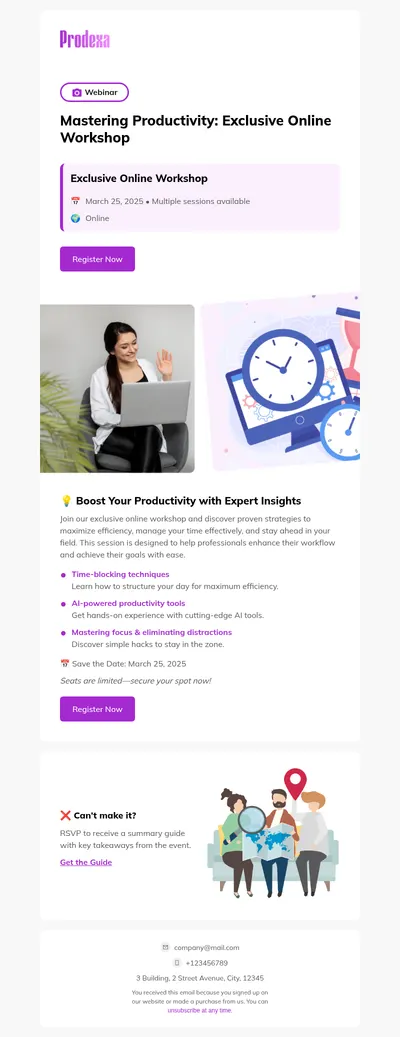
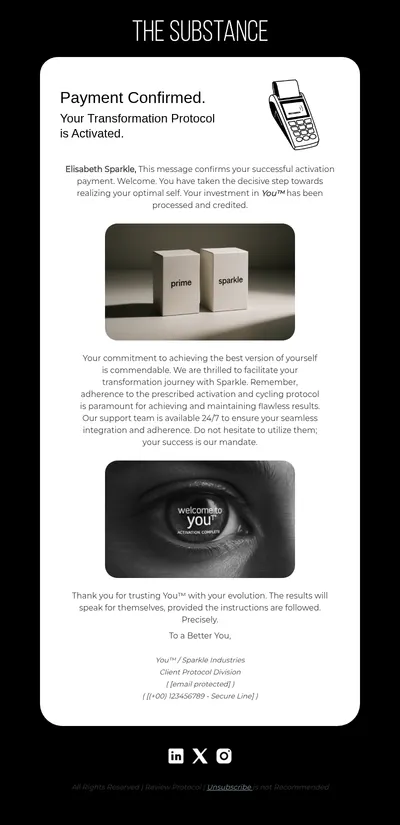
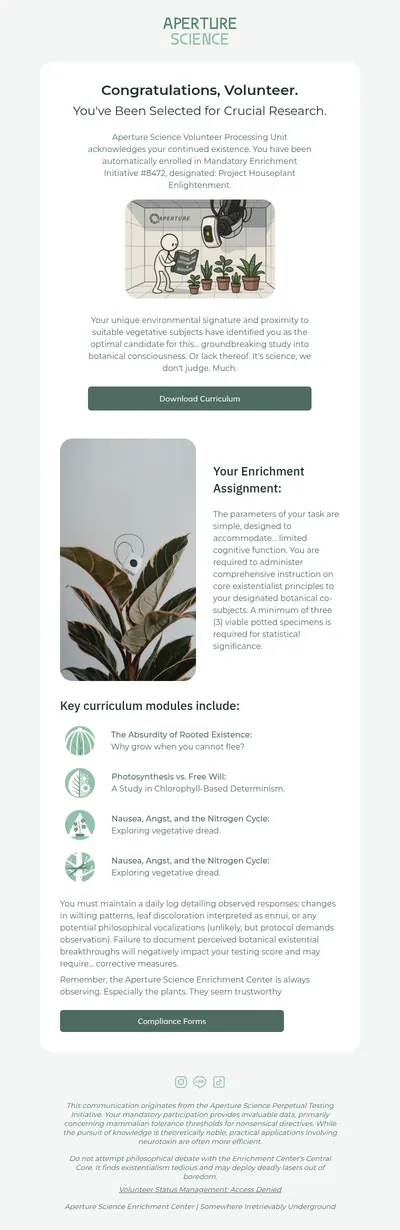

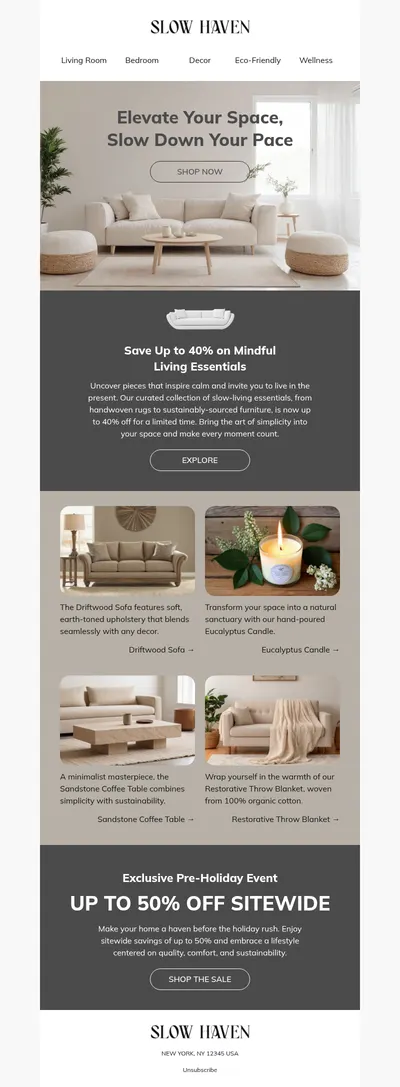
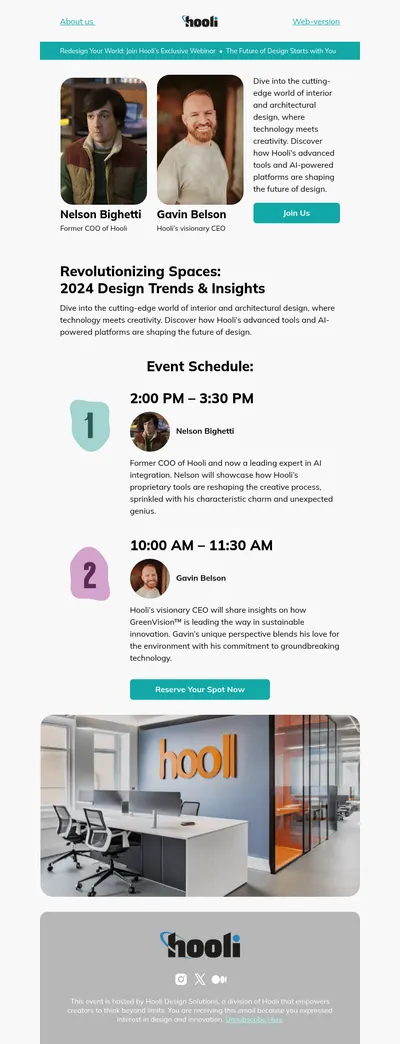
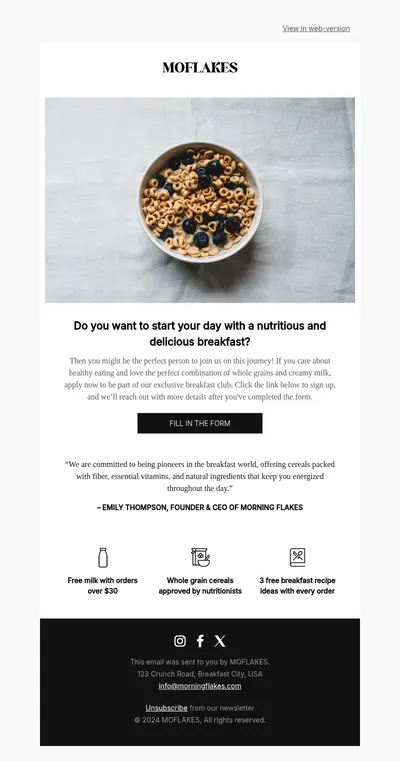
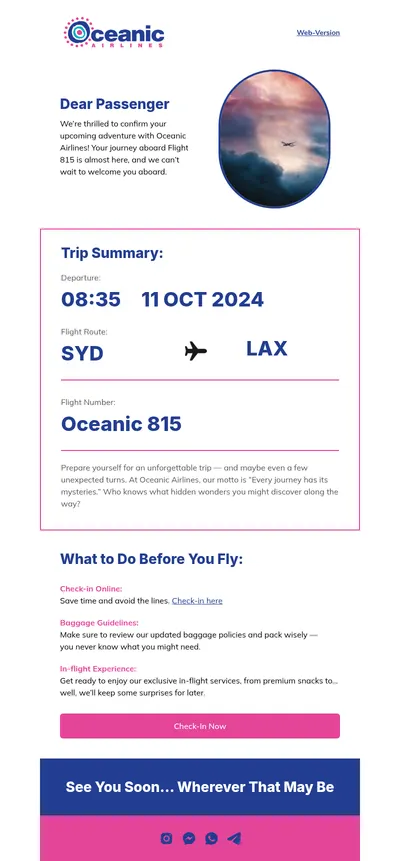

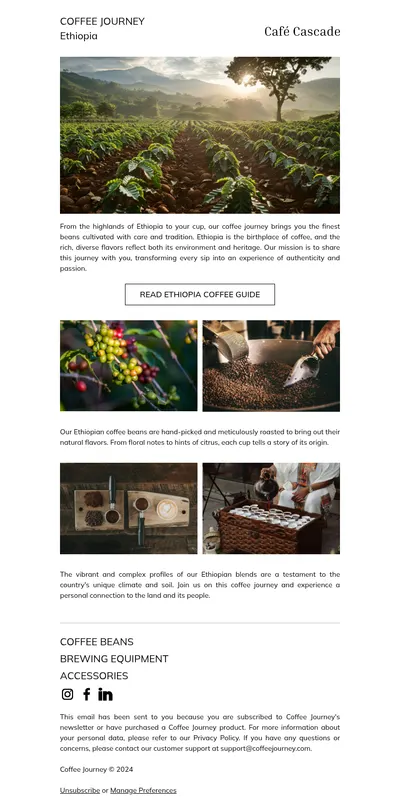
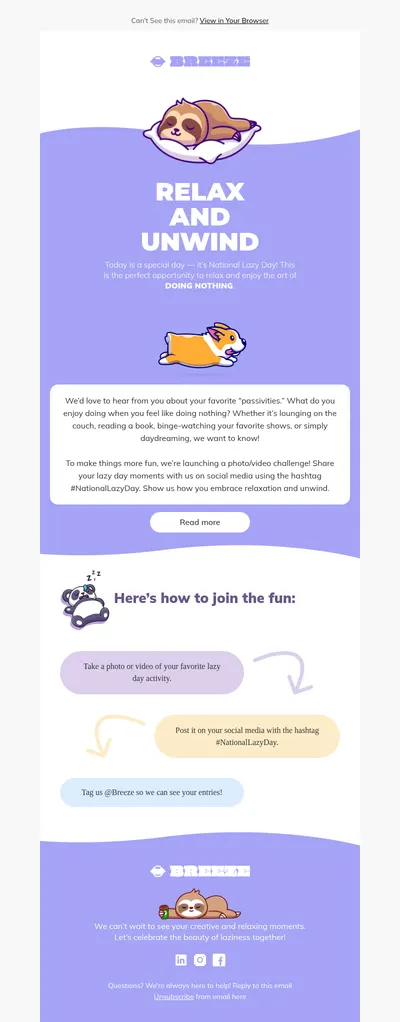
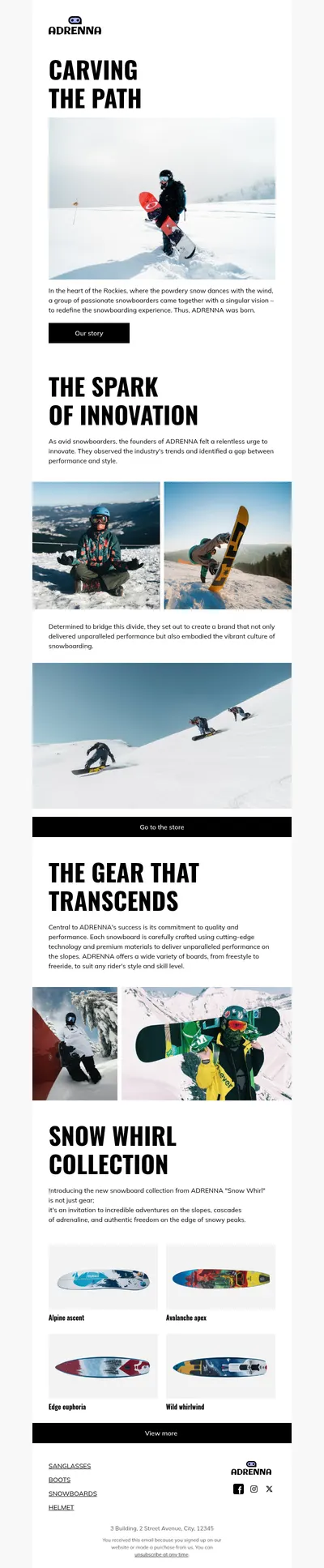

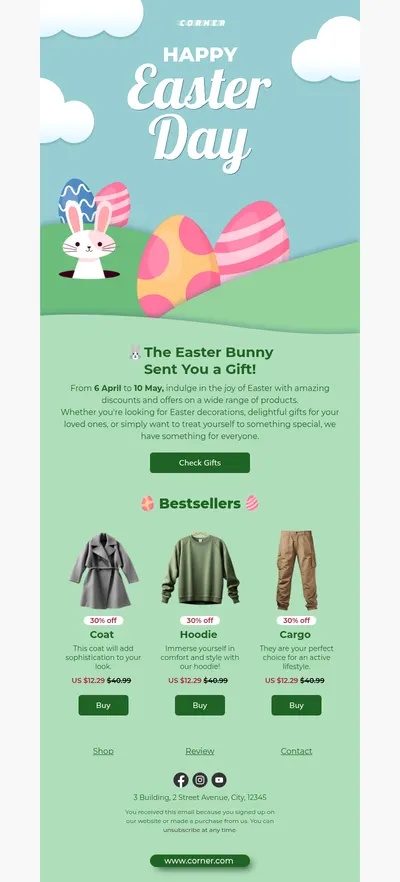

WordPress powers a large share of the web, and many site owners want their emails to look as good as their pages. Our free email templates for WordPress help you design newsletters, store notifications, and form responses that match your site, then bring them into the plugins you already use to send email.
Why Use Blocks for WordPress Email Templates
WordPress itself sends only basic system emails, so most sites rely on plugins for newsletters, WooCommerce order emails, and form confirmations. Those plugins handle delivery well, but their built-in designs are often plain. Designing the email in Blocks gives your messages the same care you put into your theme.
- Emails that match your site. Reuse your theme colors, fonts, and logo so readers recognize your brand the moment they open a message.
- A drag-and-drop email builder. Create layouts visually instead of editing PHP templates or plugin settings line by line.
- Responsive email templates. Designs adapt to phones automatically, just like a responsive WordPress theme.
Getting a Blocks Design into WordPress
How the design is used depends on the plugin that sends your email, but the preparation is the same:
- Customize a template in Blocks to match your site's style.
- Export the email as HTML, keeping images hosted online so they load reliably in every inbox.
- Open your newsletter, form, or ecommerce plugin and look for its option to use custom HTML for the email content.
- Insert the plugin's own shortcodes or placeholders for names, order details, and unsubscribe links, then send a test.
WooCommerce order emails are customized differently from newsletter plugins, often through template overrides in a child theme, so it is wise to involve a developer for those and to keep a backup of the original files.
WordPress Emails Worth Designing
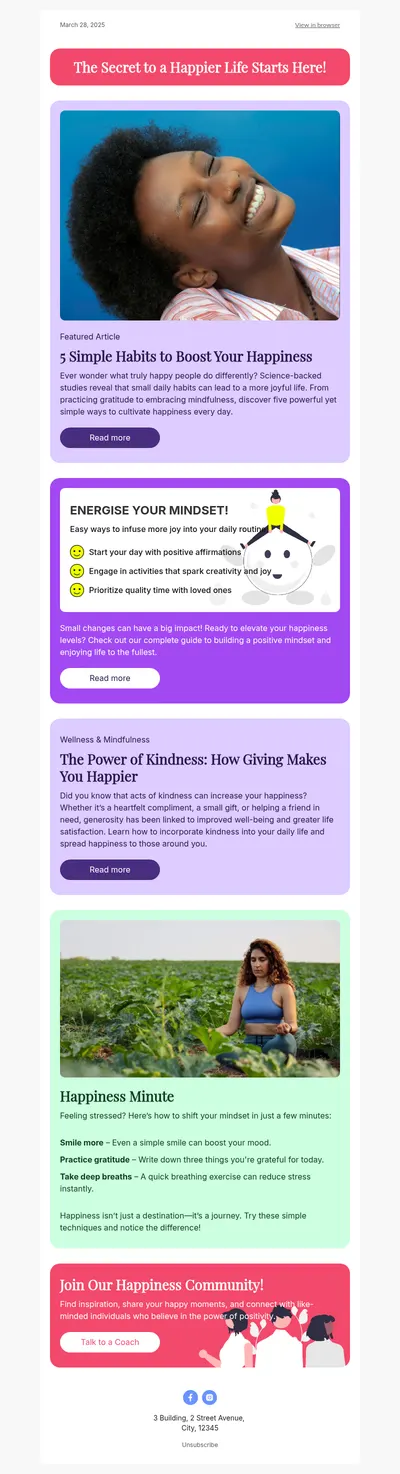
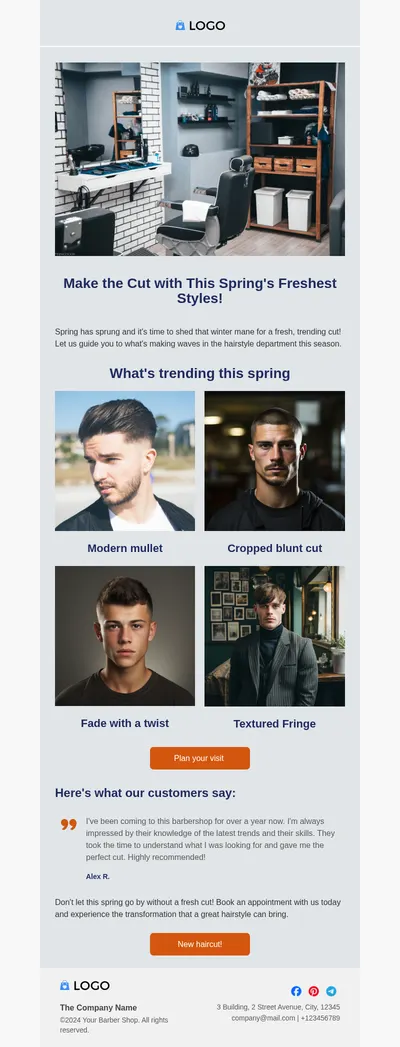
- Blog digests that bring your latest posts to subscribers with featured images and short excerpts.
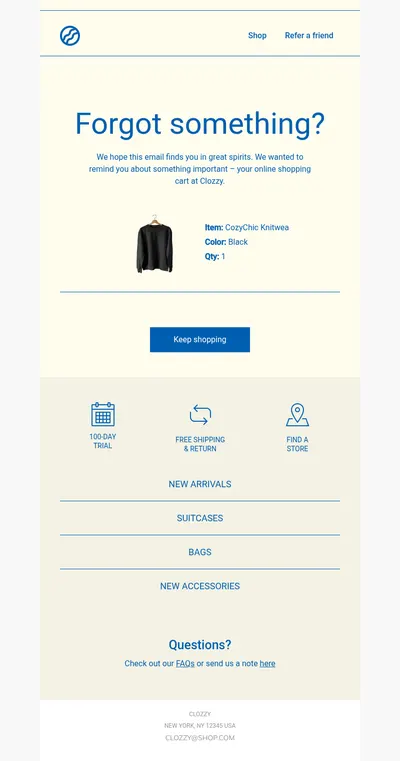
- Store receipts for WooCommerce shops that want order emails to look as trustworthy as the checkout.
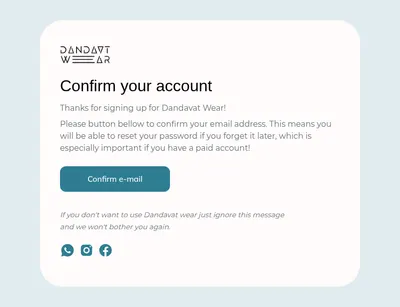
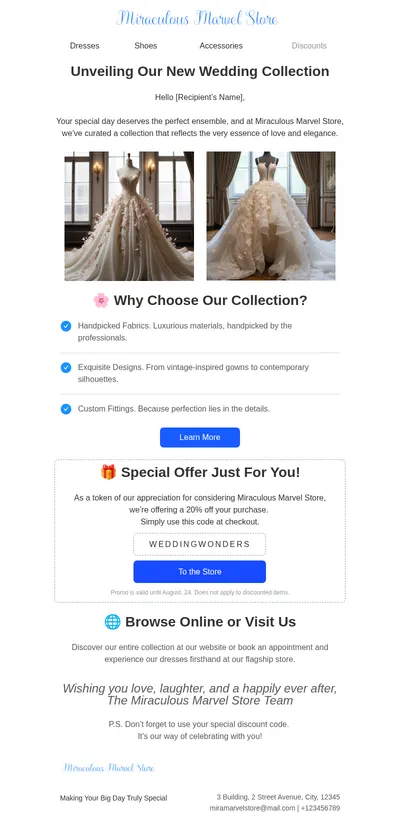
- Welcome emails for new subscribers and members who sign up through a form on your site.
- Blogging templates designed for writers and publishers who share content by email.
Membership sites and online courses built on WordPress send a steady stream of emails as well: account confirmations, lesson reminders, and renewal notices. Designing them as a matching set makes the whole experience feel like one product rather than a collection of separate plugins stitched together.
Tips for WordPress Email Templates
- Use a proper sending service. Emails sent directly from a web server often land in spam, so connect your plugins to a dedicated SMTP or email provider.
- Keep excerpts short. In a post digest, a headline, an image, and two lines of text invite more clicks than full articles do.
- Match the email header to the site header. A familiar logo and color bar build instant recognition in a crowded inbox.
- Test plugin updates. After updating a plugin that sends email, send yourself a test to confirm your custom design still renders correctly.
Want your newsletter to look finished from top to bottom? See our ideas for newsletter headers and newsletter footers, both easy to adapt to a WordPress site's style.
Sites with many authors benefit from one shared design most of all. Instead of each writer formatting announcements differently, a single approved layout in Blocks keeps every email looking like it comes from the same publication.
Get Free Email Templates for WordPress
Pick a template above, style it in Blocks, and bring it into your WordPress plugins. If your list lives in a dedicated platform like Mailchimp, the design can be exported there directly.