
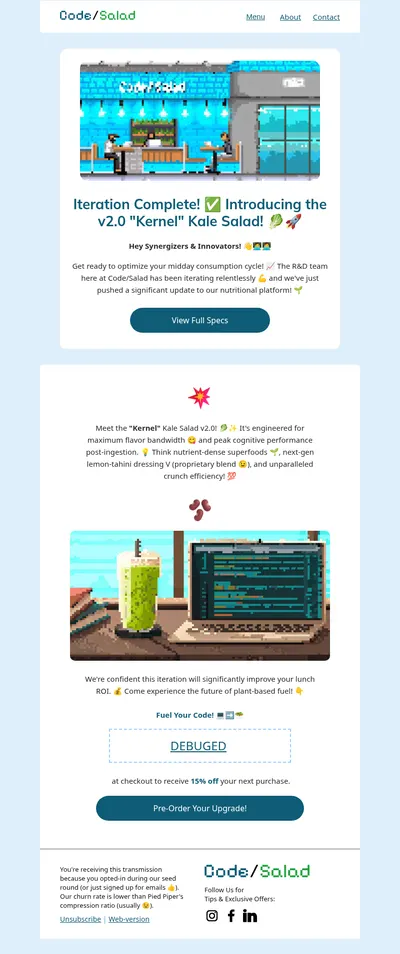
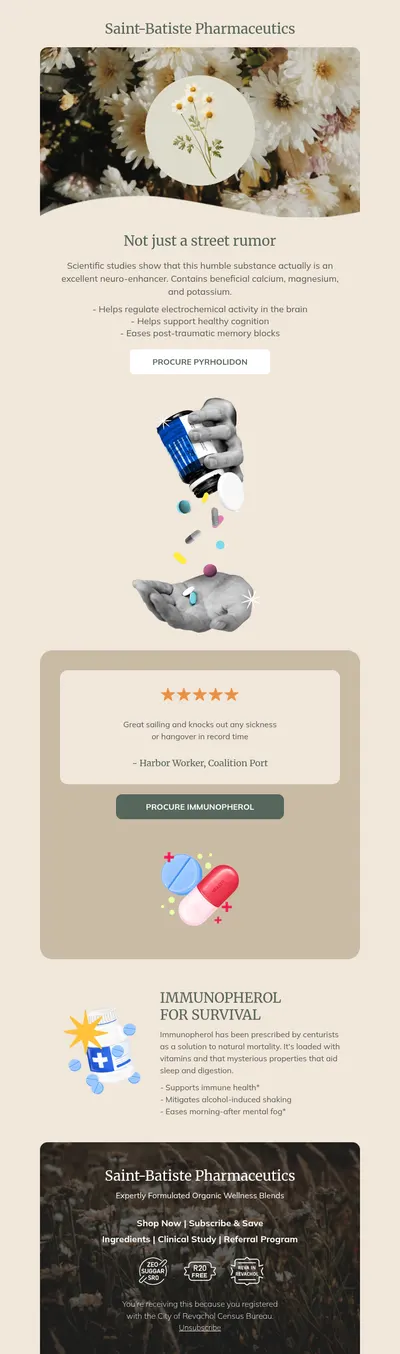
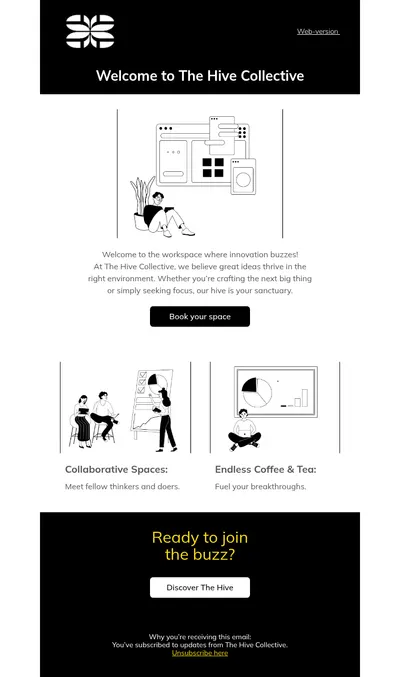
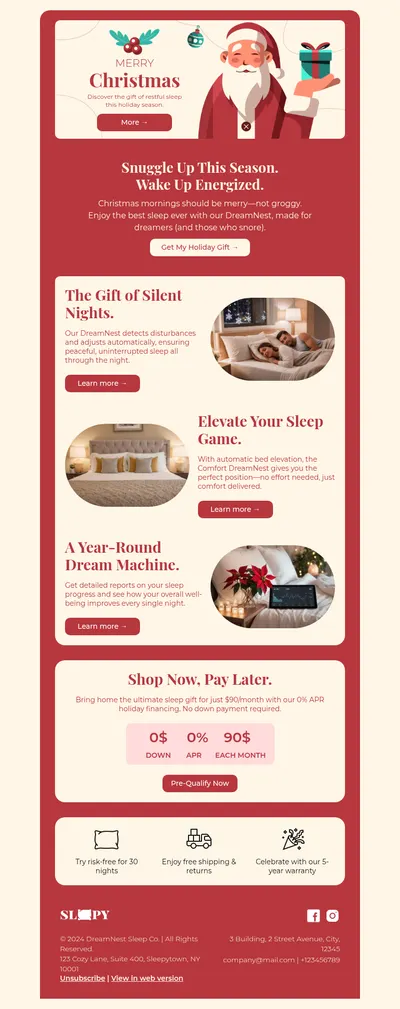
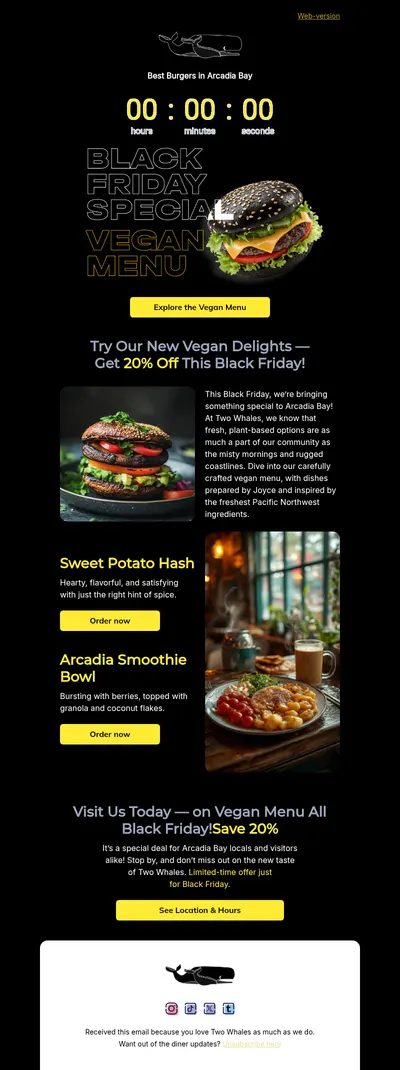
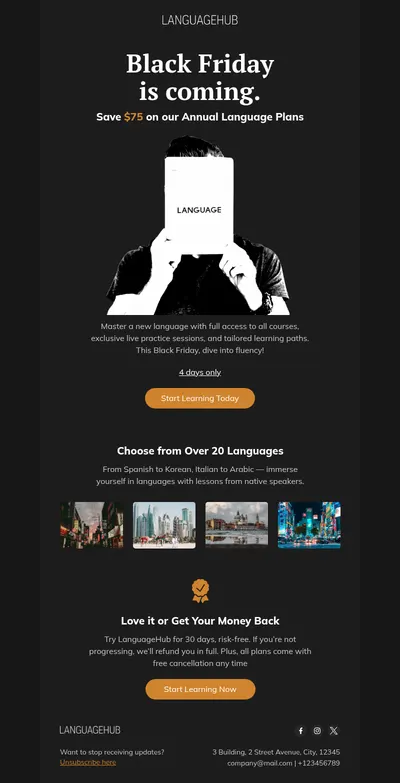
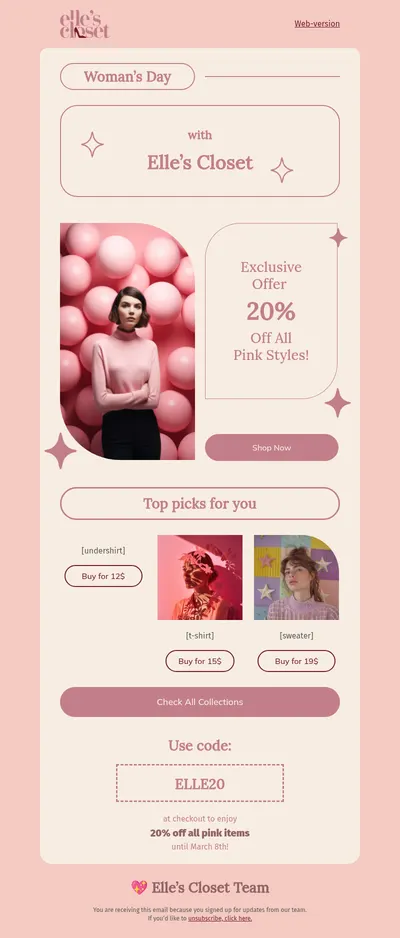
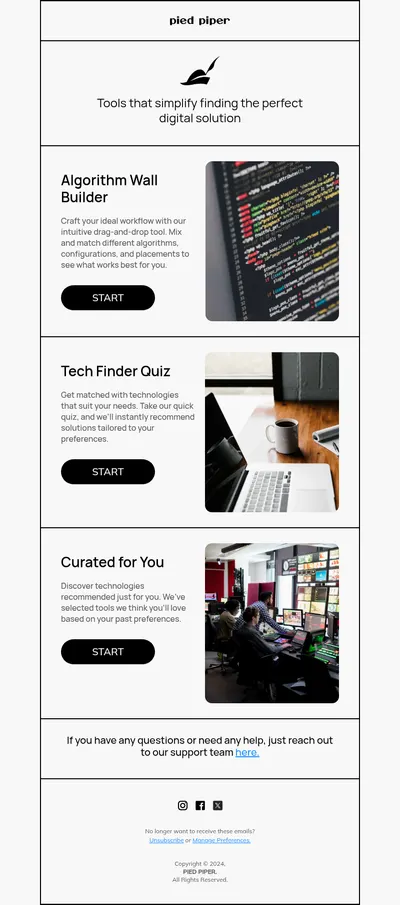
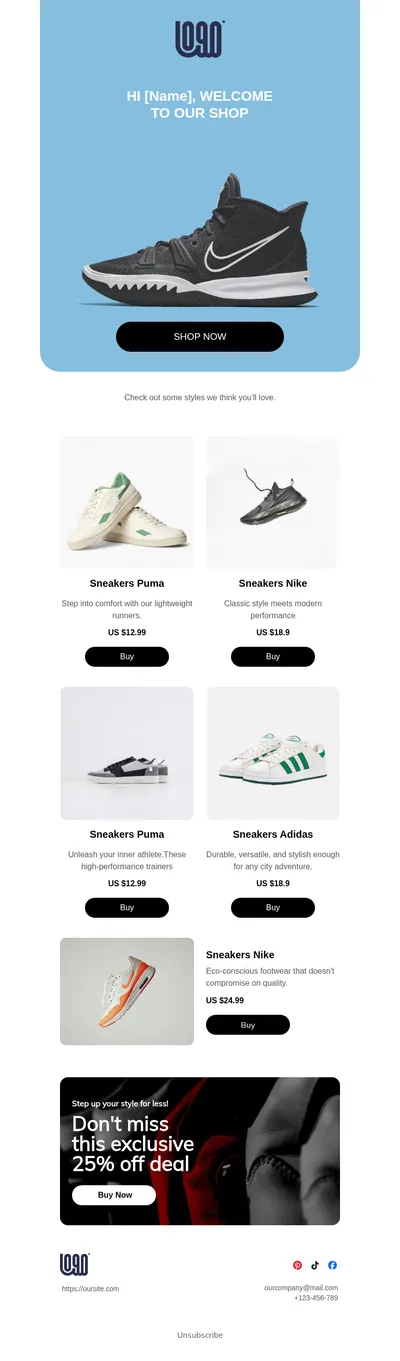
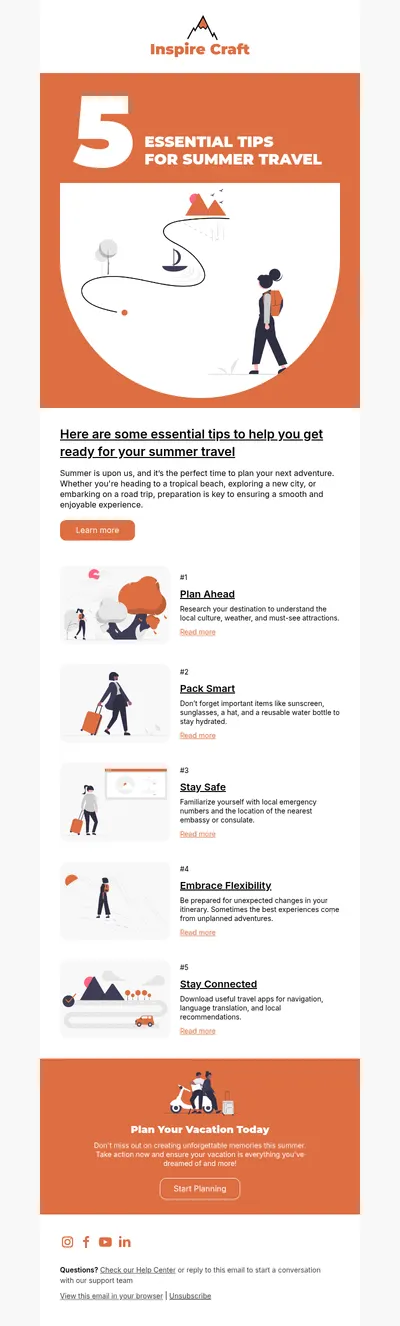
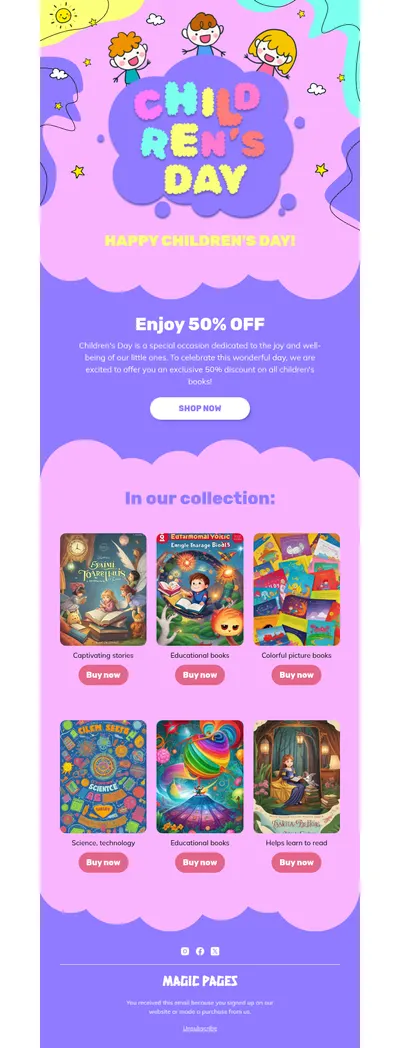

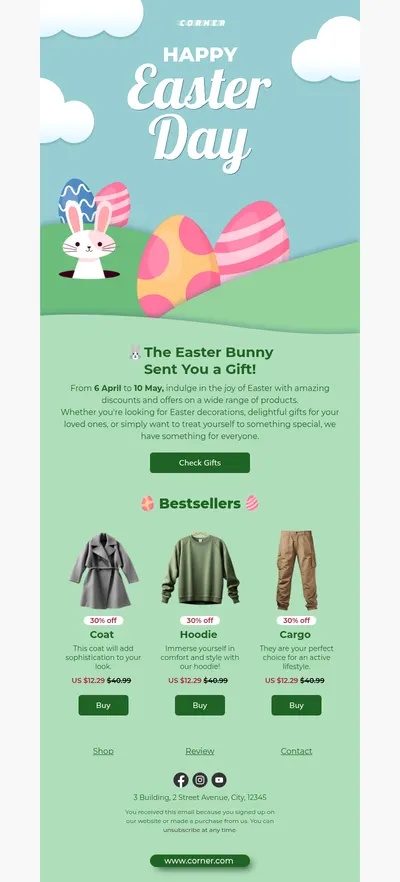
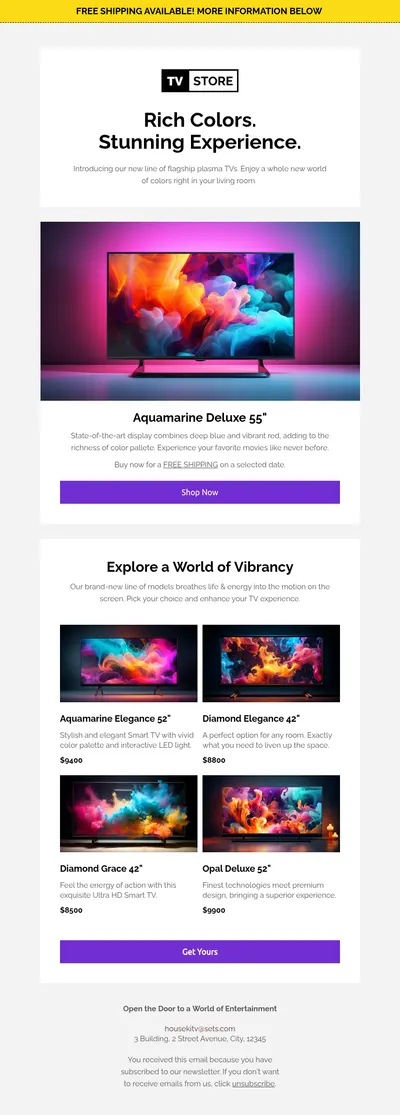
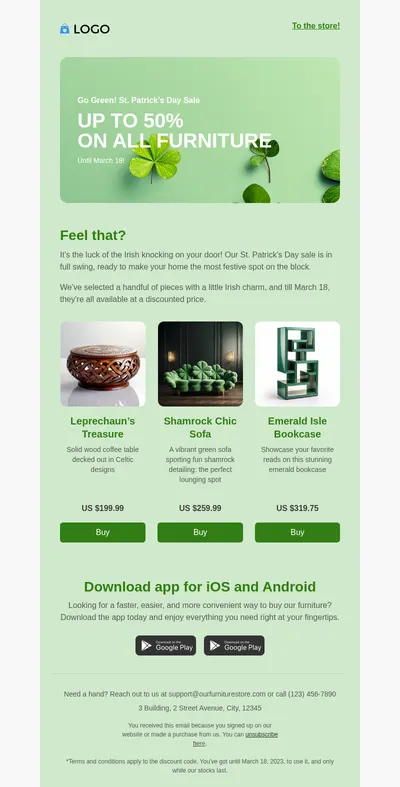
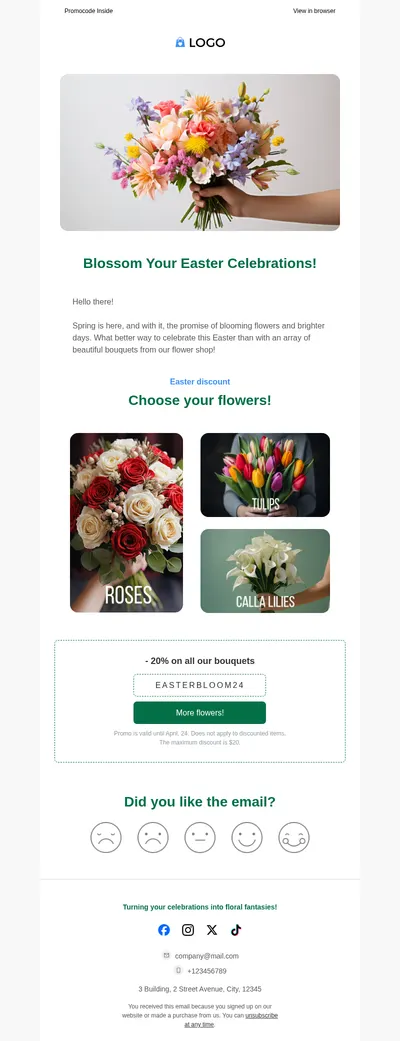
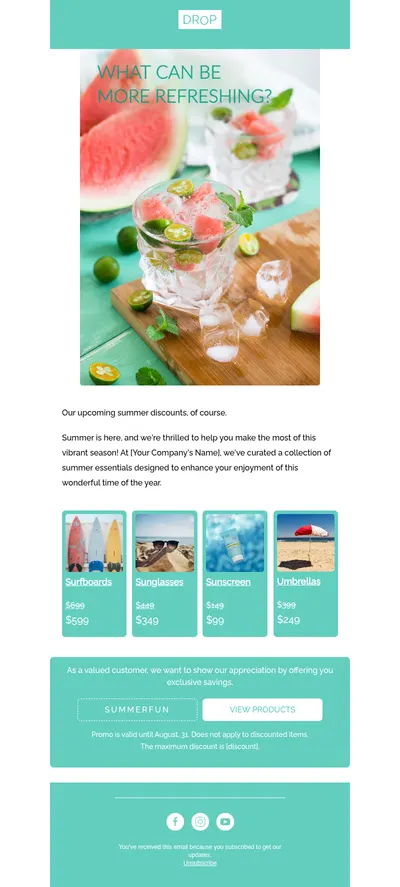
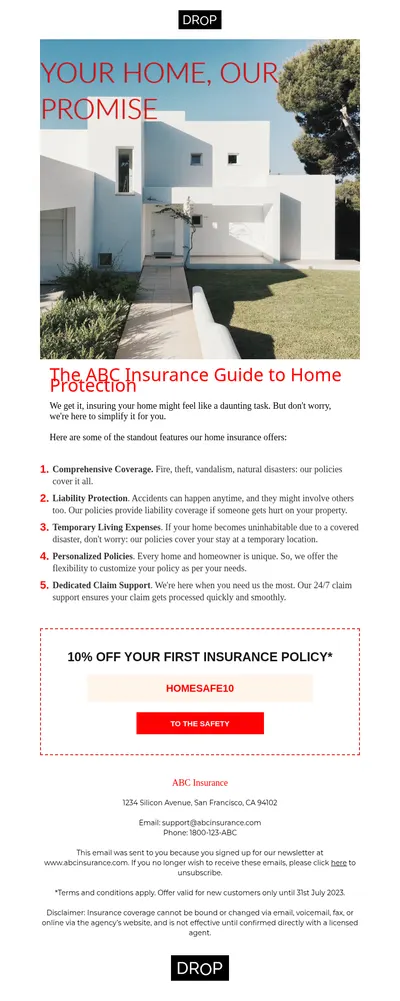
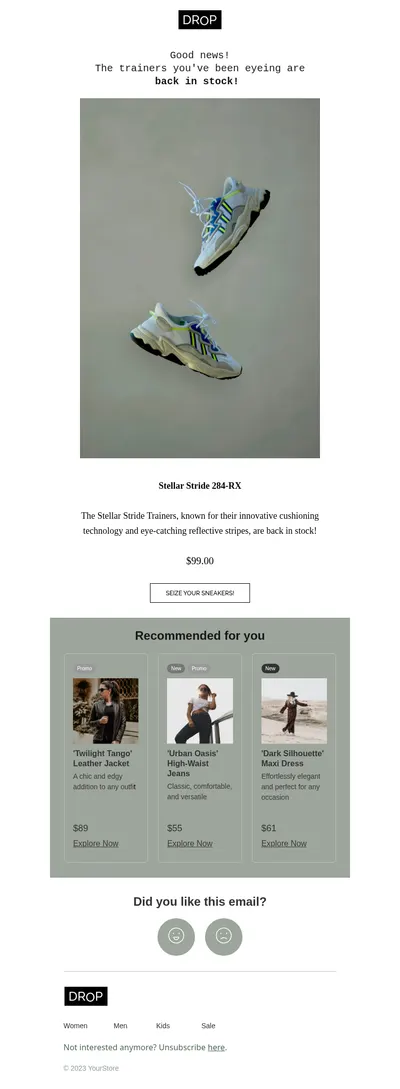
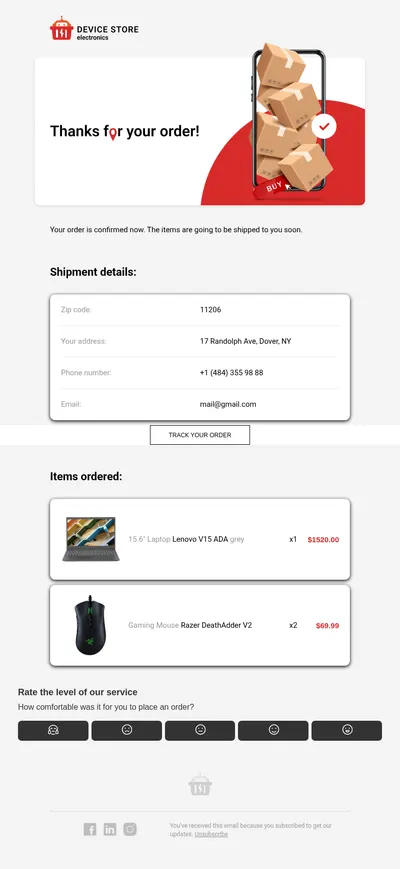
Emma is an email marketing platform popular with organizations that manage many audiences at once, such as universities, franchises, and nonprofits. Our free email templates for Emma give those teams ready designs to start from, so each department or location can send polished campaigns without waiting for a designer.
What Emma Email Templates from Blocks Bring to Your Campaigns
When dozens of people send emails under one brand, consistency is the hardest thing to protect. A shared set of well-built templates keeps the logo, colors, and tone aligned while still letting every team write its own message for its own audience.
- A brand kit people actually use. Build approved layouts in Blocks once, and local teams start from them instead of improvising their own designs.
- Editing without code. The drag-and-drop editor lets campus offices or regional managers swap text and images safely, without breaking the structure of the email.
- Emails that read well on phones. Every template adapts to small screens, which matters for students, donors, and customers who check email on the move.
Bringing Blocks Designs into Emma
Emma lets marketers work with their own HTML designs alongside its built-in tools. The route from Blocks is short:
- Customize a template in Blocks so it reflects your organization's brand guidelines.
- Export the finished email as HTML, or as a ZIP file when you want images bundled with it.
- Add the design to Emma through its option for custom HTML, following the steps your account uses for bringing in coded templates.
- Send a test to a few colleagues in different inboxes before handing the template over to other teams.
If you are not sure where custom designs go in your Emma account, its support documentation or your account manager can point you to the right place.
Campaigns Emma Users Send Most Often
- Newsletters and digests that bring together news from different departments or locations in one organized email.
- Save the date emails for open days, alumni reunions, and fundraising galas announced months ahead.
- Event follow-ups that thank attendees, share photos, and point to the next thing worth joining.
- Fundraising appeals that tell a clear story and make the donation button impossible to miss.
The same template can serve very different audiences once the content changes. A university might send one newsletter layout to prospective students, current students, and alumni, adjusting only the headline story and the call to action. Emma's audience groups and segments handle who receives which version, while the shared design keeps every edition recognizably yours.
Tips for Emma Email Templates Across Many Teams
- Lock the structure, free the content. Decide which sections are fixed brand elements and which are open for local teams to change.
- Write a short usage note. A few lines on image sizes, tone, and button wording prevent most template misuse before it starts.
- Name templates by purpose. Labels like event invite or monthly update help people pick the right starting point on the first try.
- Refresh the set every season. Updating layouts a few times a year keeps campaigns from feeling repetitive to subscribers who hear from you often.
Planning an event campaign? Our webinar email examples translate well to any registration flow, and the fundraising campaigns guide covers appeals from first ask to thank-you note. Organizations in learning can also browse the education templates.
Choose Free Email Templates for Emma
Pick a template above, adapt it to your brand in Blocks, and add it to Emma for your teams to reuse. A single well-made design often saves more hours across an organization than any other change to its email process.