
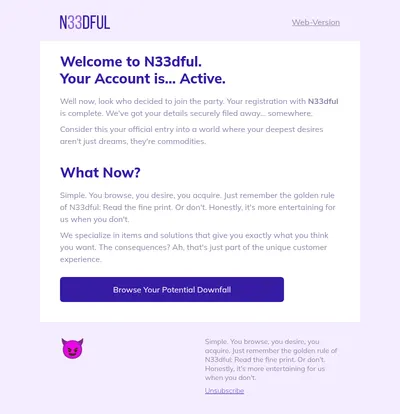
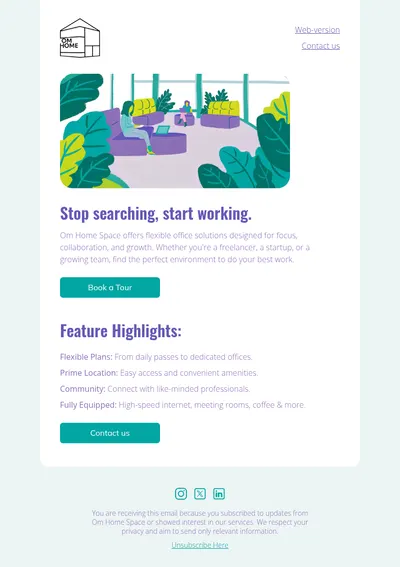
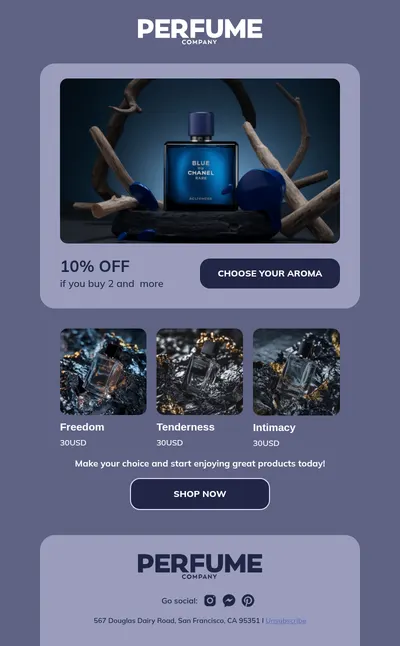
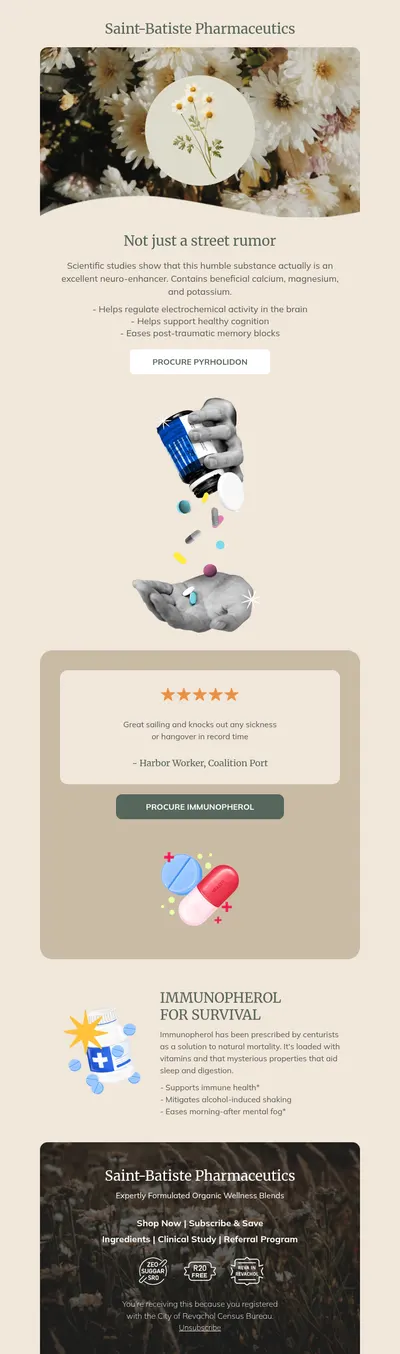
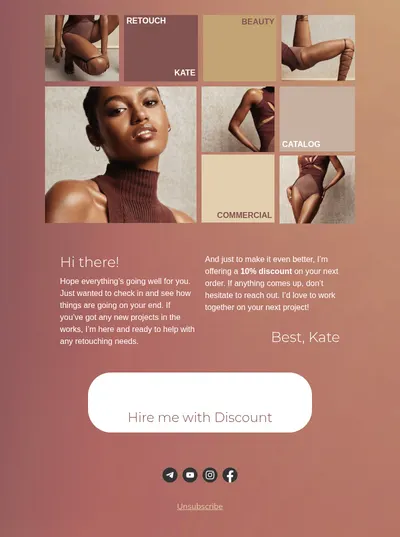
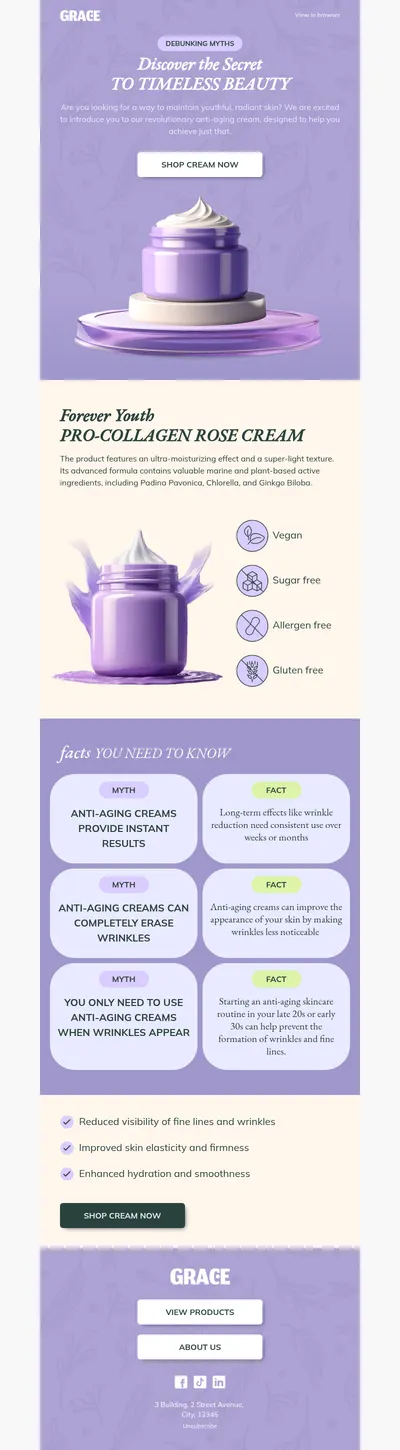
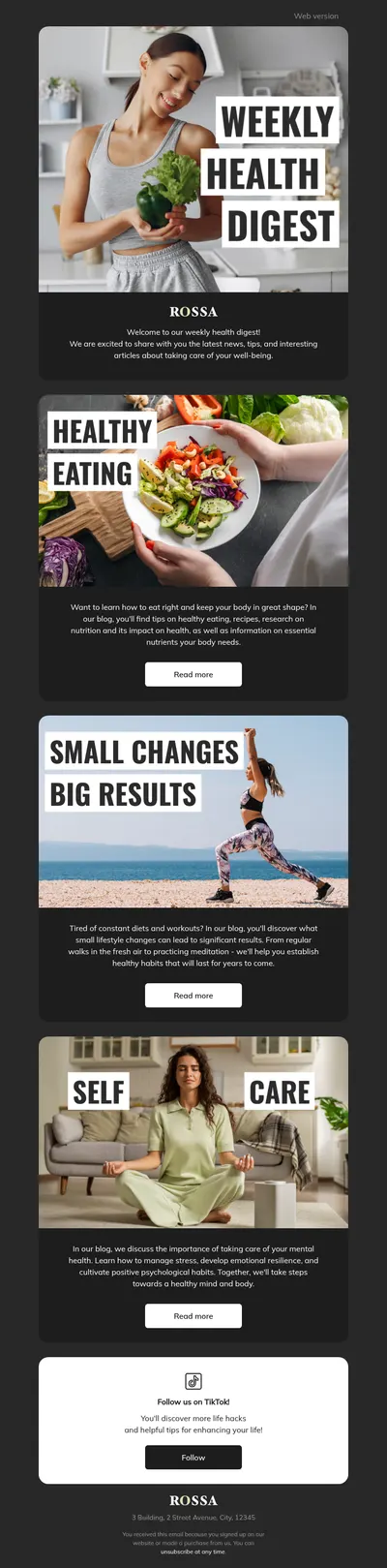
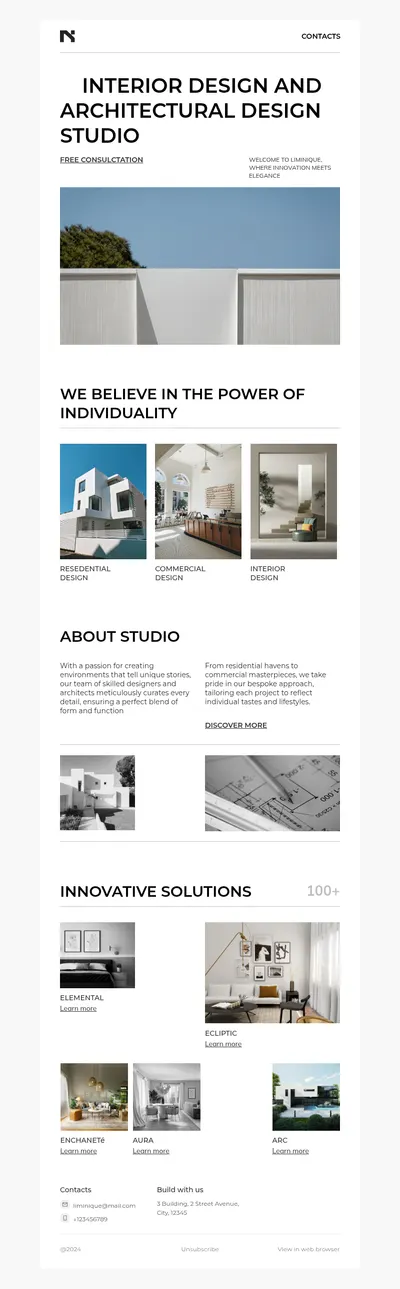
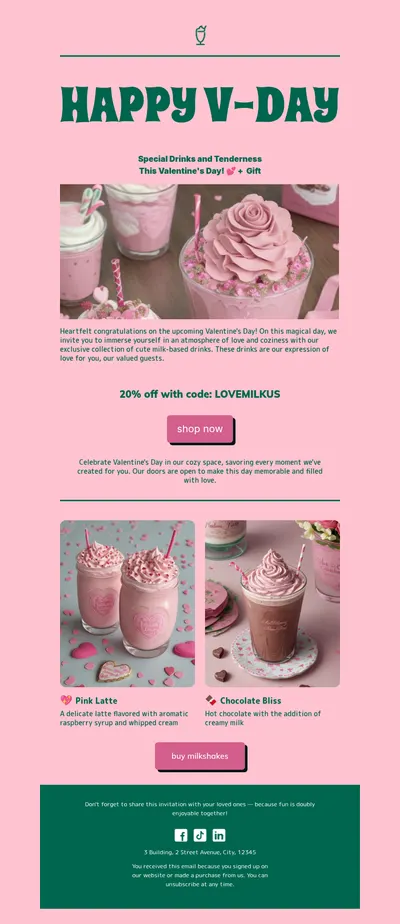

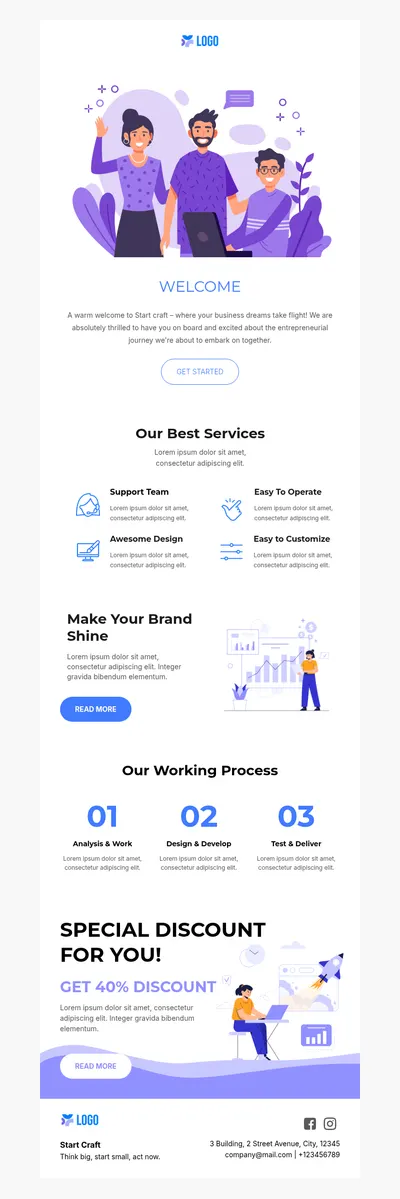
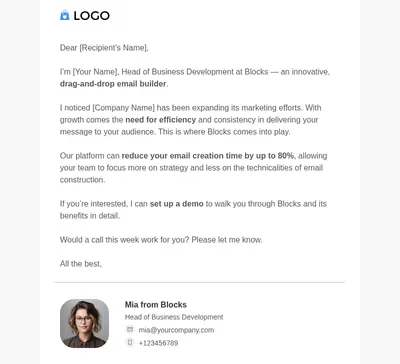
SendPulse brings email, SMS, chatbots, and web push together in one platform, which makes it a practical choice for businesses that talk to customers across many channels. Our free email templates for SendPulse make sure the email part of that mix looks professional, whether you are sending a product announcement or an automated welcome series.
Why Design SendPulse Email Templates in Blocks
In a multichannel setup, email is usually where the most detailed story gets told. Chat messages and push notifications grab attention in a sentence; the email that follows needs space for images, explanations, and a well-placed button, all presented in a layout people enjoy reading.
- Rich content where it counts. Use email for the full offer or update, while shorter channels simply point people towards it.
- A drag-and-drop email builder for marketers. Adjust sections, images, and buttons visually, with no need to edit HTML between campaigns.
- Layouts that adapt to phones. The same audience that reacts to a push notification often opens the email on a mobile screen seconds later.
Moving a Blocks Design into SendPulse
SendPulse lets you create email campaigns from your own HTML, so the handover is straightforward:
- Customize a template in Blocks and check both the desktop and mobile previews.
- Export the email as HTML, or download a ZIP archive with the images included.
- In SendPulse, start a new campaign or template and choose to work with your own HTML code, then paste or upload the export.
- Add SendPulse variables for personalization and send a test to confirm everything looks right.
Save the imported design as a template inside SendPulse, too. That way automation flows can reuse it while the editable master copy stays in Blocks for future redesigns.
SendPulse Emails Businesses Send Most
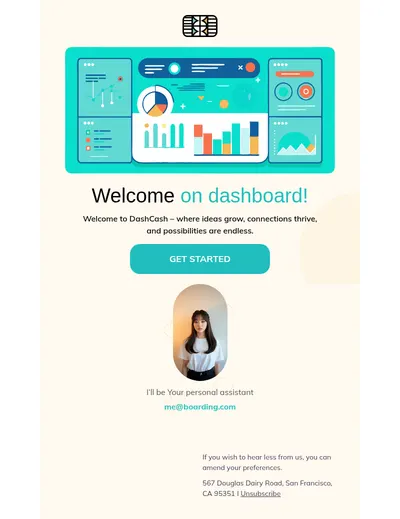
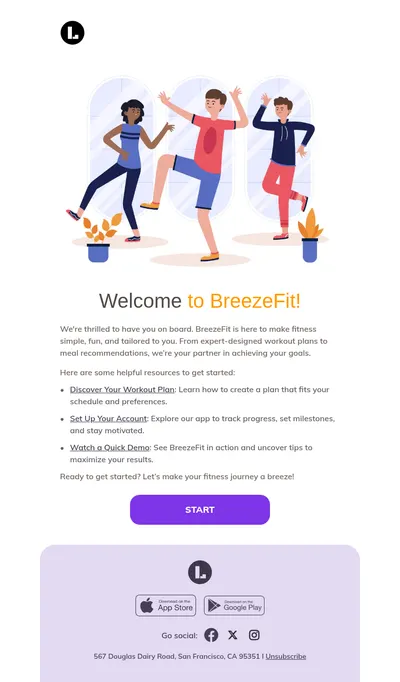
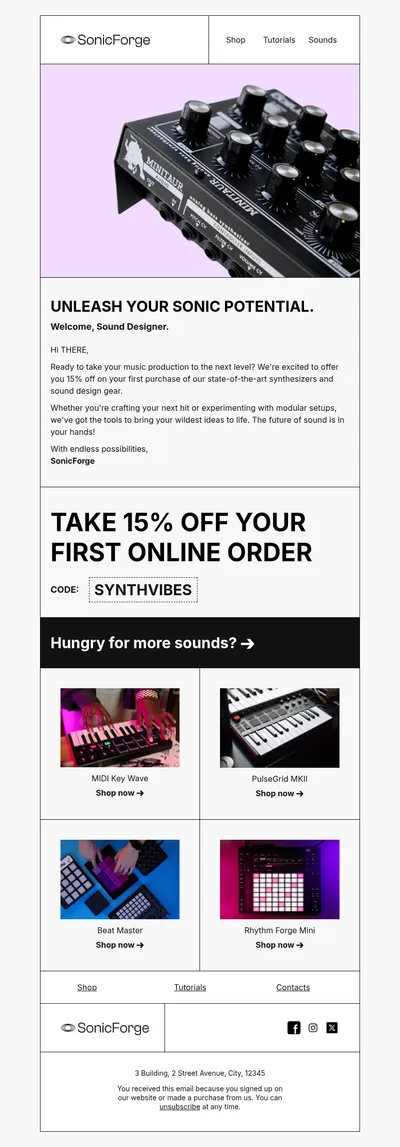
- Welcome emails that follow a chatbot subscription or a website signup with a warm, visual introduction.
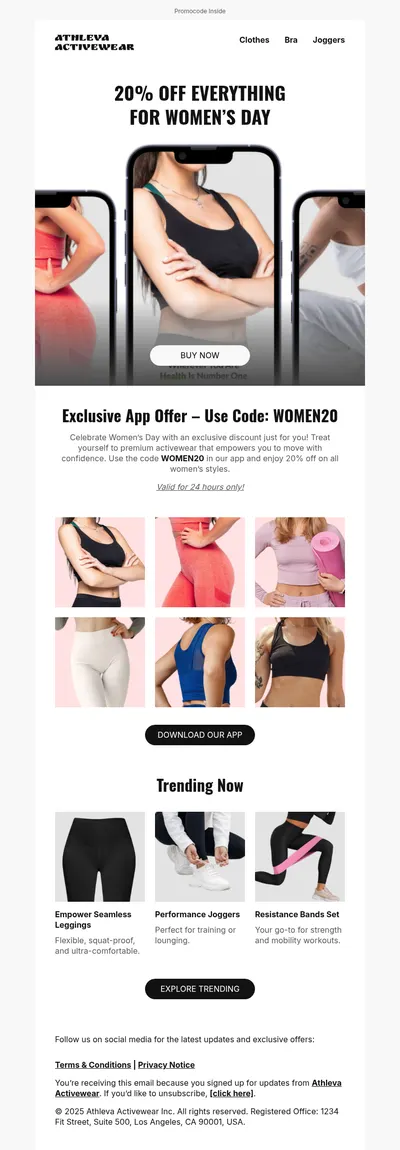
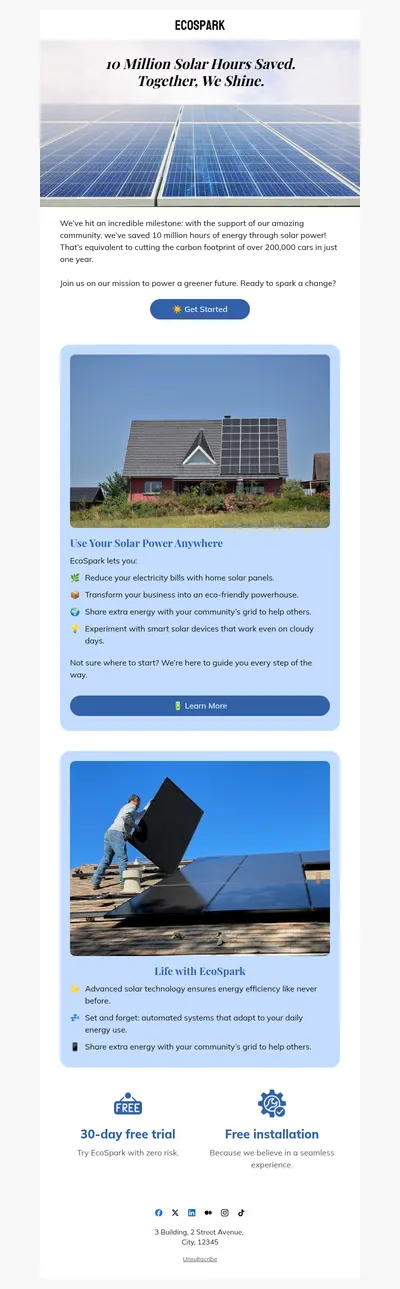
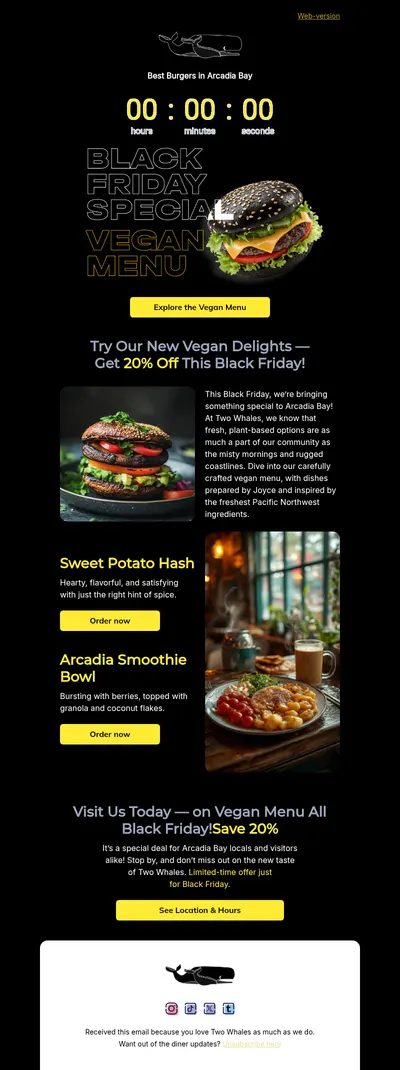
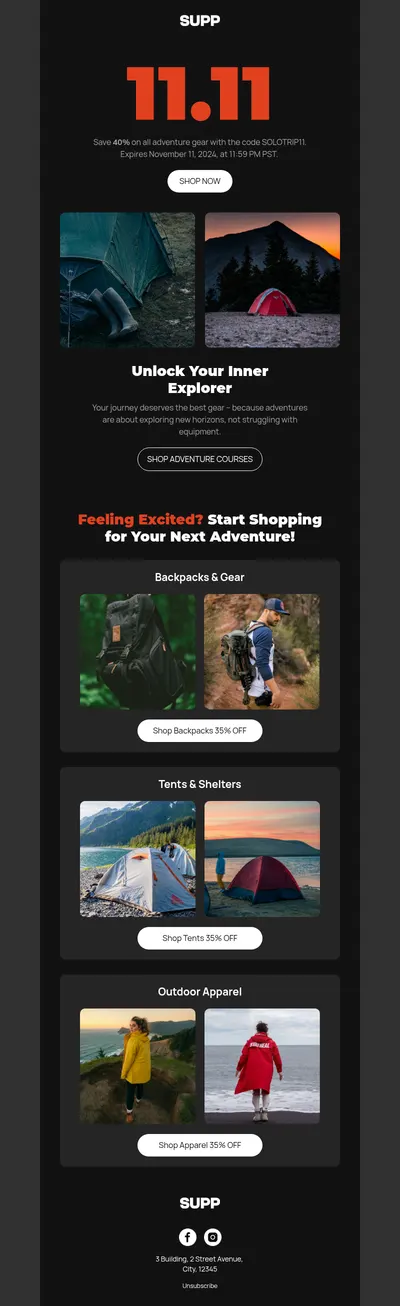
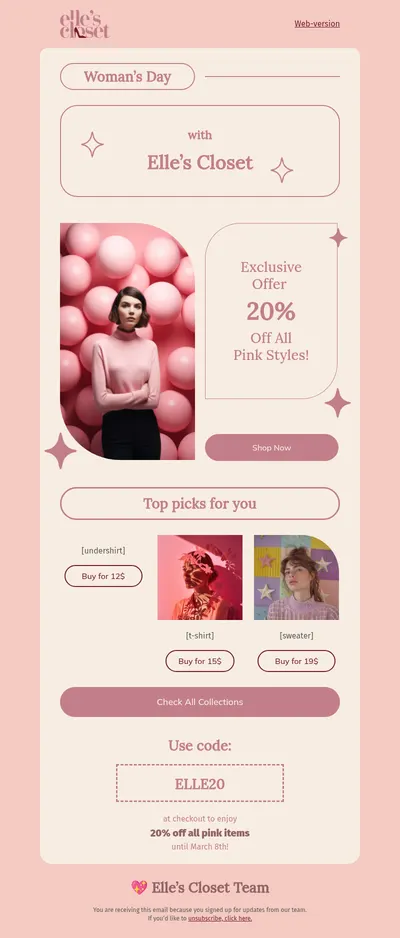
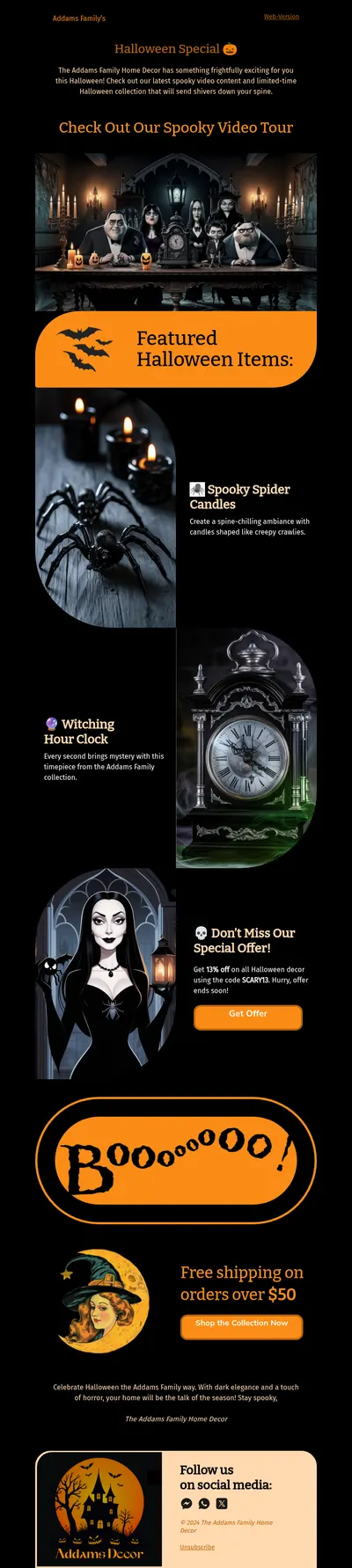
- Promotional campaigns that expand on a short SMS or push offer with images and full details.
- Notification emails for account activity, orders, and reminders that need a clear, trustworthy look.
- Webinar invitations with speaker photos, the agenda, and a registration button.
Transactional messages deserve the same attention as campaigns. Order updates and account notices are opened far more often than promotions, so giving them your brand design turns routine confirmations into regular, positive reminders of who you are.
Tips for SendPulse Email Templates
- Give each channel its own job. Let chat and push deliver the hook, and let the email carry the details, rather than repeating the same text everywhere.
- Keep subject lines consistent with other messages. Recipients connect the email to an earlier notification more easily when the wording matches.
- Test personalization with real data. Variables that look fine in the editor can produce awkward gaps when a contact field is empty.
- Segment by engagement. Subscribers who respond to chat may prefer shorter emails than those who joined through a detailed signup form.
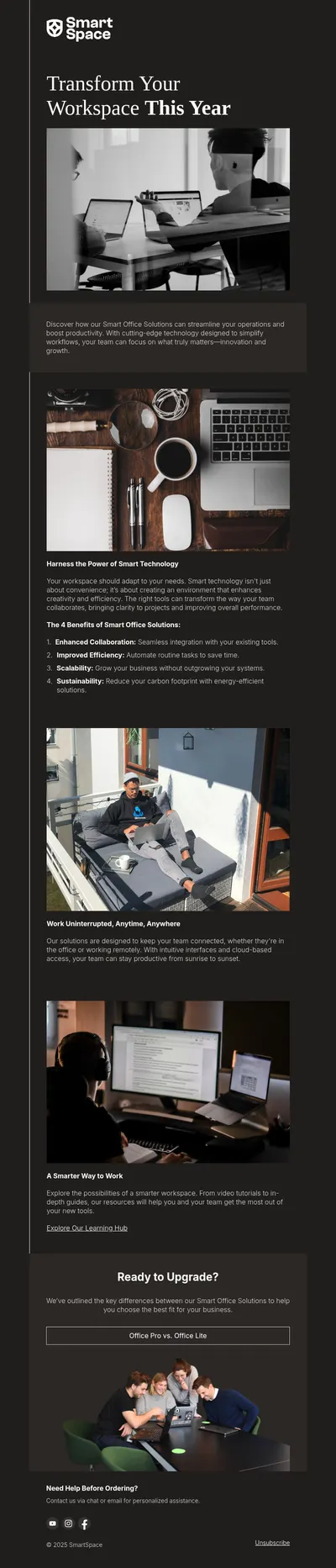
Planning a launch or an online event? Our webinar email examples include invitation and reminder structures, and the guide to urgent emails explains how to create a sense of timing without sounding alarmist.
When the same campaign runs in several languages or regions, duplicate the layout in Blocks and change only the text blocks. The visual style stays identical for every market, which makes it easier to compare results between versions later.
Pick Free Email Templates for SendPulse
Choose a template above, shape it in Blocks, and import it into SendPulse for your next campaign or automation. A consistent, well-designed email ties the rest of your channels together.