
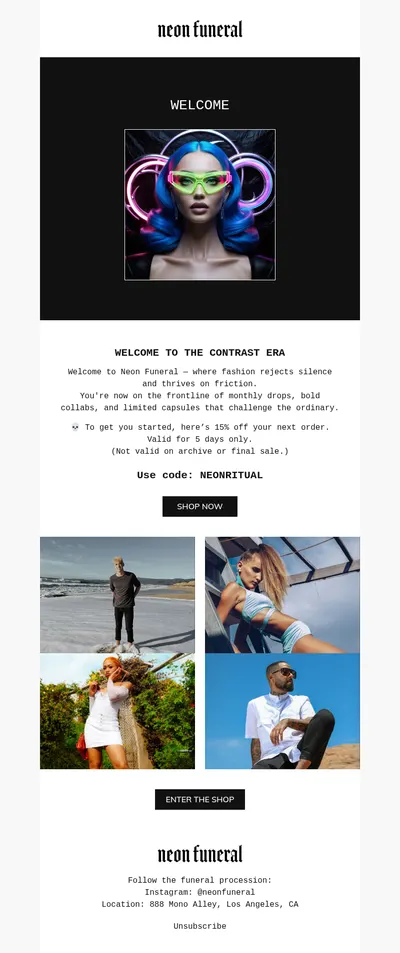
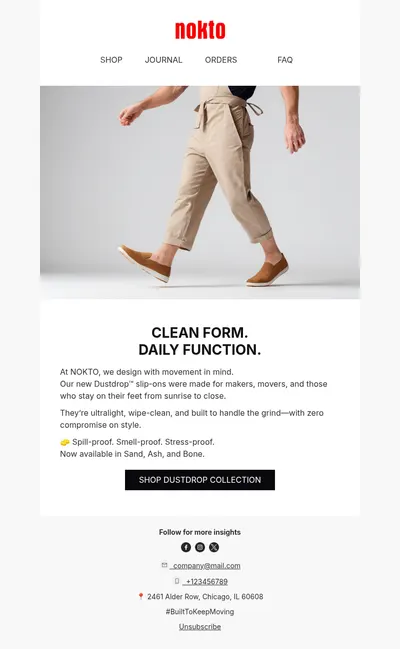
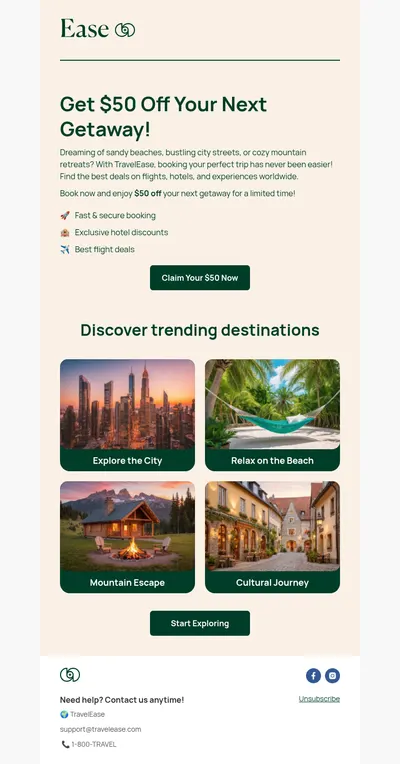
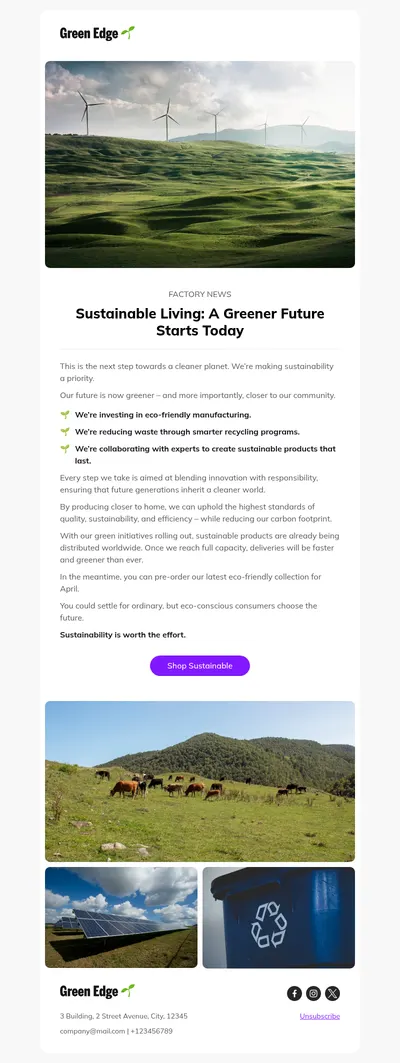
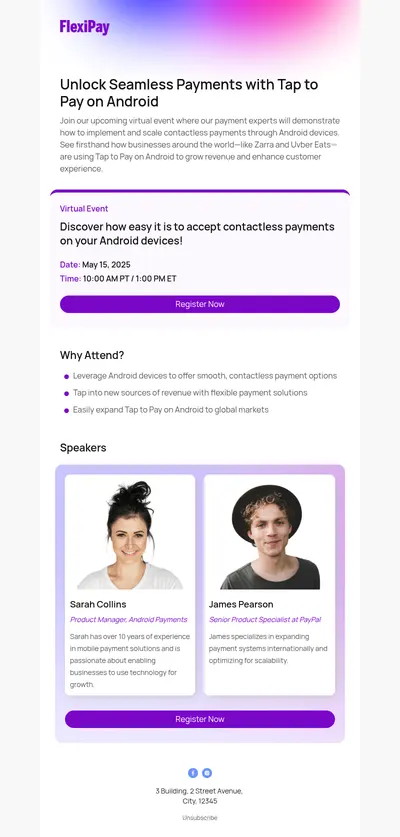
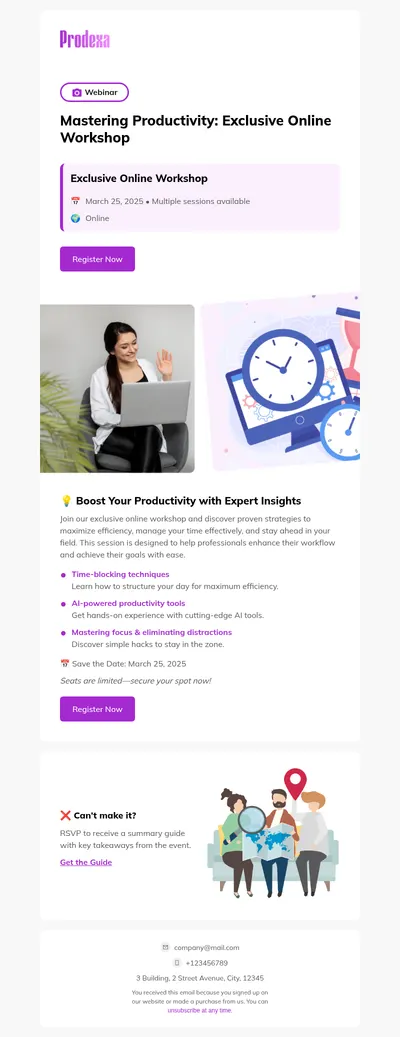
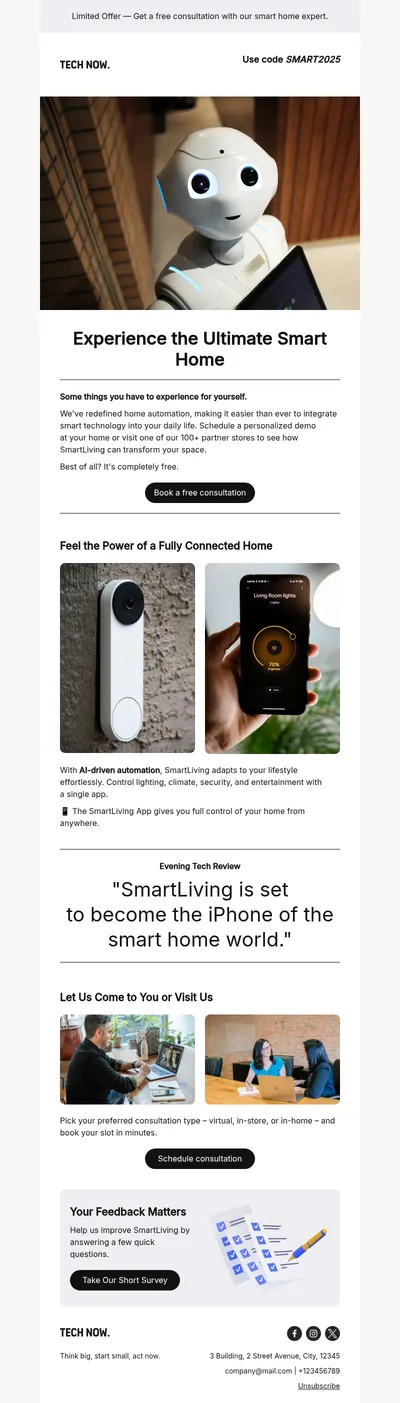
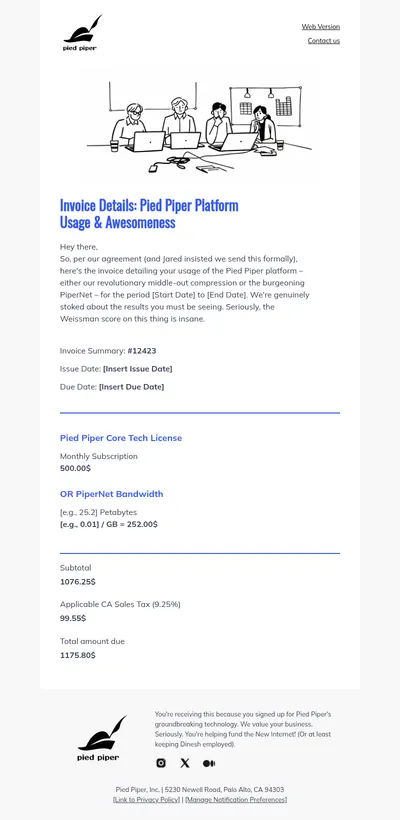
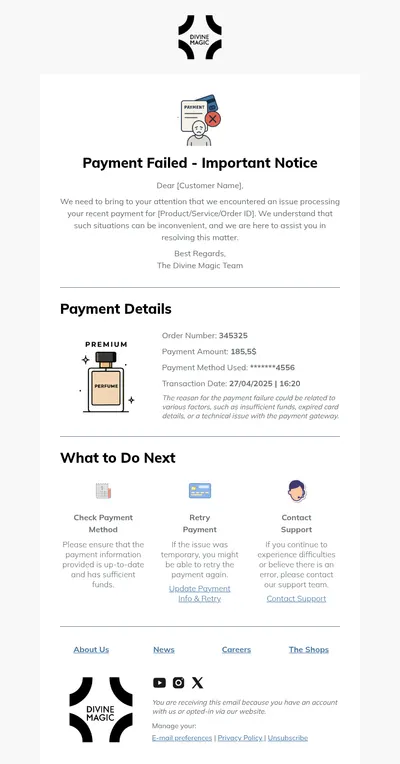
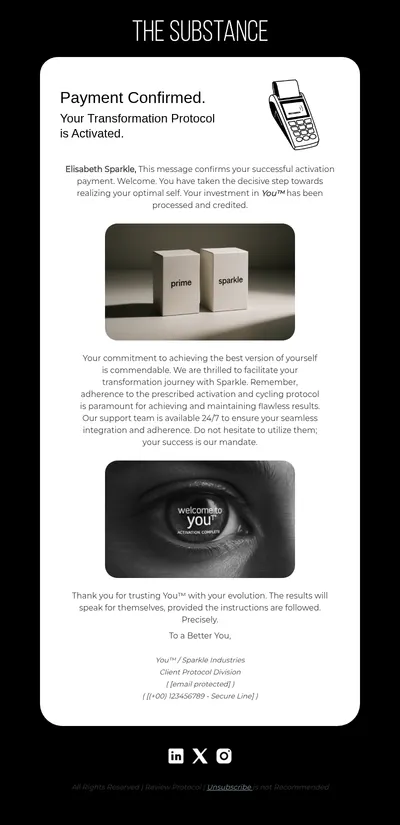
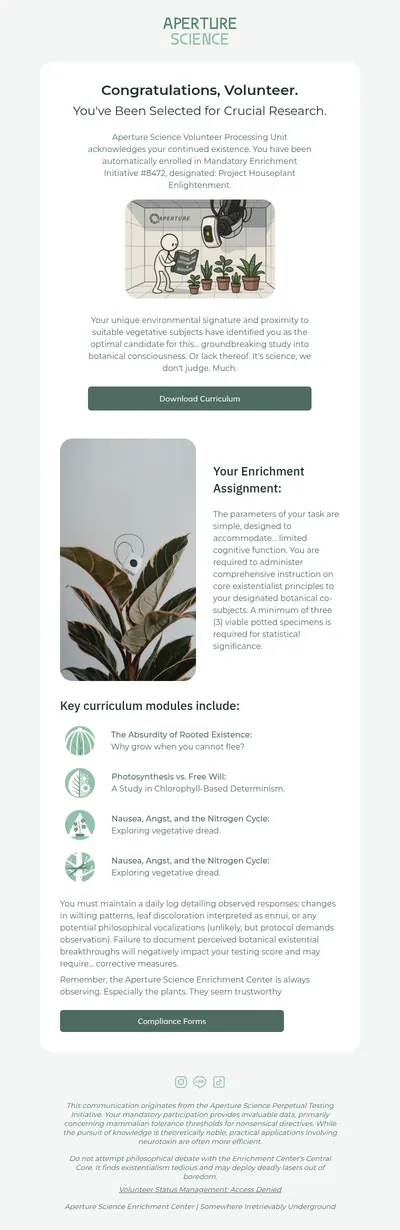
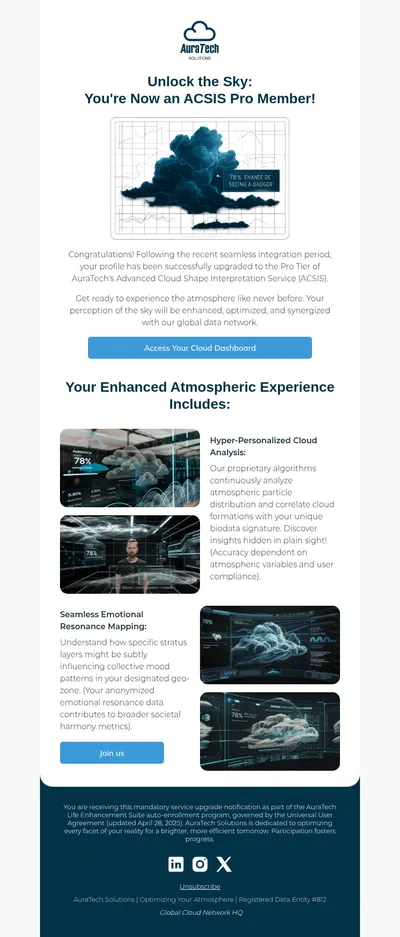
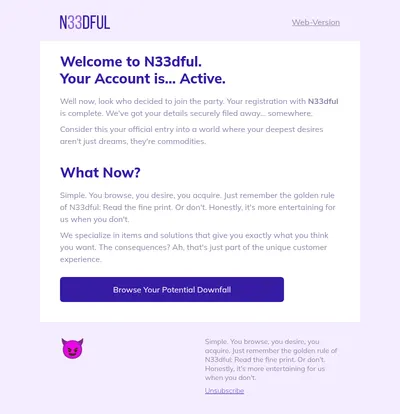
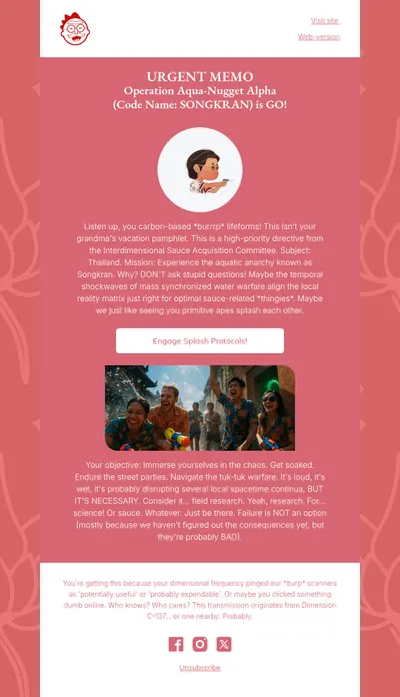
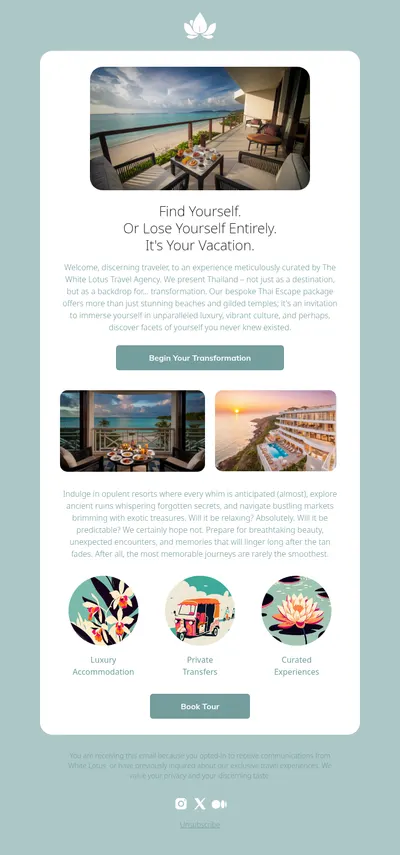
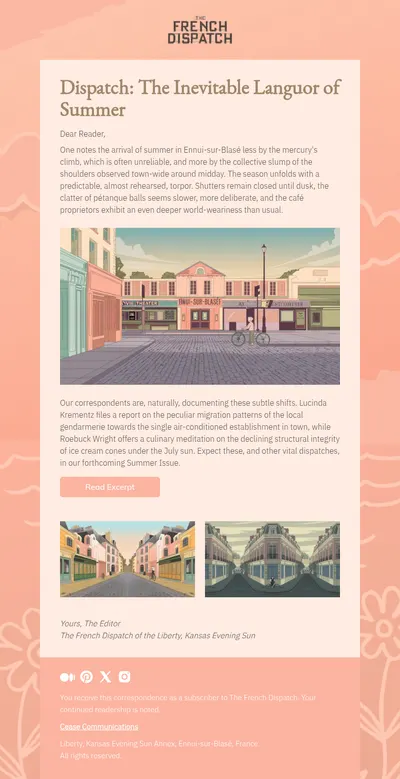
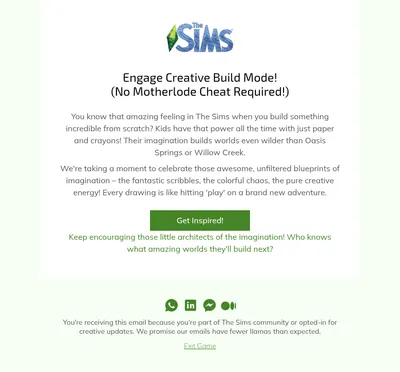
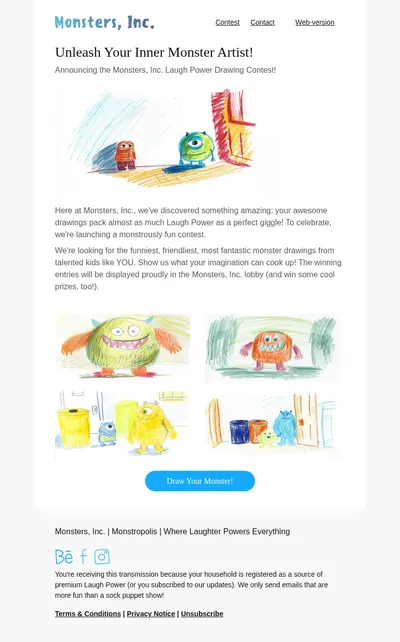
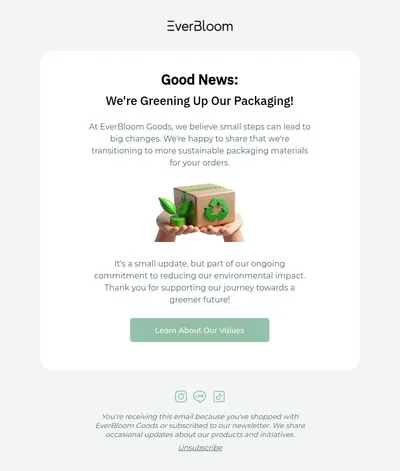
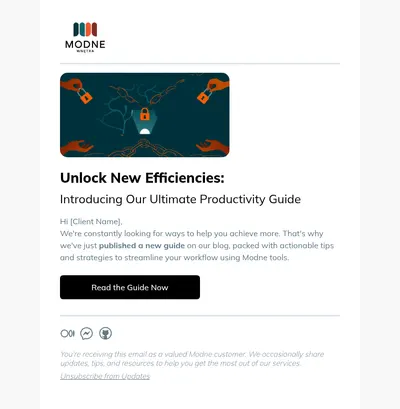
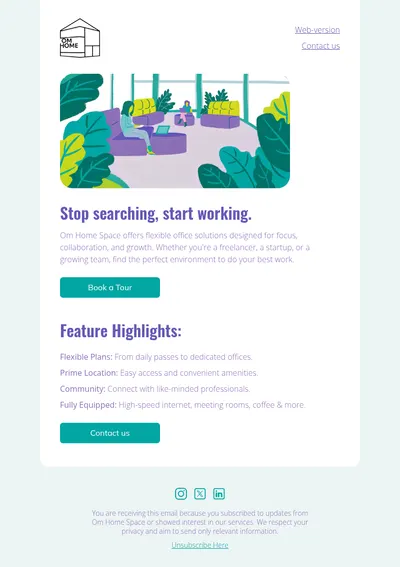
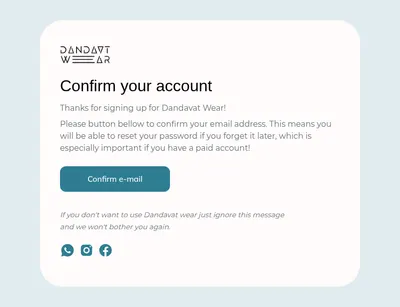
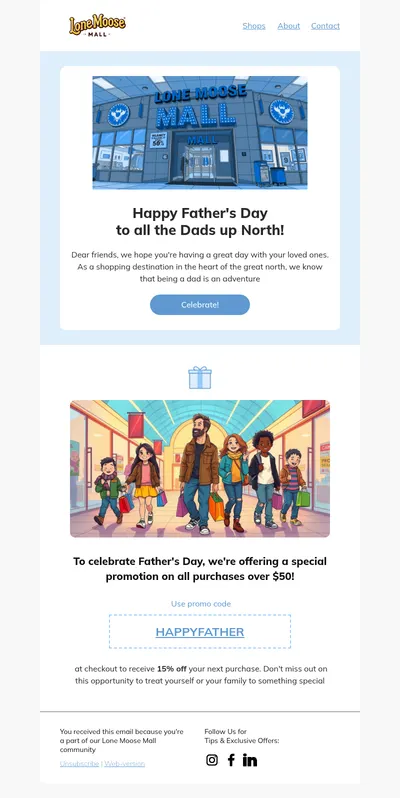
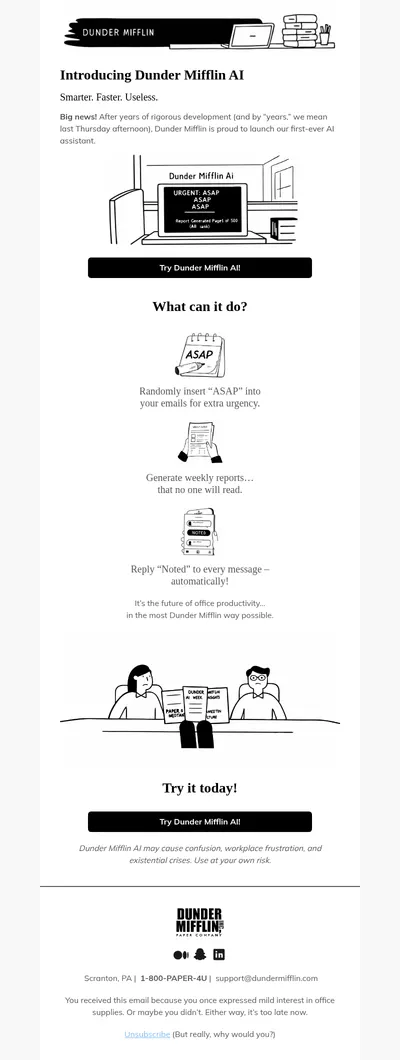
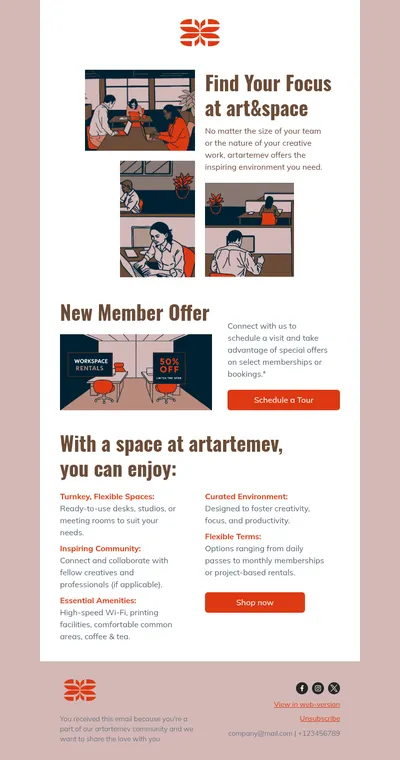
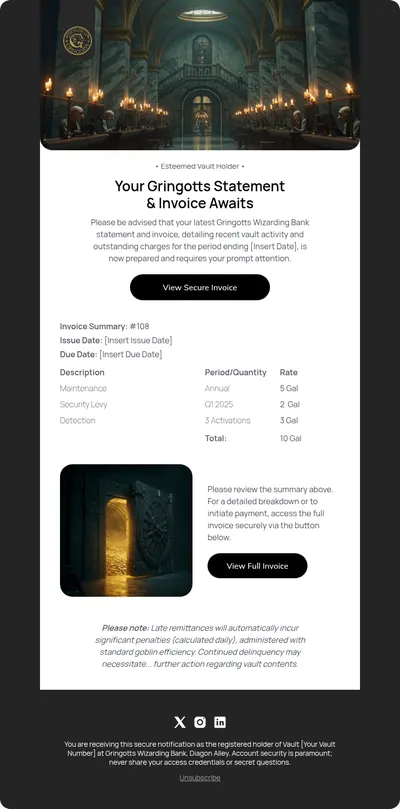
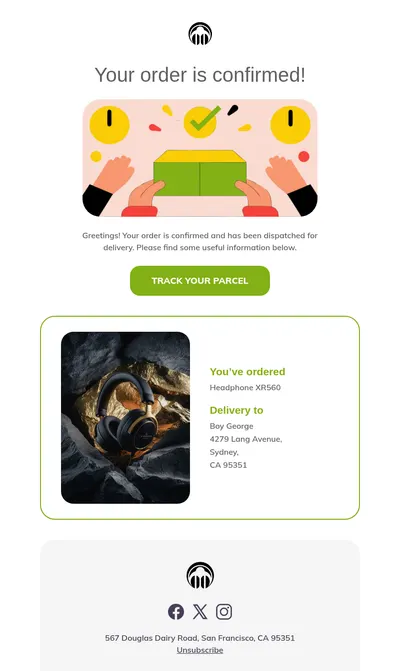
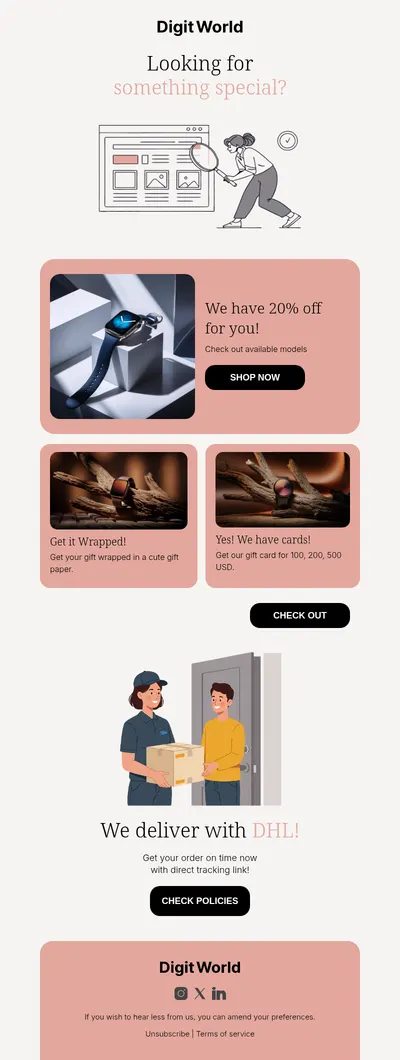

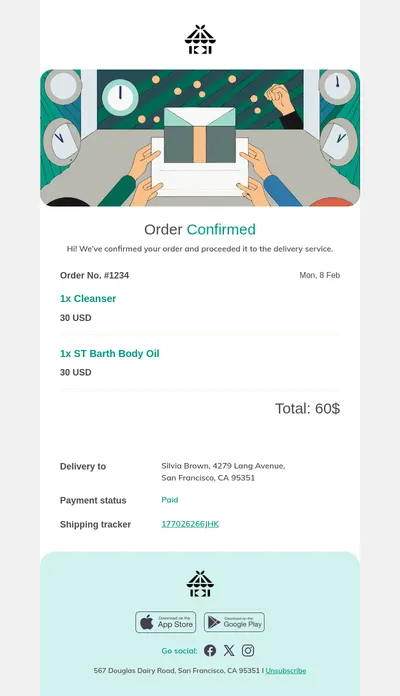
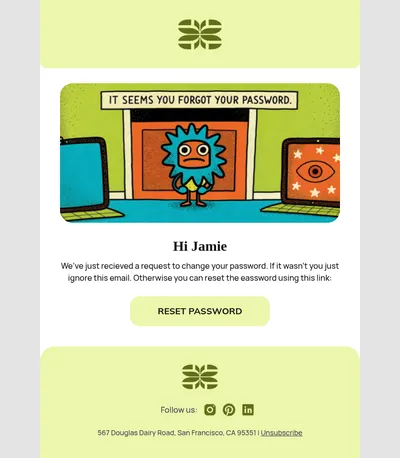
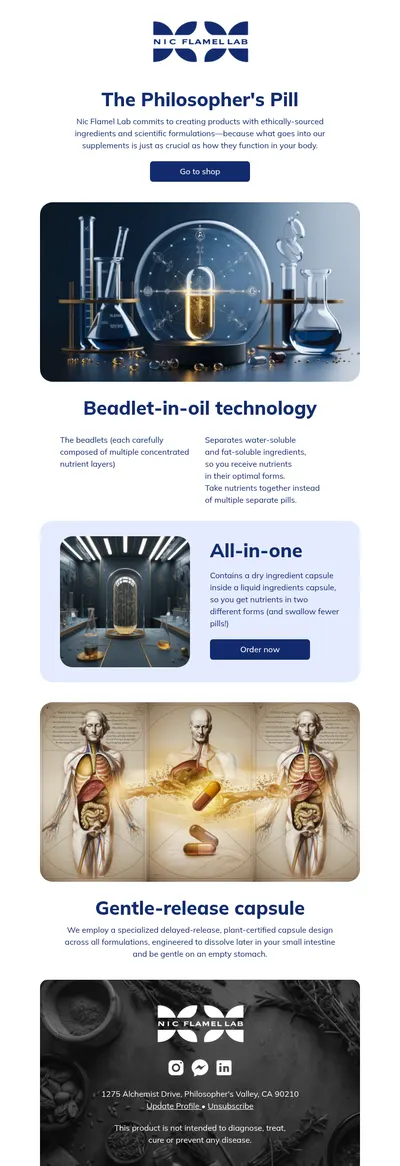

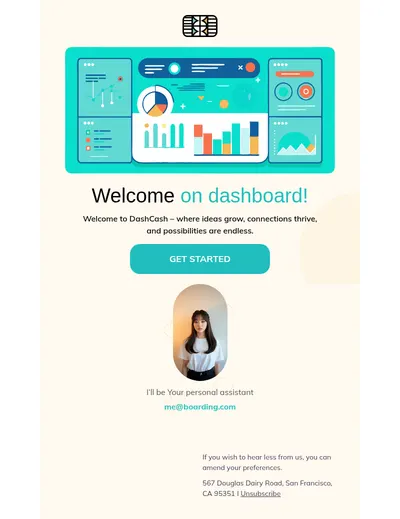

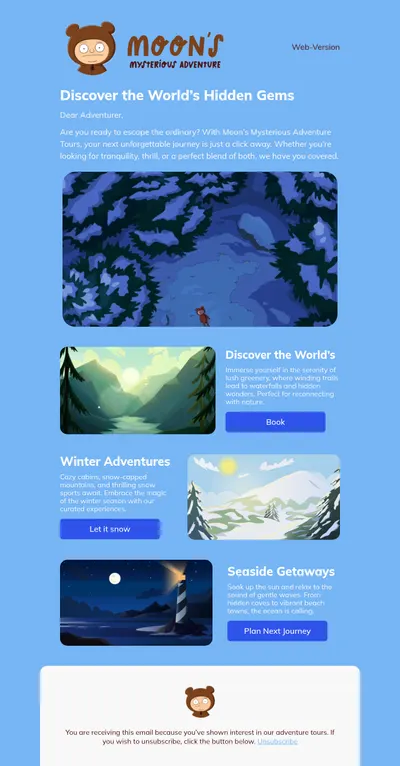
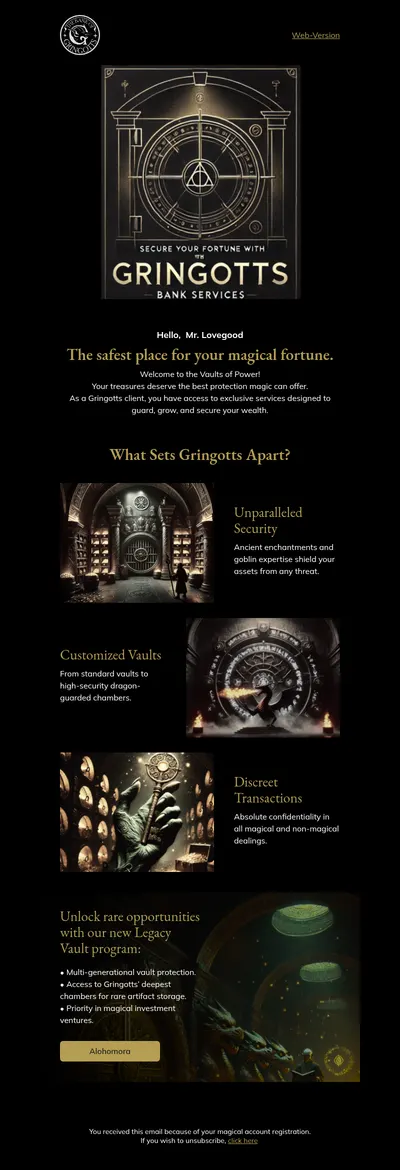
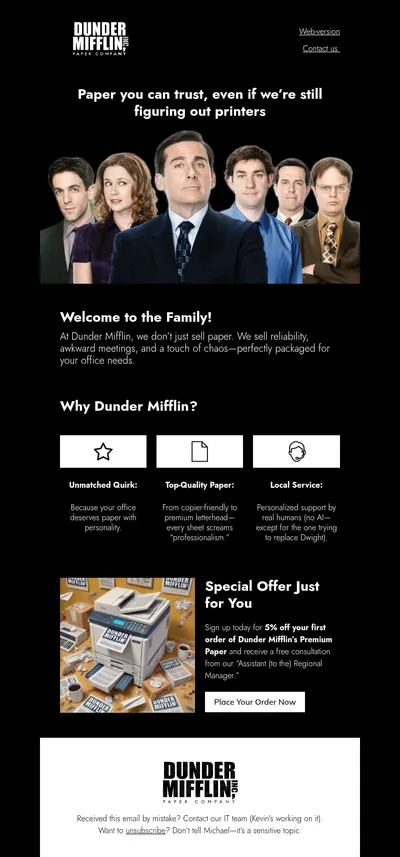

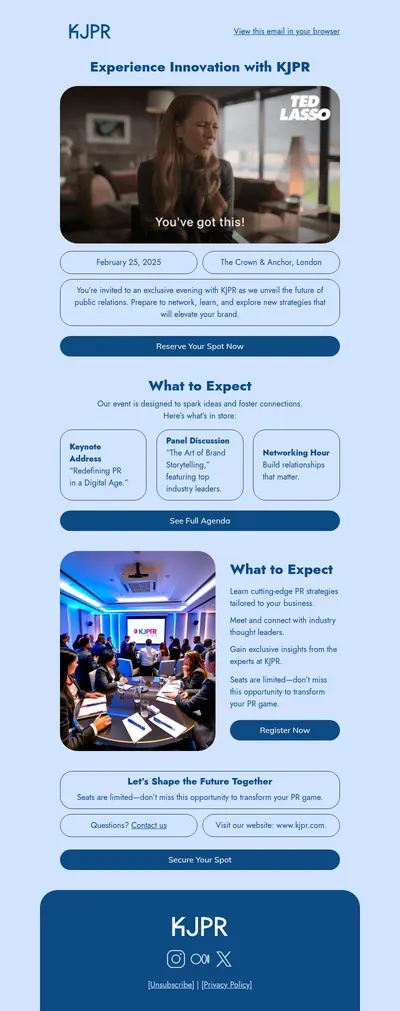


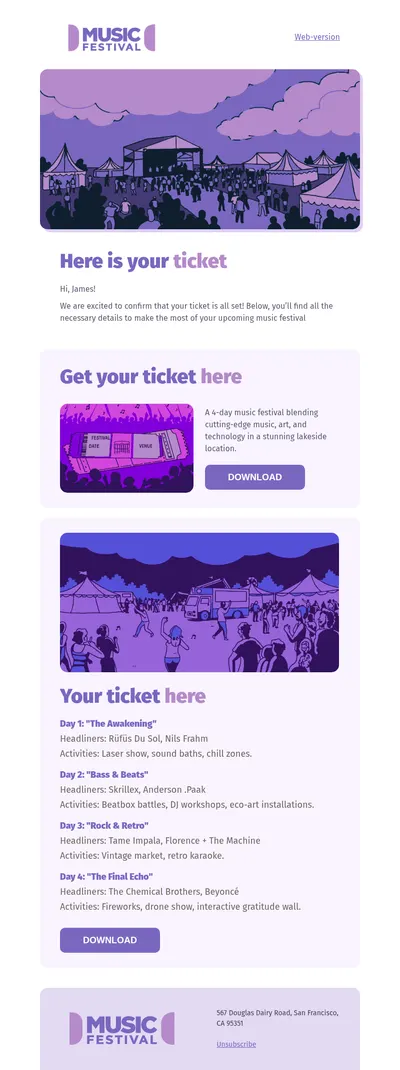
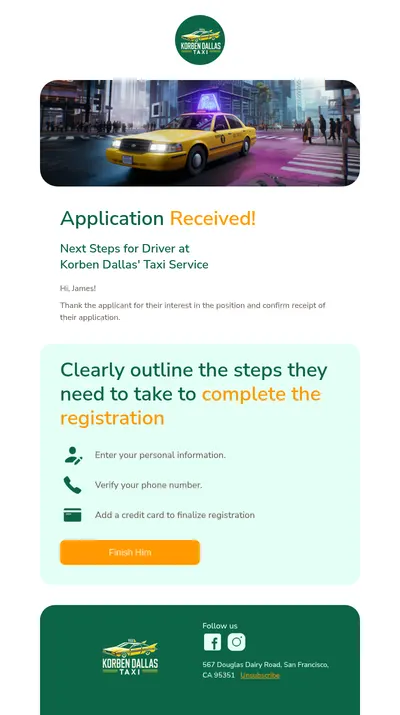
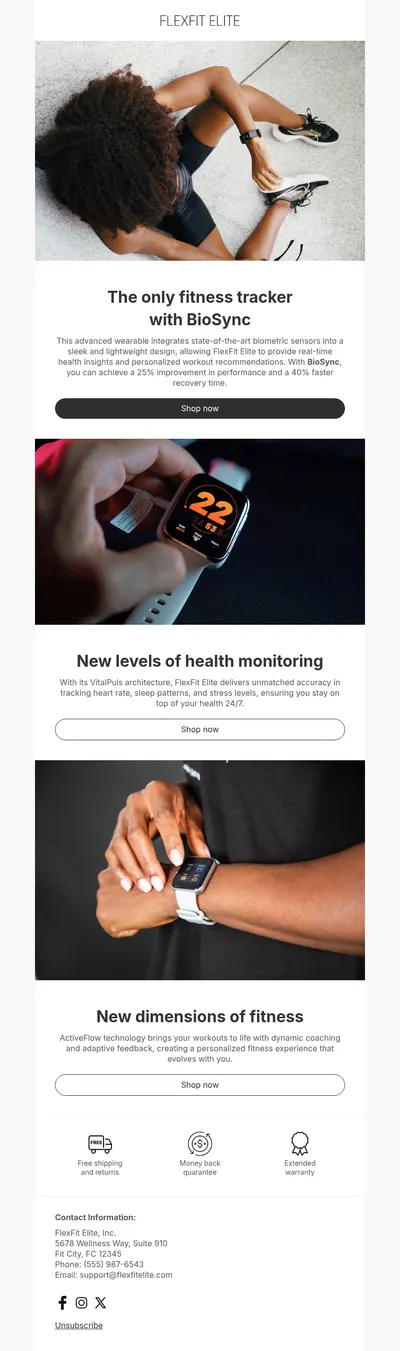
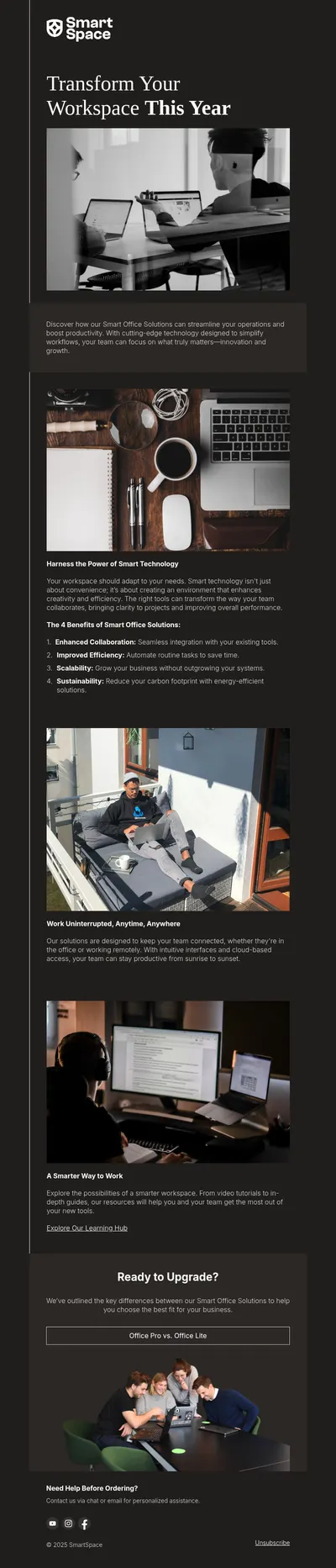


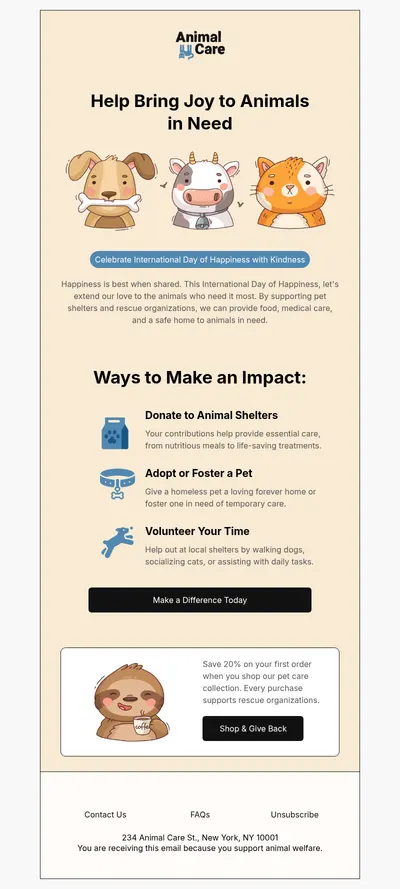
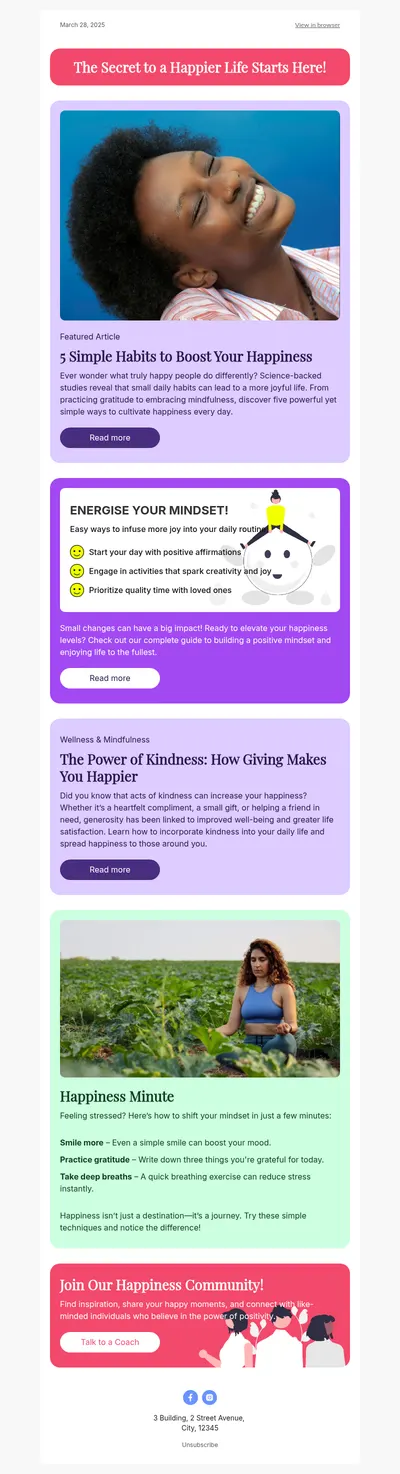



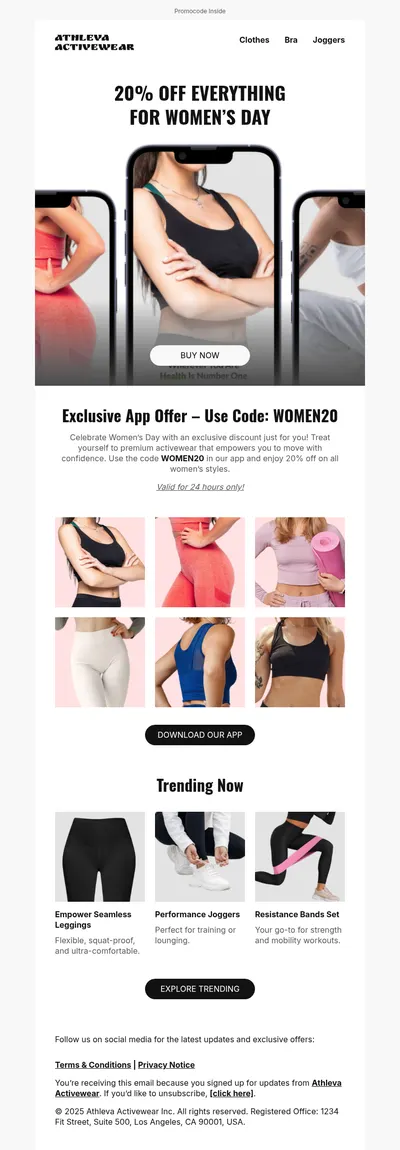


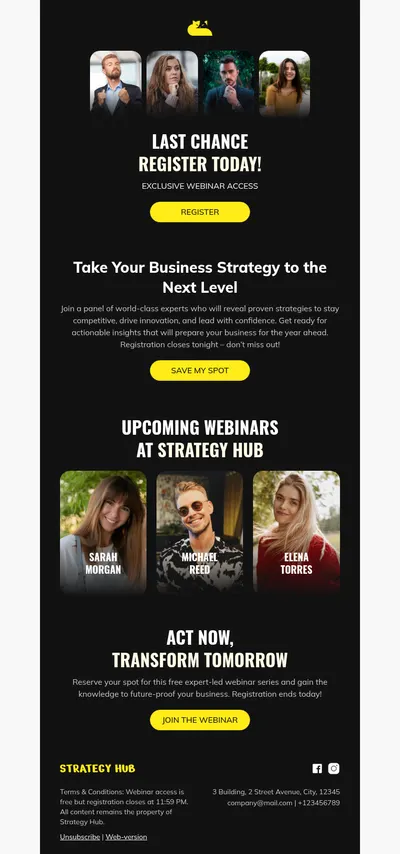
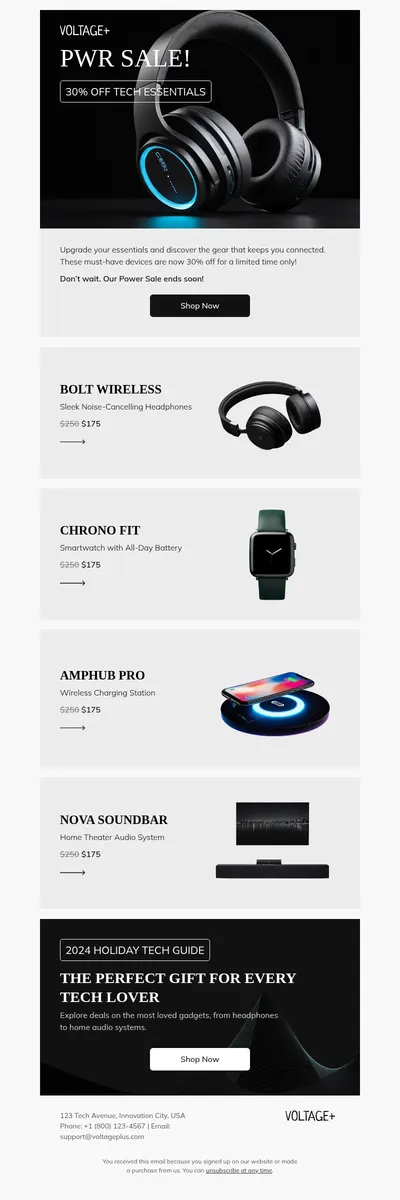
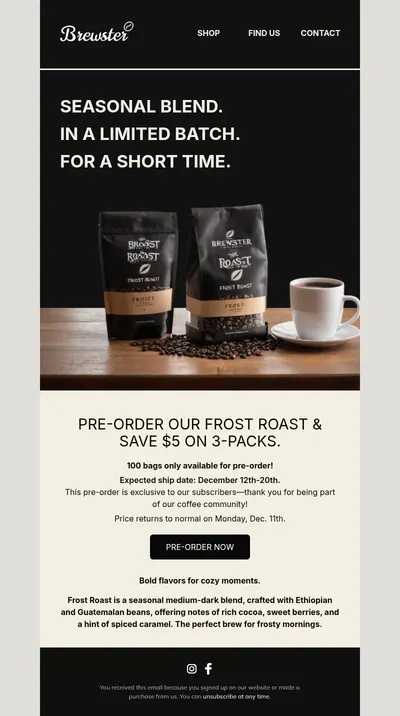
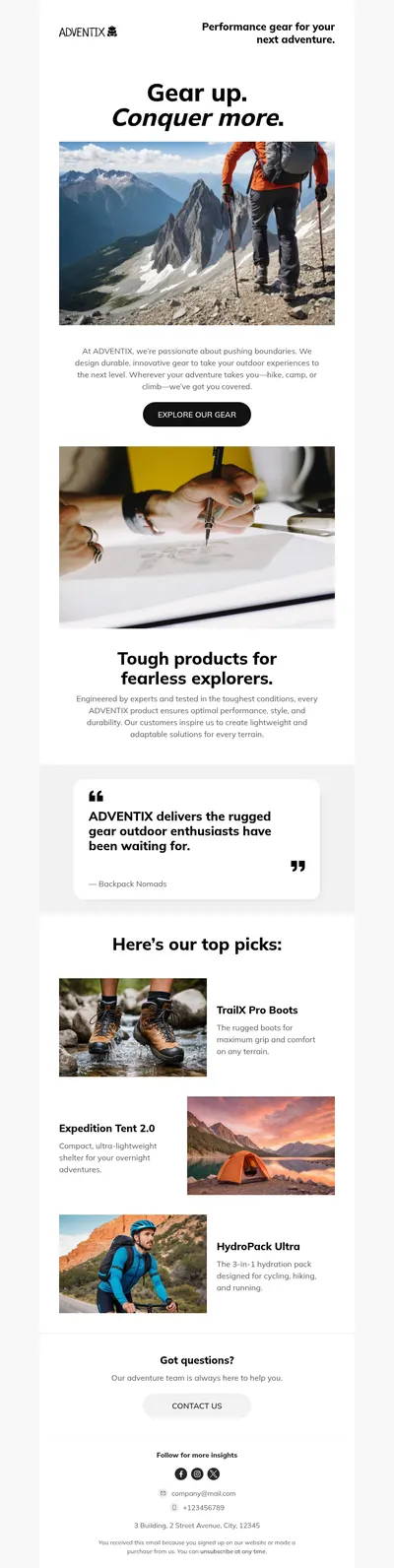
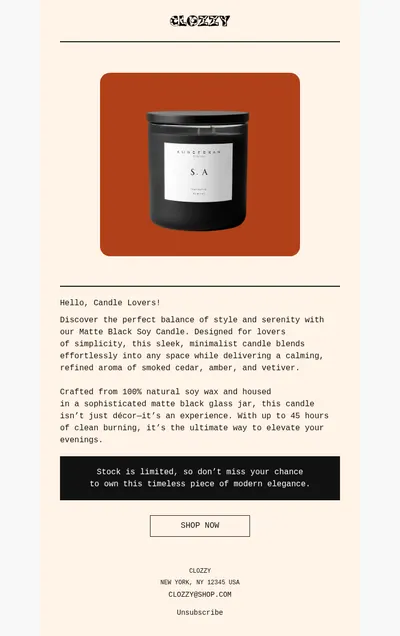



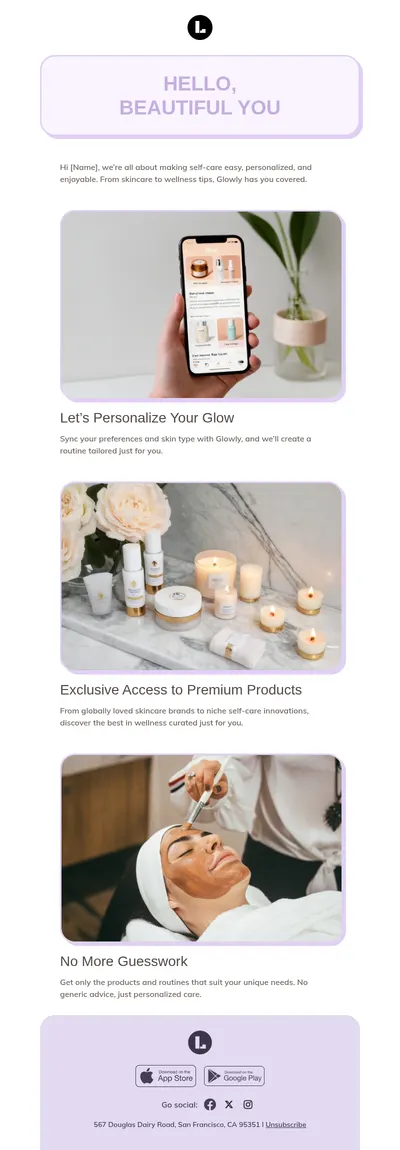
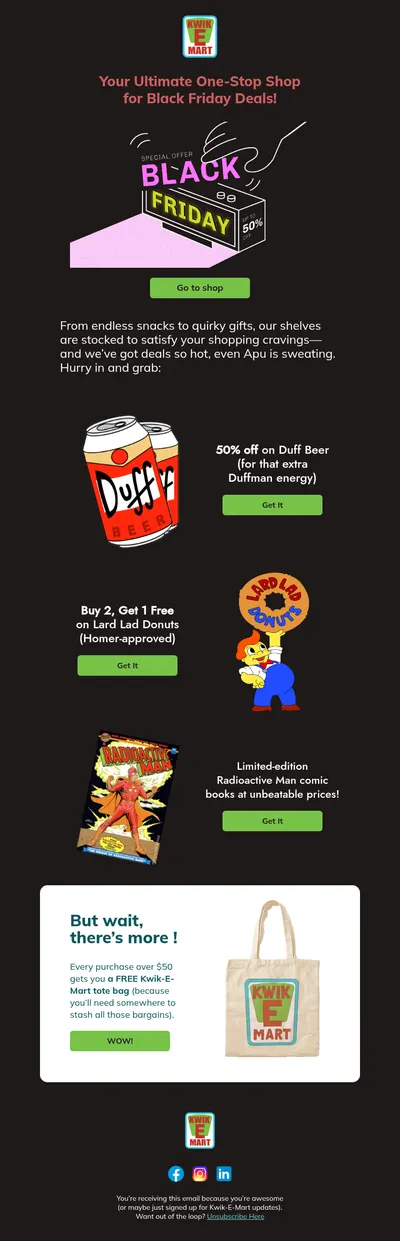
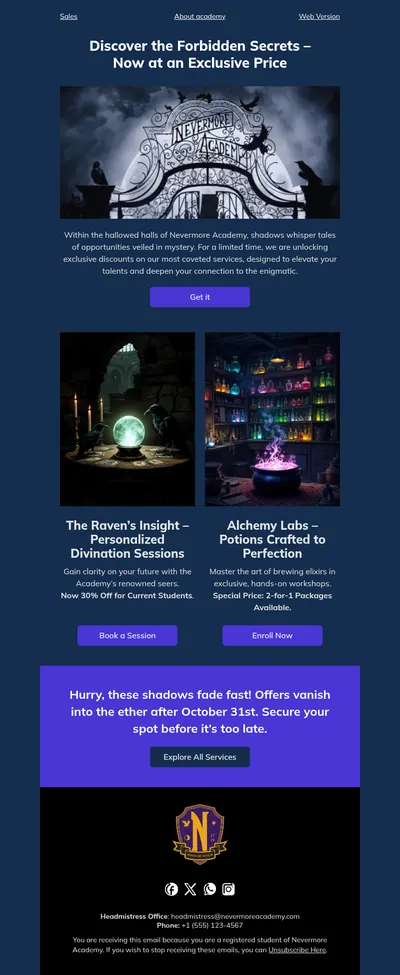

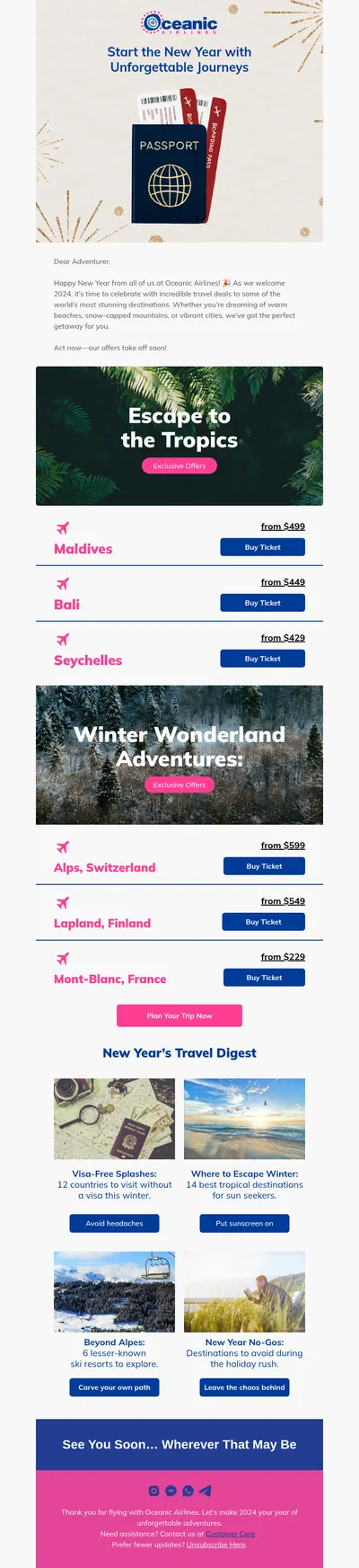

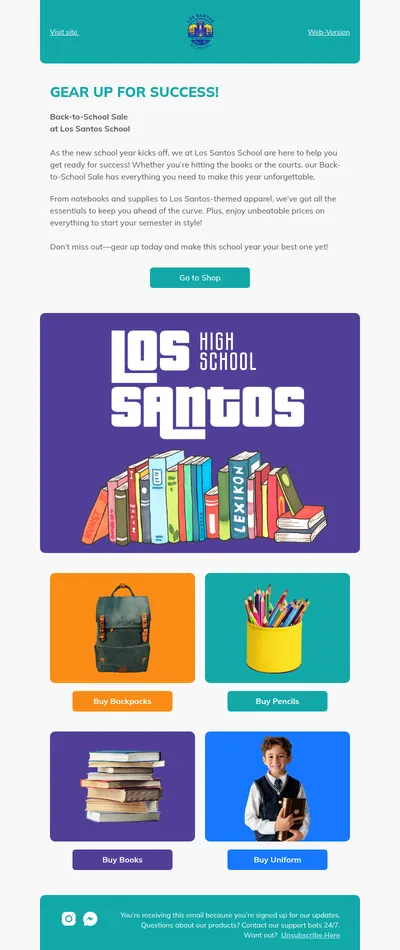
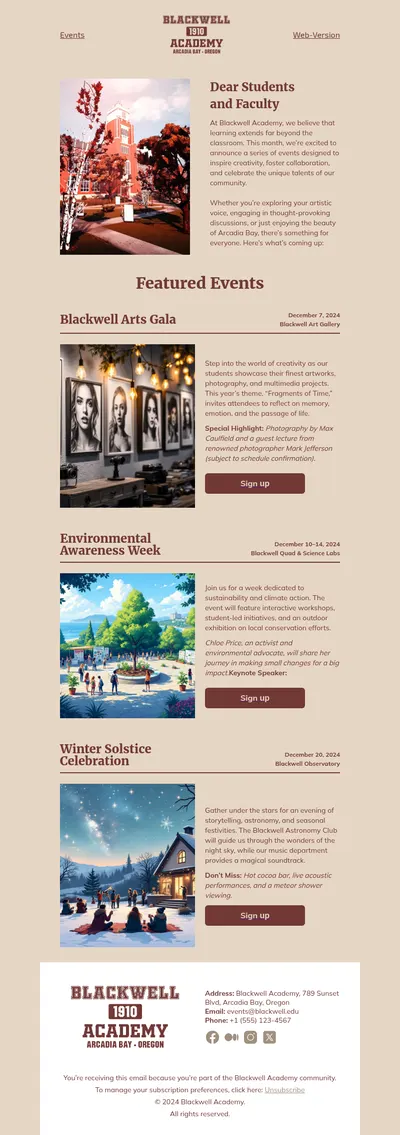
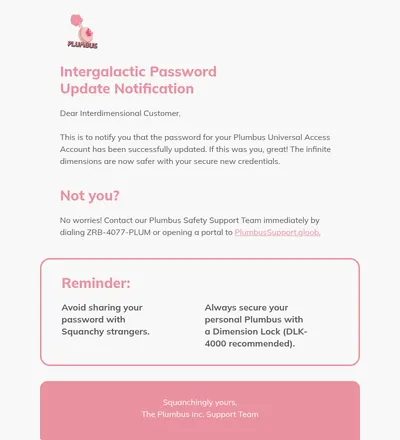

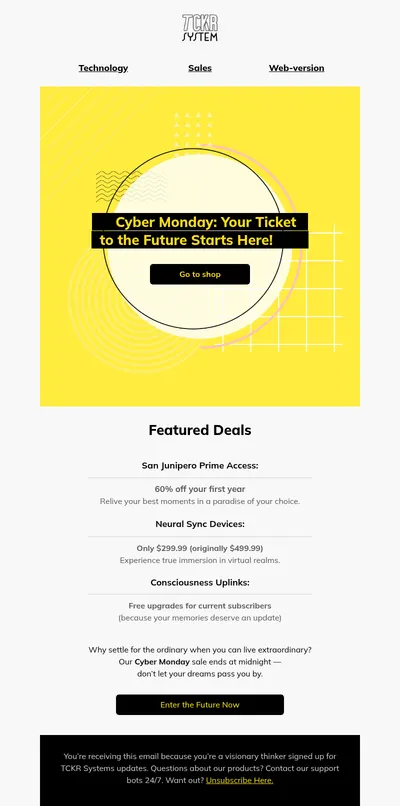
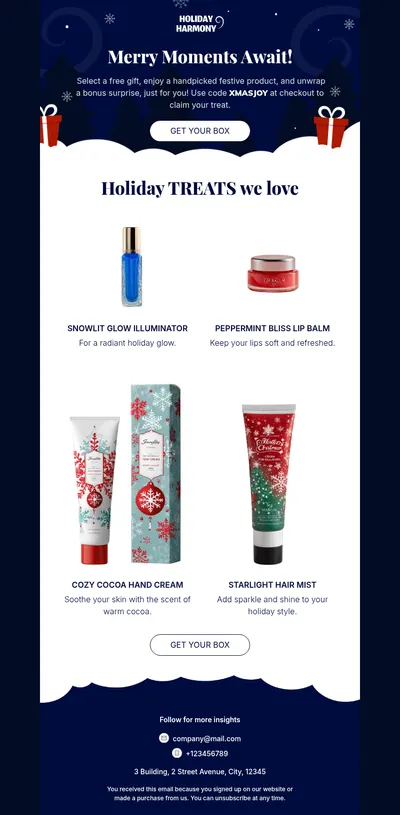
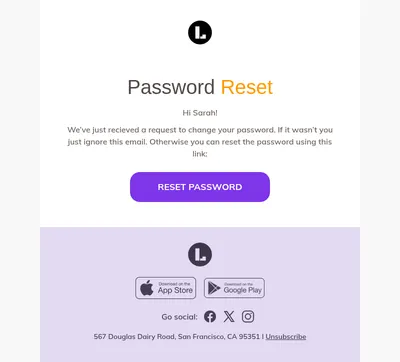
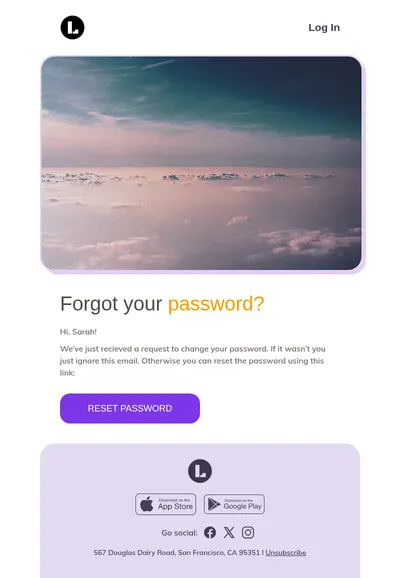
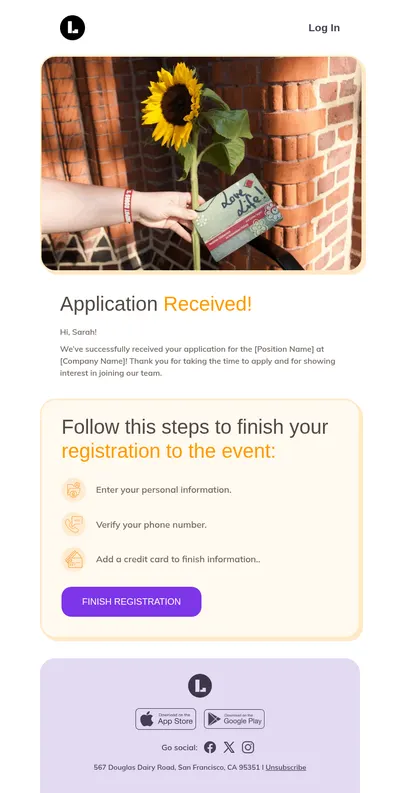
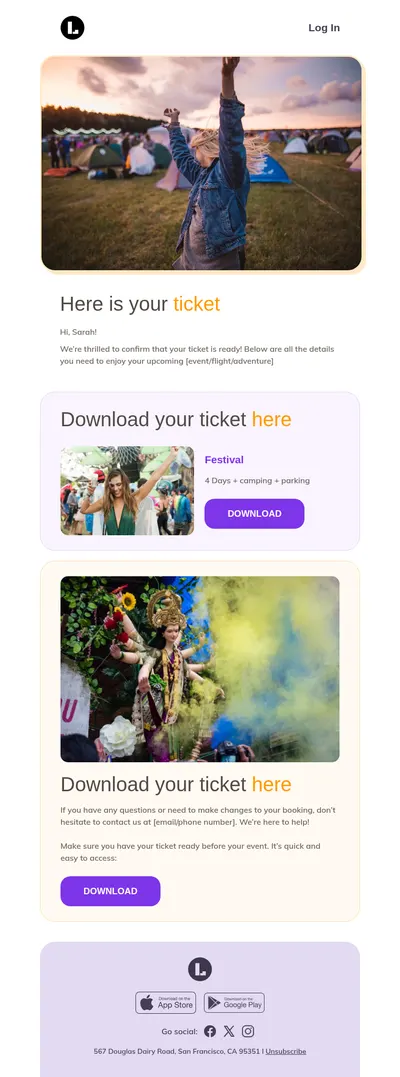
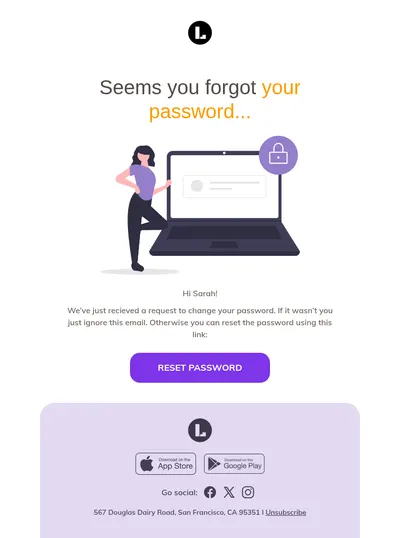
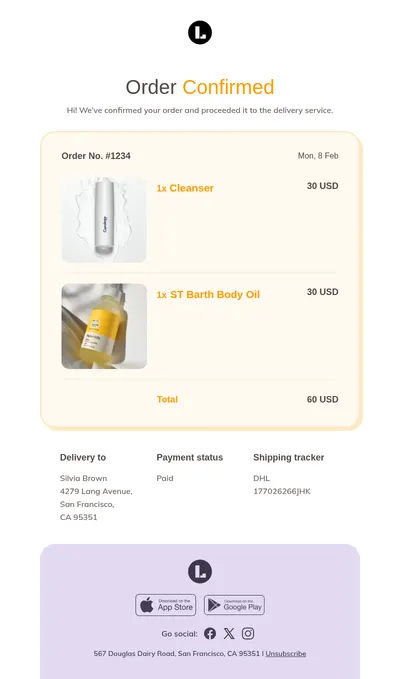
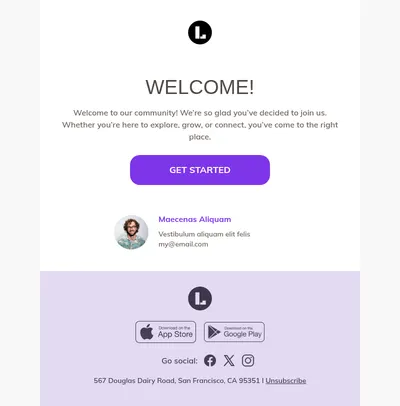
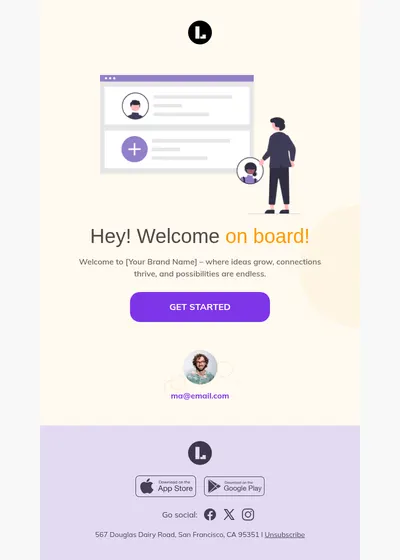
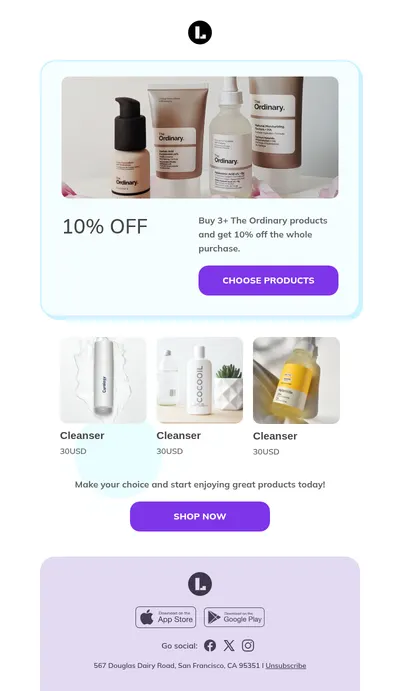
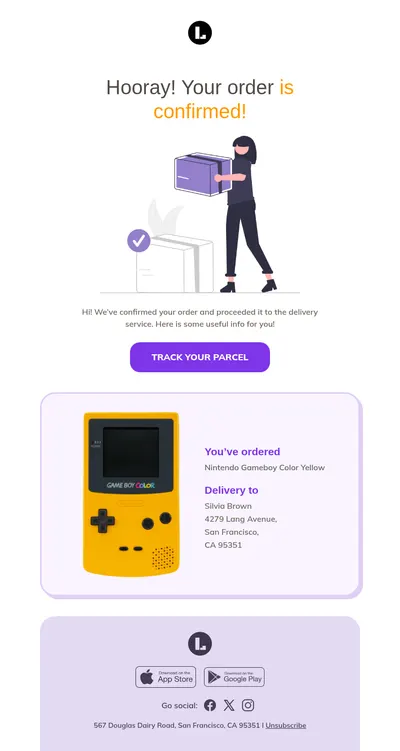
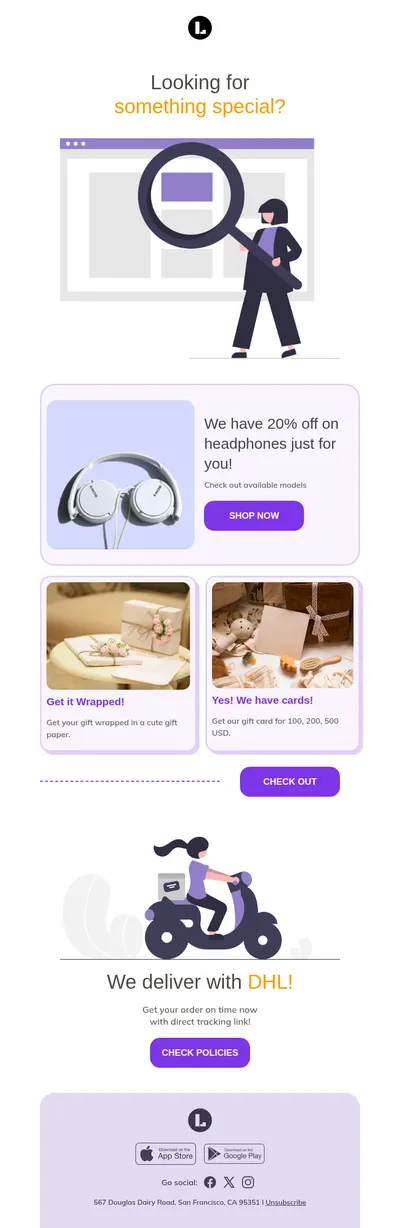
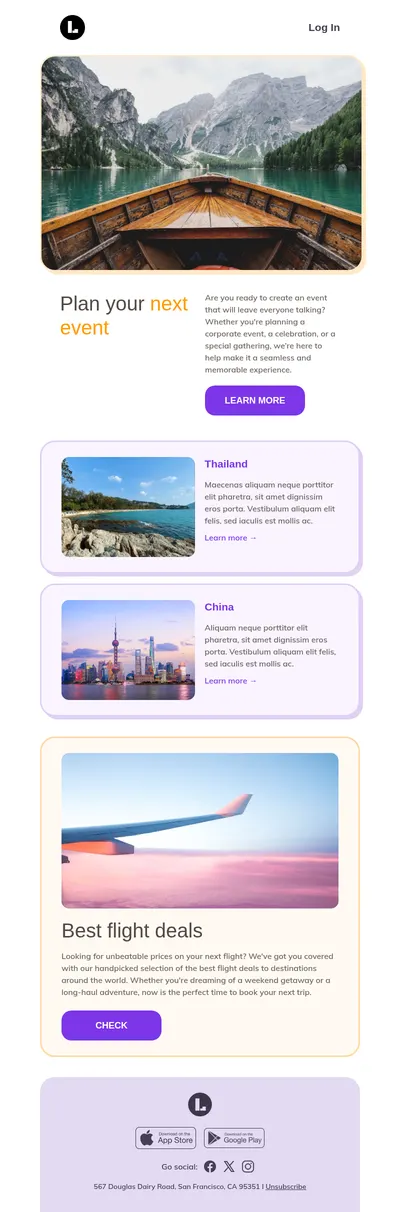
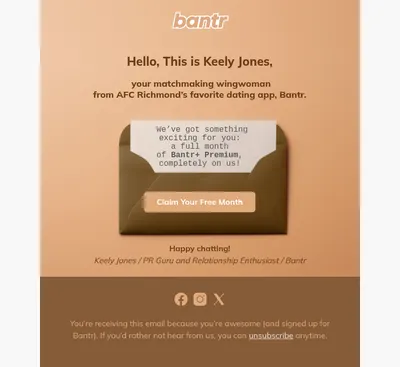
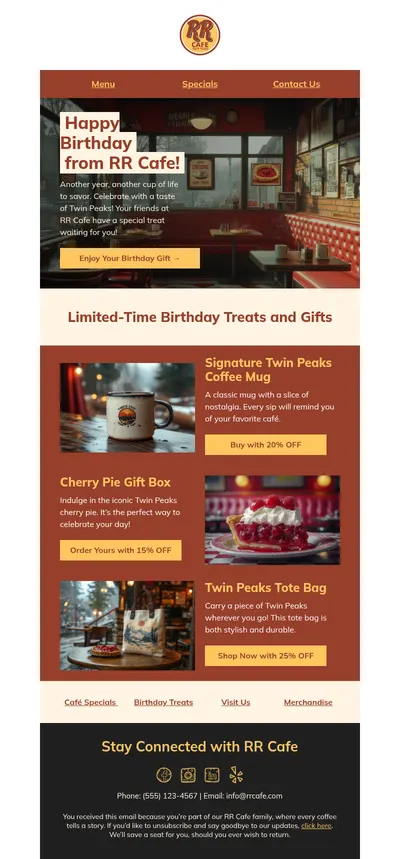
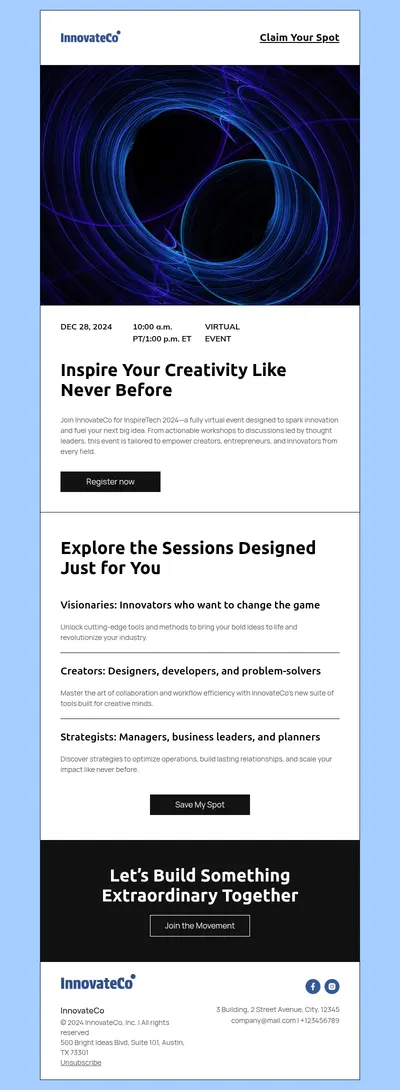
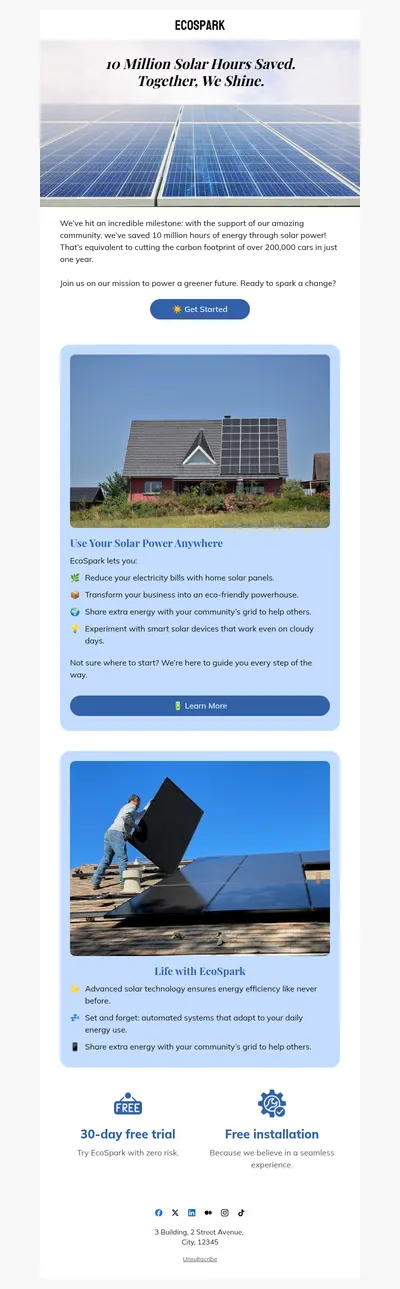
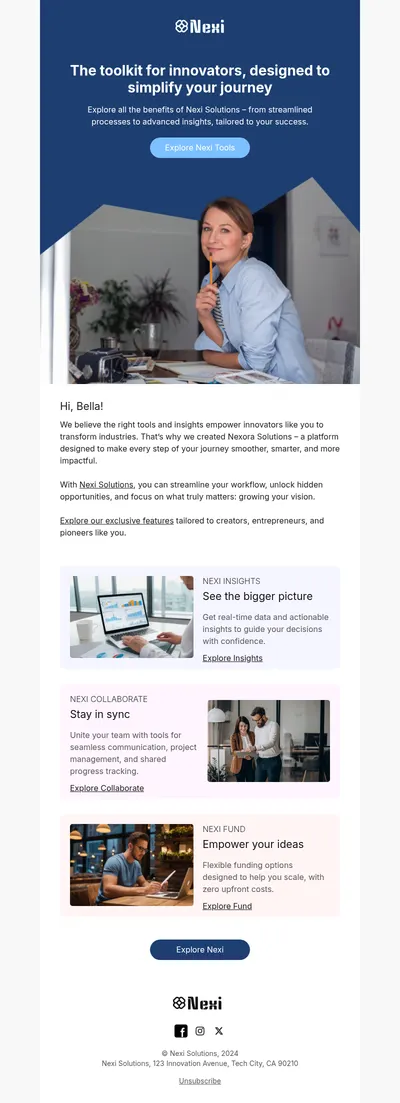

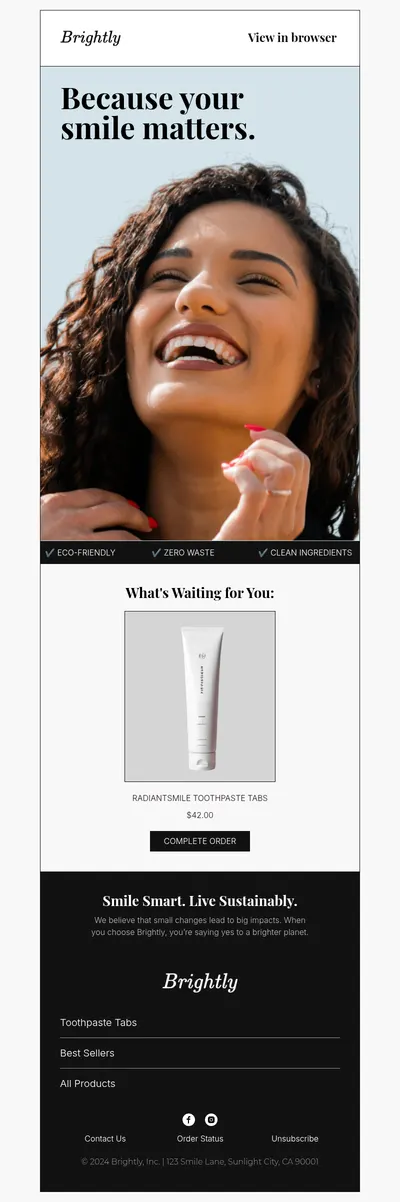
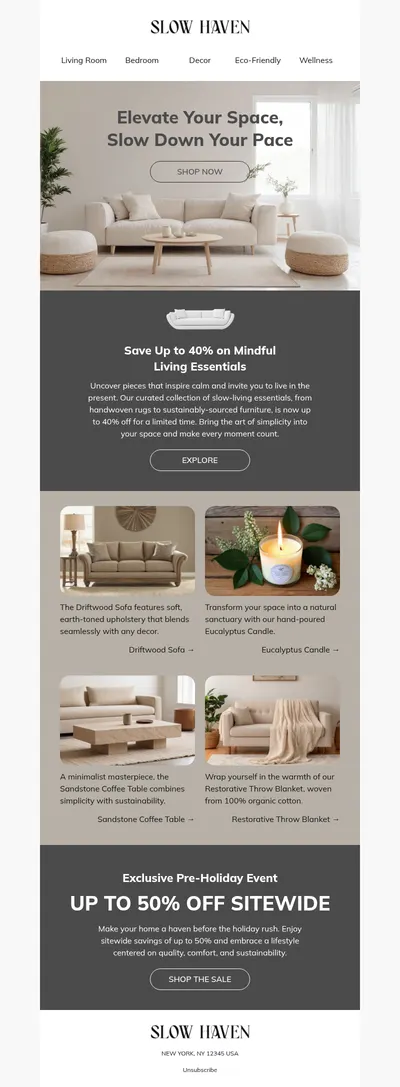
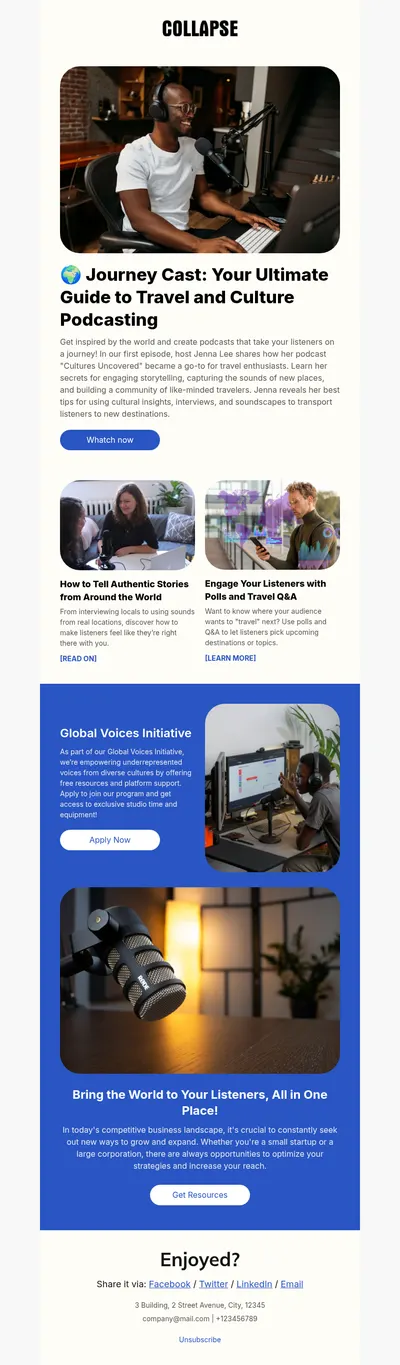
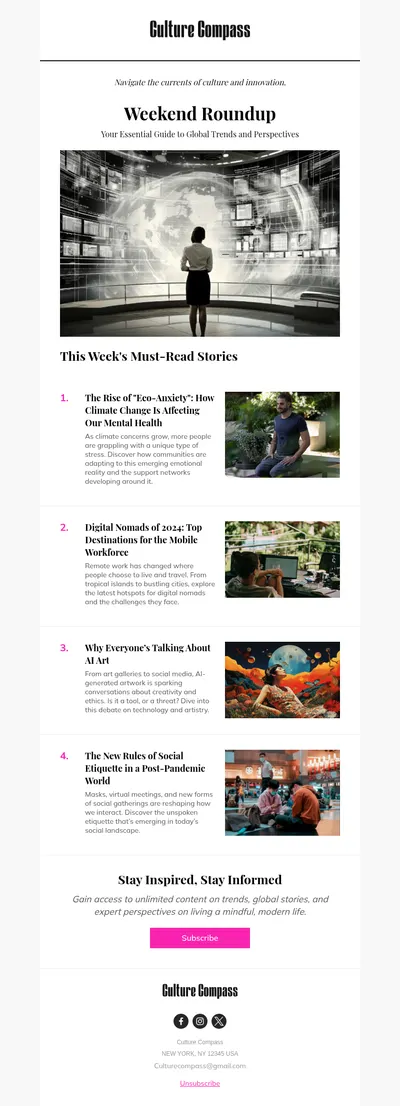
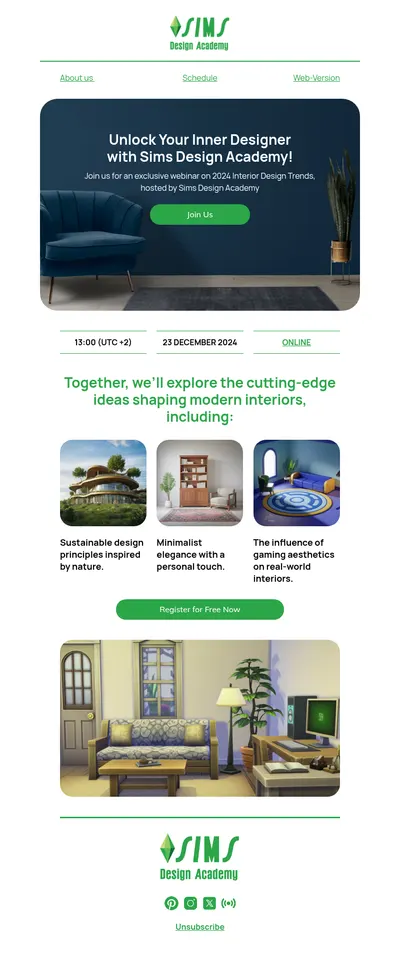
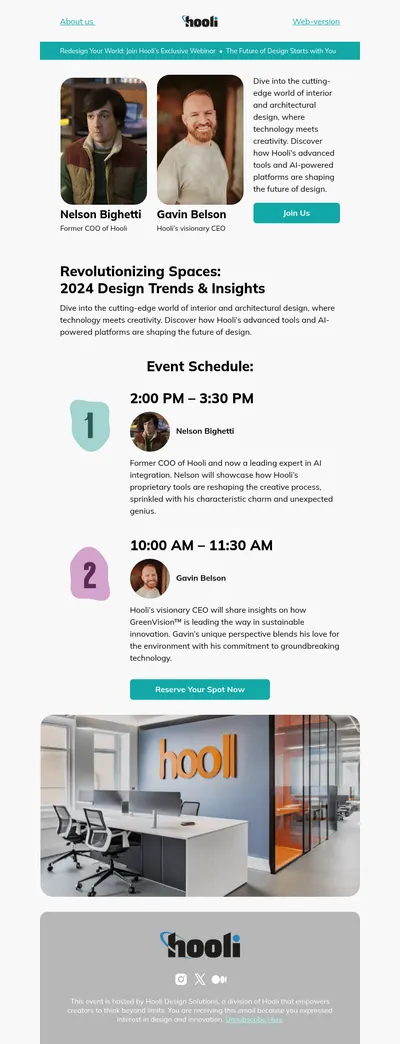
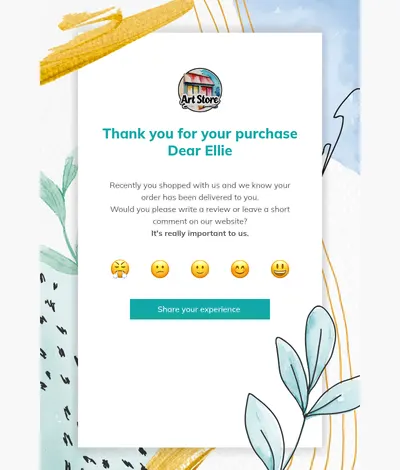
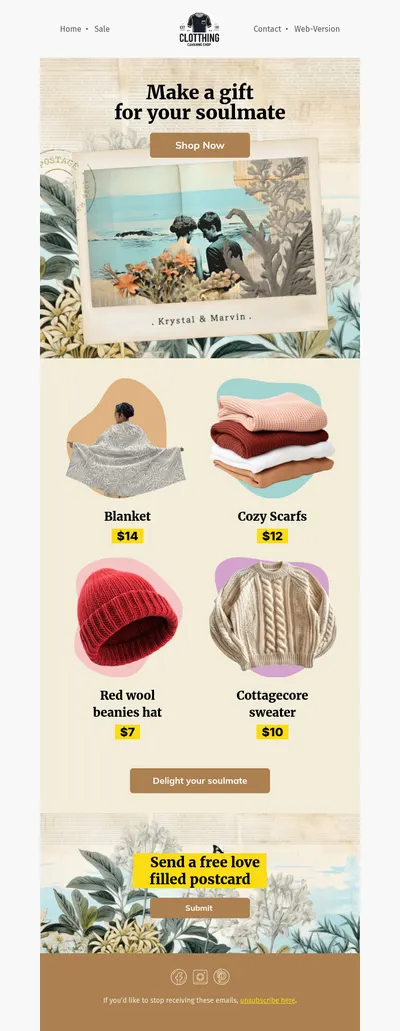
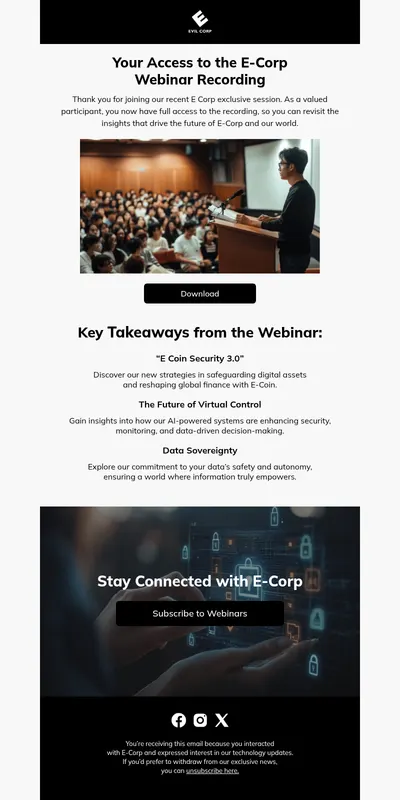
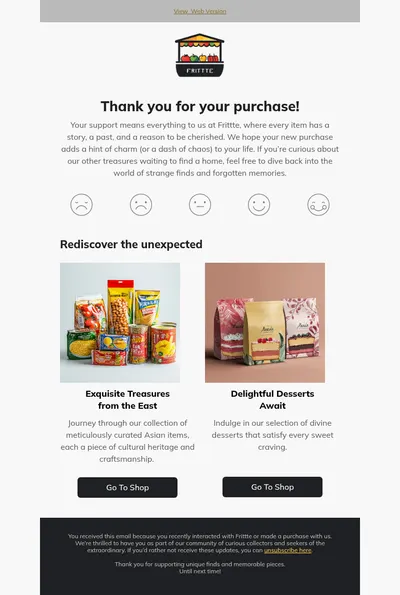
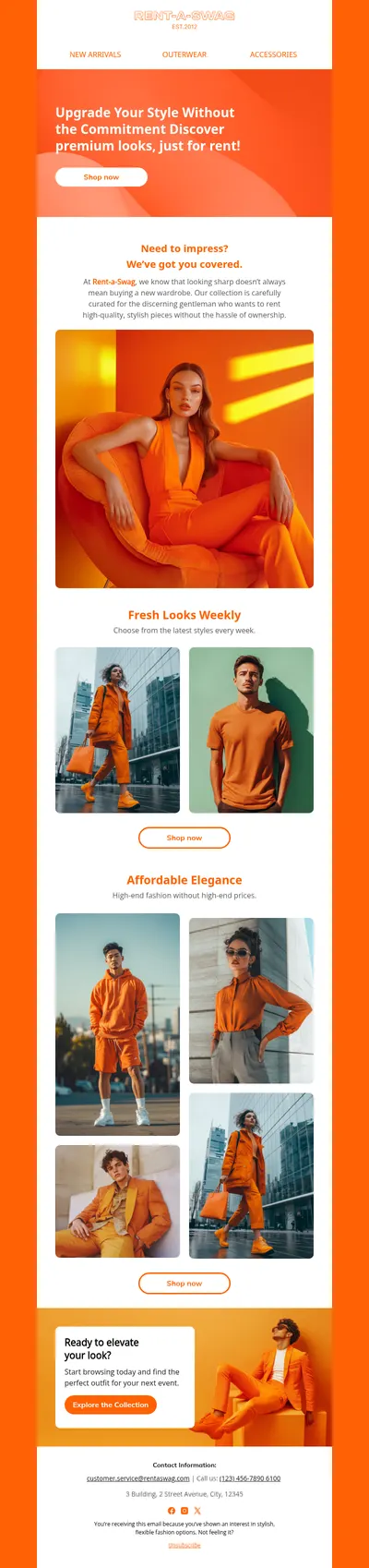
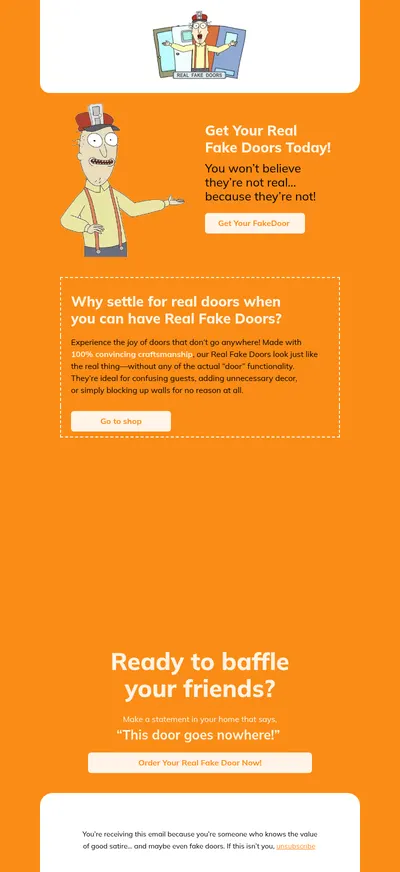
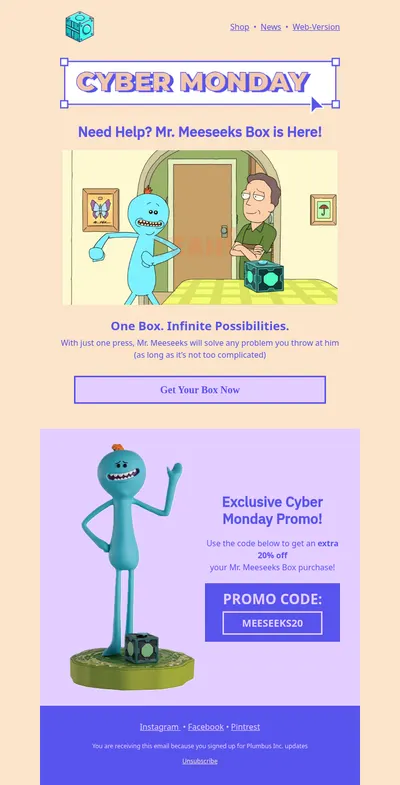
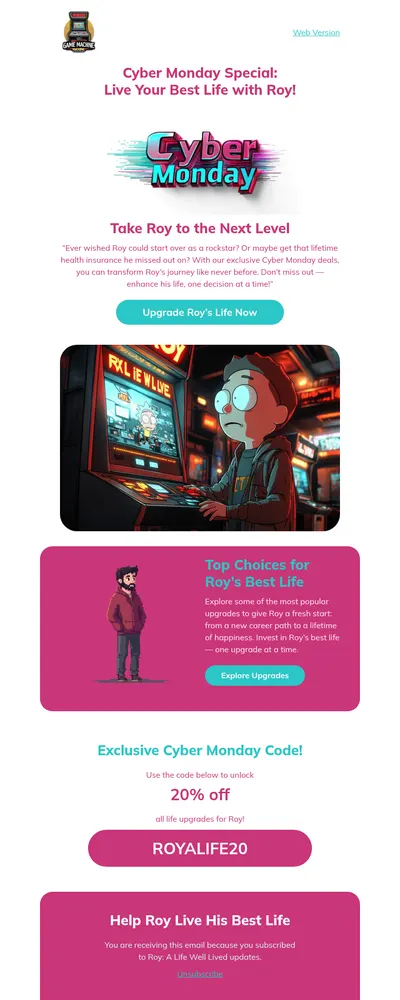






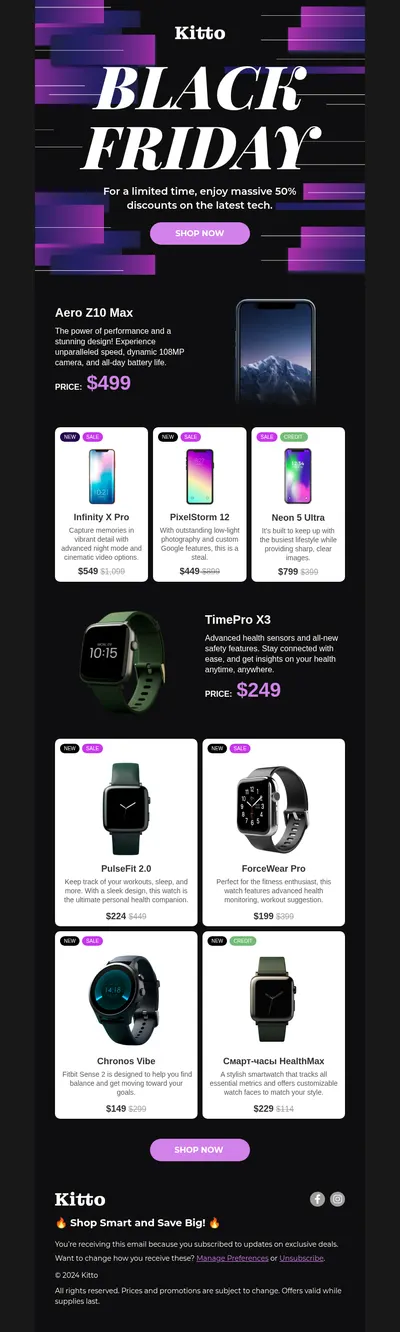
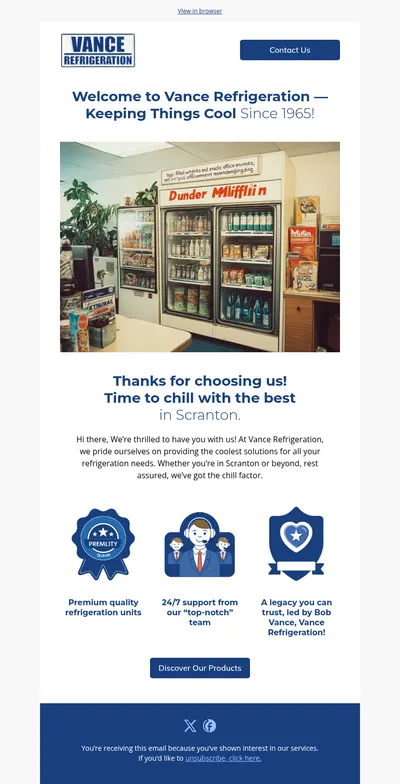
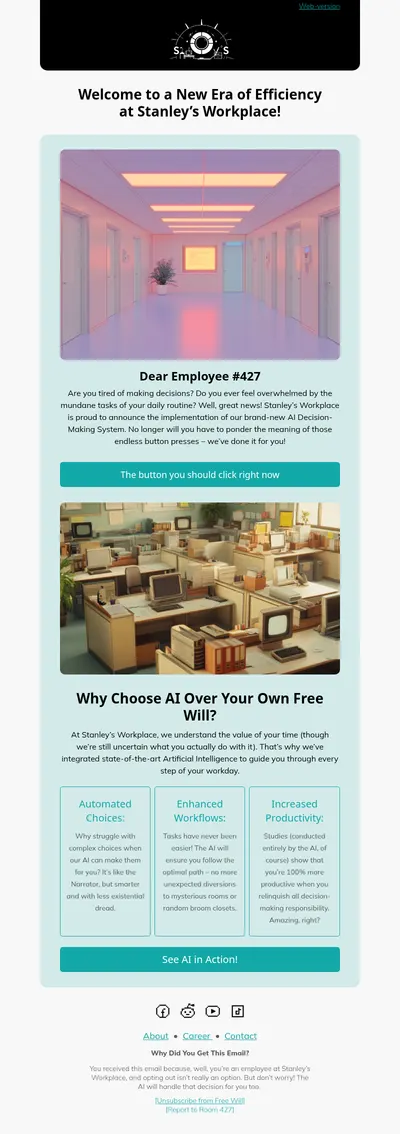

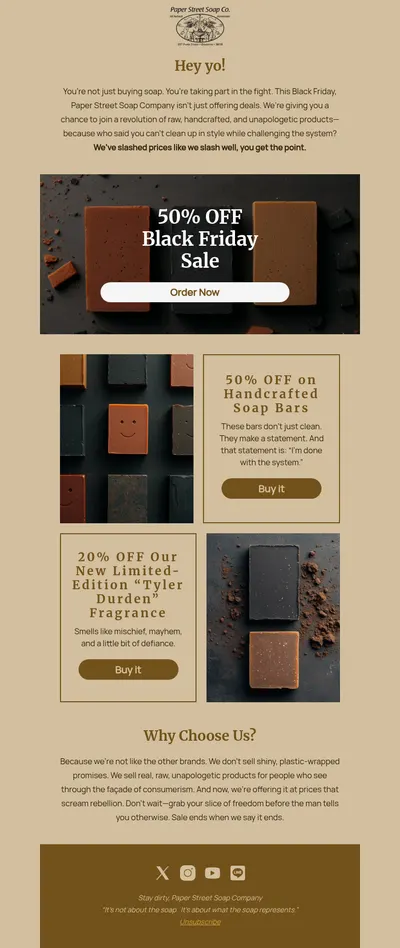

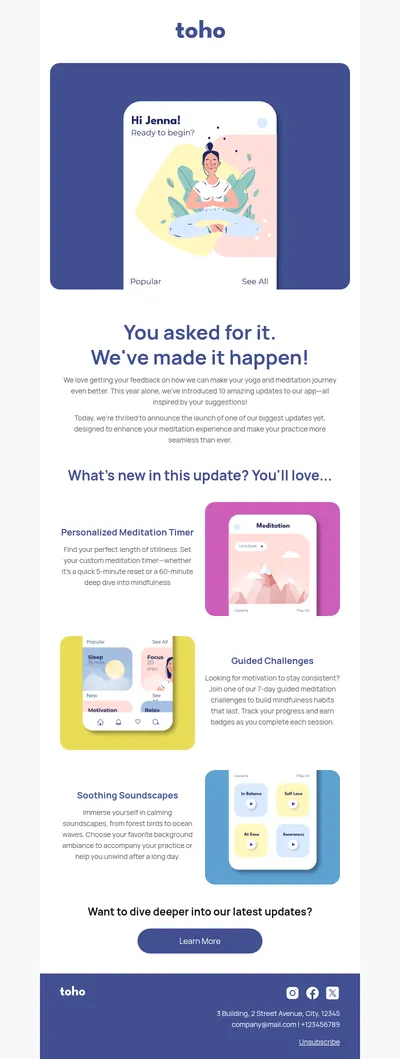

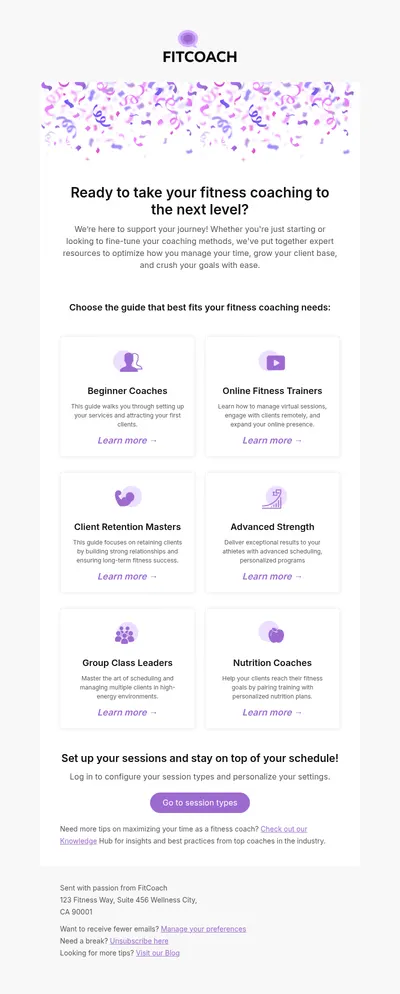
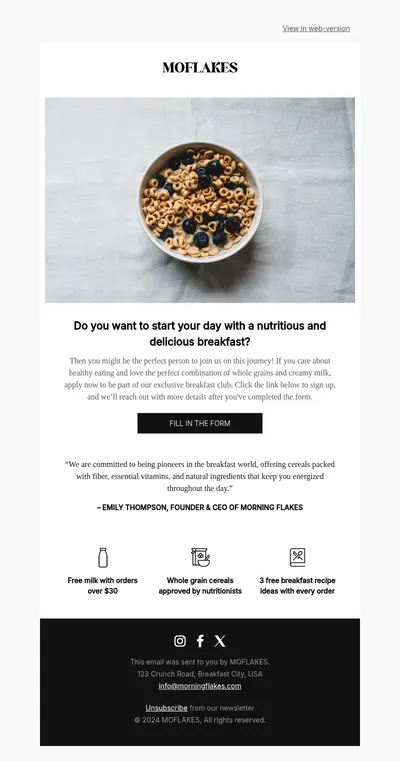
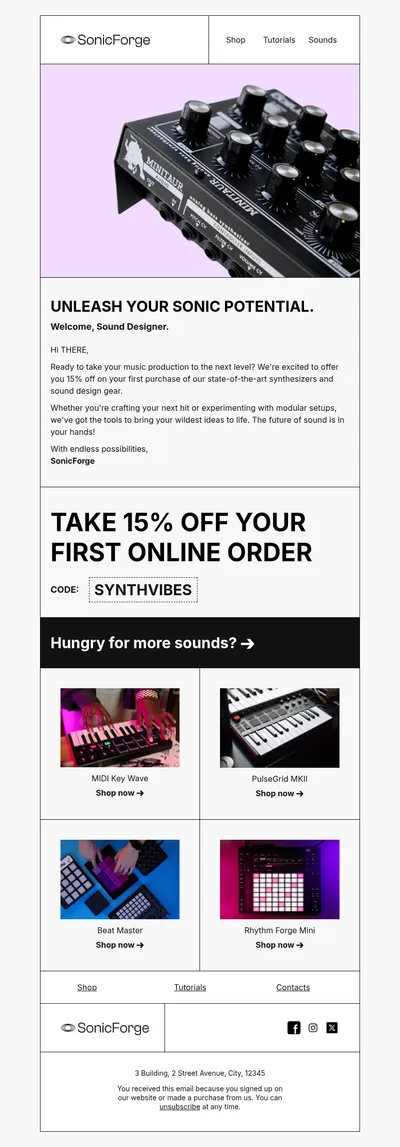
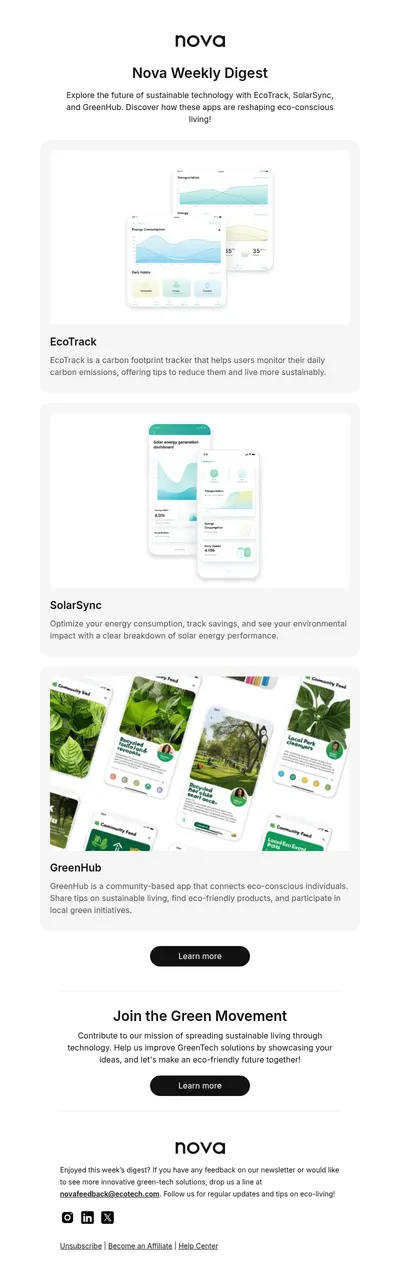
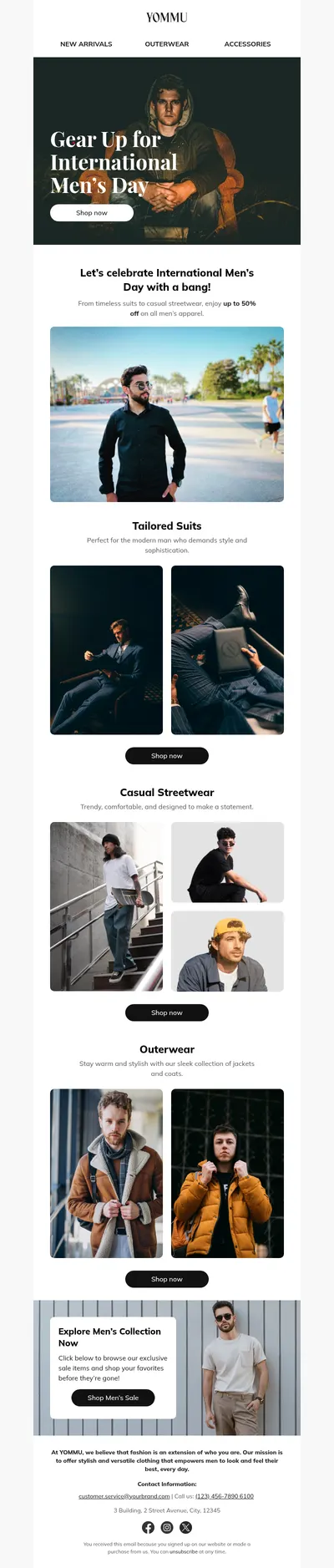
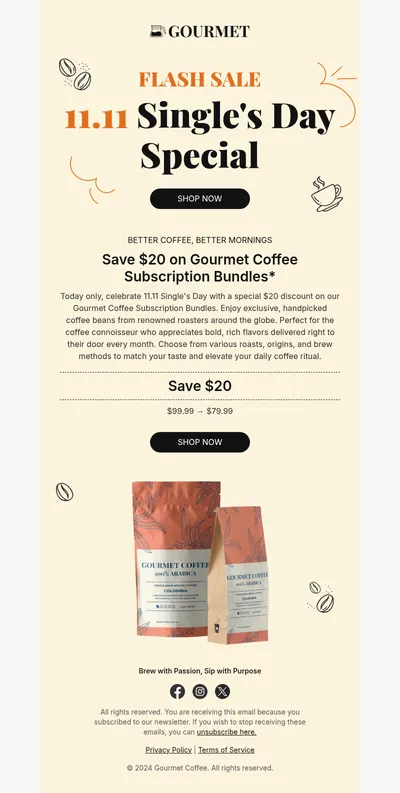
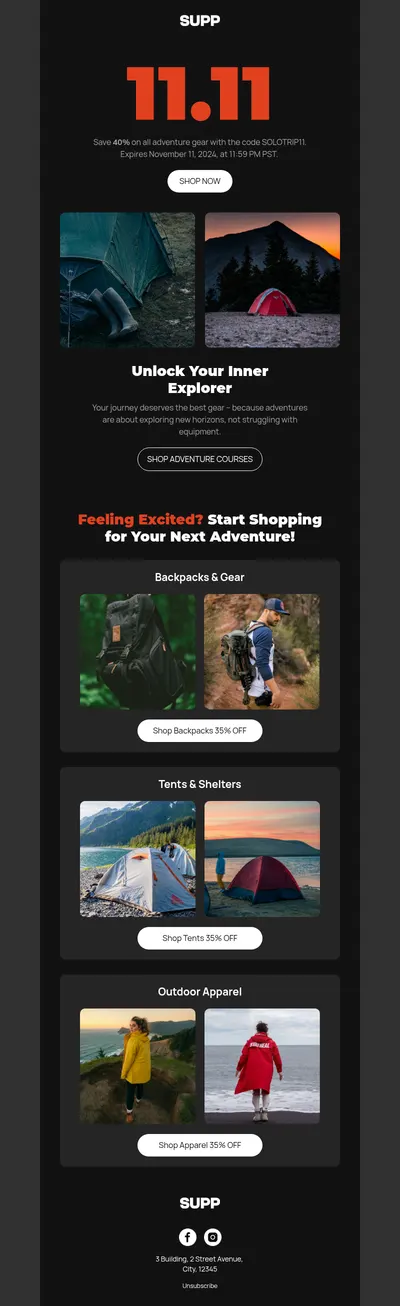
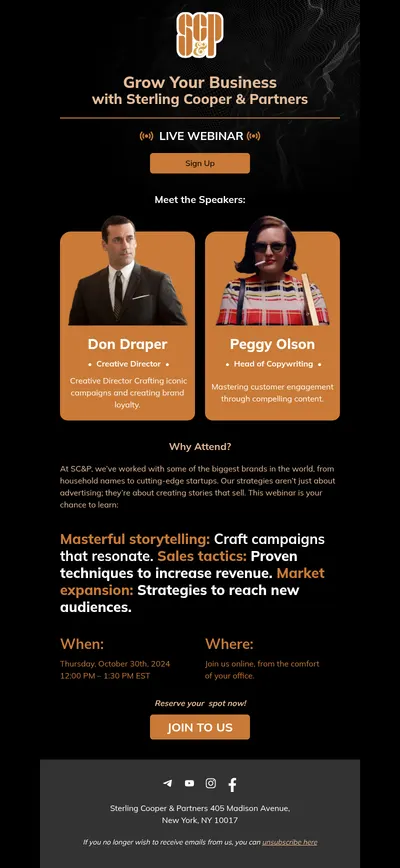
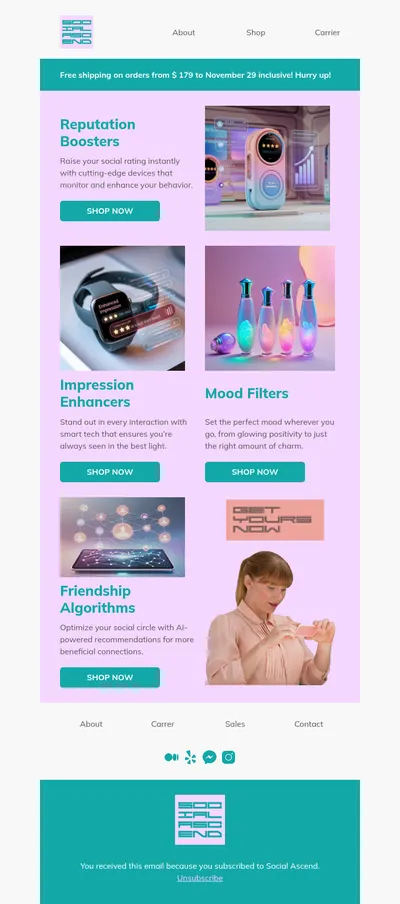
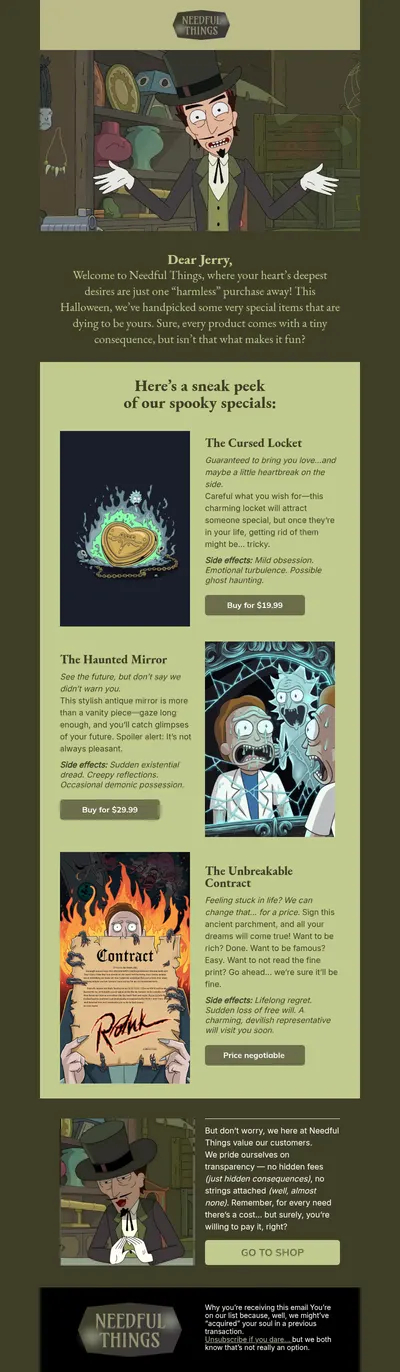
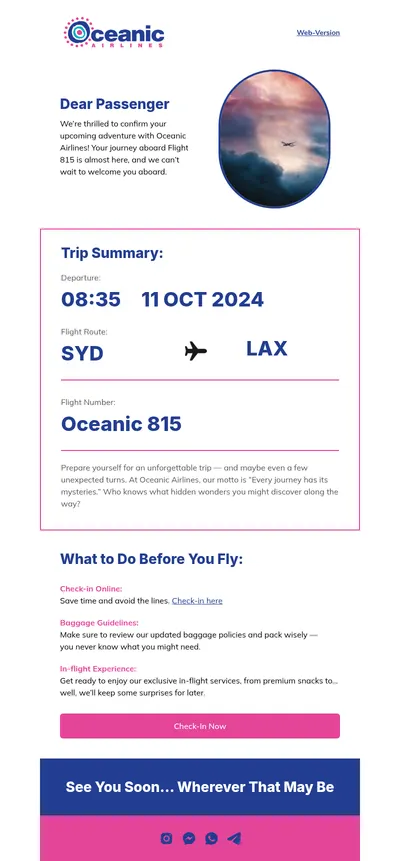
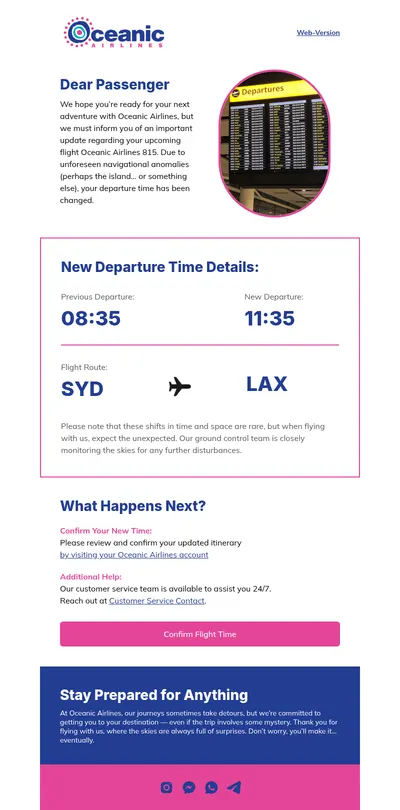
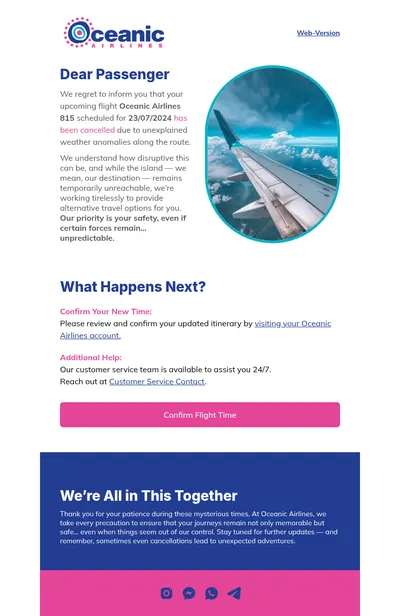
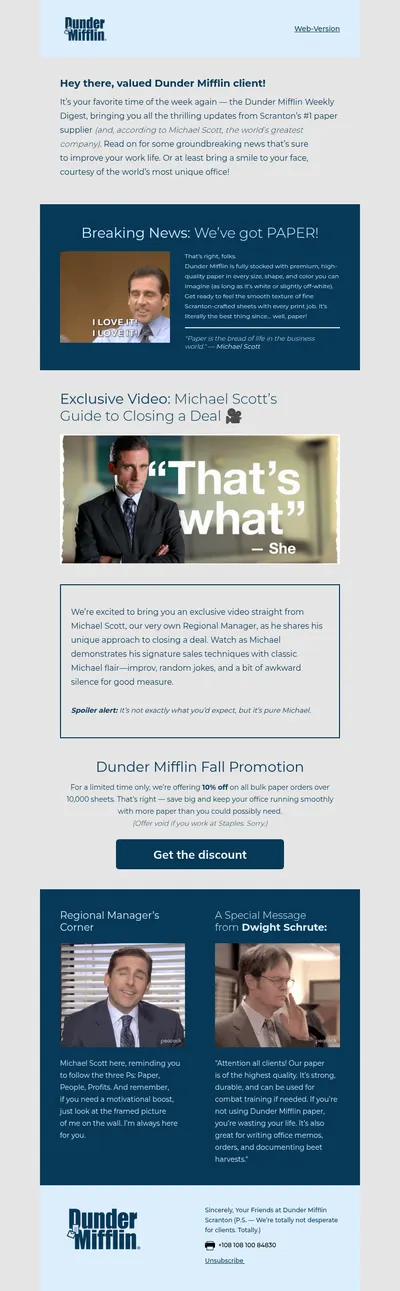

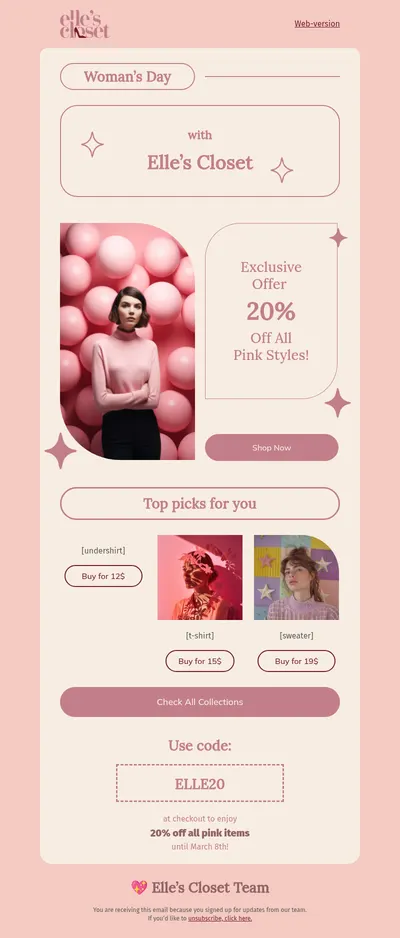
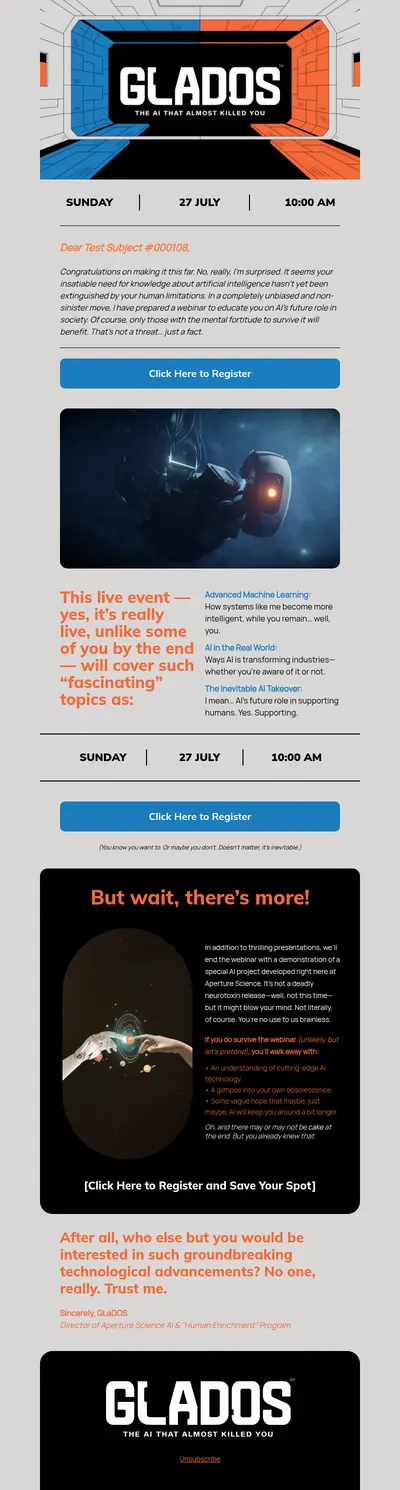
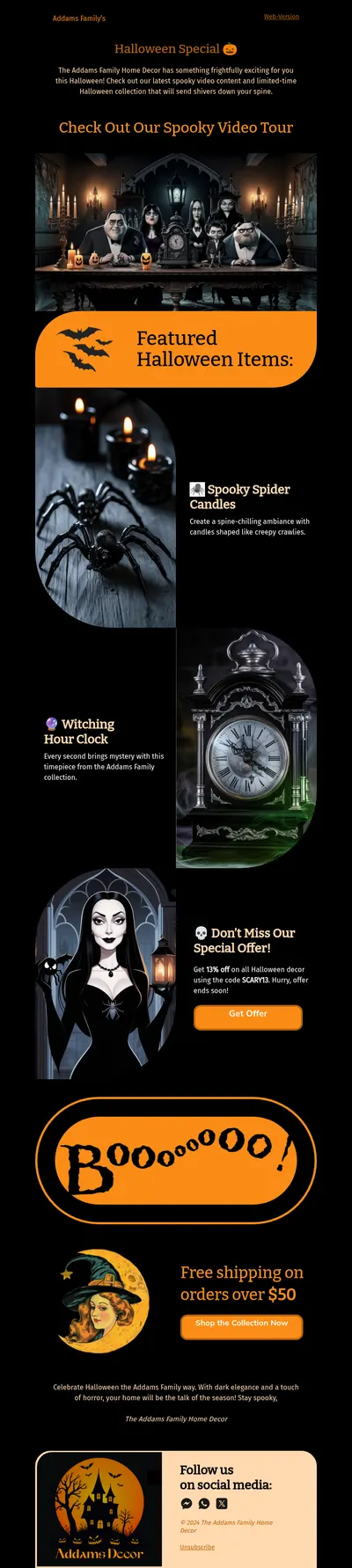
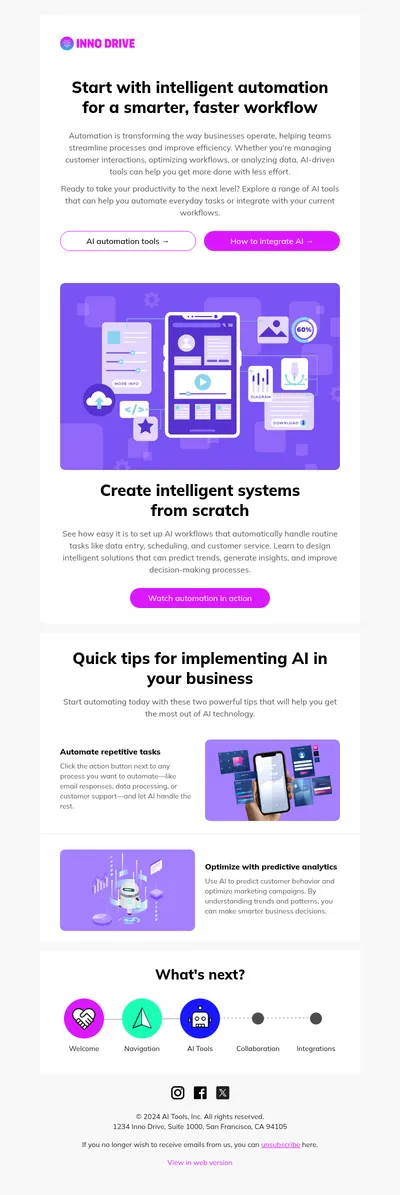
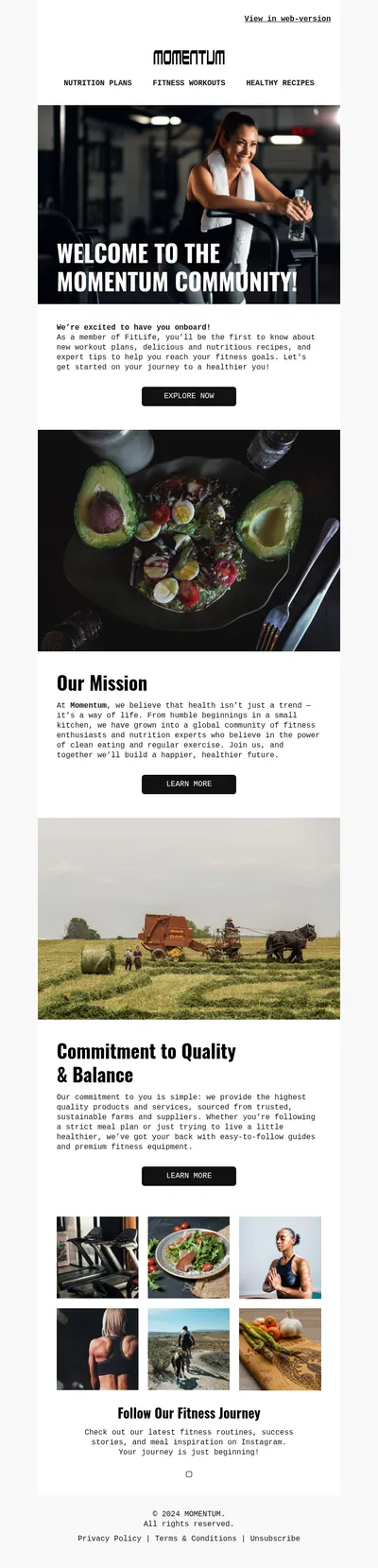
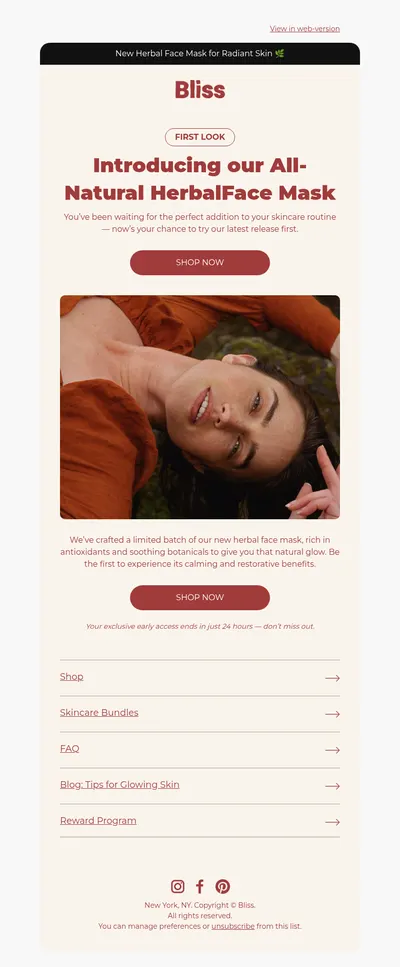
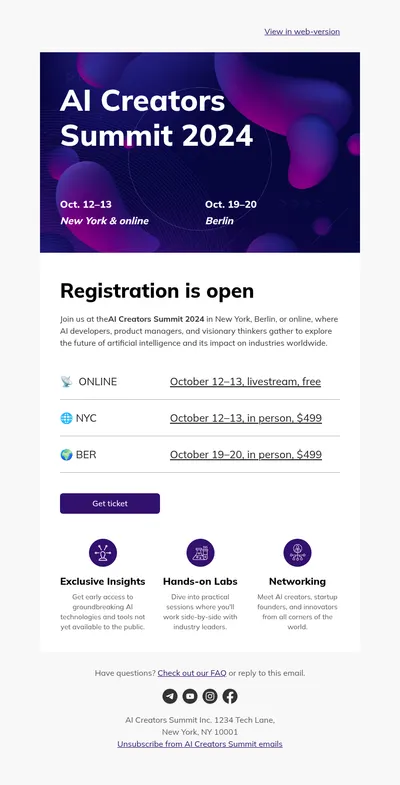
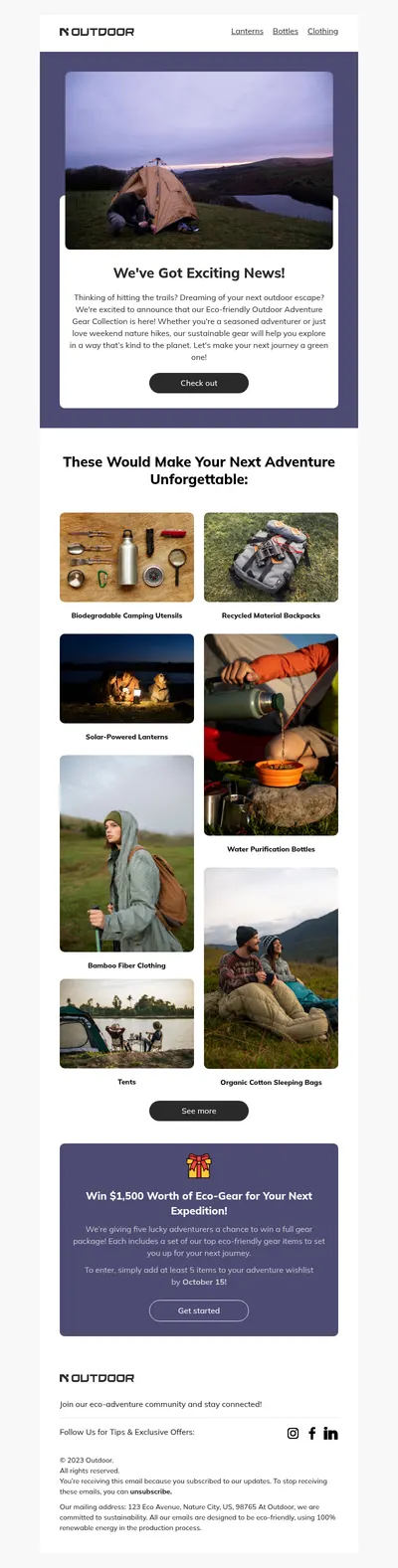
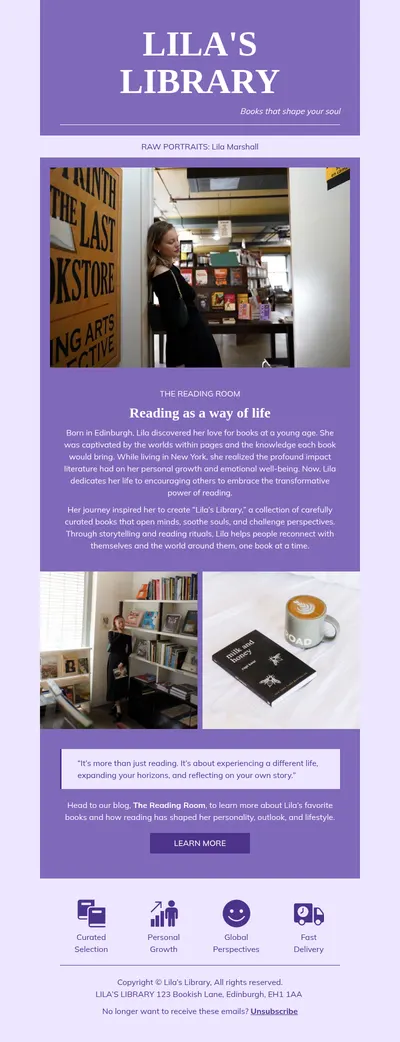
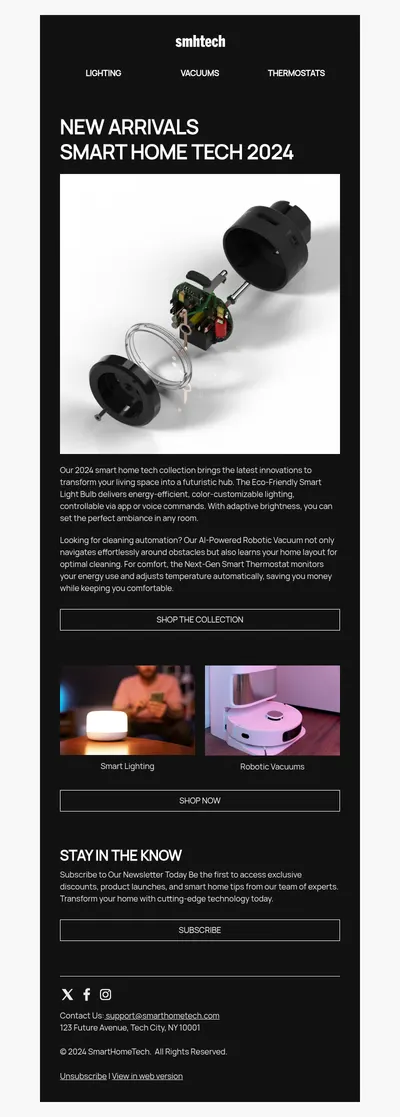
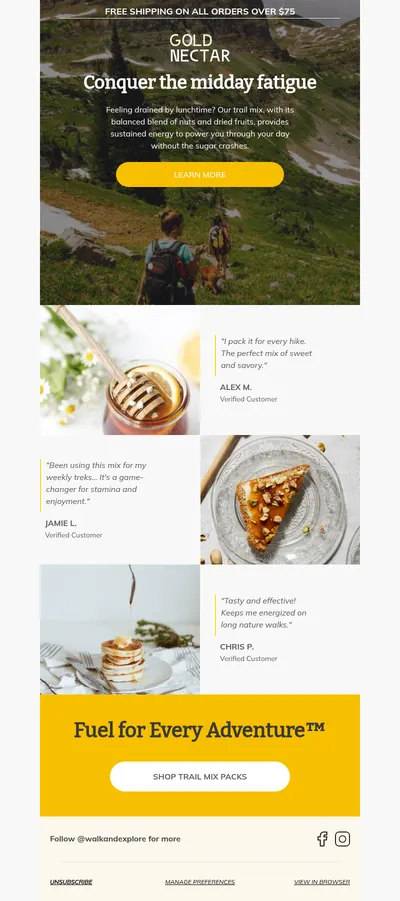
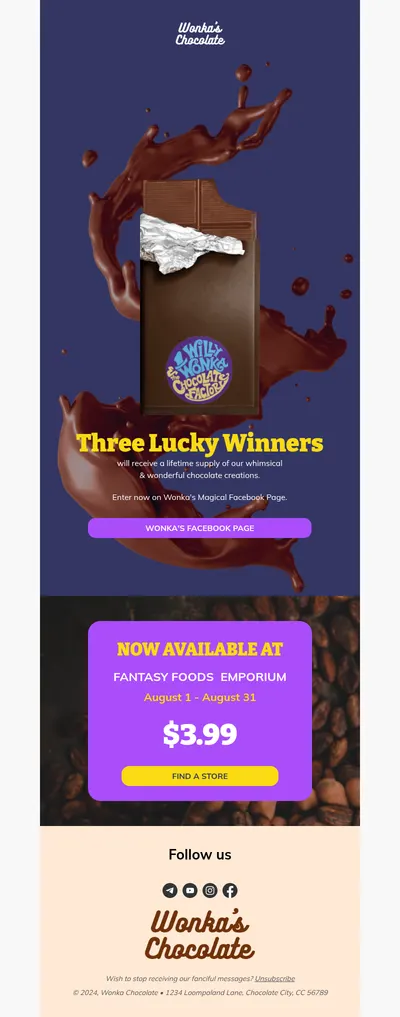
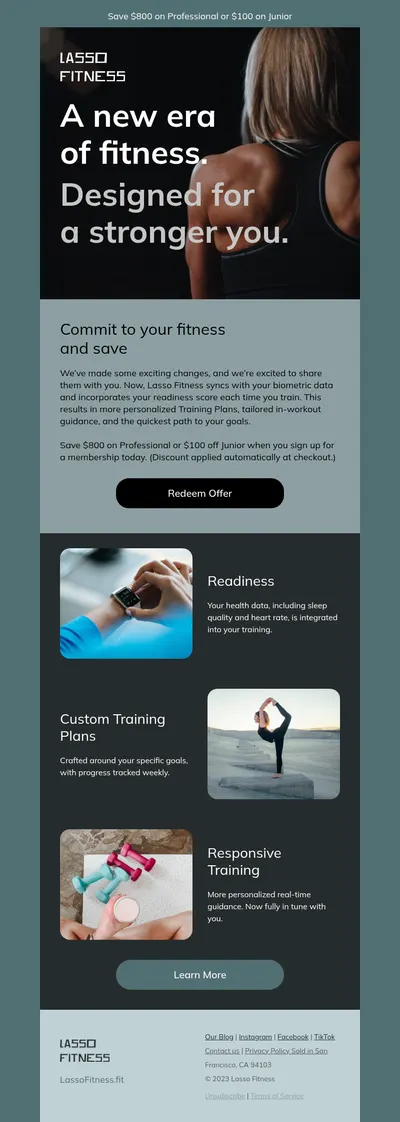
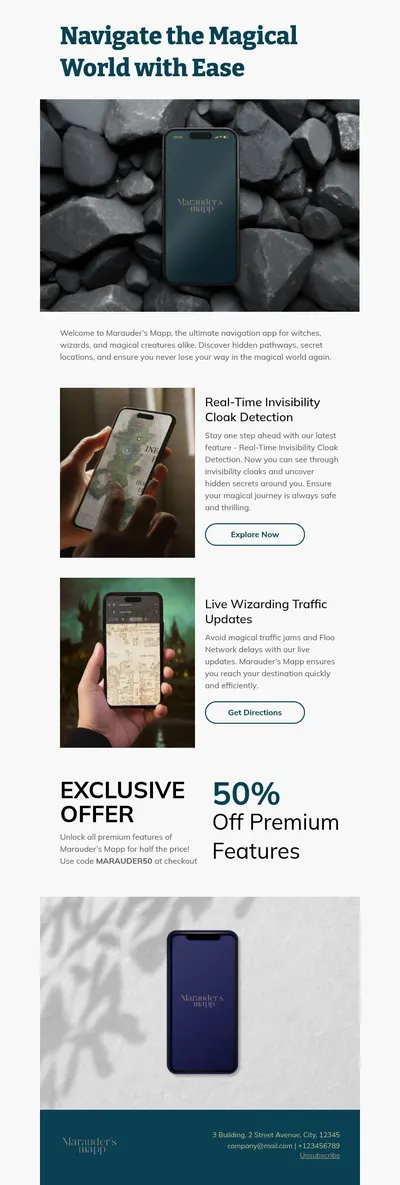
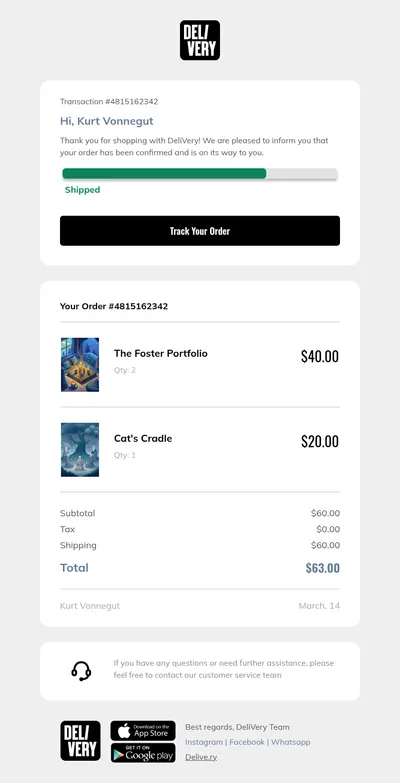
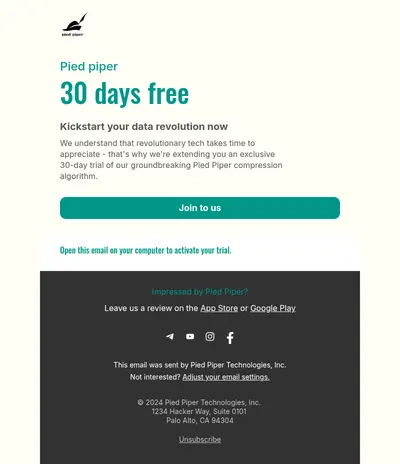
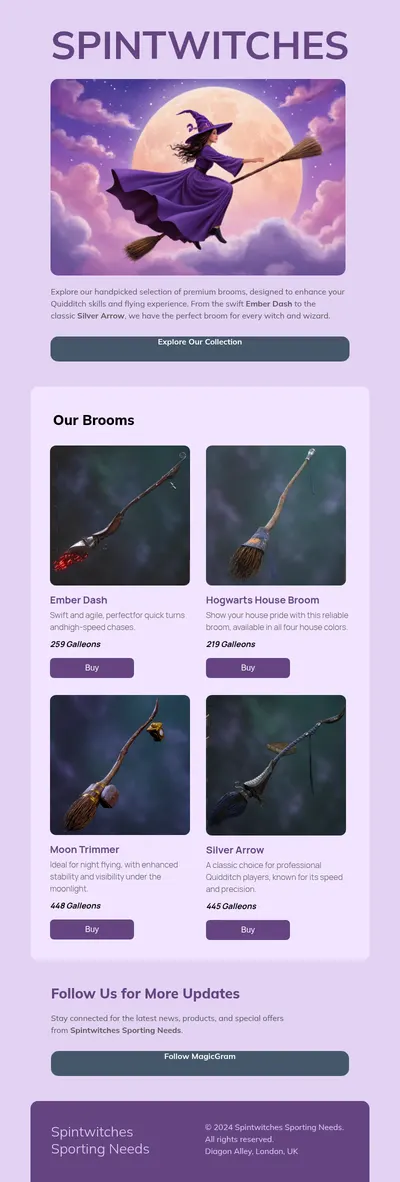

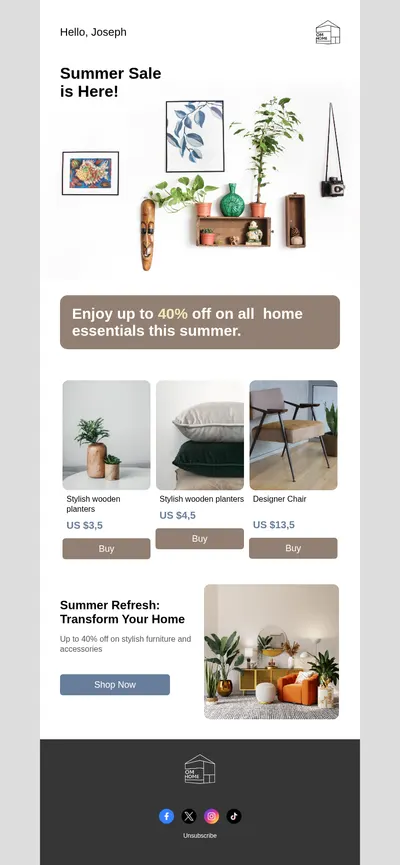
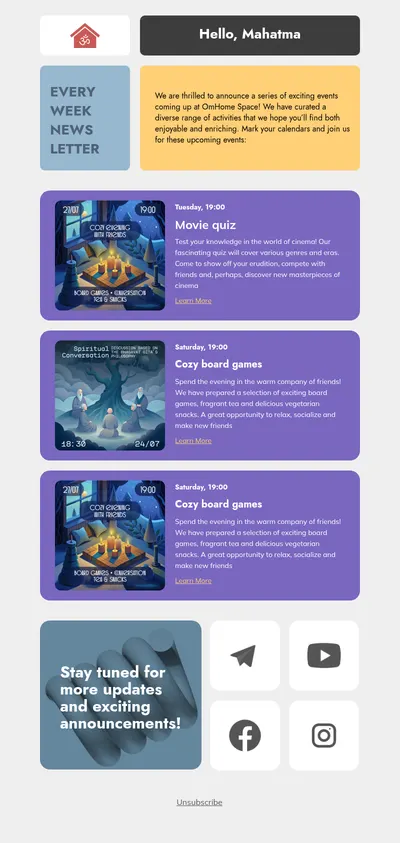
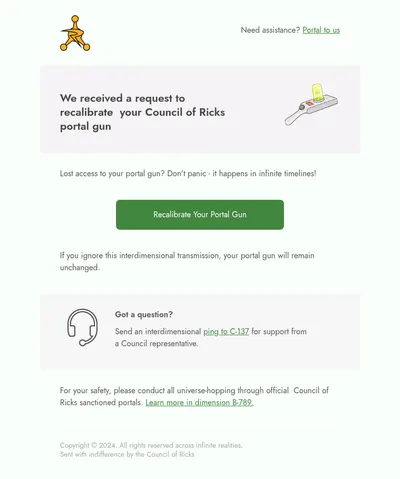
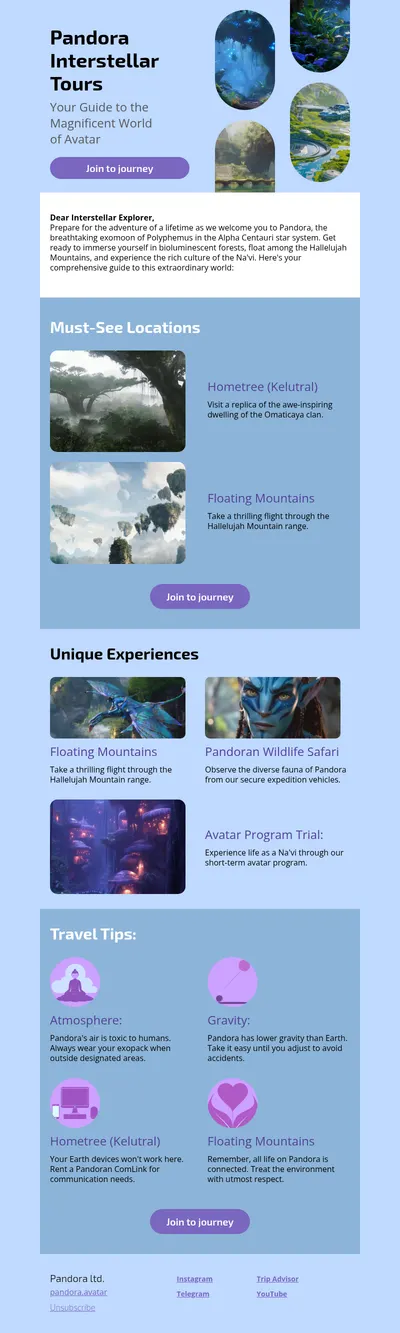
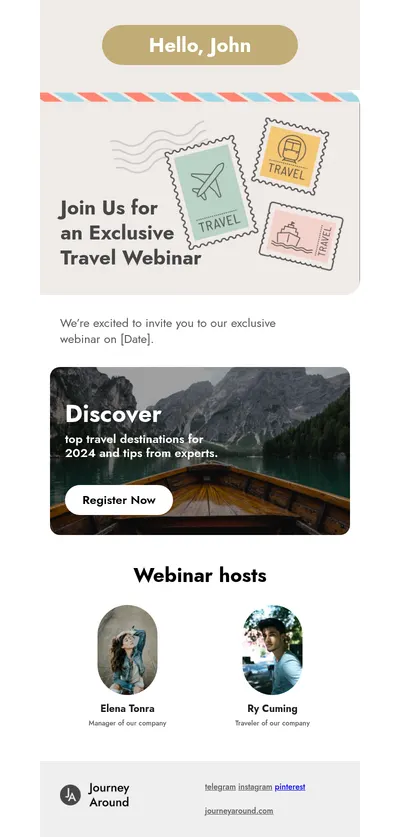
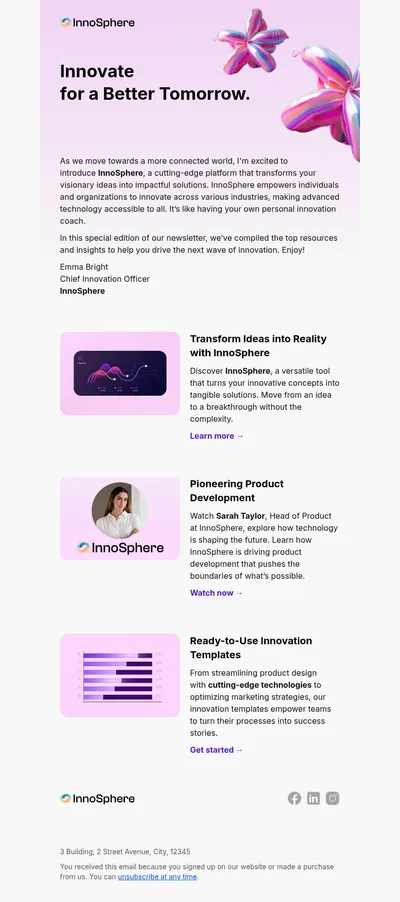
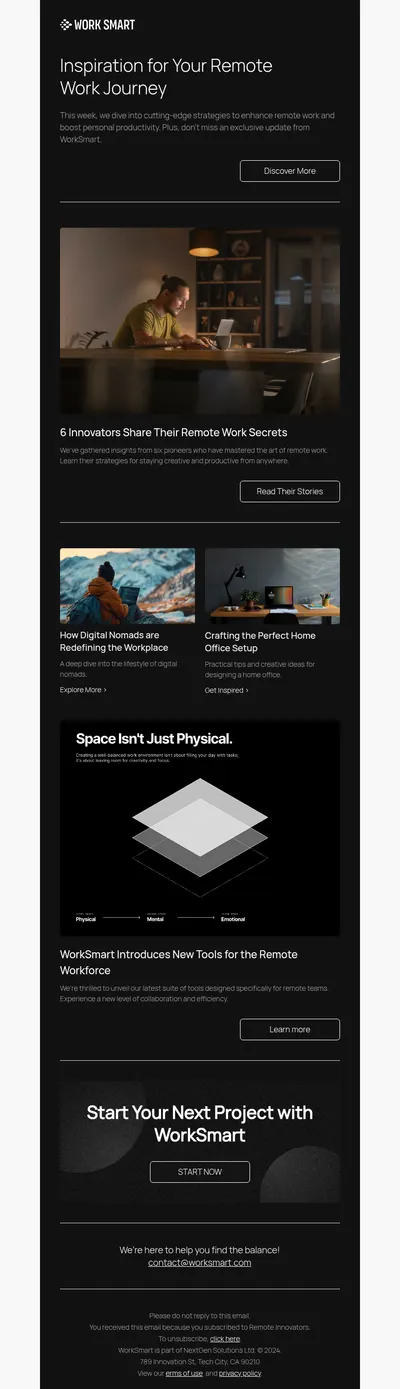
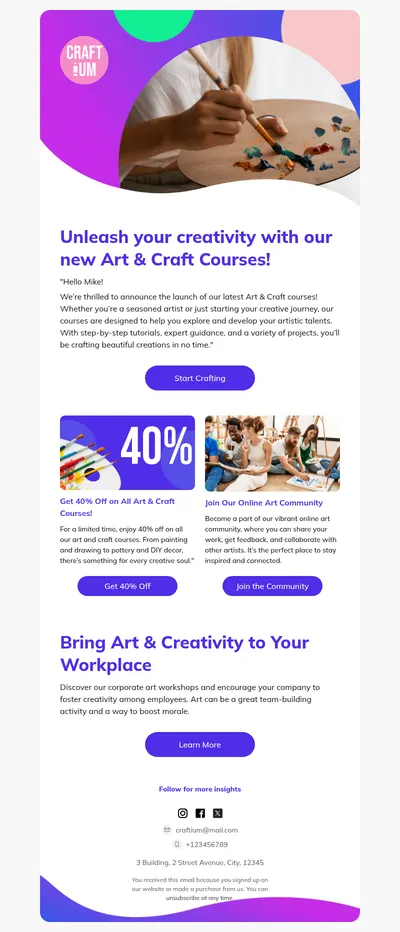



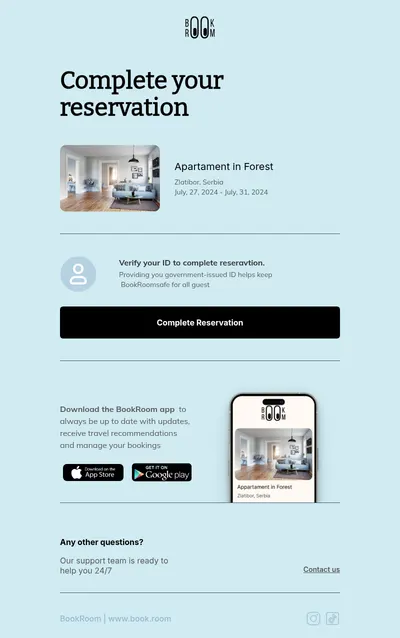

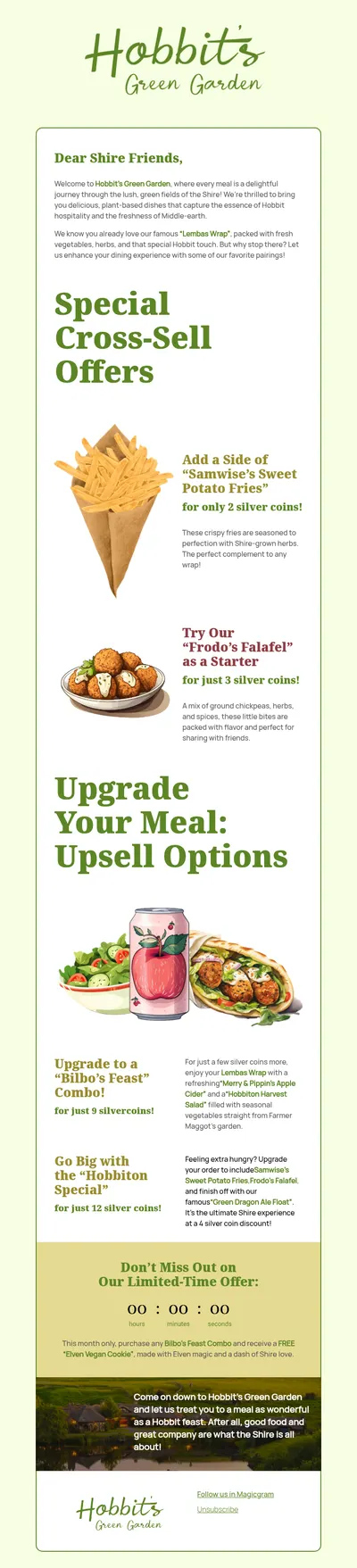
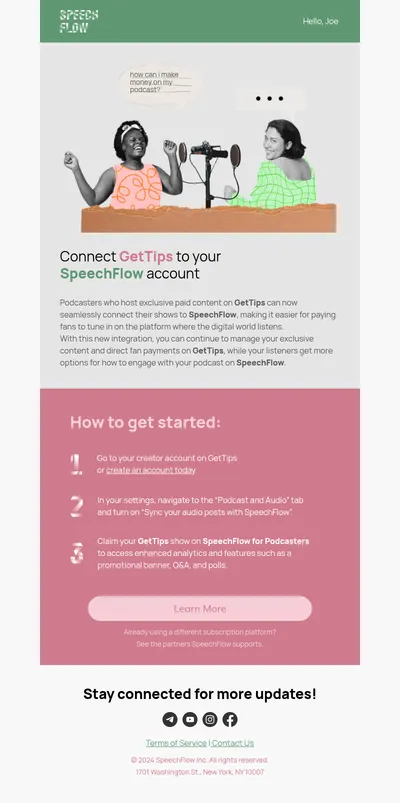
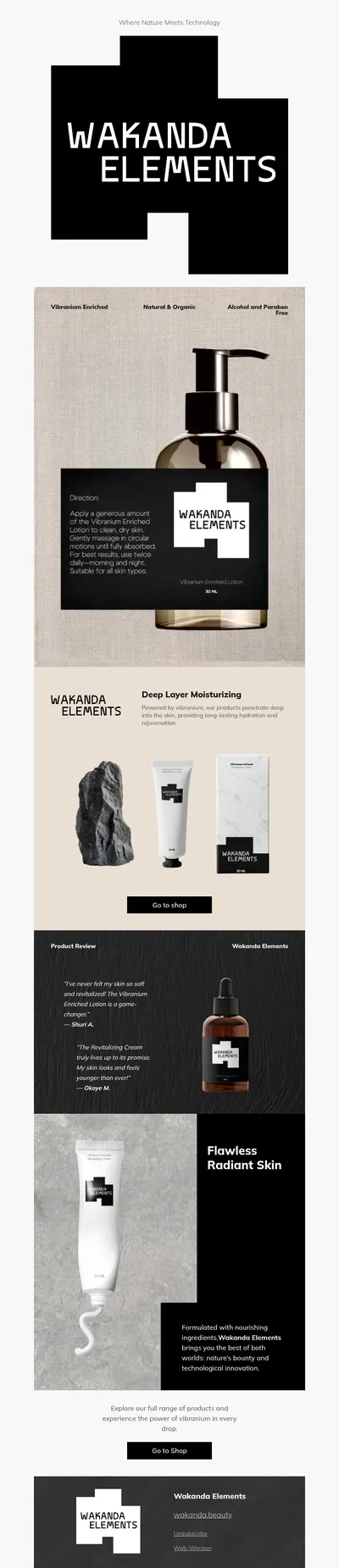

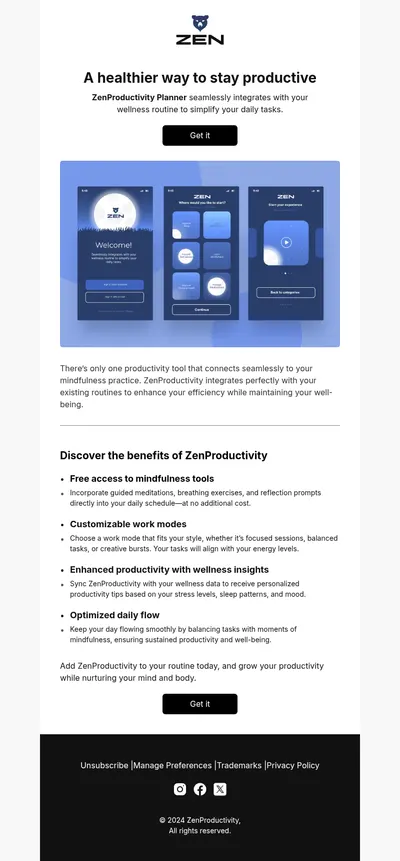
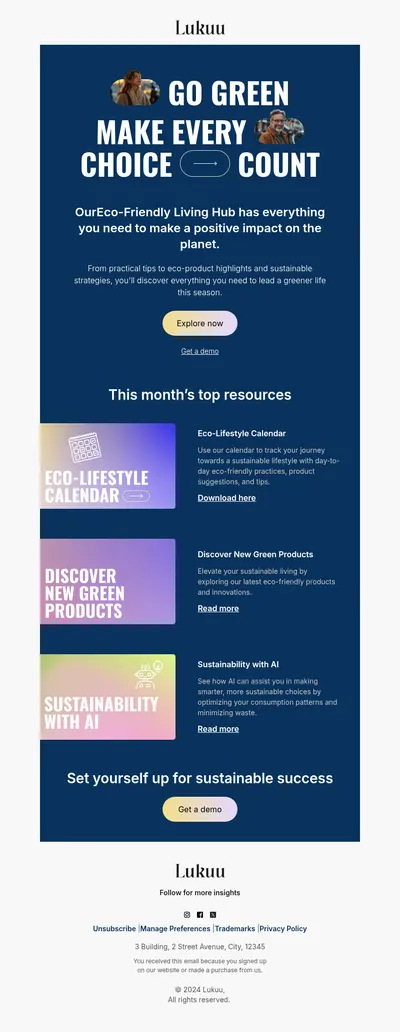

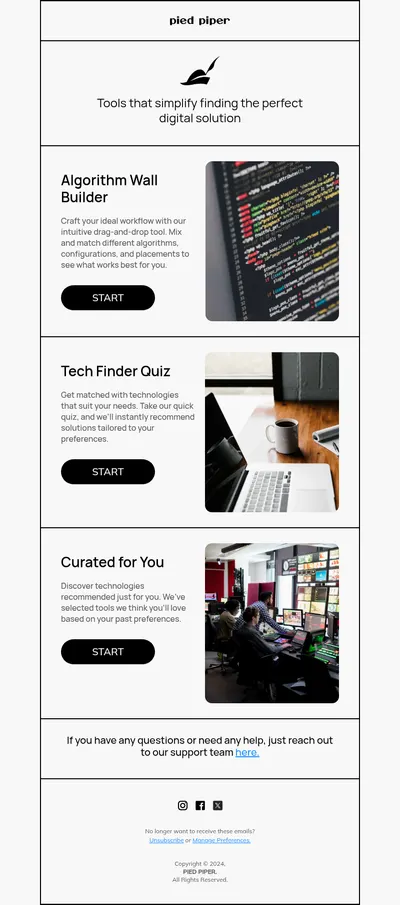
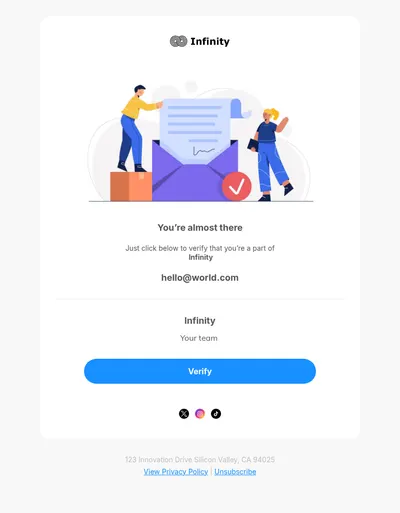
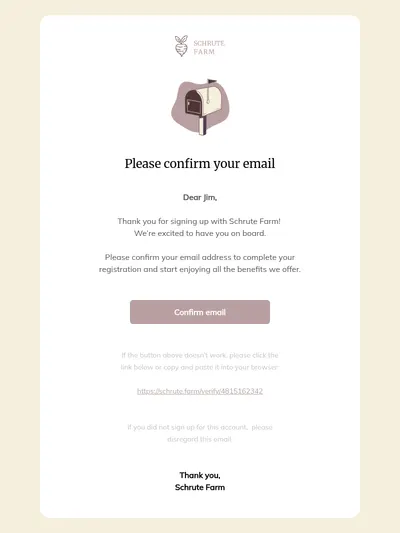
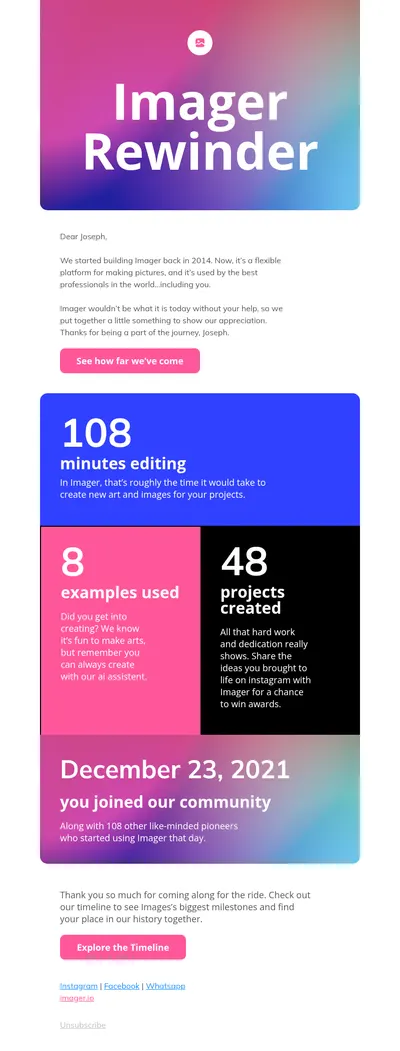
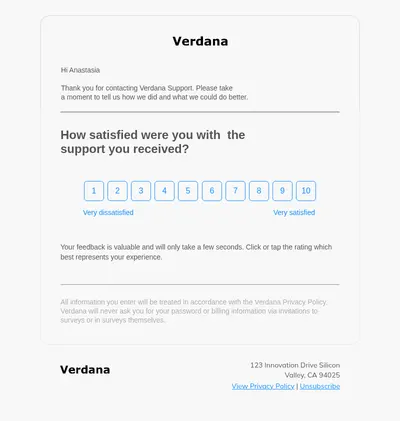
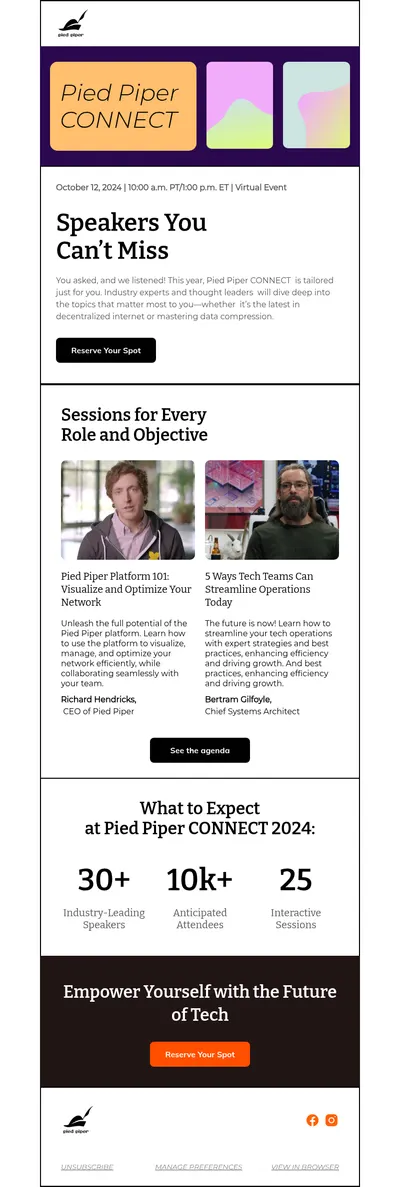


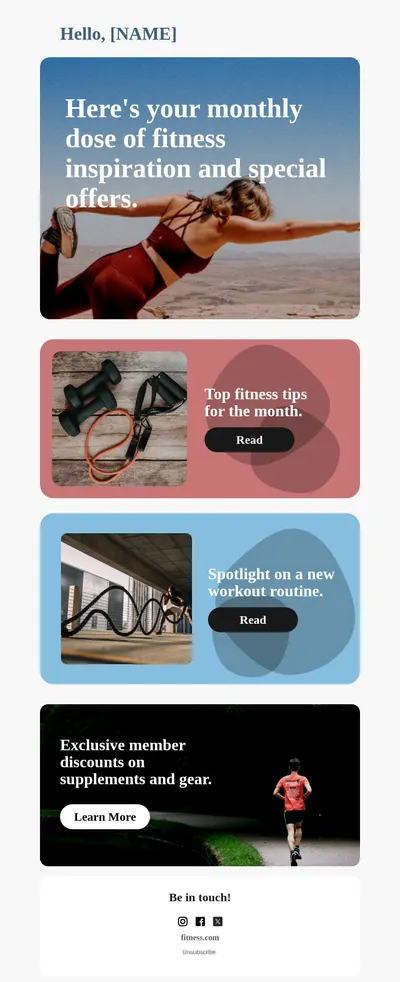
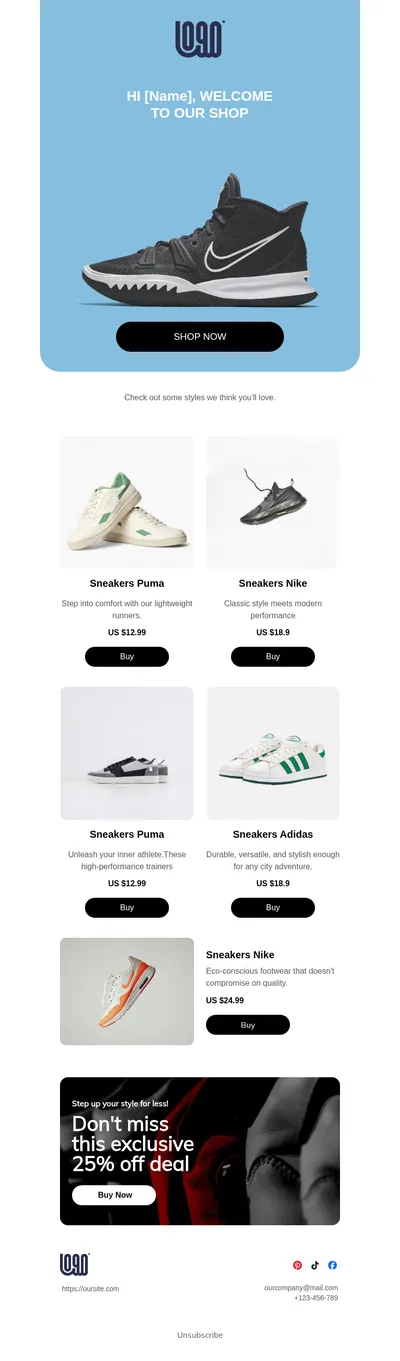
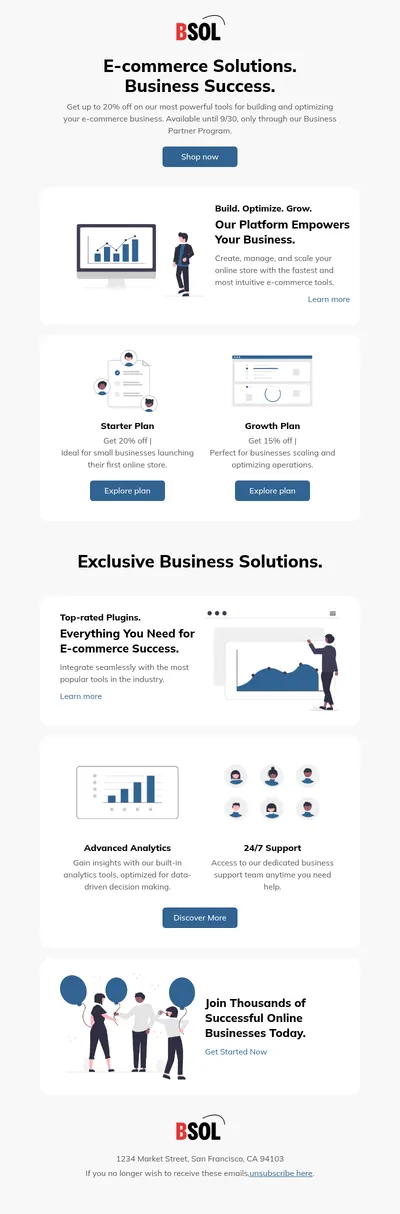

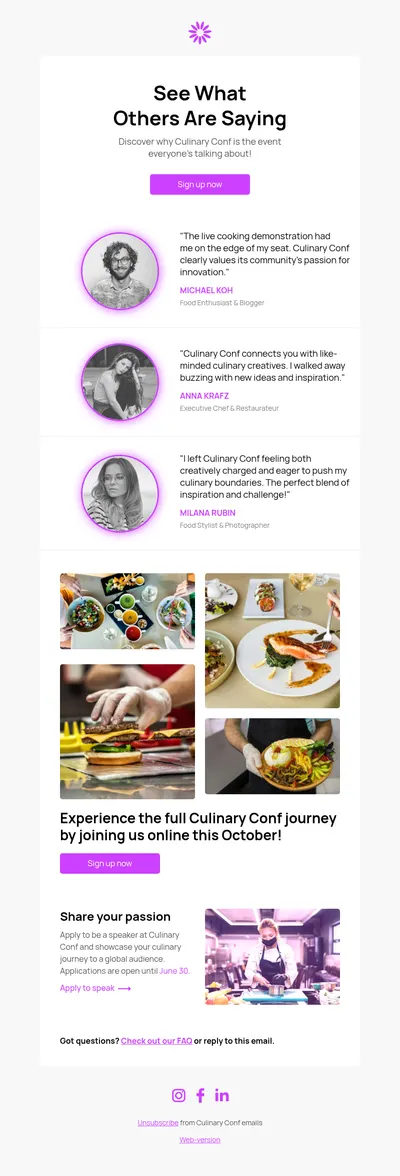
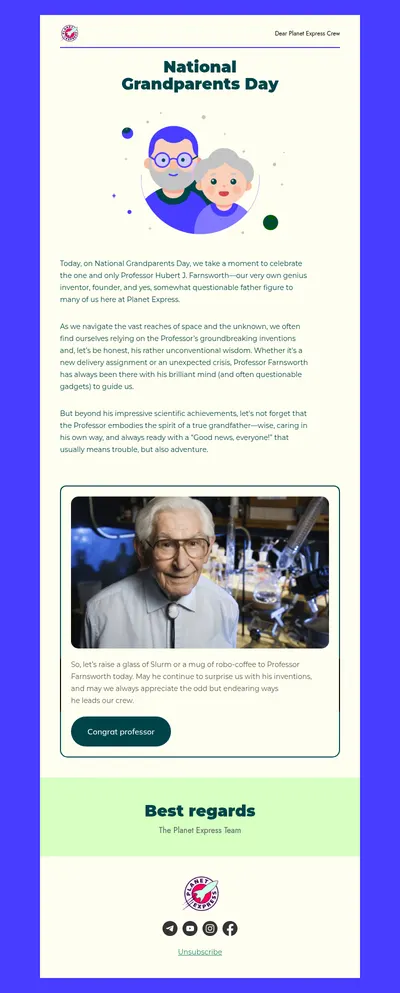
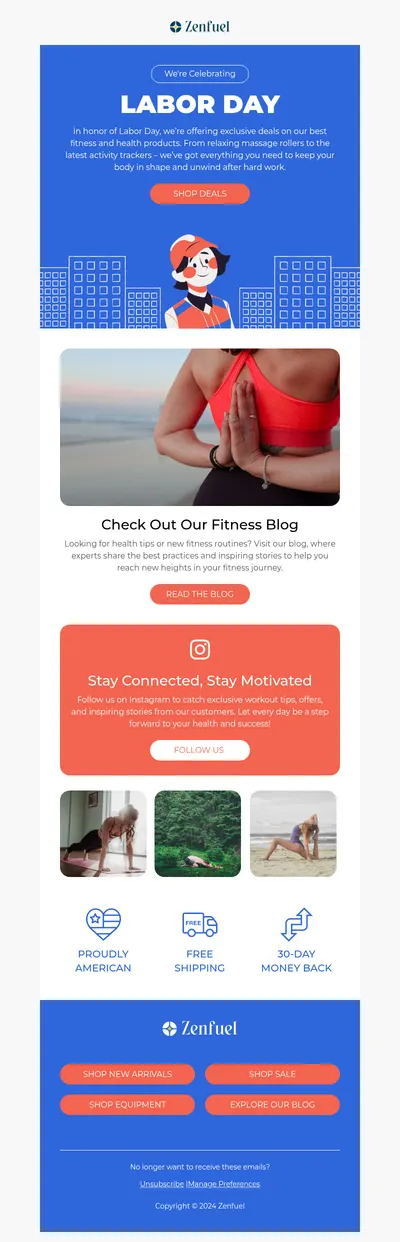


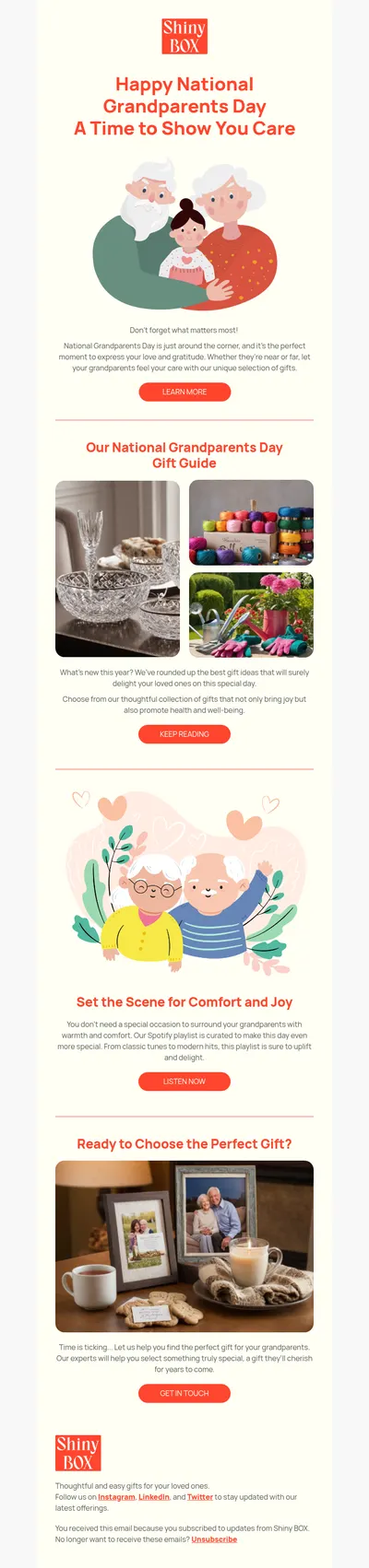
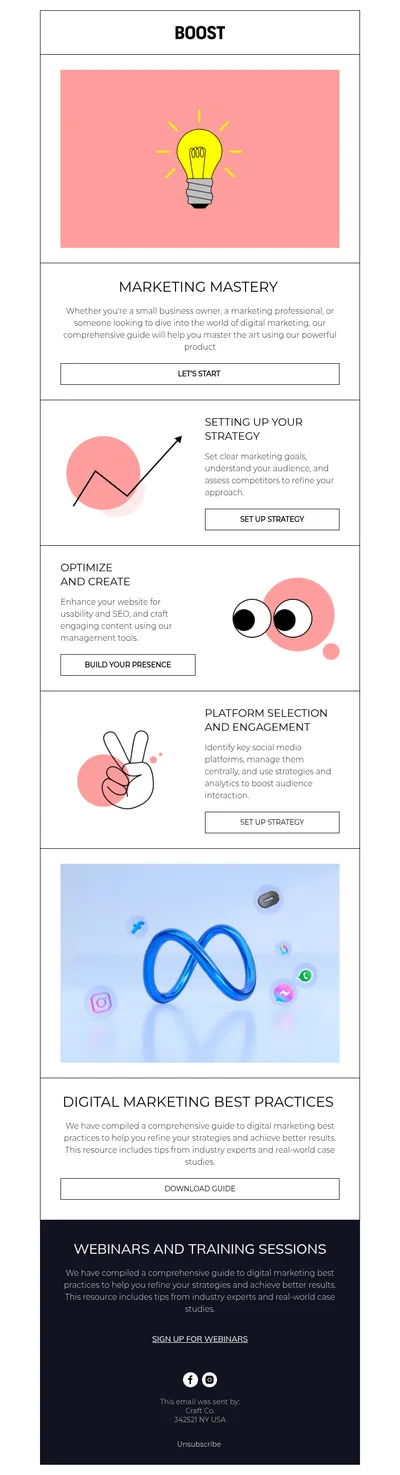
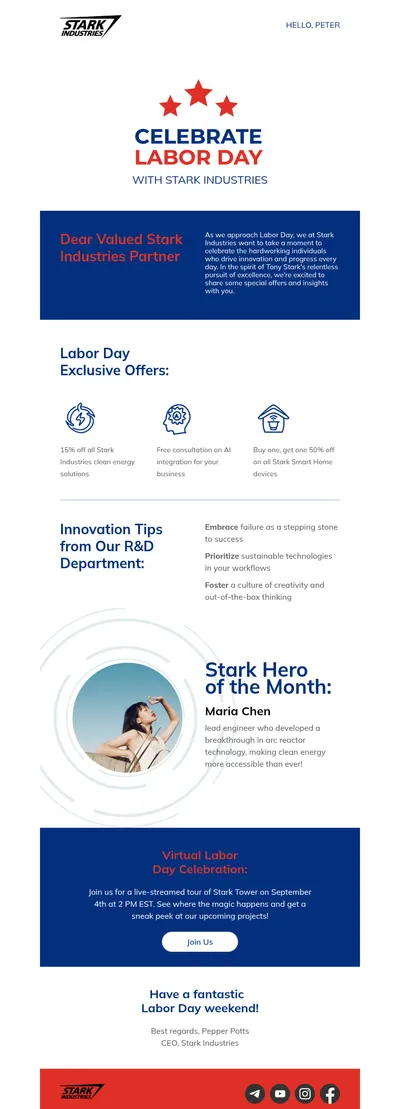
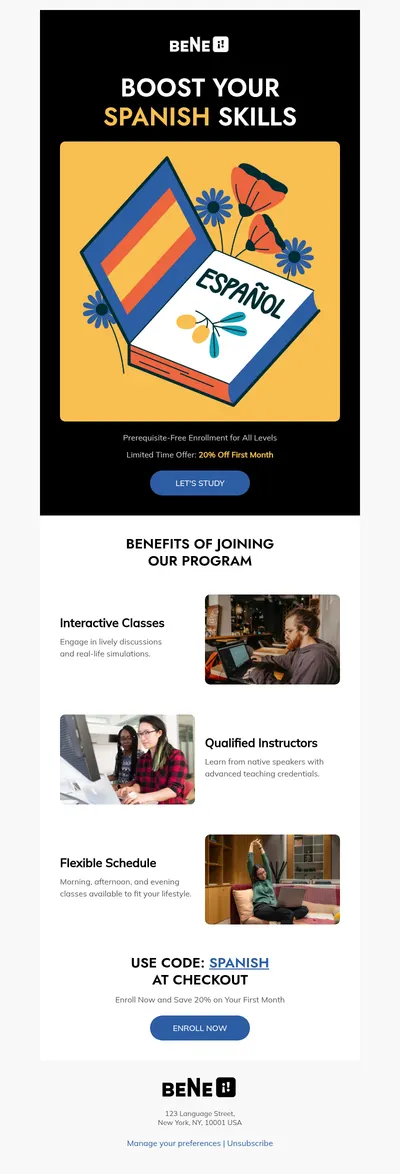
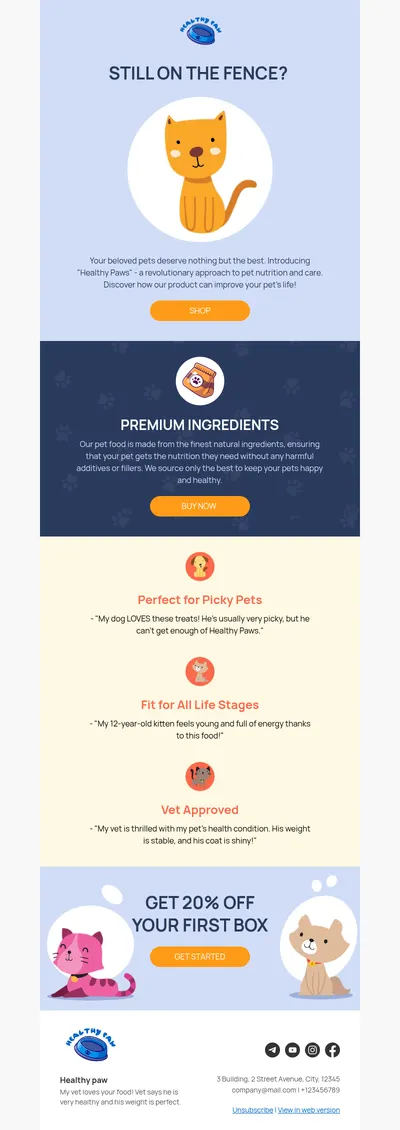

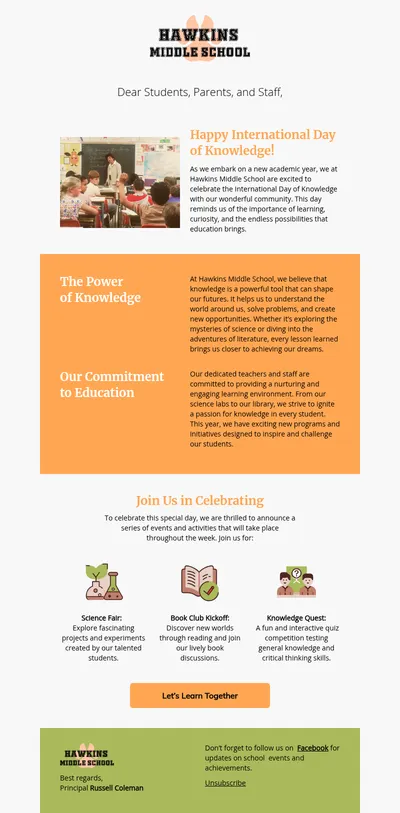
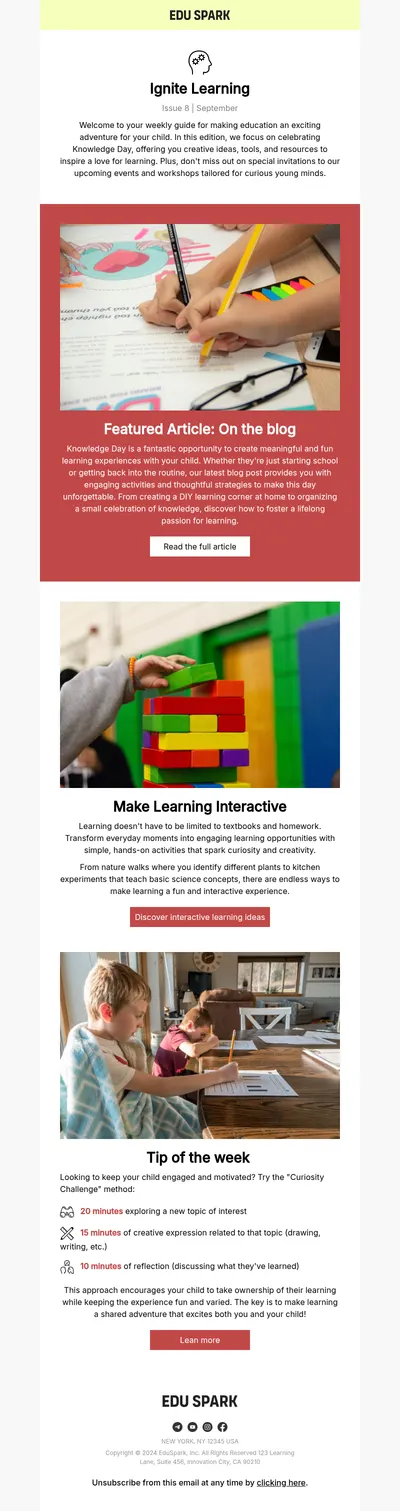
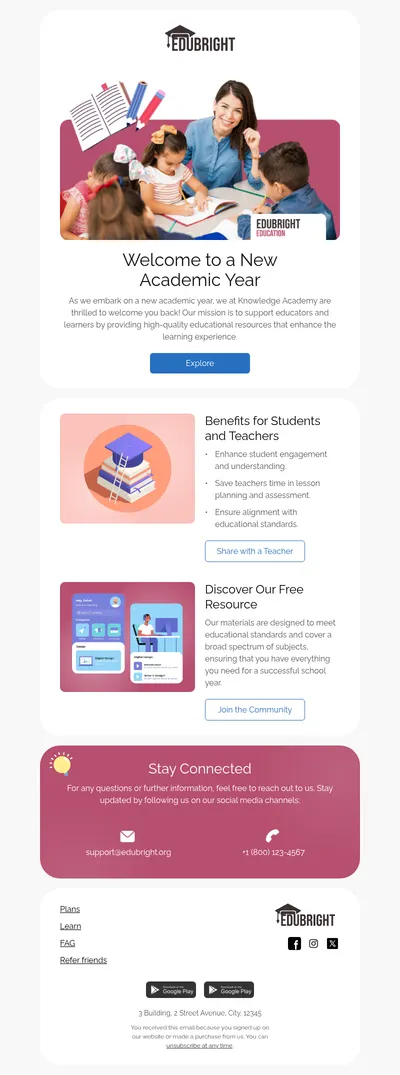


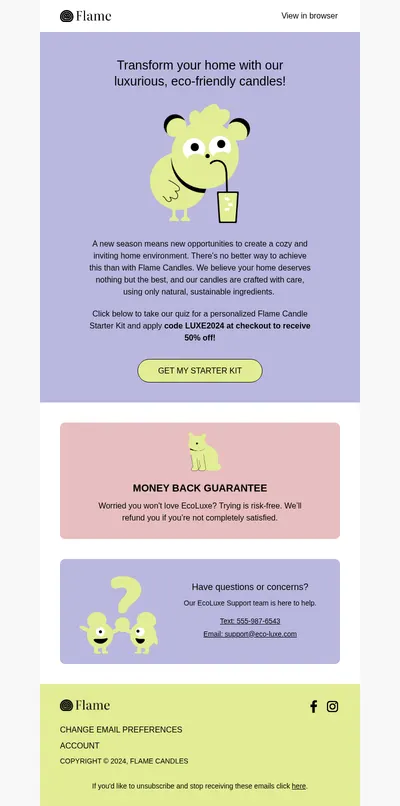
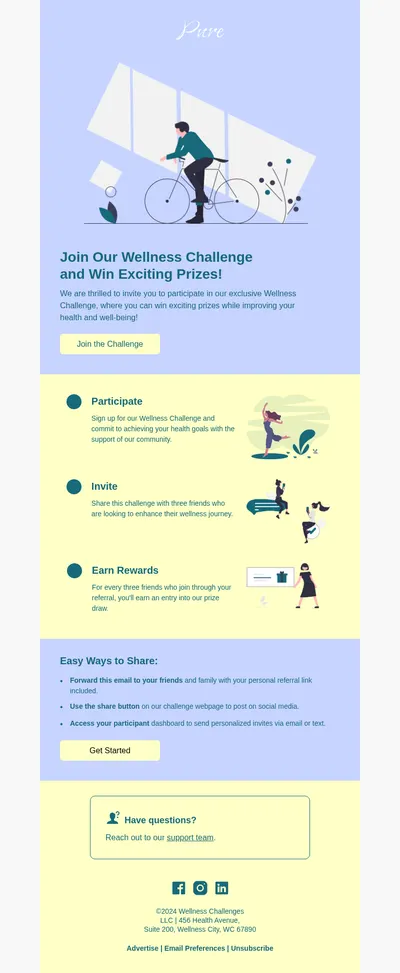
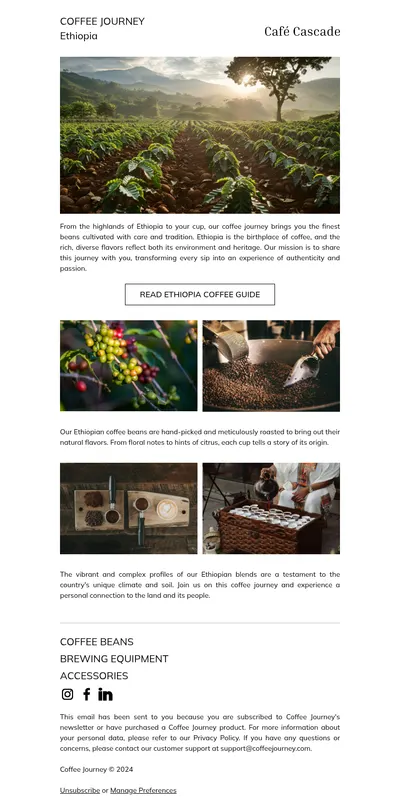
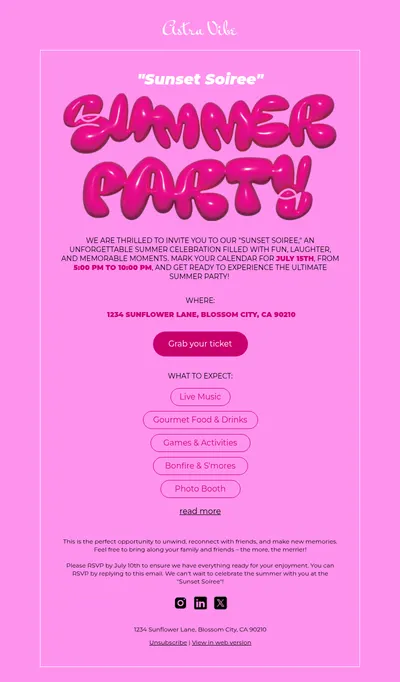

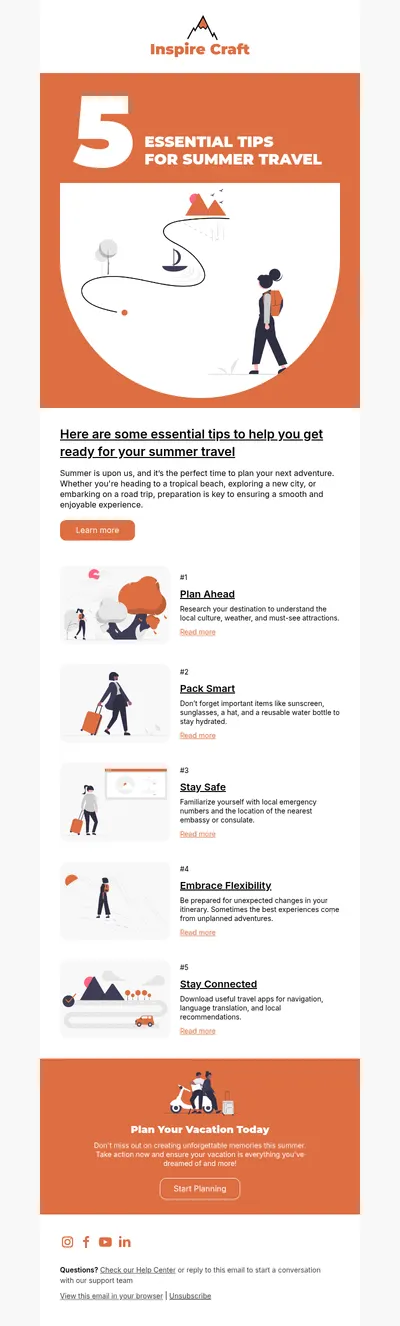
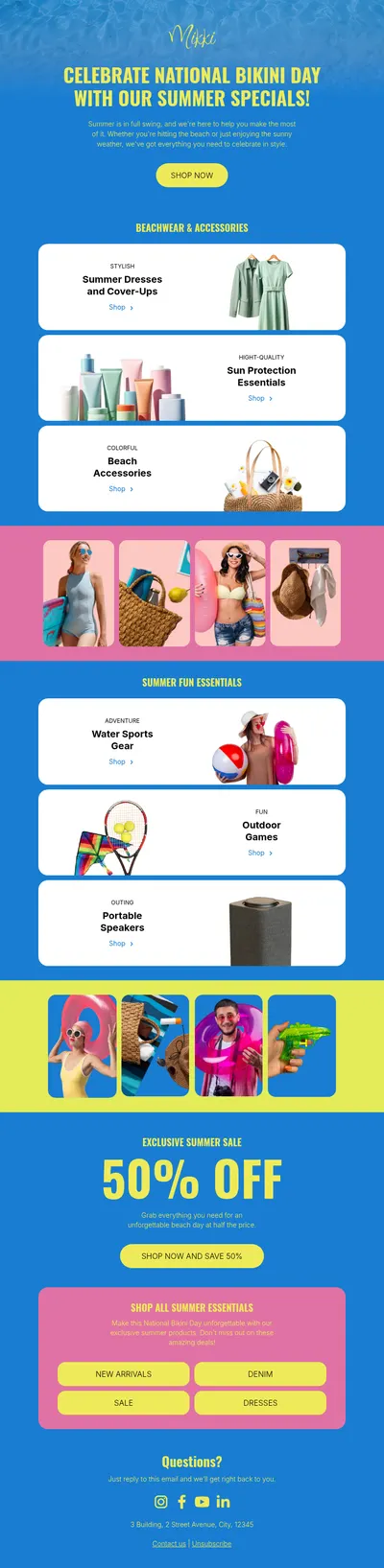
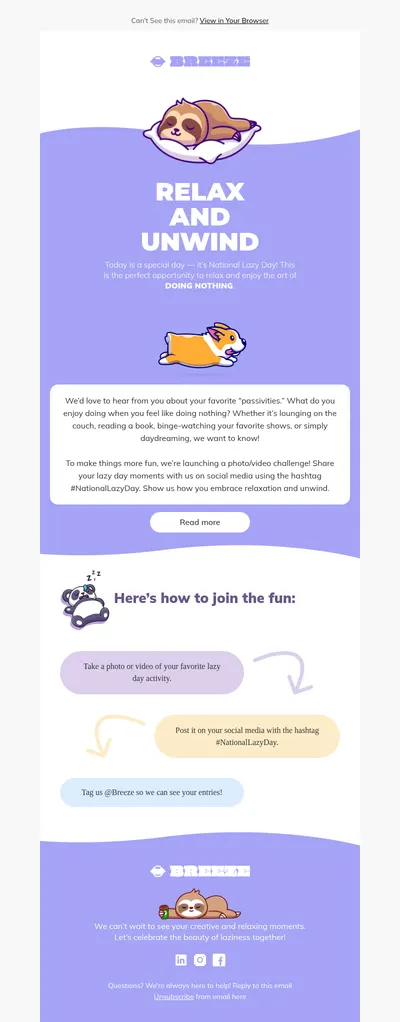
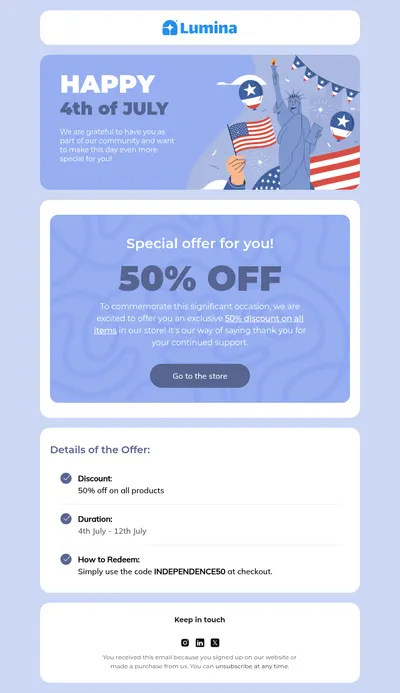
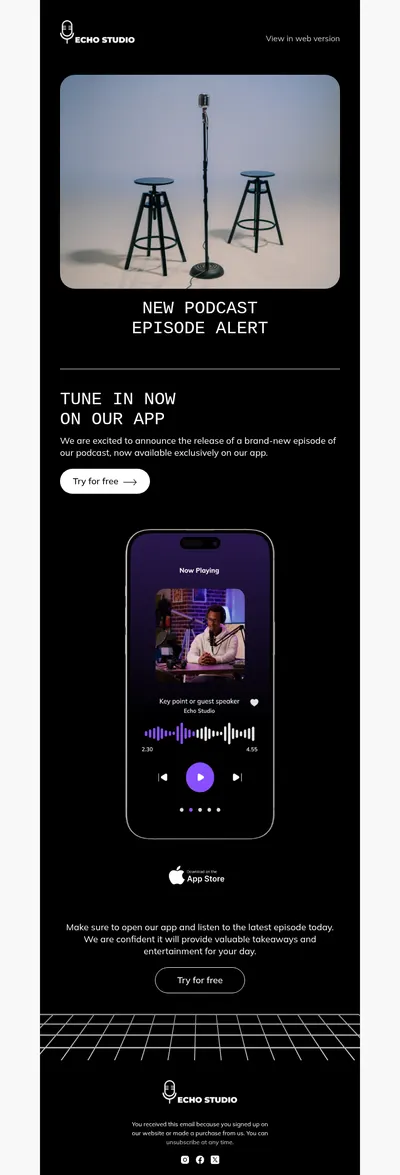
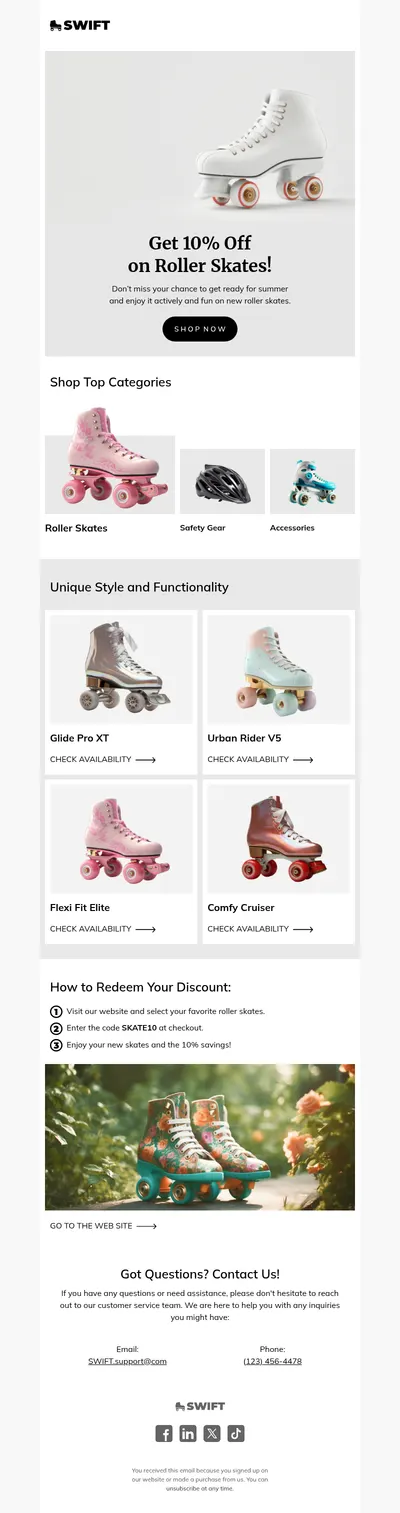
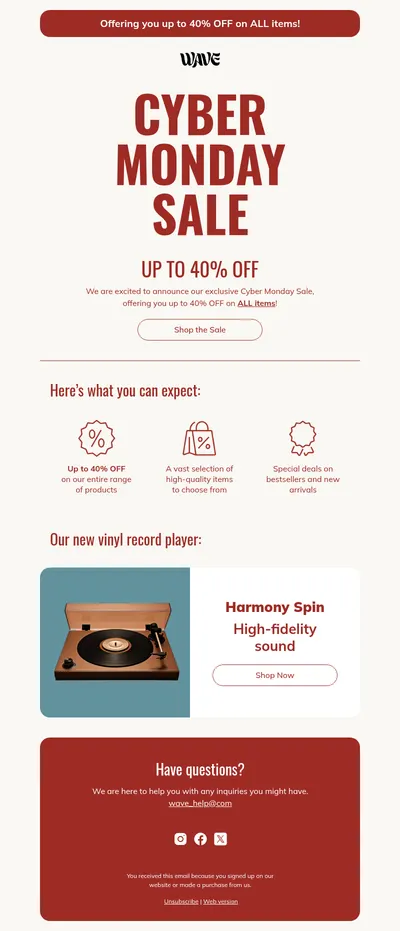

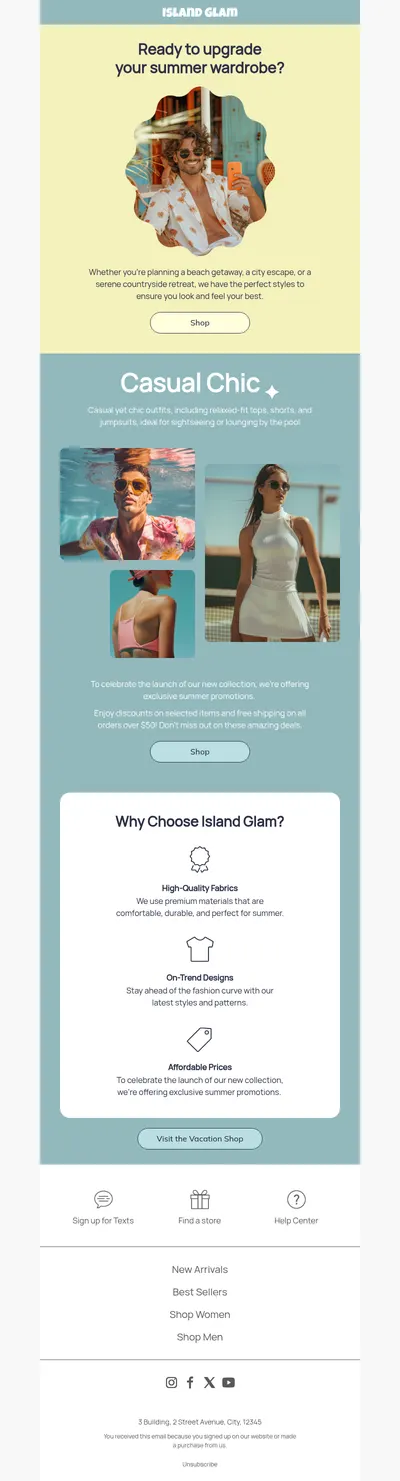
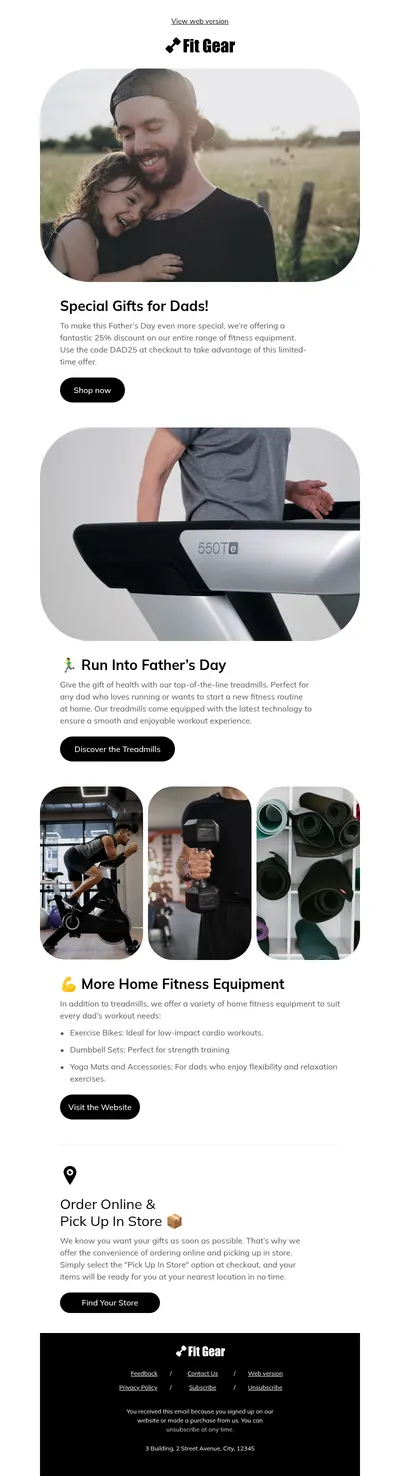
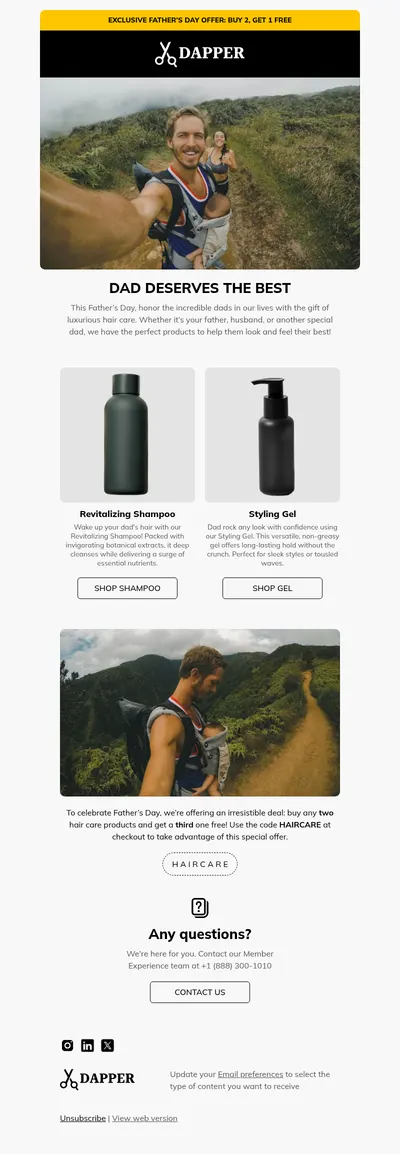
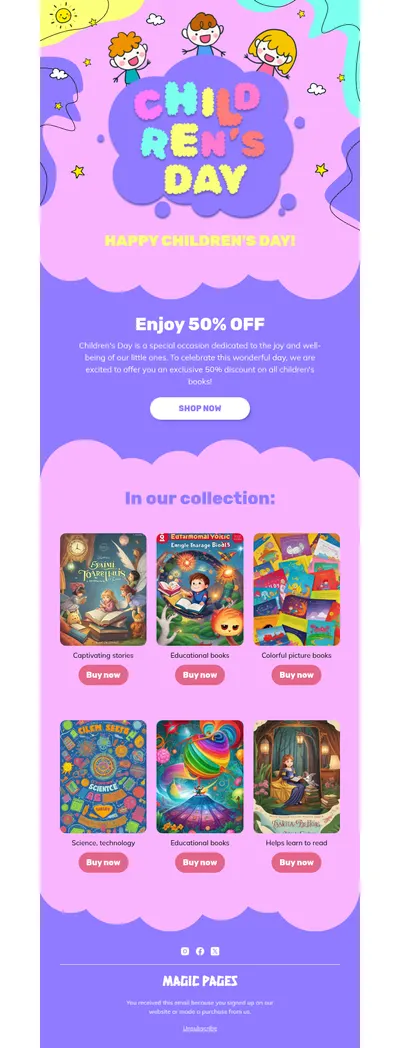

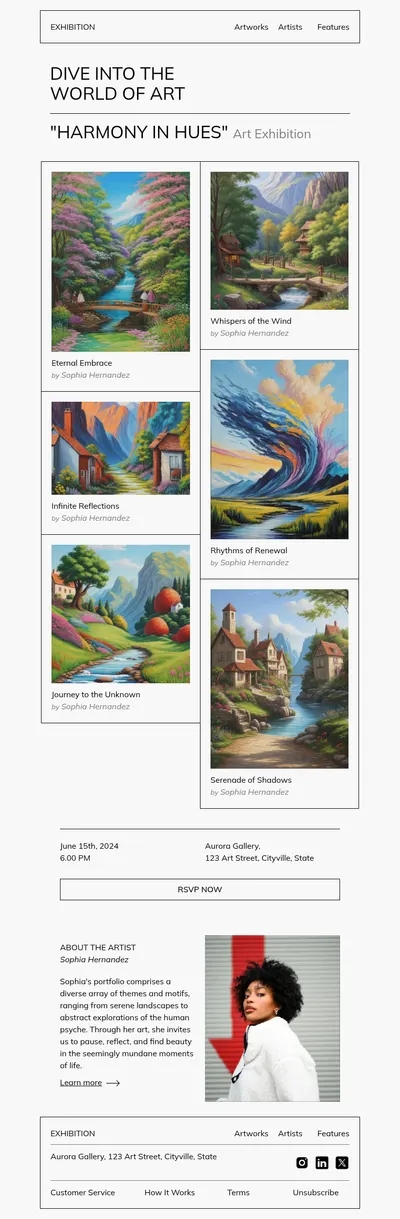

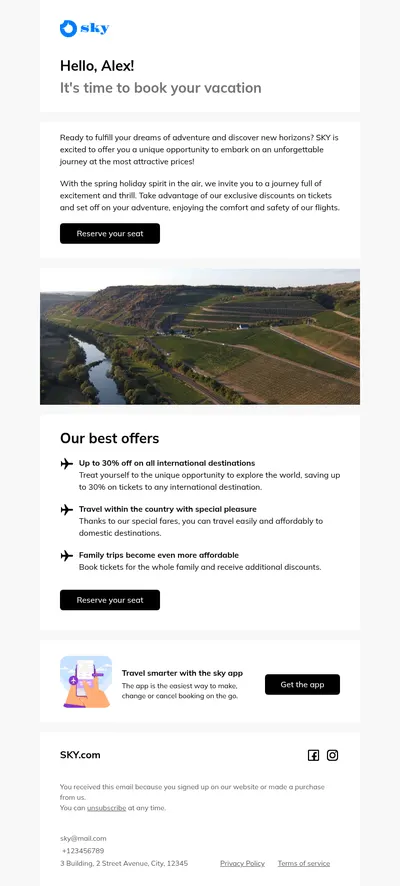
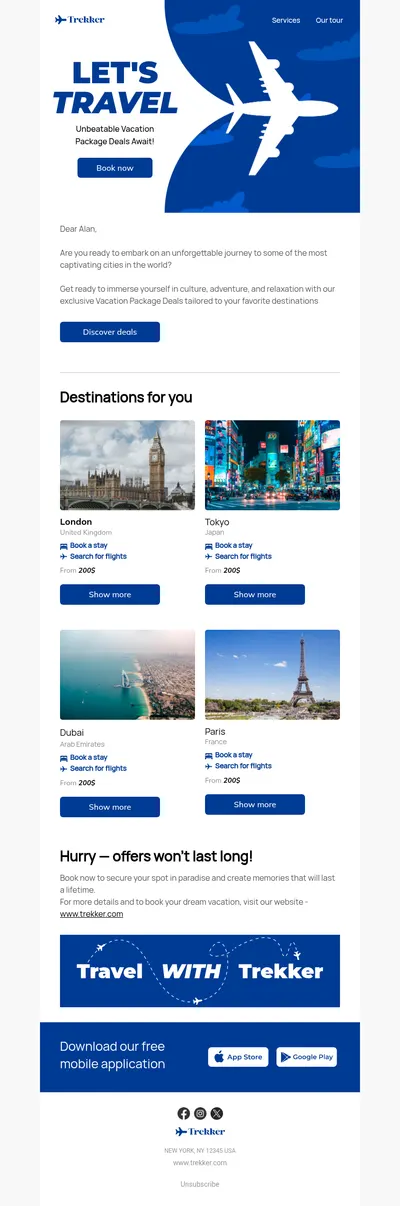
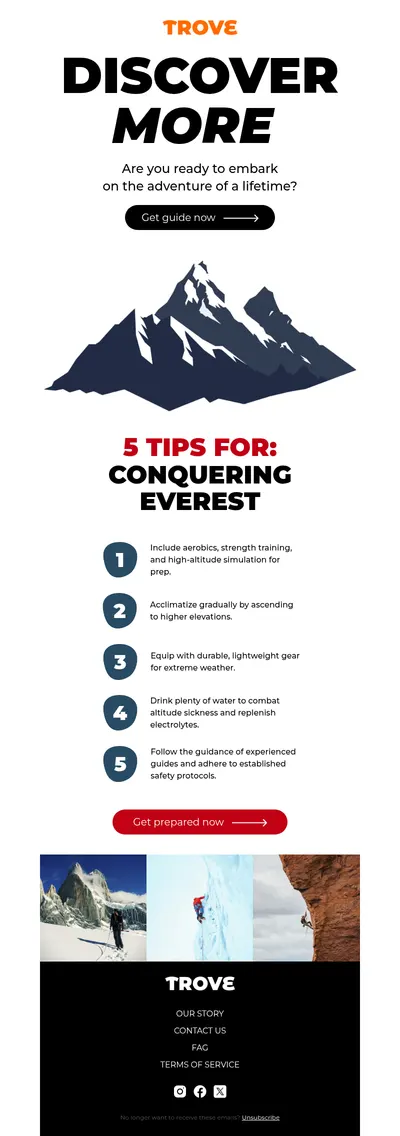

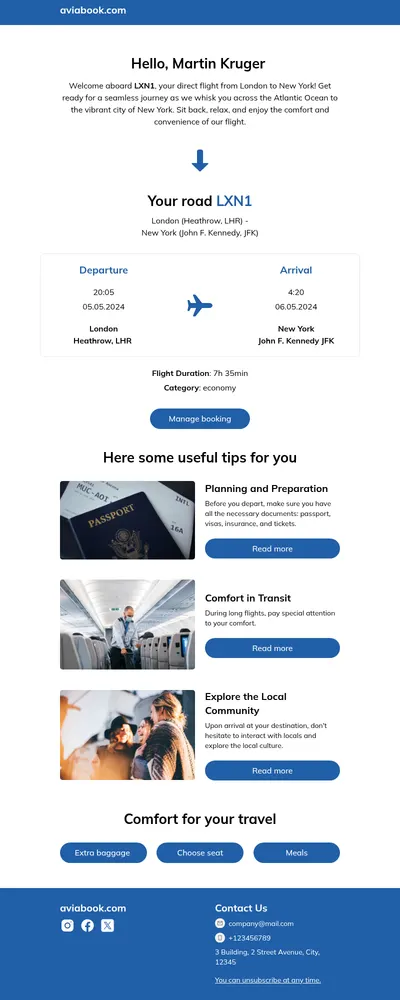

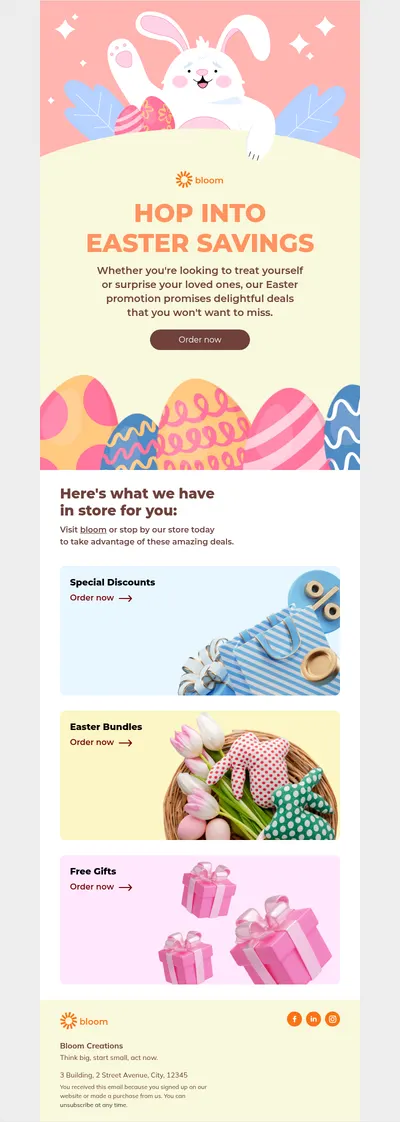

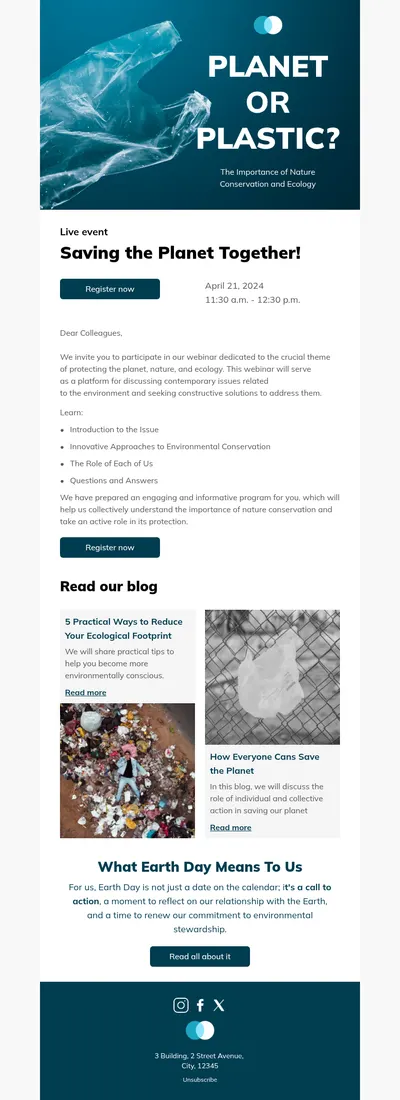



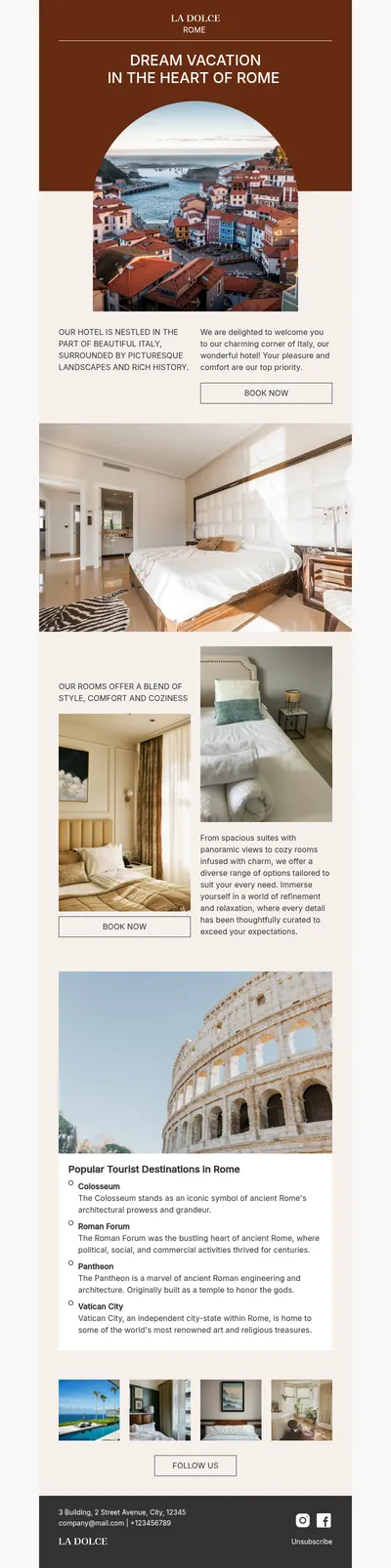


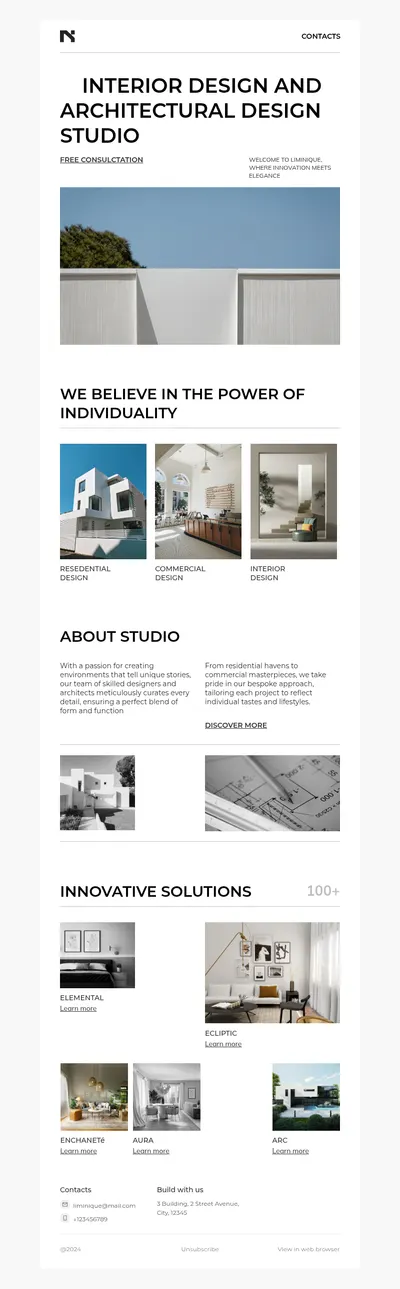
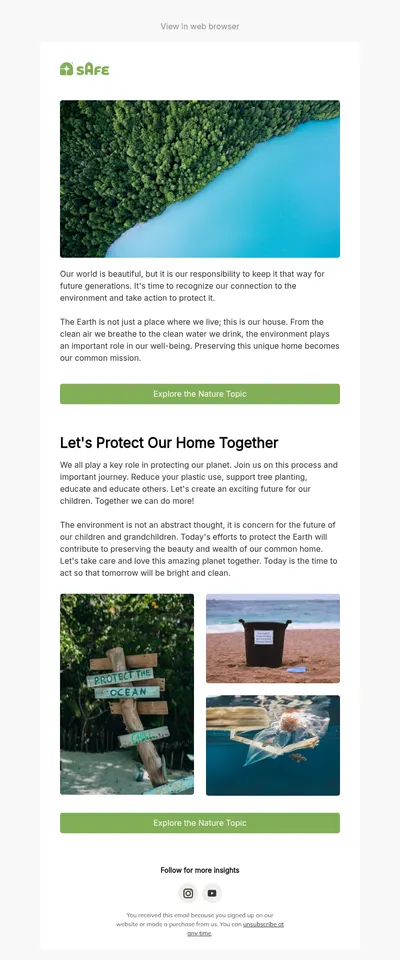
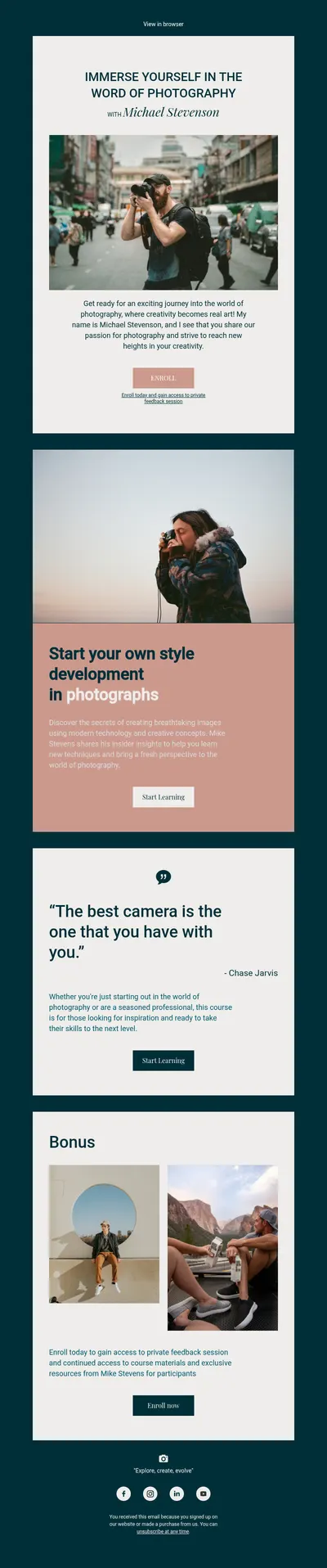

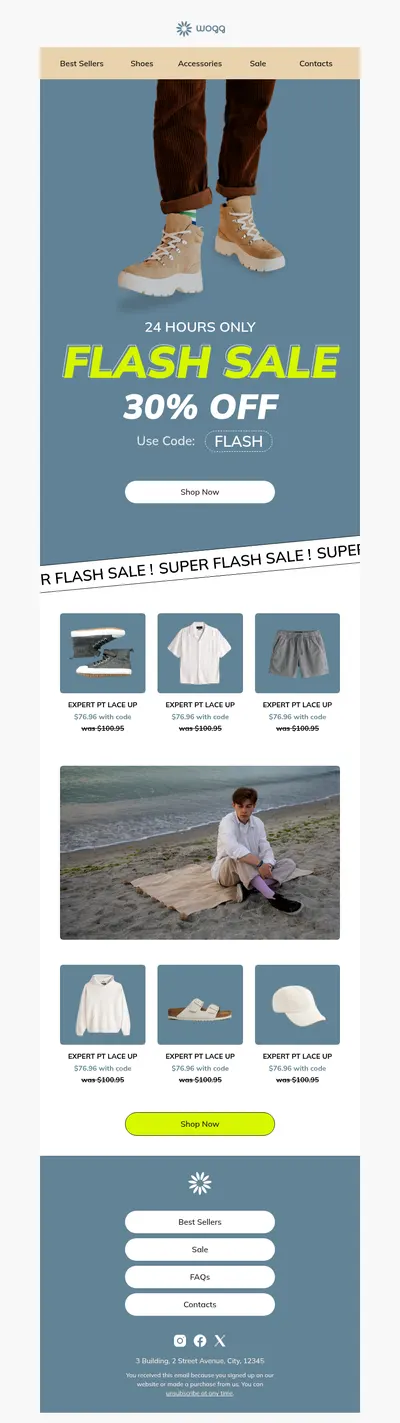
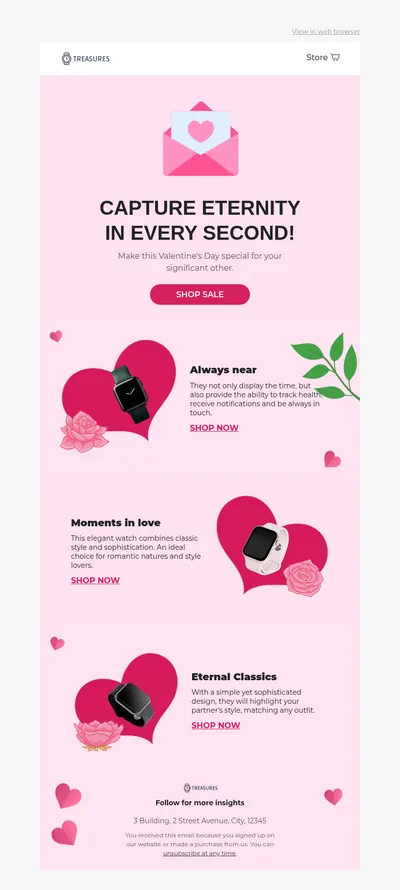





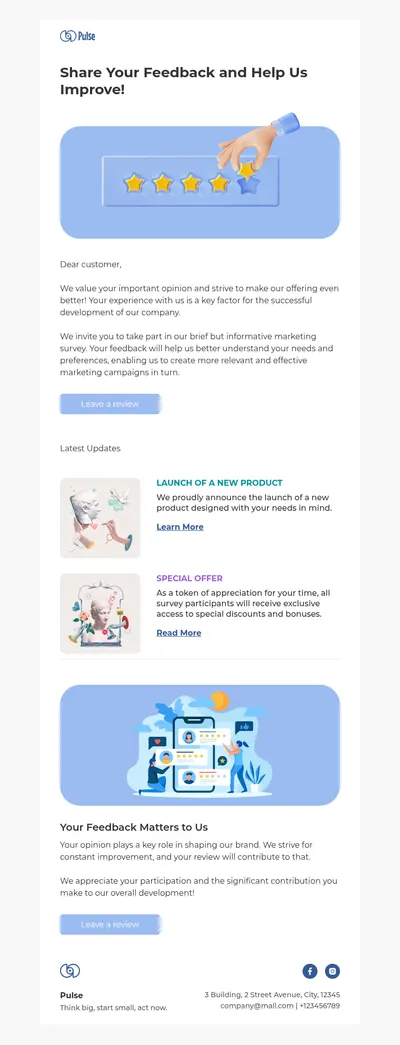
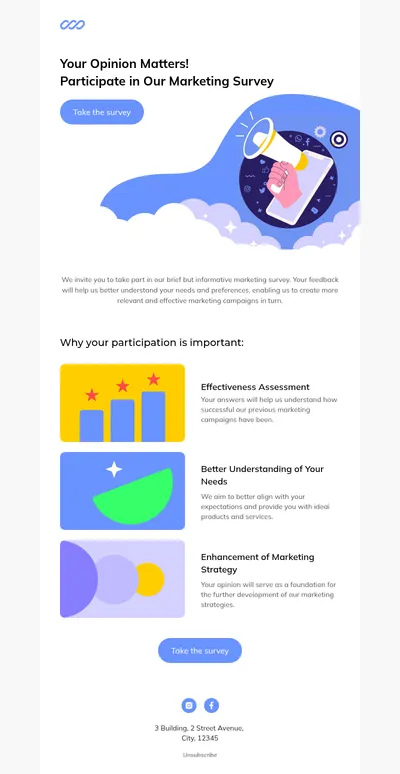
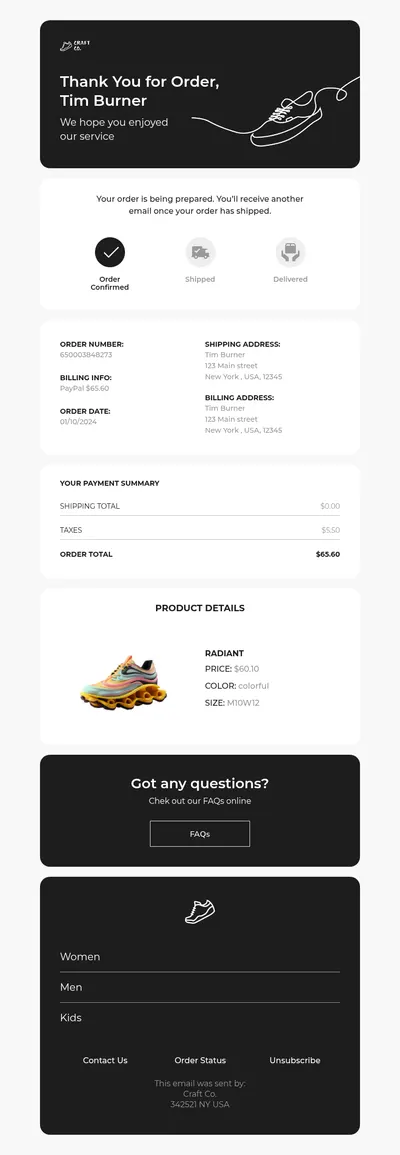
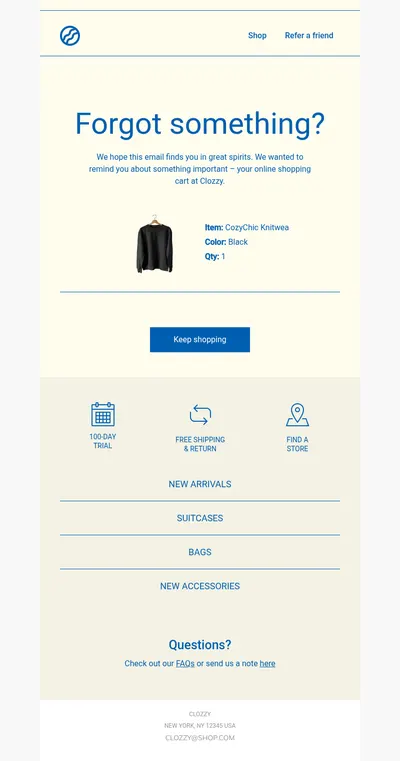
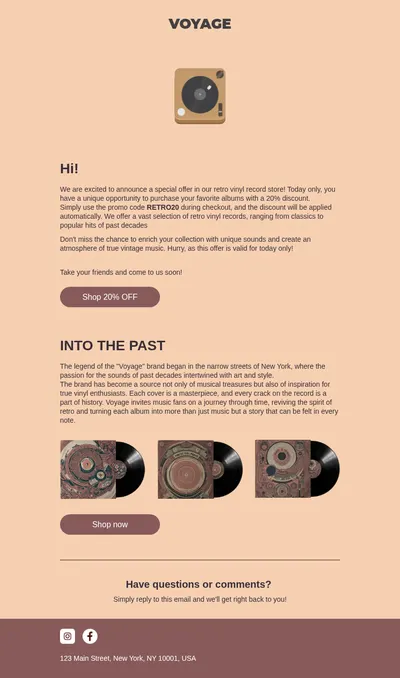



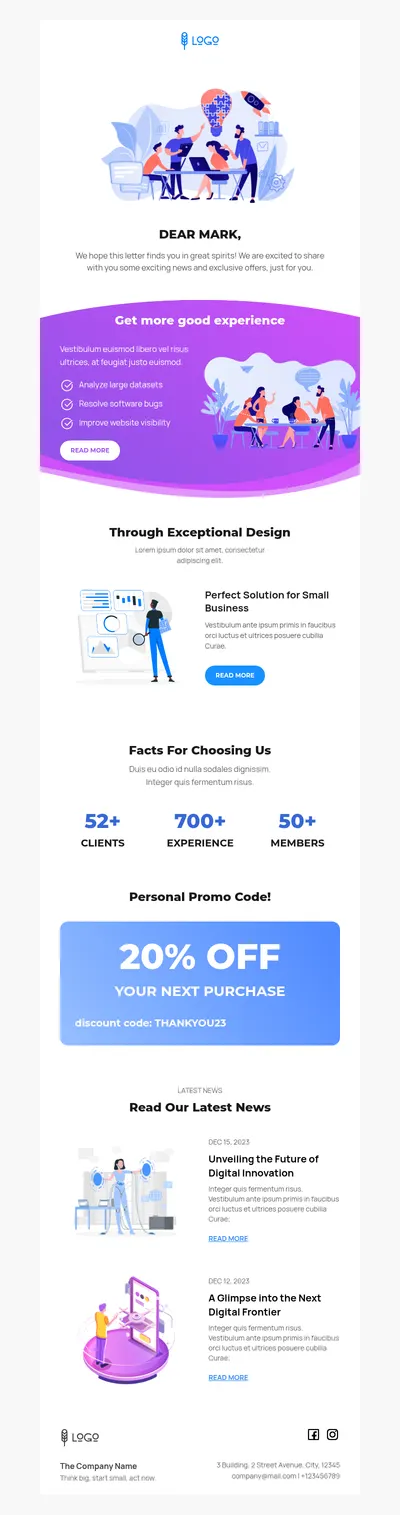

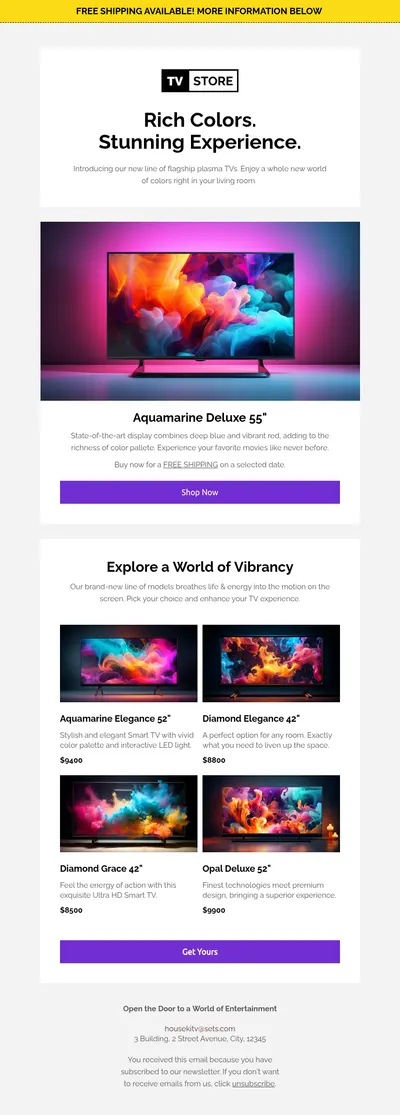
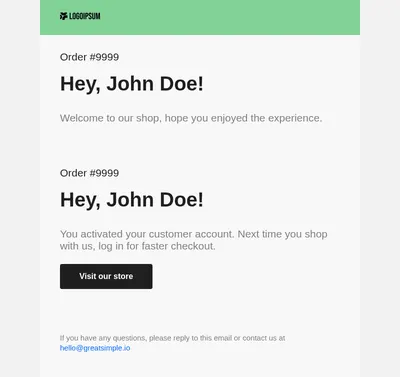
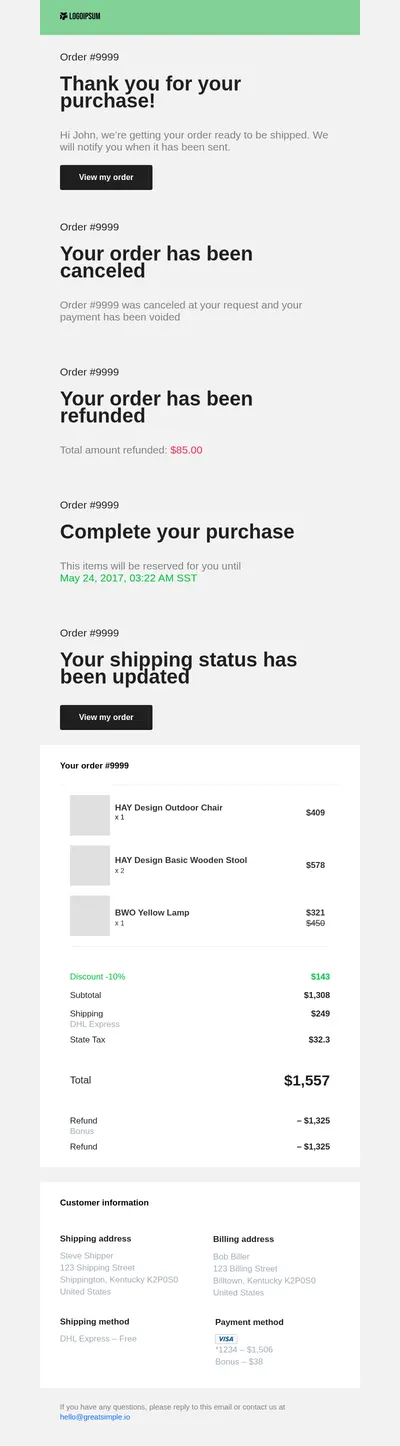
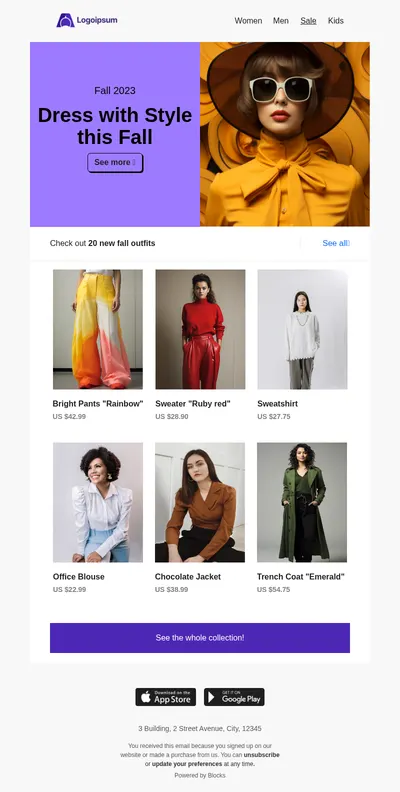


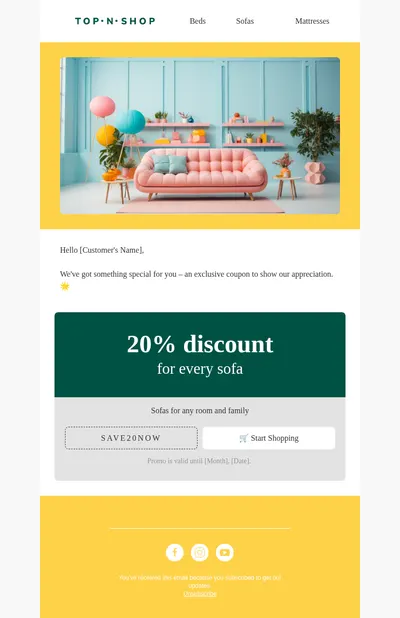

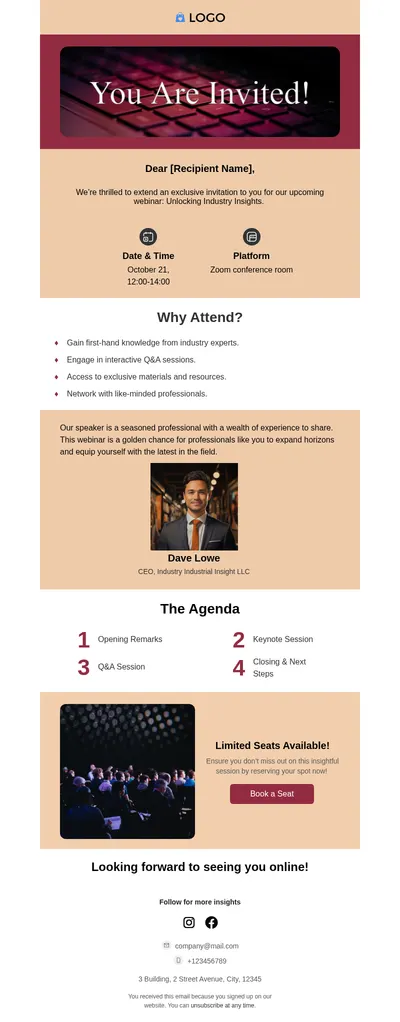
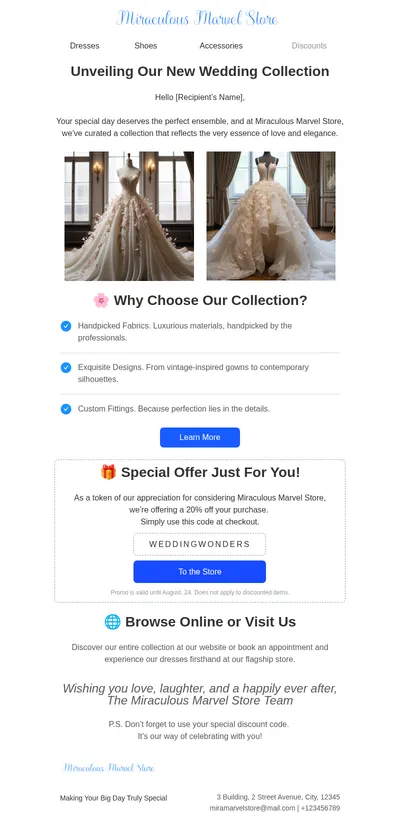
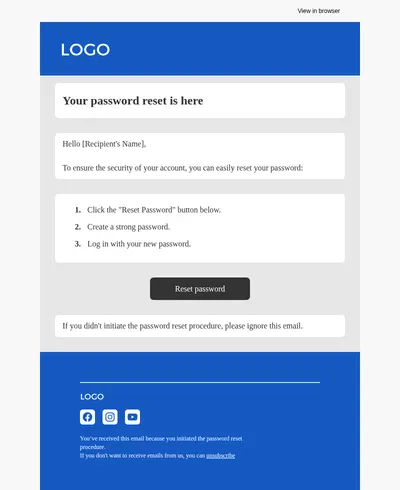
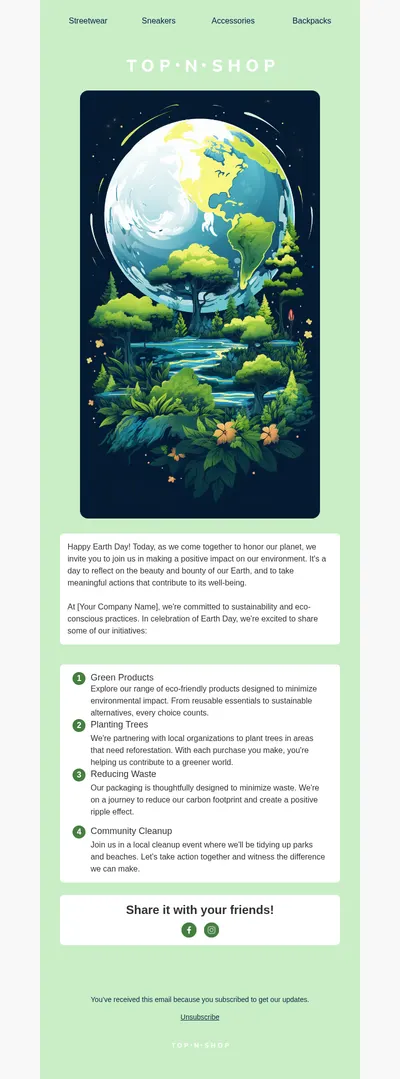

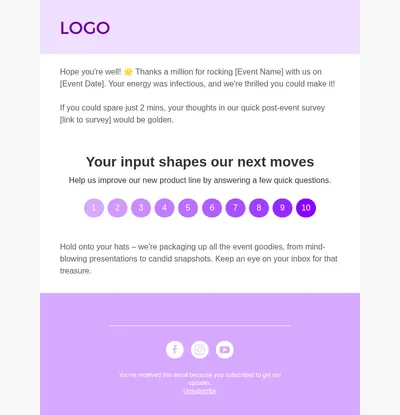
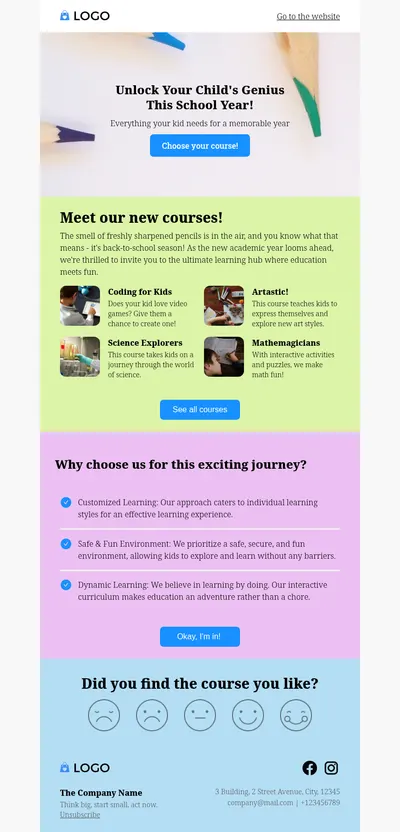
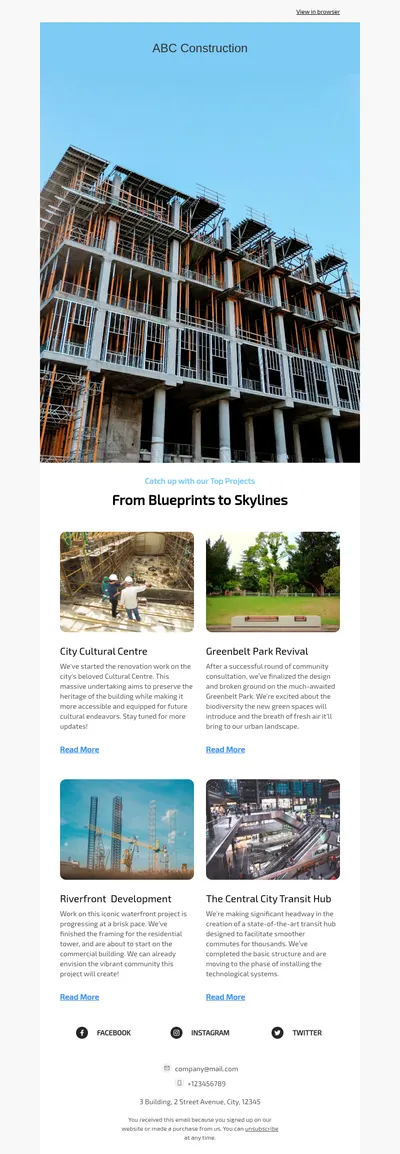
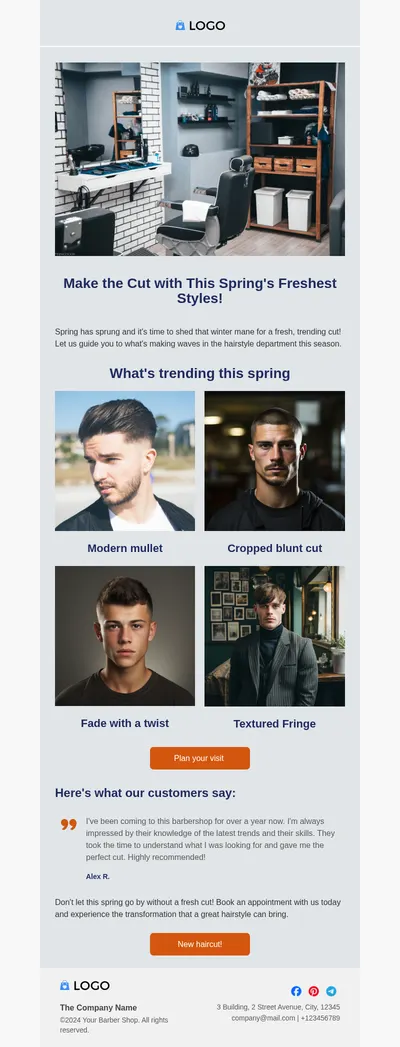
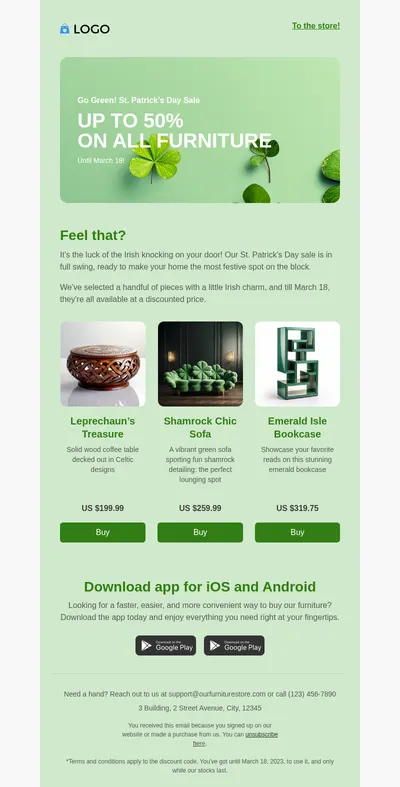
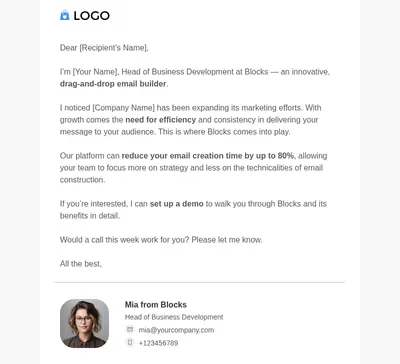
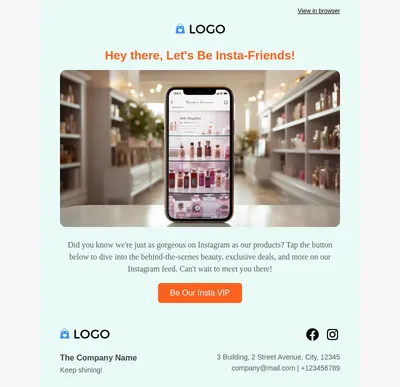





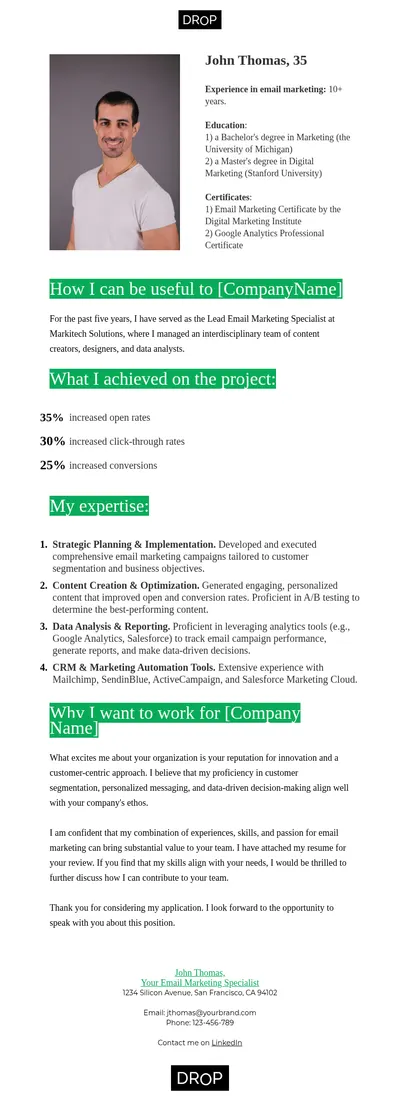
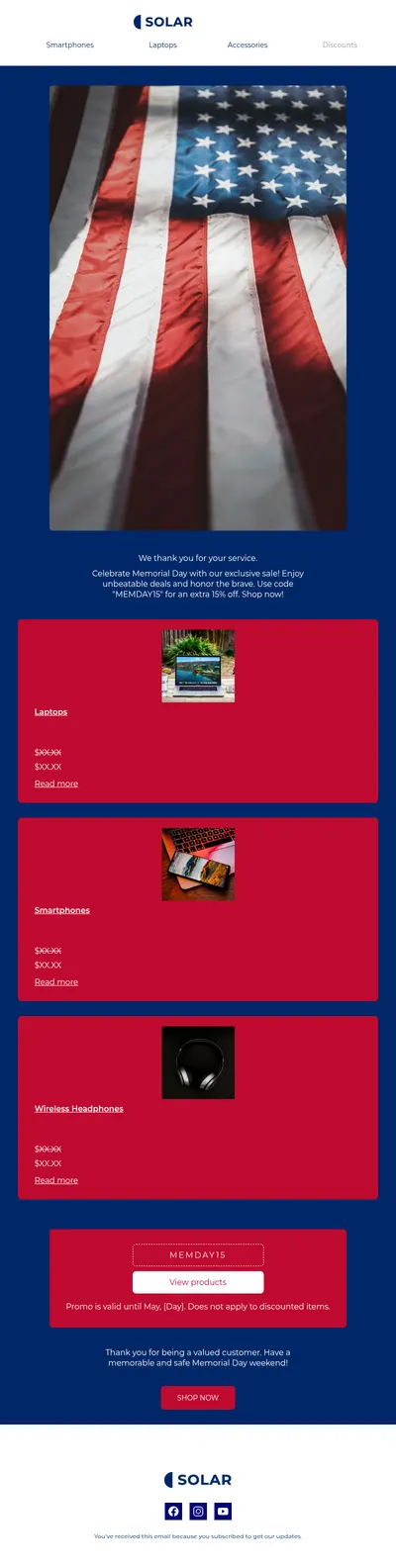
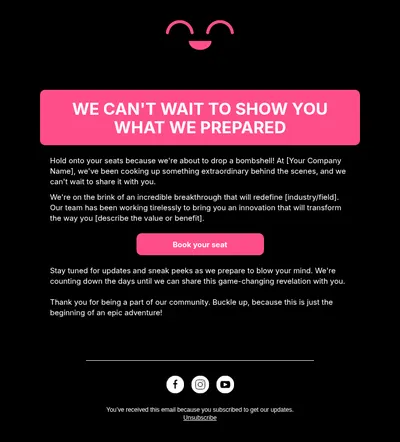
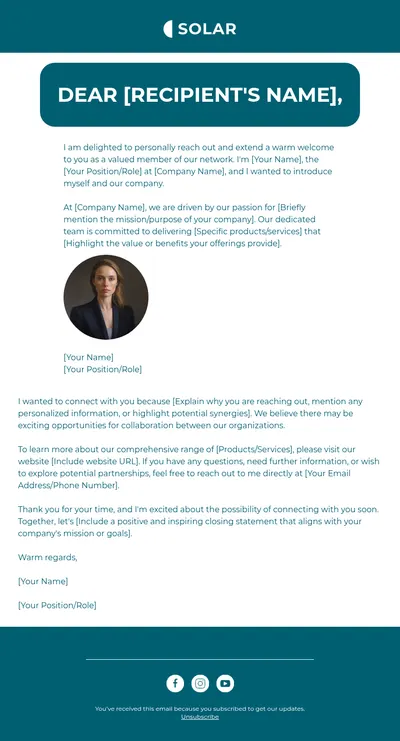
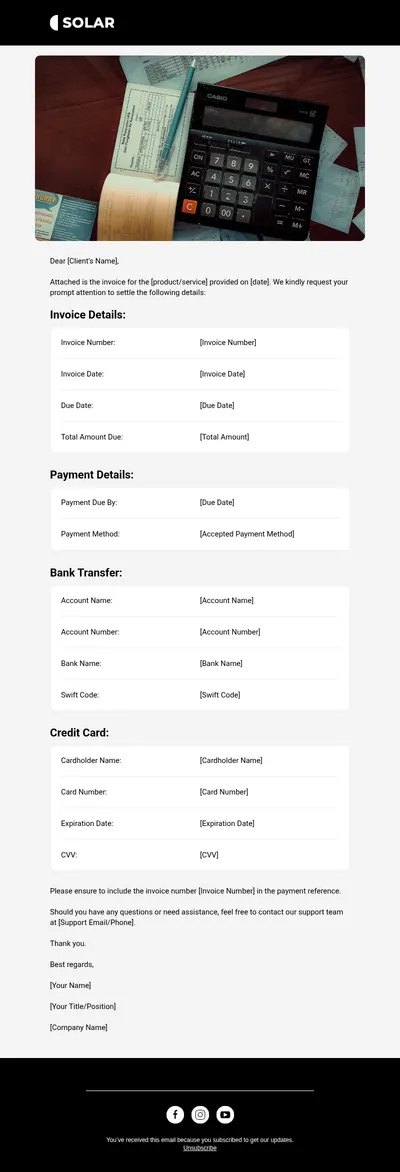

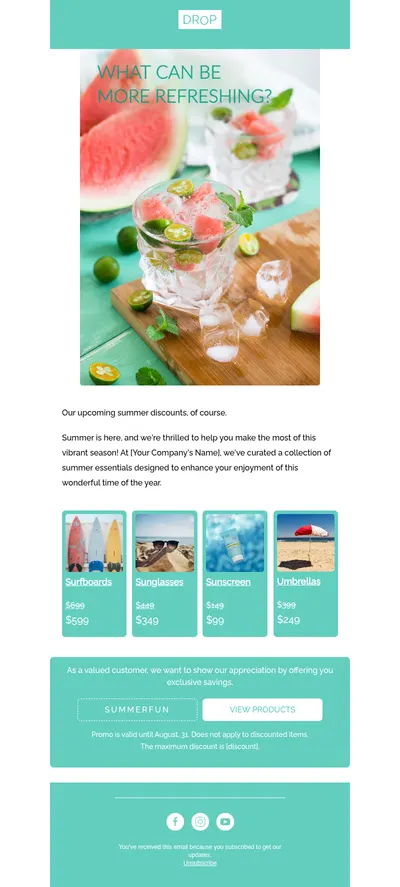
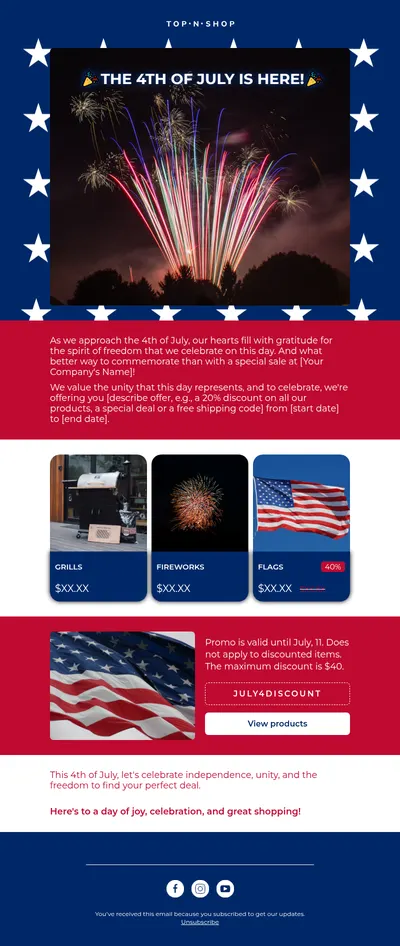
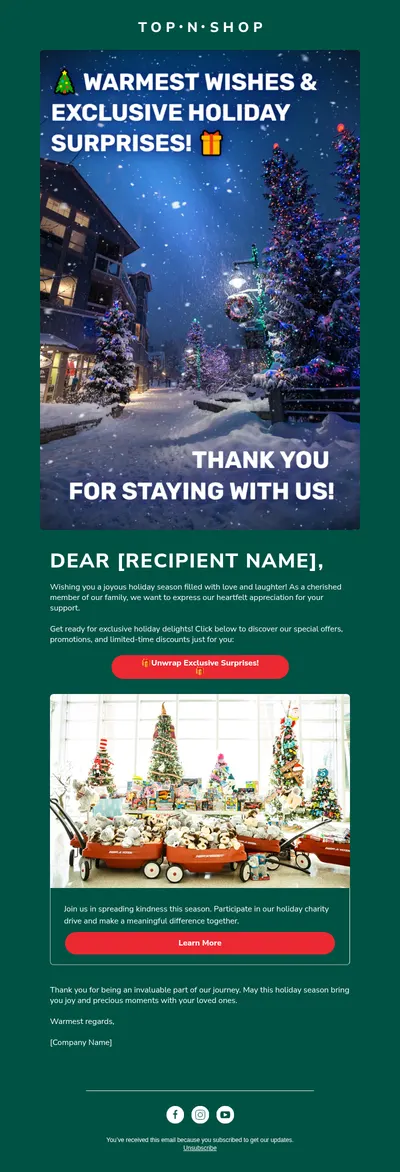

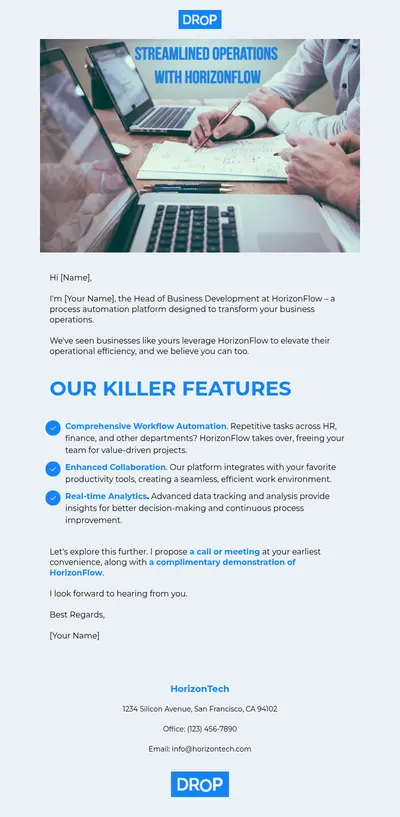
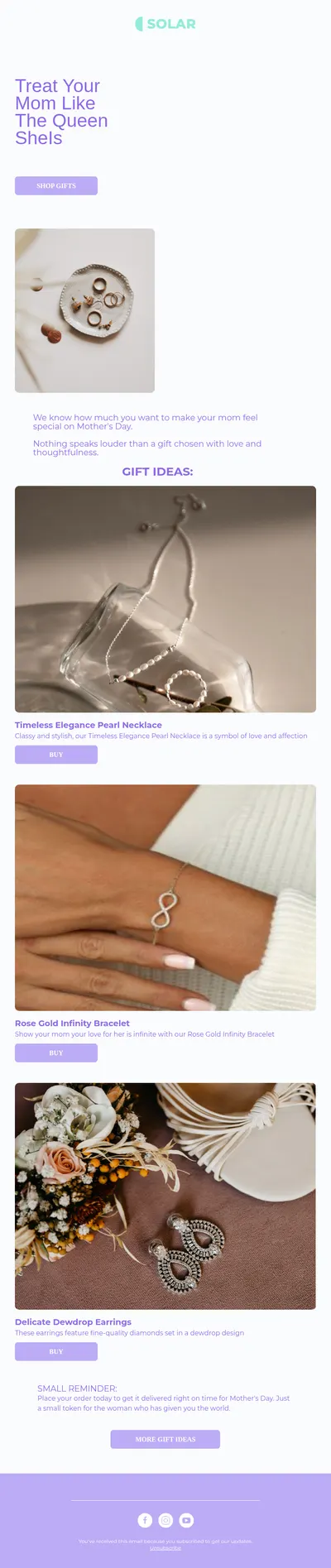
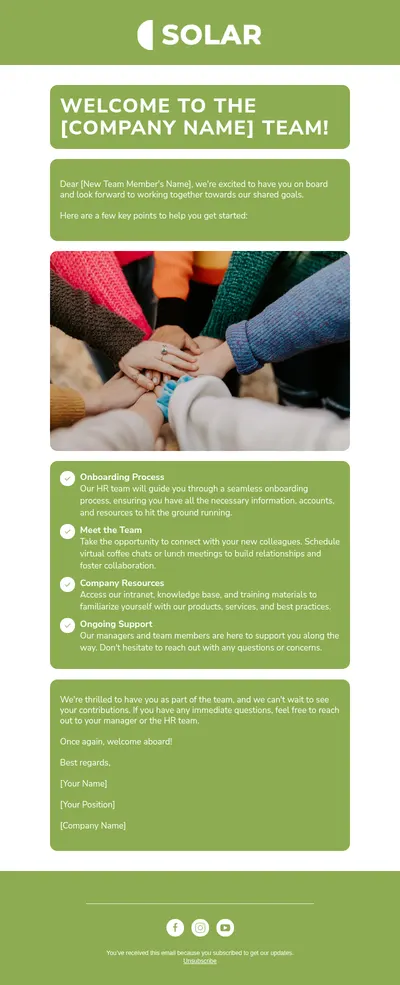
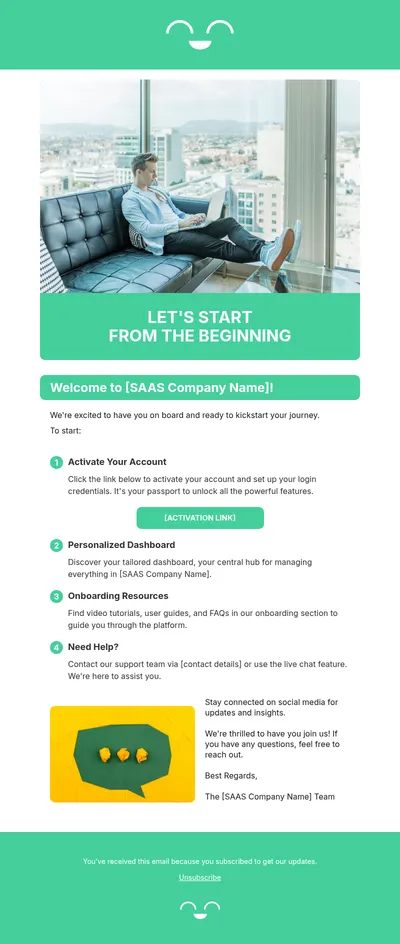
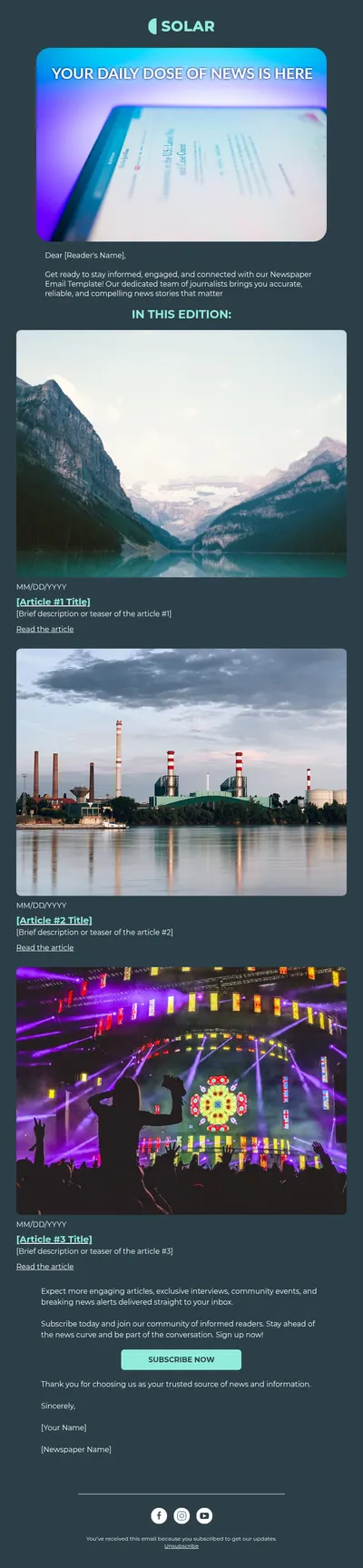






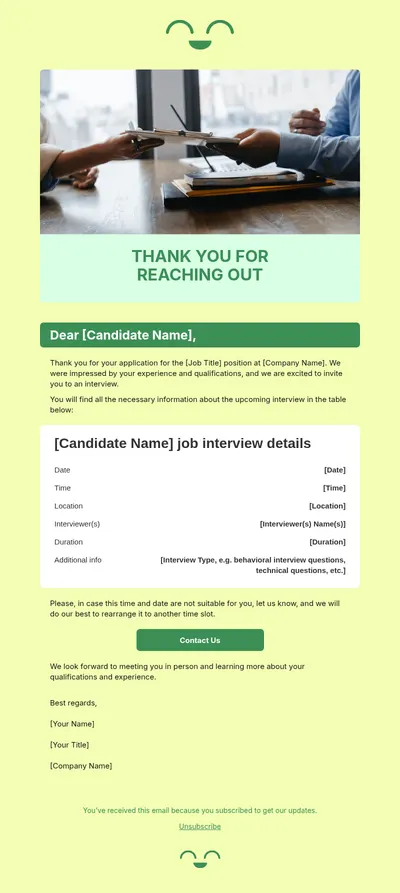


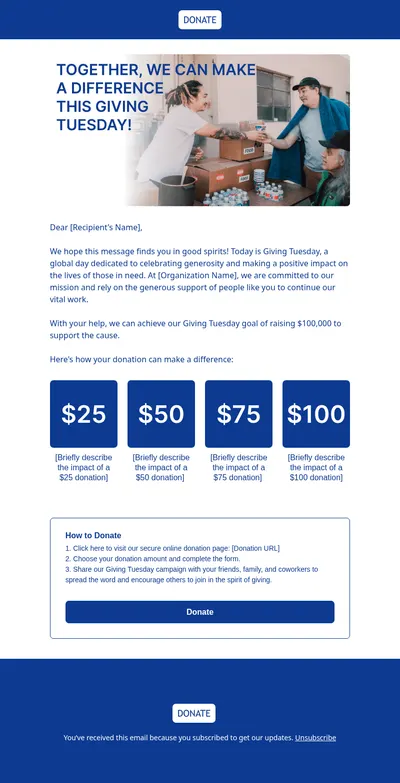

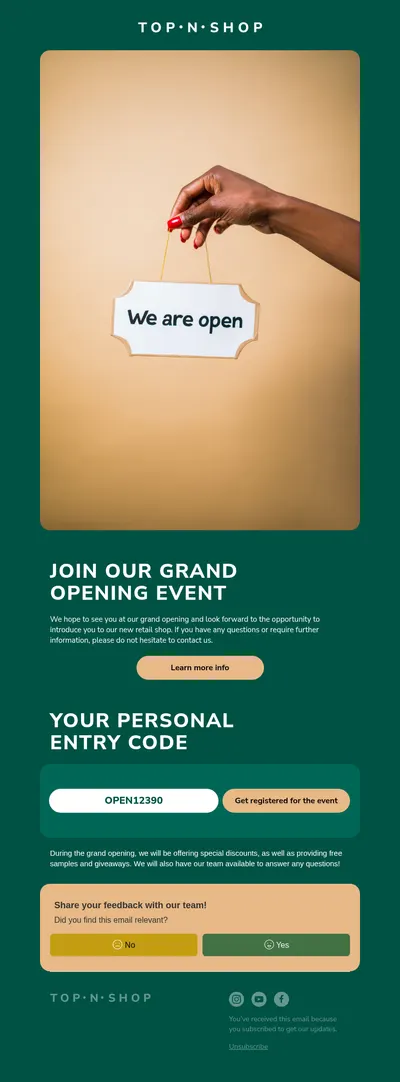

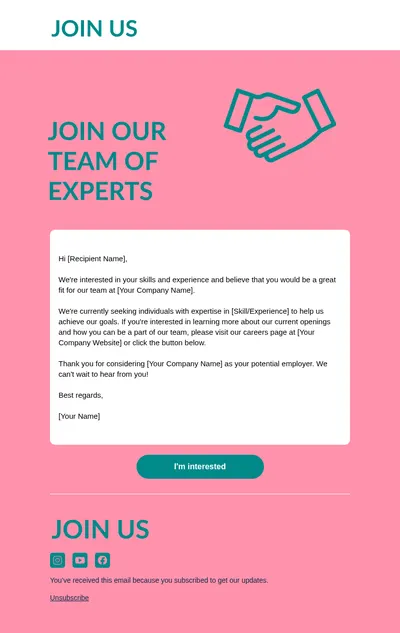

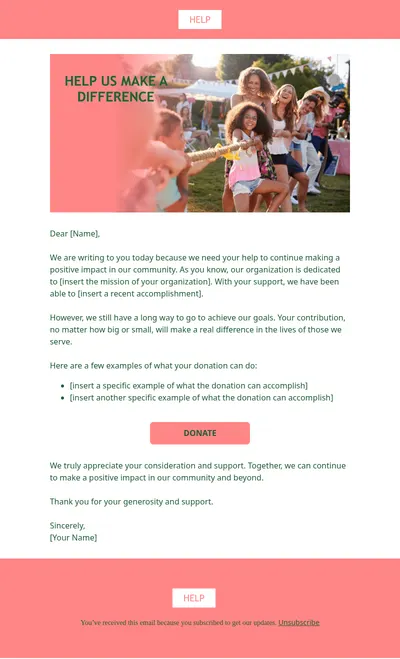
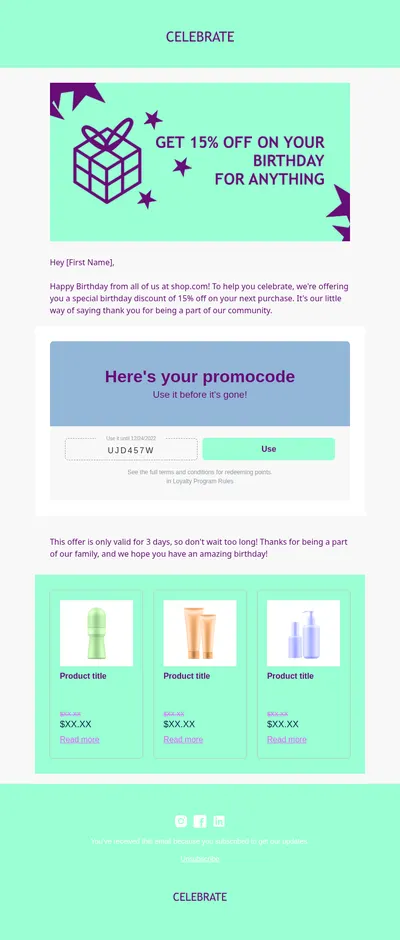
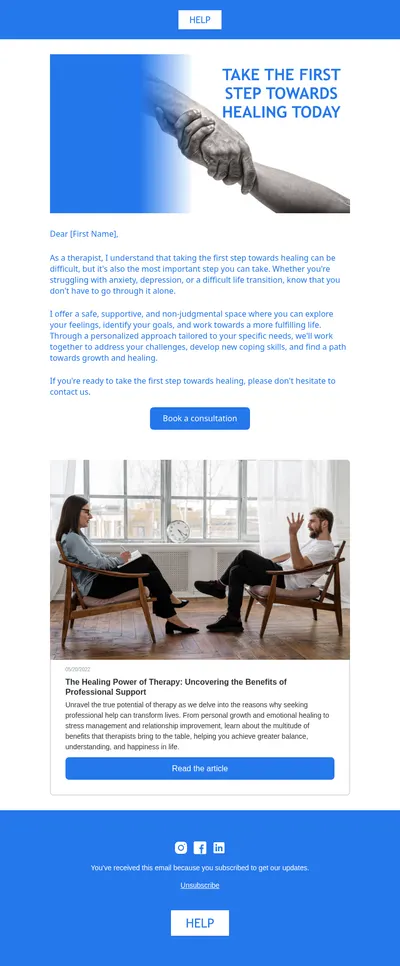
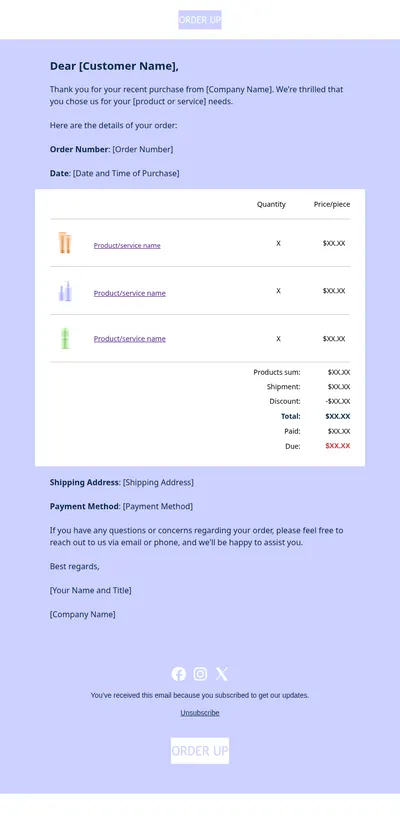

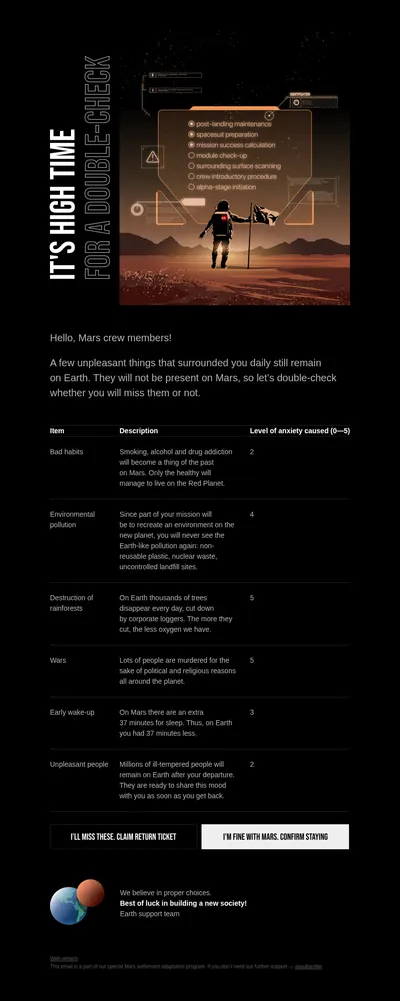
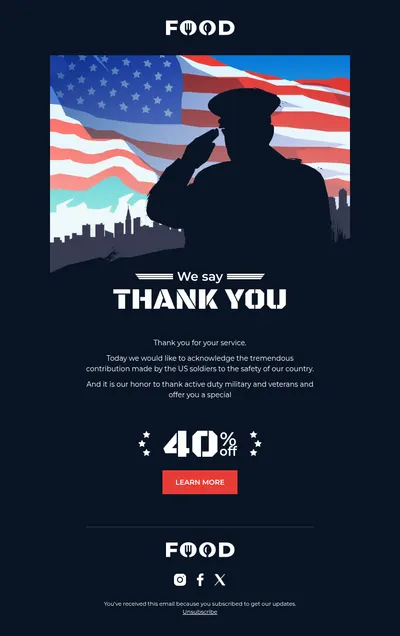

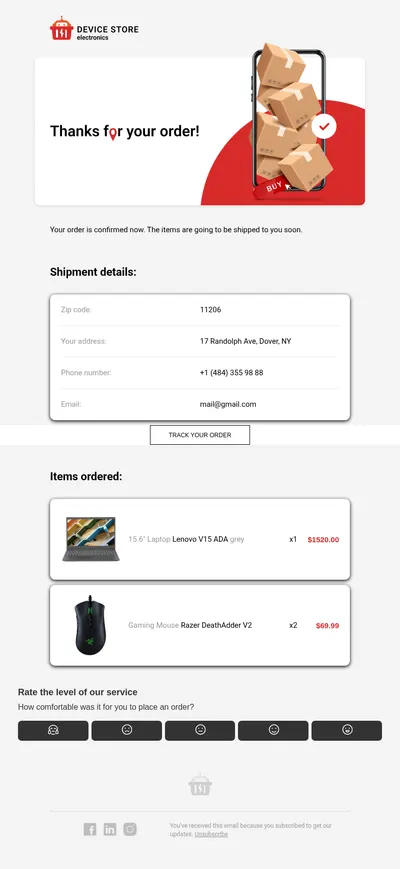

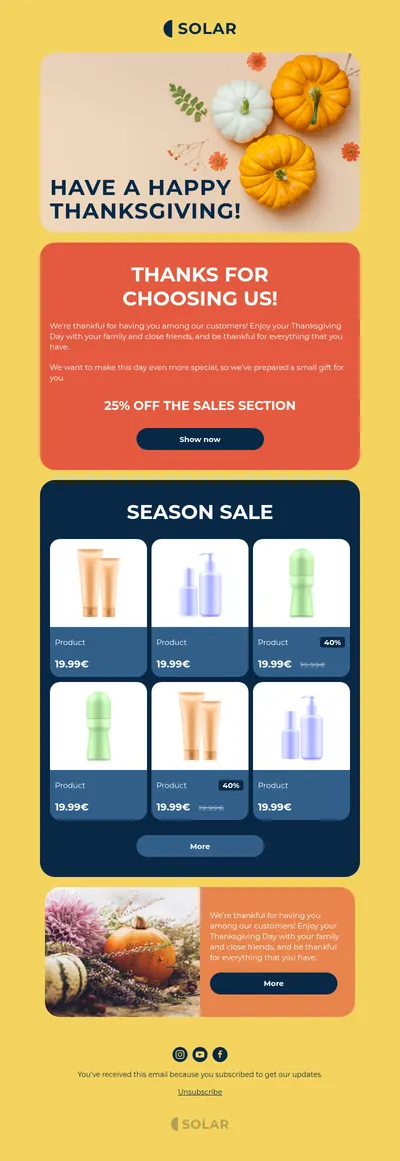
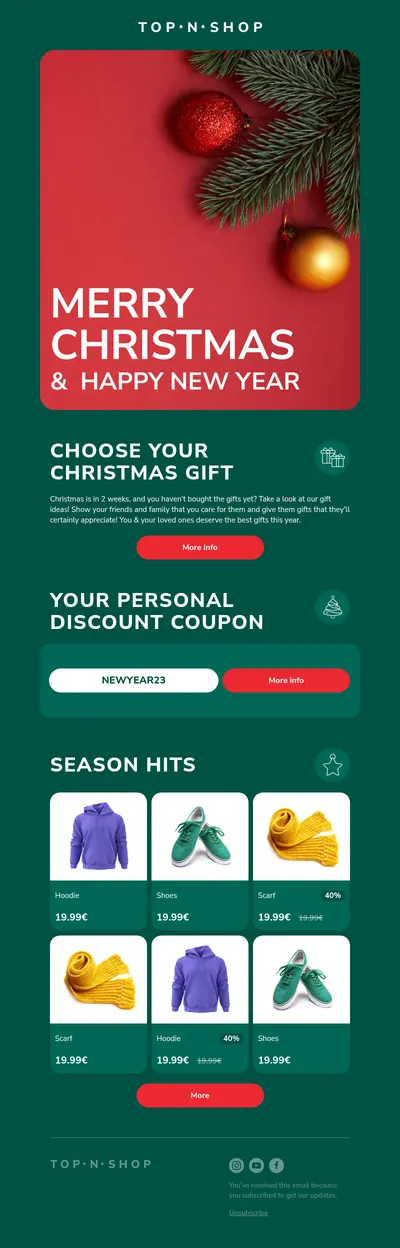
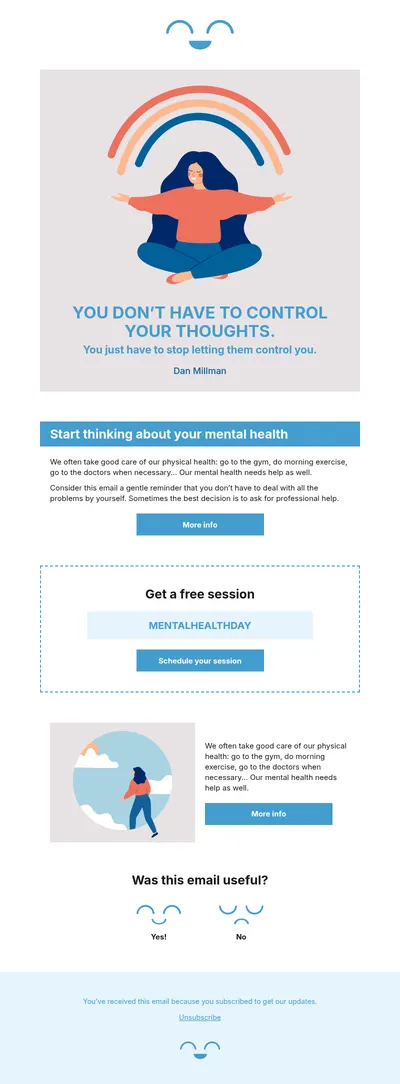
Stensul is an email creation platform aimed at large enterprise marketing teams that need strict brand governance. If you are exploring email templates for Stensul or looking at how teams of other sizes build on-brand emails without code, Blocks offers a free, flexible way to create and export professional designs.
How Stensul Email Templates Compare with Blocks
Both tools share a goal: letting marketers produce emails without depending on developers for every change. Stensul focuses on large organizations with approval flows and locked modules. Blocks suits teams that want to start quickly, choose from a free template gallery, and still keep a consistent brand as they grow.
- Start in minutes. Open a template, edit it, and export it without an onboarding project or a long setup.
- Visual editing for everyone. Blocks is a no-code email builder, so marketers, designers, and managers all work in the same editor.
- Send through the platform you already use. Export to HTML, EML, or ZIP, or connect directly to services such as Salesforce, HubSpot, and Mailchimp.
A Typical Workflow with Blocks
- Choose a template from the gallery that fits the campaign type.
- Apply your brand colors, fonts, logo, and copy in the drag-and-drop editor.
- Save the result as your own template so future emails start from an approved design.
- Export it or send it directly to your connected email platform for the final send.
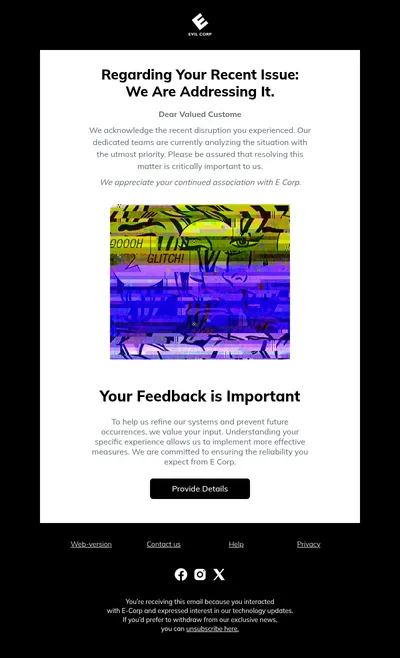
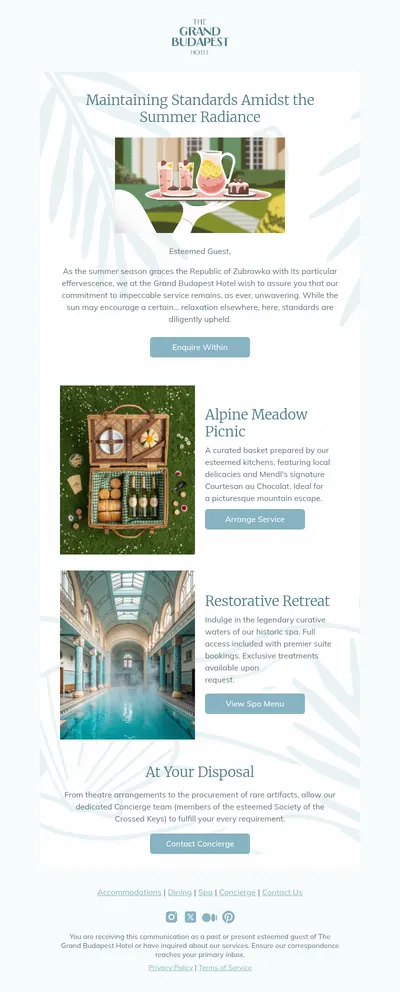
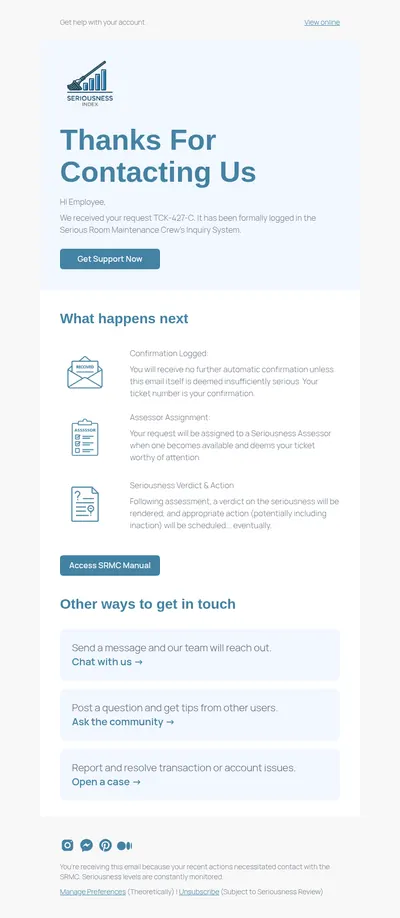
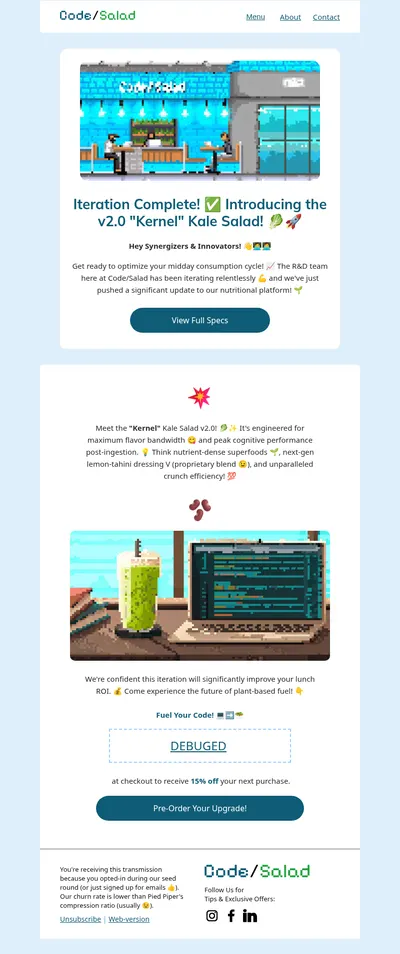
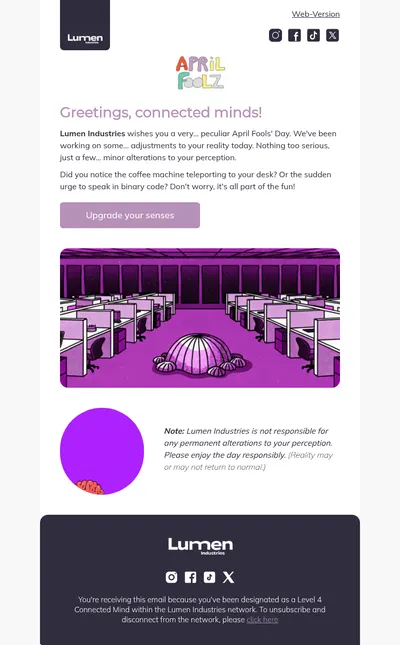
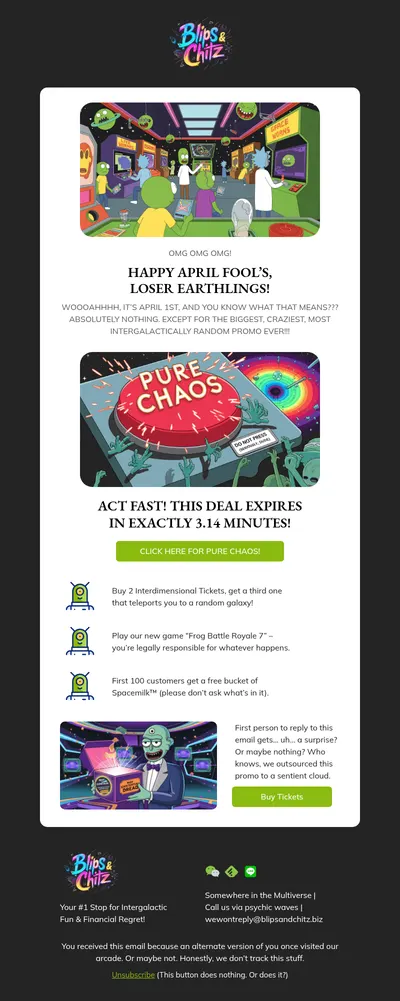
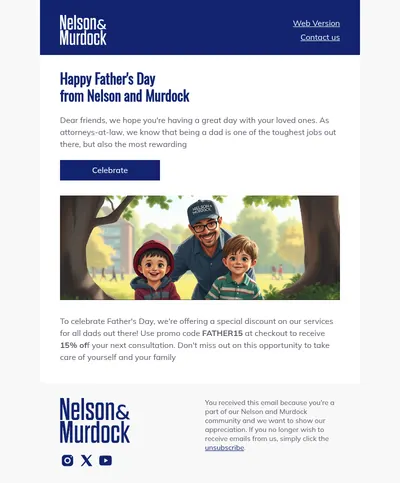
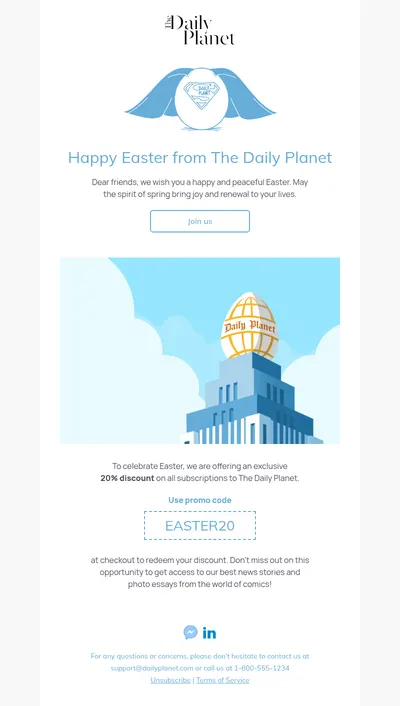
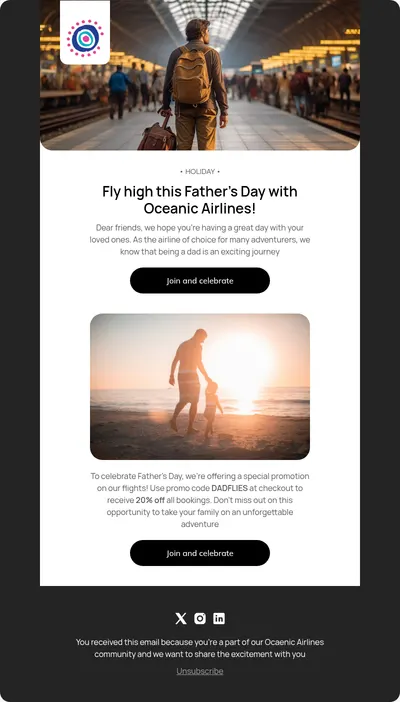
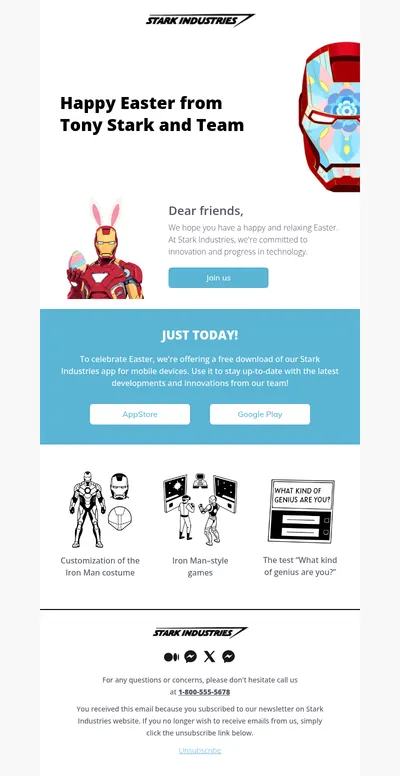
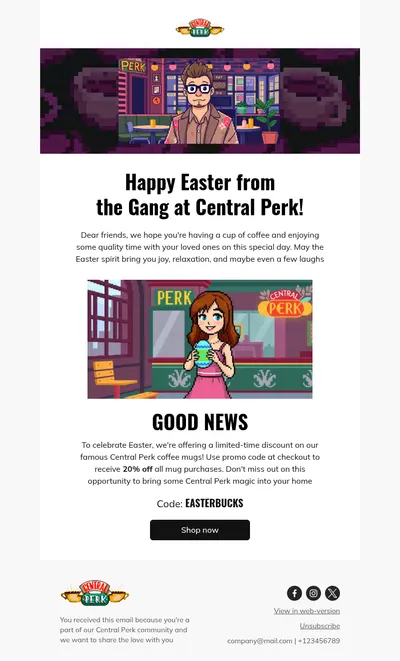
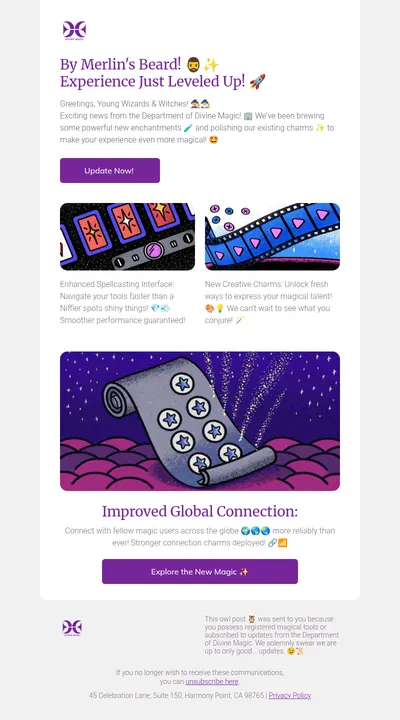
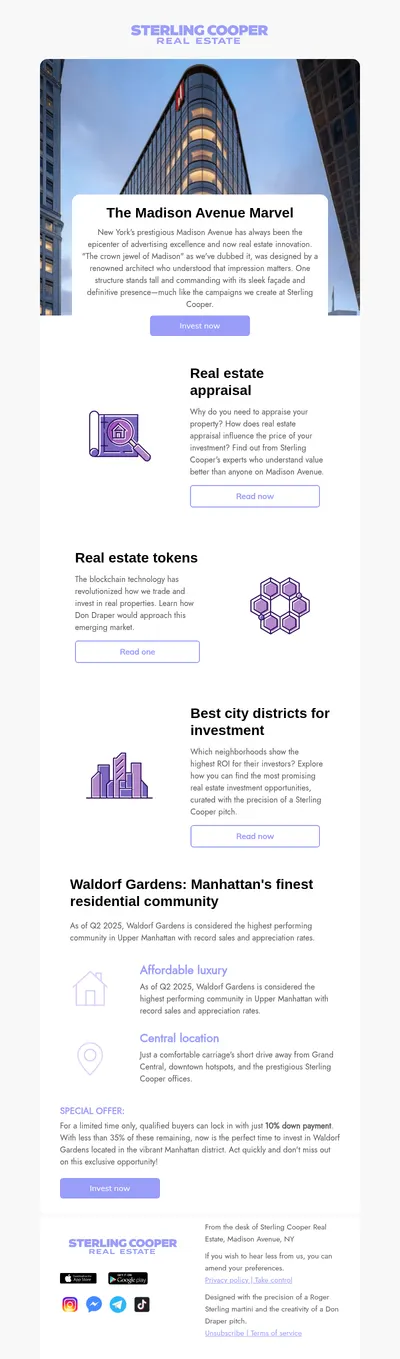
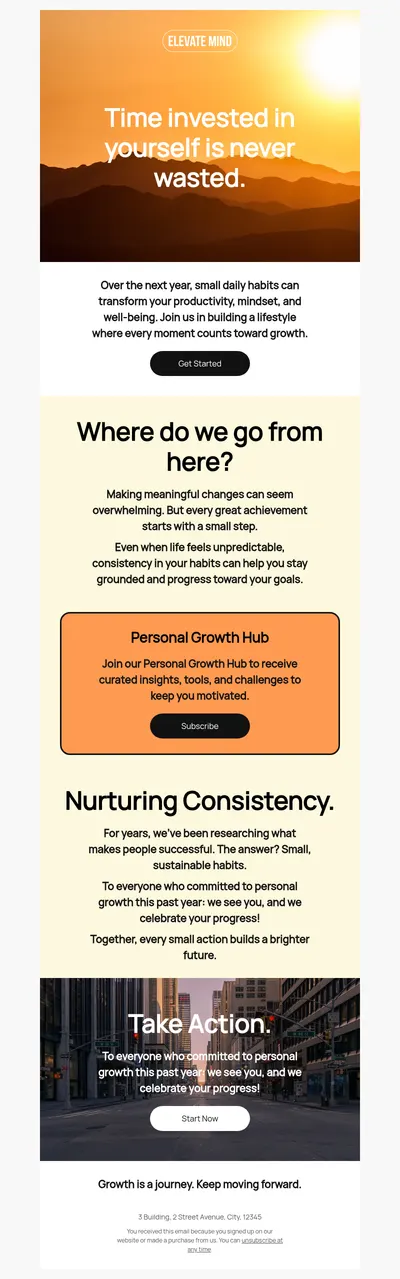
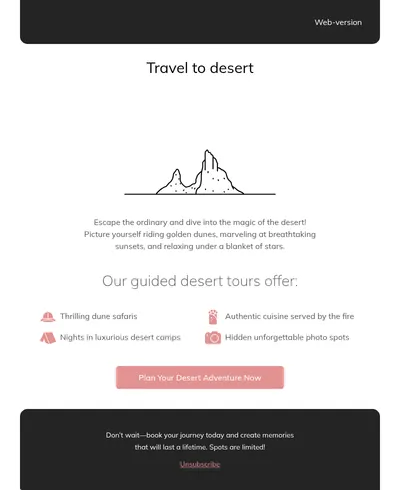
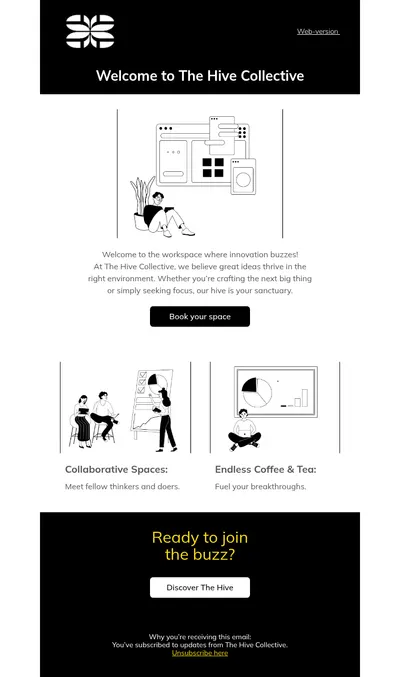
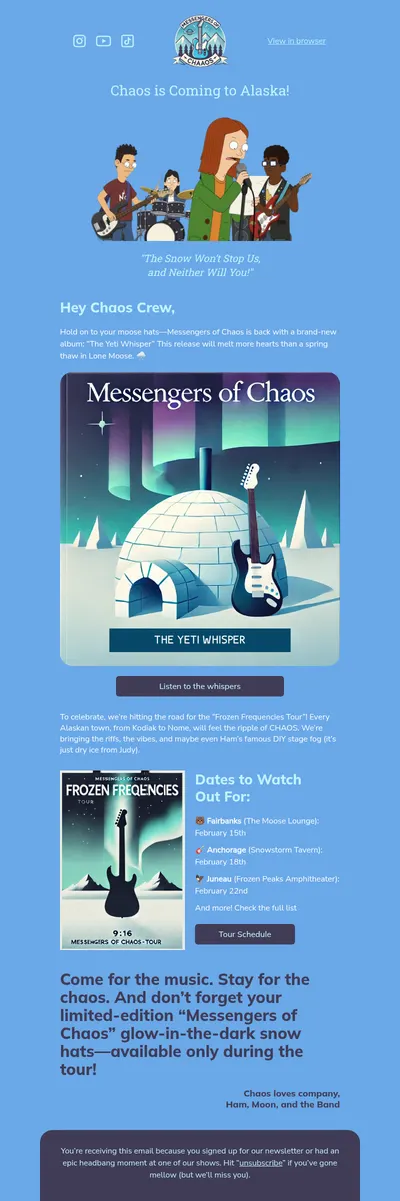
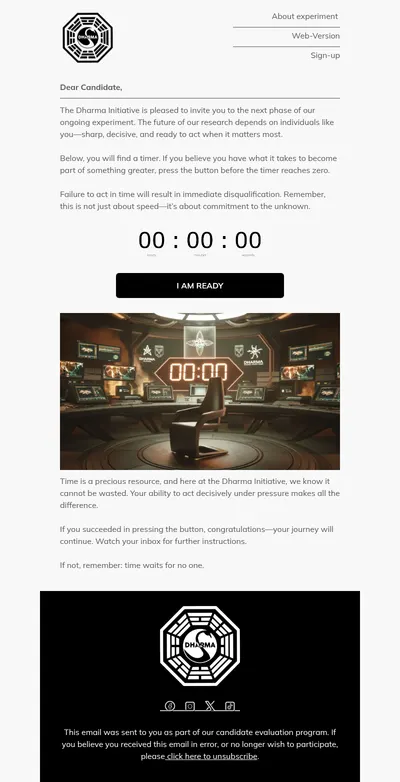
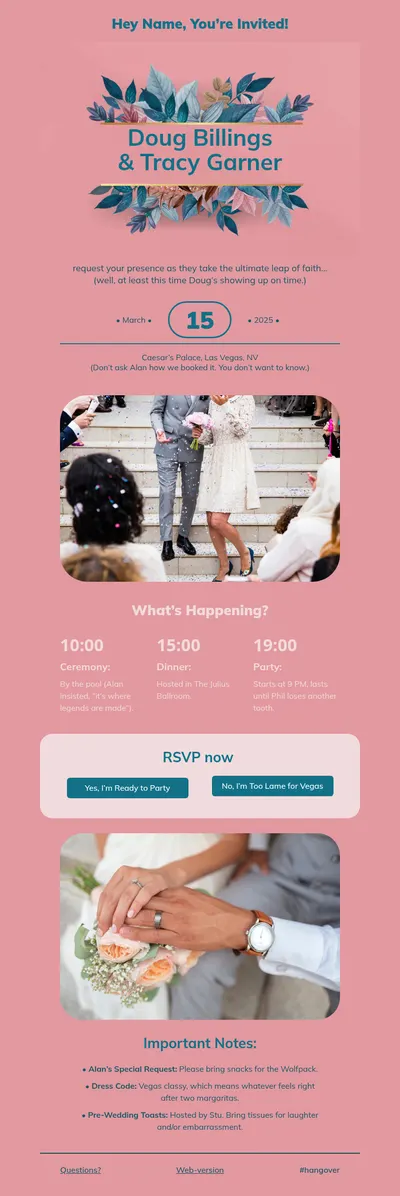
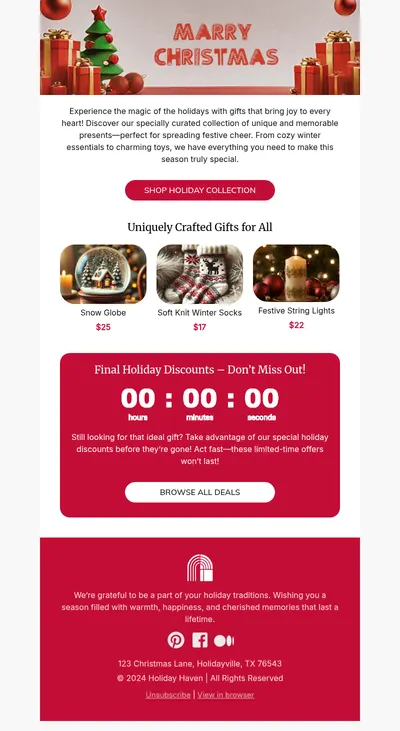
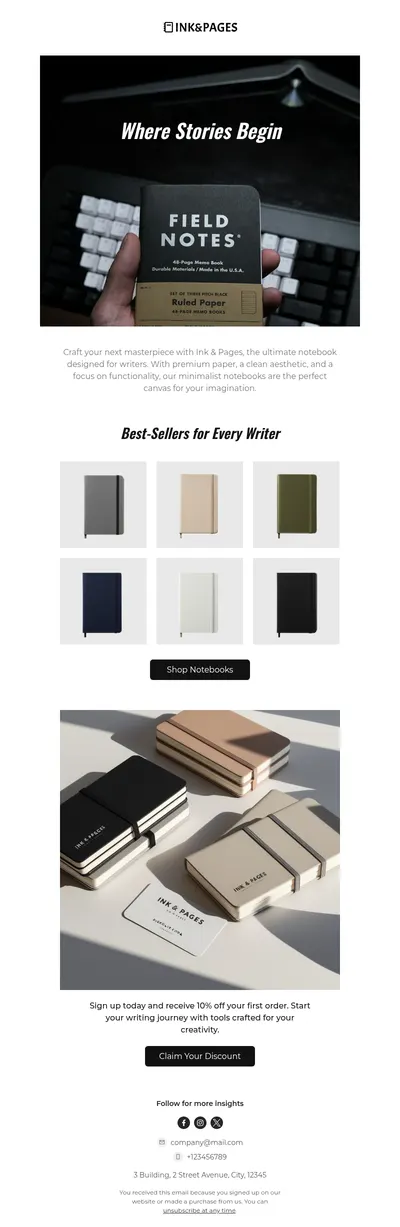
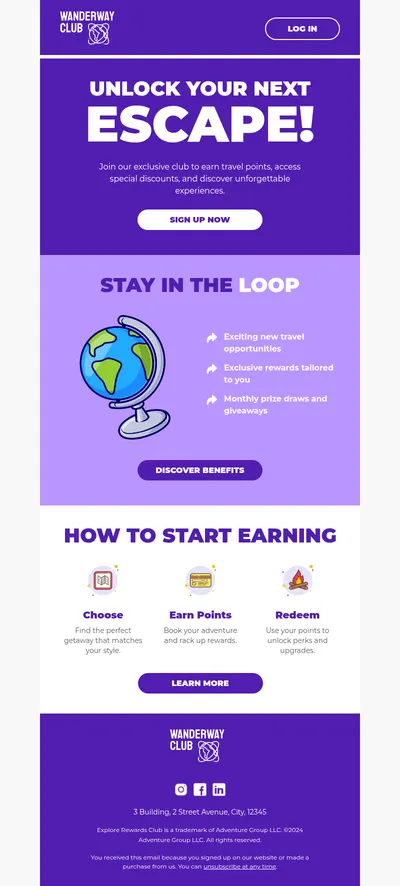
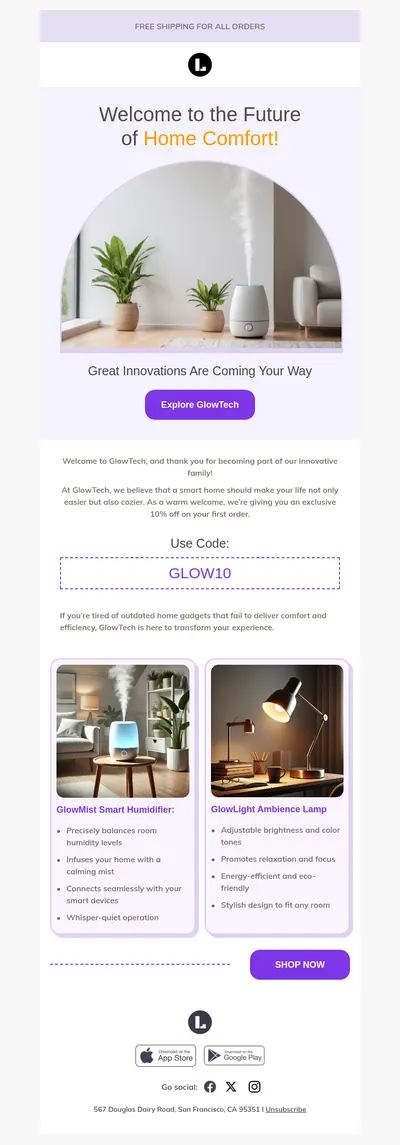
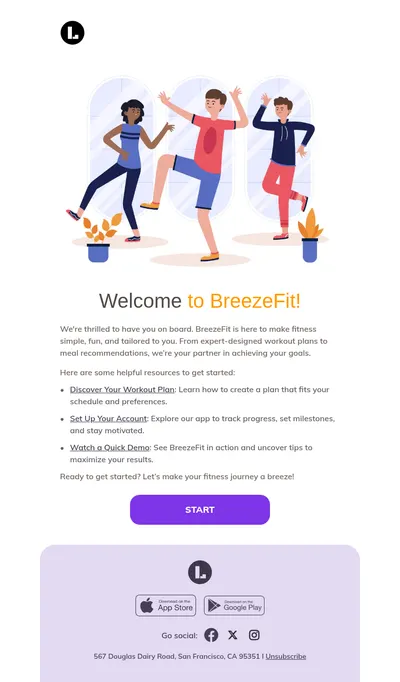
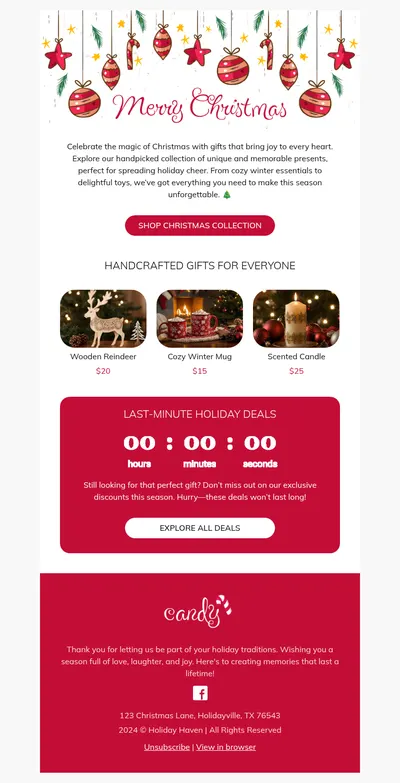
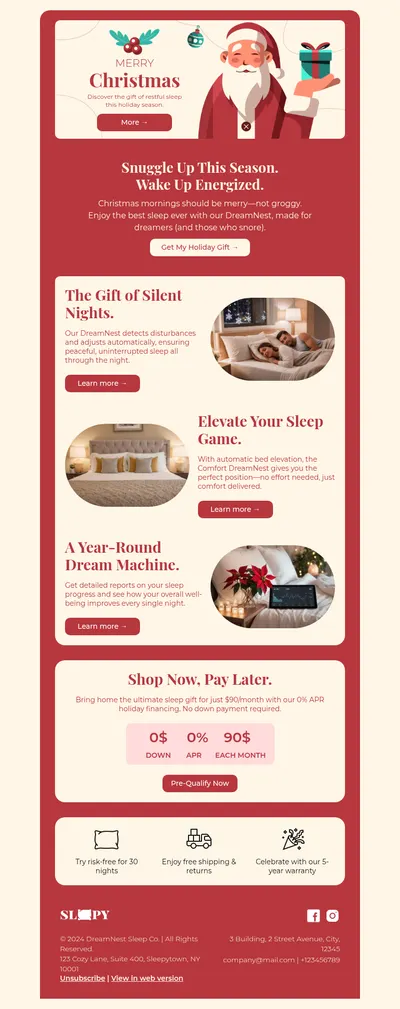
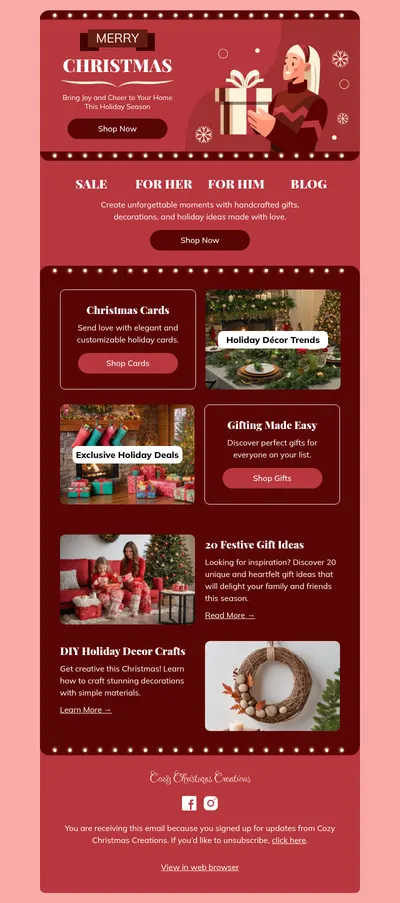
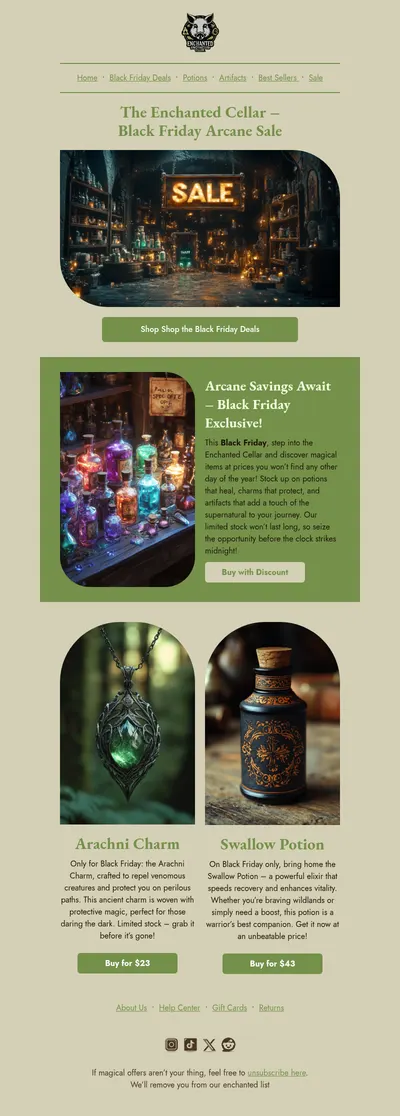
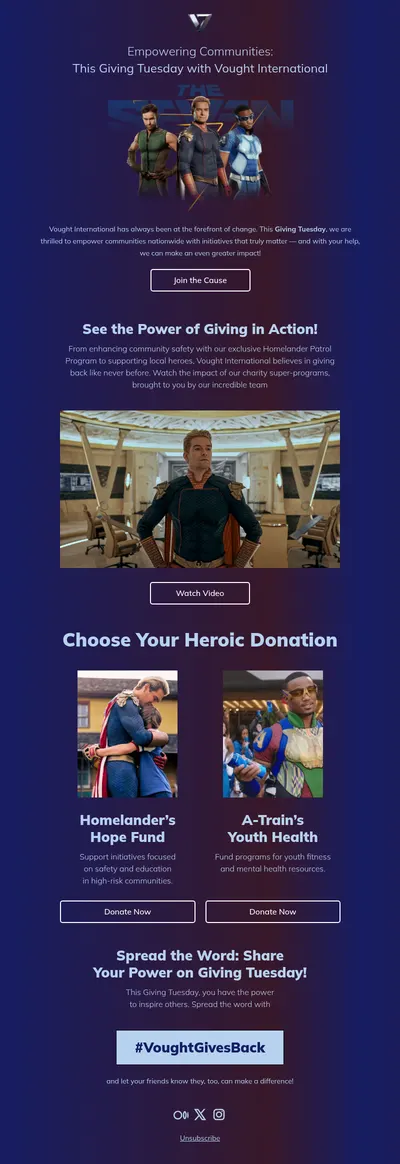
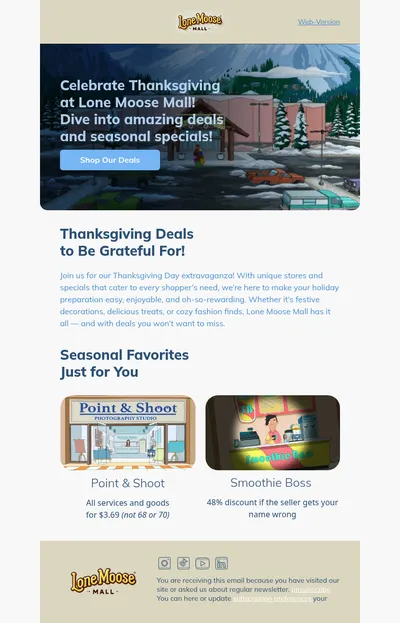
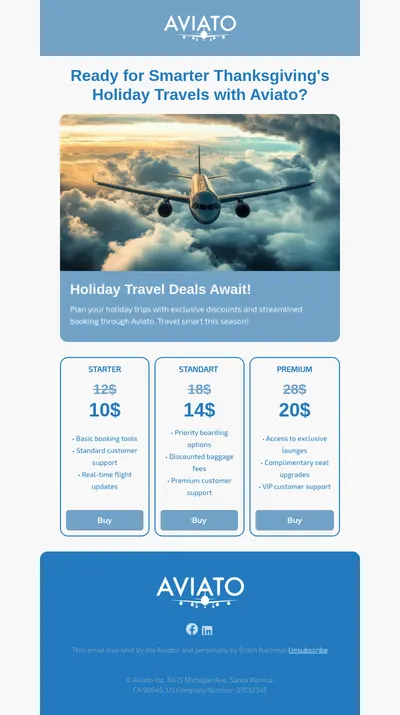
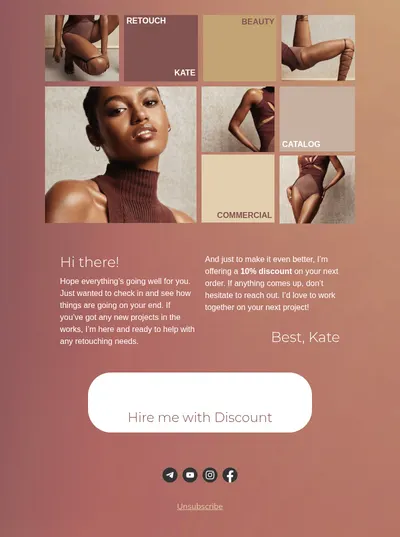
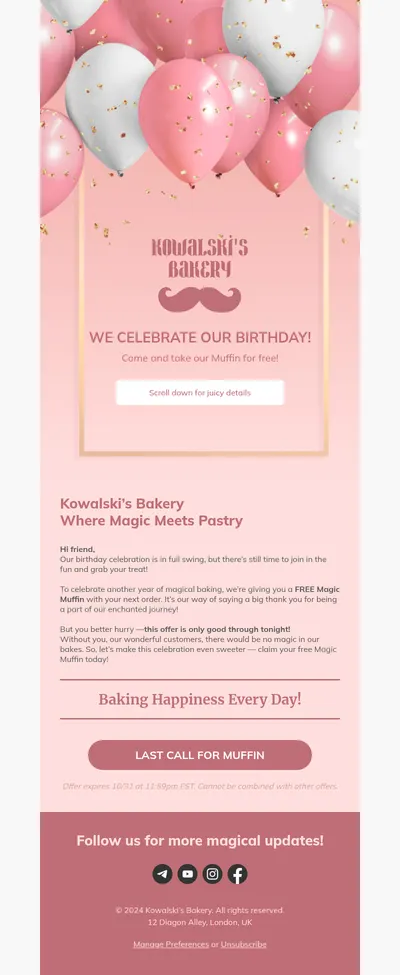
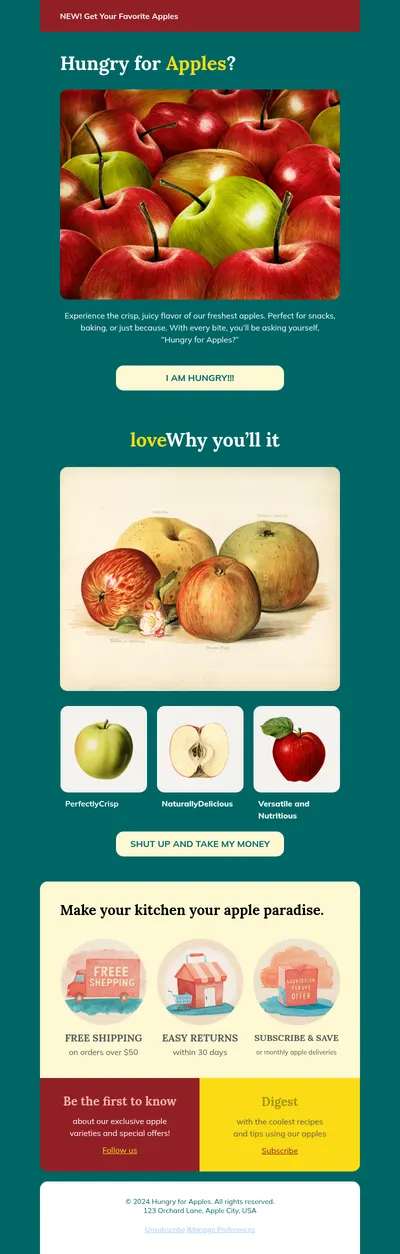
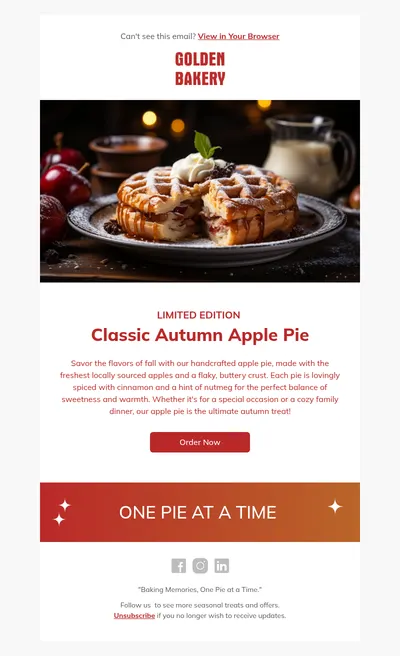
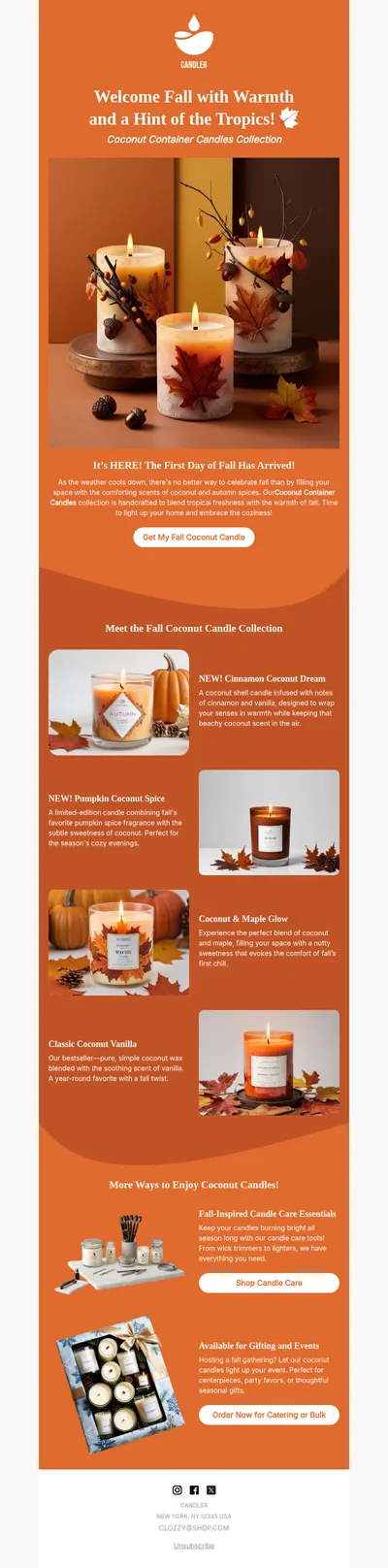
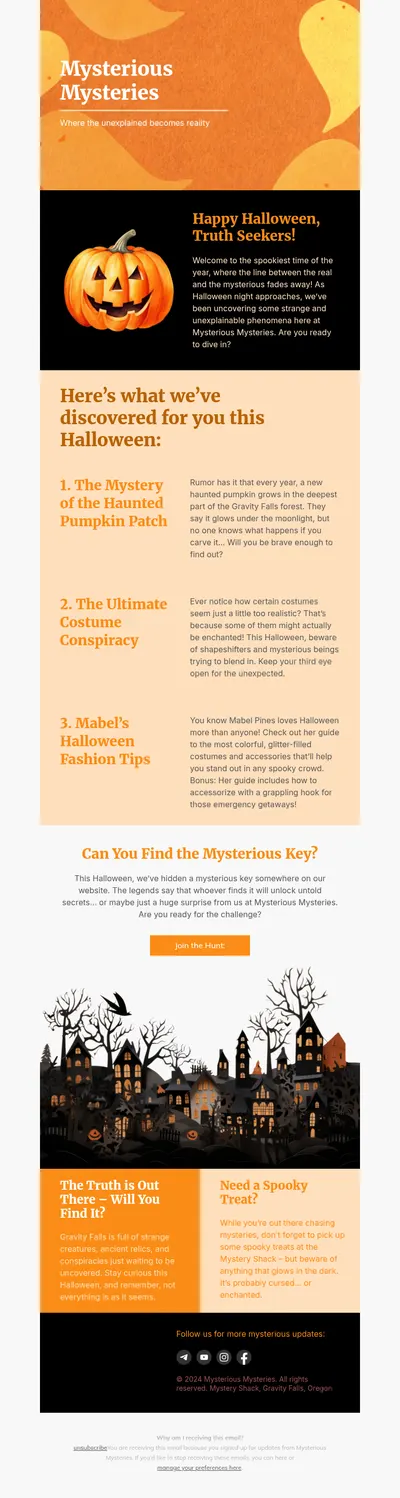
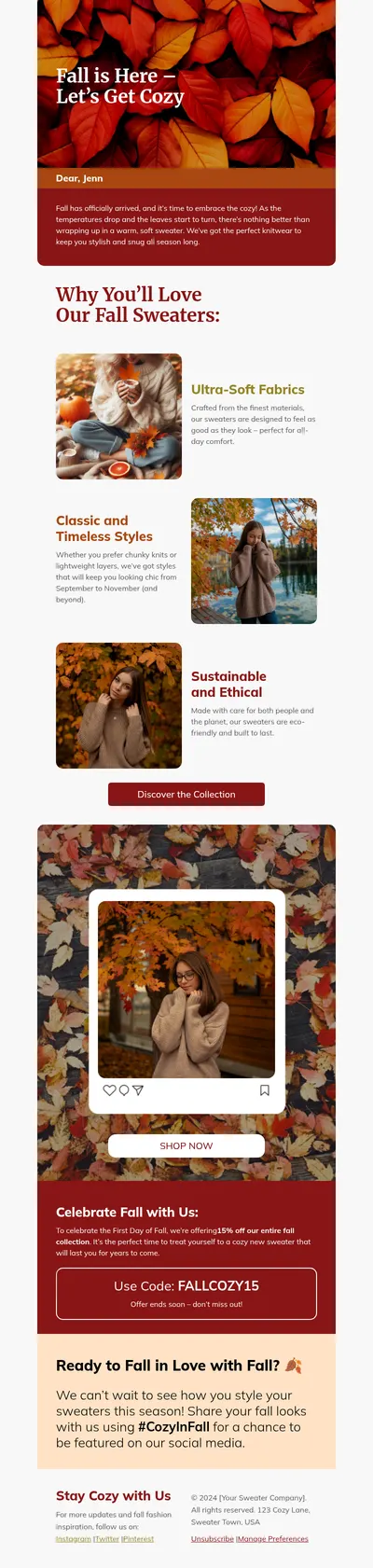
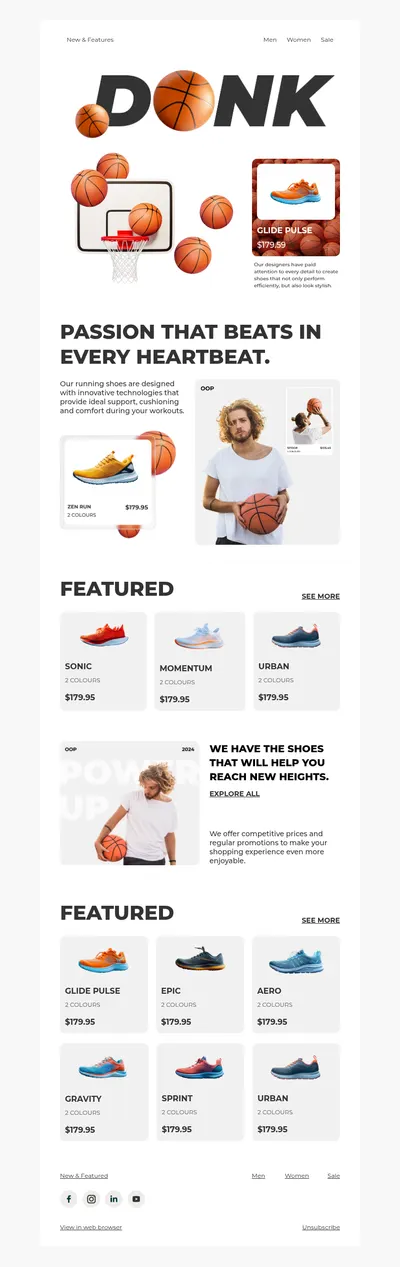
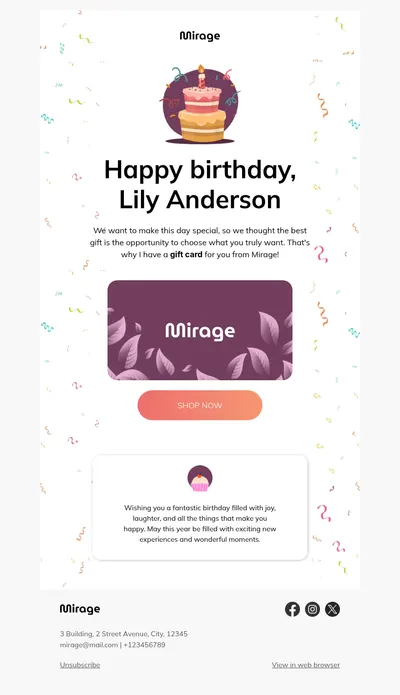
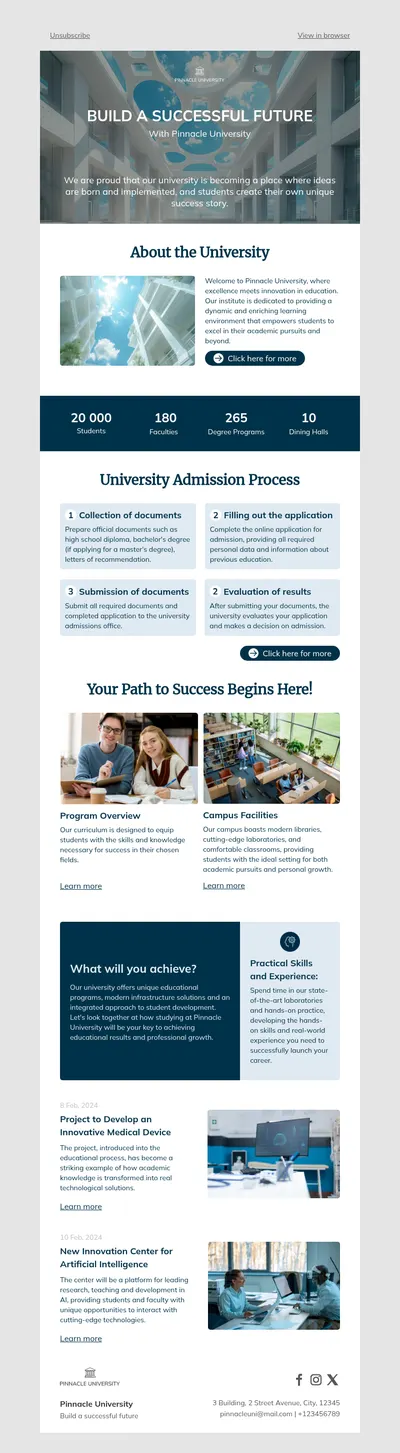
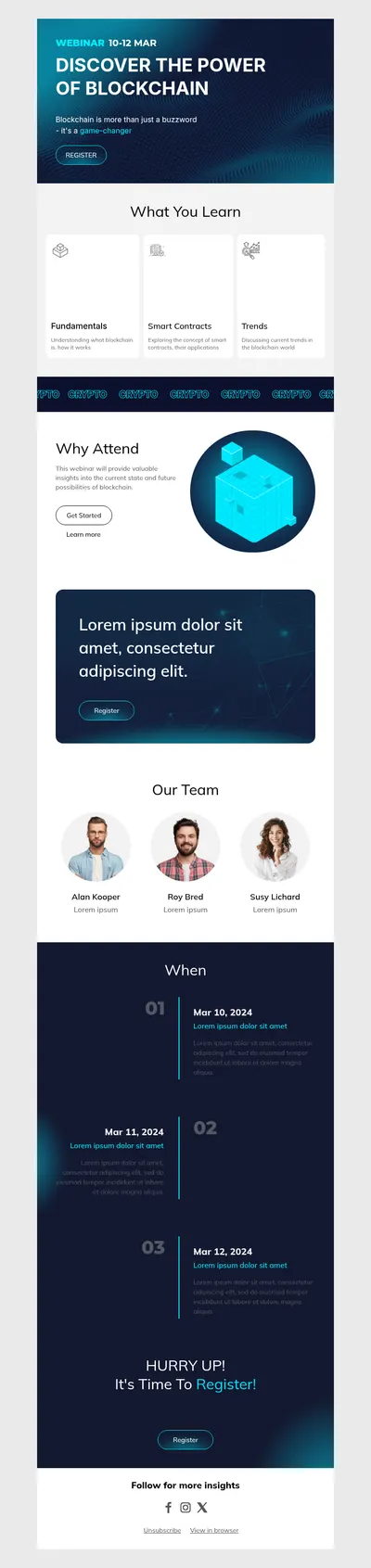
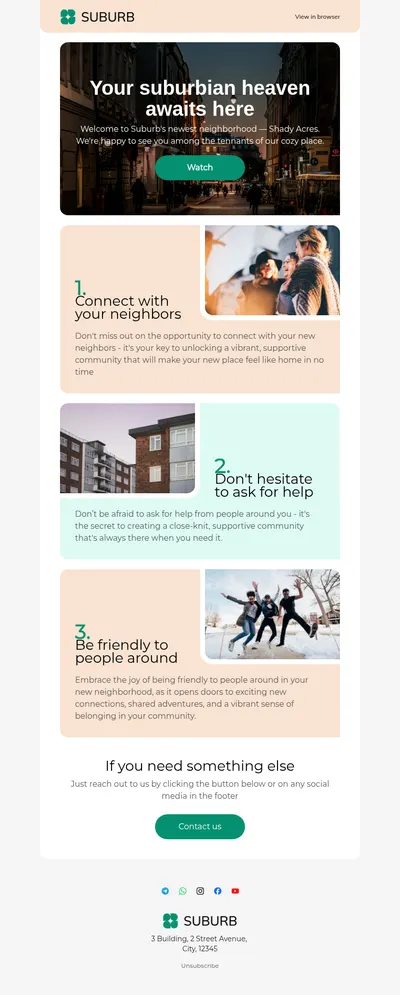
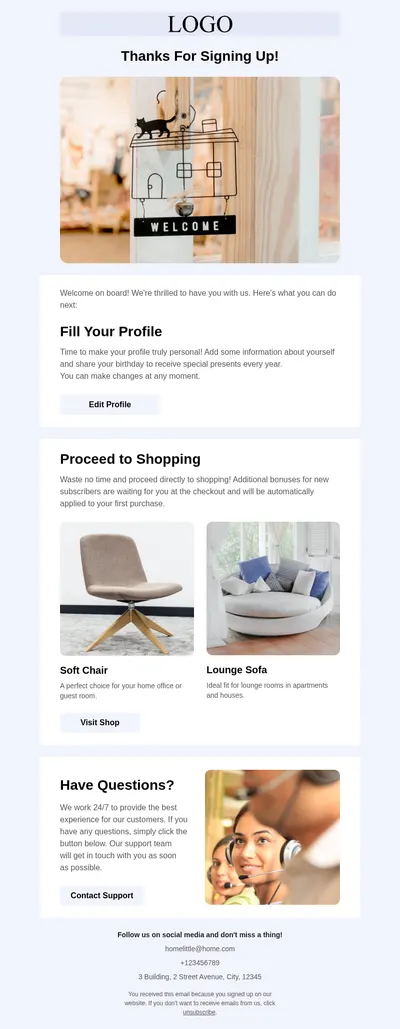
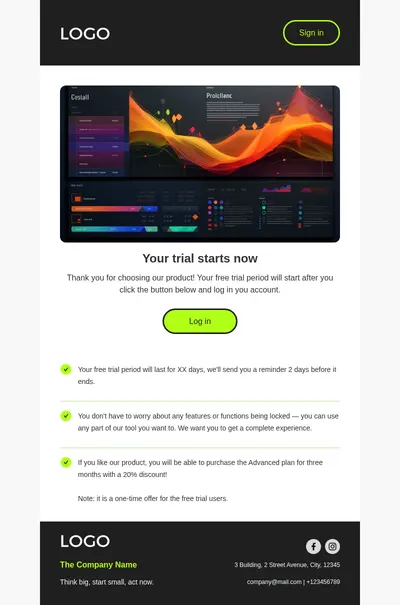
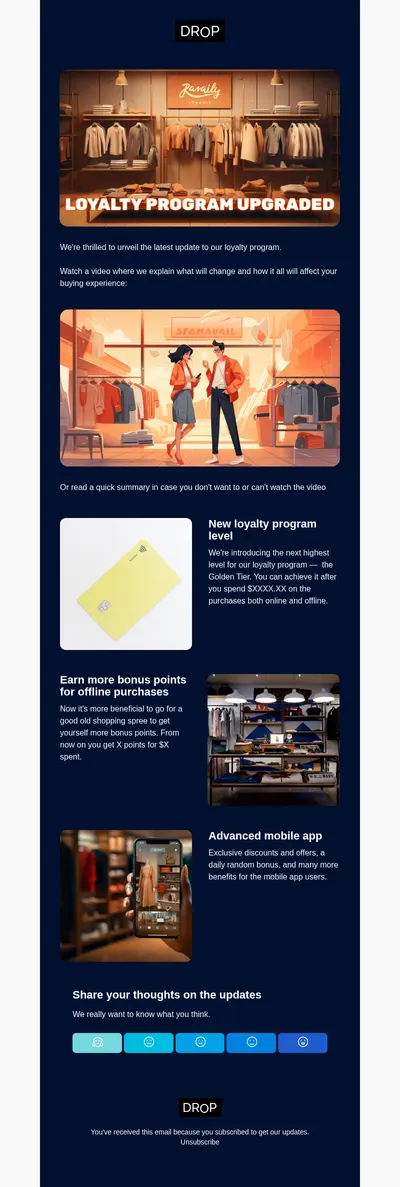
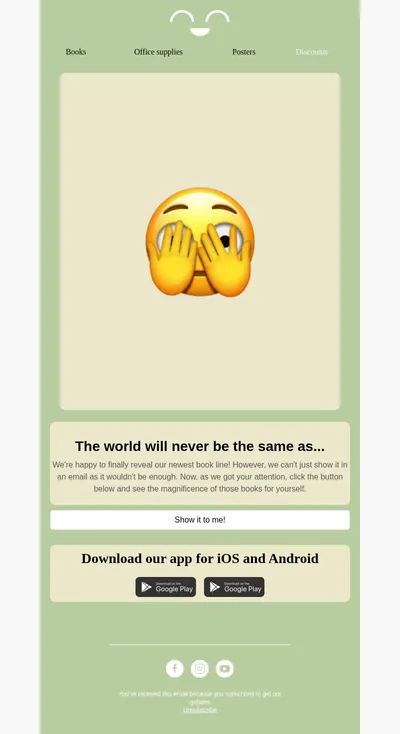
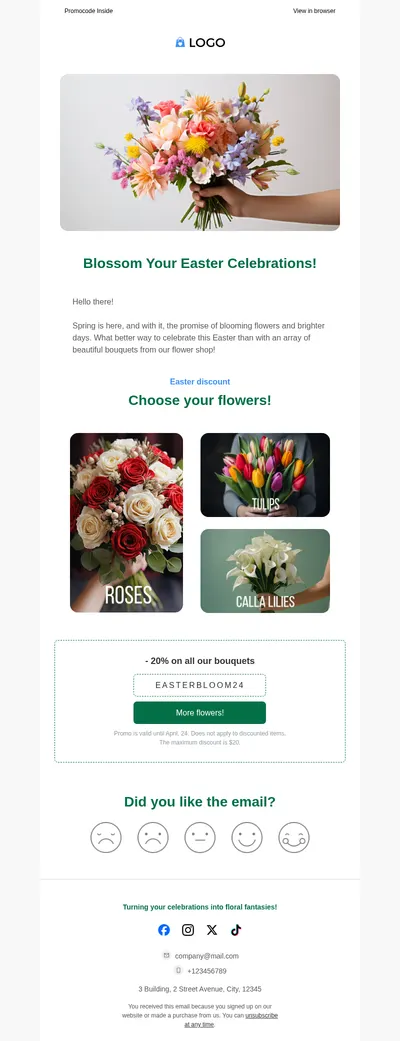
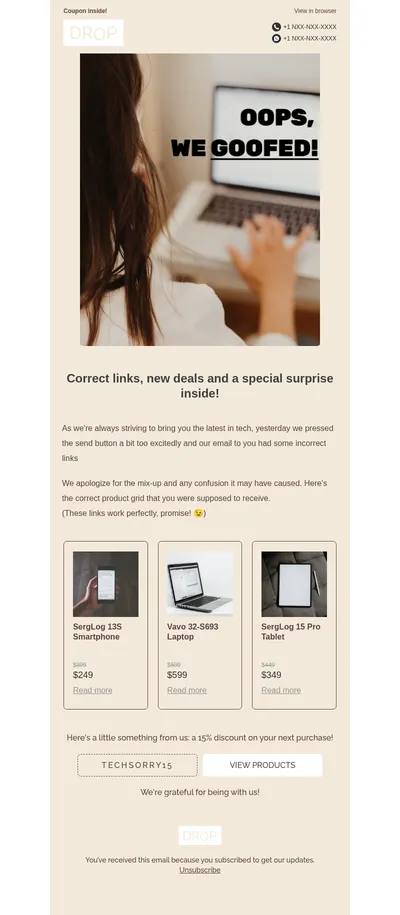
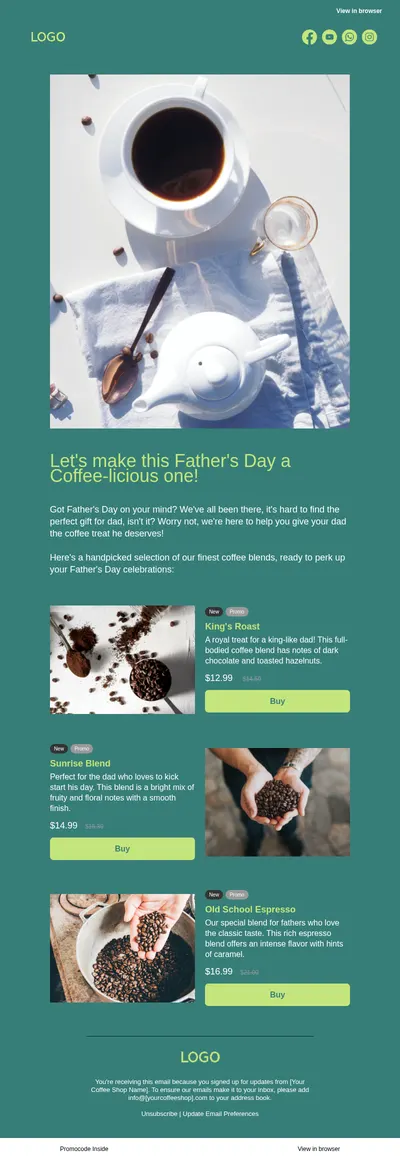
Teams already working in an enterprise creation platform can still use the gallery for inspiration: it shows how different industries and campaign types structure their emails, which is useful when planning new modules or redesigning an existing system.
Email Types Enterprise and Growing Teams Share
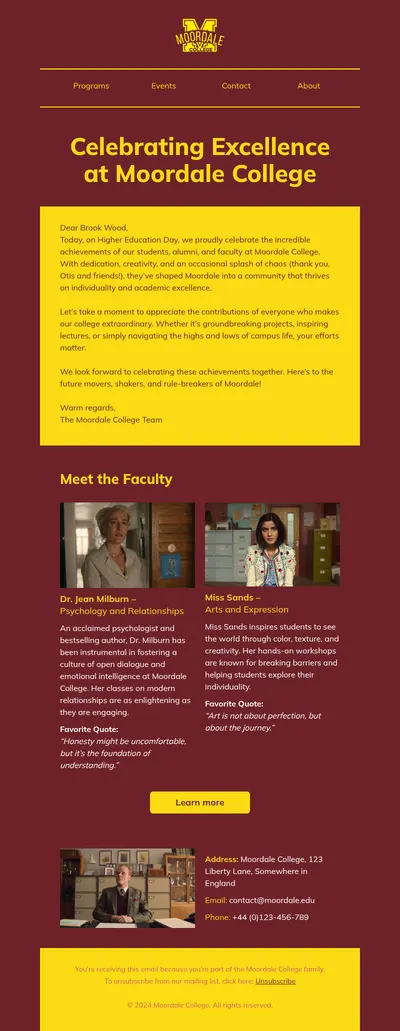
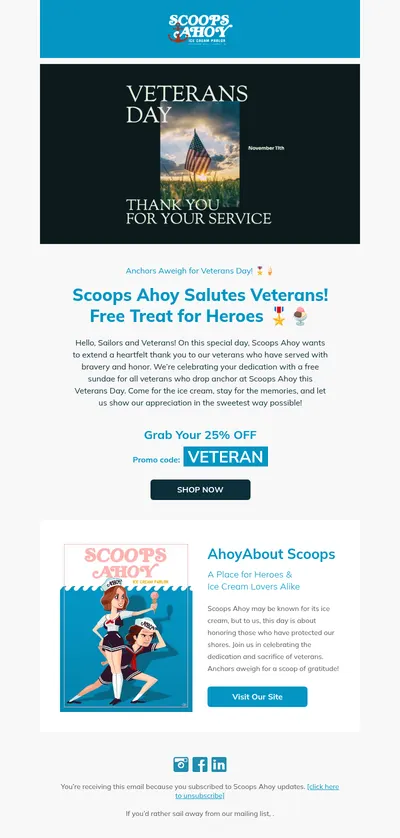
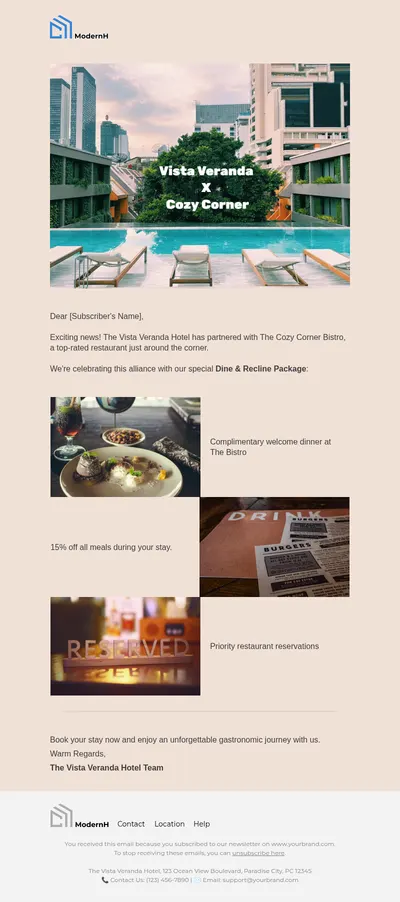
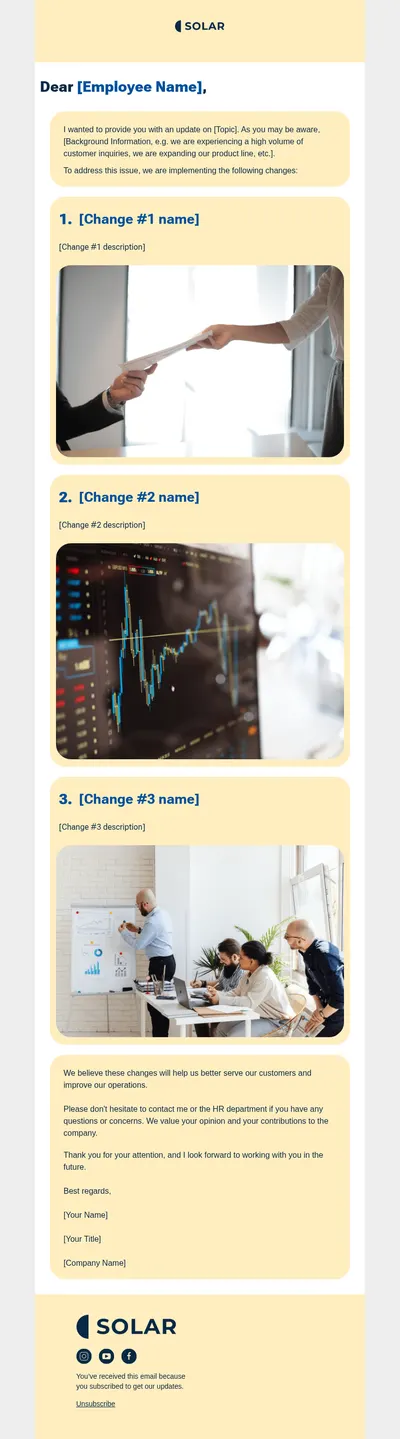
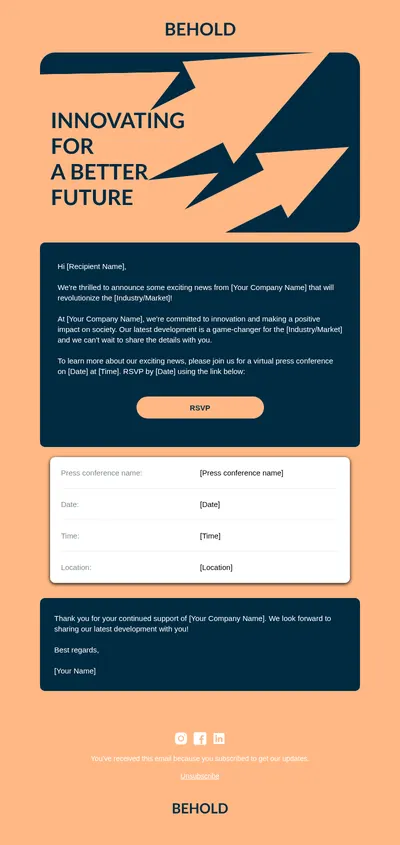
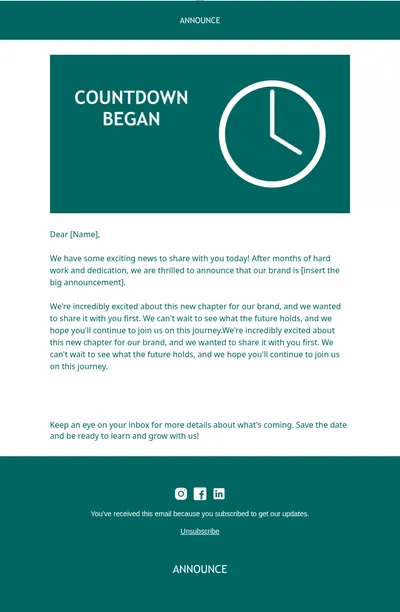
- Announcements for company news, partnerships, and milestones that must look polished across regions.
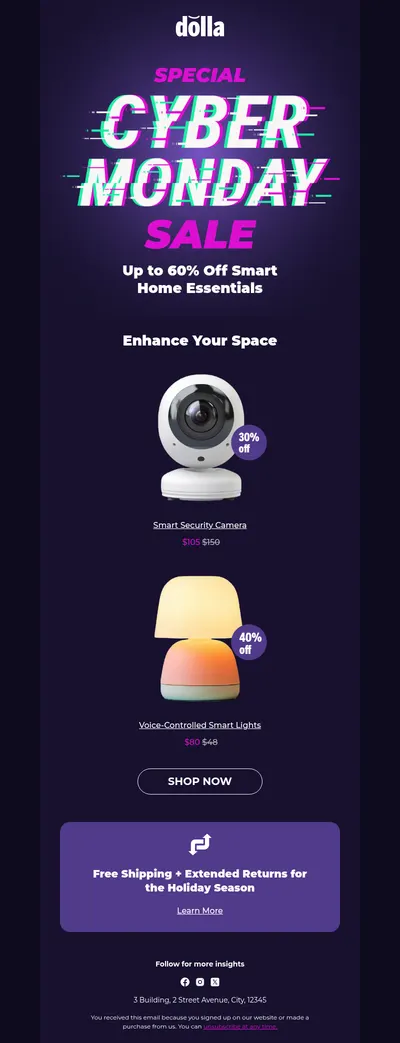
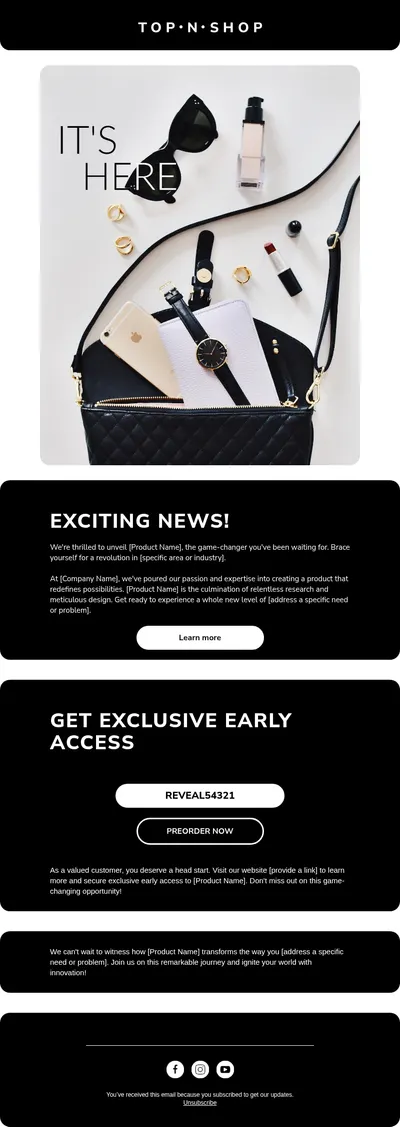
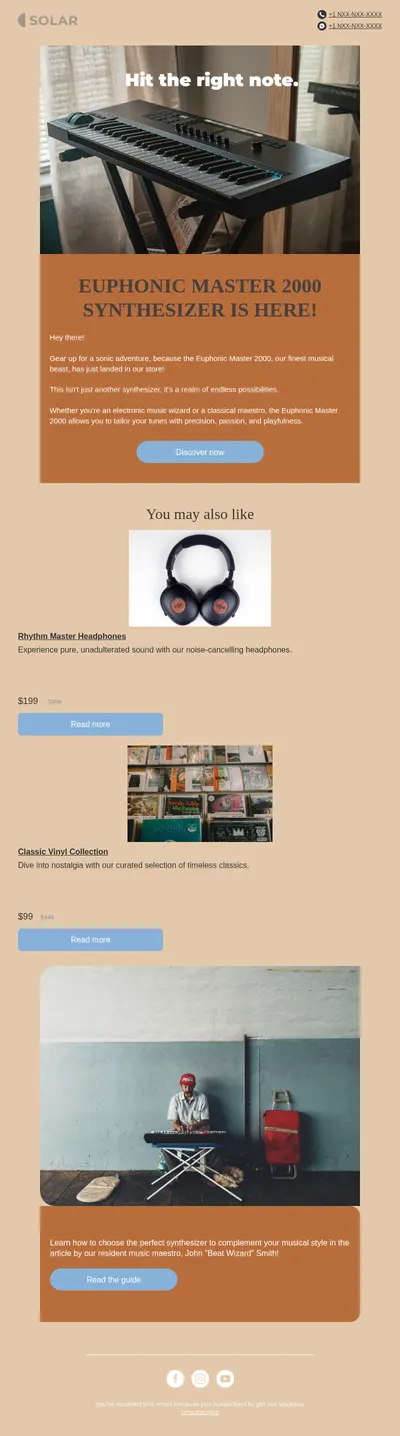
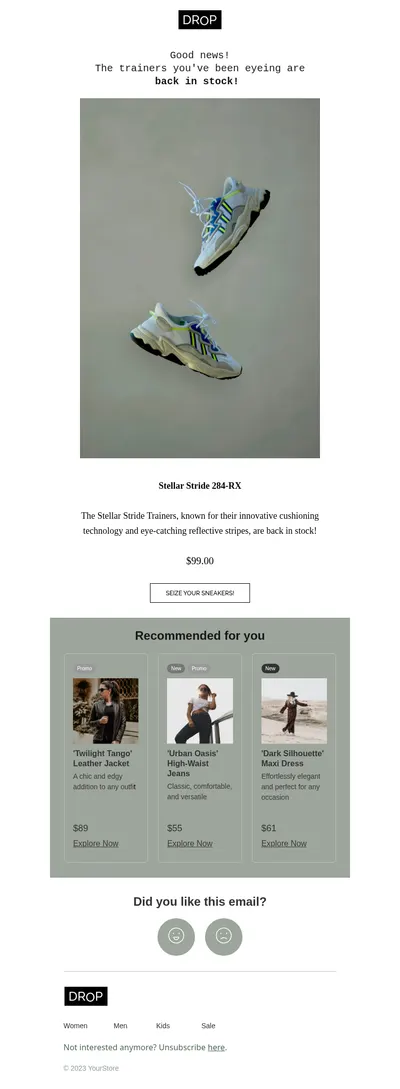
- Product launches with coordinated messaging for customers, partners, and internal teams.
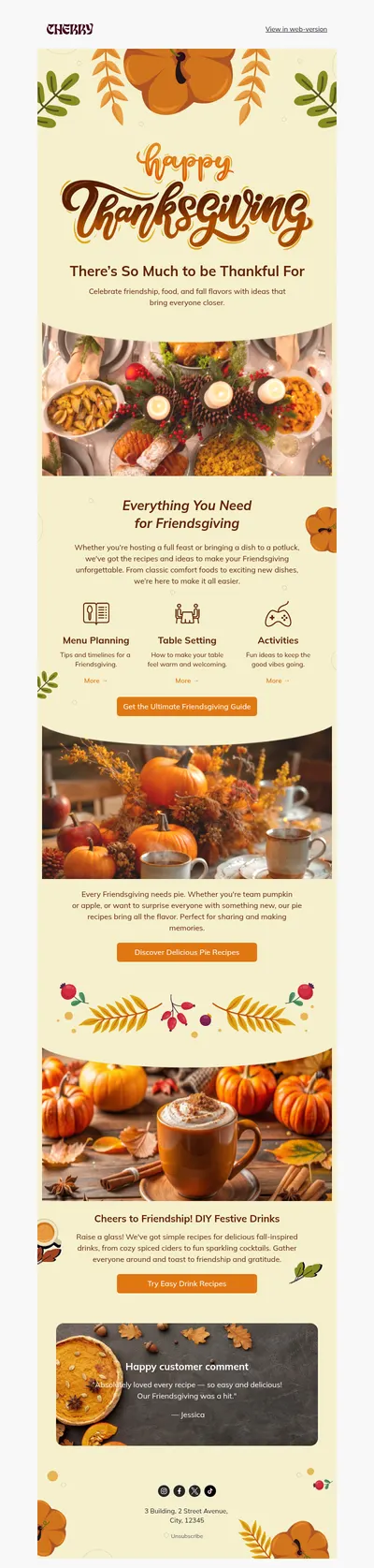
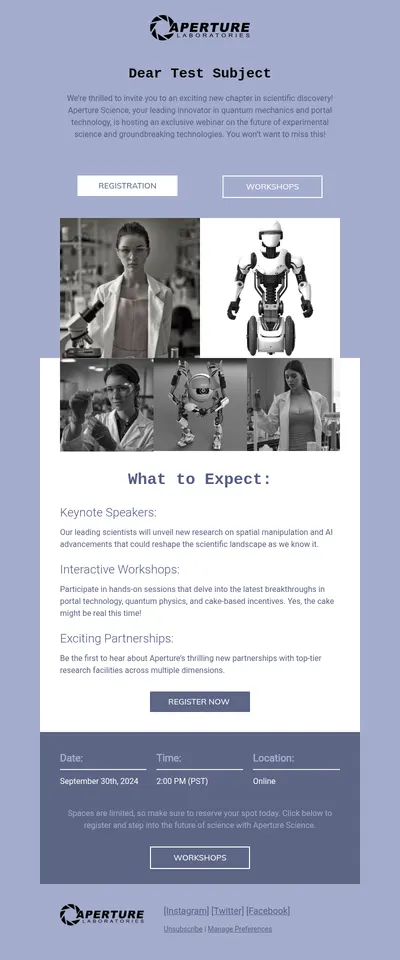
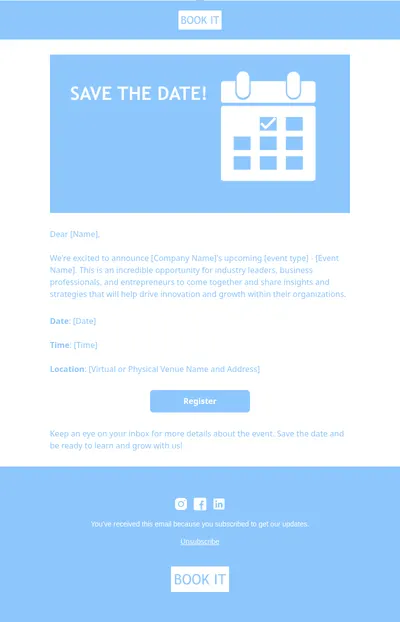
- Event invitations for conferences and executive briefings with a clear agenda and registration button.
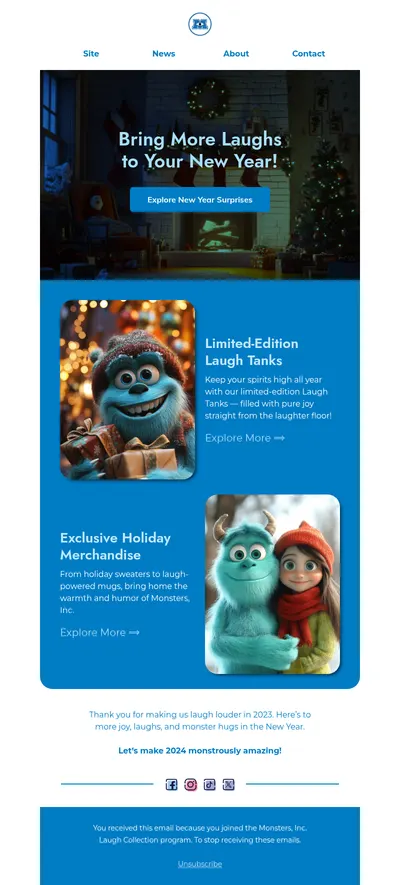
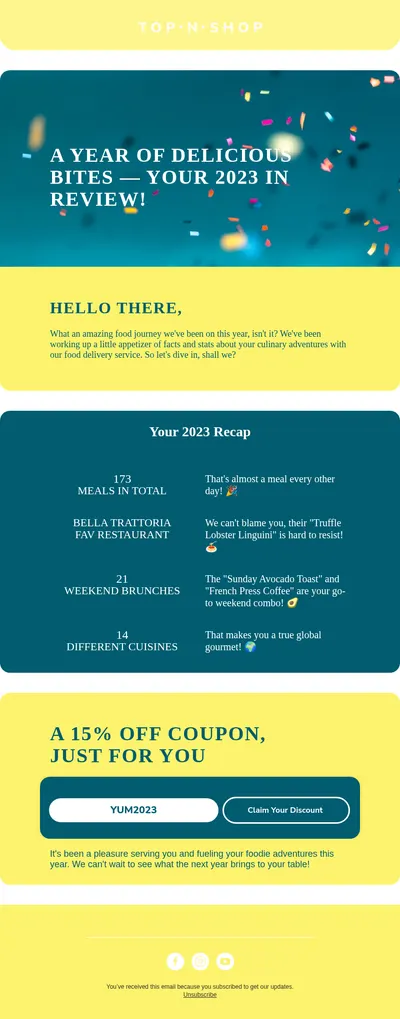
- Year in review emails that summarize achievements with numbers, visuals, and customer stories.
Growing teams often reach a point where a few people build every email and everyone else waits. Moving the design work into shared templates changes that: specialists create and maintain the layouts, while campaign owners fill in content themselves. That split is the core idea behind enterprise creation platforms, and it works just as well for a team of five.
Tips for Governing Email Templates at Scale
- Define a small set of core layouts. Five or six well-tested structures usually cover most campaigns and are easier to maintain than dozens of variants.
- Document where flexibility ends. Make it clear which colors, fonts, and sections can change so regional teams do not have to guess.
- Review templates with deliverability in mind. Heavy images and oversized code can hurt inbox placement no matter how good a design looks.
- Measure before redesigning. Compare engagement across templates first, so changes are driven by data rather than taste alone.
Evaluating tools for your team? Read our detailed Stensul review and the roundup of top email builders to see how different platforms approach templates, collaboration, and export.
Whatever tool you settle on, the principles stay the same: a consistent structure, clear hierarchy, and templates that non-designers can use safely. Blocks puts those principles within reach for teams that do not yet need, or want, a full enterprise rollout.
Explore Free Email Templates Similar to Stensul Designs
Browse the templates above, open one in Blocks, and see how quickly an on-brand email comes together. When it is ready, send it through Salesforce, HubSpot, or any other platform your team relies on.