
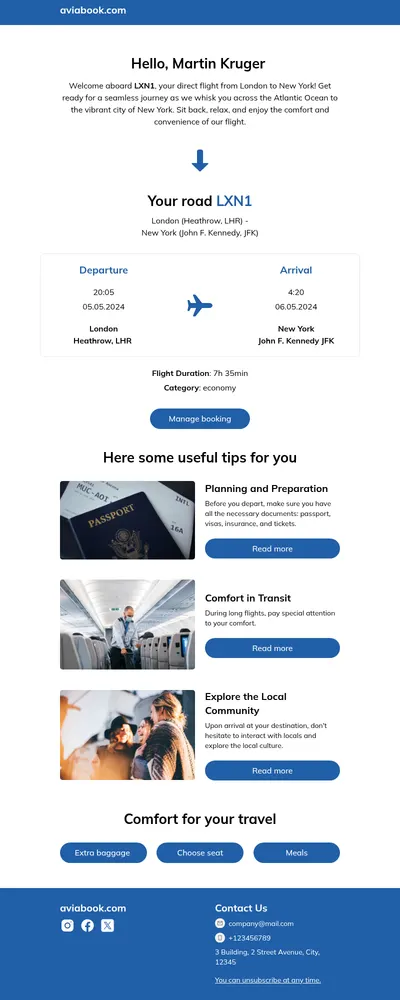
After buying a ticket, customers need confidence that everything is in order. The ticket email becomes a reference they will open again at the door, at the gate, or on the platform. Our ticket email templates help event organizers, venues, and travel companies deliver e-tickets with all the key information presented clearly and memorably.
What Great Ticket Email Templates Include
A ticket email has a practical job. It must show the right details at a glance, often on a phone screen in a noisy place, while still reflecting the excitement of the event or journey ahead.
- Essential details first. Event or route name, date, time, venue or station, and seat or zone appear at the top.
- Space for entry codes. A prominent area for a QR code or barcode makes scanning fast at the entrance.
- Practical information. Directions, opening times, and what to bring prevent last-minute confusion.
Structuring a Ticket Confirmation Email
- Confirm the purchase with a short, upbeat headline and the order reference.
- Present the ticket details in a card-like block with the entry code clearly visible.
- Add useful extras: a map link, transport tips, parking information, or accessibility details.
- Include options to add the event to a calendar, transfer the ticket, or contact support.
Many ticketing and booking systems generate the entry code automatically. Designing the email in Blocks lets you prepare the layout around that code, so the final message looks branded while the system inserts the unique details for each buyer.
Ticket Email Ideas
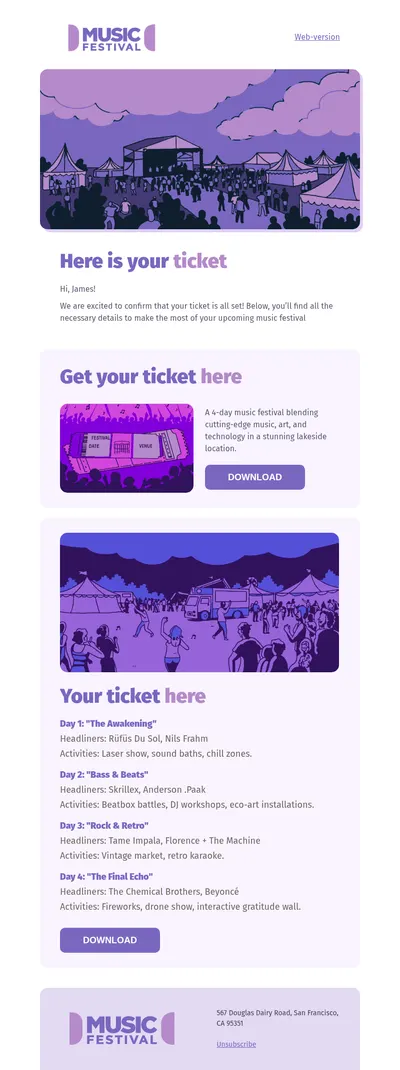
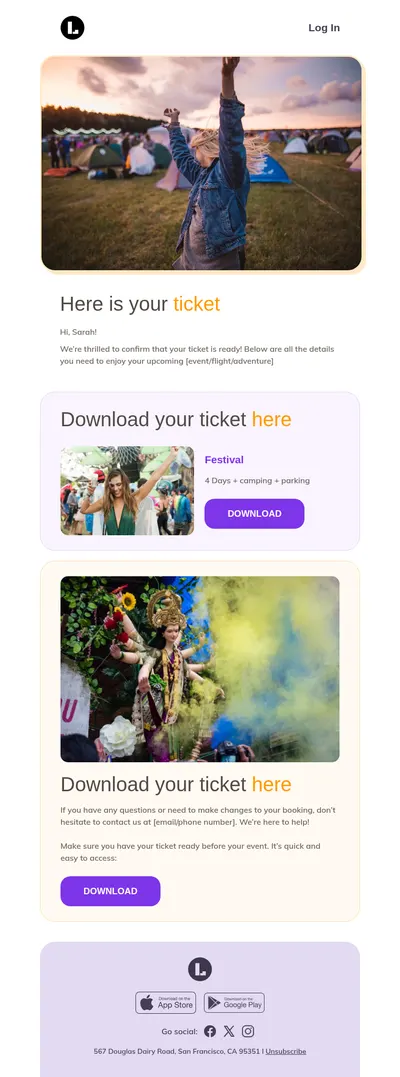
- Concert and festival tickets: vibrant designs inspired by the music templates with lineup highlights.
- Conference passes: professional layouts with agendas, paired with invitation emails sent earlier.
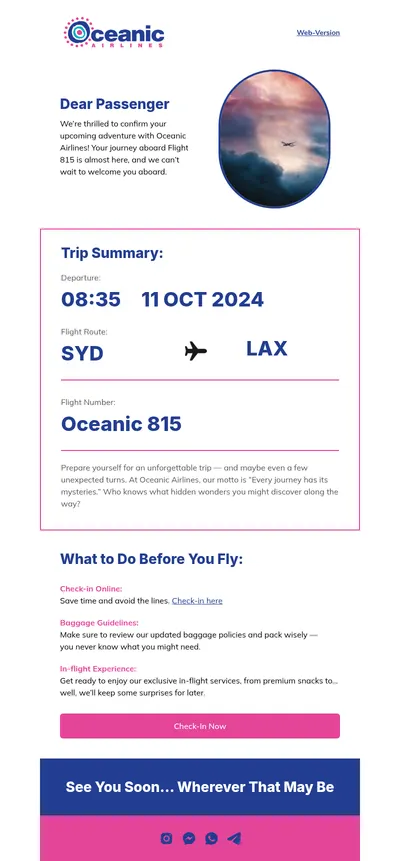
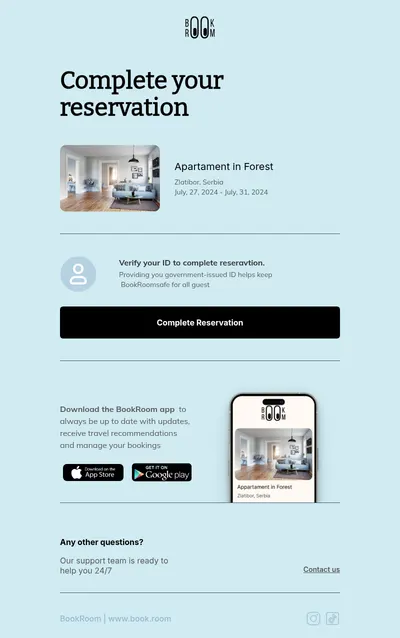
- Travel bookings: train, bus, and tour tickets styled with our travel templates.
- Event reminders: reminder emails that resend the ticket a day before the event.
Sports clubs, theaters, museums, and workshops can all benefit from the same approach. Whatever the occasion, a ticket email that looks trustworthy reduces worried calls to the box office and makes the experience feel premium from the start.
Tips for Ticket Email Templates
- Put the ticket in the subject line. Words like your tickets for and the event name make the email easy to find in the inbox later.
- Design for bright screens and quick scans. High contrast and large text help when the email is shown to staff at the entrance.
- Avoid hiding the code in an attachment only. Showing it in the email body works even when attachments do not open on a phone.
- Explain transfer and refund rules briefly. Clear policies prevent disputes and support requests.
- Send a follow-up after the event. A thank-you and a feedback request build loyalty for the next occasion.
Want to perfect the confirmation experience? Our confirmation email guide covers structure and tone.
Upselling works well around tickets when it is genuinely useful. Parking passes, merchandise pickup, meal packages, or seat upgrades offered in a separate section add value without cluttering the core ticket information.
Accessibility should be part of every ticket email. Information about step-free entrances, accessible seating, and assistance services helps all guests plan their visit confidently and shows that your organization considers everyone in the audience.
Start with Free Ticket Email Templates
Pick a template above, prepare the layout for your events or journeys, and send tickets that customers are happy to receive and easy to use. A clear ticket email is the first step of a great experience.