
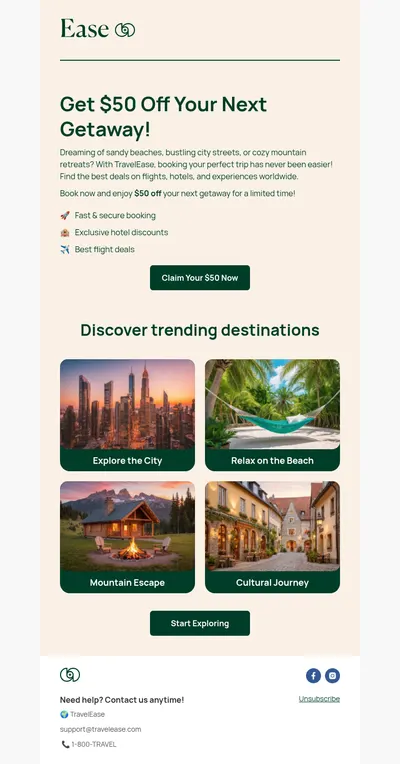
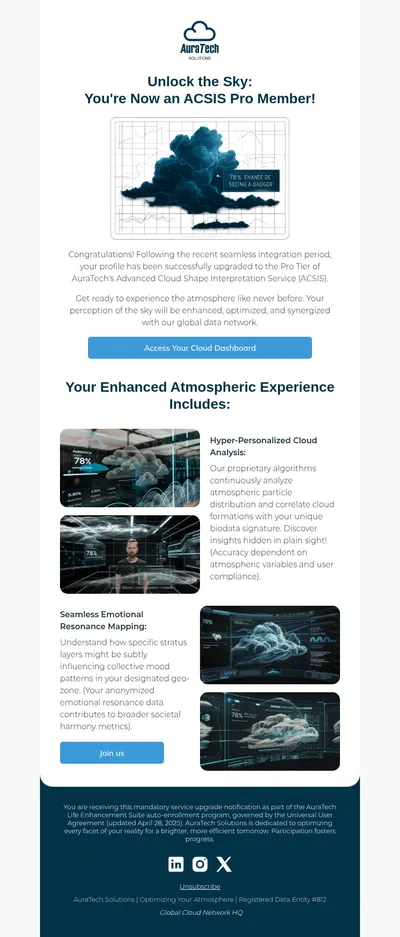
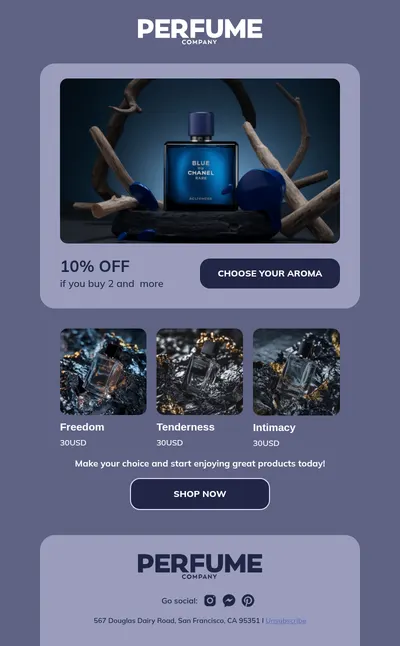
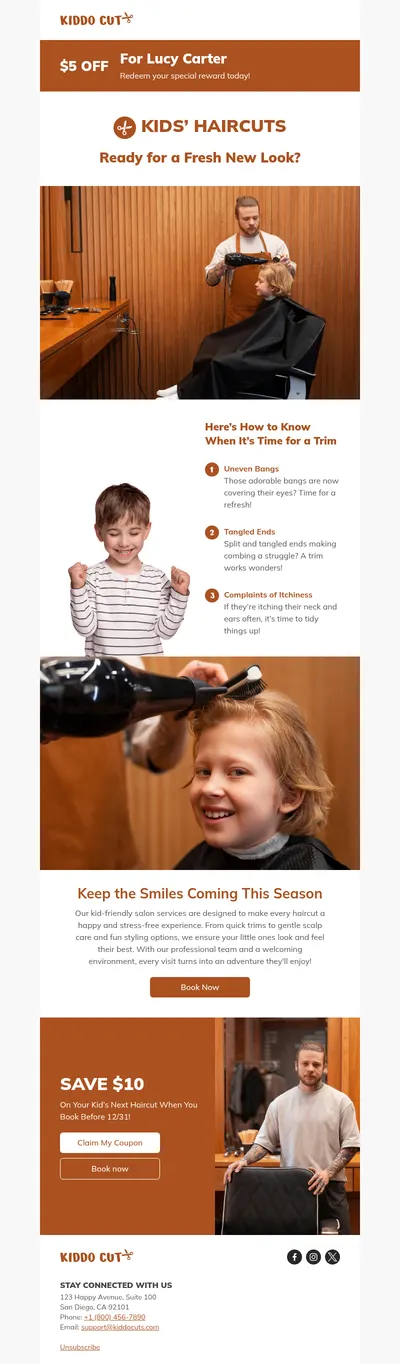
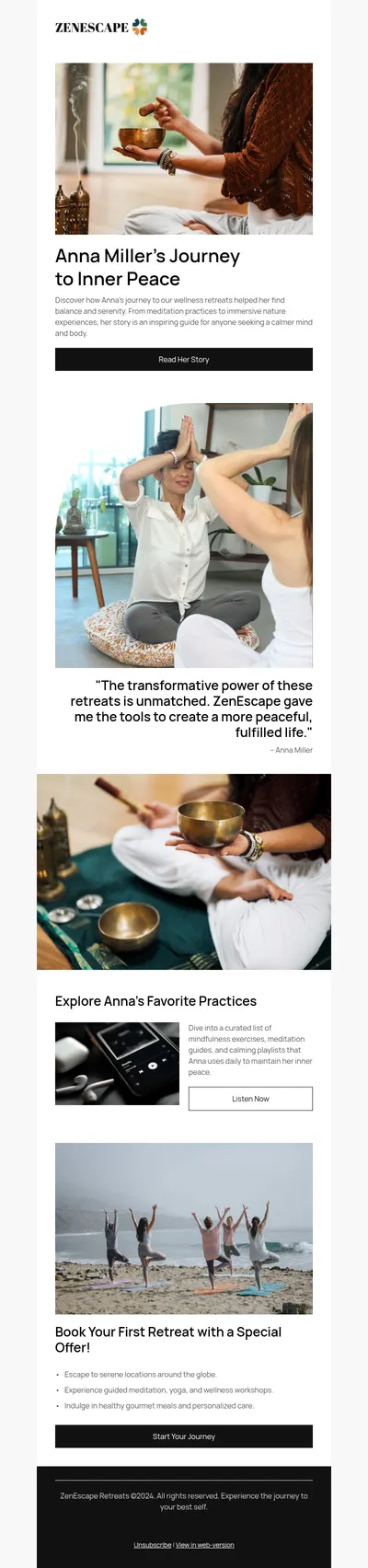
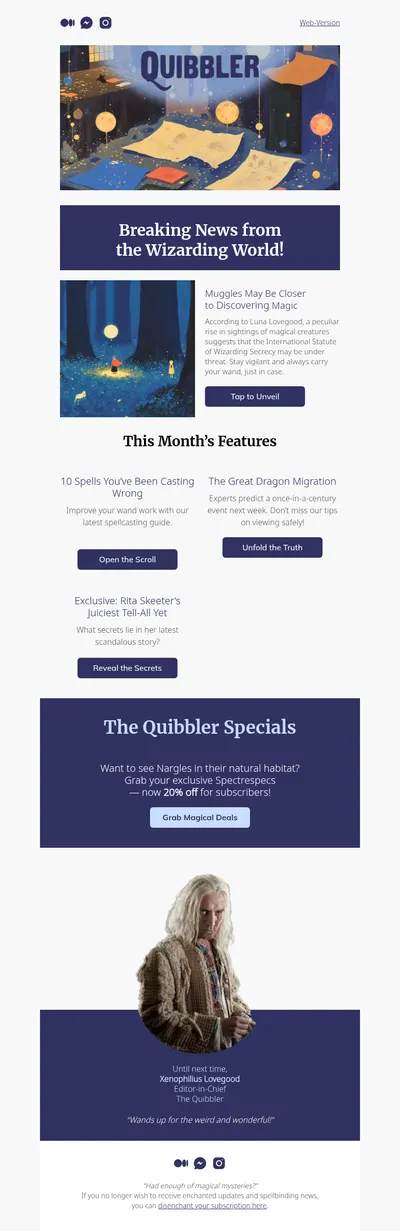
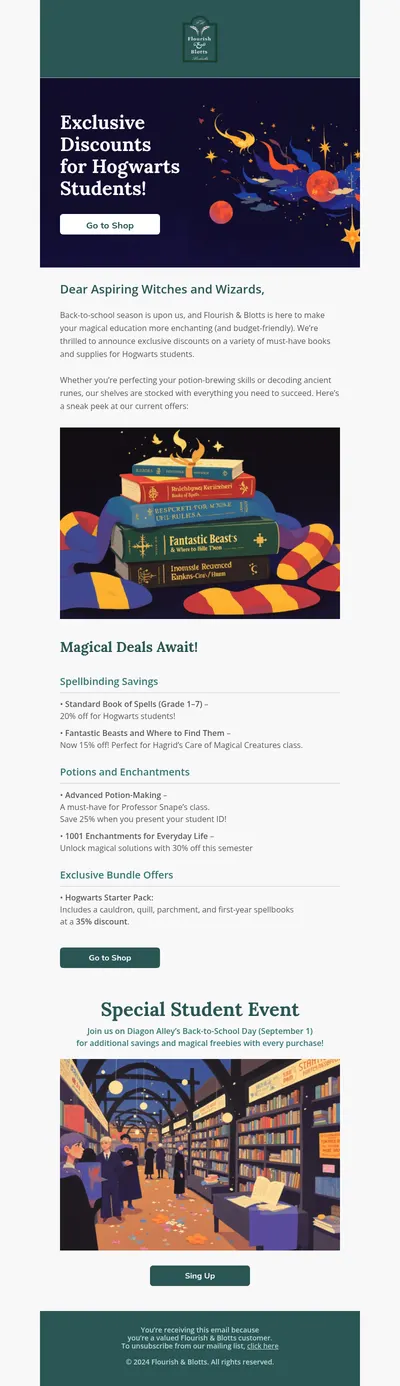
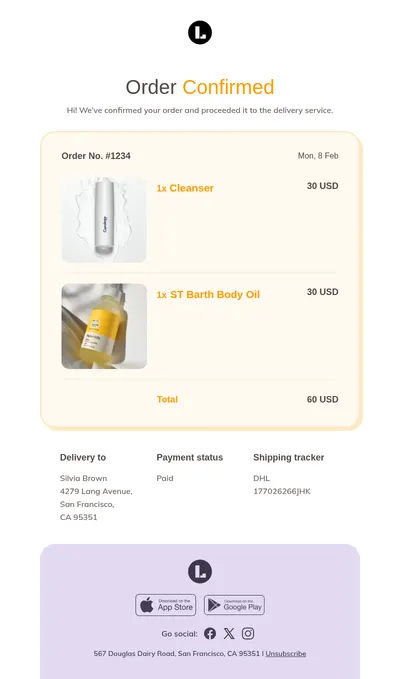
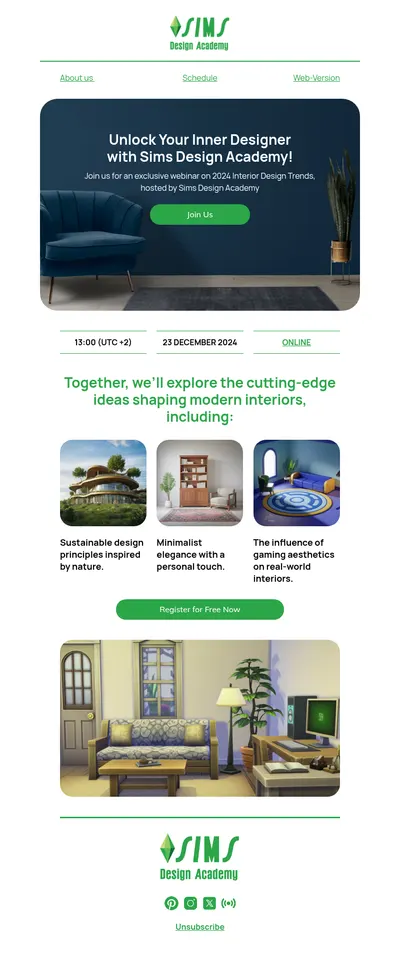
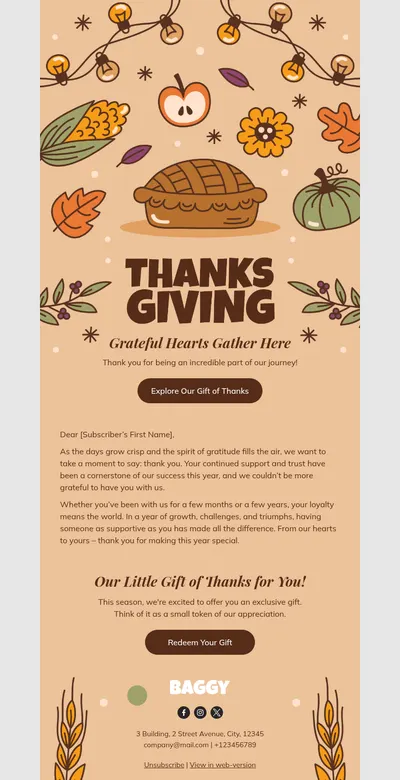
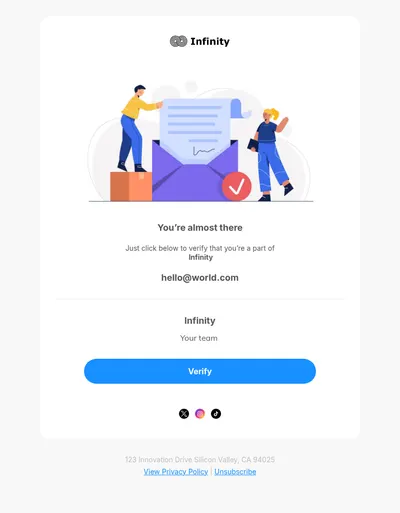
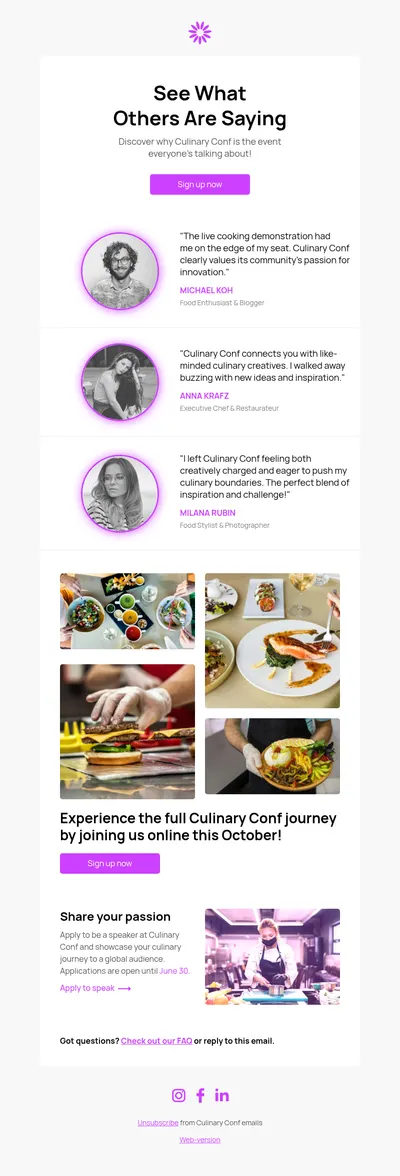
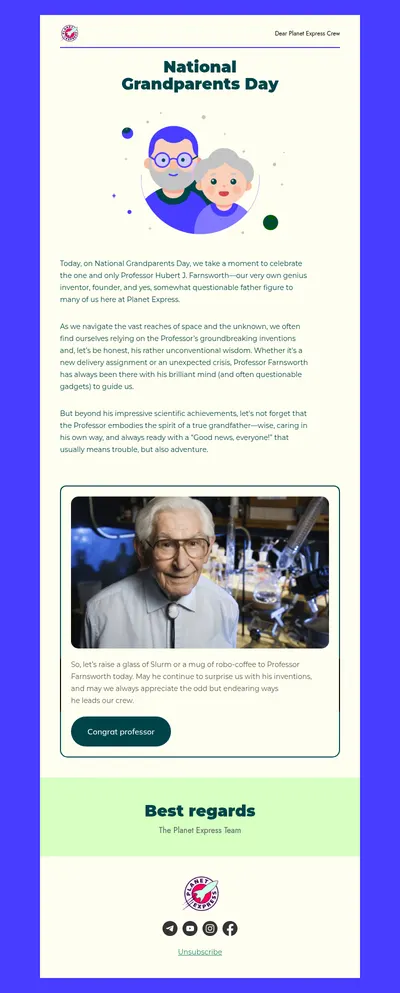
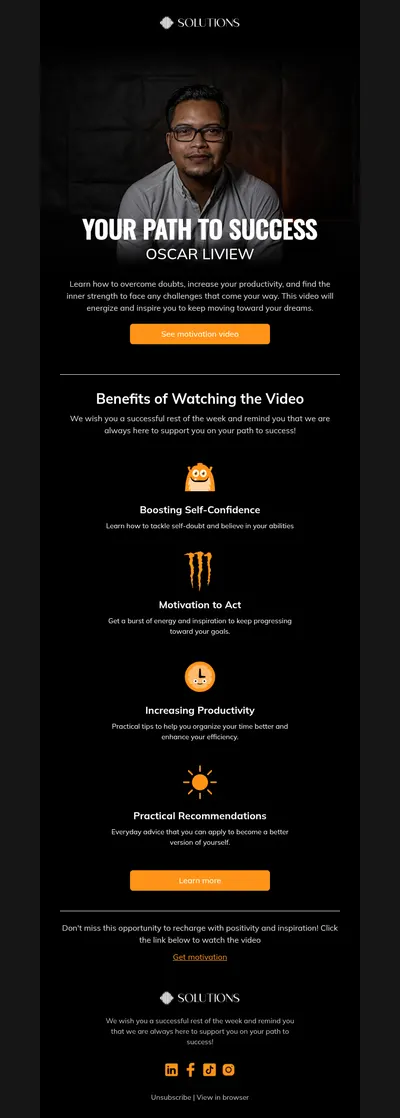
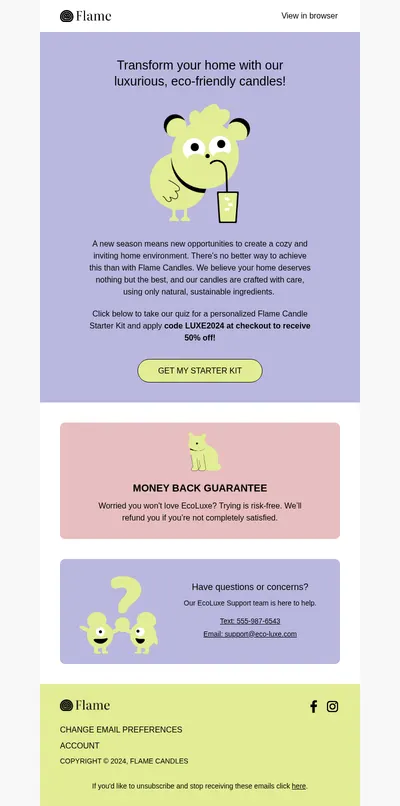
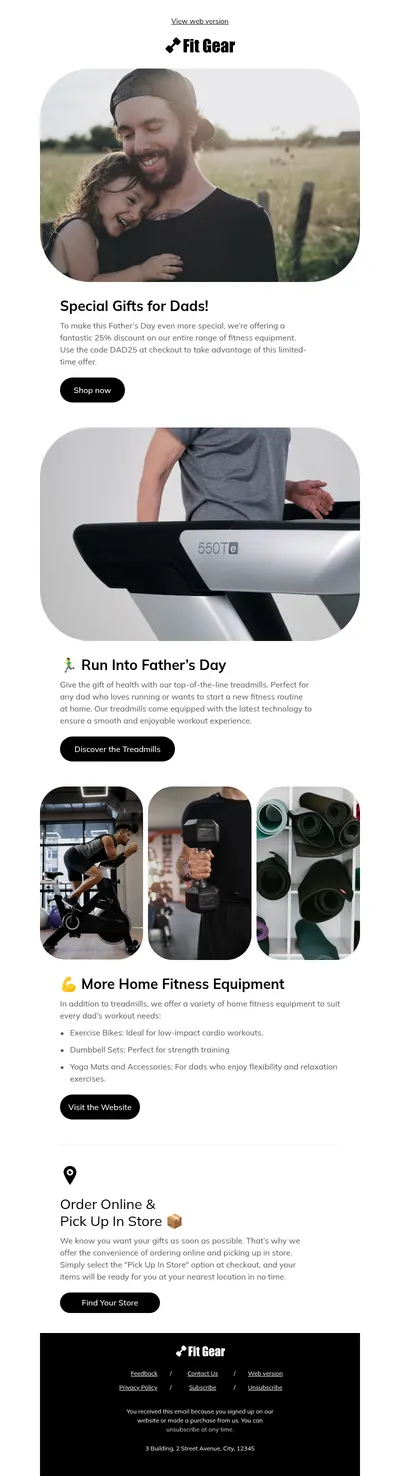
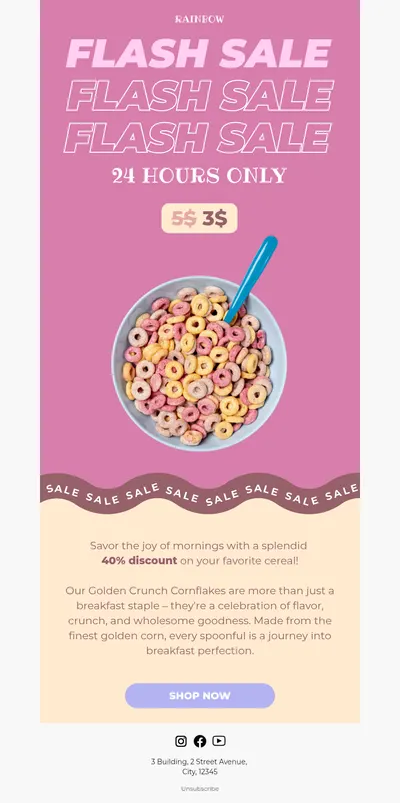
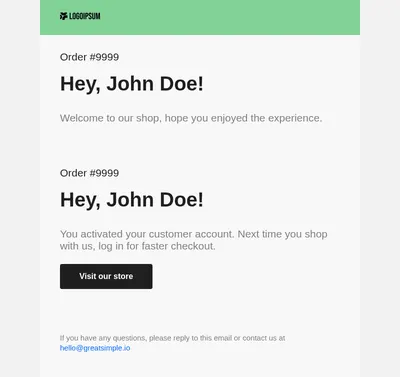
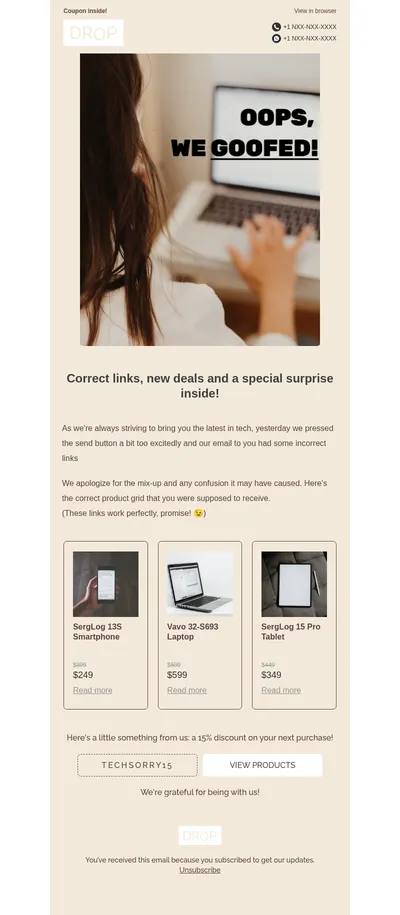
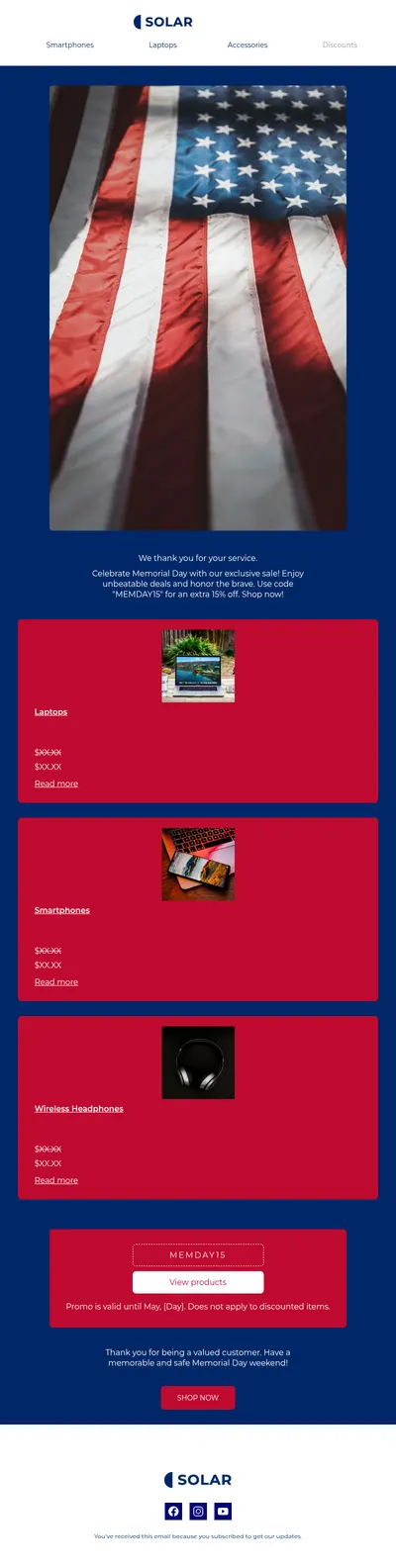
Wix makes it easy to launch a site, an online store, or a booking page, and email is how you bring visitors back. Our free email templates for Wix sites help you design newsletters, promotions, and store announcements that match your brand, without starting from an empty canvas.
How Wix Email Templates from Blocks Reach Your Subscribers
Wix has its own email marketing tool with a visual editor. It is handy for quick campaigns, but it is not made to accept a finished email from another editor: its HTML element takes small snippets with an approved list of tags and inline styles, and everything else is removed. A complete Blocks email, with its layout, mobile styles, and Outlook fixes, is not something to paste there.
The reliable route is to send your Blocks designs through a dedicated email platform that stays connected to your Wix site:
- Mailchimp. The Mailchimp app in the Wix App Market connects your site to your Mailchimp account, and Blocks exports emails to Mailchimp directly.
- Klaviyo. The Klaviyo app, built by Klaviyo for Wix Stores, syncs orders and products, and Blocks exports emails to Klaviyo directly as well.
- Any other service. Wix lets you export site contacts to a CSV file, which you can import into the email platform you prefer and send the Blocks HTML from there.
From Template to Inbox in Four Steps
- Install the Mailchimp or Klaviyo app from the Wix App Market, or export your contacts as a CSV file.
- Pick a template in the gallery and customize it in Blocks with your logo, colors, and products.
- Export the email to Mailchimp or Klaviyo, or download it as an HTML file for another platform.
- Choose the audience that came from your Wix site, send yourself a test, and schedule the campaign.
Emails Worth Designing for a Wix Site
- Welcome emails for visitors who join your list through a form on your Wix site.
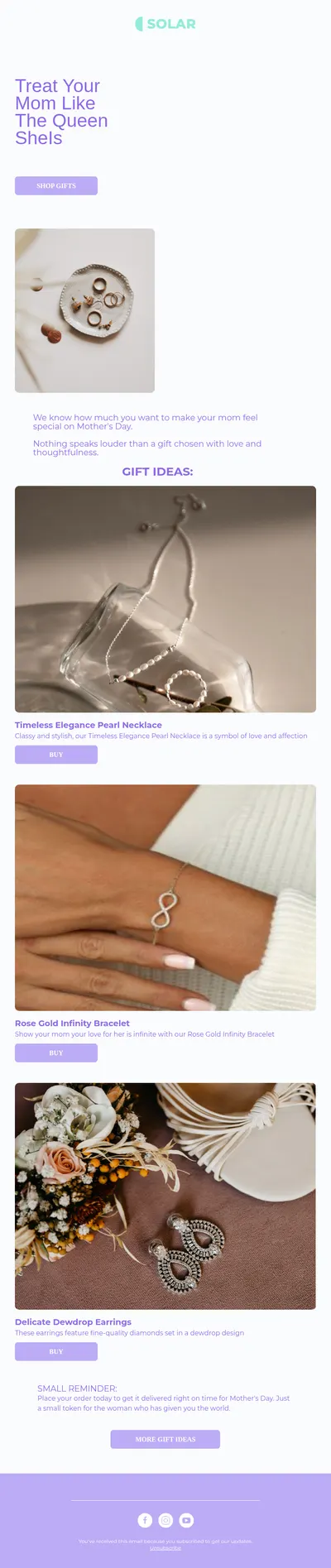
- Promotional emails that announce a sale or a new collection in your Wix store.
- Abandoned cart reminders that bring shoppers back to the products they left behind.
- Appointment reminders for salons, studios, and consultants who take bookings online.
Tips for Wix Email Campaigns
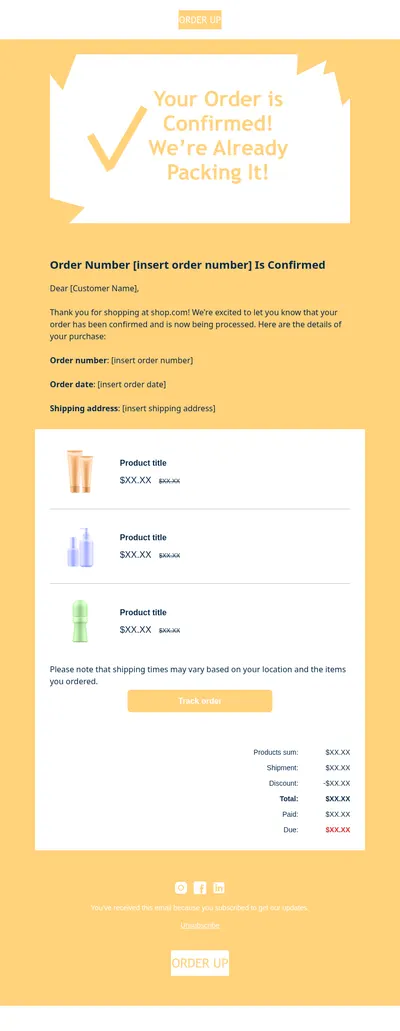
- Leave store notifications in Wix. Order confirmations and shipping updates are set up in your Wix dashboard, so use Blocks for marketing emails and keep automatic store emails where they are.
- Match the website. Use the same fonts, colors, and photo style as your site so subscribers recognize you at a glance.
- Ask for consent at signup. Tell visitors on every form that they will receive email; a clean list keeps your sending reputation healthy.
- Check the phone view. Many people browse Wix sites on their phones, and they read your emails the same way.
Small businesses on Wix often send only a handful of campaigns a year, so each one has to count. Saving a finished design in Blocks turns the next campaign into a matter of swapping the text and images, while the layout, colors, and footer stay consistent from one send to the next.
Looking for ideas? Our email design guide covers layout basics, and the article on newsletter headers helps you carry the look of your site into the inbox.
Start with Free Email Templates for Wix
Pick a template above, make it yours in Blocks, and send it to the audience you have built on Wix. Our Mailchimp and Klaviyo pages explain the export to each service step by step.