
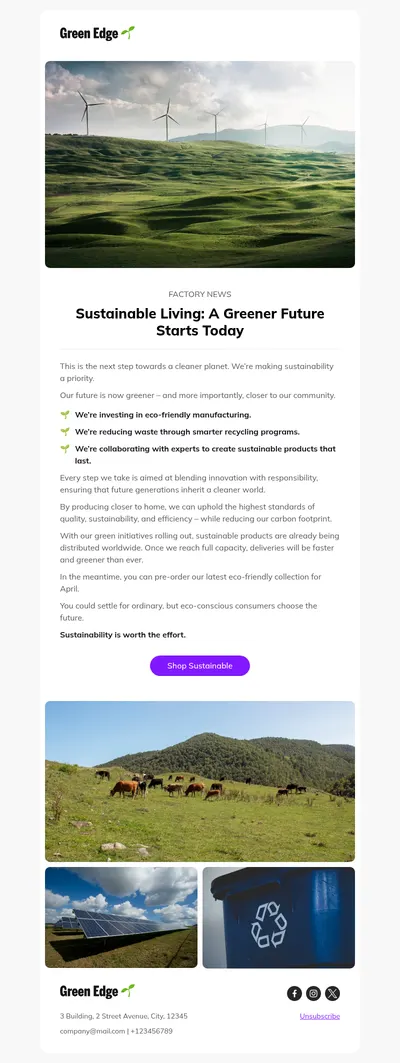
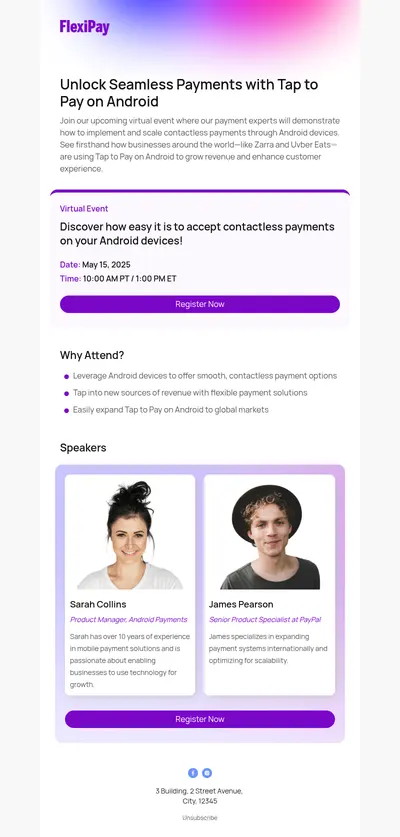
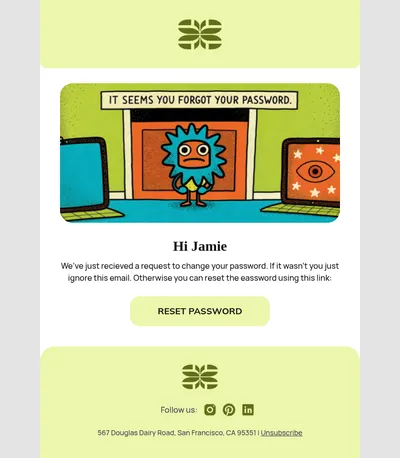
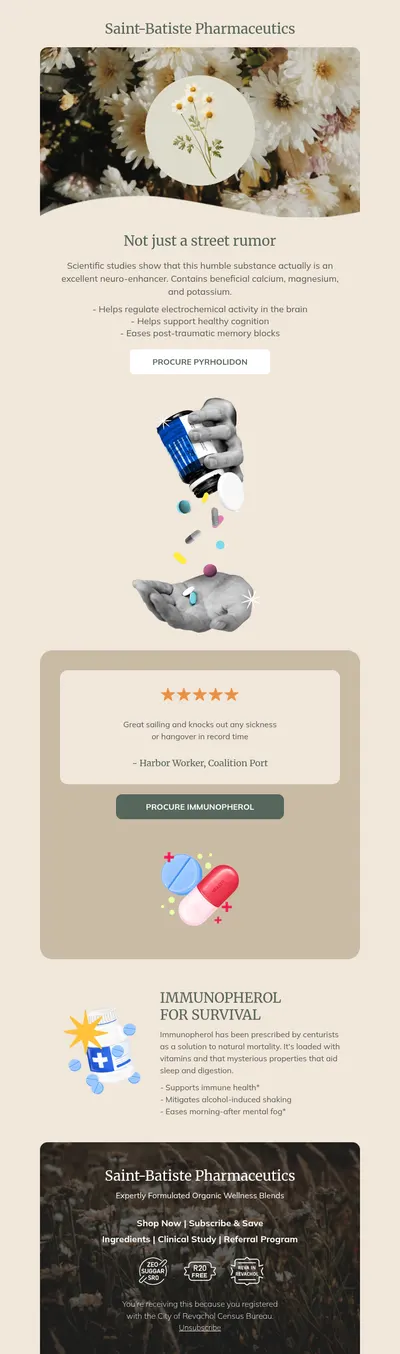

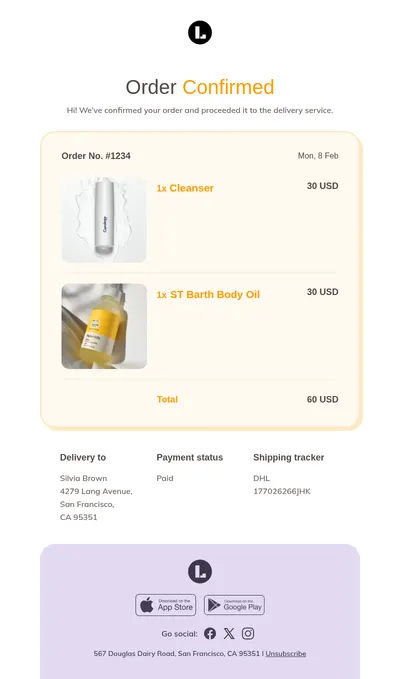
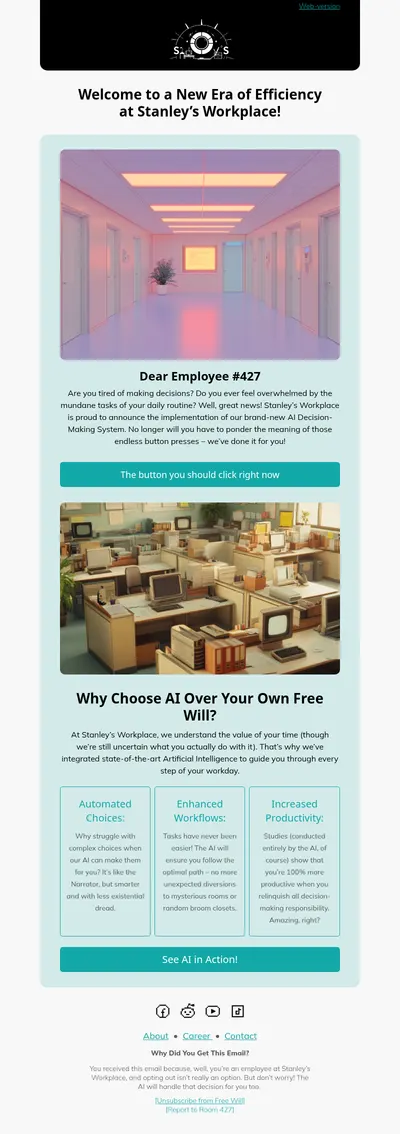
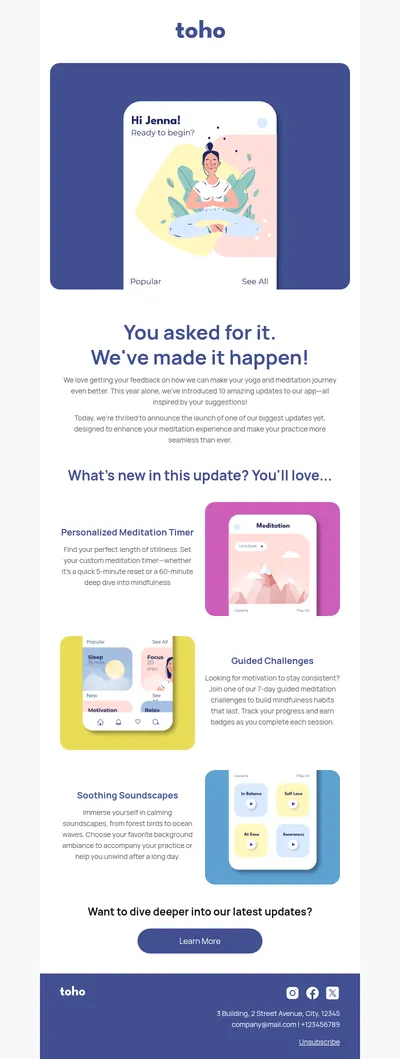
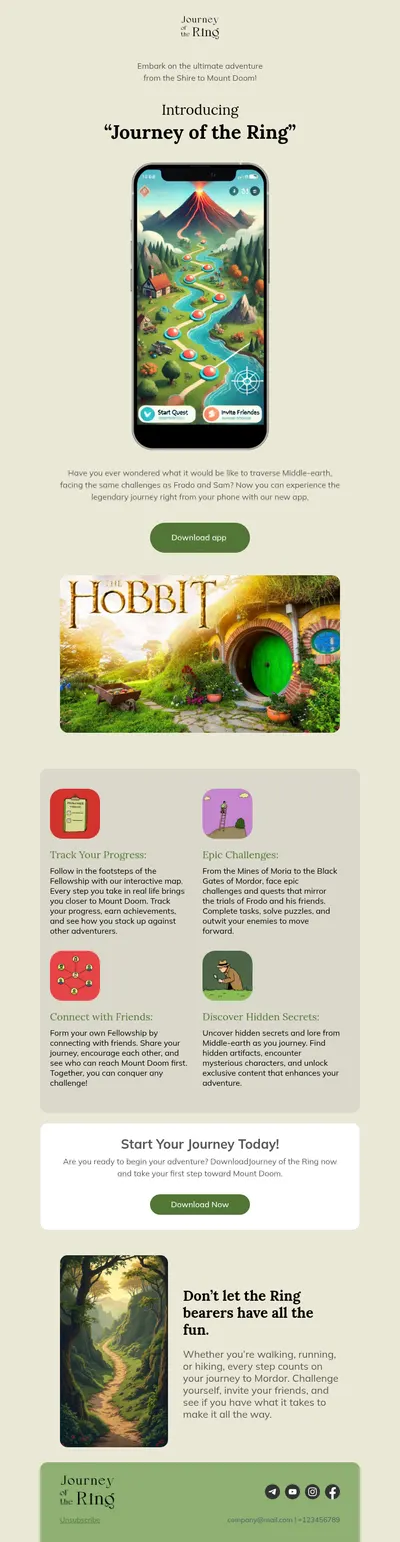
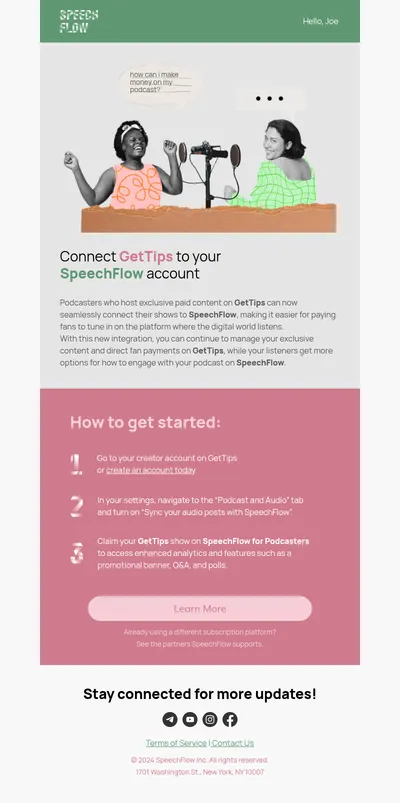
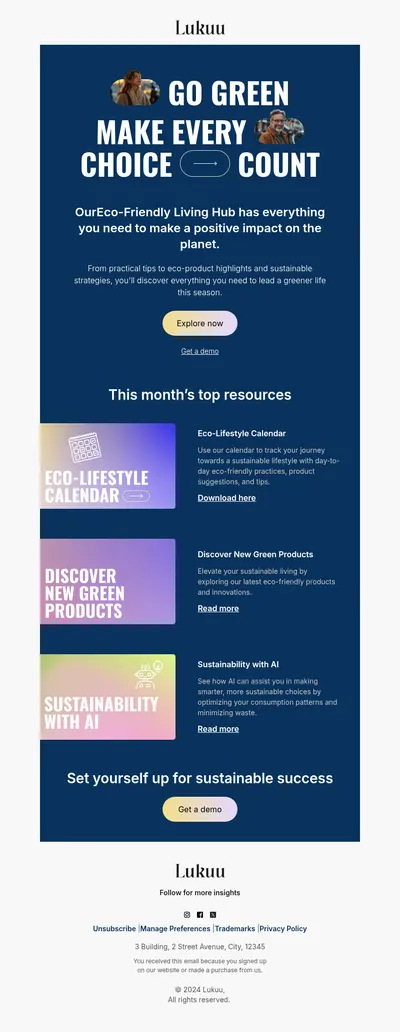
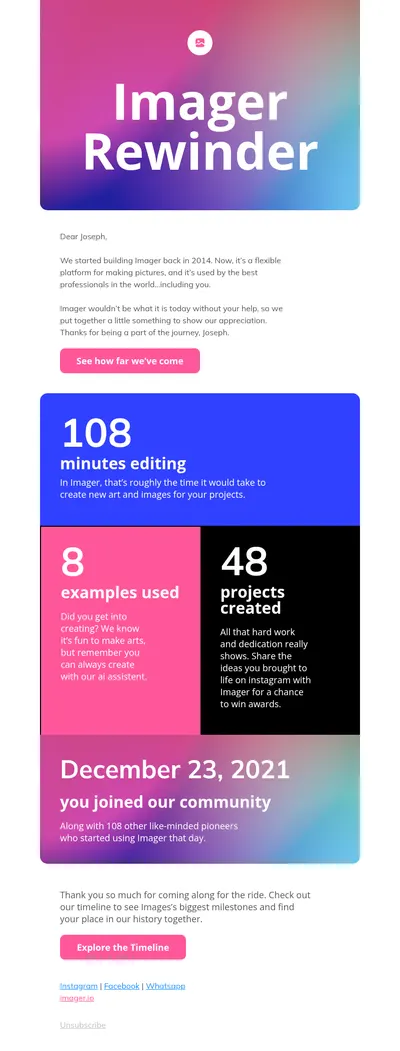
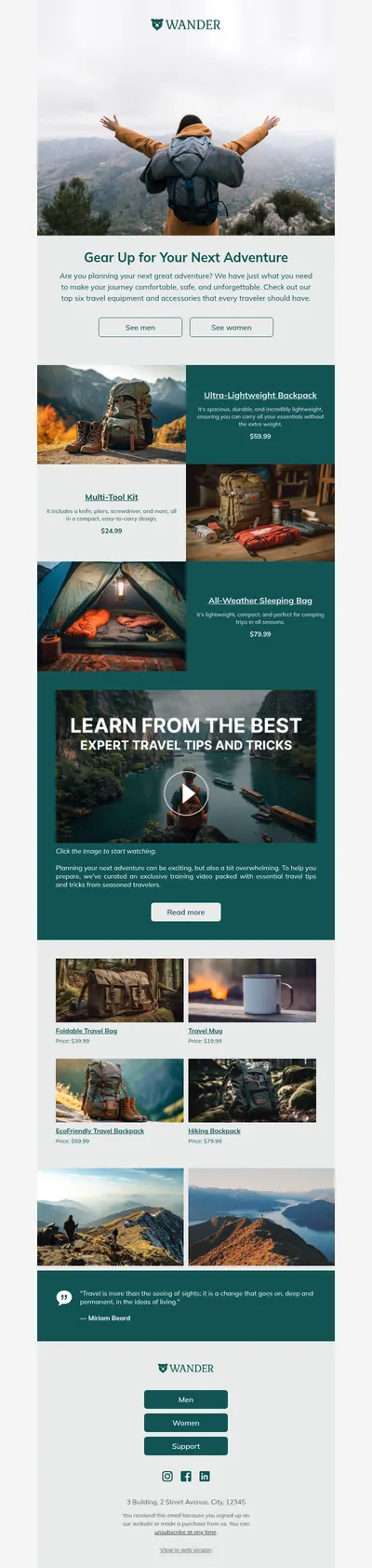


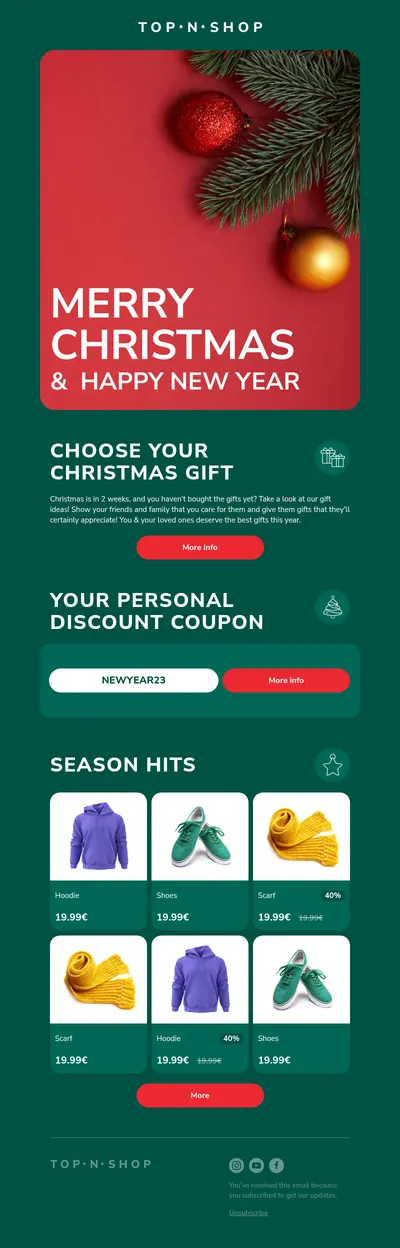
Squarespace is a favorite of designers, creators, and small shops who care about how their brand looks. Our free email templates for Squarespace sites carry that care into the inbox, with layouts for newsletters, launches, and seasonal sales that you can adapt in minutes.
Why Pair Squarespace Email Templates with an Email Service
Squarespace Email Campaigns is convenient for simple newsletters assembled from its own sections: text, images, buttons, products, and blog posts. Custom code is not supported in campaigns, and store notifications such as order confirmations are edited with text and images only. In practice, an email designed in Blocks cannot be pasted into Squarespace itself.
What works well is splitting the job: Squarespace collects subscribers and runs your store, while an email platform sends the campaigns you design in Blocks.
- Mailchimp. Squarespace can send form and newsletter block submissions to a Mailchimp audience, and a Mailchimp extension syncs orders, products, and customers. Blocks exports emails to Mailchimp directly.
- Zapier. Form submissions can trigger actions in other apps through Zapier, so new subscribers reach the email platform you prefer.
- CSV export. Contacts and lists can be exported from the Squarespace dashboard and imported into any email service.
Setting Up the Workflow
- Connect your Squarespace forms or newsletter blocks to Mailchimp, or route them through Zapier.
- Choose a template in our gallery and adjust it to the fonts, colors, and imagery of your site.
- Export the finished email from Blocks to Mailchimp, or download the HTML for another platform.
- Send a test to yourself, check it on a phone, and schedule the campaign for your Squarespace audience.
Emails Squarespace Sites Send Most
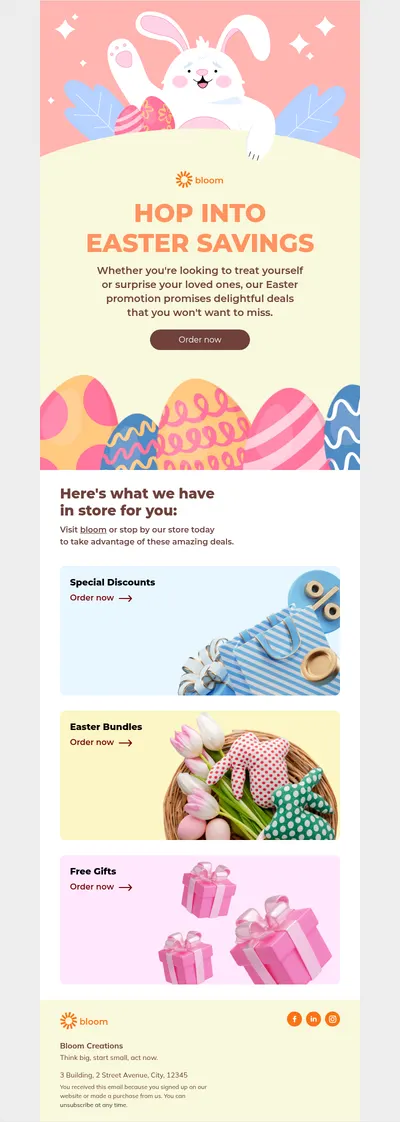
- Product launch emails for new collections, prints, or services.
- Blog digests that bring your latest posts to readers who prefer email.
- Photographer templates for portfolio updates and booking announcements.
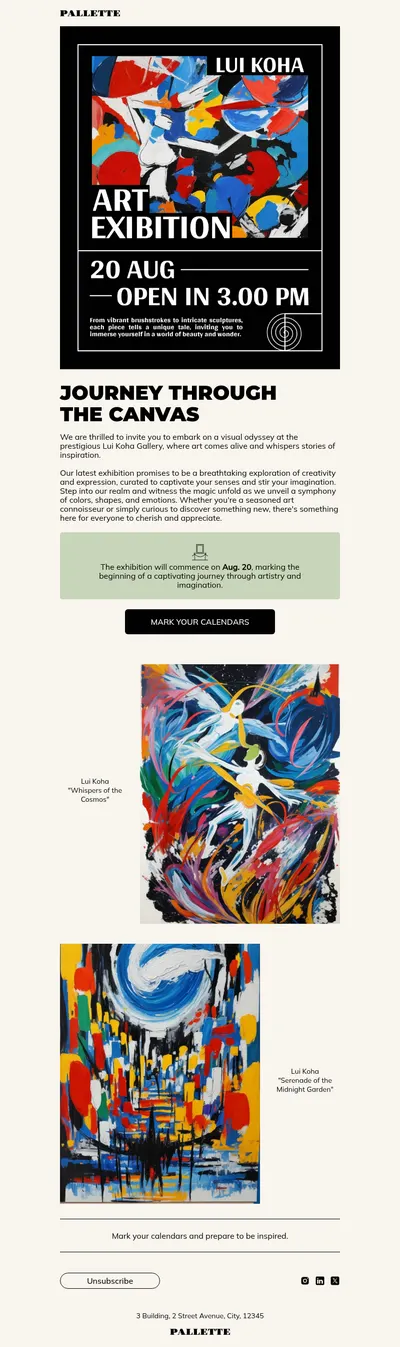
- Event invitations for workshops, gallery openings, and online classes.
Tips for Squarespace Email Campaigns
- Echo your site typography. Pick fonts close to your Squarespace theme, with safe fallbacks for inboxes that do not load web fonts.
- Keep key words in live text. Headlines and offers set as text stay readable even when images are blocked.
- Check your plan first. The Mailchimp connection is not available on every Squarespace plan, so confirm it before you build a campaign around it.
- Use one call to action. A single clear button is easier to act on than a crowded layout with many links.
Many Squarespace owners are photographers, artists, and makers who sell through their sites. For them, an email is often the first place a new collection appears, so the layout matters as much as the photos. Start with a template that gives images room to breathe, keep the copy short, and link every product straight to its page in your Squarespace store.
Creative businesses often send fewer, more visual emails, and every one of them reflects the brand. A template saved in Blocks keeps margins, colors, and the footer consistent, so each new send only needs fresh photos and copy.
For inspiration, browse our newsletter banner ideas and the article on newsletter footers, both easy to adapt to a Squarespace look.
Get Free Email Templates for Squarespace
Choose a template above, style it to match your site, and send it through the service your Squarespace forms feed. The Mailchimp page of our gallery shows how the export works.