
From a Figma design to an editable email in one click
The FigMail plugin turns a Figma frame into a ready-made email. Press “Open in Blocks editor”, and it opens in our drag-and-drop editor — change the copy, swap images and export it to the platform you send from.

How it works
-
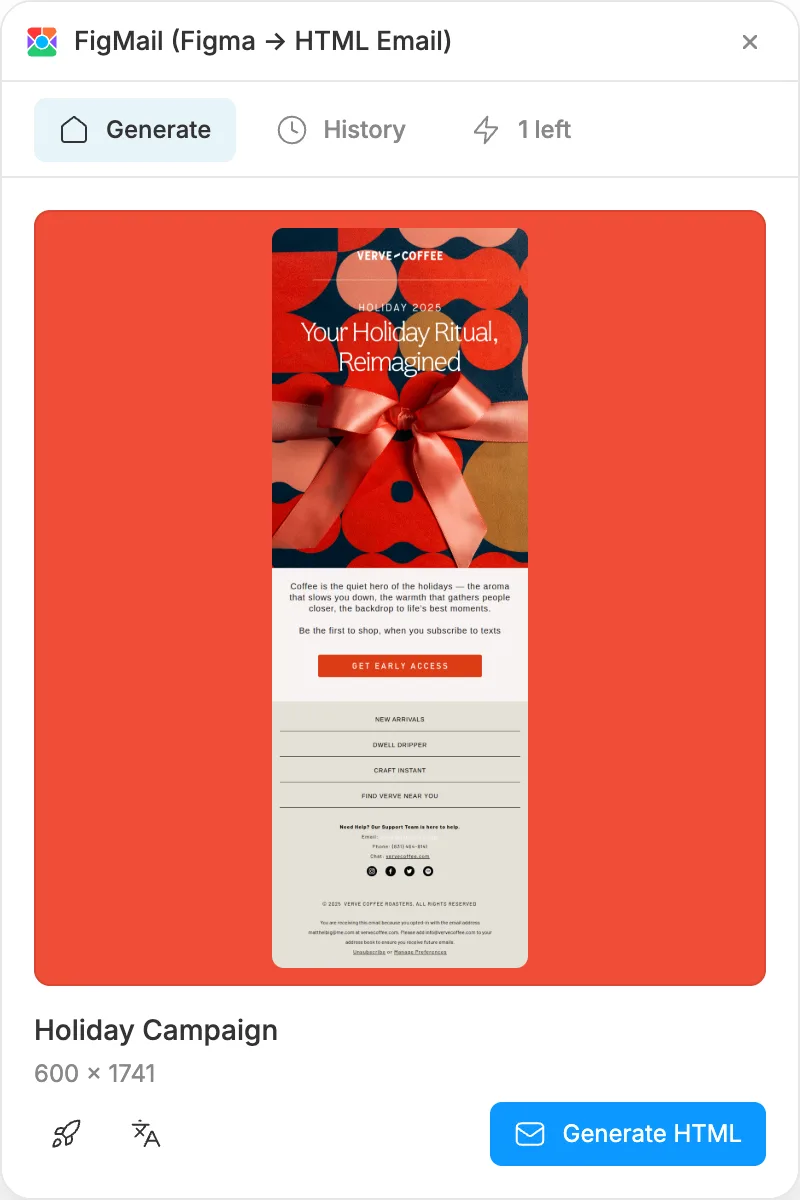
Generate the email in Figma
Select a frame and run FigMail. It builds a responsive HTML email from your design.
-
Press “Open in Blocks editor”
The button is on the result screen, right under Code, HTML and Archive. Blocks opens in your browser.
-
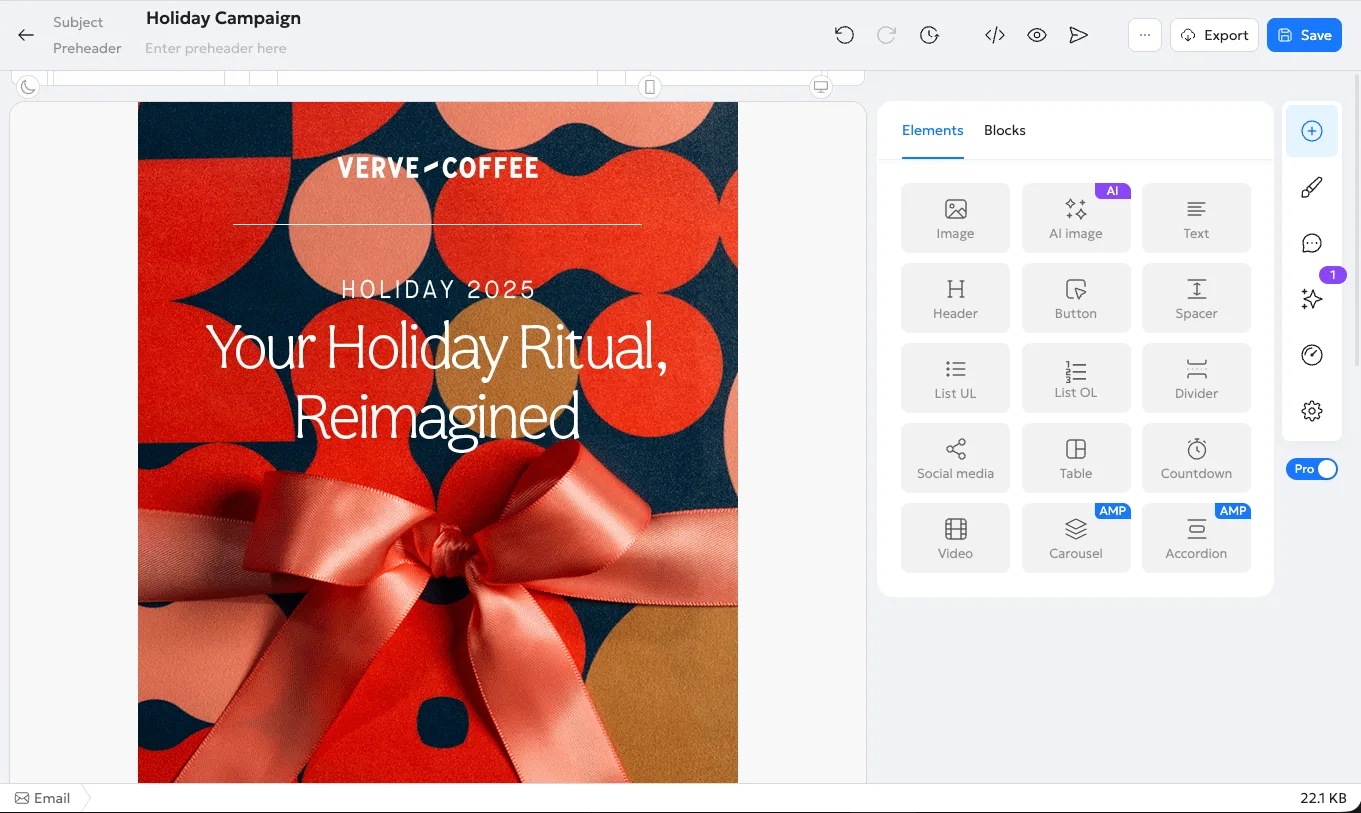
Edit and export
Sign up or log in, and the email is waiting in the editor under your frame’s name. Polish it and export it to your platform.
What you get in Blocks
-
Edit without code
Click any text, image or button to change it. The layout holds together while you work.
-
Mobile version included
FigMail builds a responsive email, and Blocks keeps it that way through every edit.
-
Images come along
Pictures from your design are copied to your project files, so the email no longer depends on outside links.
-
Export to your platform
Download the HTML or export the email straight to the platform you work with.
Frequently asked questions
- Do I need a Blocks account?
- Yes, but you can create one on the way. If you aren’t signed in, Blocks asks you to sign up or log in, then opens the email.
- Is it free?
- FigMail includes 3 free generations a month. Signing up for Blocks and opening the email in the editor costs nothing.
- Which project does the email go to?
- The one you worked in last. If you’re new to Blocks, you create your first project and the email lands there.
- How long does the link from the plugin work?
- 7 days. If it has expired, press “Open in Blocks editor” in the plugin again and FigMail will make a fresh link.
- Can I open the same email again?
- Yes. Each press of the button adds a new copy in Blocks, so the edits you already made stay untouched.
Design in Figma, finish in Blocks
Get the plugin, generate an email and open it in the editor with one click.
Get the FigMail plugin(opens in a new tab)