
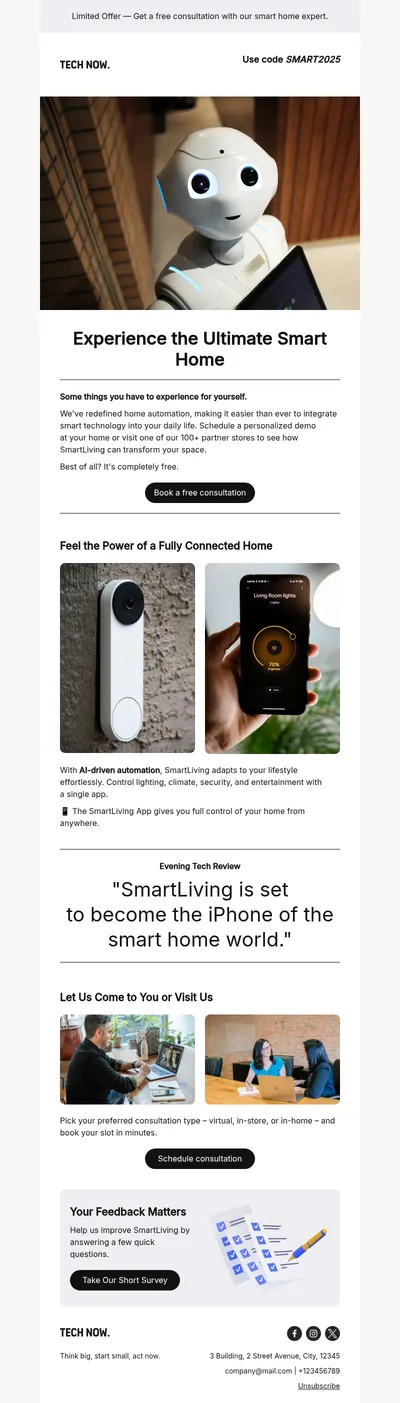
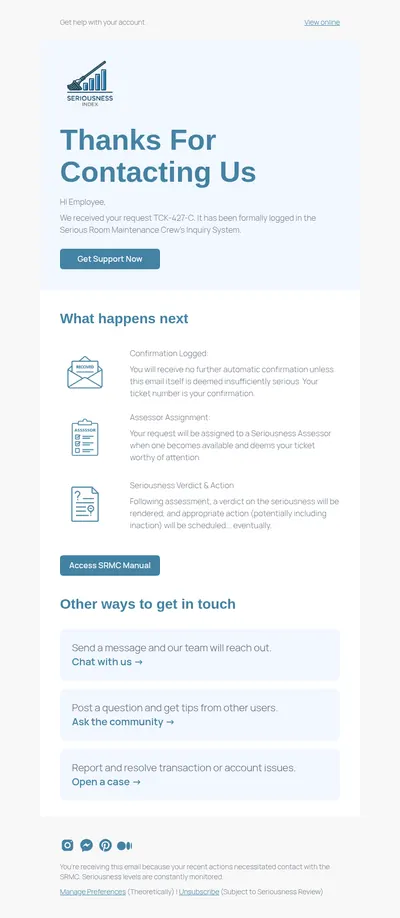
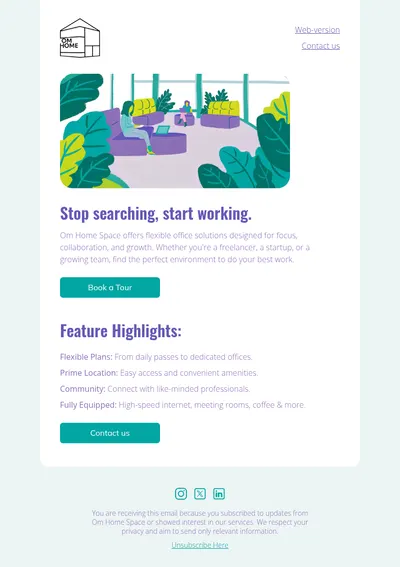
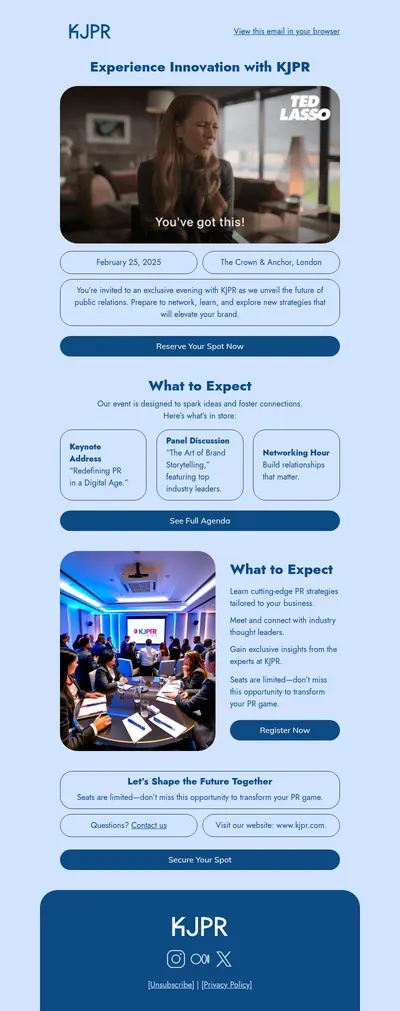
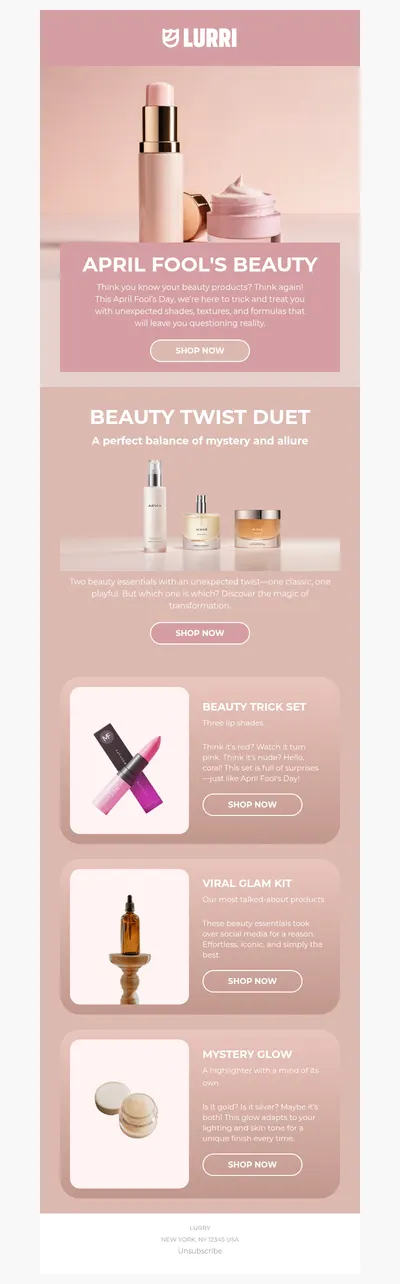
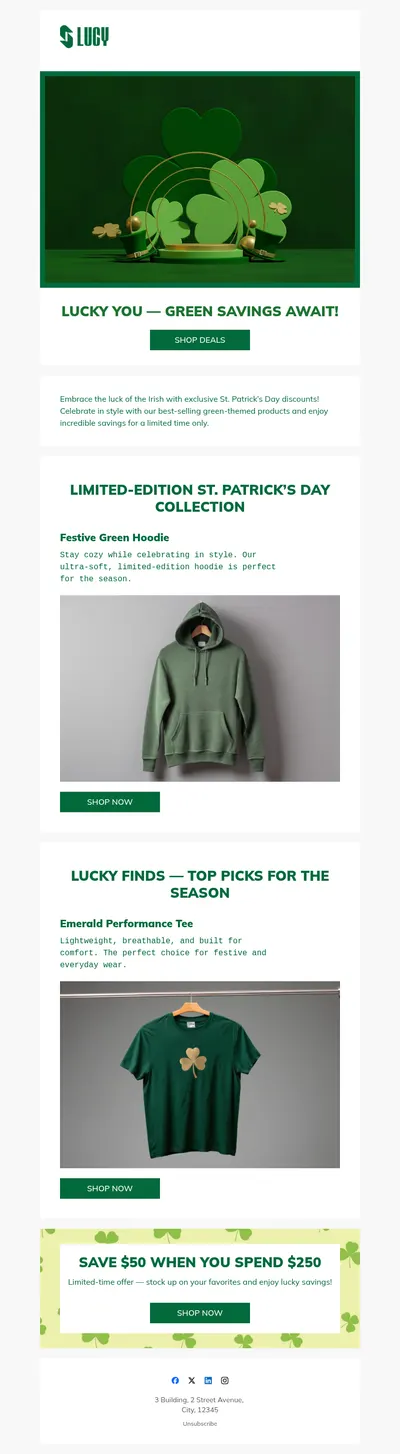
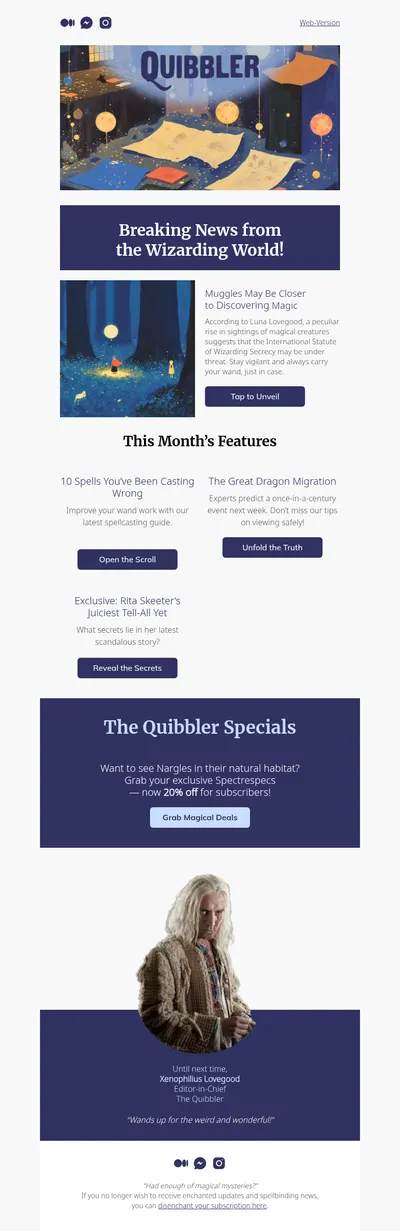

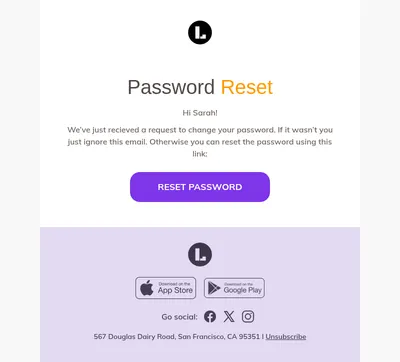
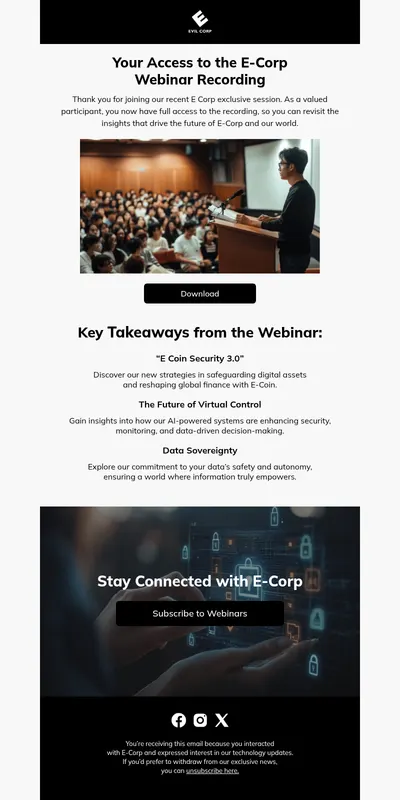
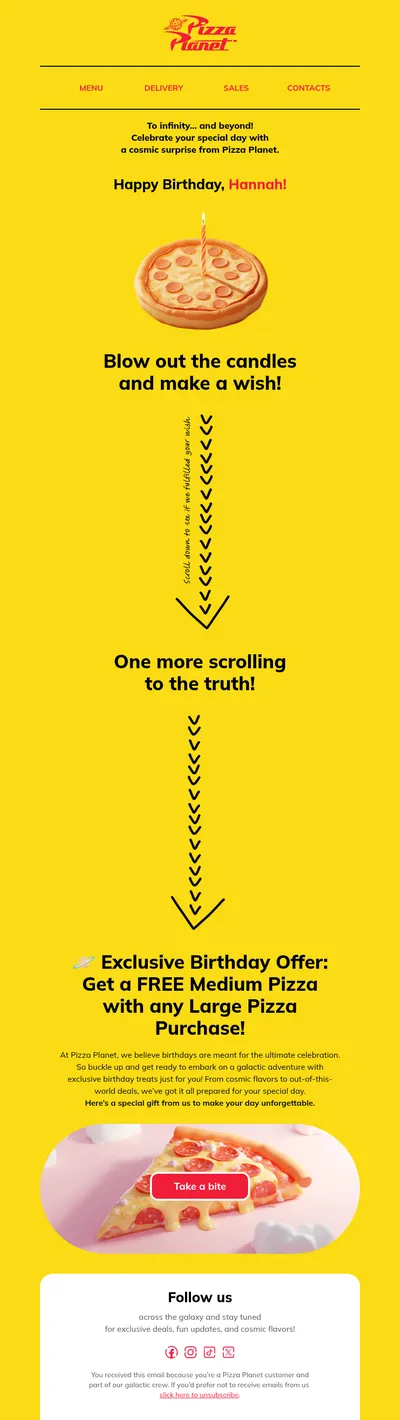
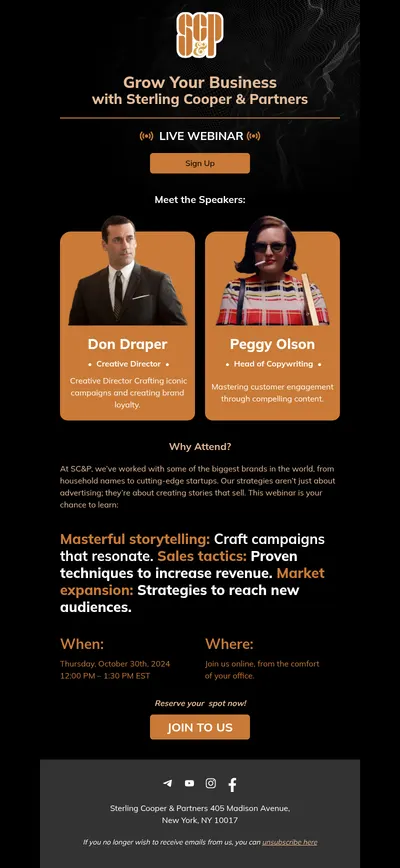

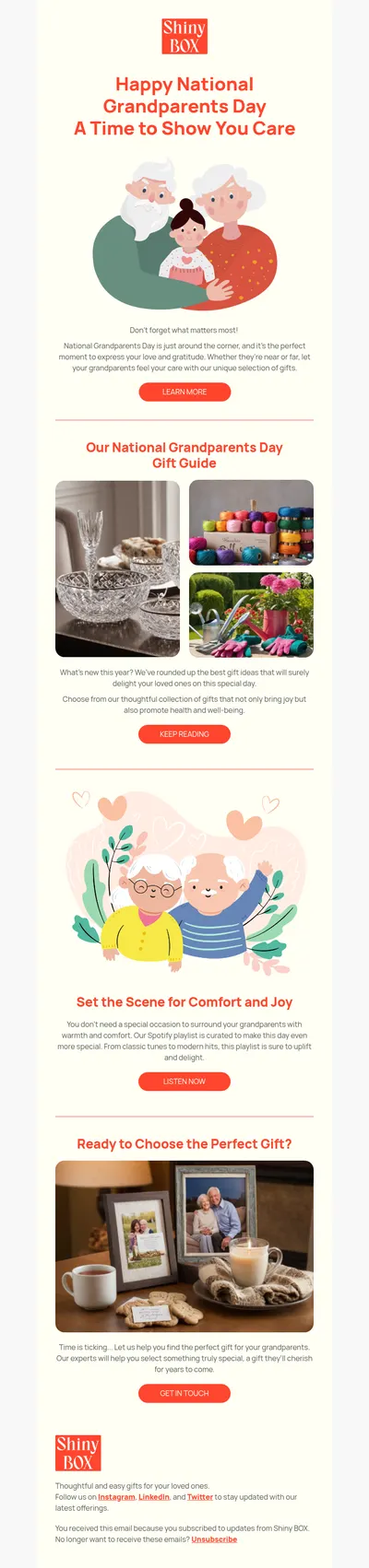
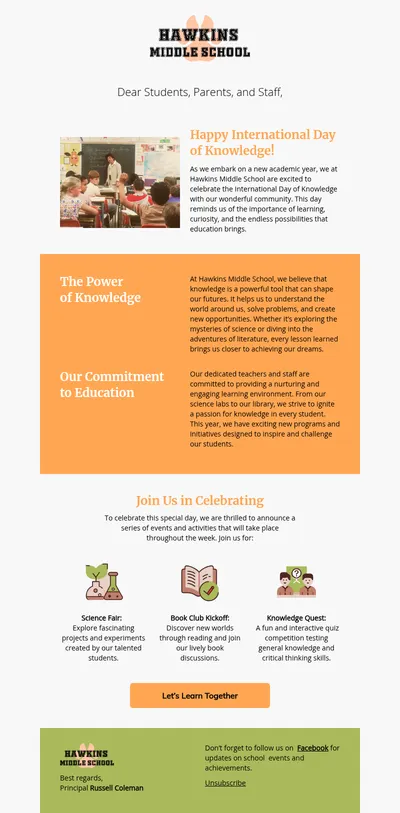

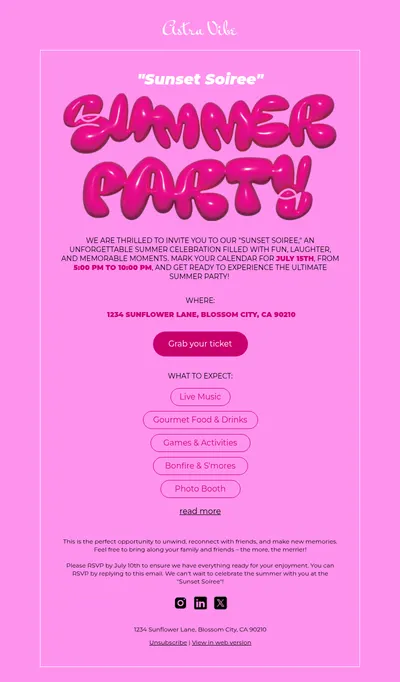

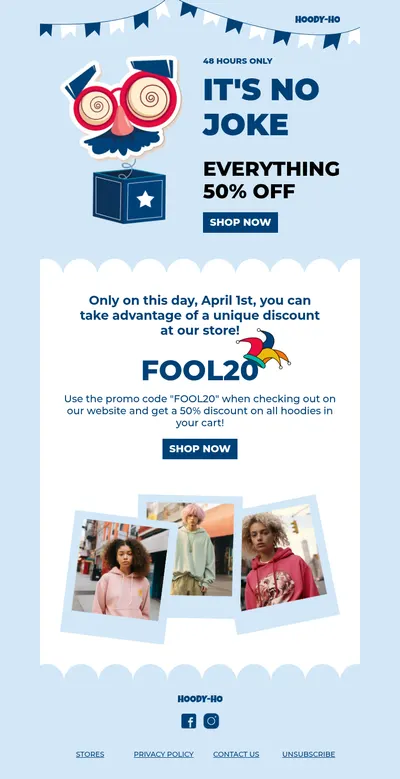
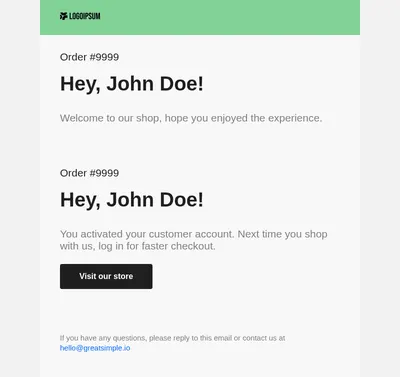
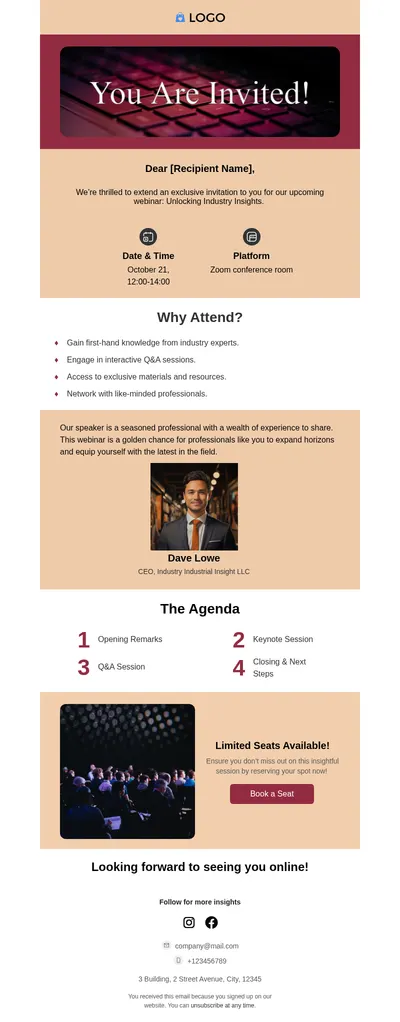
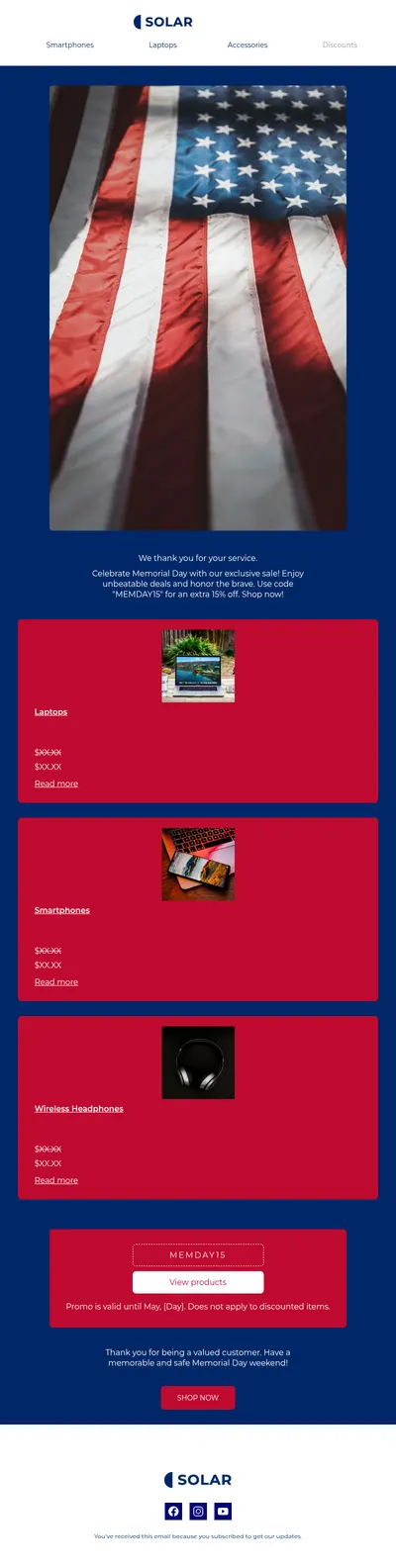
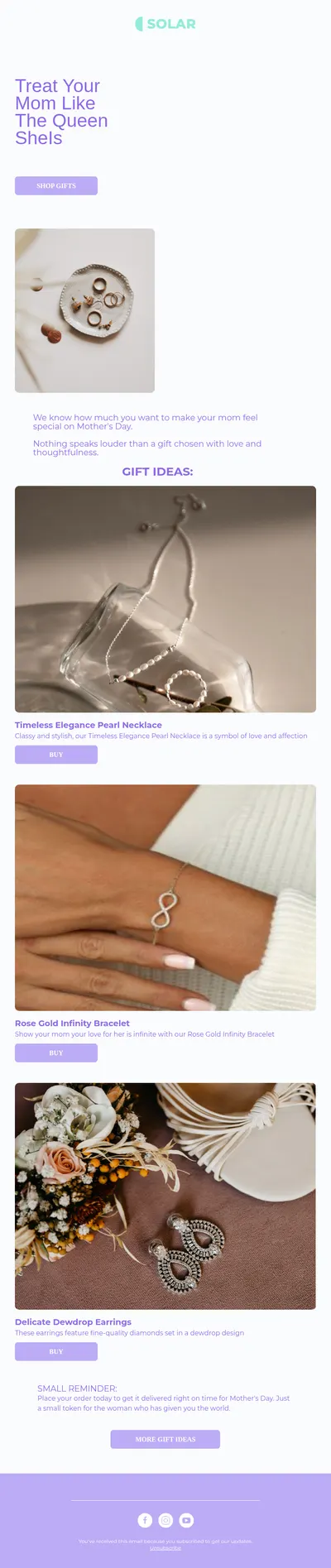
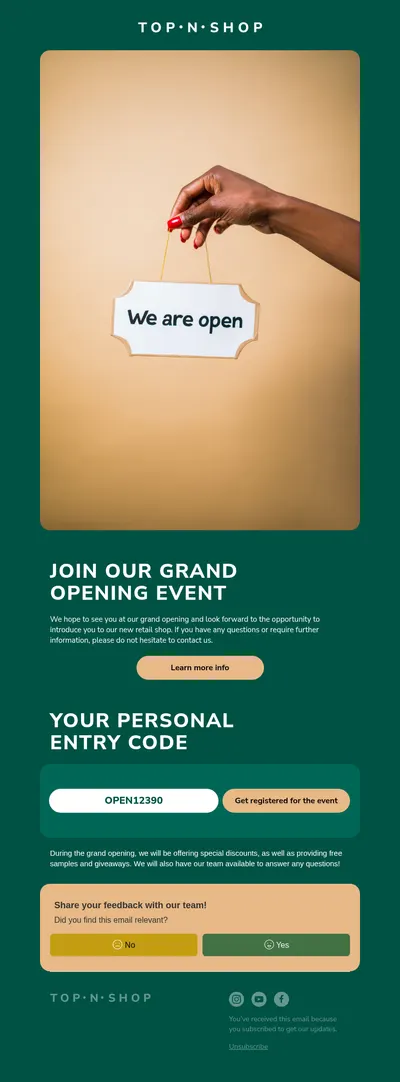
Pipedrive keeps your deals, contacts, and follow-ups in one place, and email is how most of those relationships move forward. Our free email templates for Pipedrive give your newsletters and announcements a professional design, built visually in Blocks instead of coded by hand.
Where Pipedrive Email Templates from Blocks Fit
Pipedrive has two kinds of email, and they treat HTML differently:
- Campaigns by Pipedrive. The marketing add-on for newsletters and announcements has an Upload HTML option for building a campaign from code or from an email made in another tool, plus an HTML block in its drag-and-drop editor. This is where a Blocks design belongs. Campaigns is a paid add-on with a free trial.
- Sales email templates. The templates salespeople use in the Pipedrive inbox and in group emails are edited with basic text formatting, and Pipedrive itself recommends creating them inside Pipedrive rather than copying them from elsewhere. Keep those messages short and personal.
Uploading a Blocks Design to Campaigns by Pipedrive
- Customize a template in Blocks and export it as an HTML file, or copy the code from the editor.
- In Campaigns by Pipedrive, create a new campaign and choose Upload HTML for its content.
- Pick the recipients and review the email: Pipedrive adds its mandatory unsubscribe footer, and merge tags are inserted through its own menu and do not work in test sends.
- Send a test, check it on desktop and mobile, including Outlook, and schedule the campaign.
Not using Campaigns? Pipedrive offers a Mailchimp sync that keeps contacts aligned between the two, for example adding a person to a Mailchimp audience when a deal reaches a chosen stage. Blocks exports emails to Mailchimp directly, so your design can reach those contacts that way instead.
Emails That Support Your Sales Pipeline
- Introduction emails that present your company to new leads with a clear next step.
- Event follow-ups after trade shows, demos, and webinars, while the conversation is still fresh.
- Product updates that keep existing customers informed about what is new.
- Re-engagement emails for leads and customers who have gone quiet.
Tips for Pipedrive Email Campaigns
- Segment by pipeline stage. A new prospect and a long-time customer need different messages, even when they share one design.
- Keep one-to-one emails plain. Messages from the sales inbox work best as short notes; save designed layouts for campaigns.
- Test in Outlook. Pipedrive warns that campaigns can look different in Outlook, where background images are often not shown.
- Reuse what works. Save a polished design in Blocks and start the next campaign from it instead of from scratch.
Designed campaigns and personal sales emails work best together. A newsletter from Campaigns by Pipedrive keeps your brand in front of every contact, while a rep's short note from the inbox continues the conversation with the people who clicked. Use the same logo, colors, and signature in both so contacts recognize you whichever message arrives first.
Sales teams tend to send campaigns in bursts: after a conference, before a price change, at the end of a quarter. Having a few approved layouts ready in Blocks means the marketing email goes out on time, and the sales reps can follow up with personal messages from Pipedrive while interest is high.
Need copy ideas? See our guides to customer retention emails and upsell emails, both written with existing customers in mind.
Start with Free Email Templates for Pipedrive
Choose a template above, adapt it in Blocks, and upload it to Campaigns by Pipedrive or send it through Mailchimp. If your team also runs a marketing platform, the same design can be exported directly to HubSpot or ActiveCampaign.