
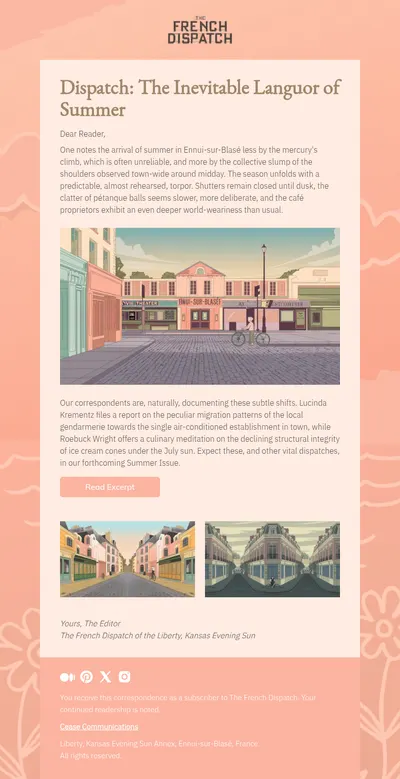
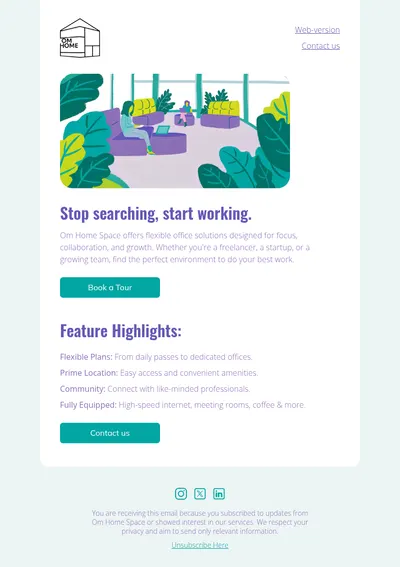
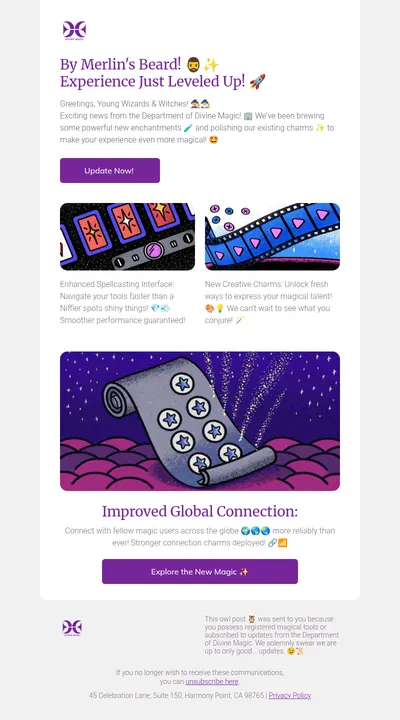
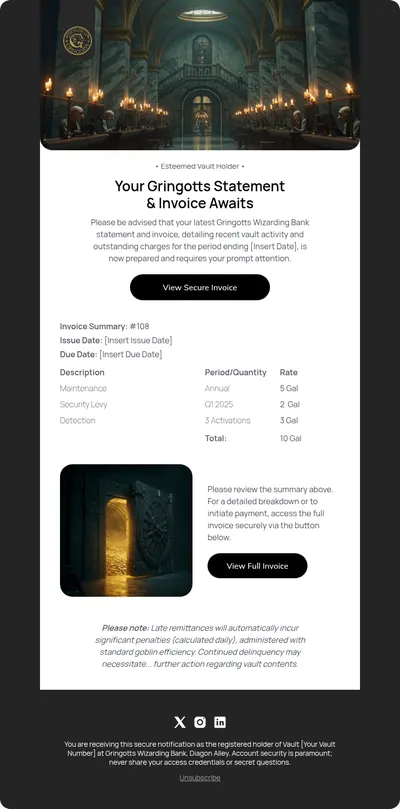
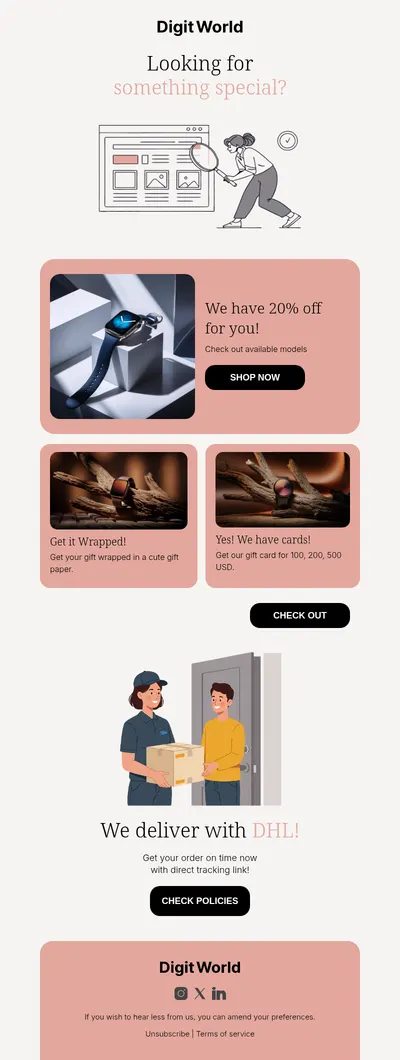
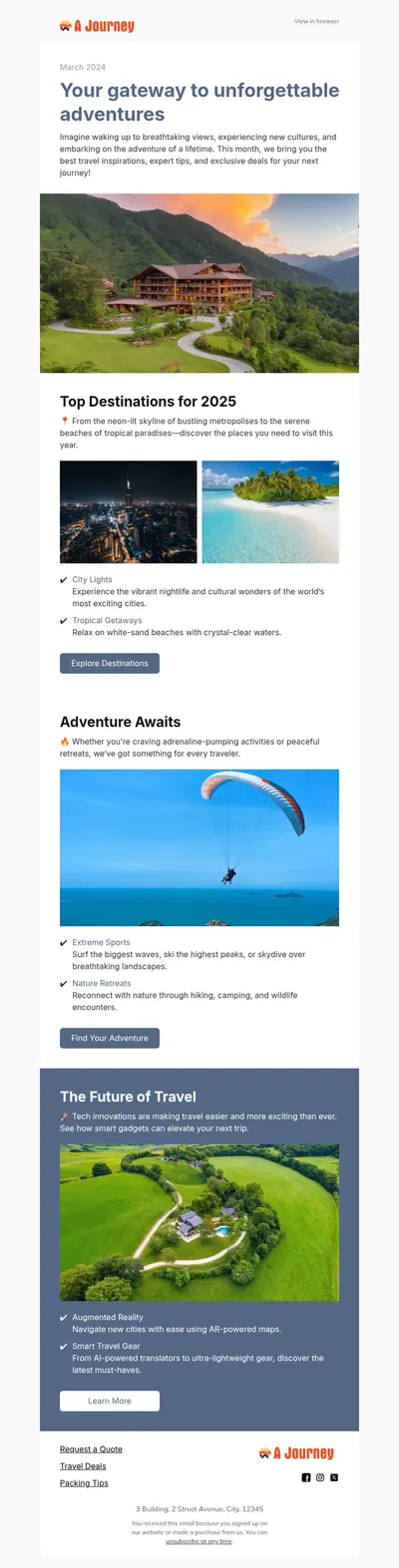

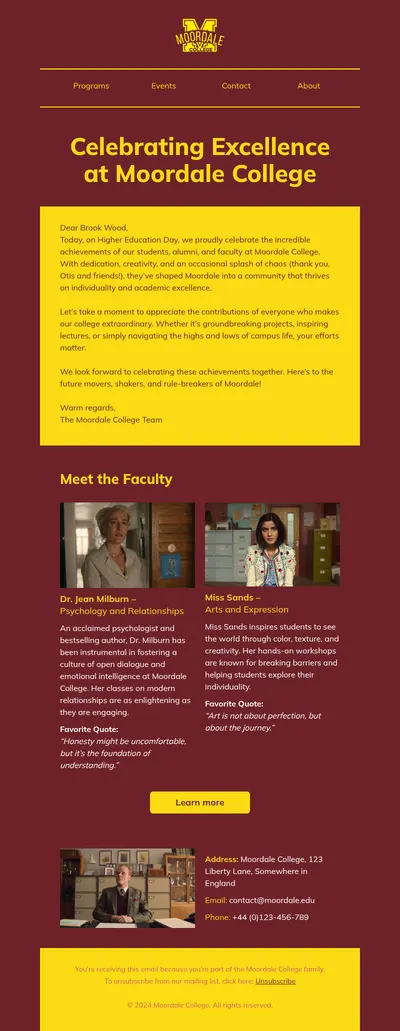
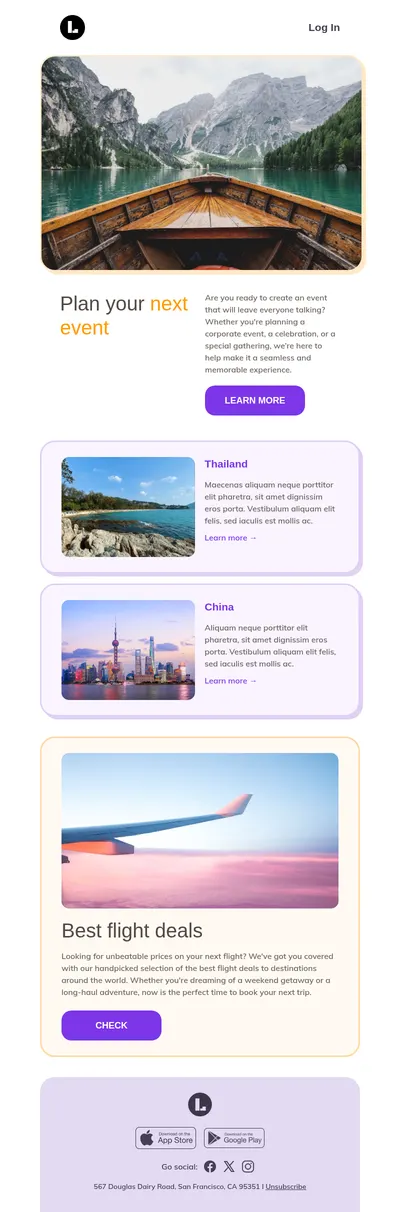
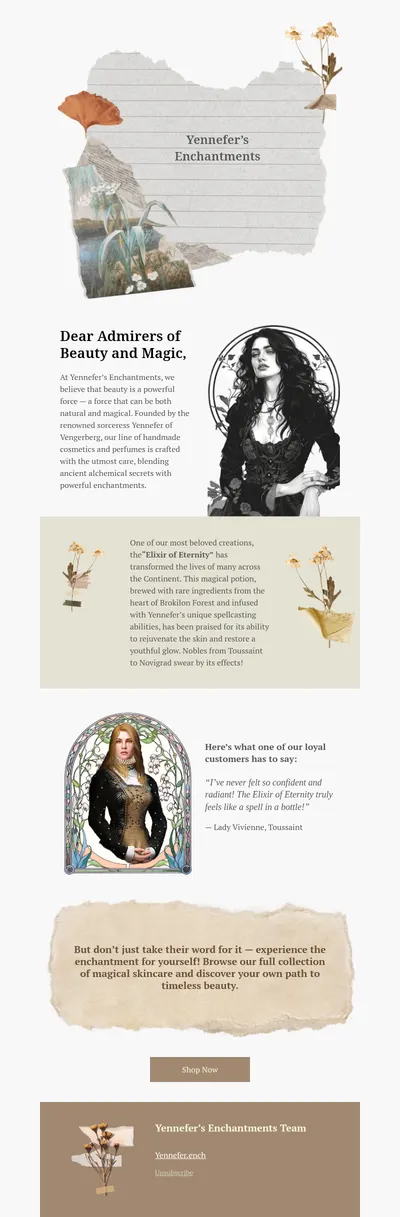
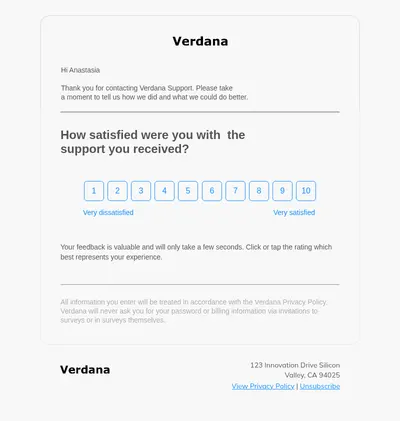
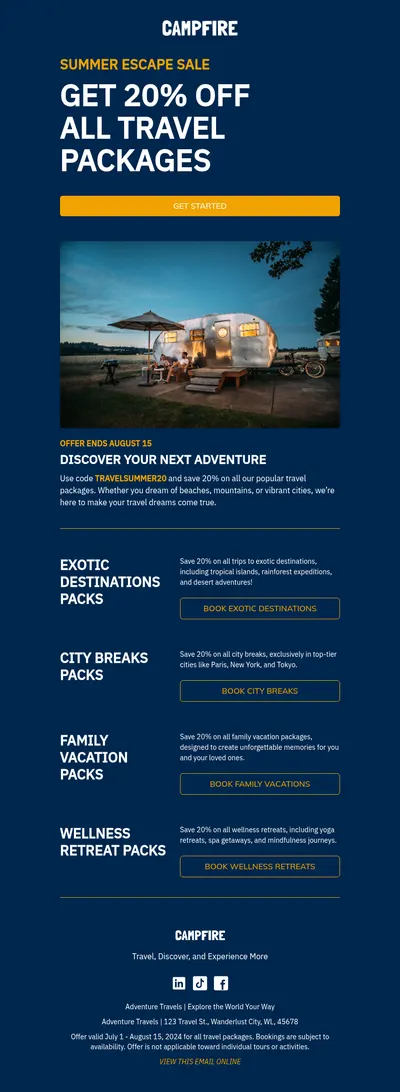
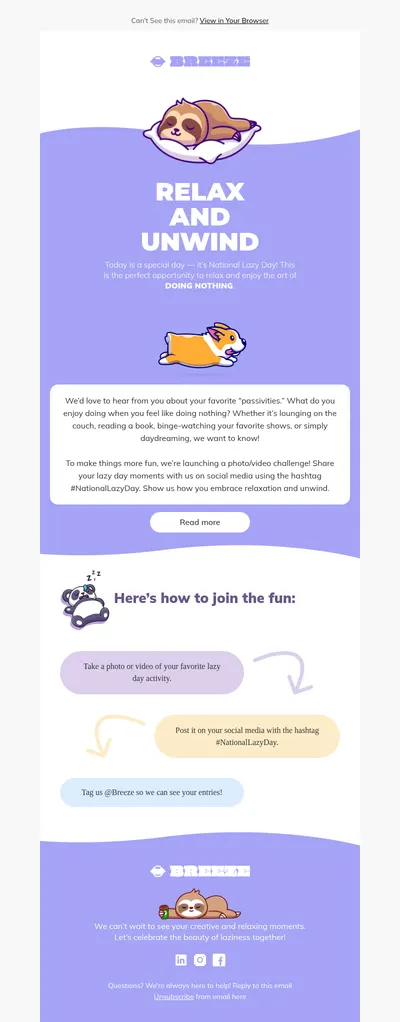
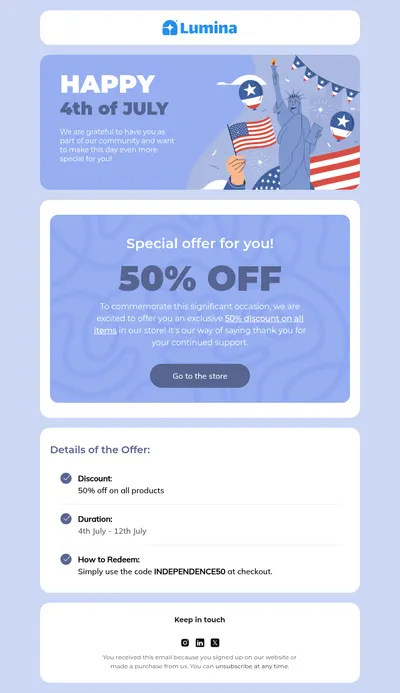
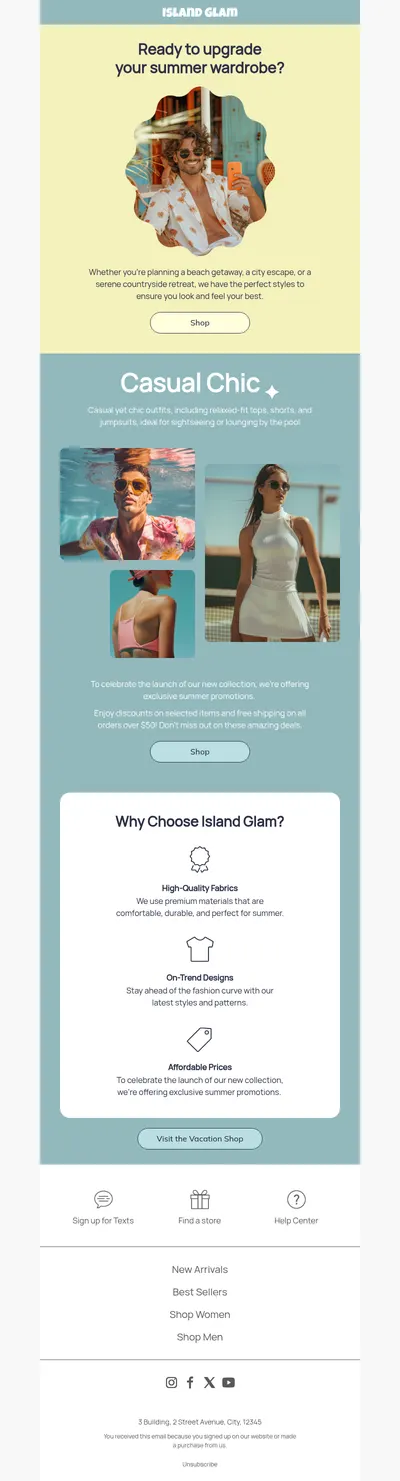
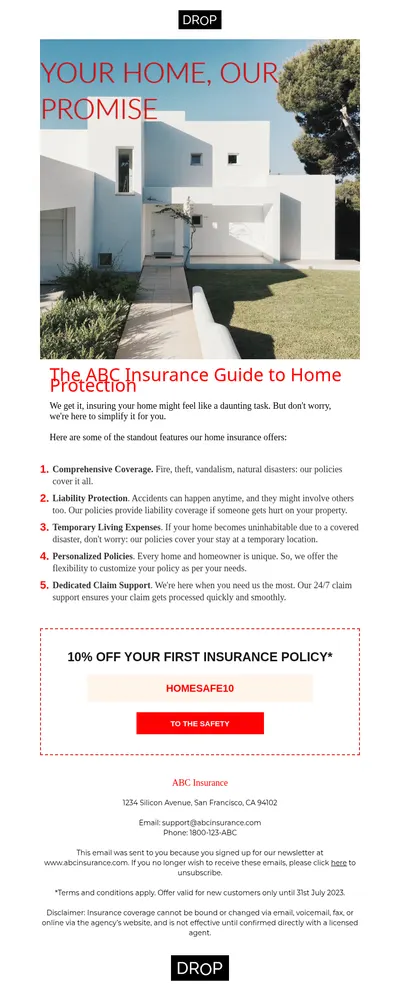
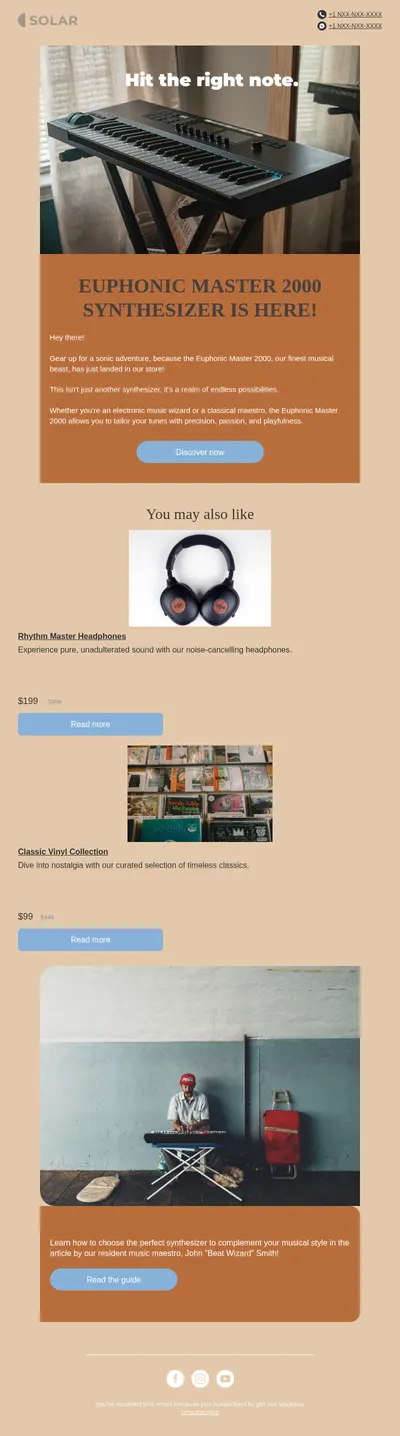

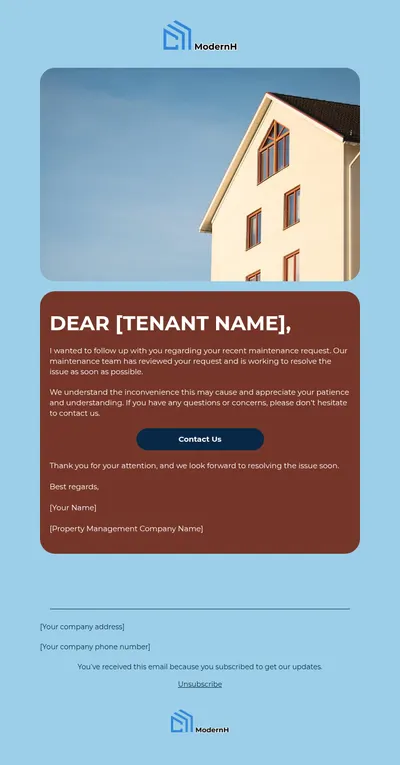
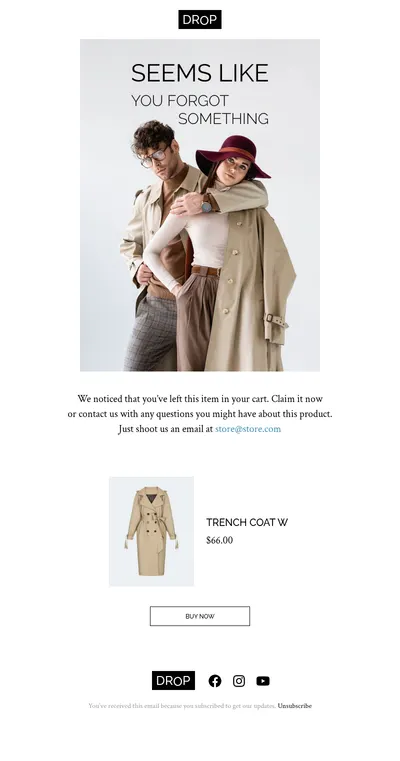
Bootstrap is the framework behind a huge number of websites and web apps, and sooner or later every one of them needs to send email: a welcome message after sign-up, a password reset link, an order confirmation. Our free email templates for Bootstrap projects give you designs that match the look of your site while using the kind of markup that inboxes actually understand.
Why Bootstrap Email Templates Need Different HTML
A Bootstrap page relies on flexbox, media queries, and a stylesheet loaded from a file or a CDN. Email clients treat all three very differently from browsers:
- No linked stylesheets. Gmail, Outlook.com, and Yahoo Mail ignore a CSS file linked from the email, so Bootstrap classes arrive in the inbox with no styles behind them.
- No flexbox in classic Outlook. Outlook for Windows displays email with the Word rendering engine, which does not support flexbox, floats, or positioning, so a Bootstrap grid falls apart there.
- Little room for CSS. Gmail limits the size of a style block in an email, and the full Bootstrap stylesheet is many times larger than that limit.
That is why email developers build layouts with tables and inline styles. Blocks does this work for you: templates are assembled from table-based structures with styles written into the elements themselves, include fixes for Outlook, and adapt to phone screens in email clients that support it.
Using a Blocks Template in a Bootstrap Project
- Pick a template and adjust the colors, fonts, and logo so the email feels like part of your site.
- Export the result as an HTML file or a ZIP archive with images, or copy the code straight from the editor.
- Save the HTML in your project as an email template and replace names, links, and order details with the variables your templating engine uses.
- Send it through your SMTP server or an email API such as Amazon SES or SendGrid, and add a plain-text version for readers whose email apps do not show HTML.
If you prefer to write emails by hand with Bootstrap-like classes, there is a separate open-source project called Bootstrap Email that compiles such markup into tables and inline styles. It is developed independently of the Bootstrap team and needs a build step on your machine. Blocks takes the visual route instead: you design in the browser and get finished HTML right away.
Emails Every Bootstrap Site Sends
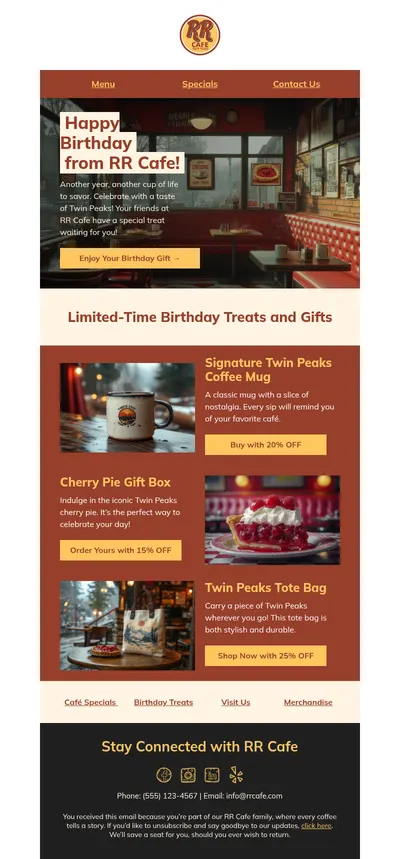
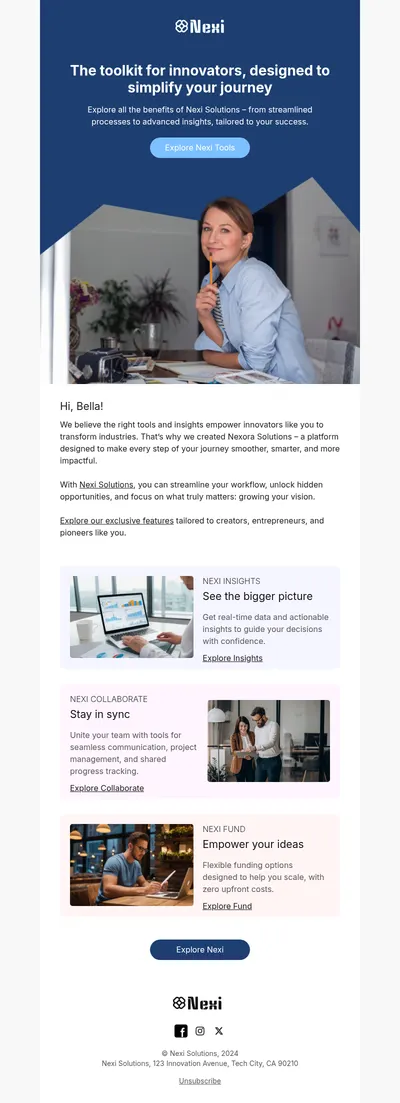
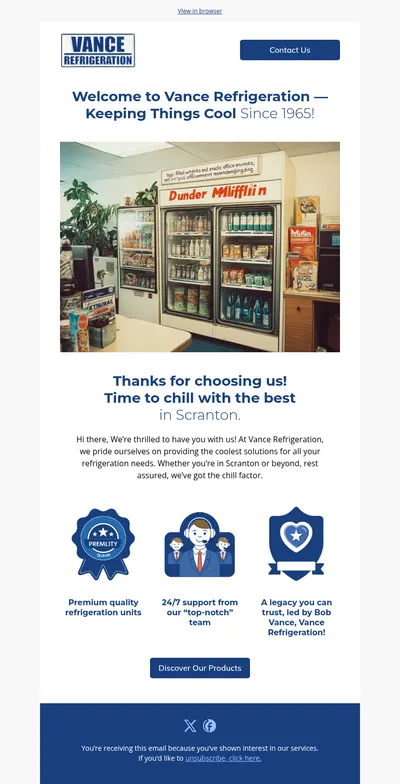
- Welcome emails that greet new users and point them to the first step in your product.
- Password reset emails with one clear button and a short note about when the link expires.
- Order confirmations for shops and booking sites that need a trustworthy summary of the purchase.
- Onboarding emails for web apps that introduce features one message at a time.
Tips for Email Templates in Web Projects
- Host images publicly. Absolute image URLs load in every inbox, while relative paths copied from your app break.
- Test in more than one client. Check at least Gmail, Apple Mail, and Outlook for Windows before you ship a new template.
- Name variables clearly. Readable placeholders tell the next developer exactly which value lands where.
- Keep templates in the repository. Store email HTML next to the code that sends it, so every change goes through review.
For a deeper look at markup choices, read our comparison of email frameworks and the guide to HTML versus plain-text emails. If your app sends a lot of system email, the overview of transactional email services will help you choose a provider.
Get Free Email Templates for Bootstrap Projects
Choose a template above, style it to match your Bootstrap theme, and export clean HTML for your app. If your team also sends newsletters, the same design can be exported directly to Mailchimp or HubSpot.