
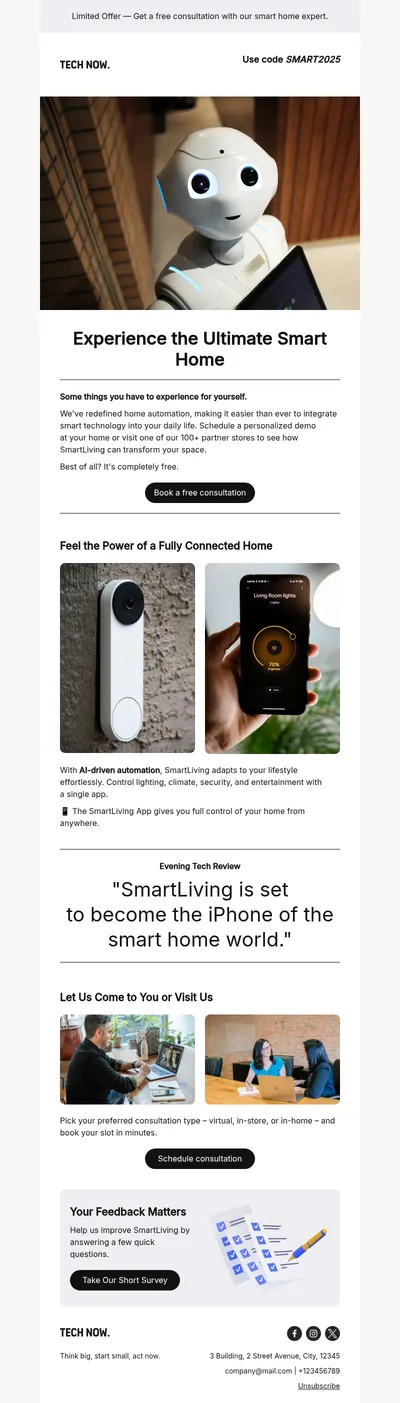
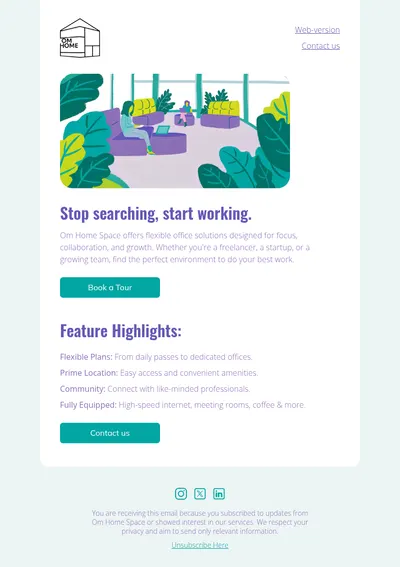
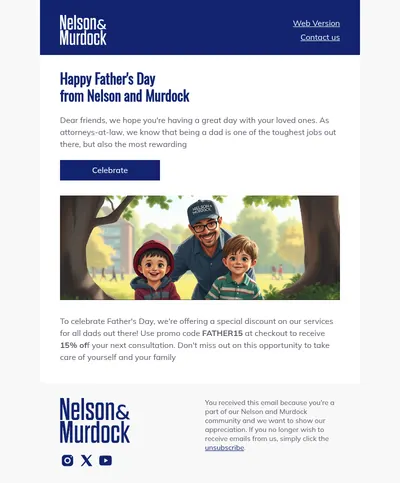
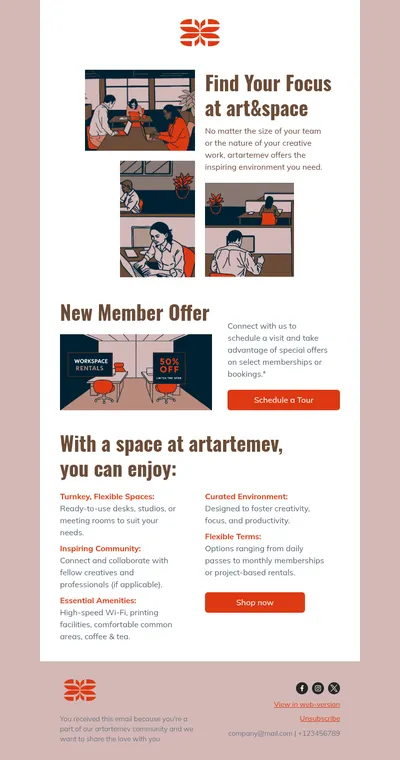
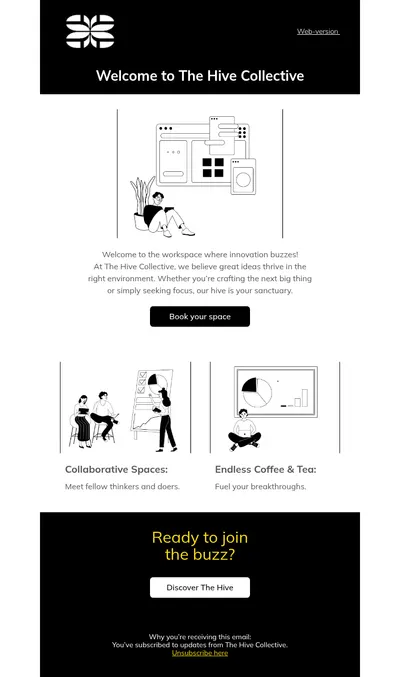
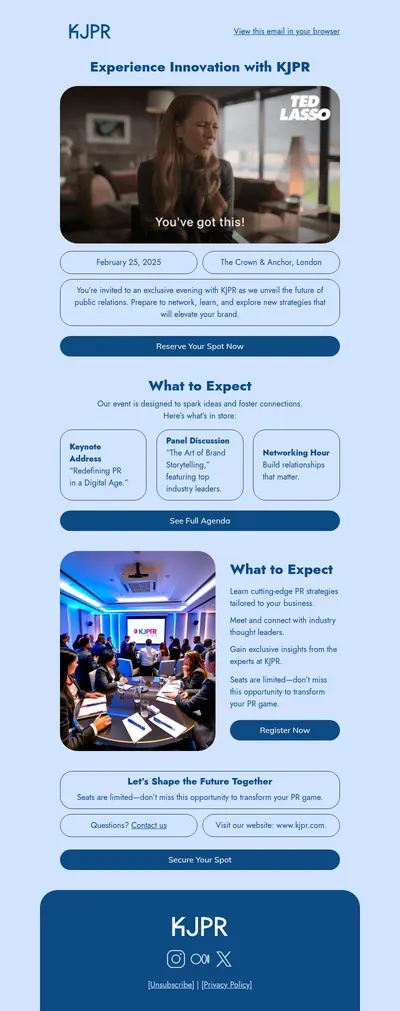
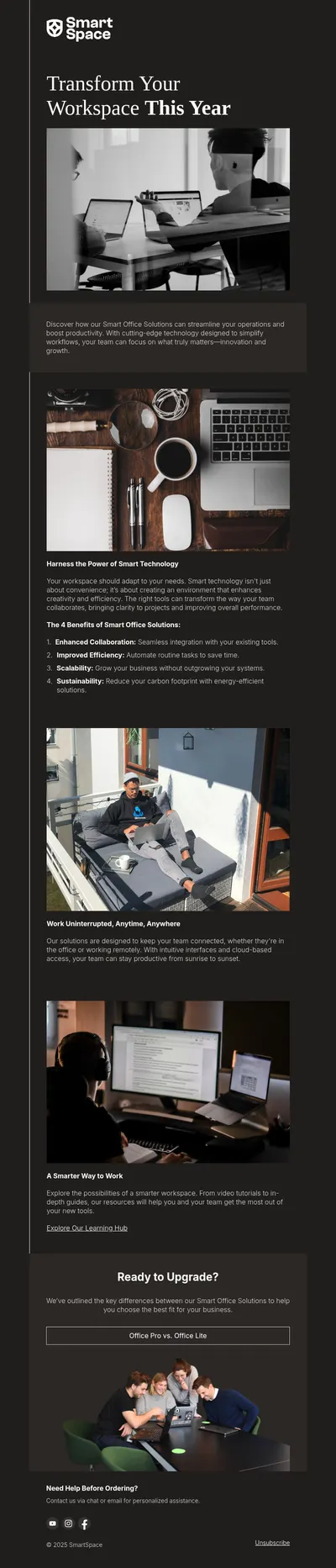

Every company, from a two-person consultancy to a large enterprise, relies on email to keep clients, partners, and employees informed. The way those messages look says a lot about how a business operates. Our business email templates give you clean, professional layouts for updates, announcements, and invitations that reflect a reliable, well-organized brand.
Why Use Business Email Templates
Business communication is often written in a hurry and formatted inconsistently. Templates solve both problems: they save time on every message and make sure that each email, whoever sends it, follows the same professional standard.
- A consistent brand image. Every newsletter, announcement, and client update uses the same logo, colors, and structure.
- Faster communication. Teams start from a ready layout instead of formatting each email from scratch.
- Clarity for busy readers. Headings, short sections, and one call to action help executives and clients get the point quickly.
Choosing the Right Business Email Layout
- Identify the purpose: informing, inviting, requesting a decision, or following up.
- Pick a layout that matches the length of the content, from a single-message note to a multi-section newsletter.
- Add your brand elements and a clear signature with contact details.
- Save the result as a template your team can reuse for similar messages.
A small library of four or five layouts usually covers most needs: a company newsletter, an announcement, an invitation, a client update, and a simple personal note.
Business Email Ideas
- Company newsletters: a monthly digest with news, wins, and upcoming plans for clients and partners.
- Announcements: announcement emails about new offices, leadership changes, or partnerships.
- Client follow-ups: follow-up emails that summarize meetings and confirm next steps.
- Proposals: clear, structured messages built with our business proposal templates.
Internal communication benefits just as much. Policy updates, onboarding information, and quarterly results are easier to absorb when they arrive in a familiar, well-structured format rather than as long blocks of text.
Event communication is another everyday need. Invitations to client breakfasts, product demos, or industry meetups, followed by a thank-you email with key takeaways, show partners that your company is organized and worth their time.
Tips for Business Email Templates
- Lead with the key information. Busy readers decide within seconds whether an email needs their attention, so put the main point first.
- Use a restrained design. Plenty of white space, one accent color, and readable fonts convey professionalism better than decoration.
- Include complete contact details. Name, role, phone, and website in the footer make it easy to respond through the right channel.
- Check tone before sending. Friendly and direct usually works, but formal language may suit legal, financial, or enterprise audiences.
- Test on mobile. Many decision-makers read email on their phones between meetings.
For a polished finish, see our guide to executive email signatures and the email signature guide, and browse the finance templates for more formal layouts.
As your company grows, templates also help with delegation. New team members can send client-facing emails that match the company standard from their first week, and managers spend less time reviewing formatting before messages go out.
It is worth reviewing the whole set once a year. Rebrands, new products, and changes in how your audience reads email can quietly make older templates feel outdated, and a quick refresh keeps every message looking current.
Get Free Business Email Templates
Choose a template above, add your brand and message, and give your company a consistent, professional voice in every inbox. Good business communication starts with emails that are clear, confident, and easy to read.