
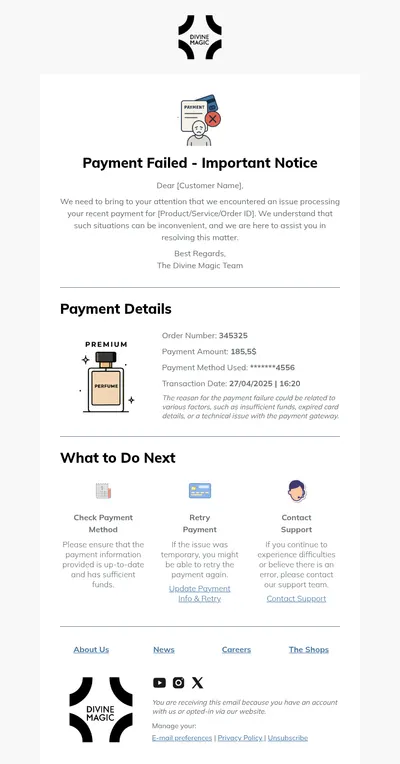
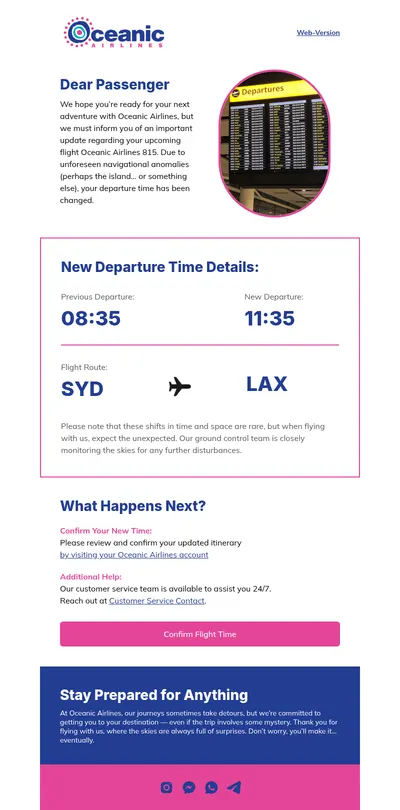
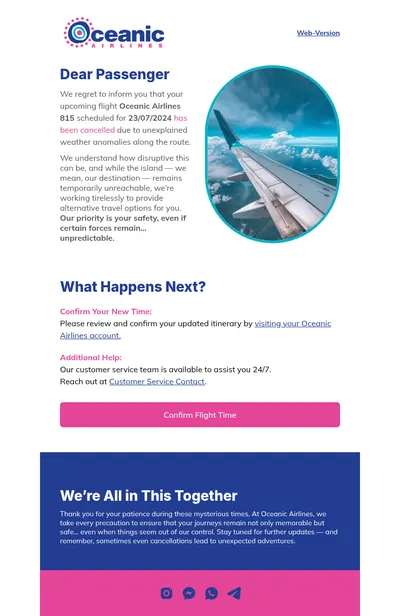
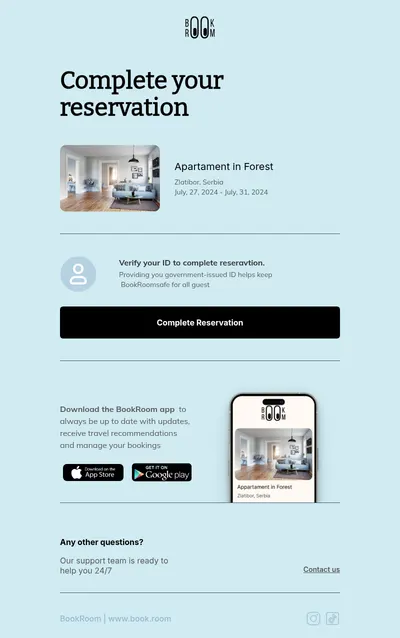
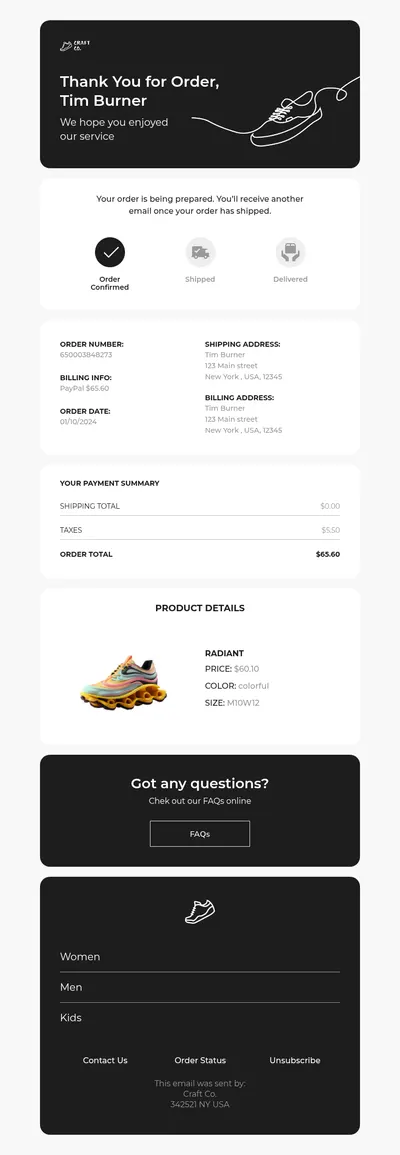
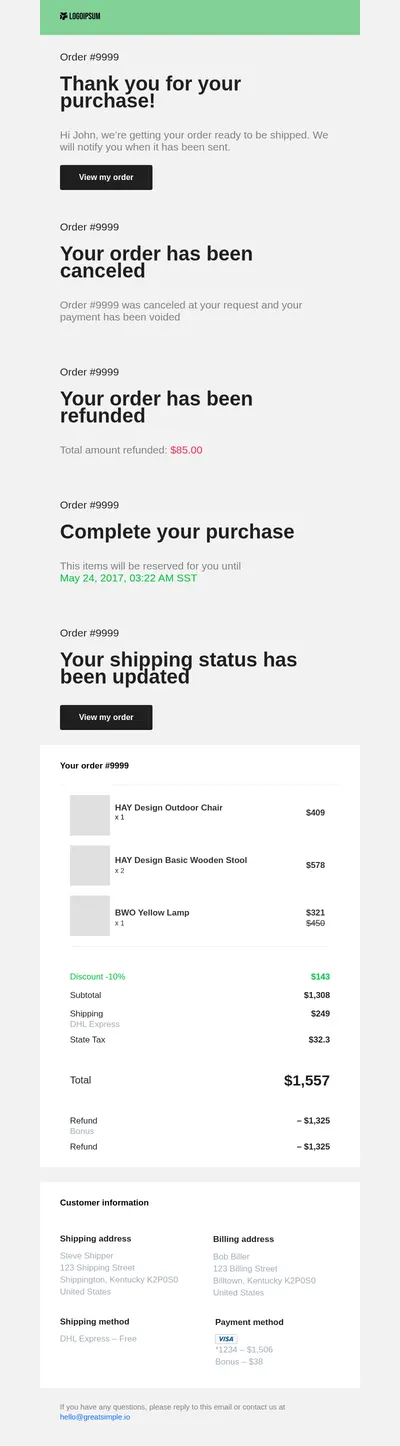
No business likes cancellations, but every business has them: canceled orders, ended subscriptions, rescheduled appointments, and called-off events. The email that confirms a cancellation is a moment of truth. Handled well, it builds trust and leaves the door open. Our cancellation email templates help you communicate these changes clearly, politely, and professionally.
Why Cancellation Email Templates Matter
When something is canceled, customers want certainty. They need to know what was canceled, whether they will be charged or refunded, and what happens next. A clear confirmation prevents anxious support requests and shows that your company respects their decision.
- Immediate confirmation. A prompt email reassures customers that their request was received and processed.
- Transparent details. Order numbers, dates, and refund amounts in a clear layout answer the most common questions.
- A graceful goodbye. A friendly tone and an easy way to return turn an ending into a possible new beginning.
What Every Cancellation Email Should Include
- A clear statement of what was canceled, with the relevant reference number and date.
- Refund or billing information: the amount, the payment method, and how long it usually takes.
- Any next steps, such as returning products, keeping access until the end of a billing period, or rebooking.
- Contact details for support and, where appropriate, a simple way to reactivate or rebook.
When your company is the one canceling, for example an event or a delivery, add a sincere apology and a concrete gesture, such as a full refund, a discount, or priority booking for the next date.
Cancellation Email Ideas
- Order cancellations: confirmations for online stores that restate the items and refund details, similar to receipt emails.
- Subscription endings: messages that confirm the end date and invite feedback, followed later by re-engagement emails.
- Appointment changes: notices for clinics, salons, and consultants built on our appointment templates.
- Event cancellations: apologies with refund information and alternative dates, paired with apology emails.
Subscription businesses can learn a lot from this moment. Asking one optional question about why the customer canceled, with a few quick answer options, provides valuable insight without adding friction to their decision.
Tips for Cancellation Email Templates
- Send it right away. Delays create doubt about whether the cancellation actually went through.
- Avoid guilt and pressure. Respect the decision; aggressive retention offers in a confirmation feel manipulative.
- Keep branding consistent but calm. A clean layout with neutral colors suits the message better than a promotional design.
- Make refunds concrete. Specific amounts and timelines reduce follow-up questions to your support team.
- Offer an easy way back. A small link to reactivate or rebook is helpful, as long as it does not dominate the email.
Writing a cancellation on your company's side? Our apology email tips help you strike the right tone, and the guide to reactivation emails explains how and when to invite former customers back.
It helps to review cancellation emails together with your support team. They know which questions customers ask most often after canceling, and adding those answers to the template can noticeably reduce the number of follow-up tickets.
Legal and policy details should not be forgotten either. If your terms include cancellation fees, notice periods, or specific refund rules, summarize them in plain language and link to the full policy, so customers understand exactly what applies to them.
Choose Free Cancellation Email Templates
Select a template above, add your order, subscription, or booking details, and confirm every cancellation with clarity and respect. Customers remember how a company treated them when they left, and many return because of it.