
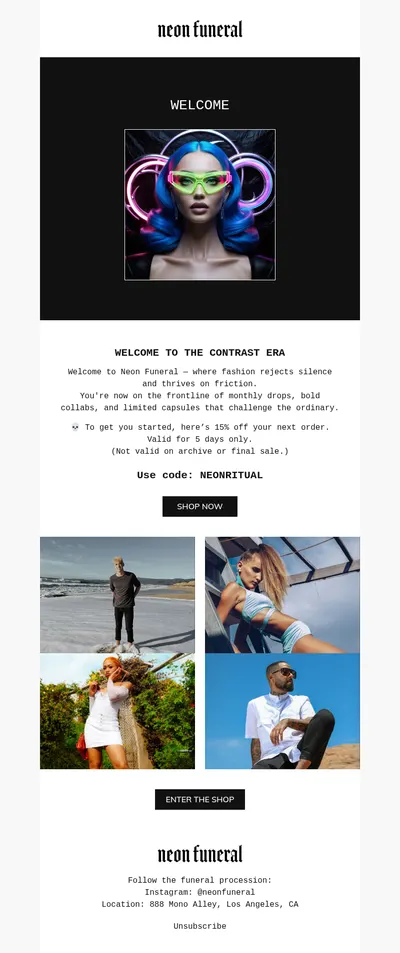
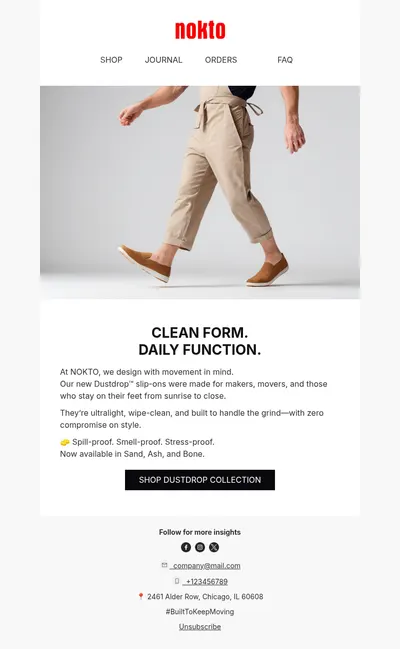
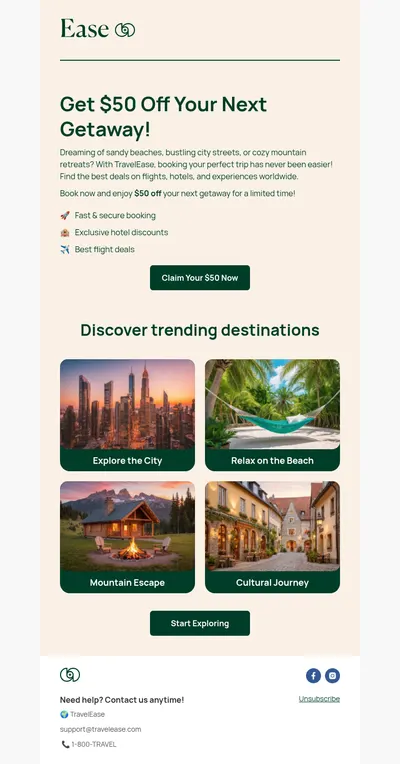
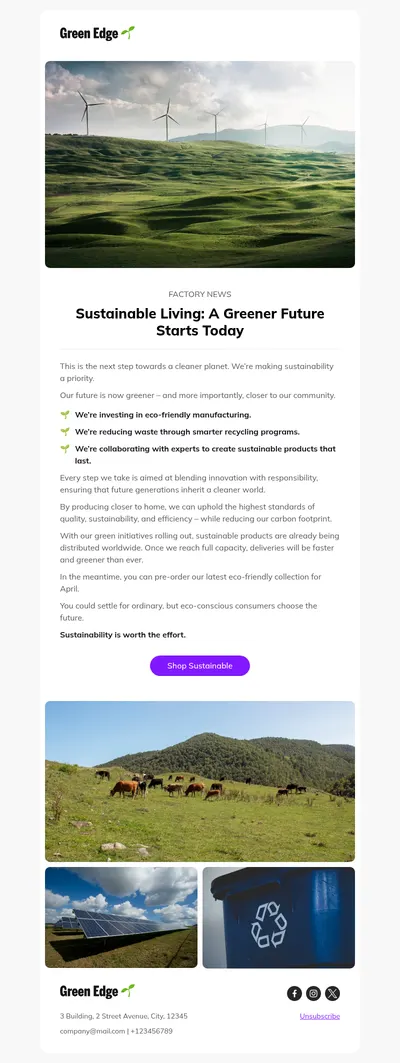
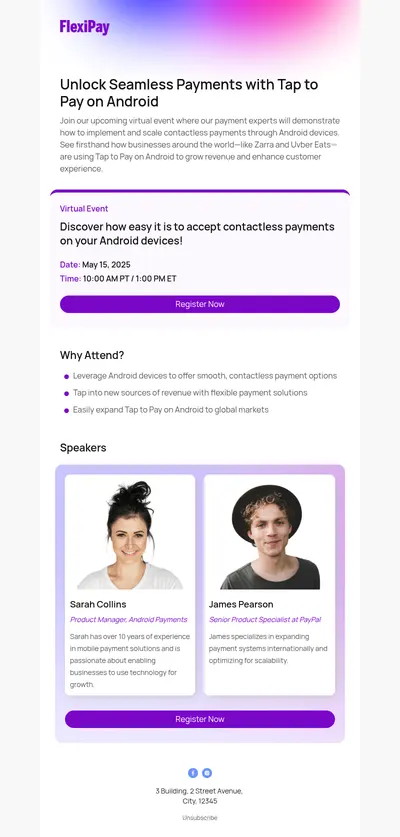
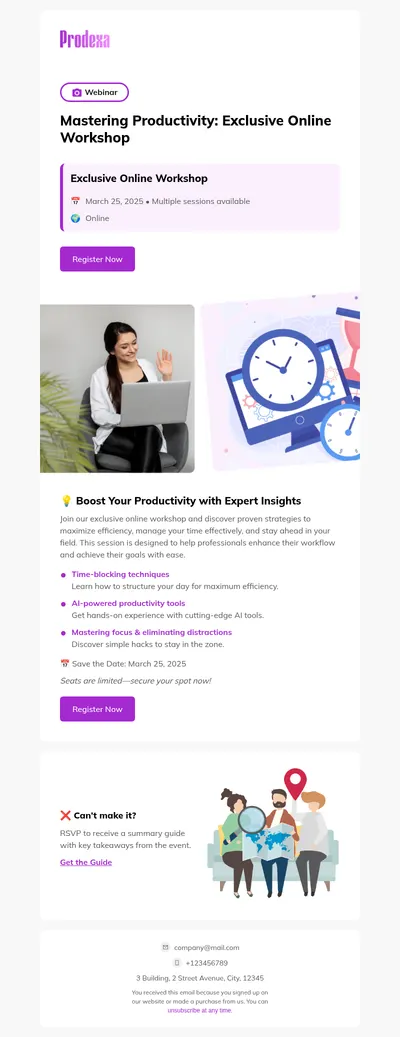
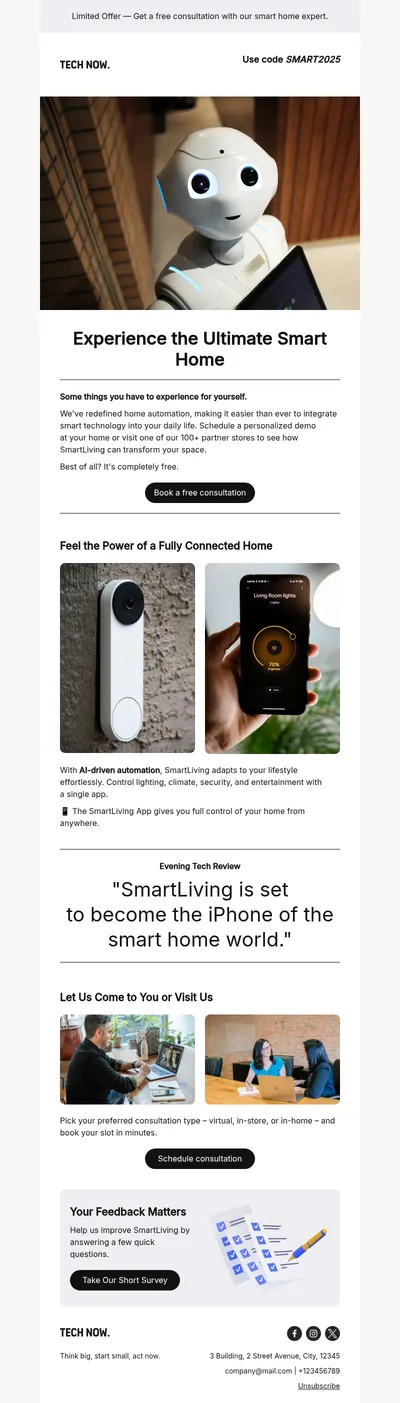
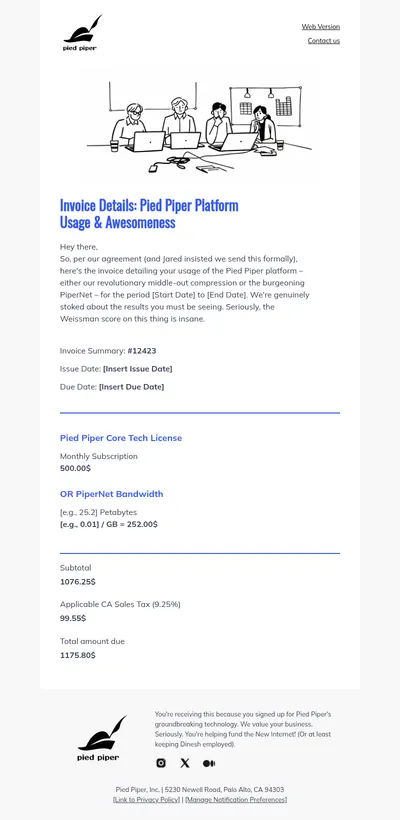
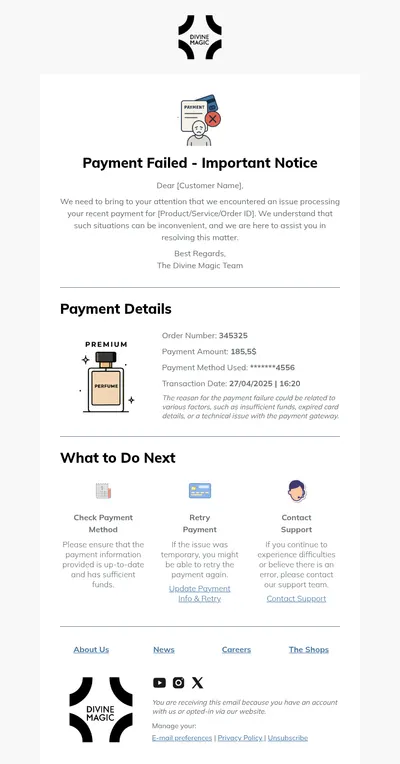
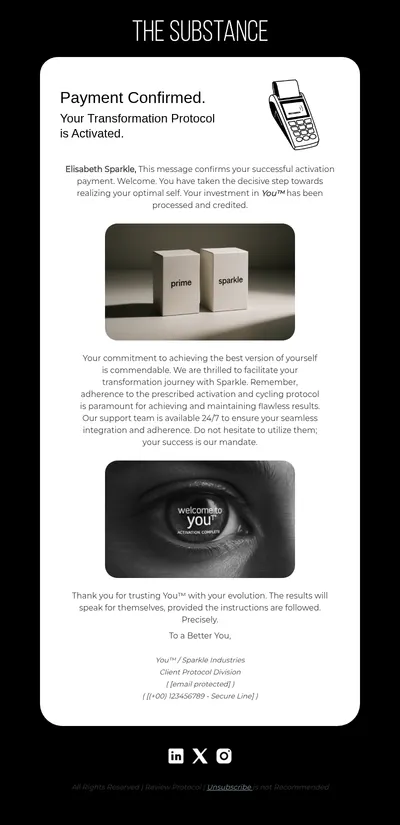
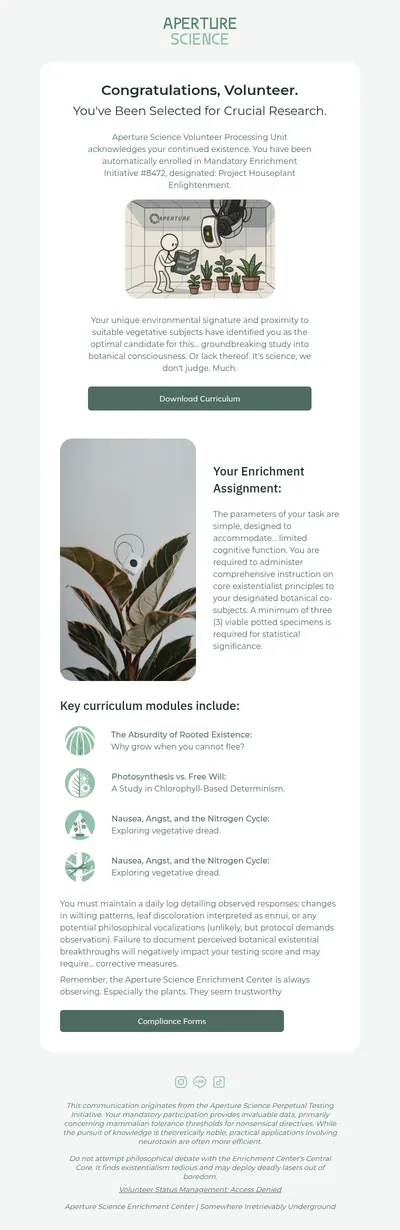
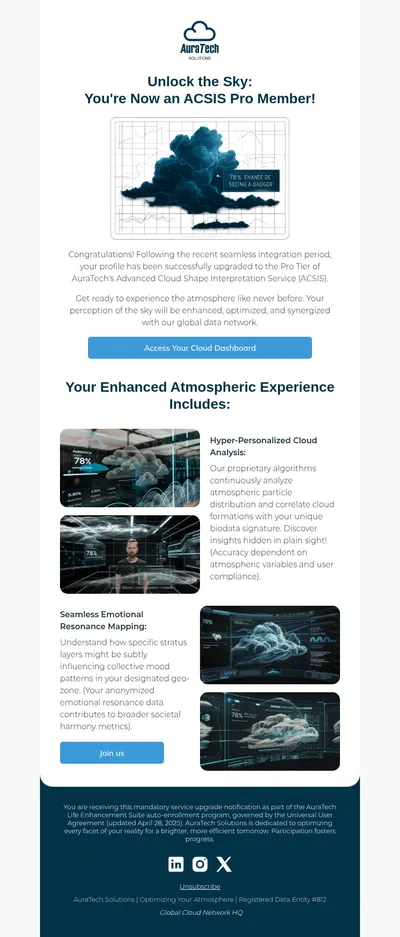
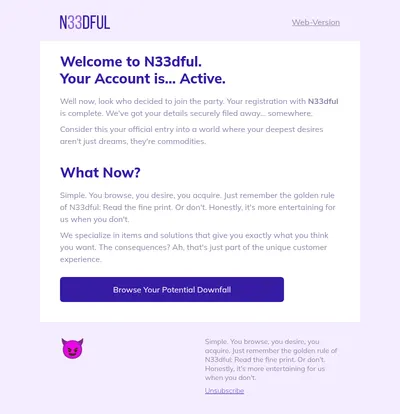
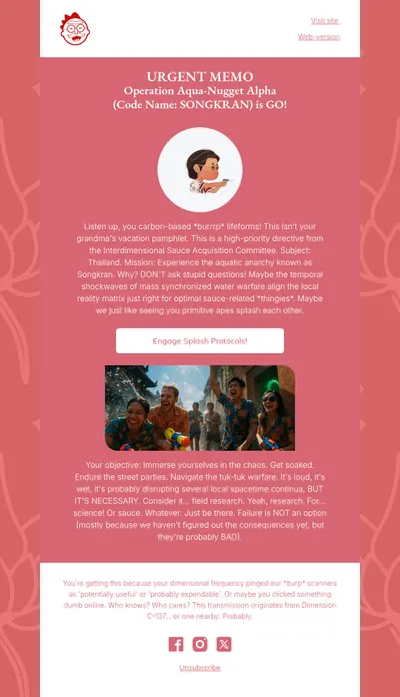
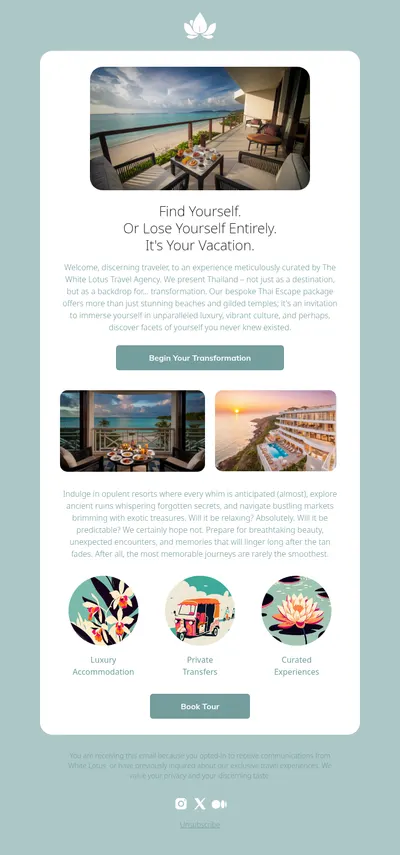
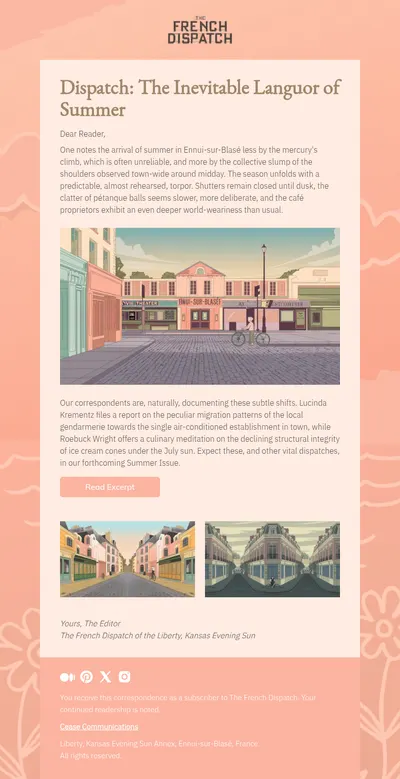
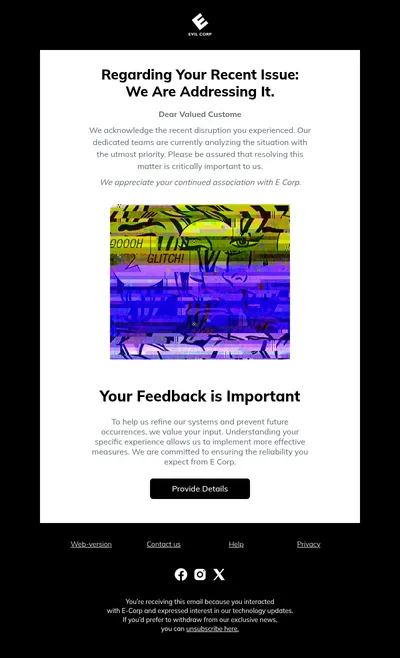
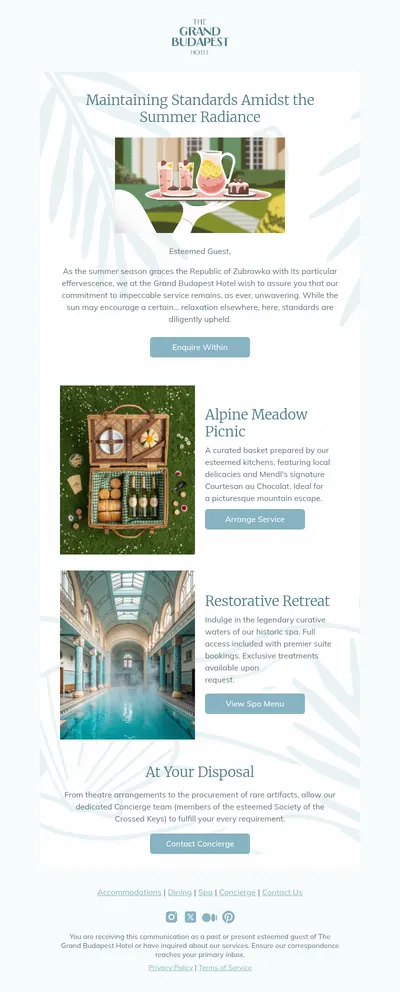
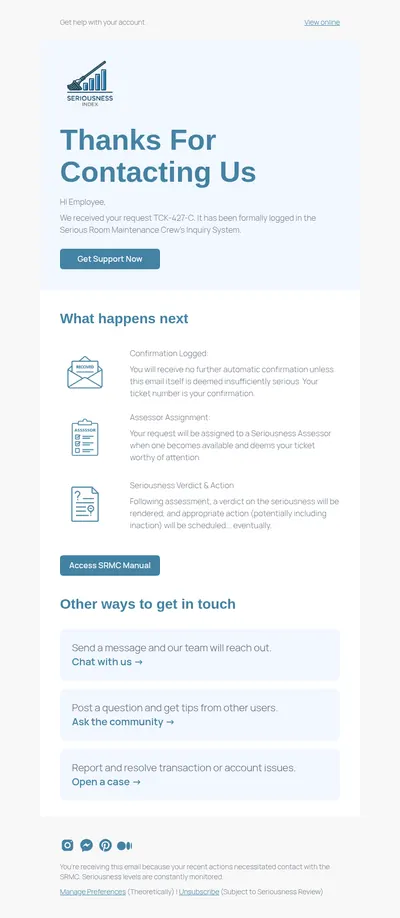
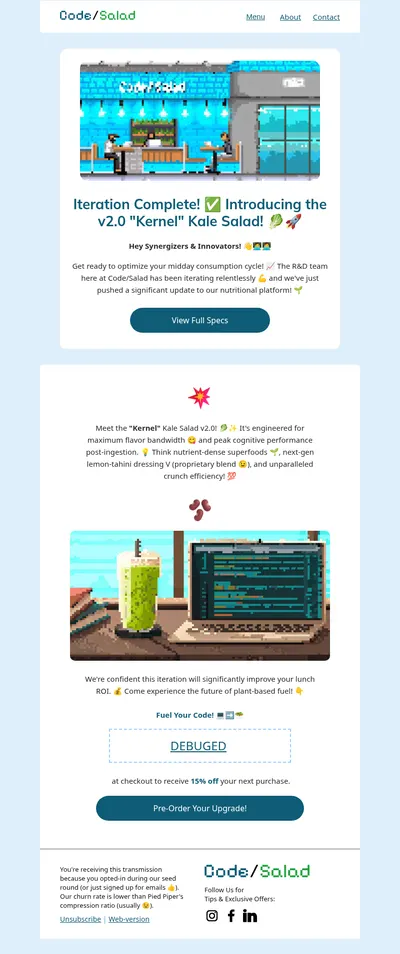
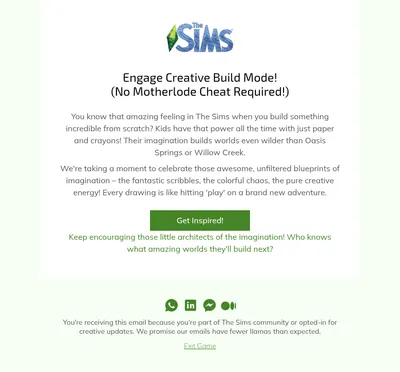
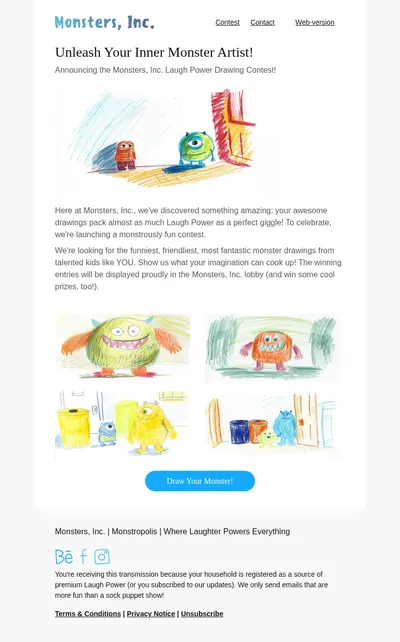
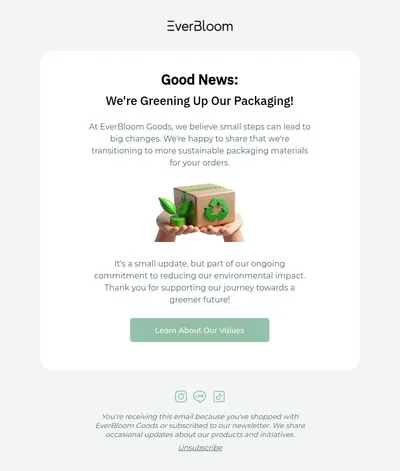
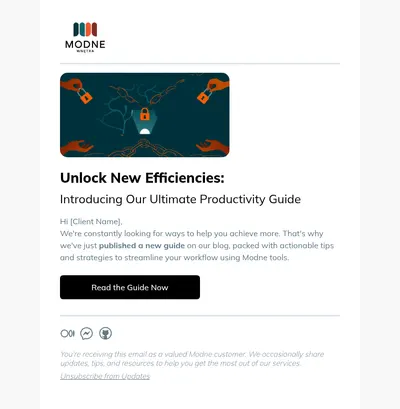
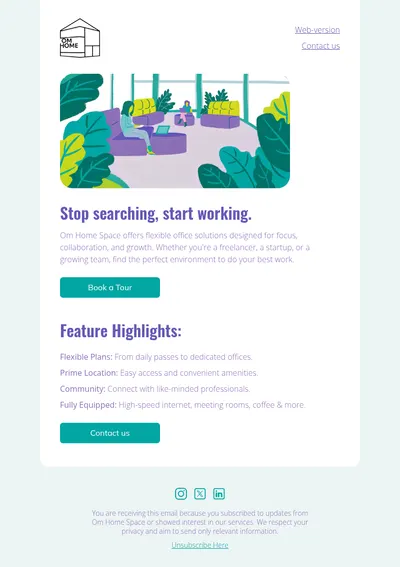
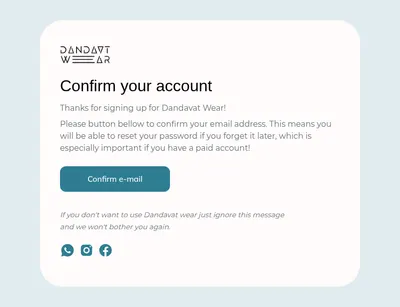
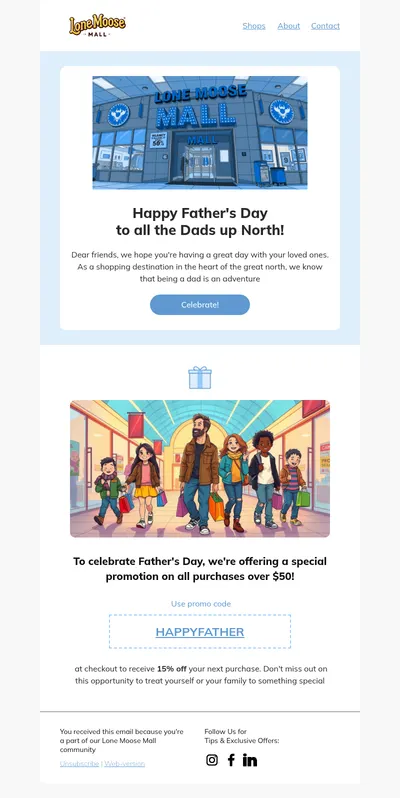
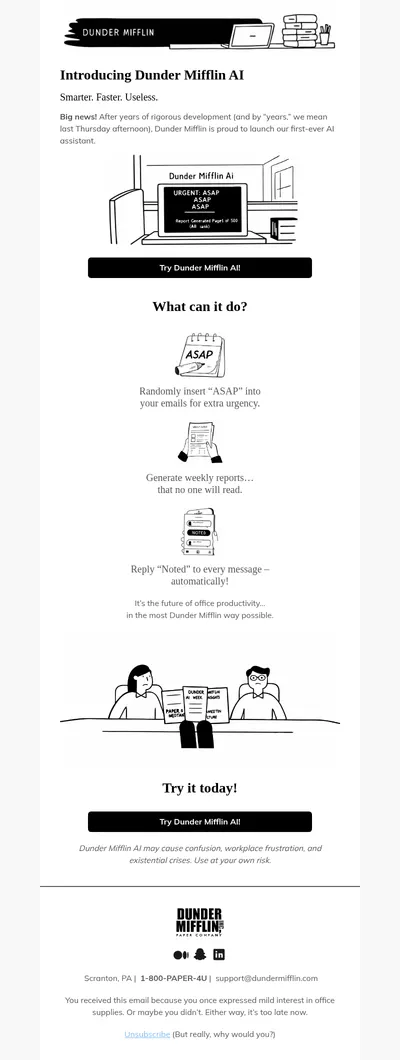
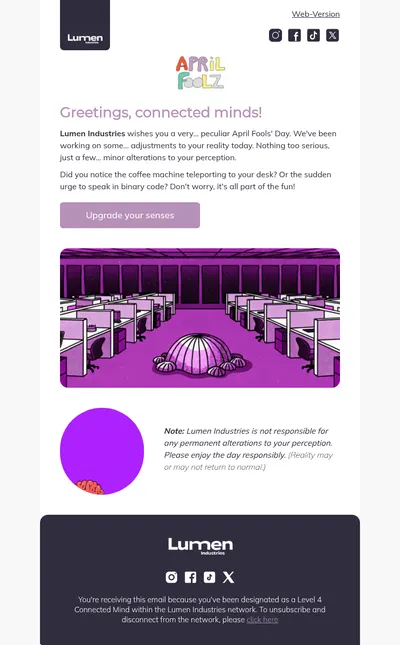
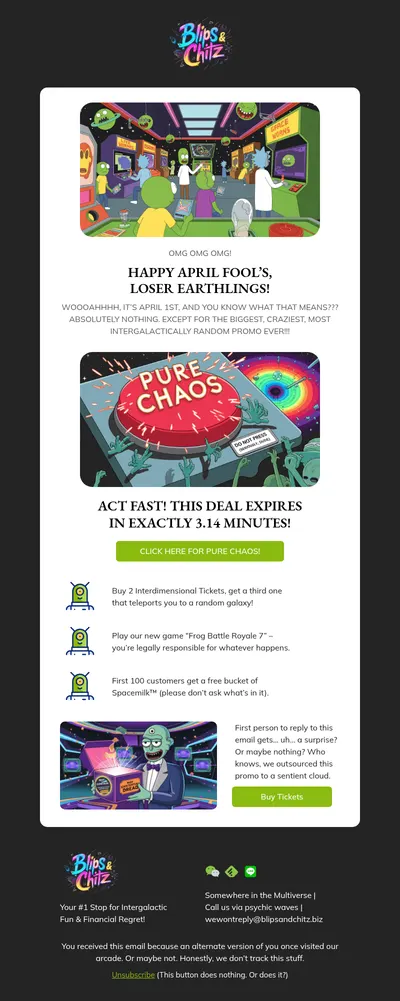
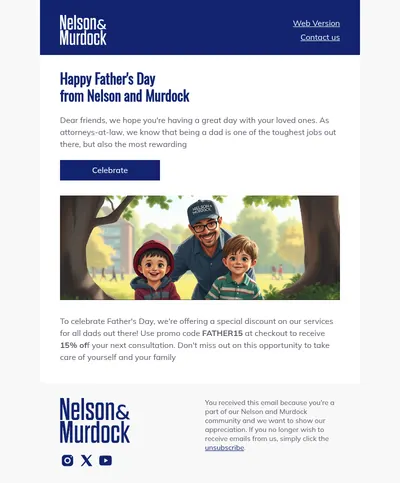
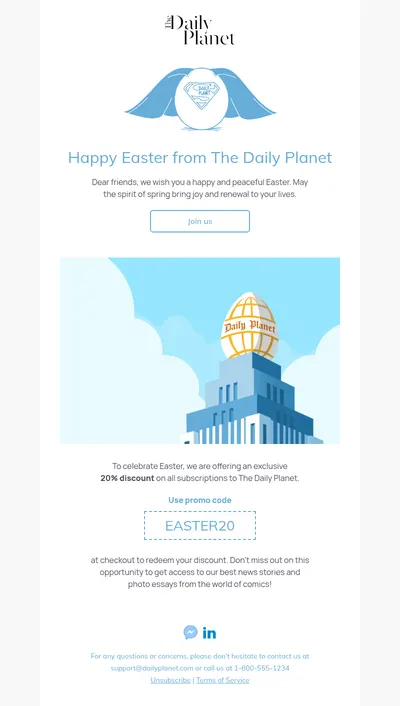
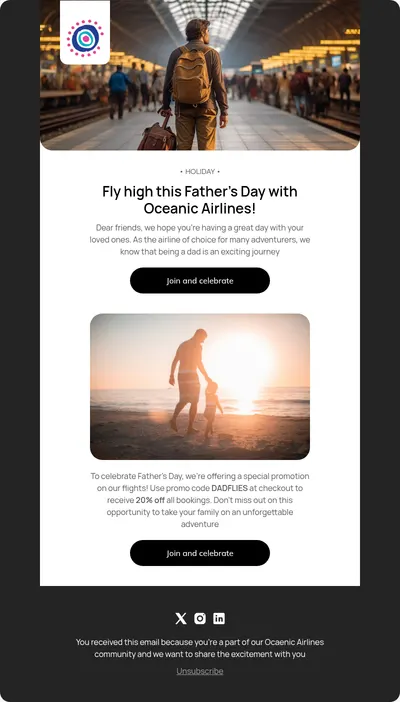
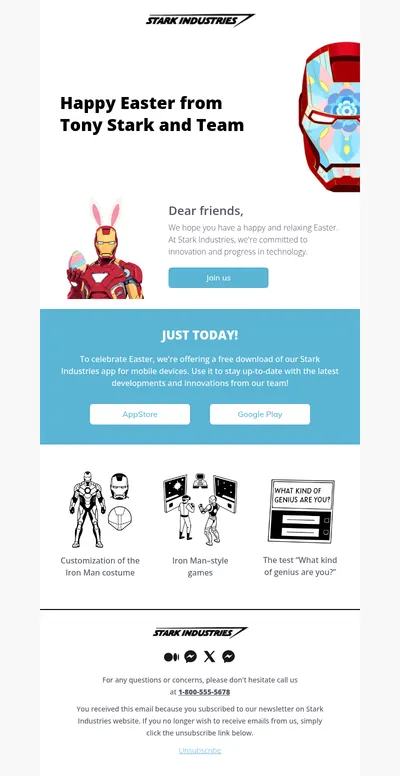
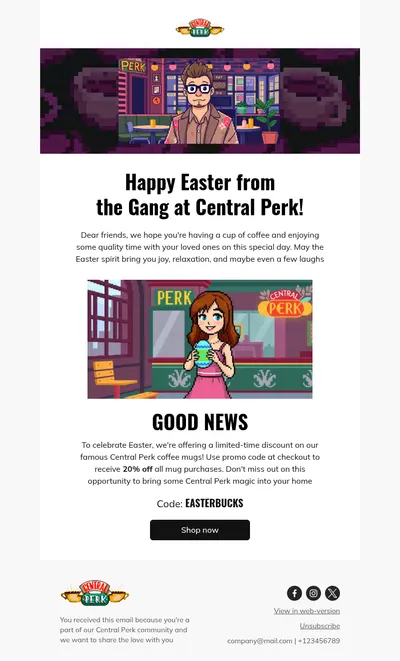
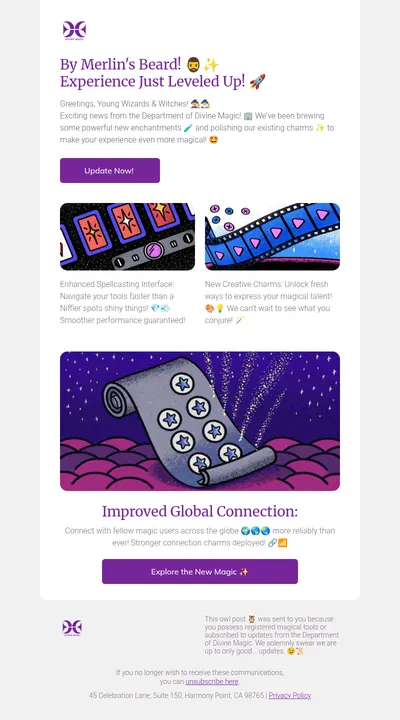
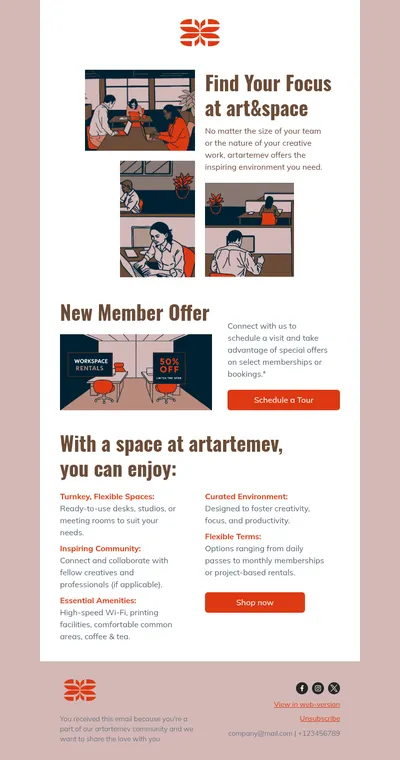
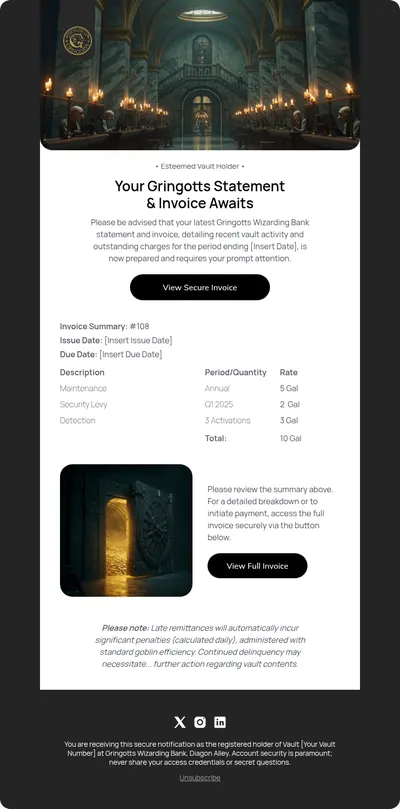
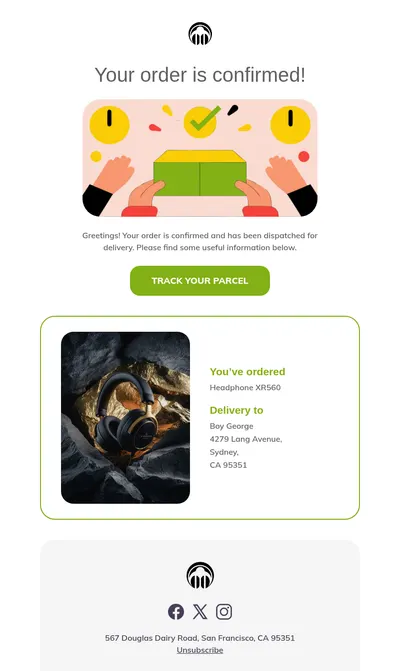
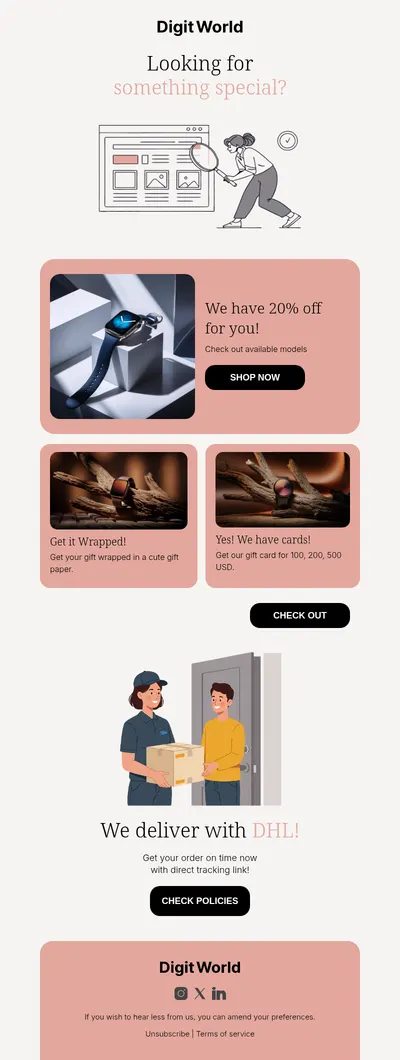
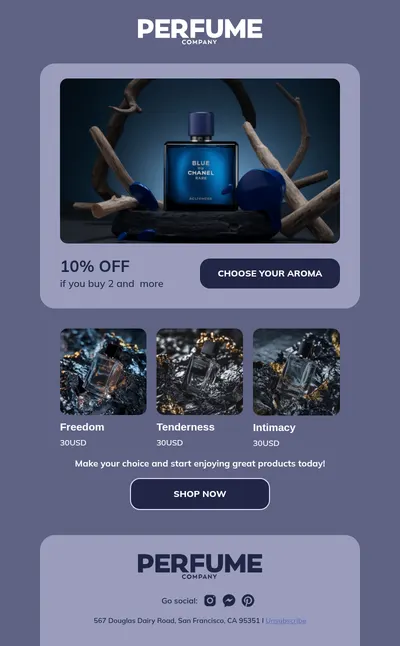
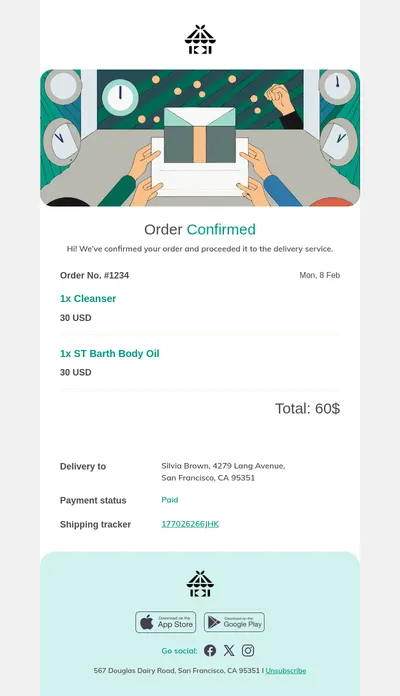
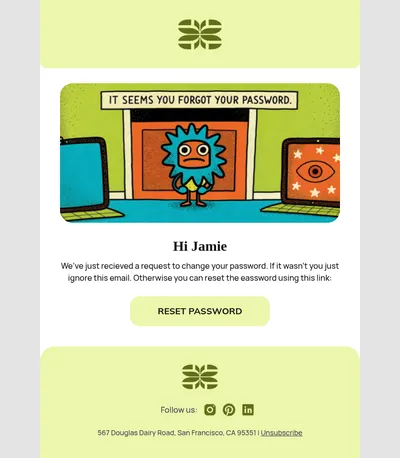
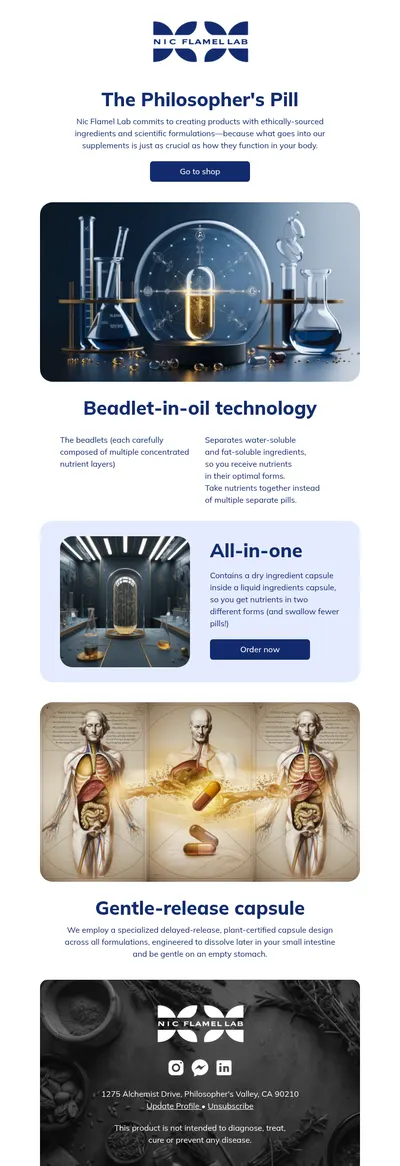
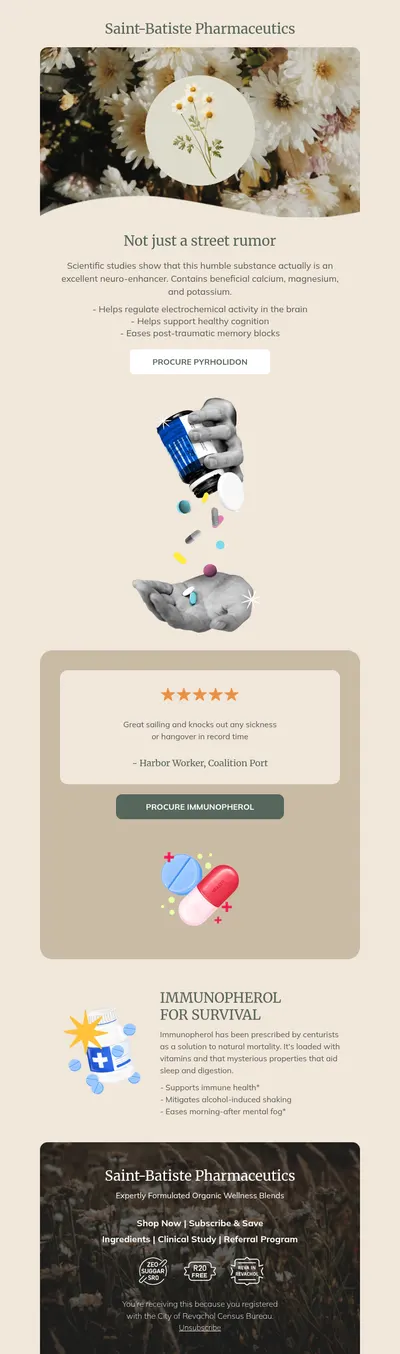
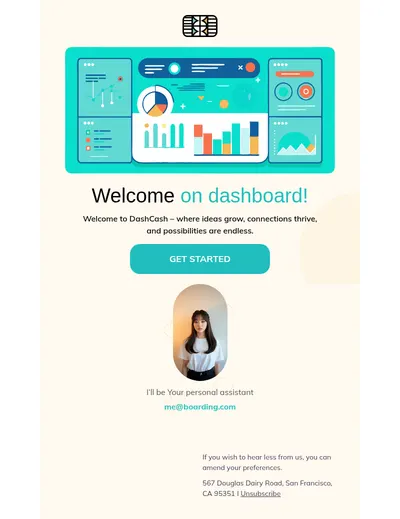
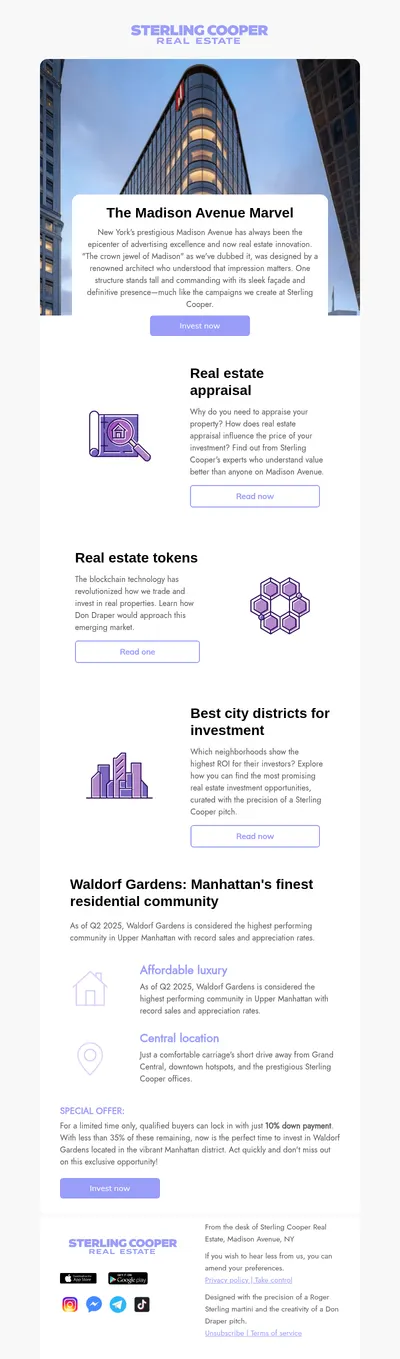
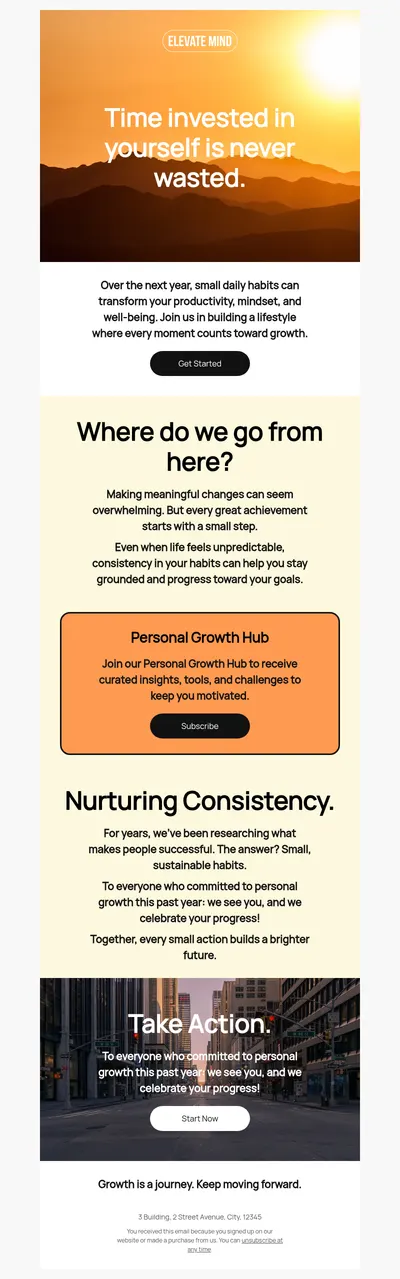
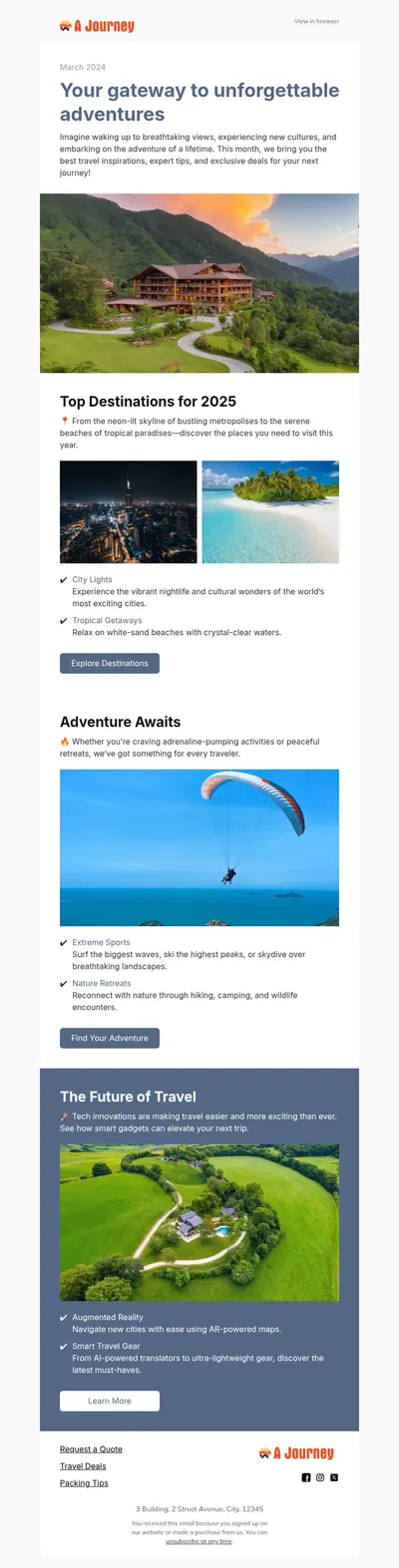
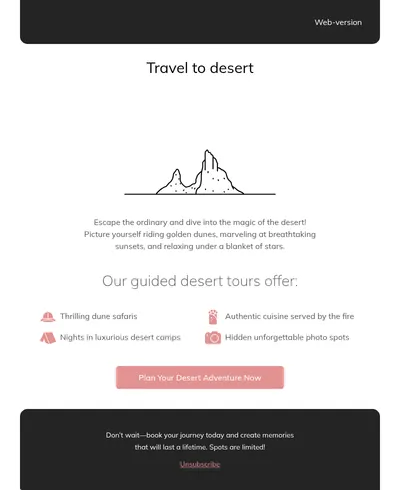
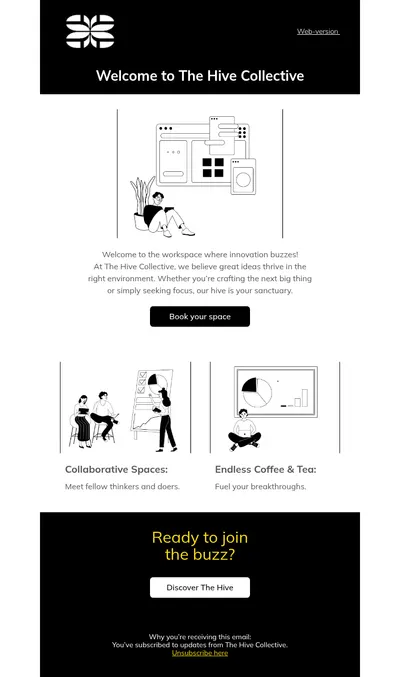
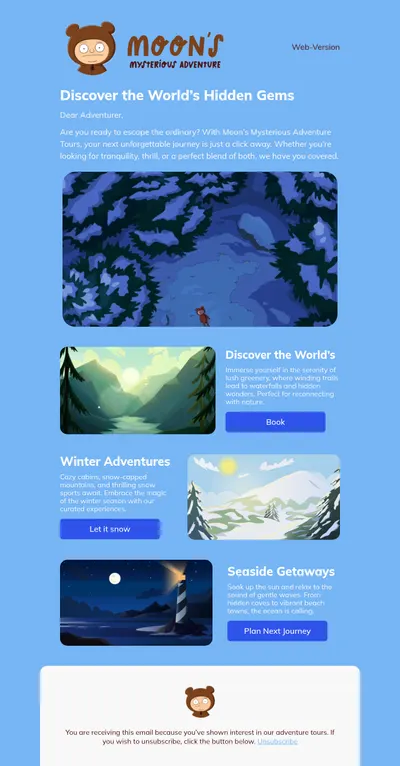
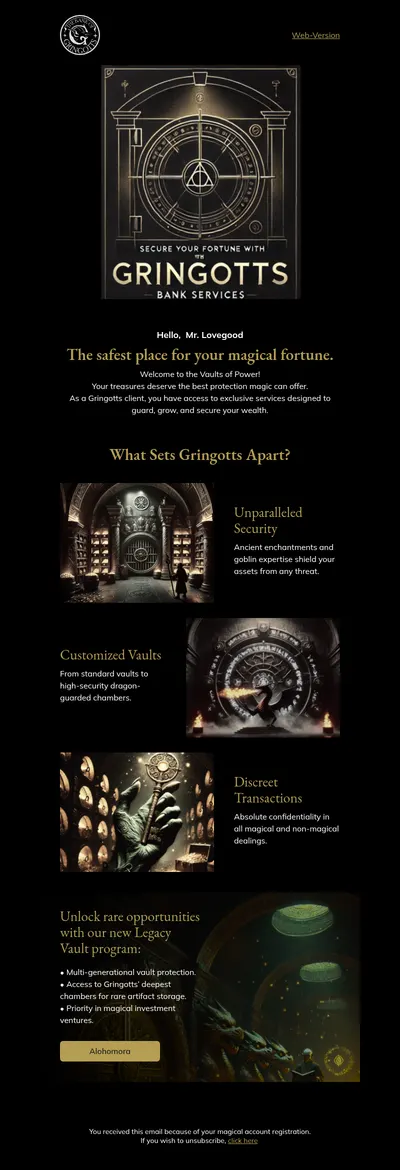
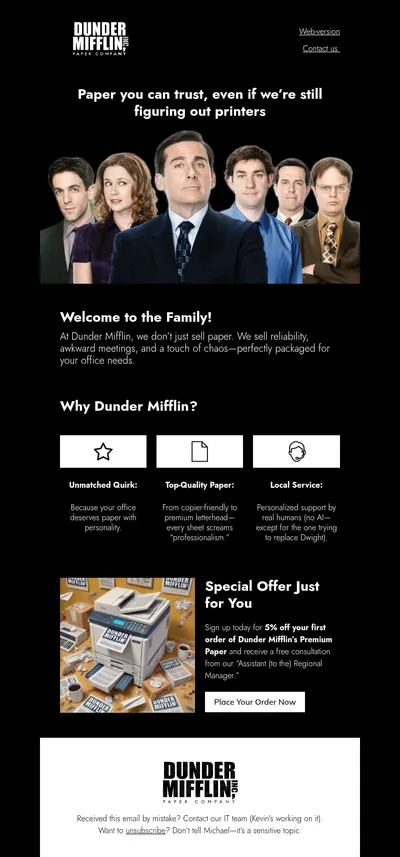
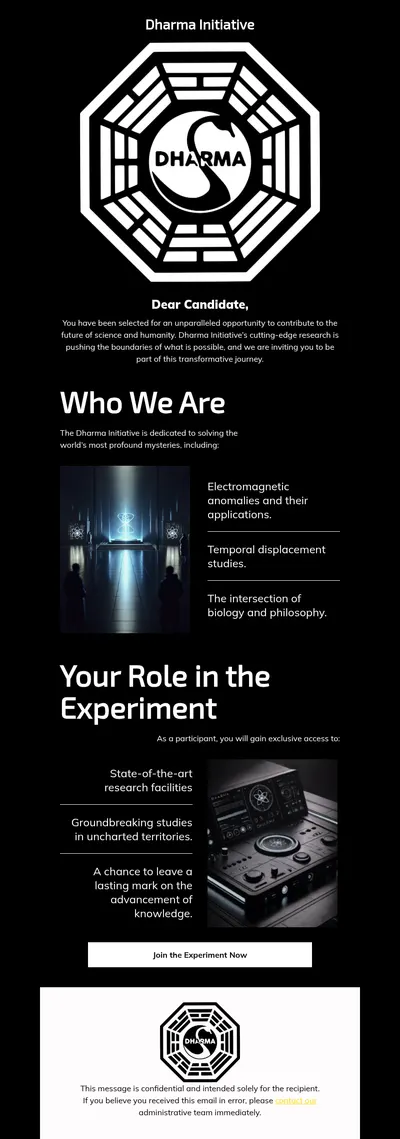
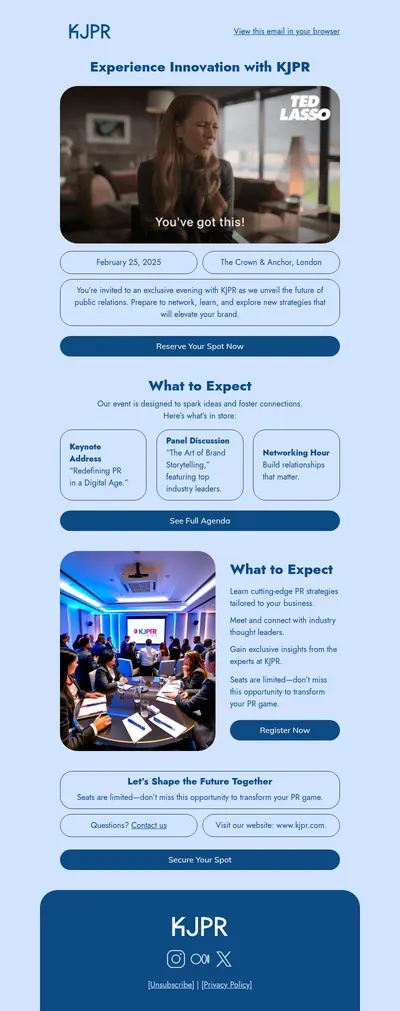
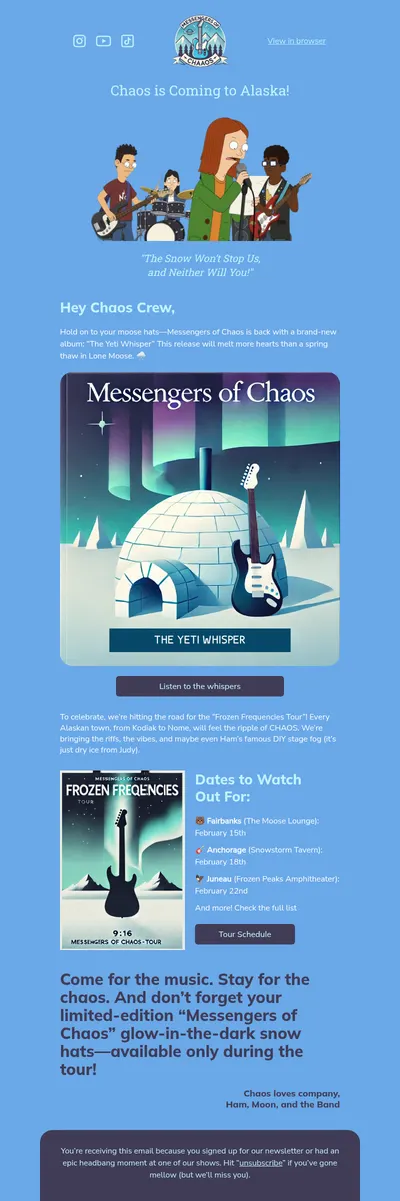
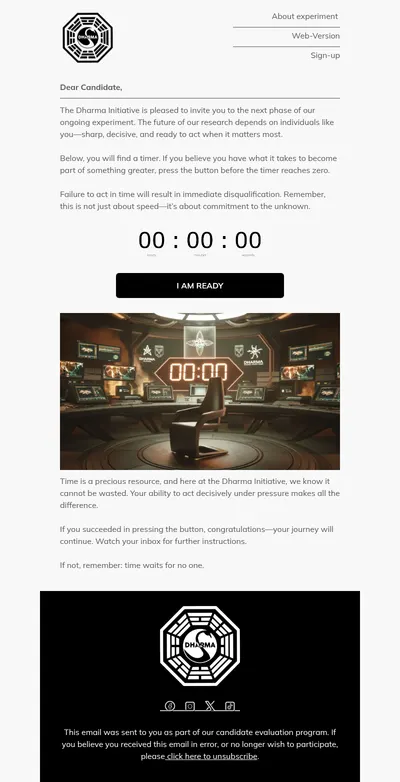
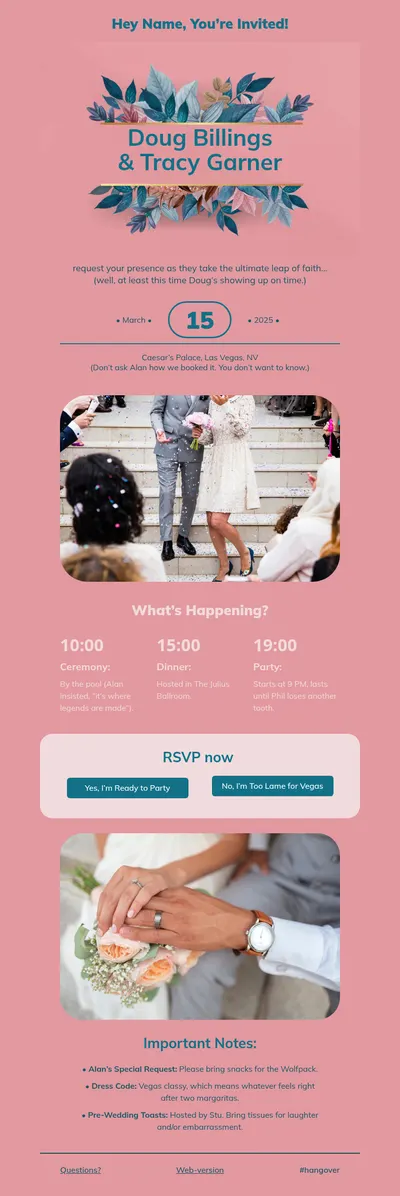
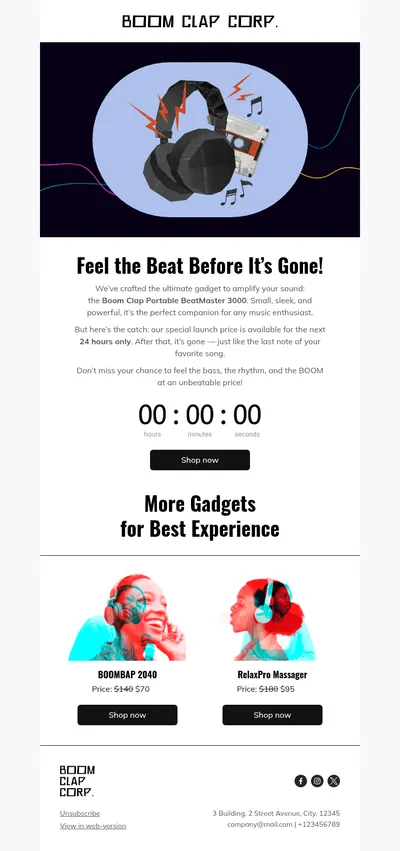
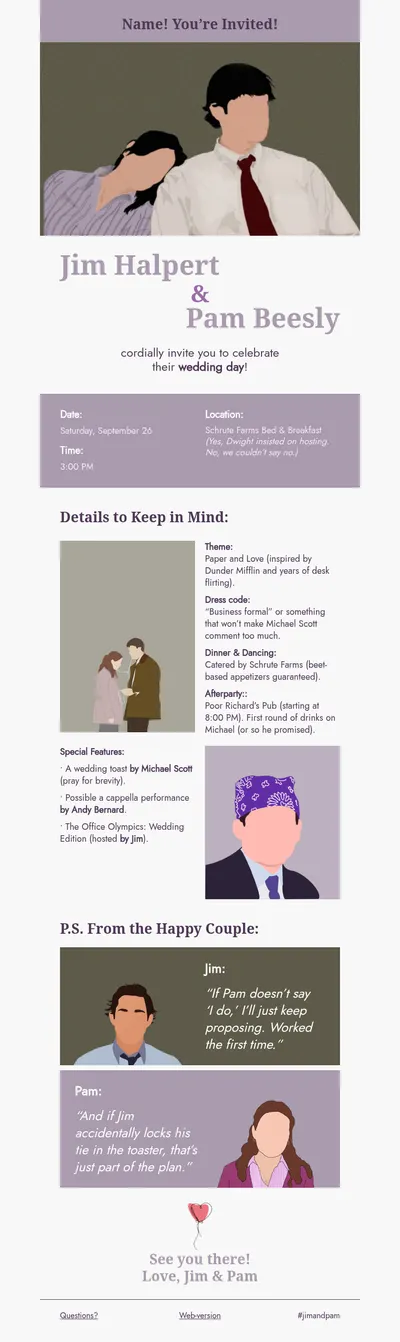
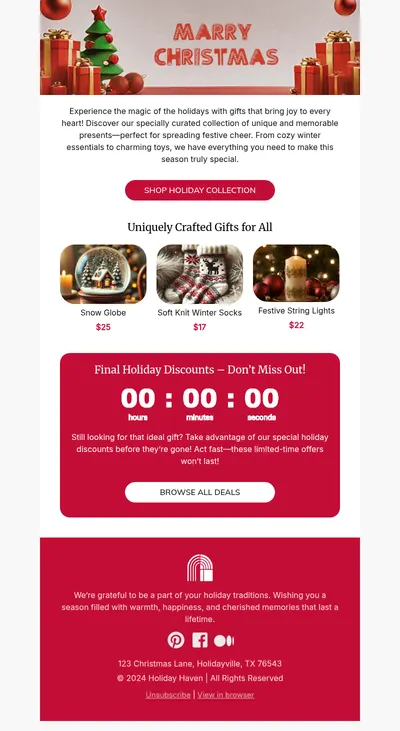
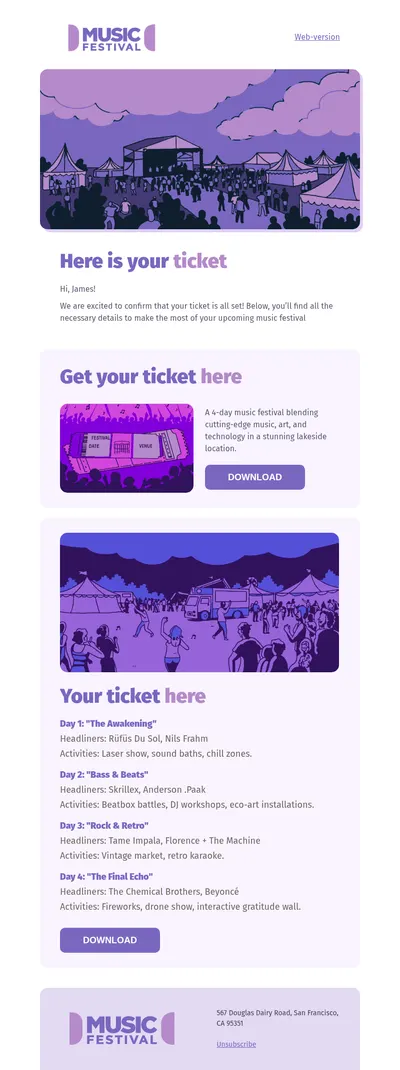
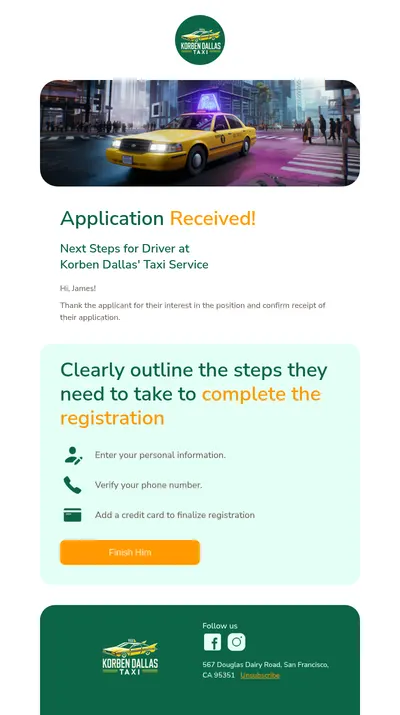
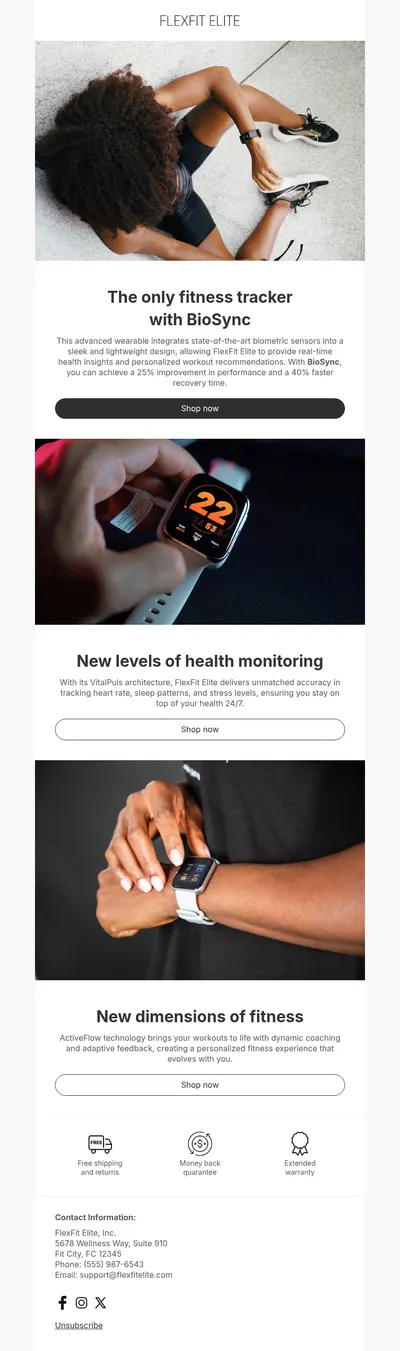
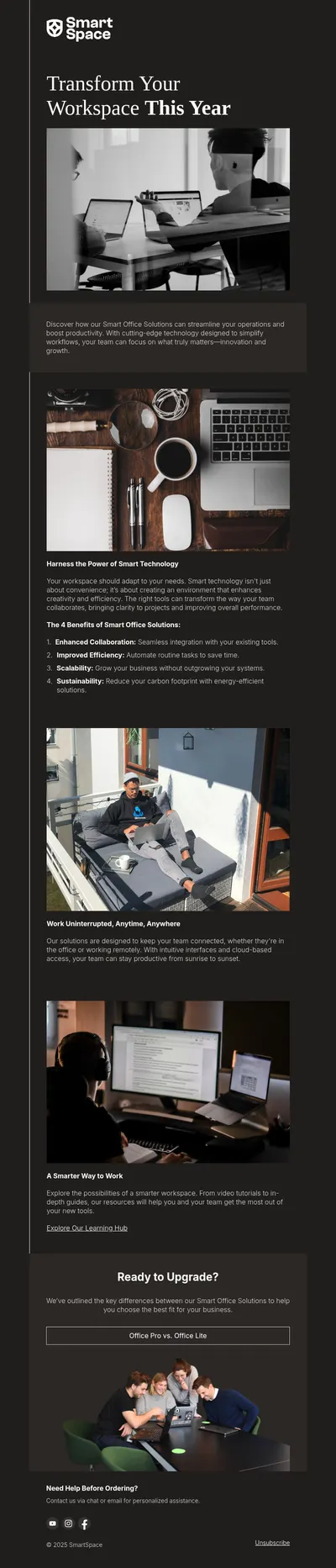
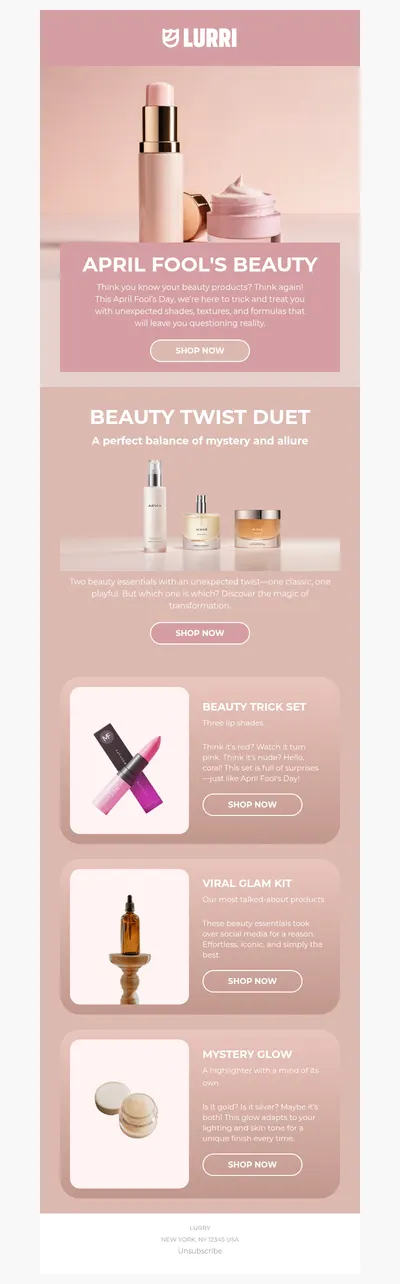
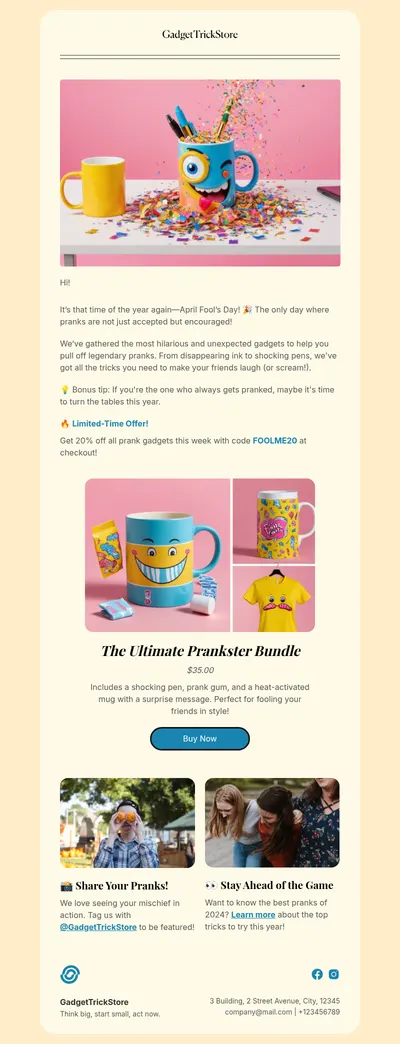
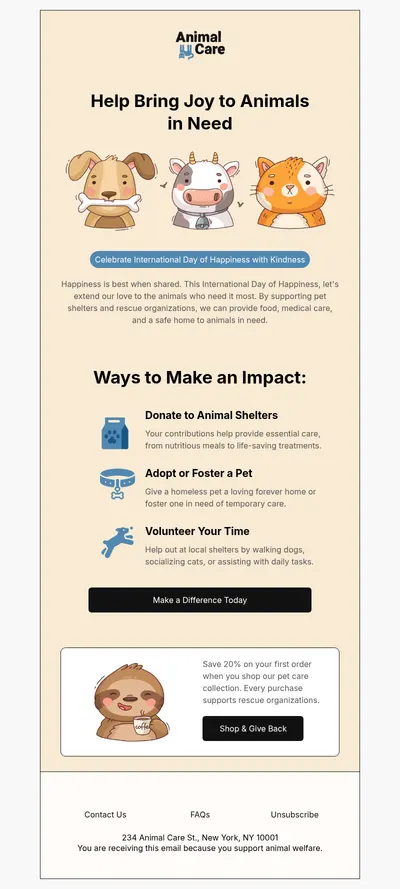
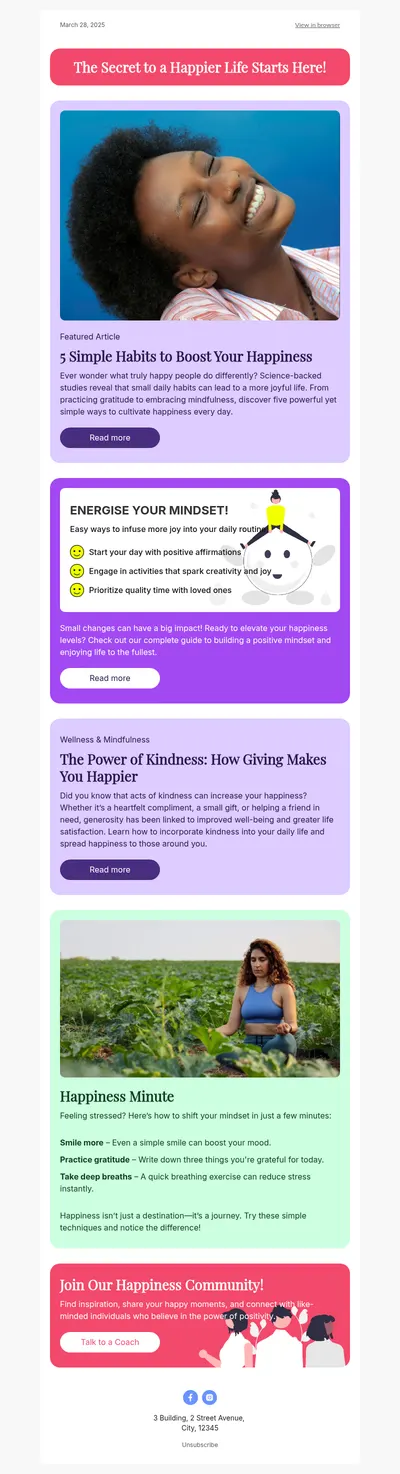
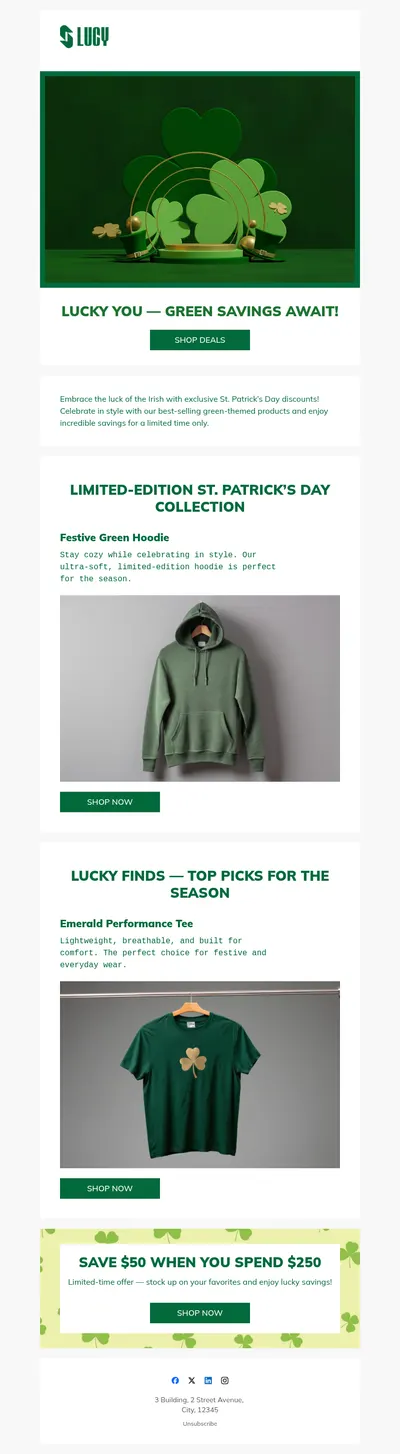
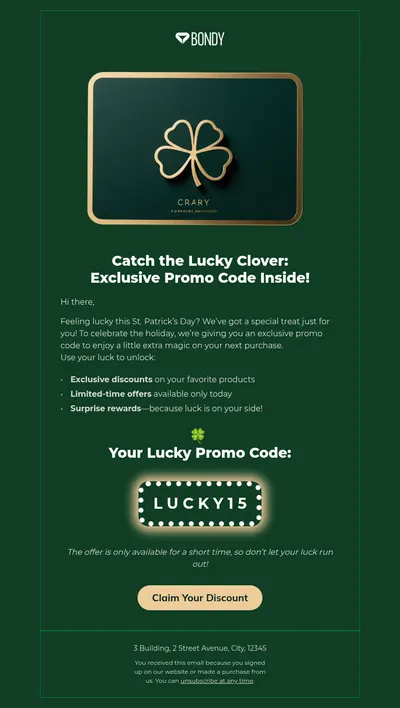
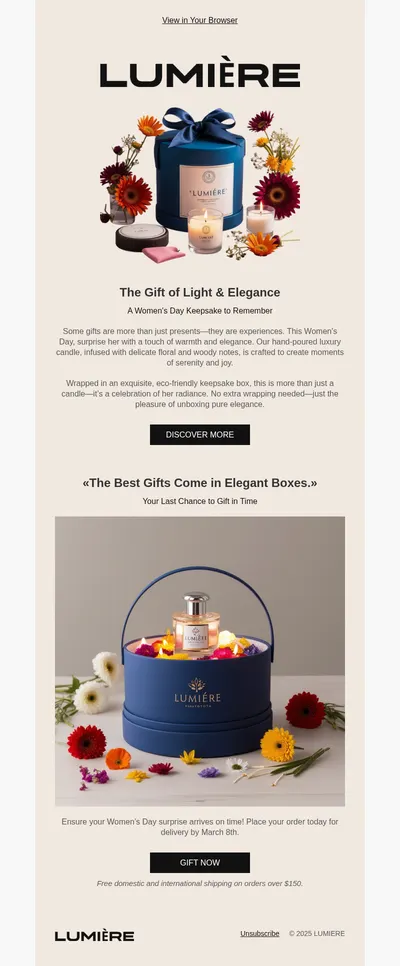
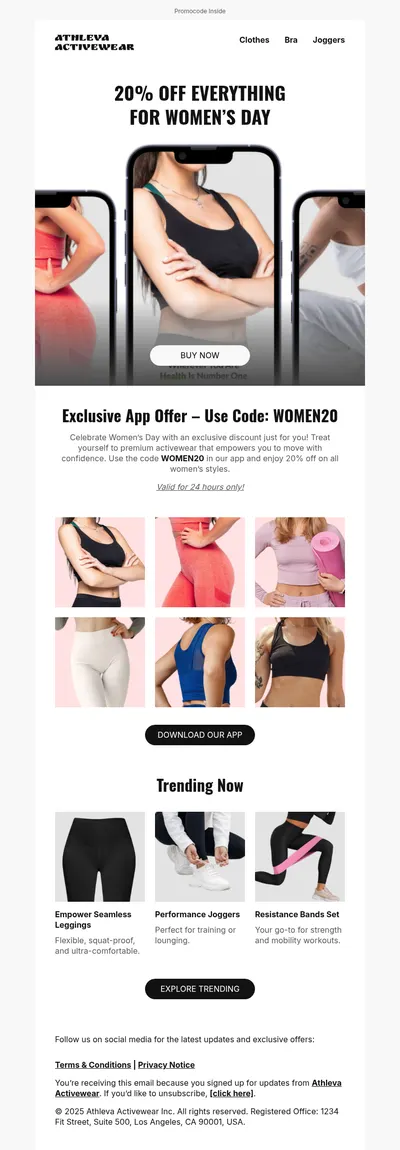
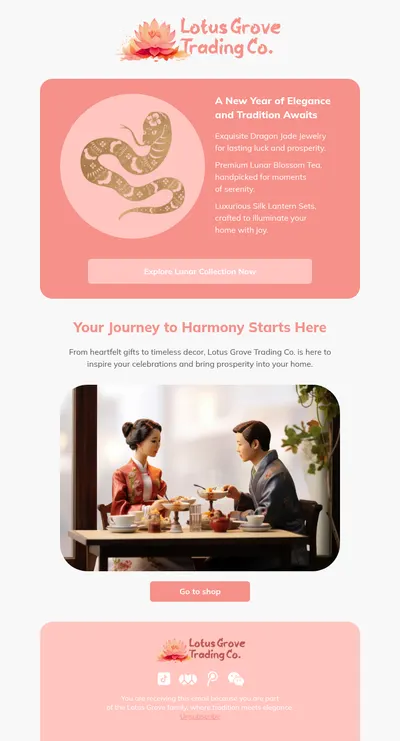
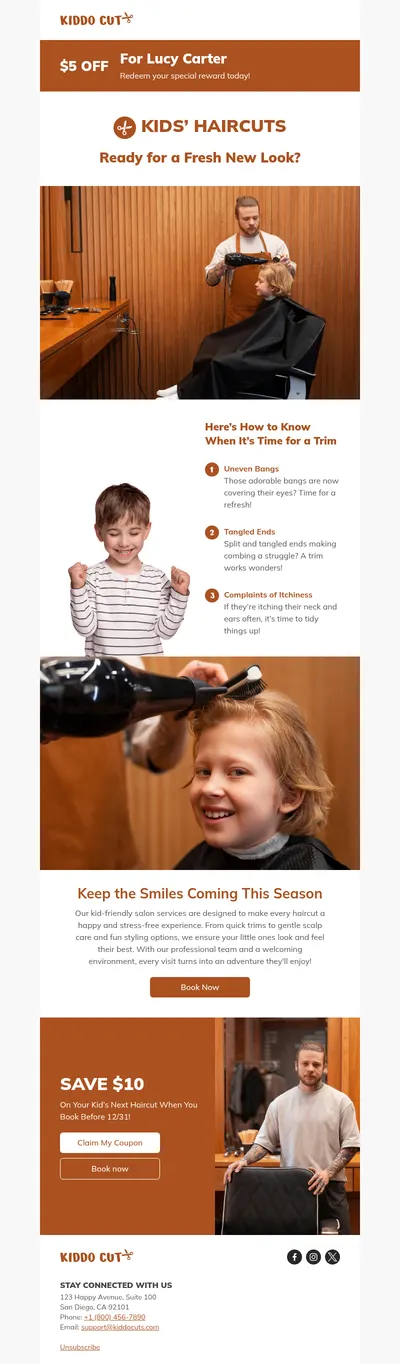
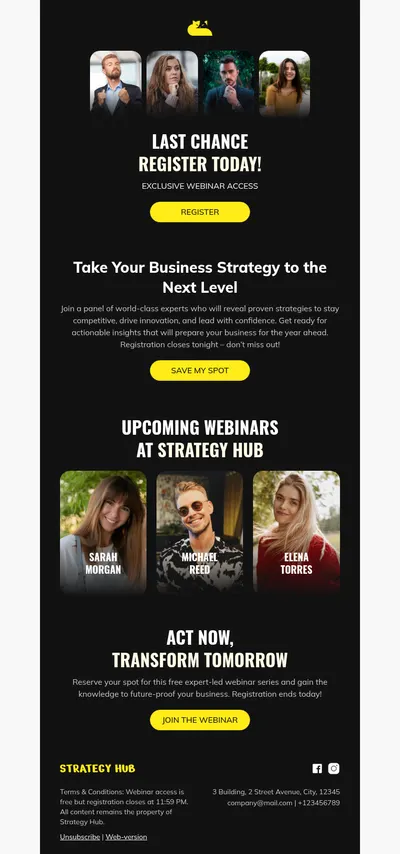
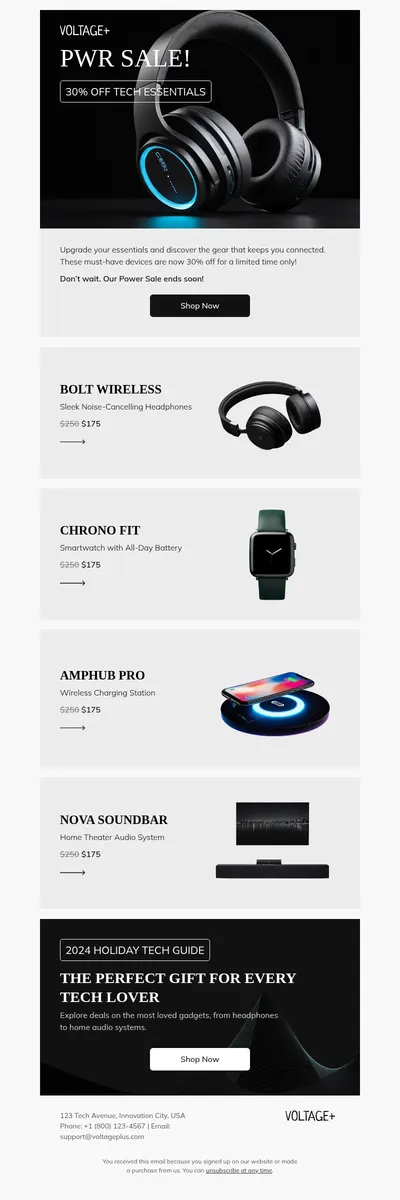
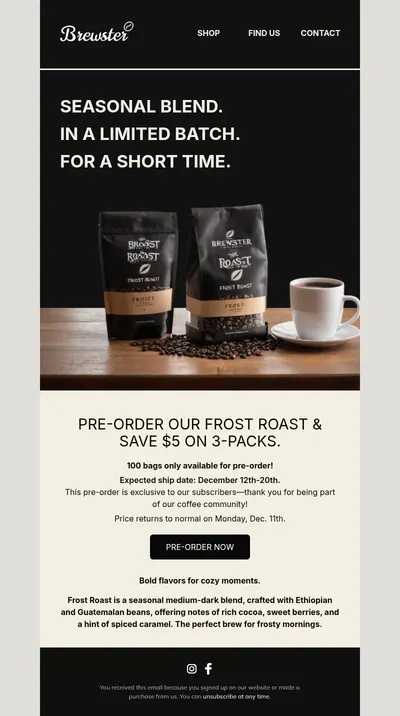
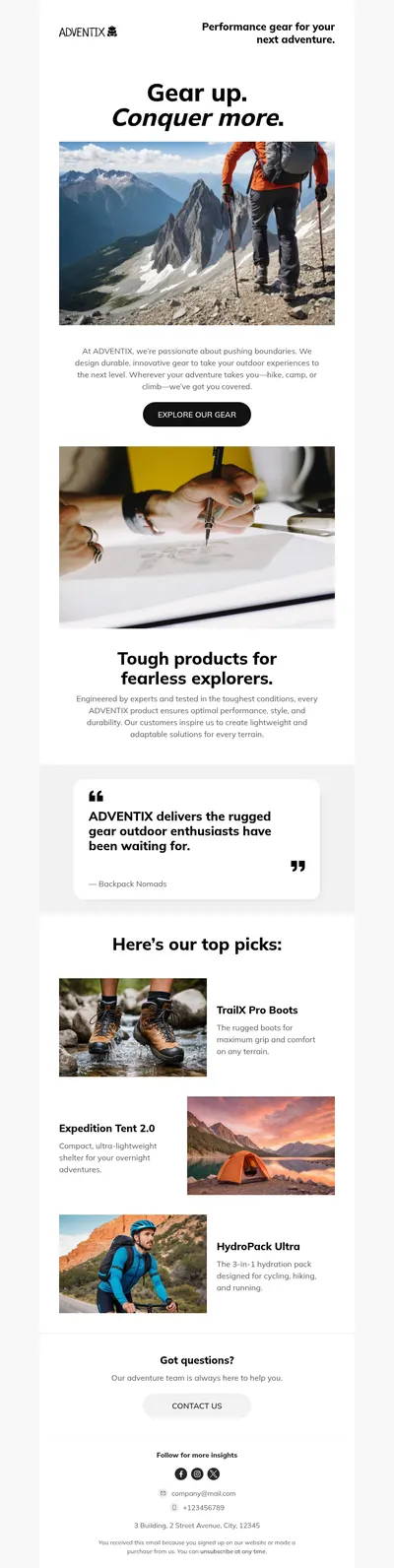
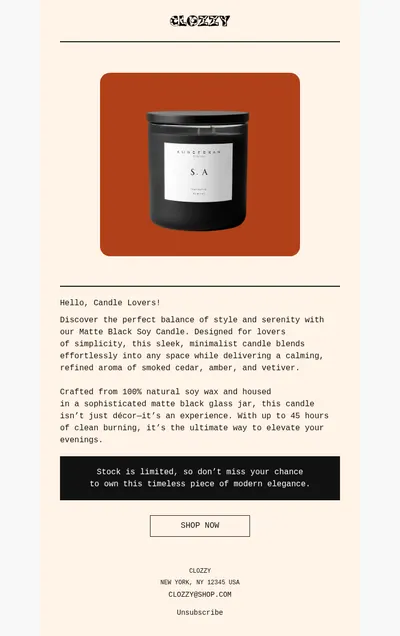
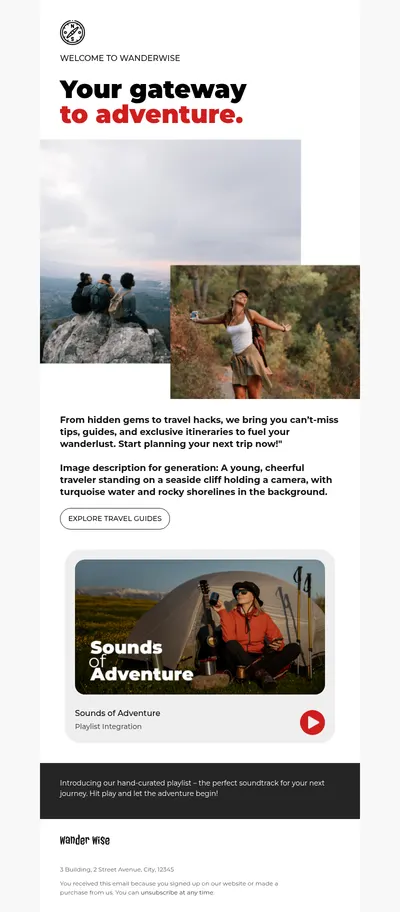
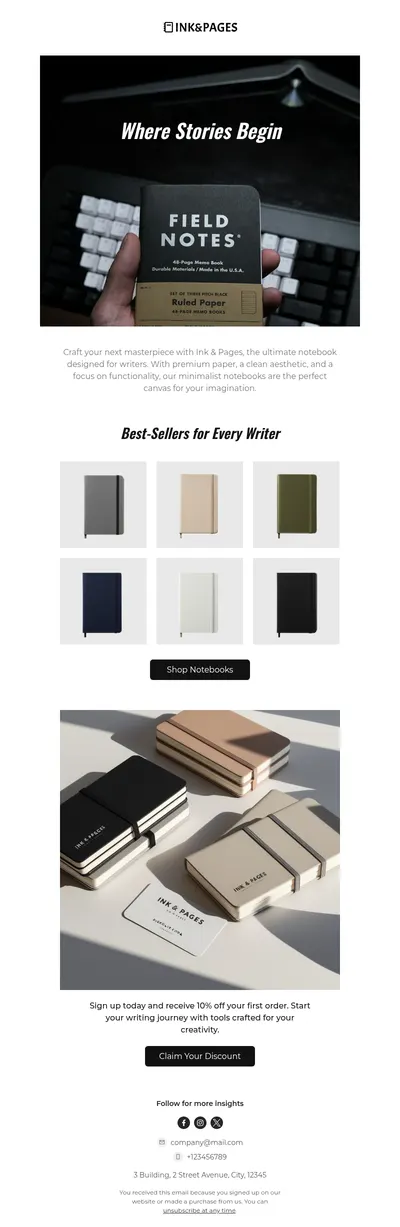
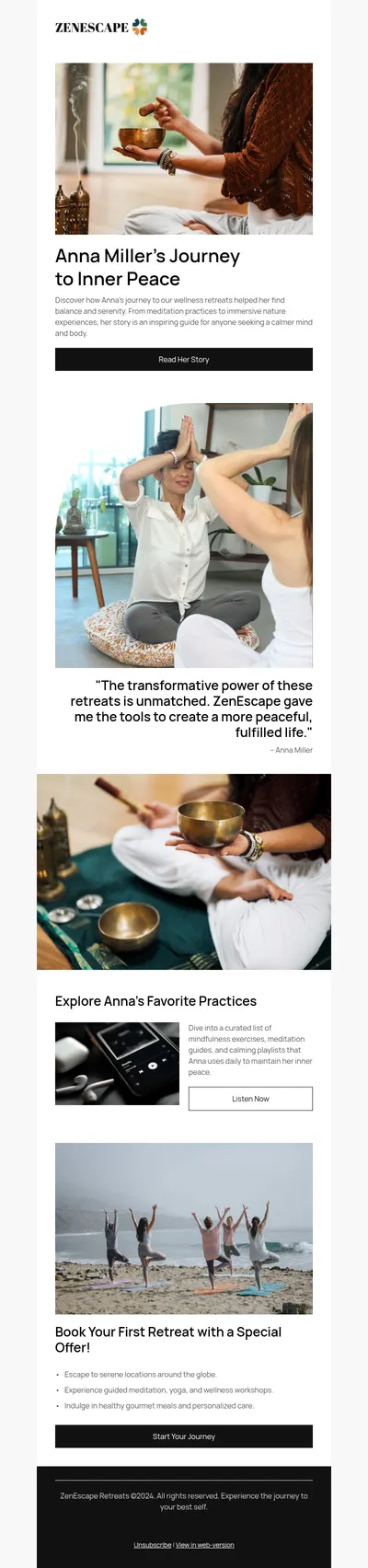
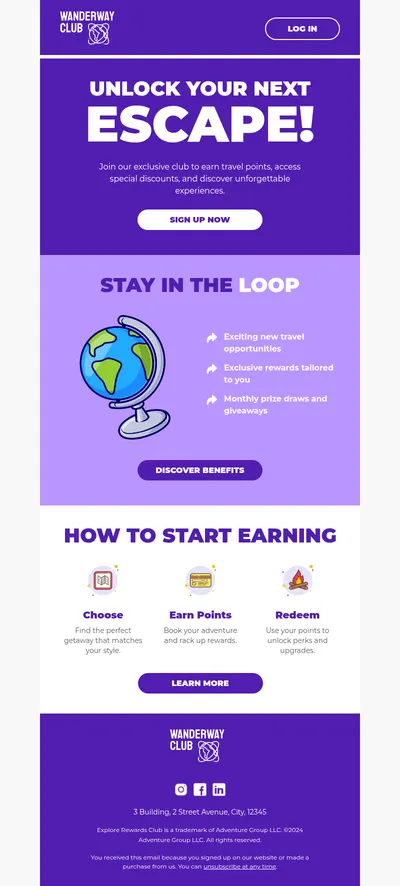
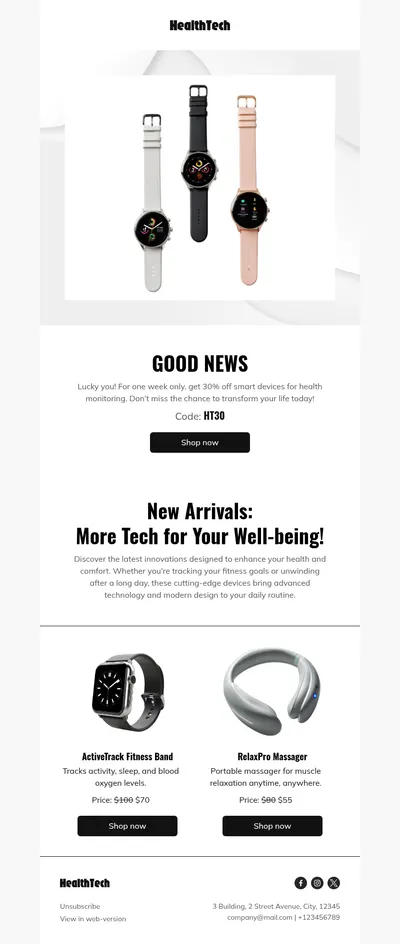
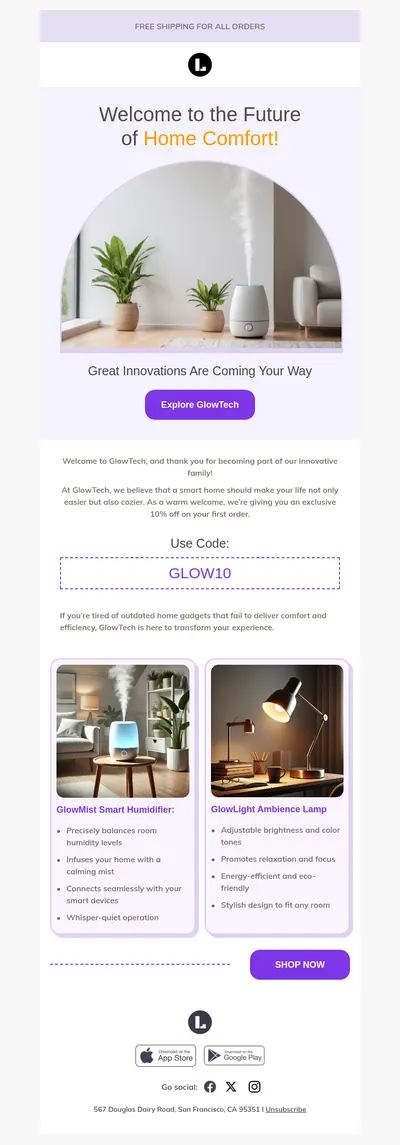
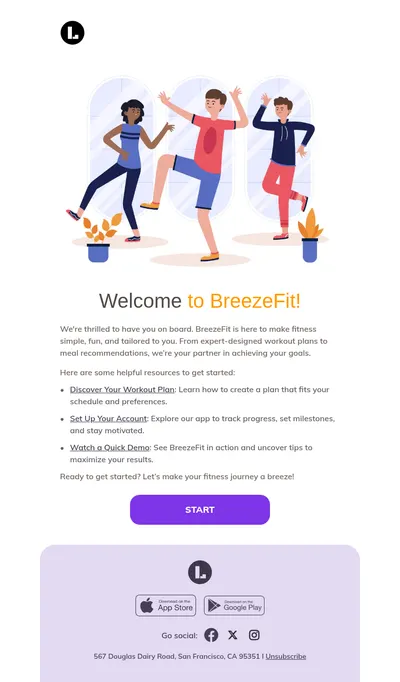
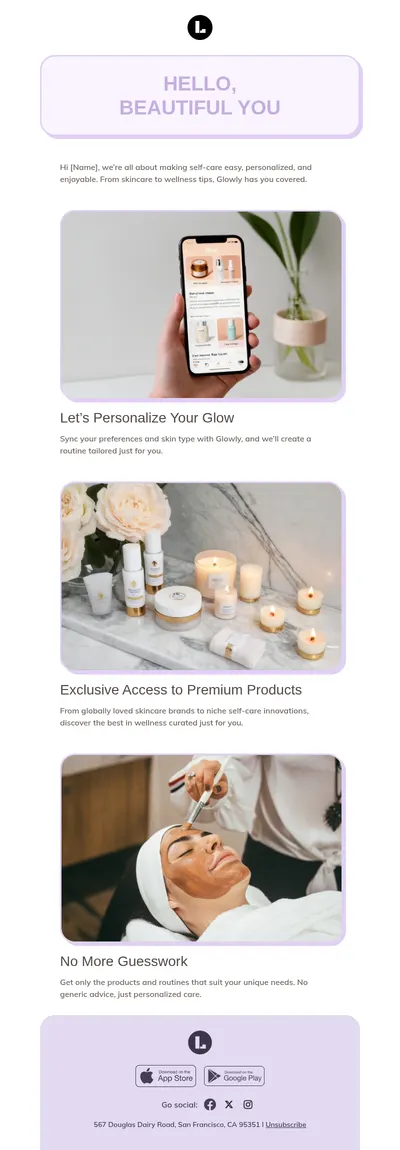
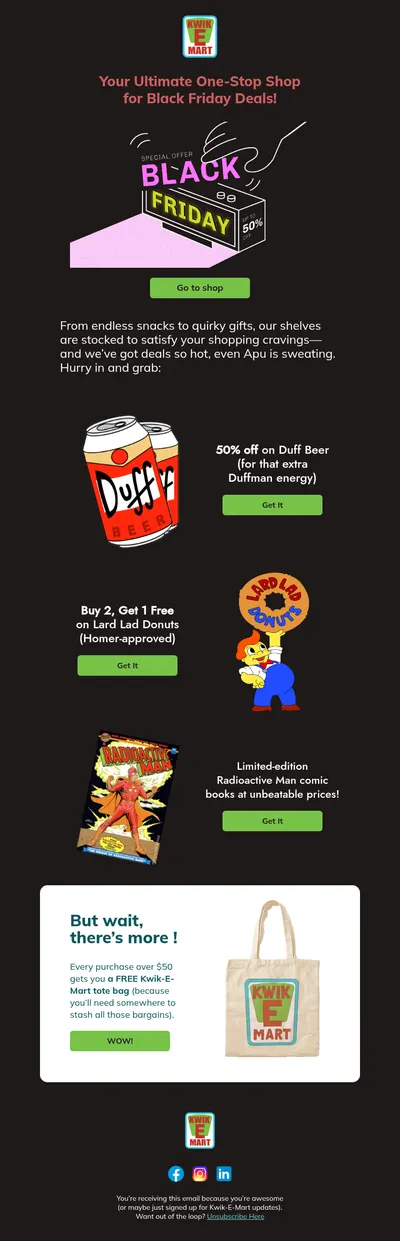
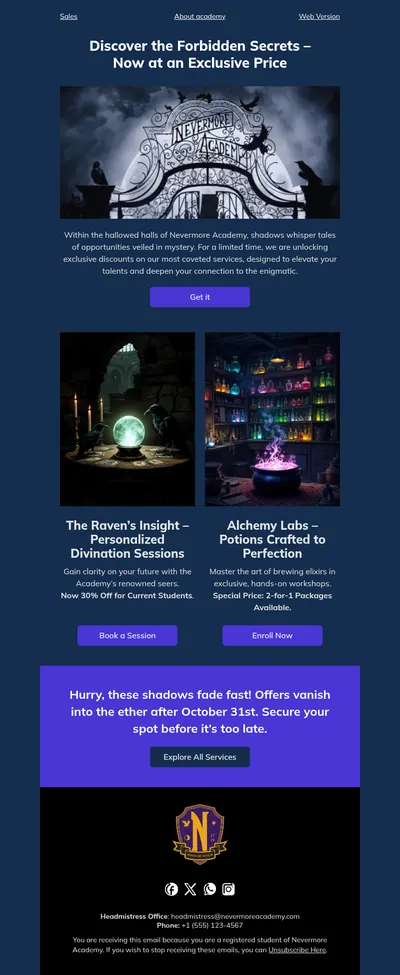
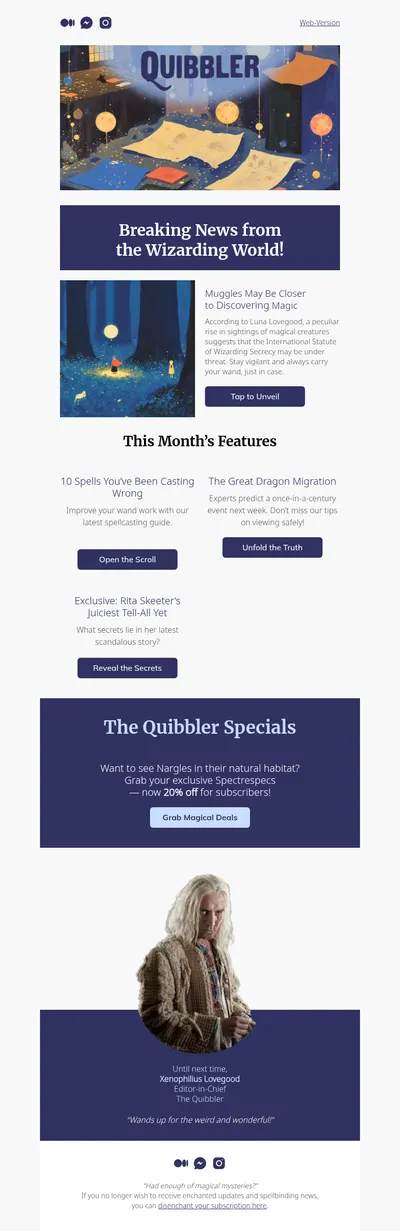
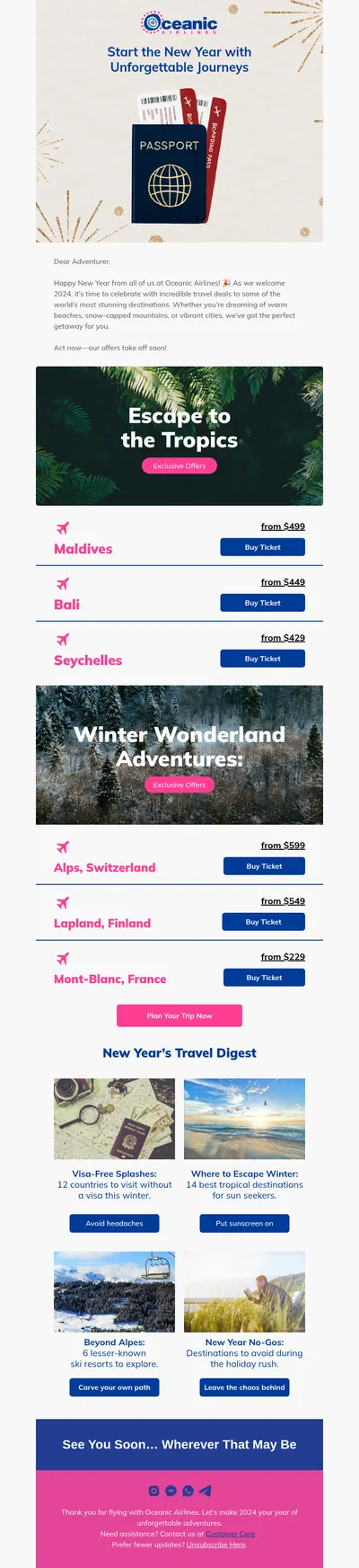
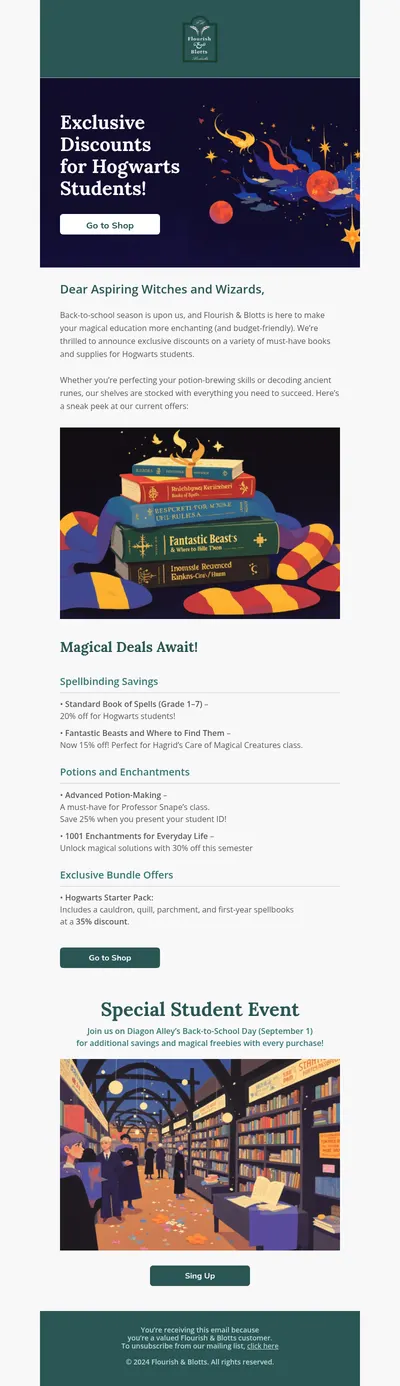
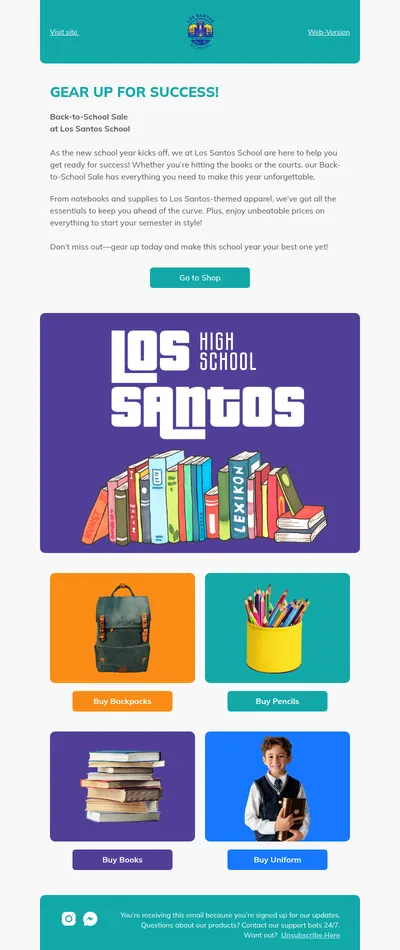
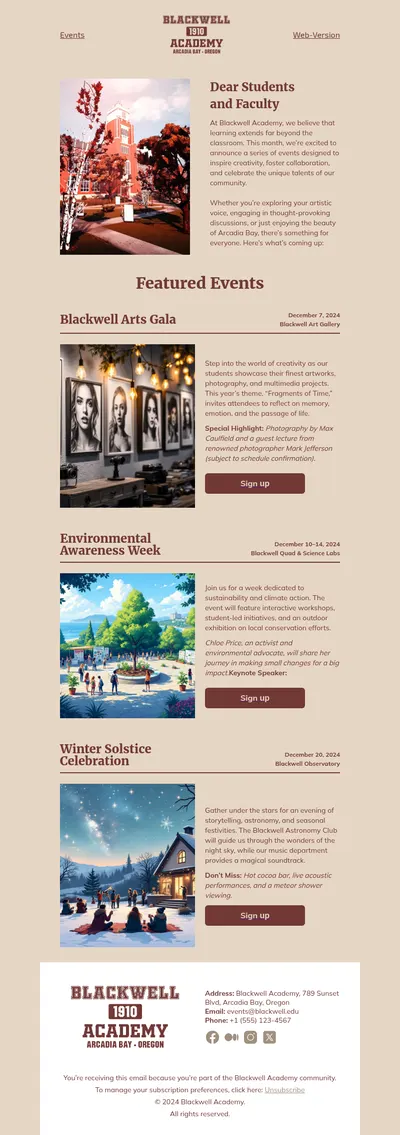
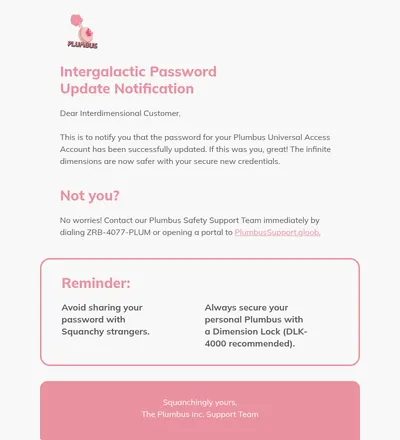
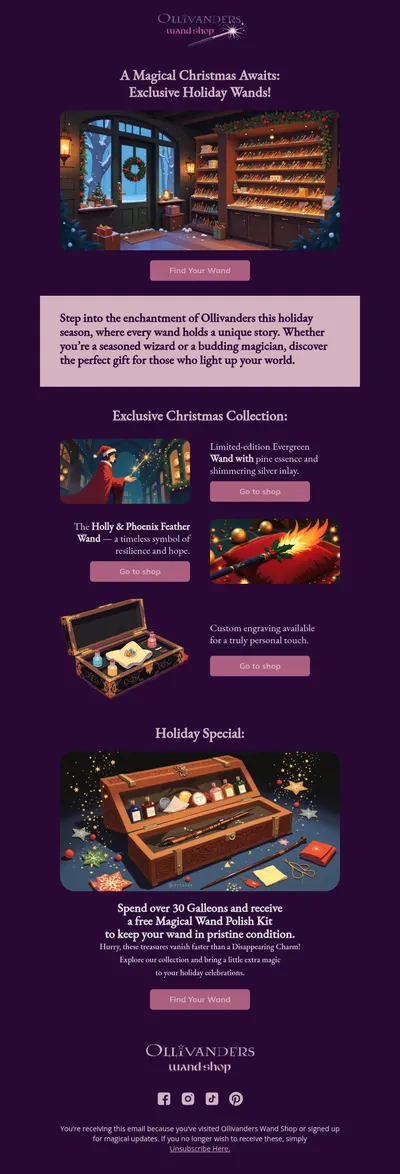
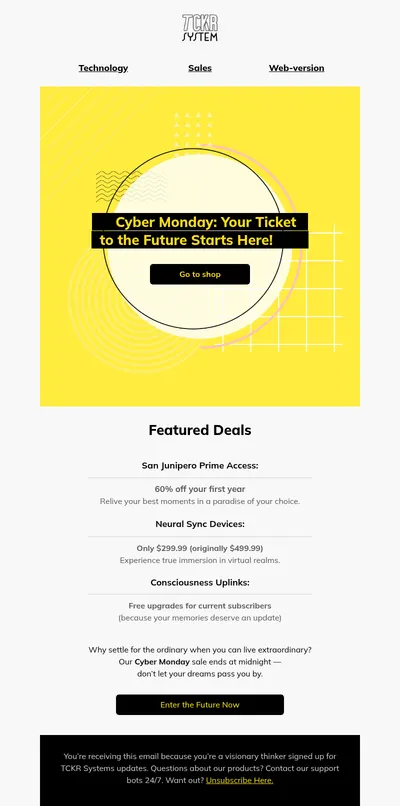
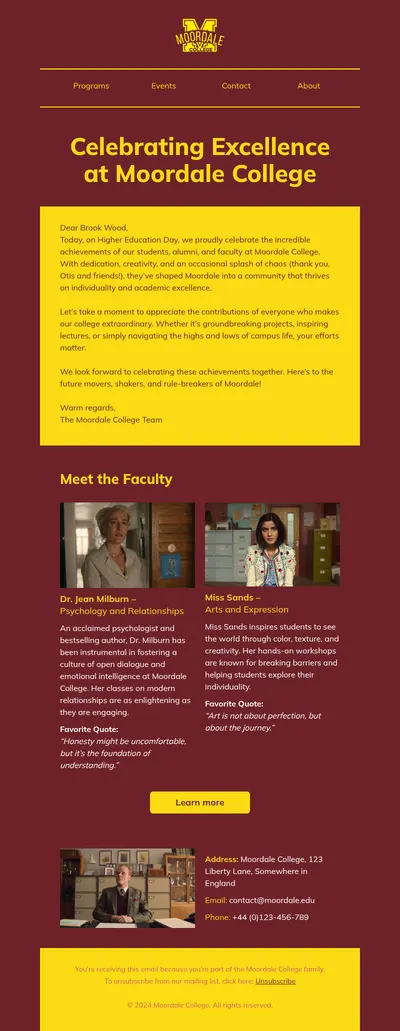
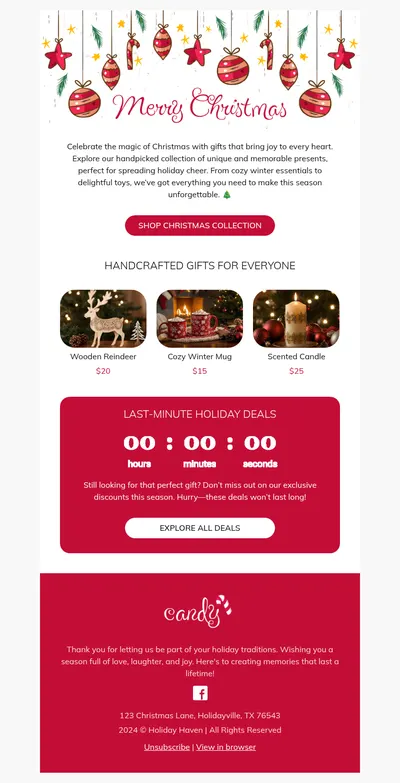
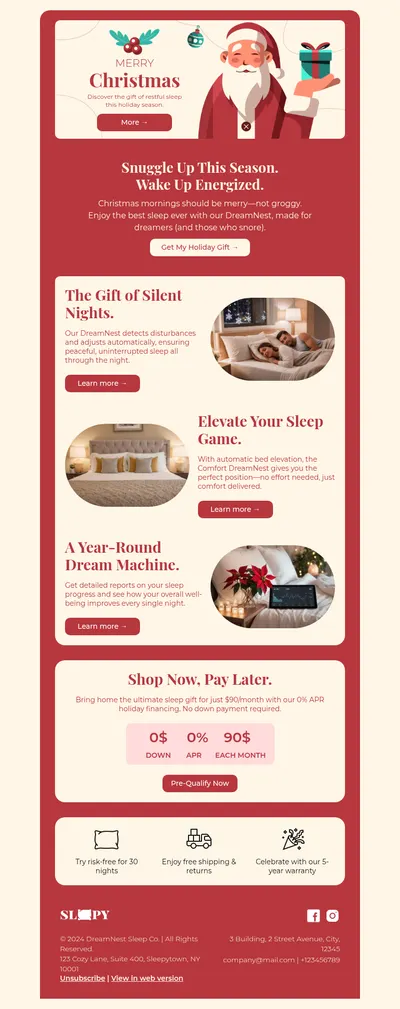
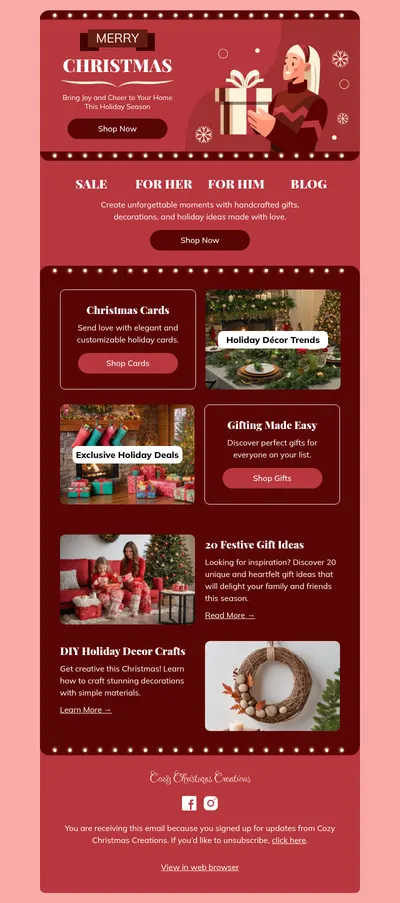
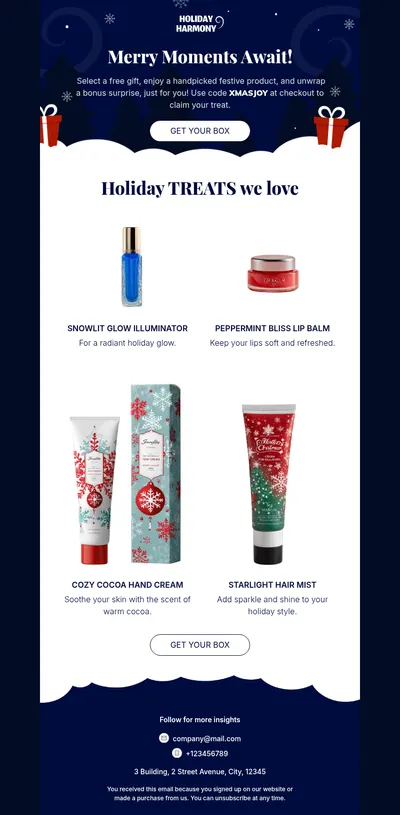
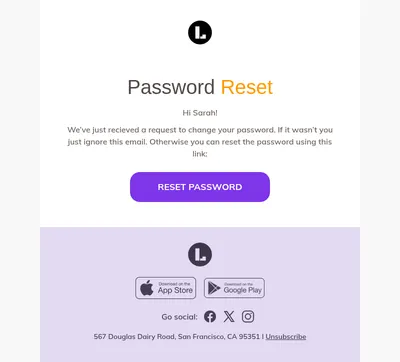
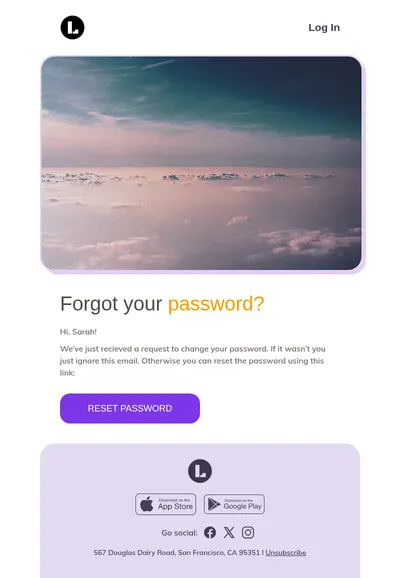
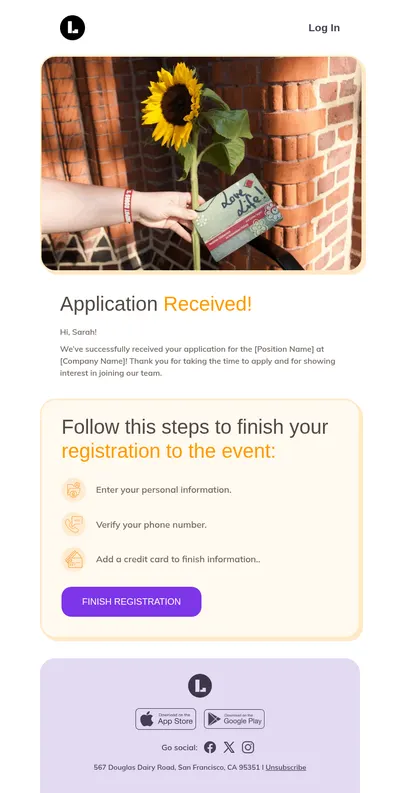
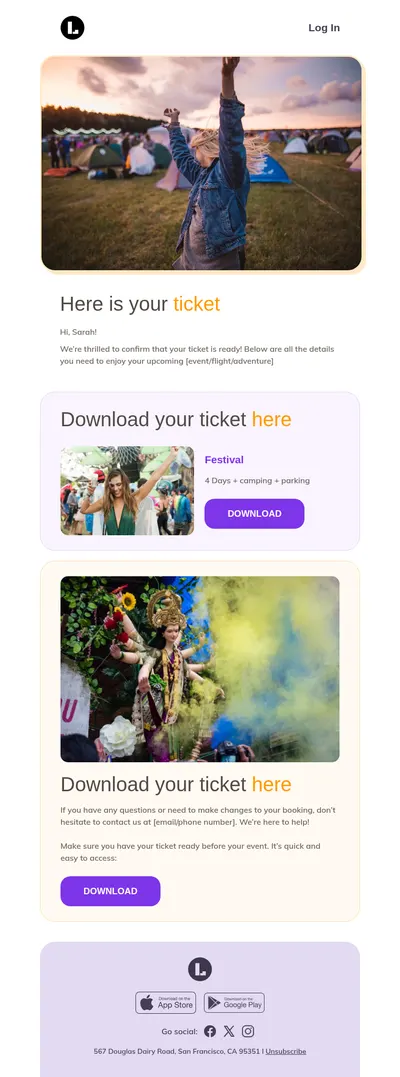
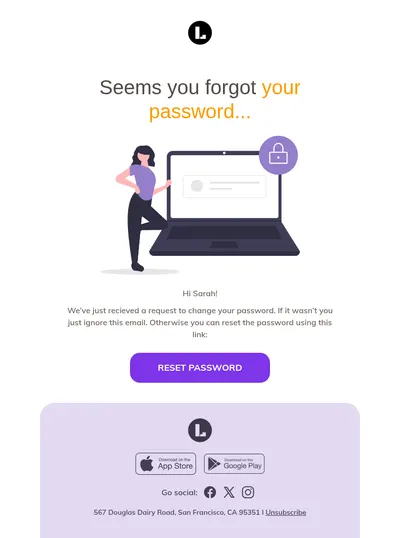
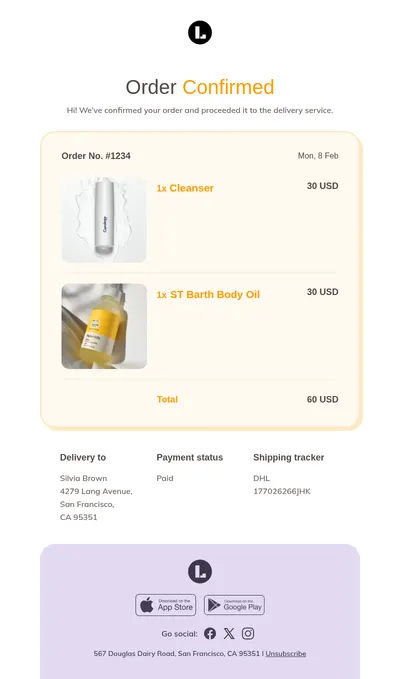
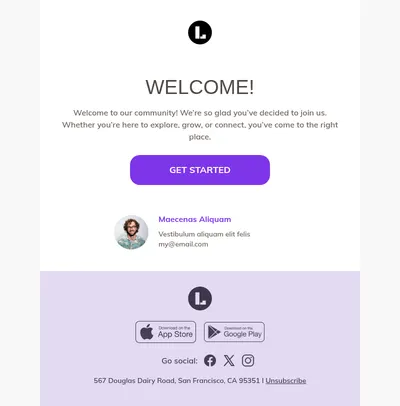
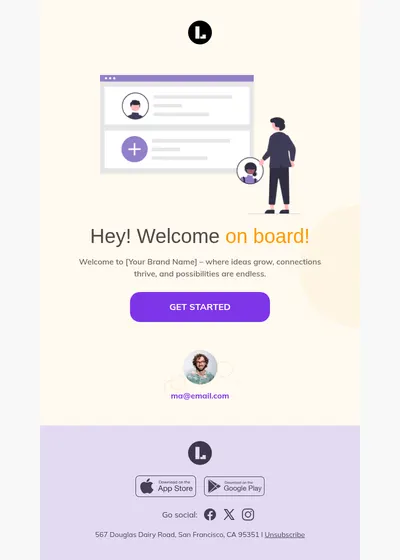
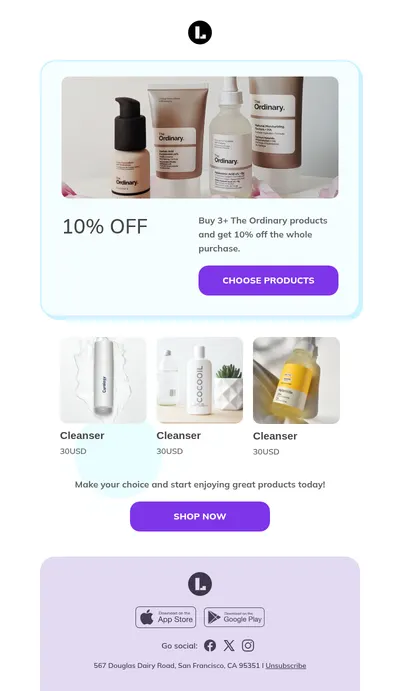
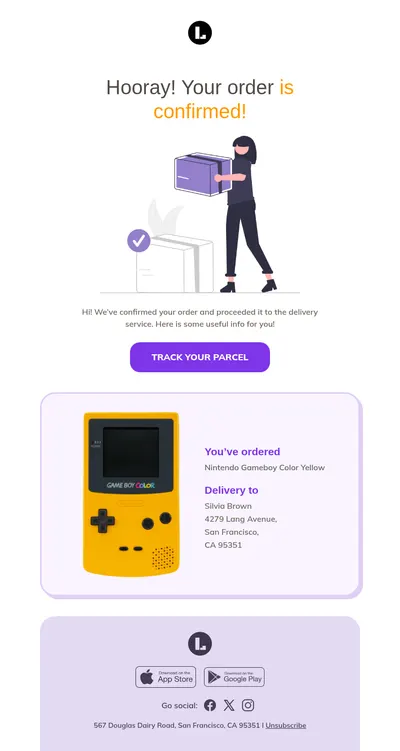
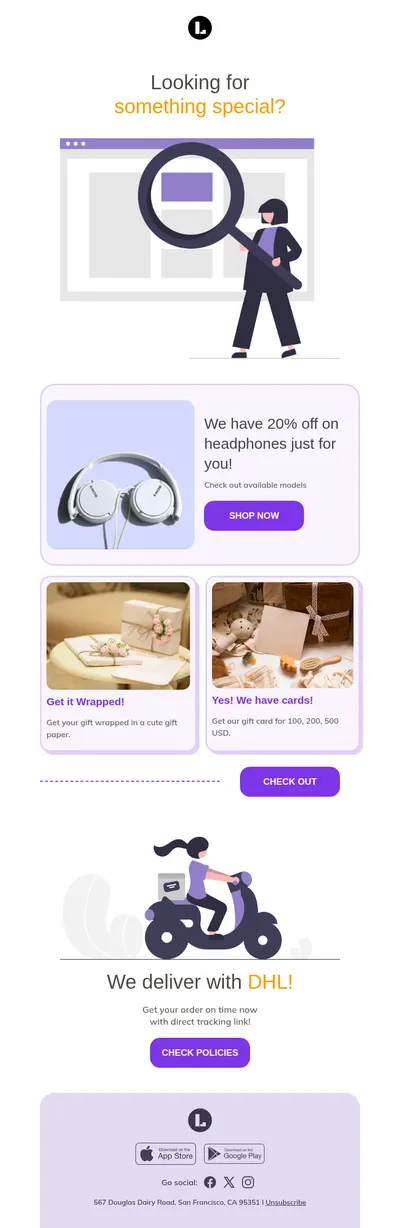
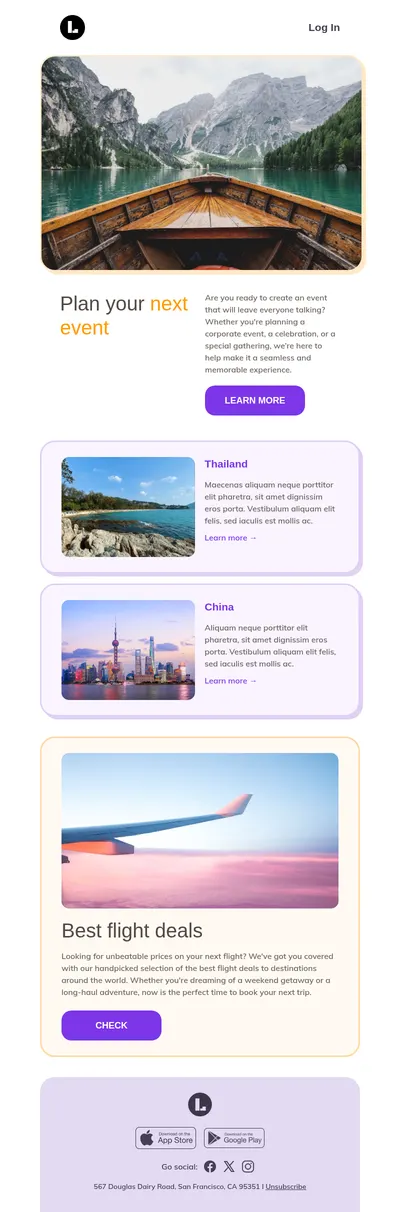
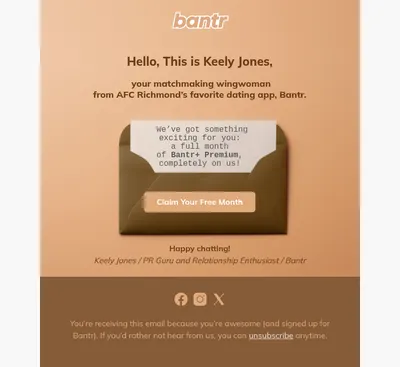
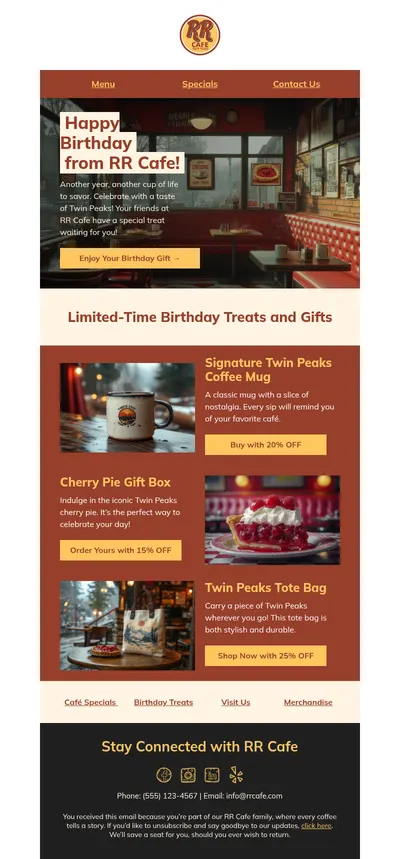

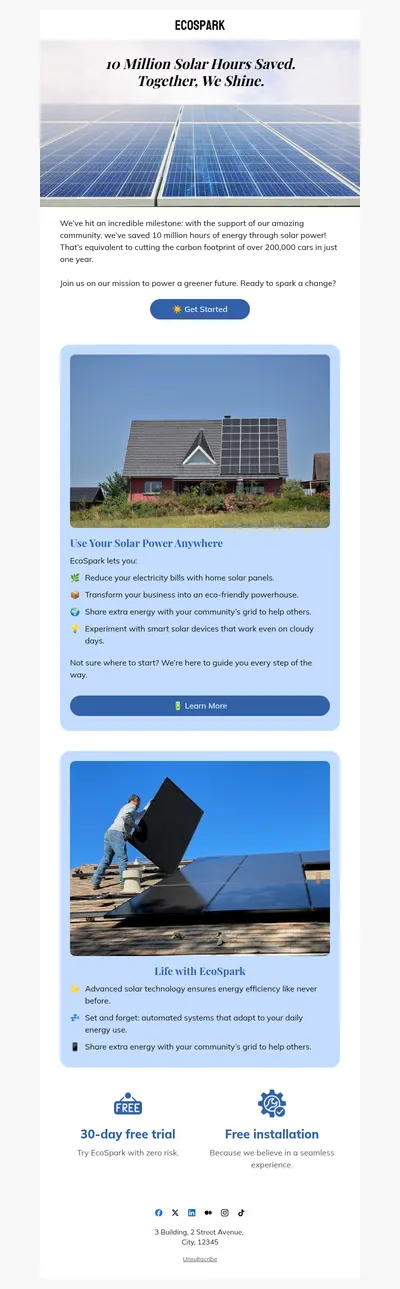
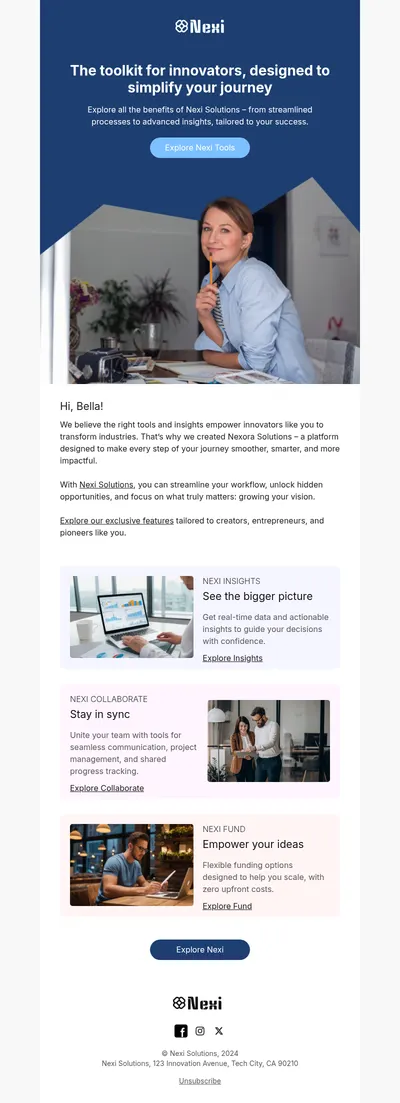
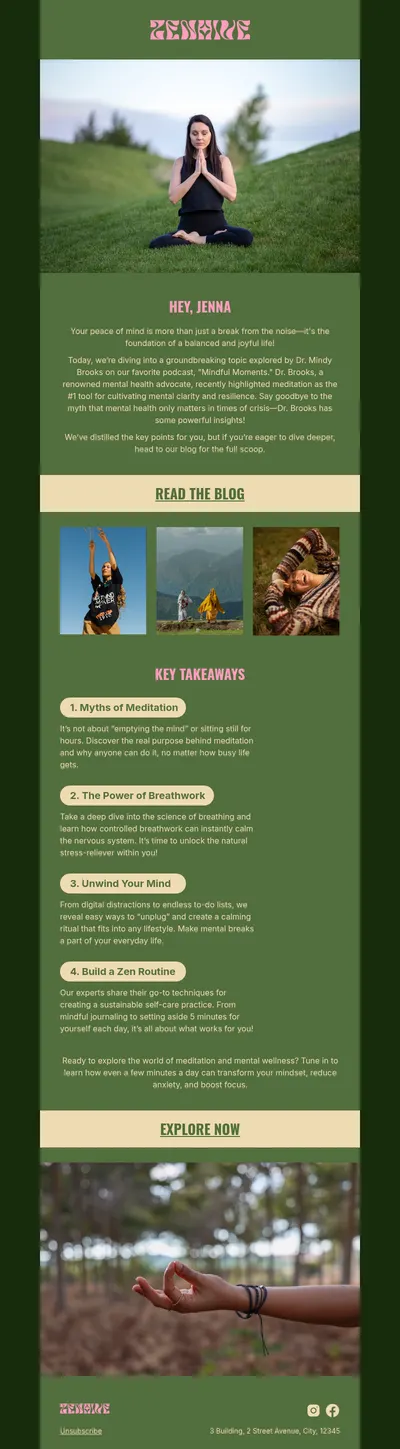
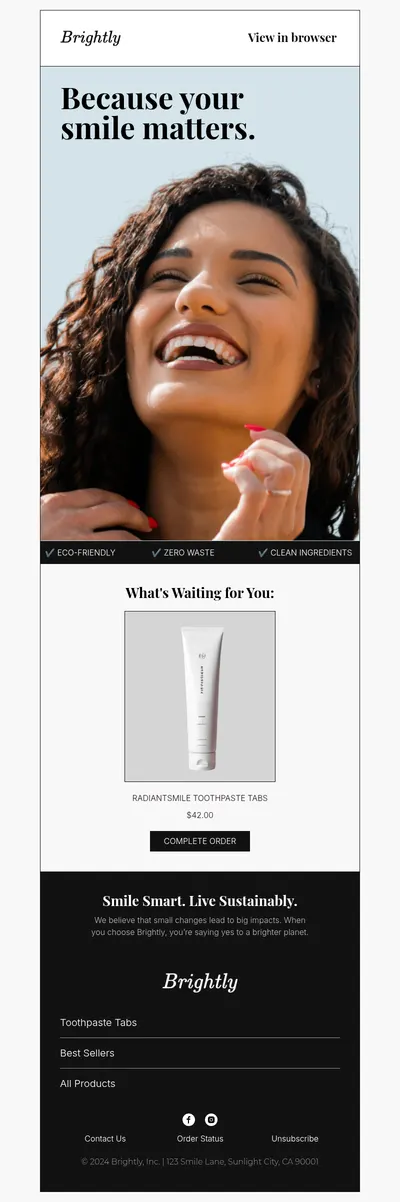
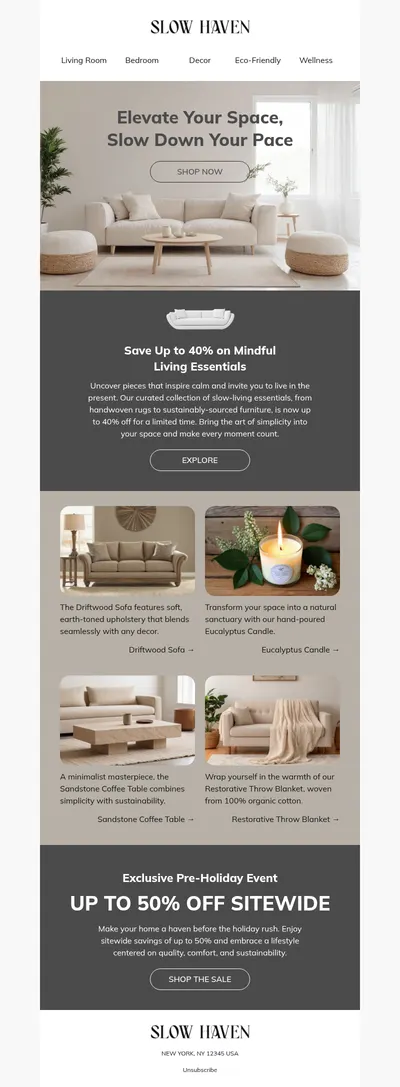
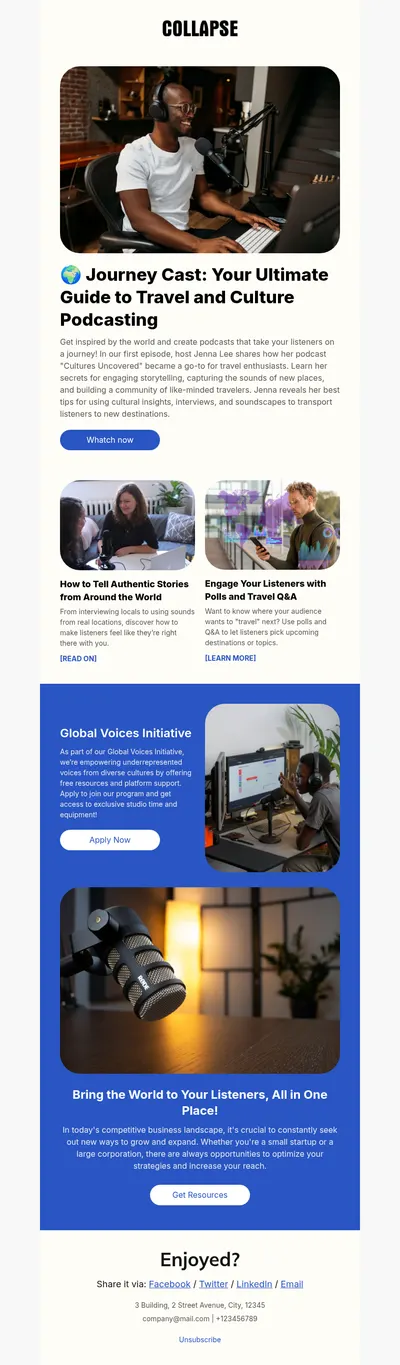
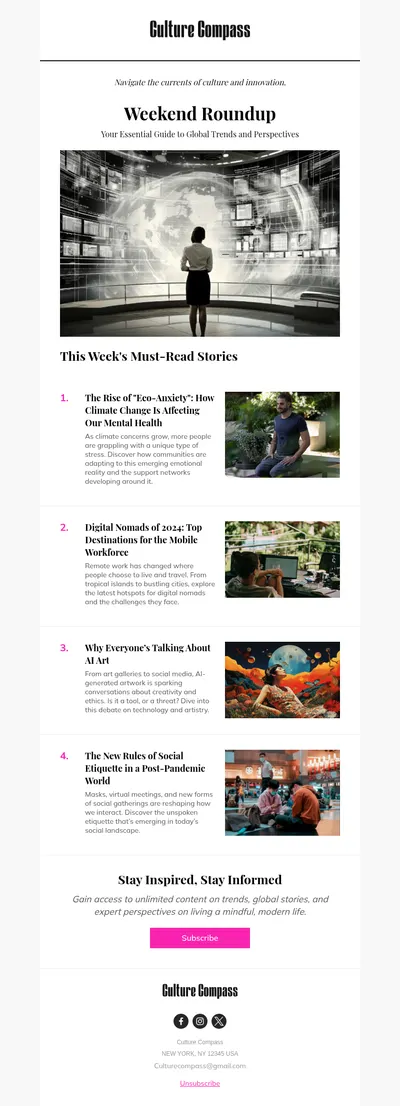
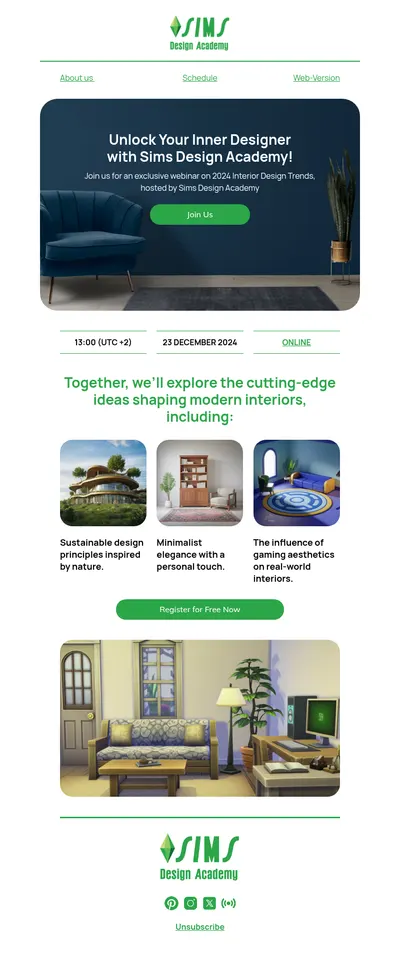
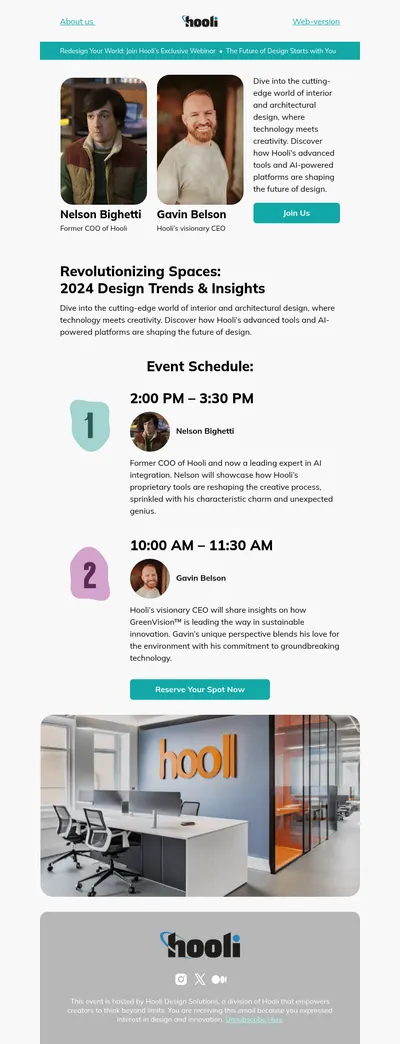
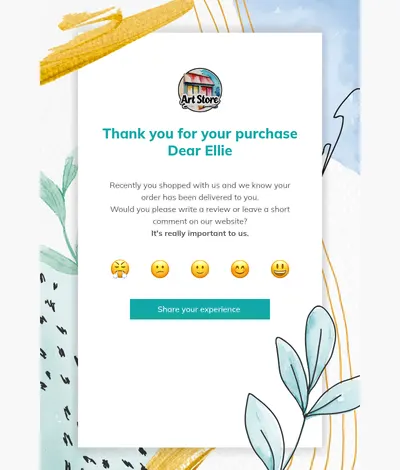
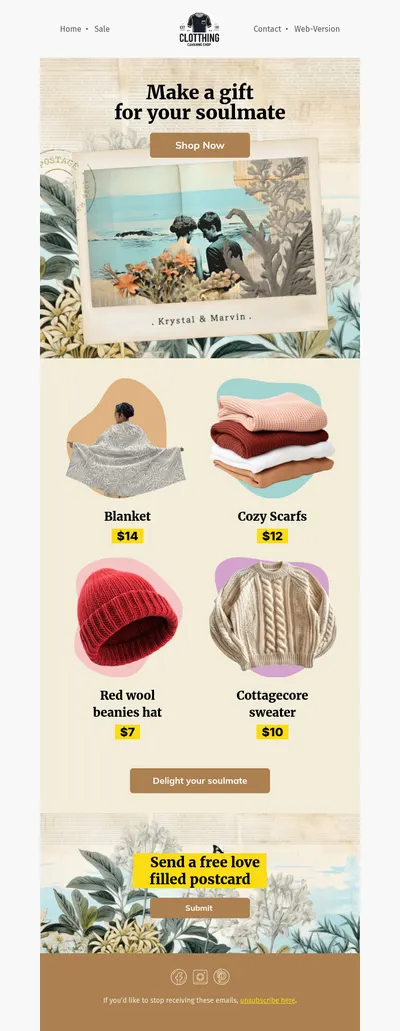
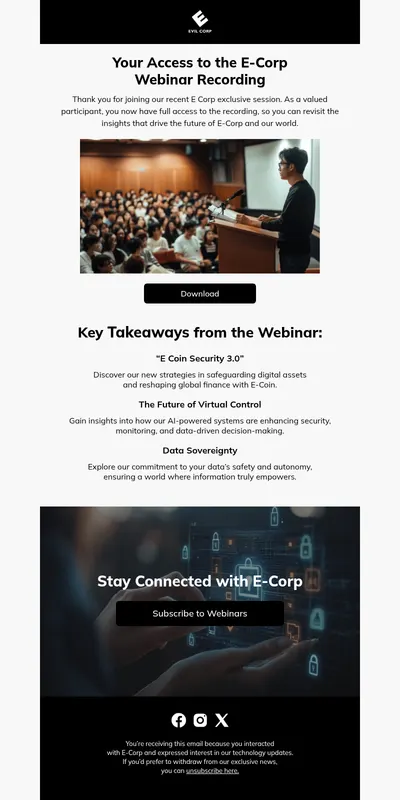
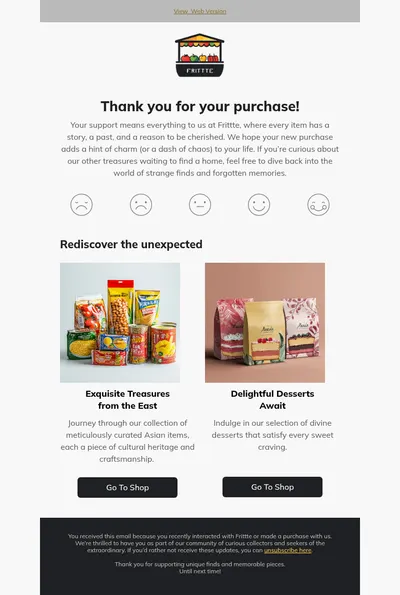
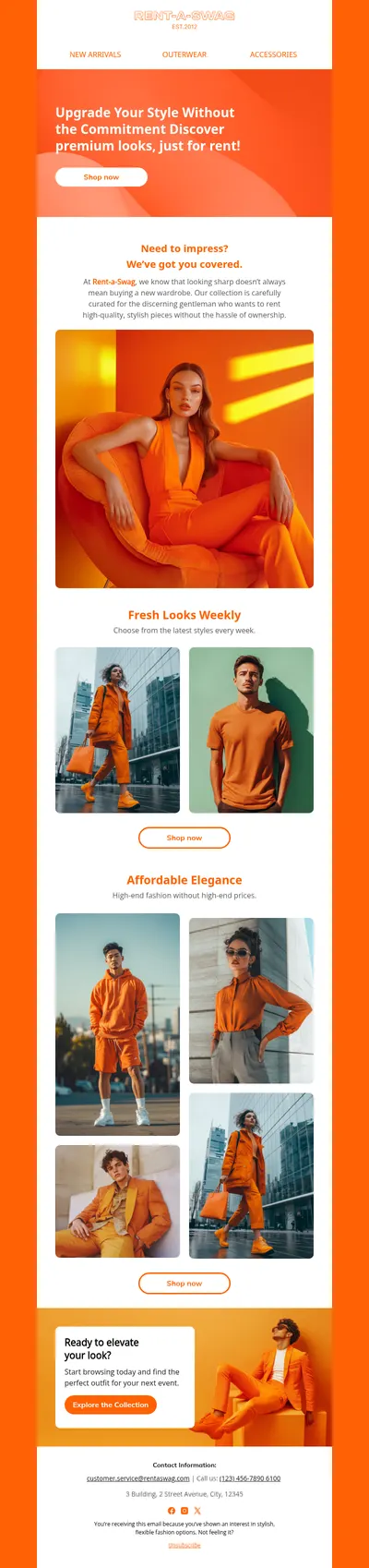
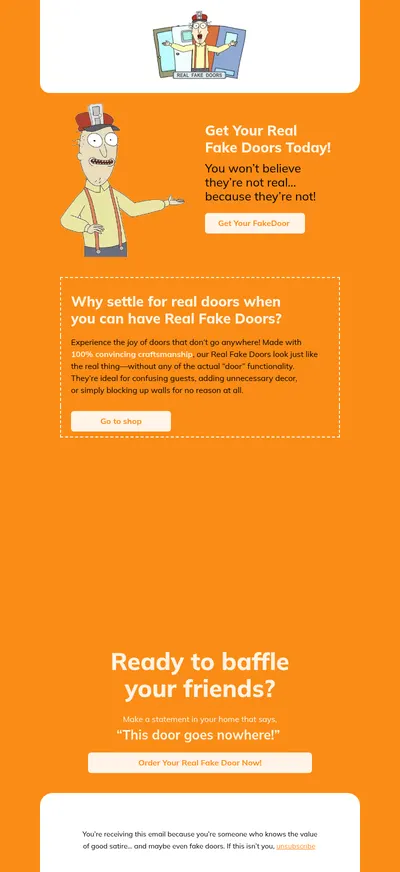
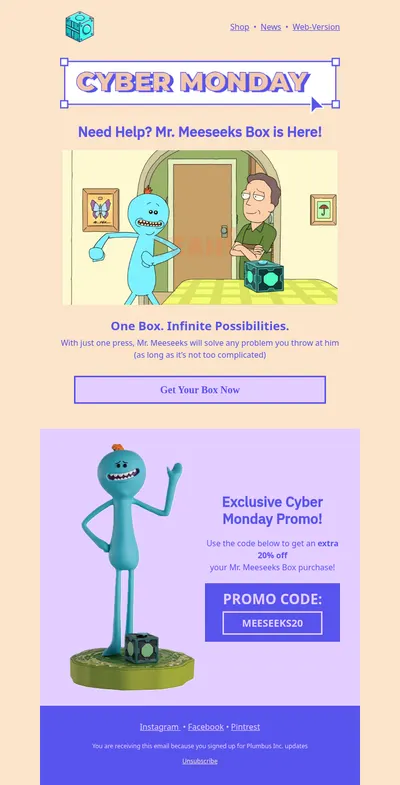
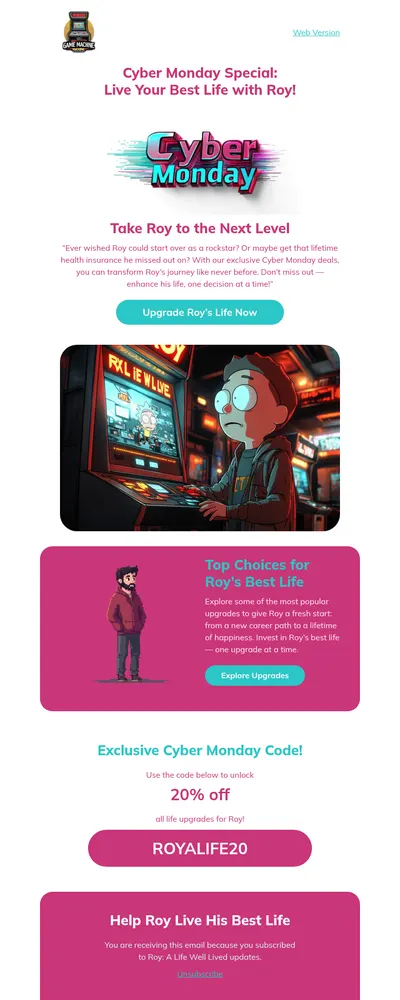
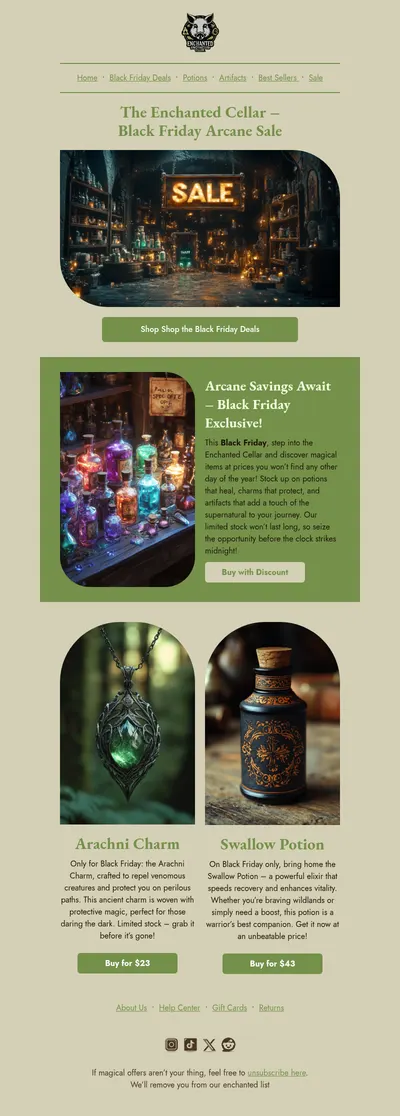
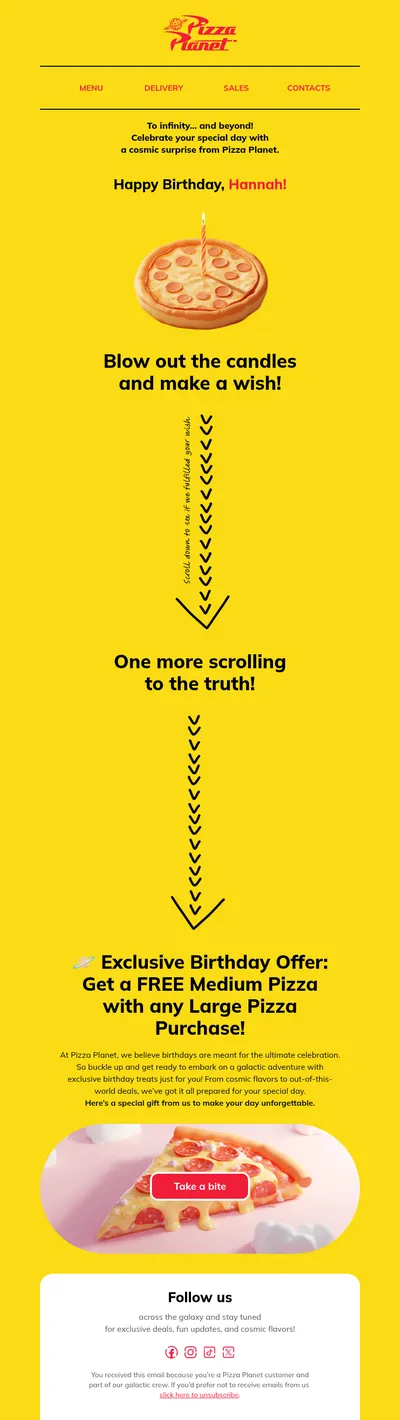
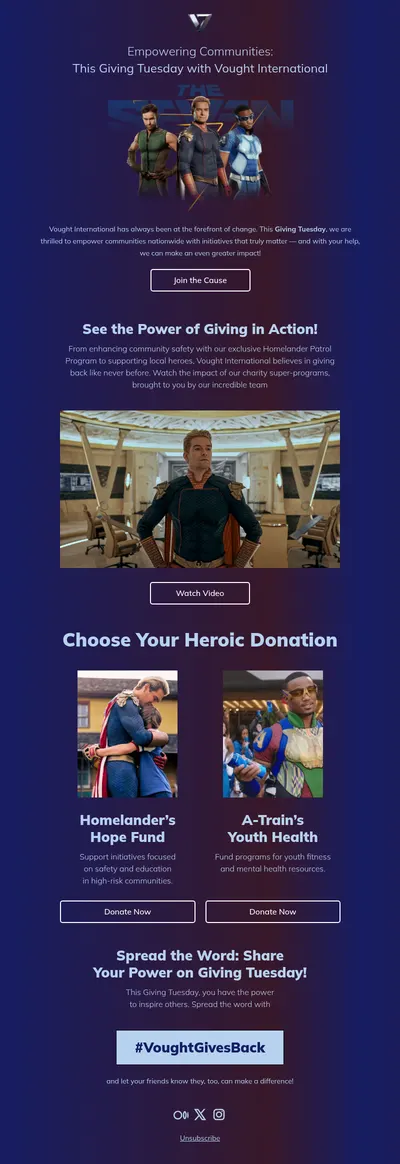
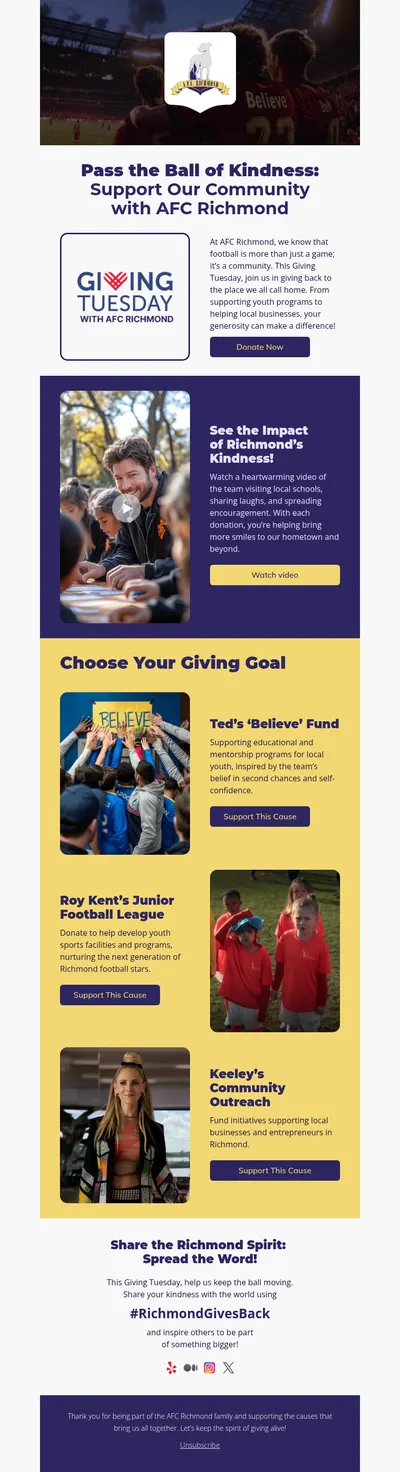
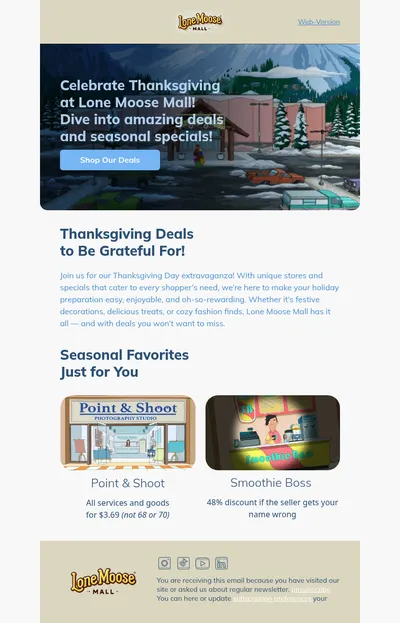
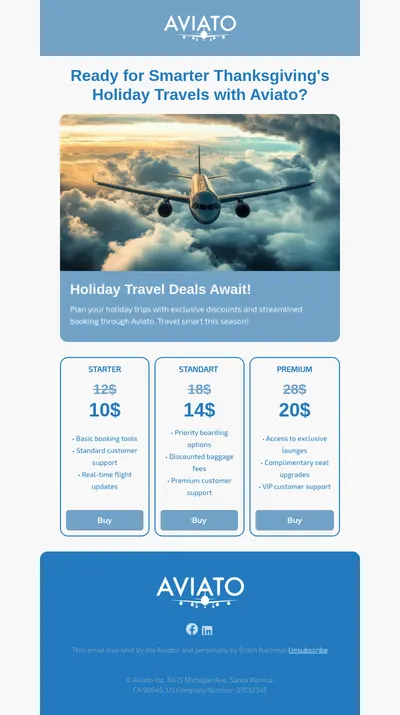
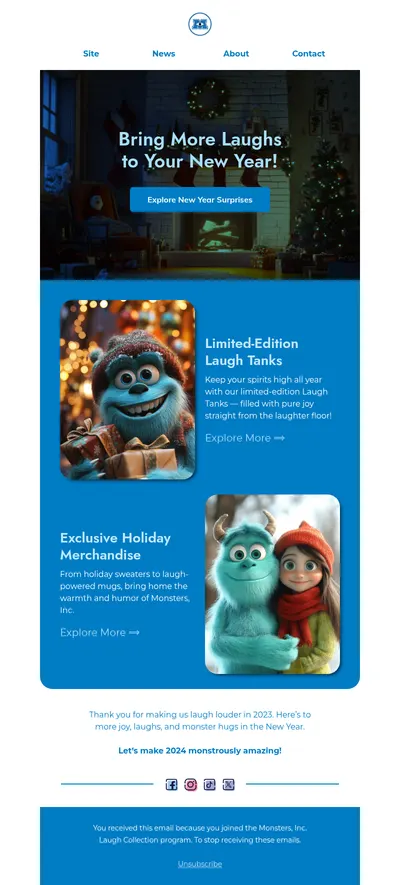
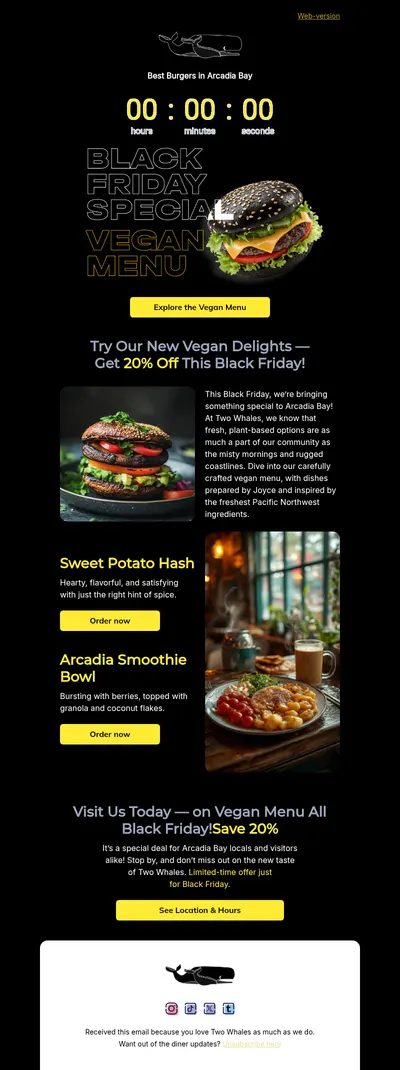
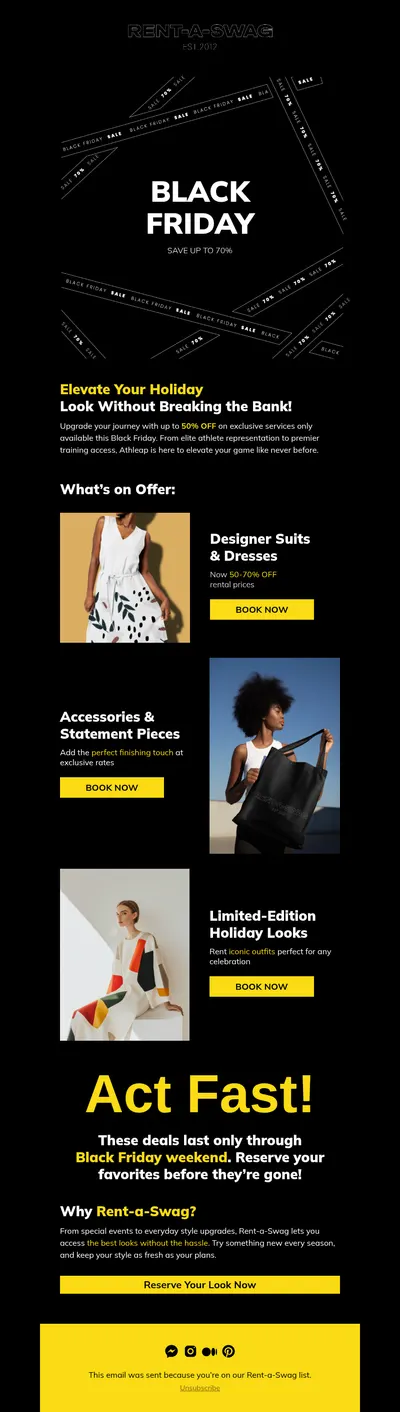
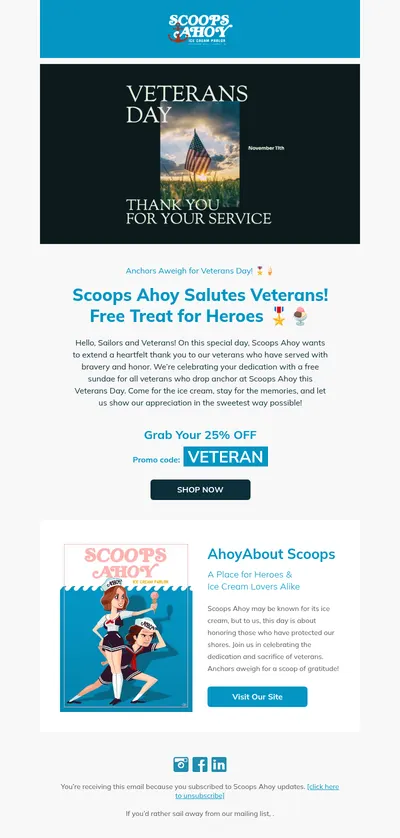
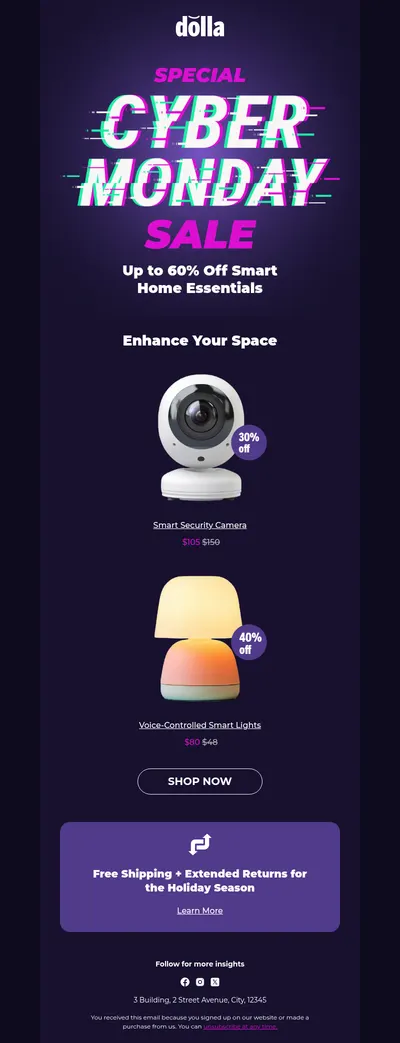
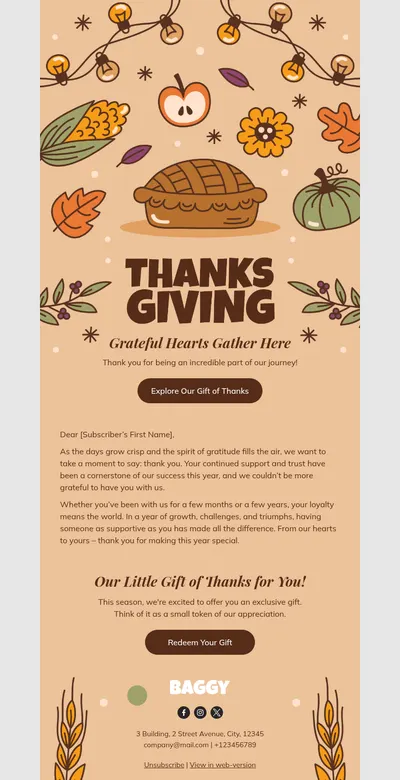
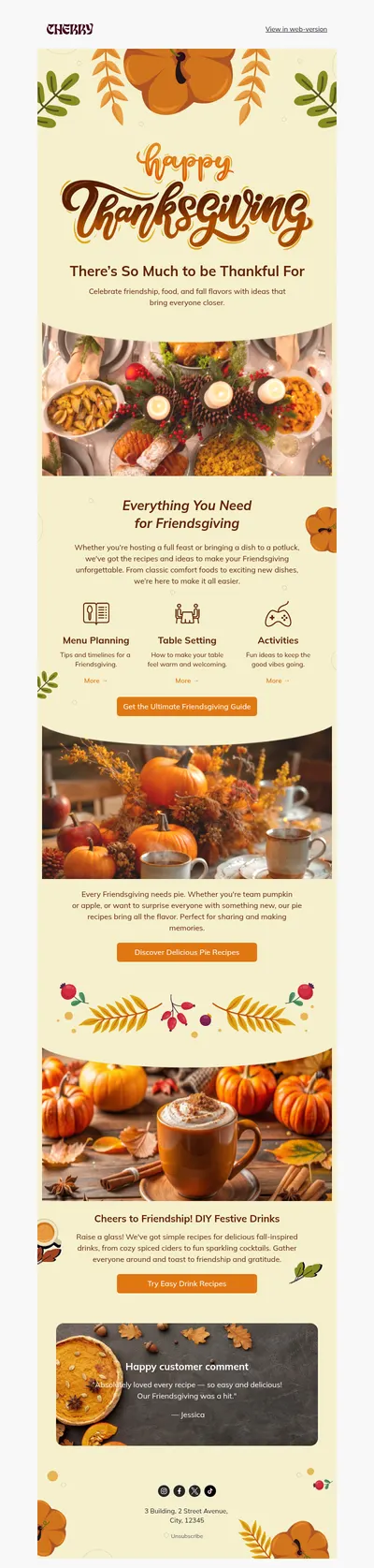
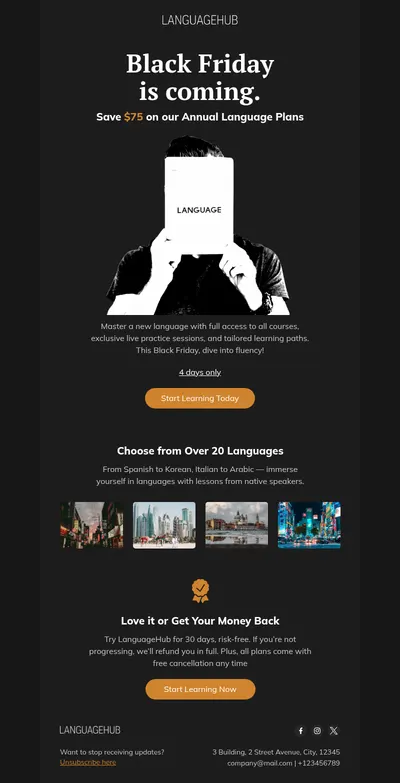
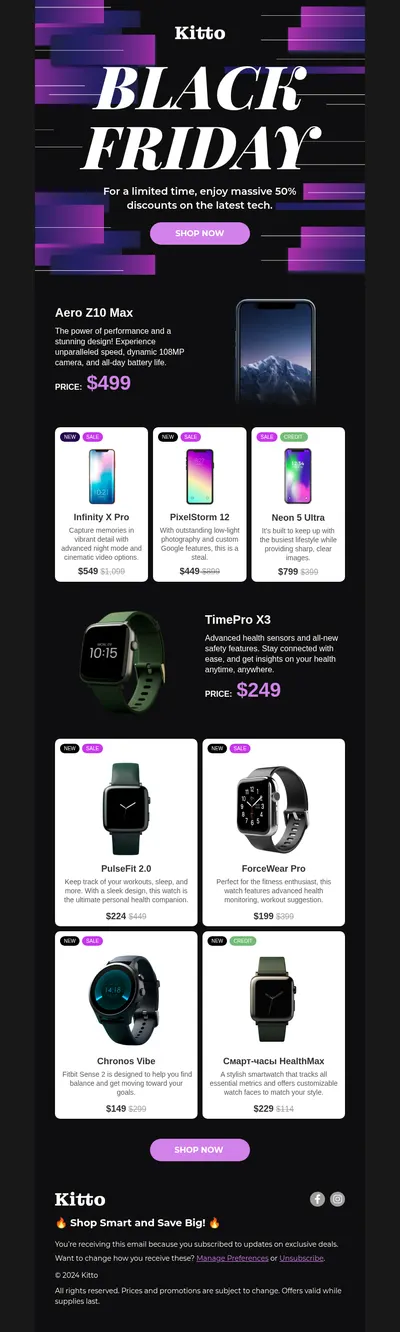
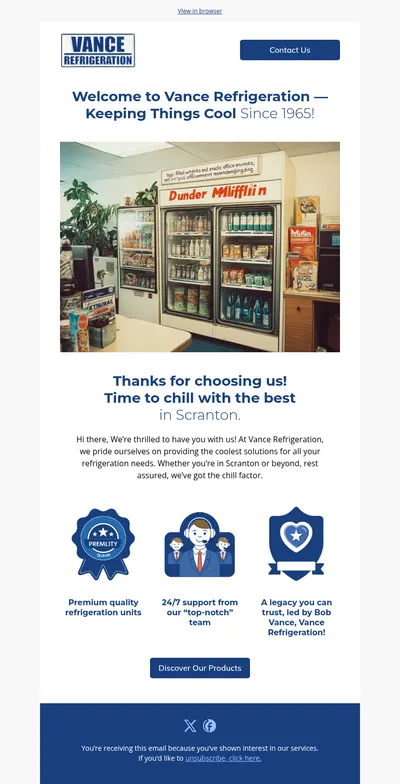
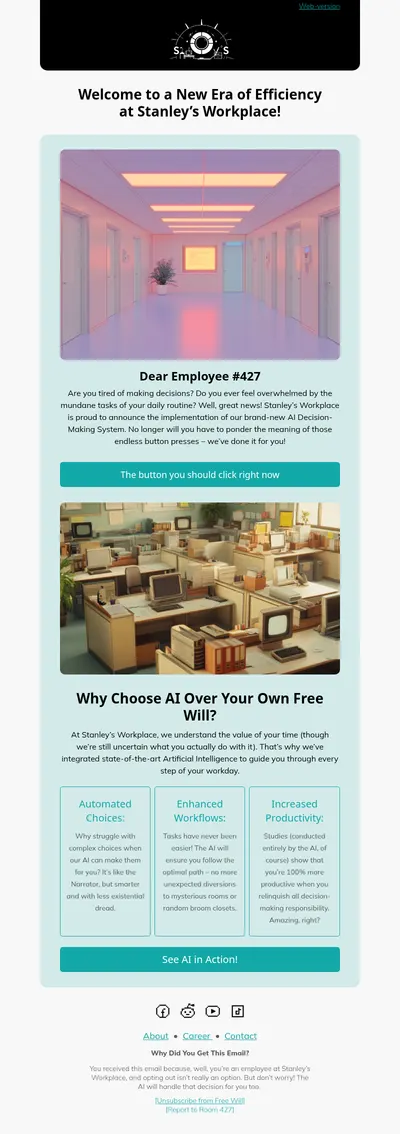
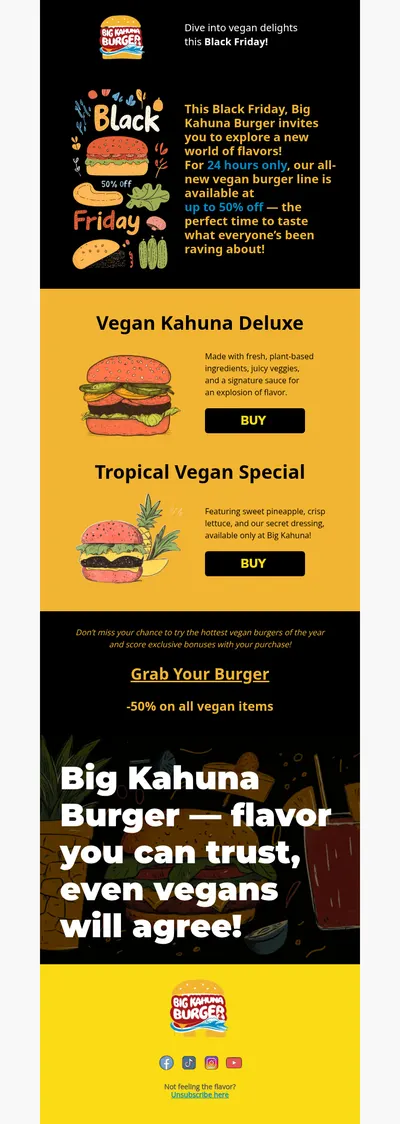
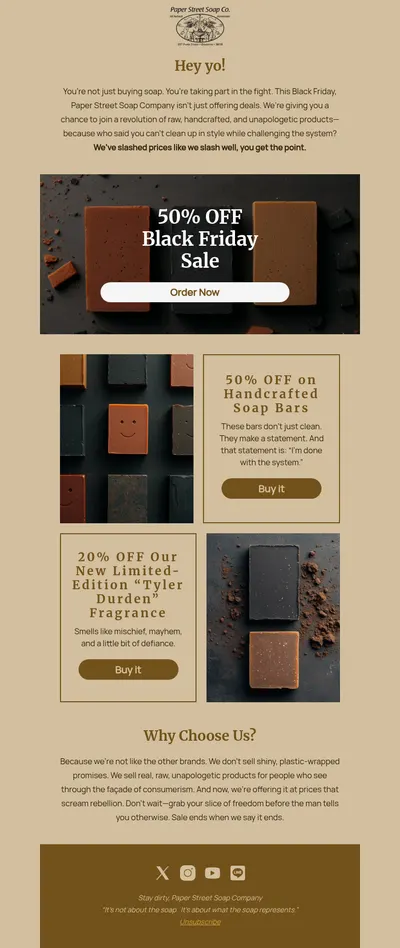
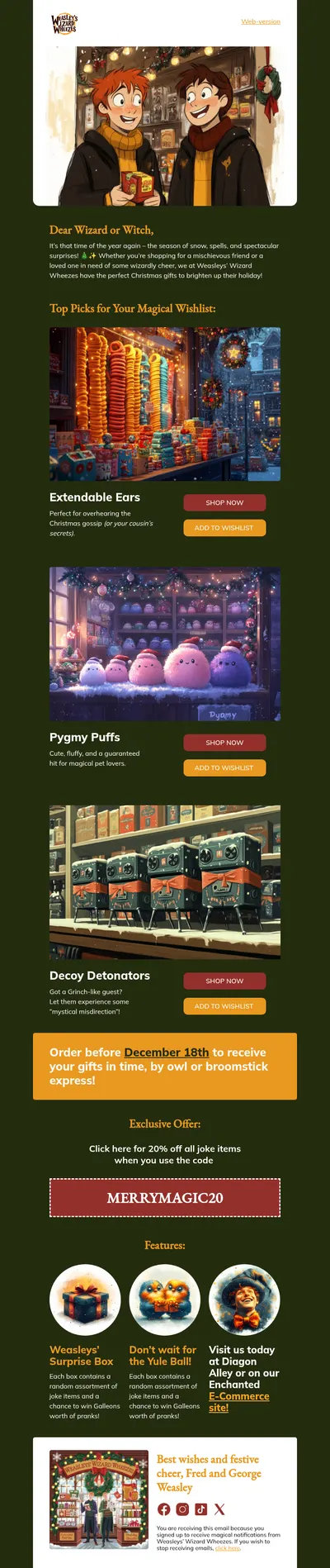
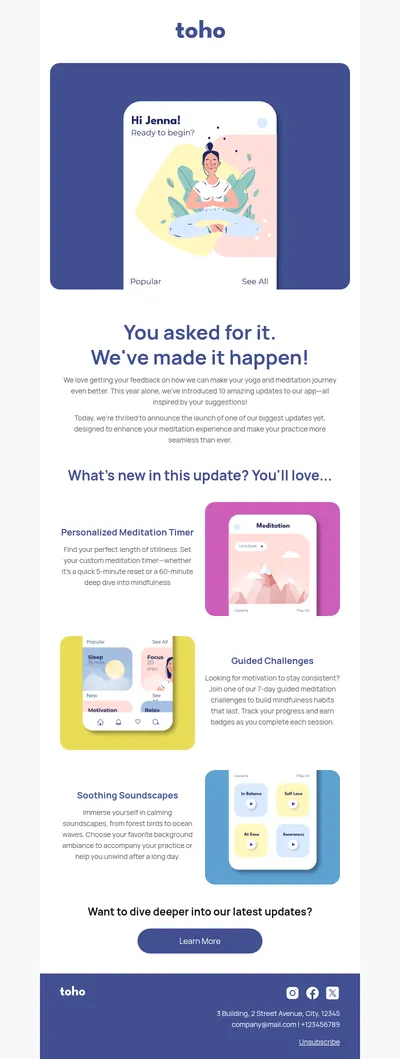
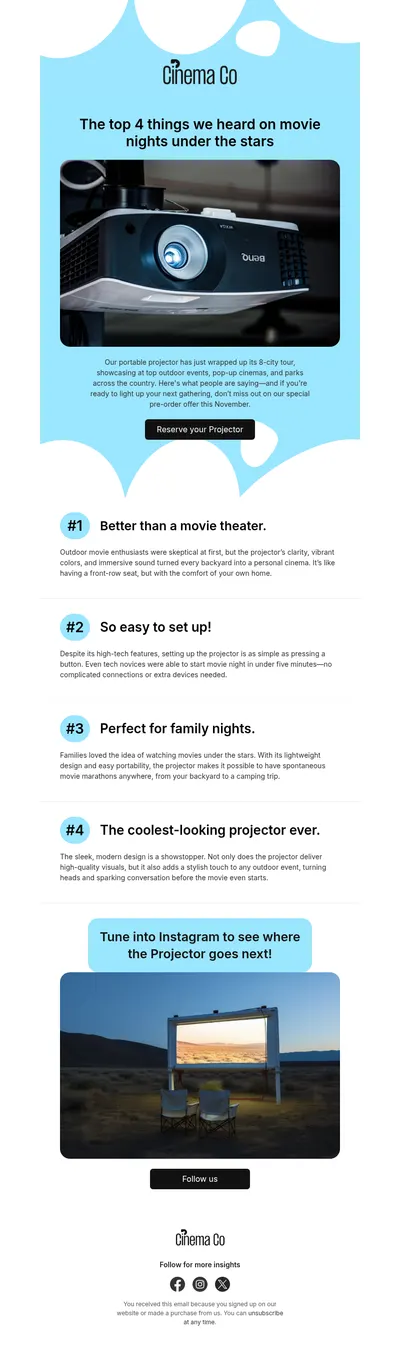
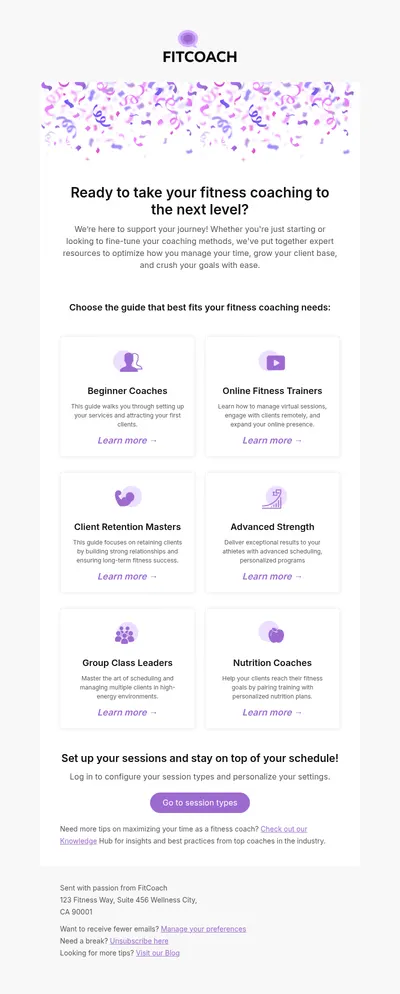
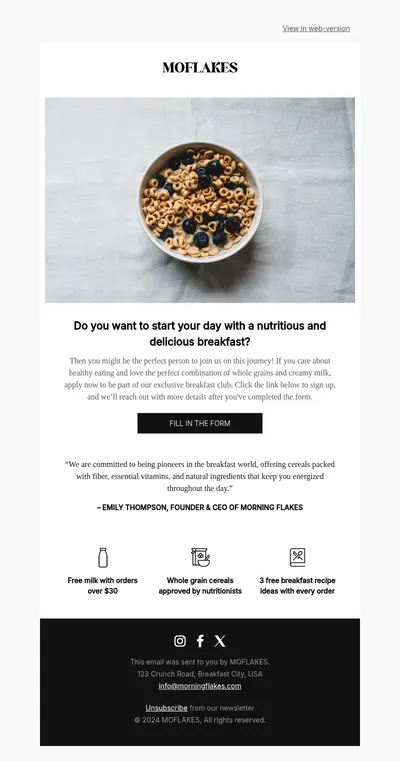
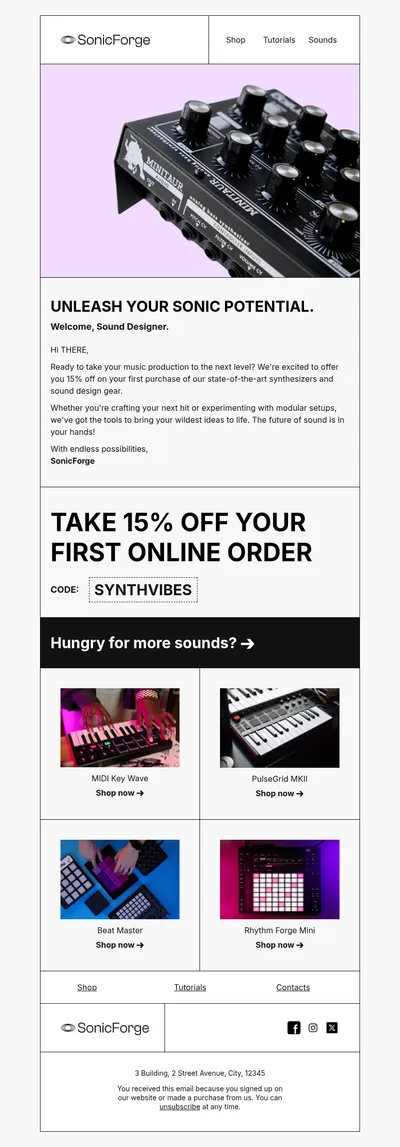
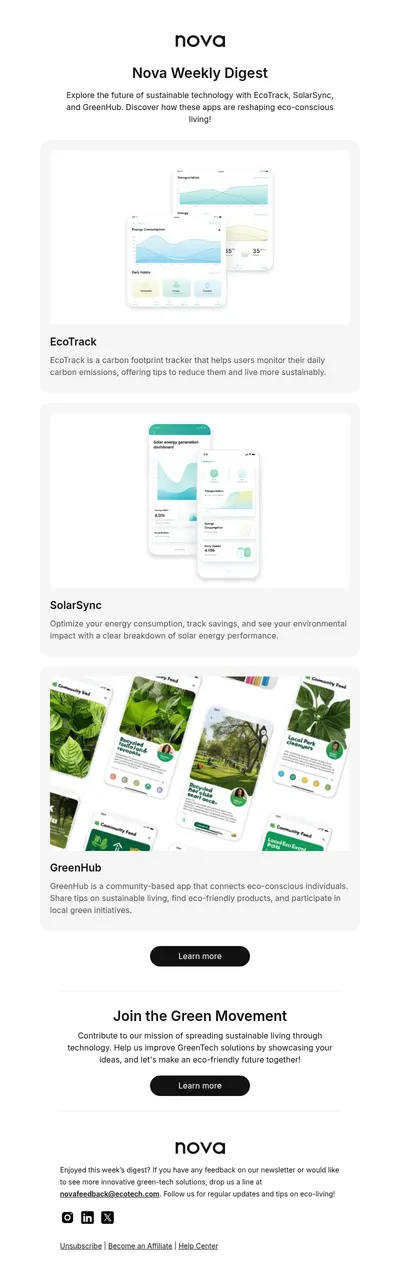
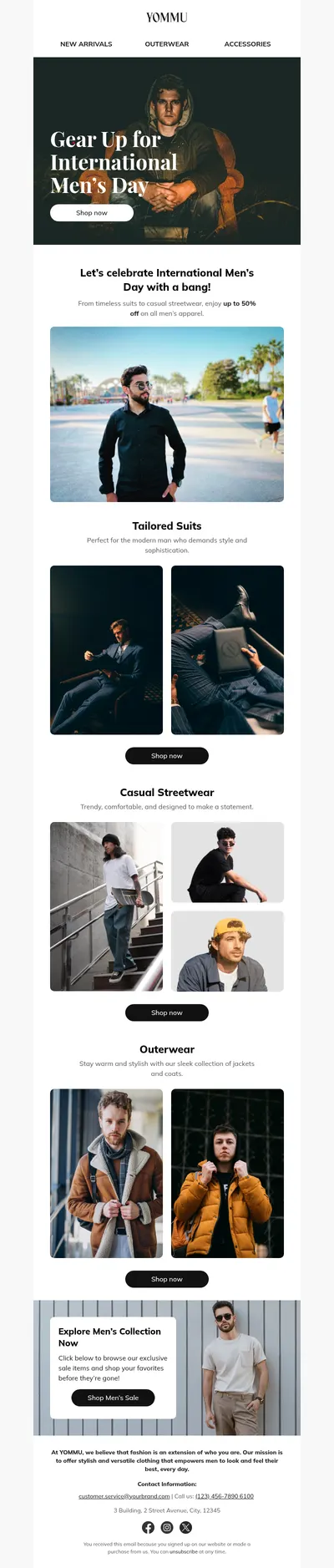
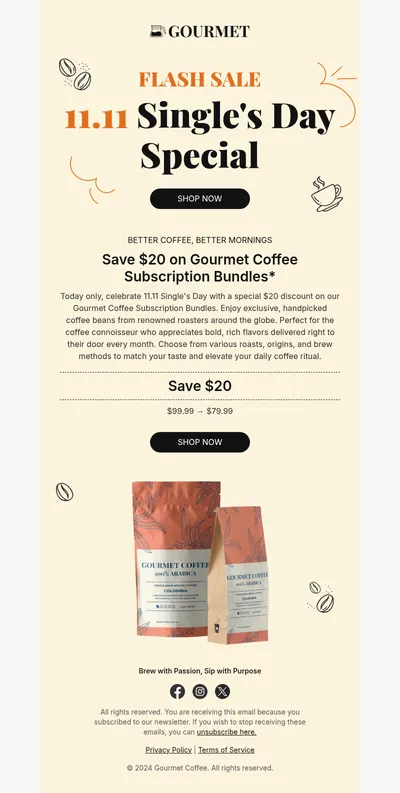
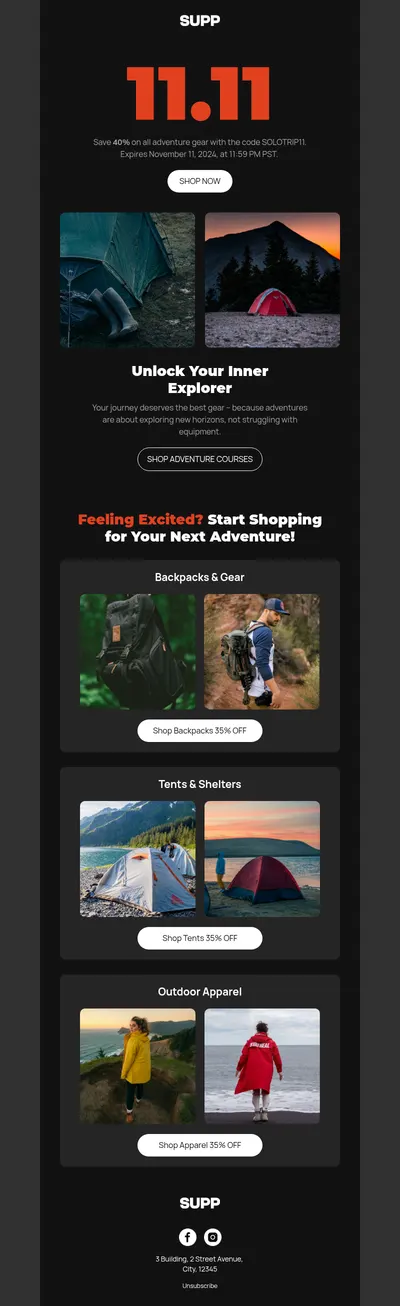

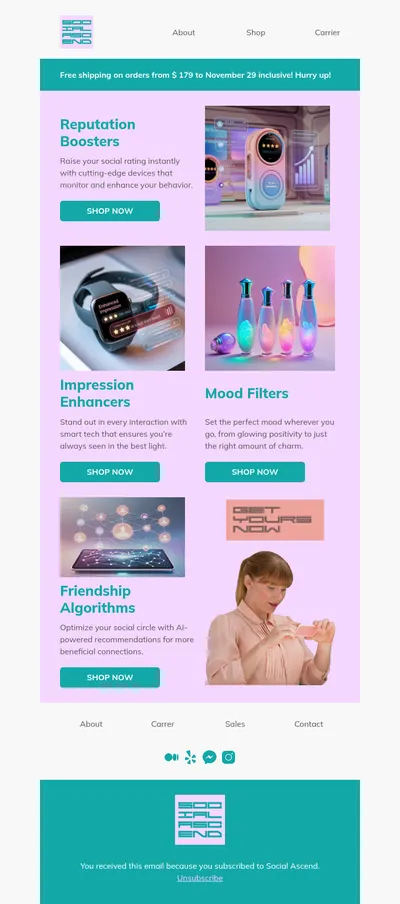
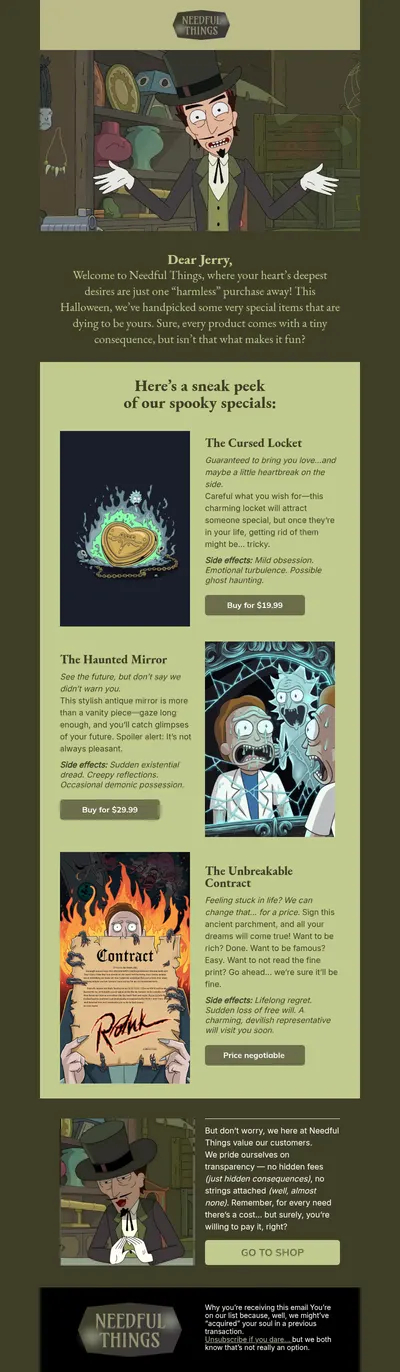
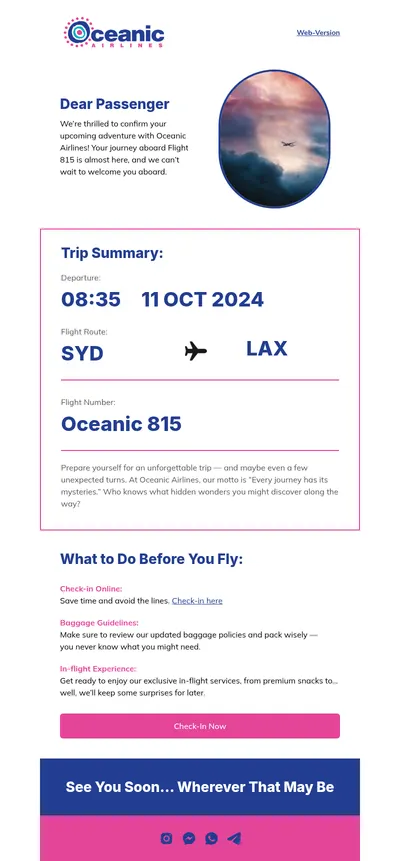
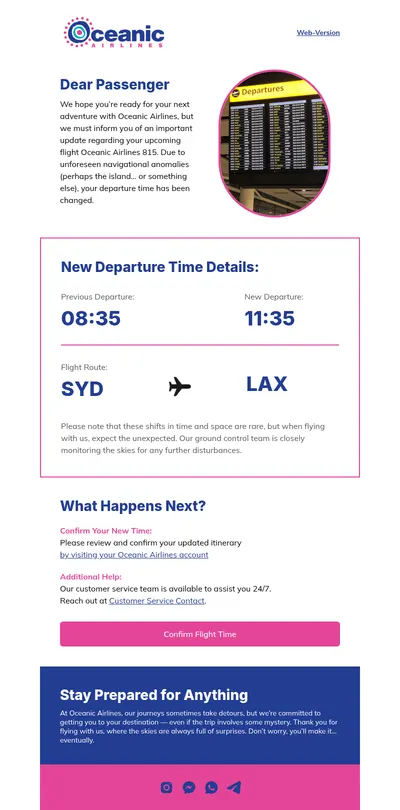
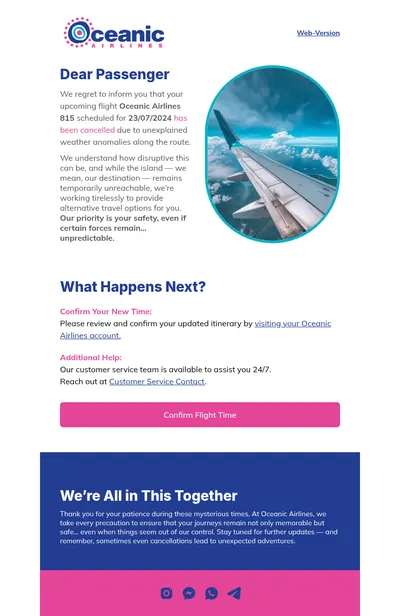
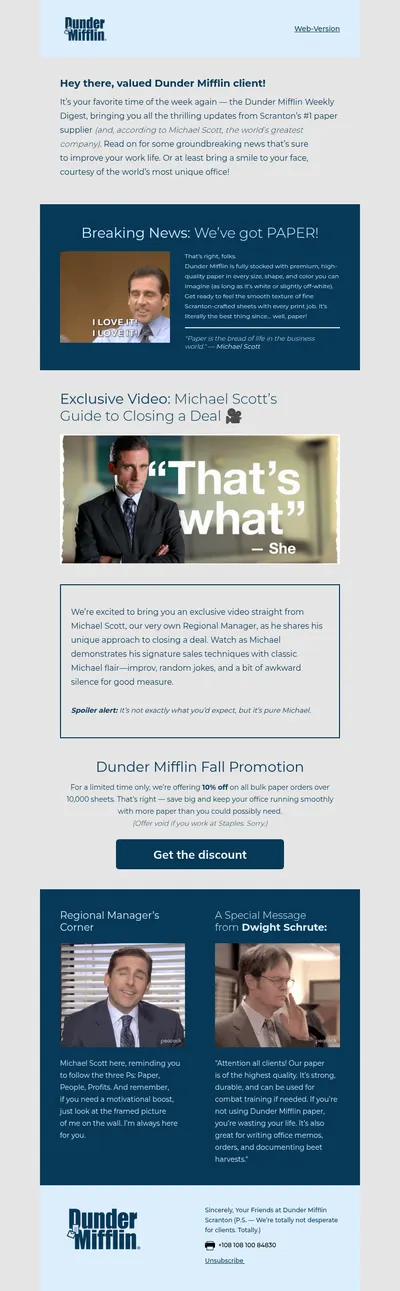
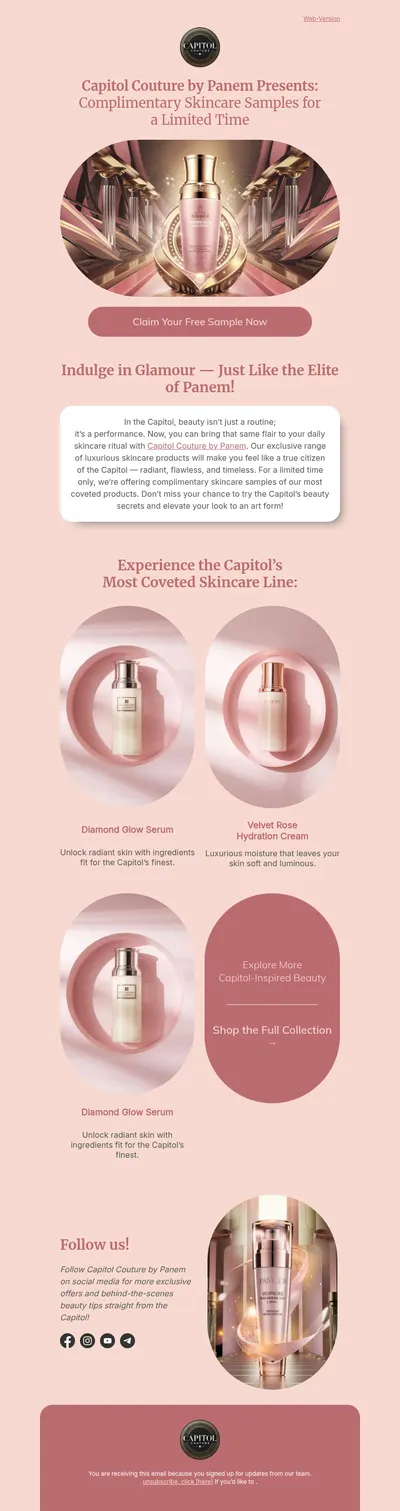
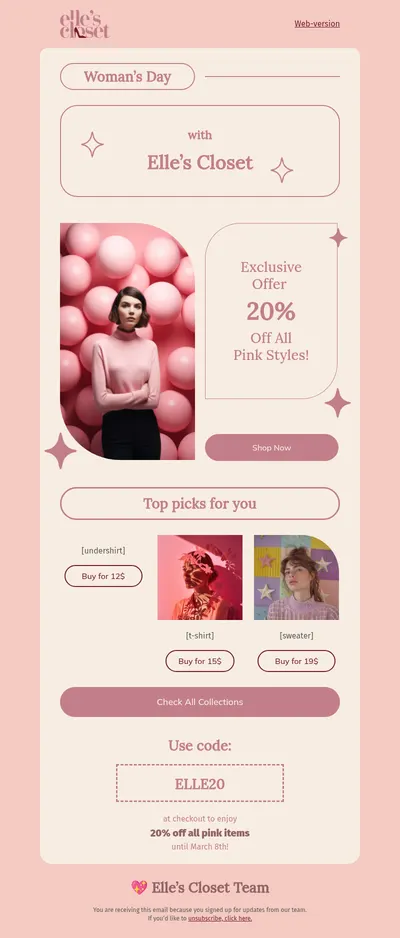
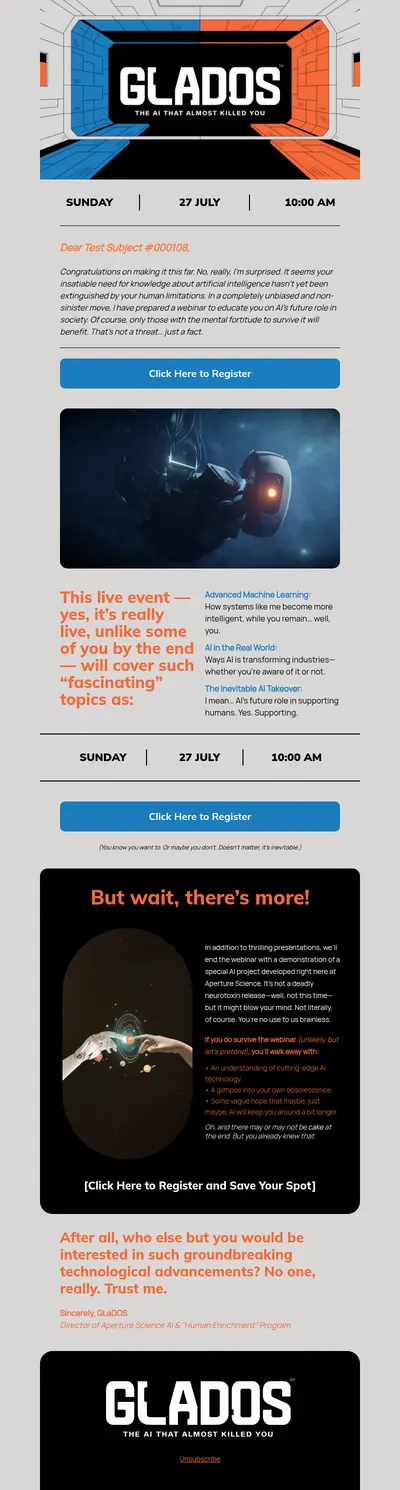
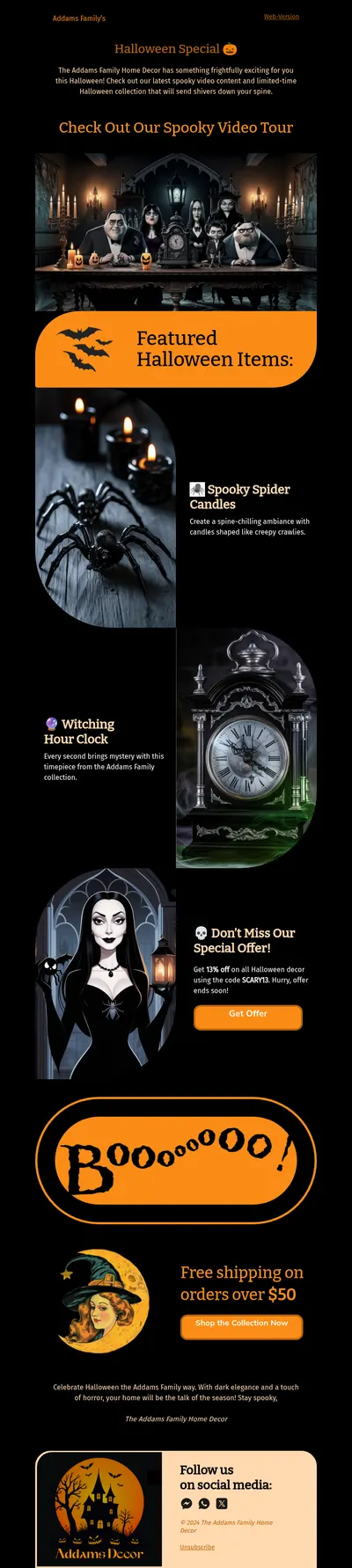
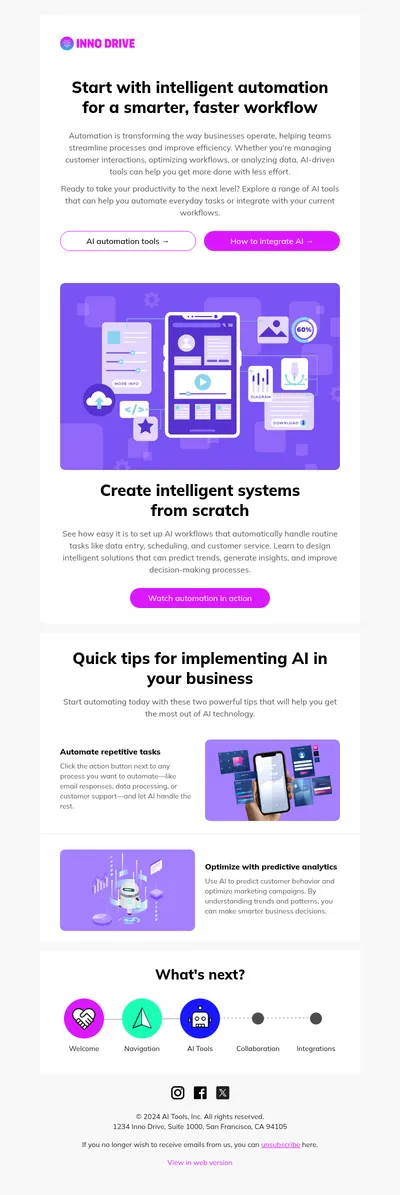
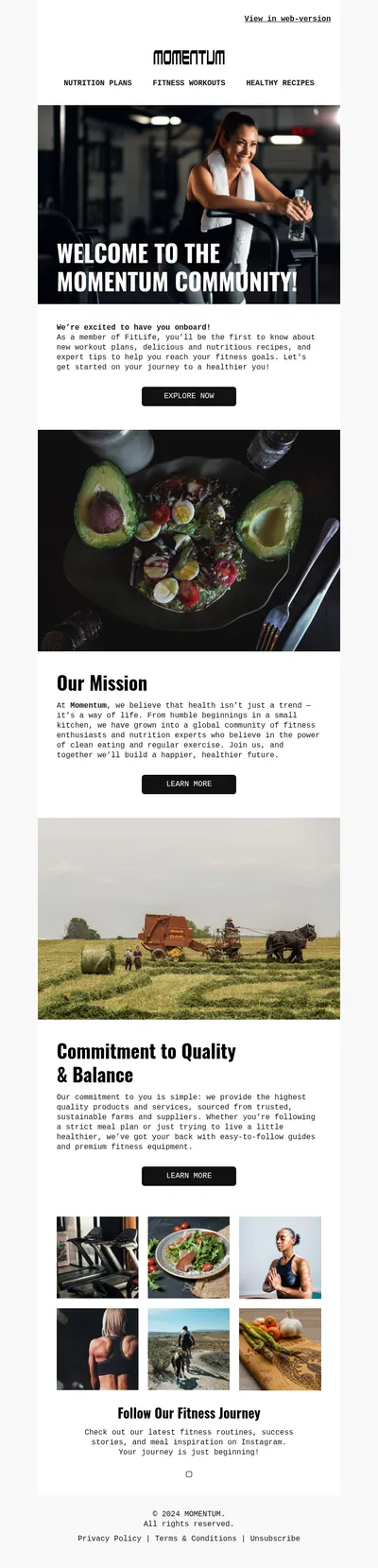
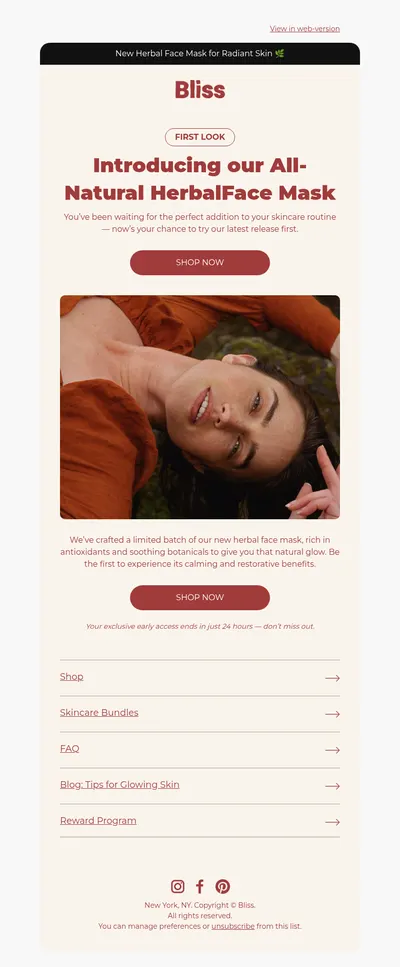
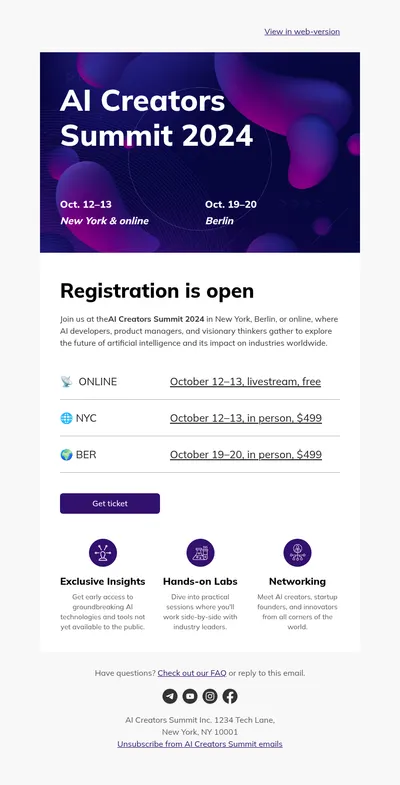
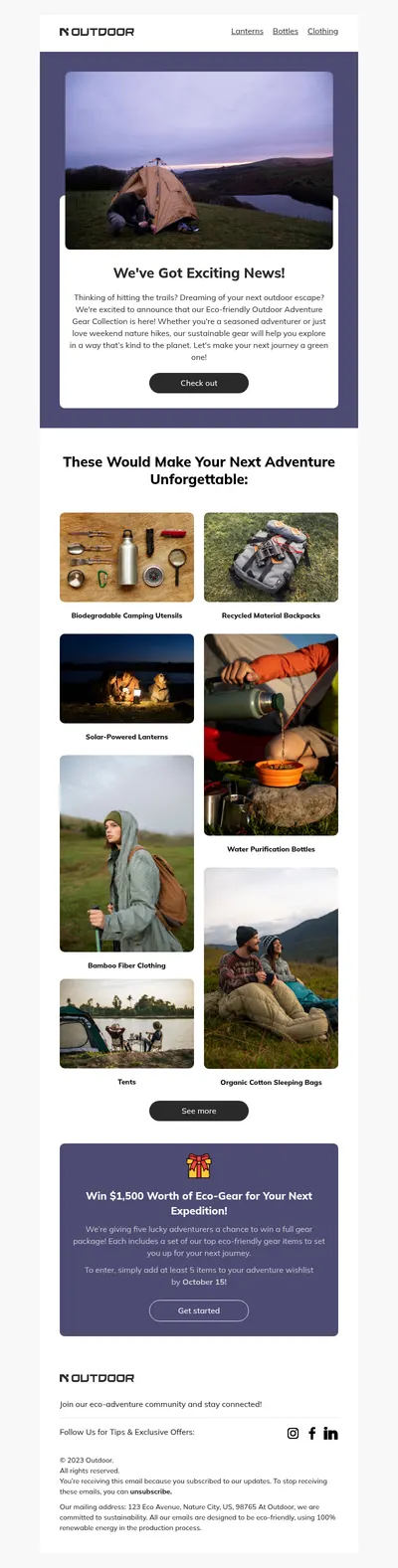
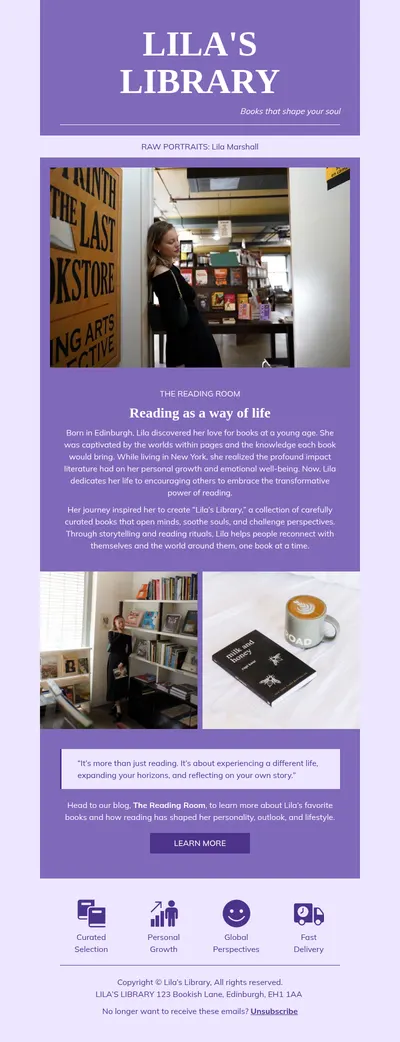
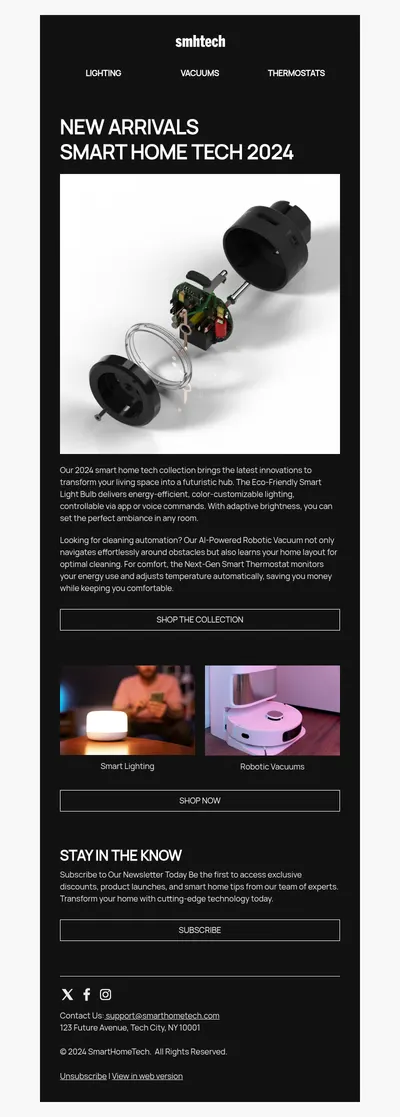
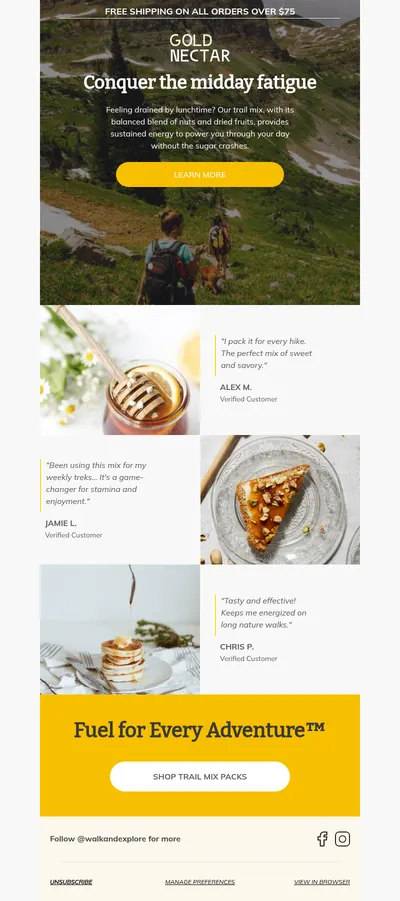
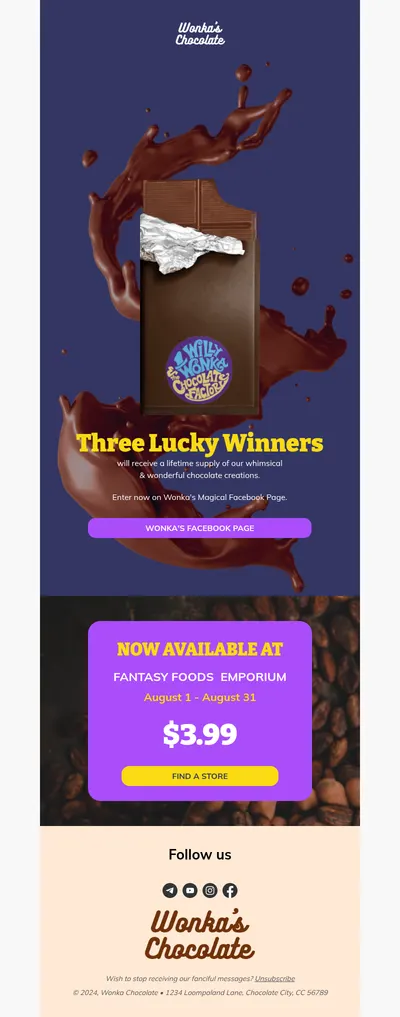
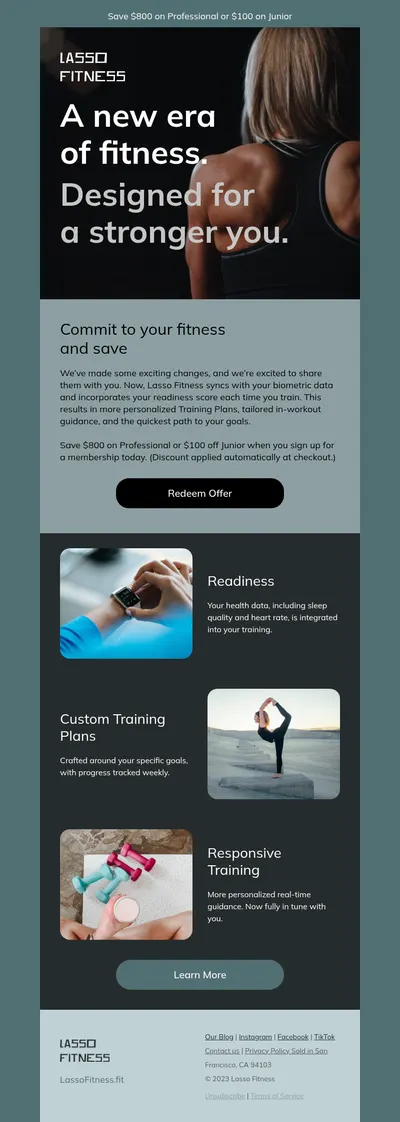
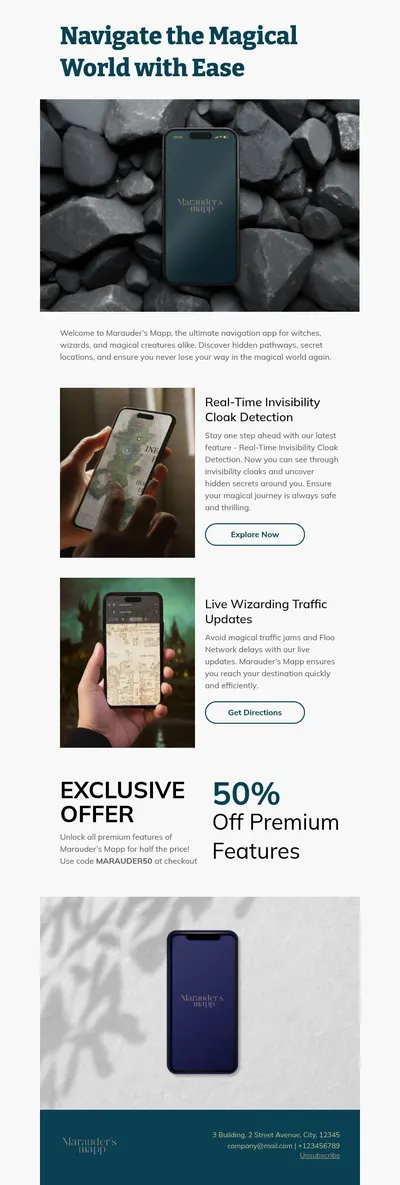
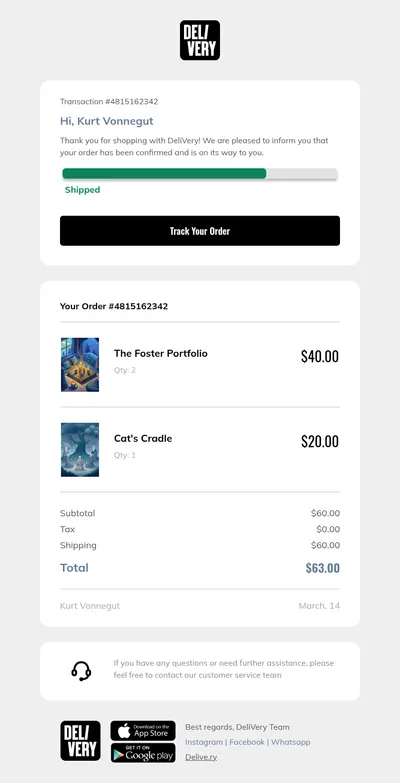
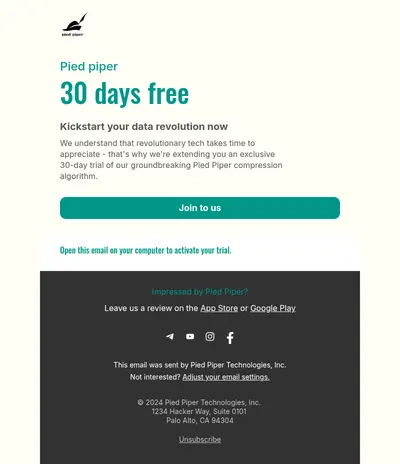
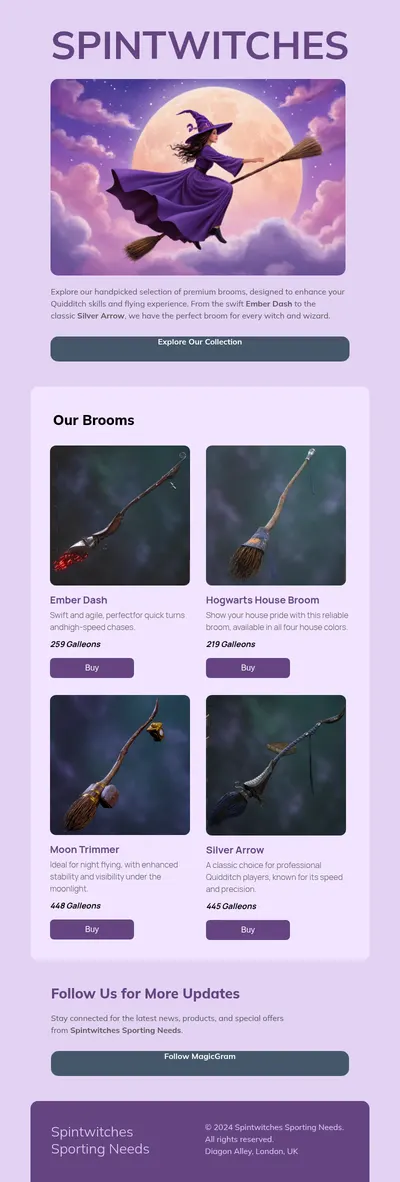
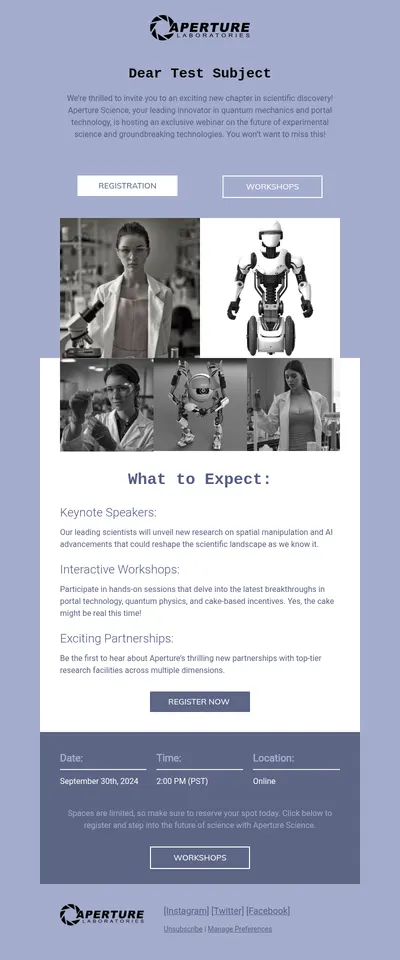
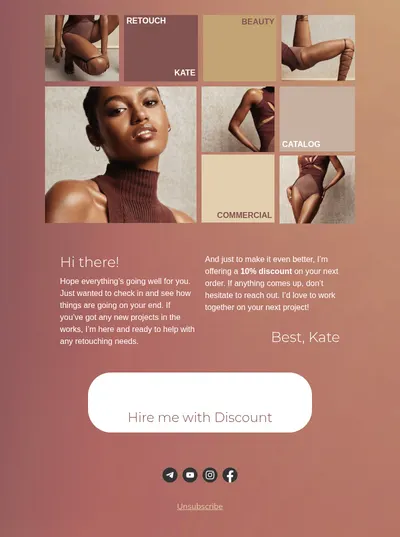
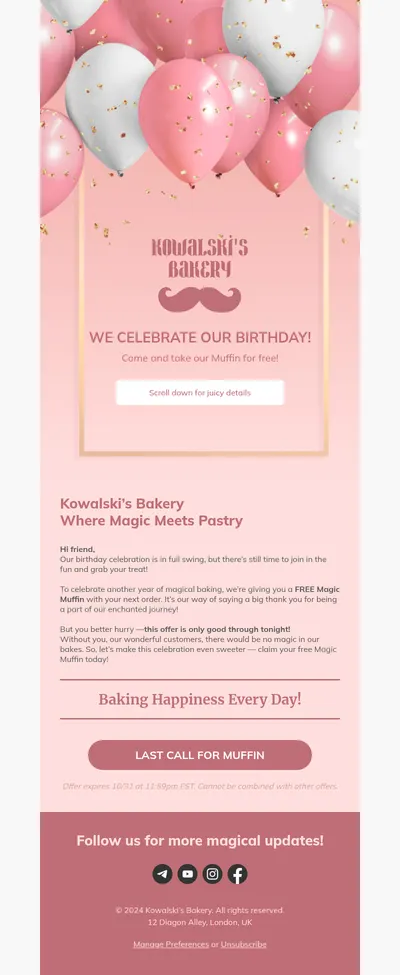
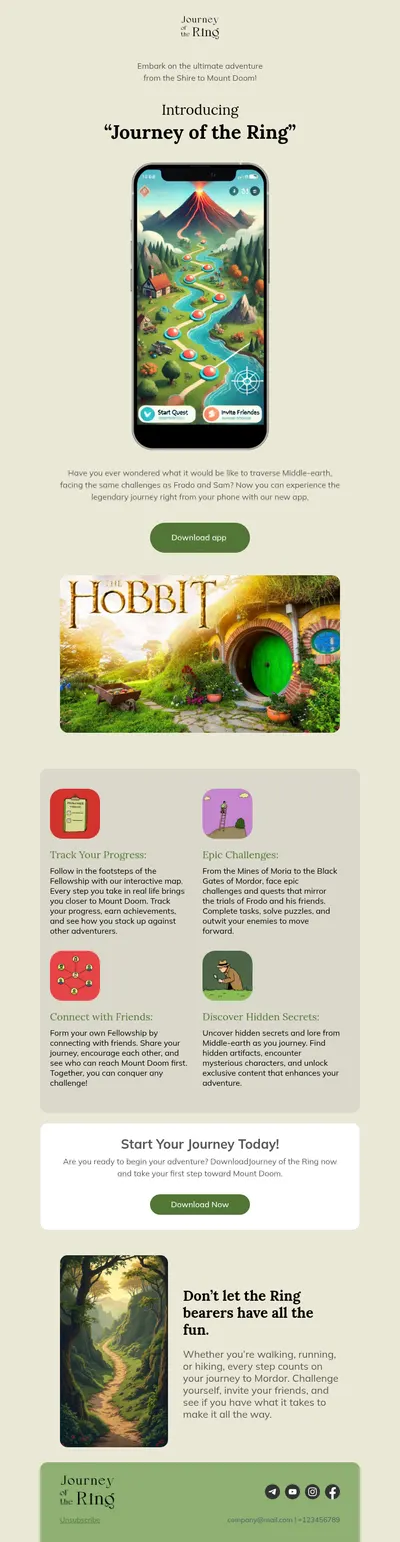
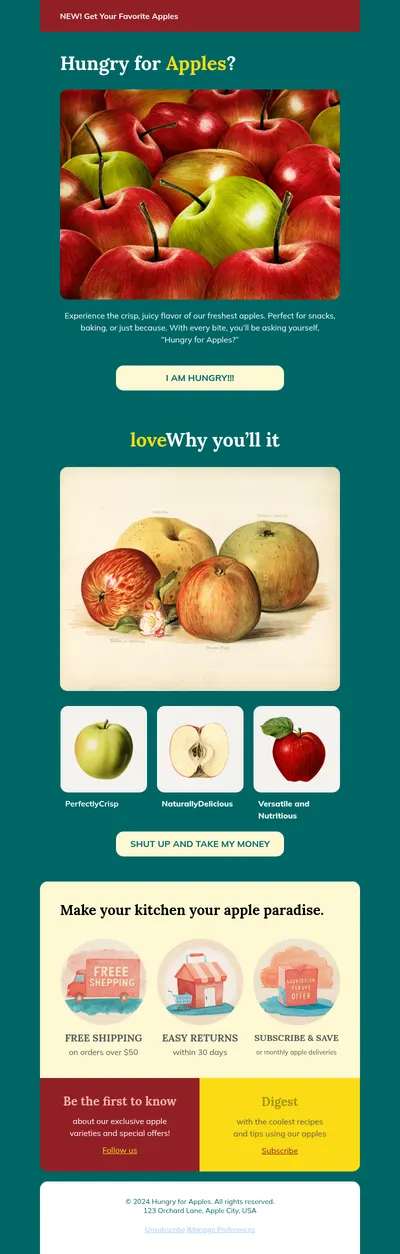
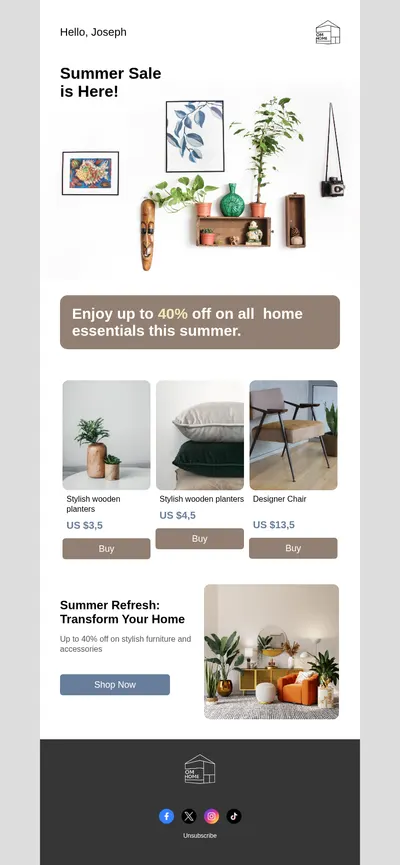
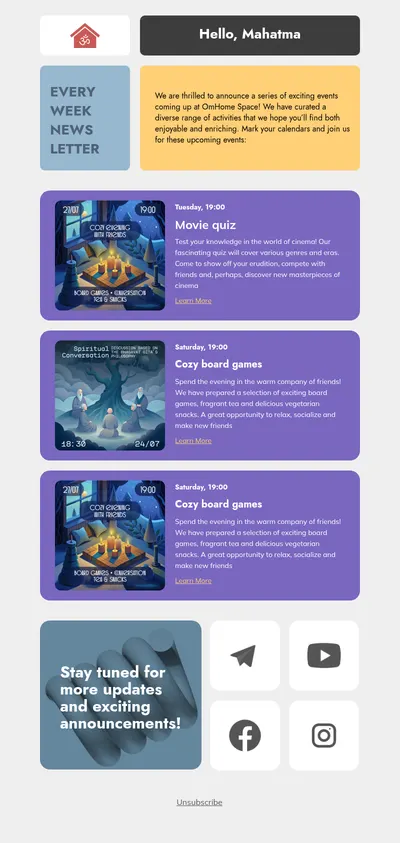
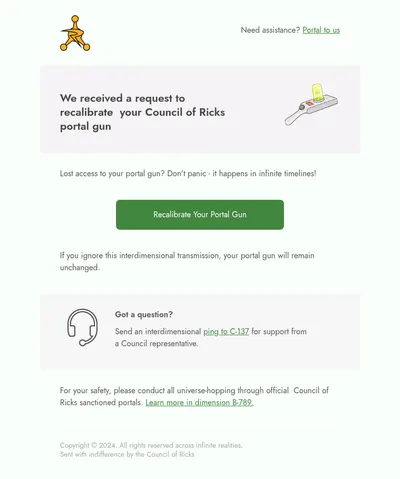
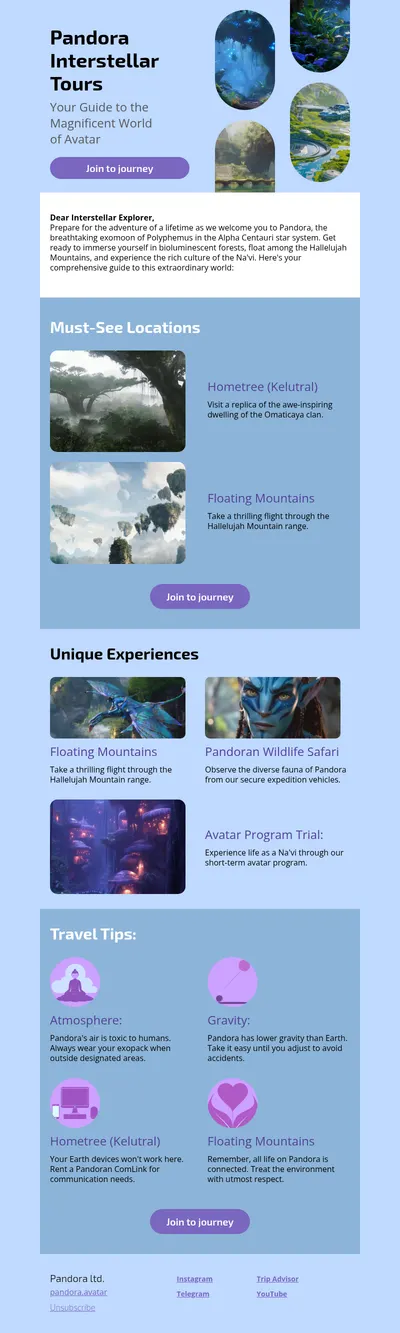
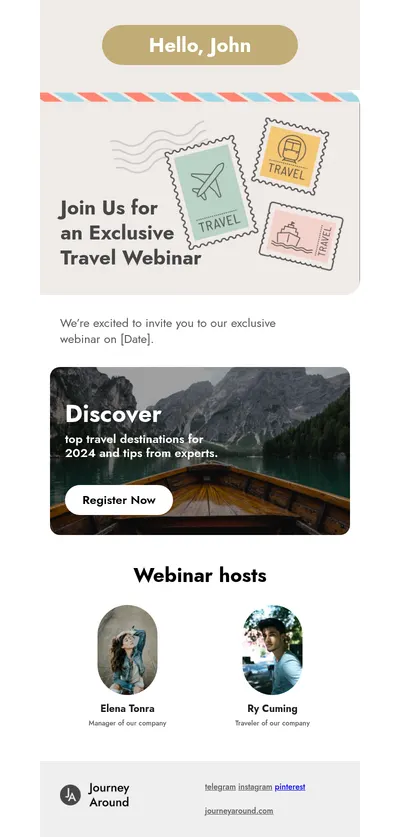
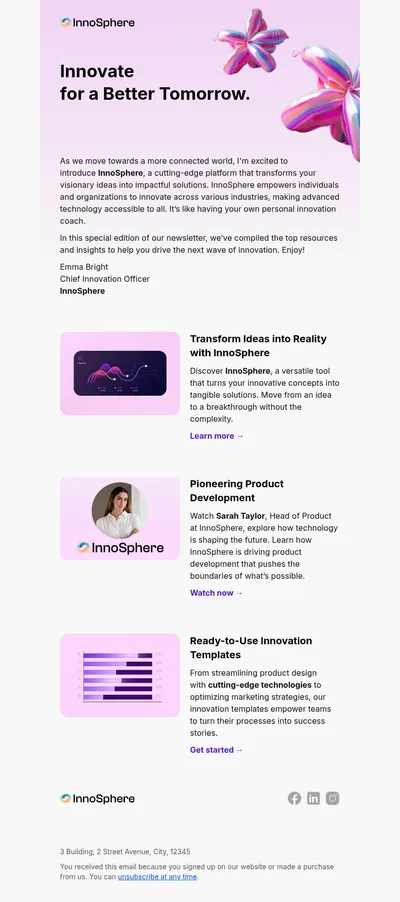
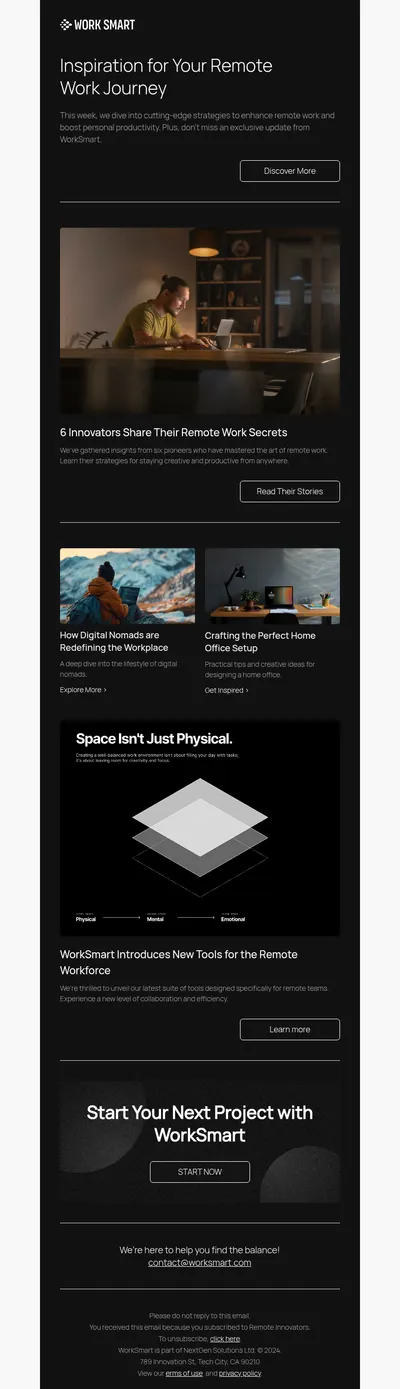
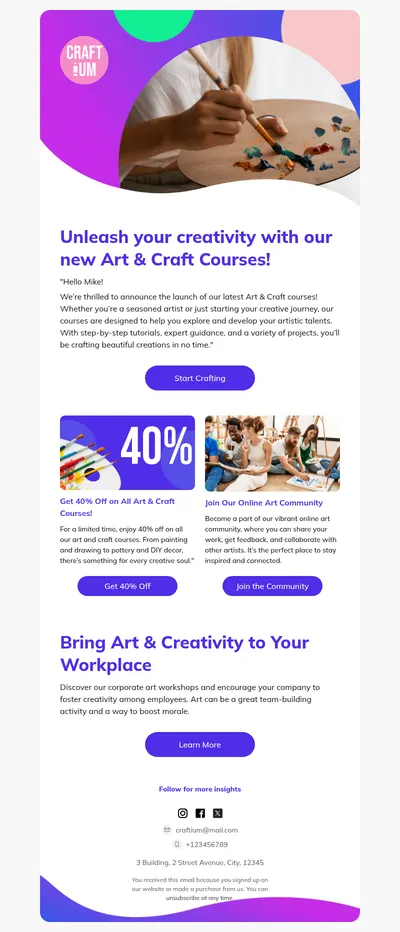
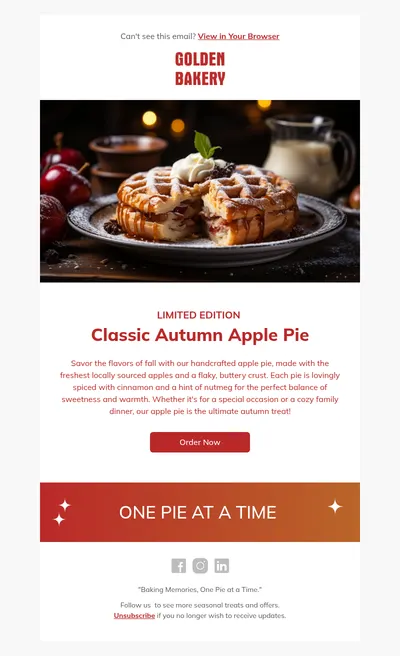
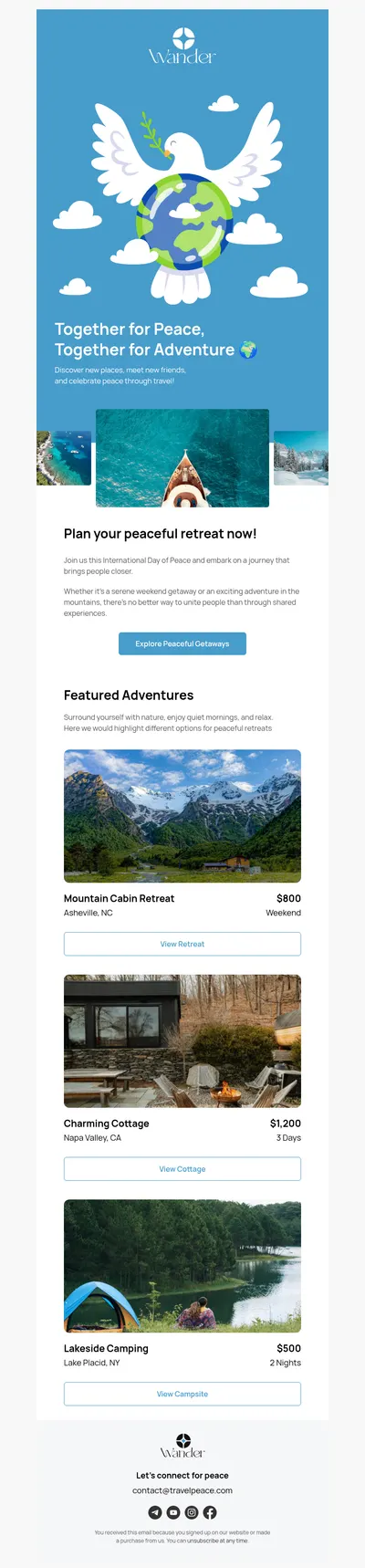
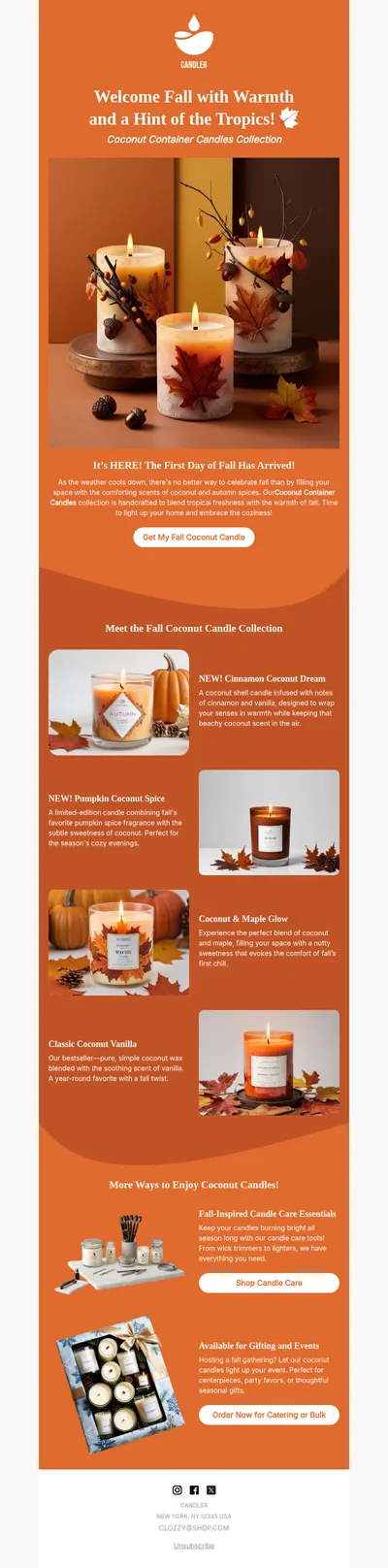
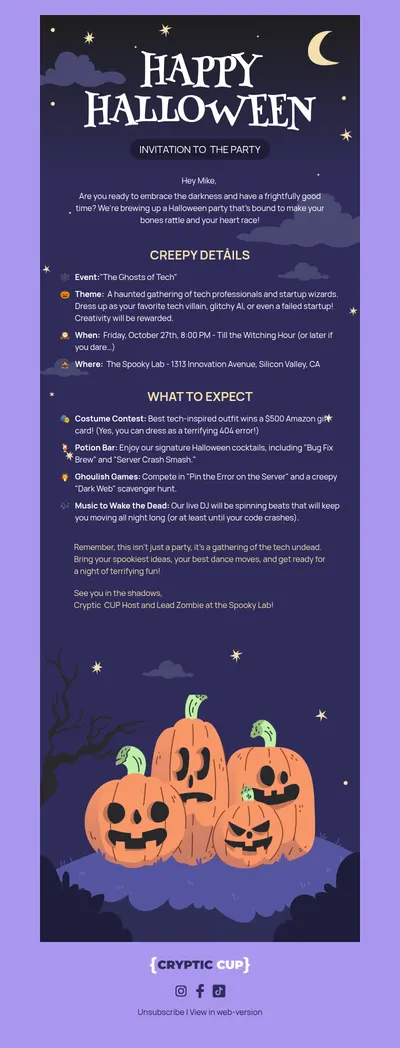
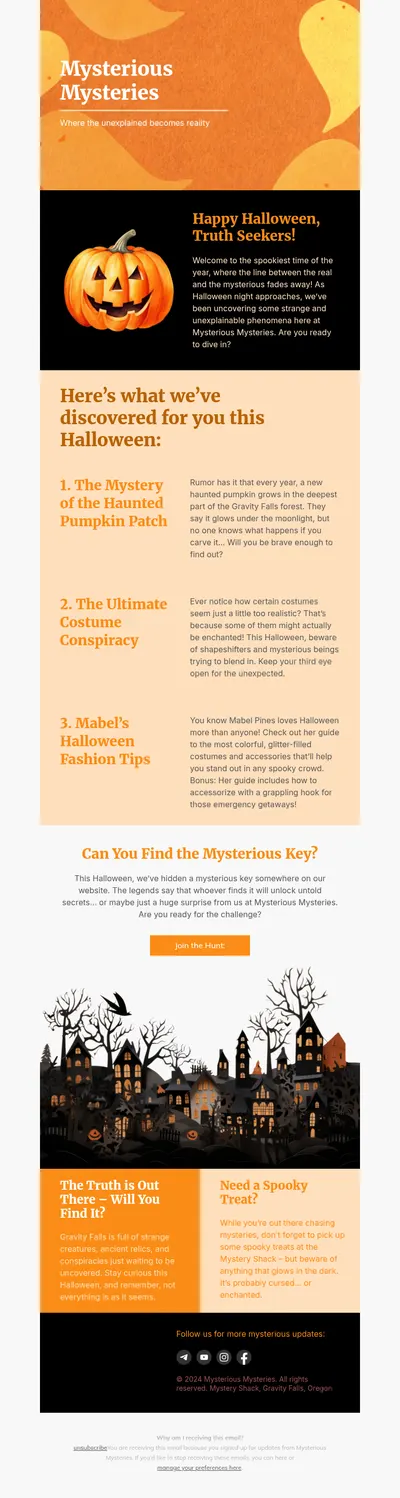
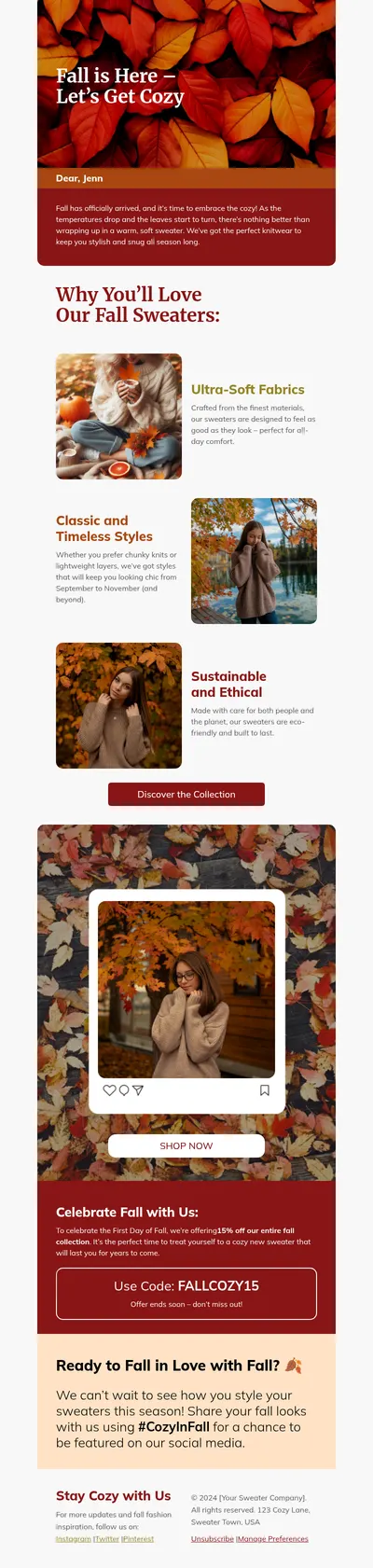
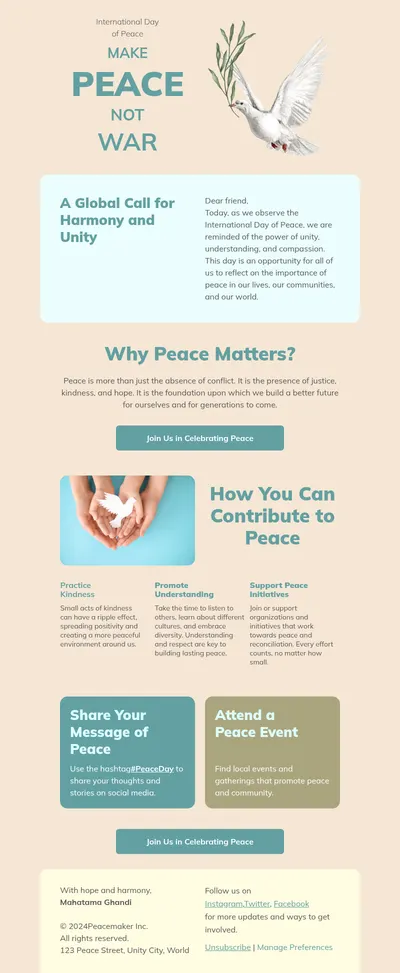
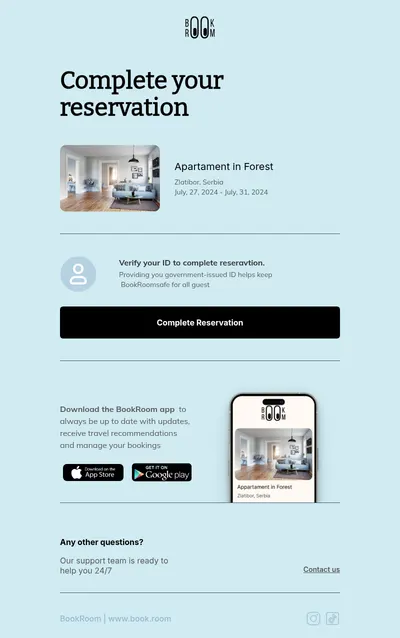
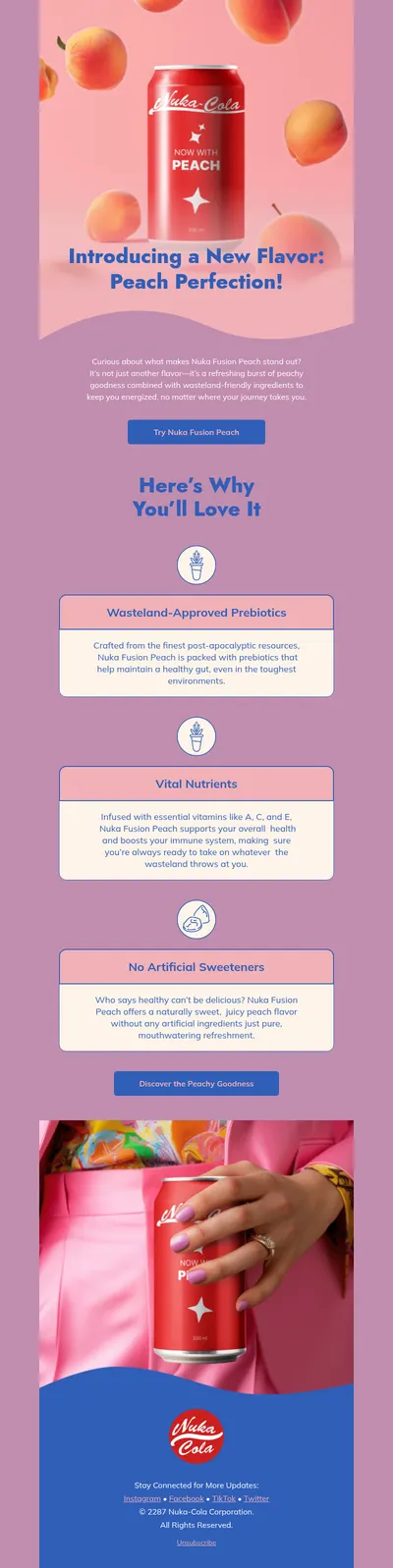
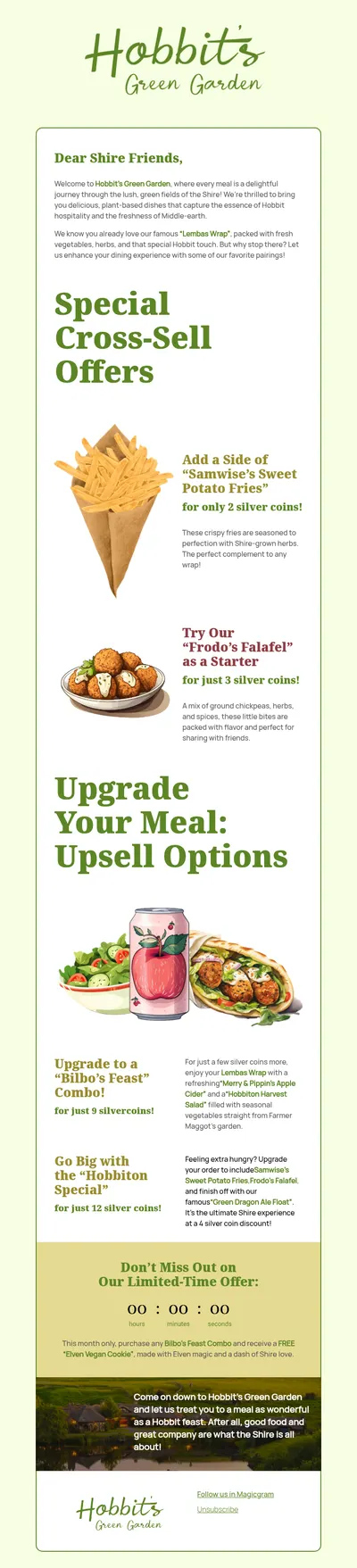
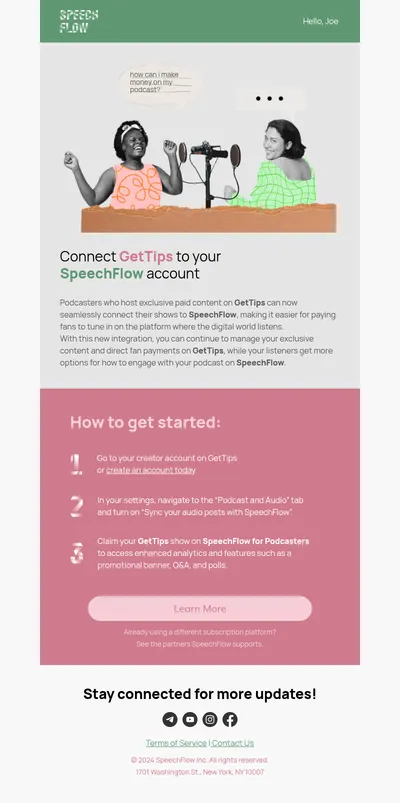
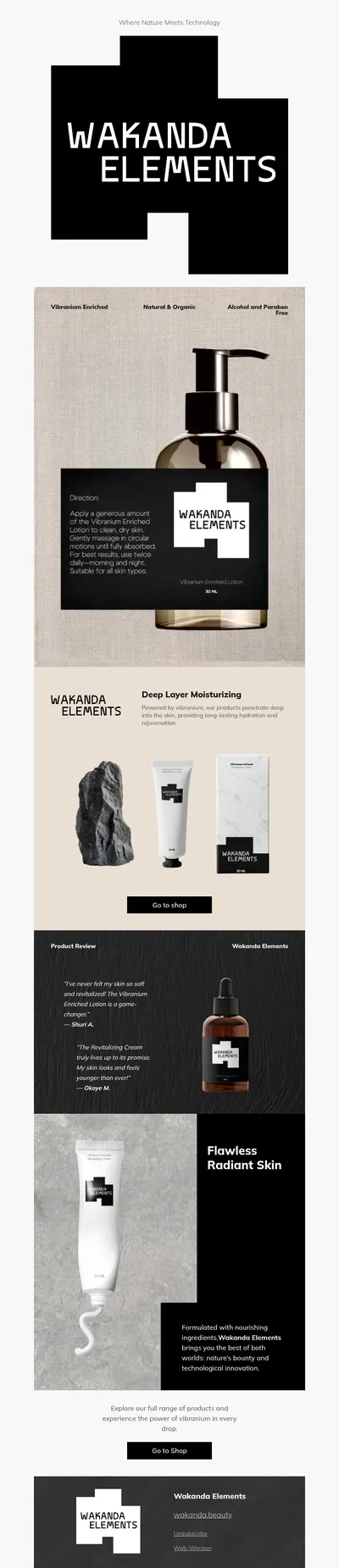
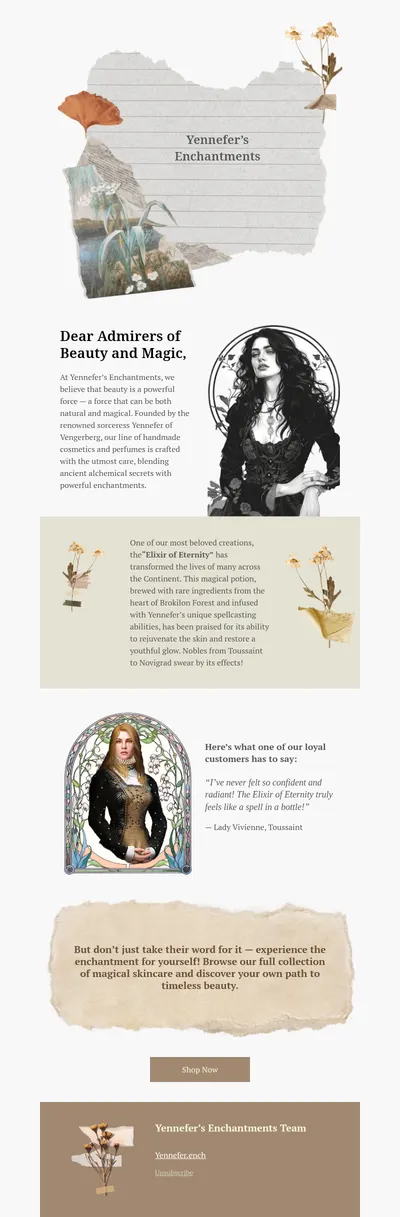
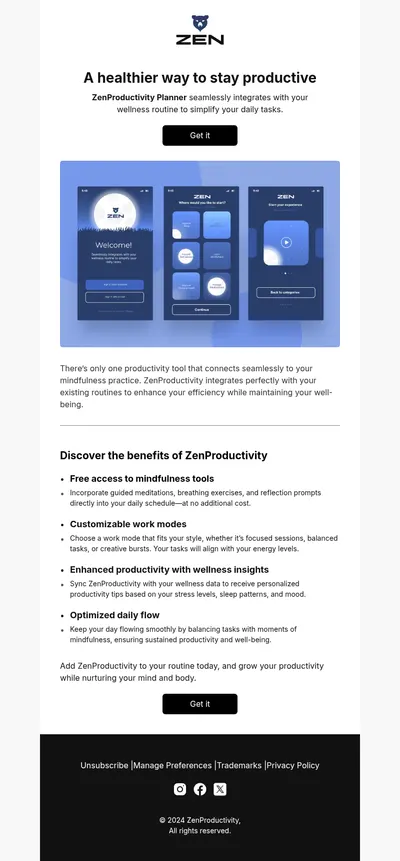
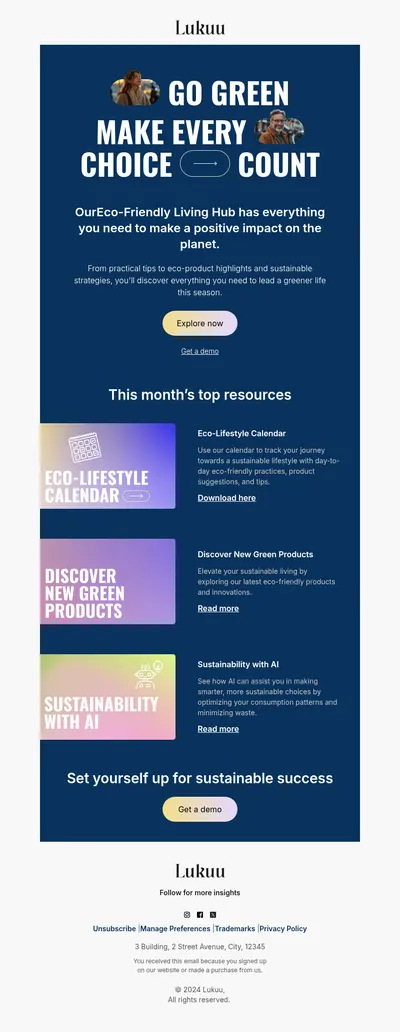
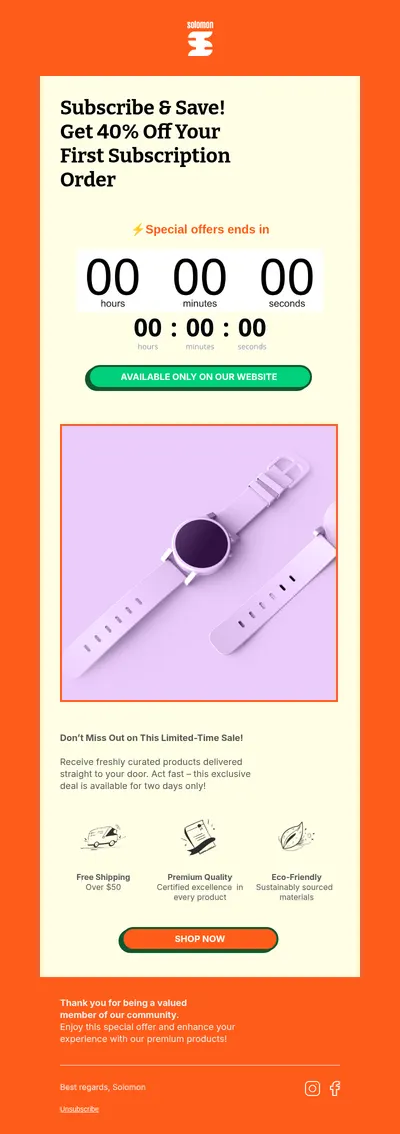
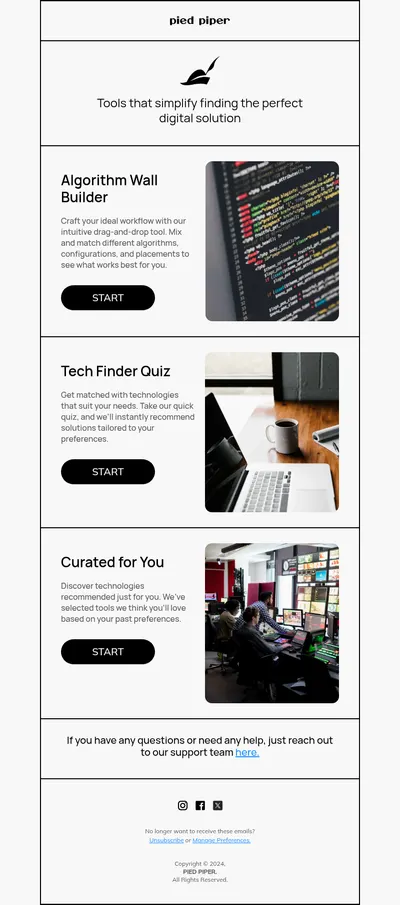
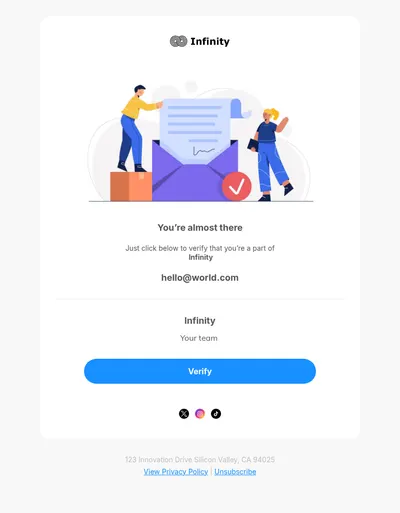
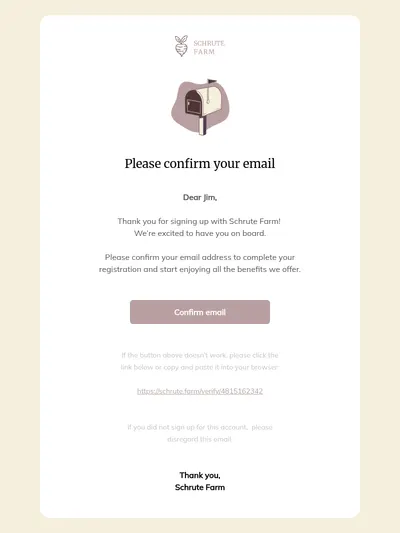
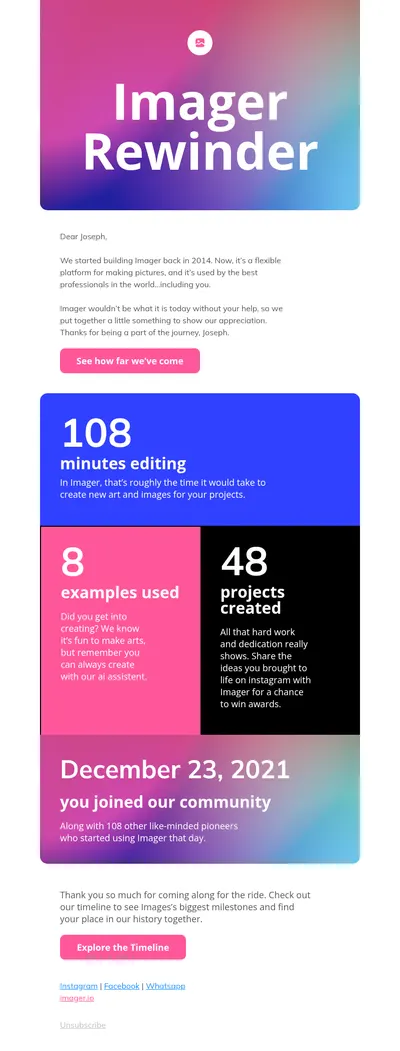
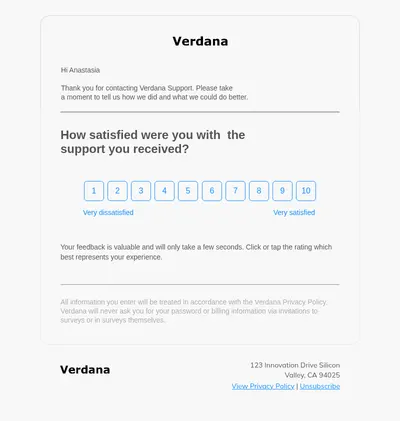
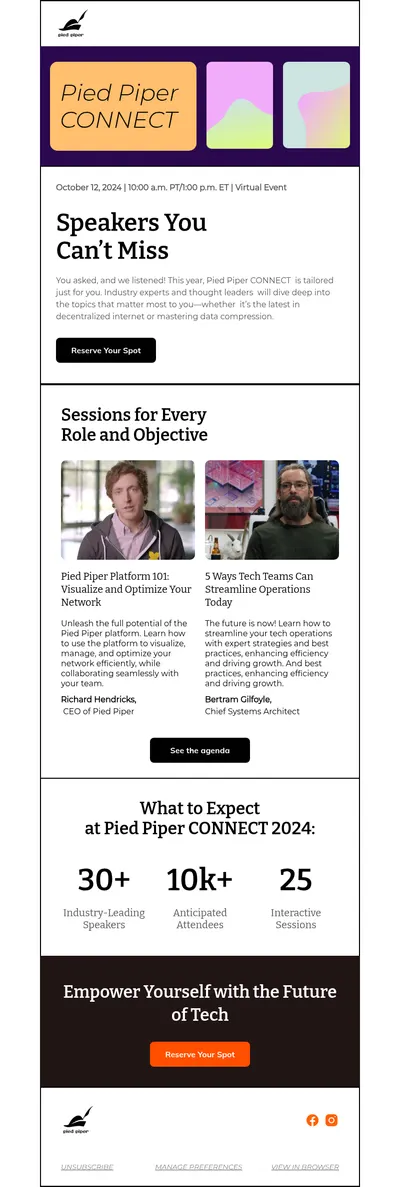
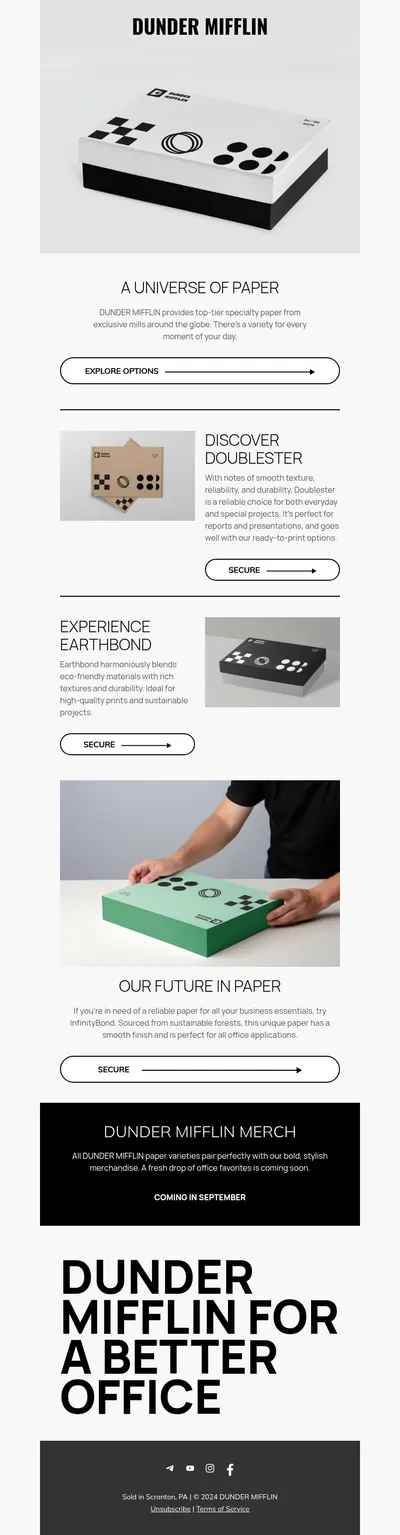
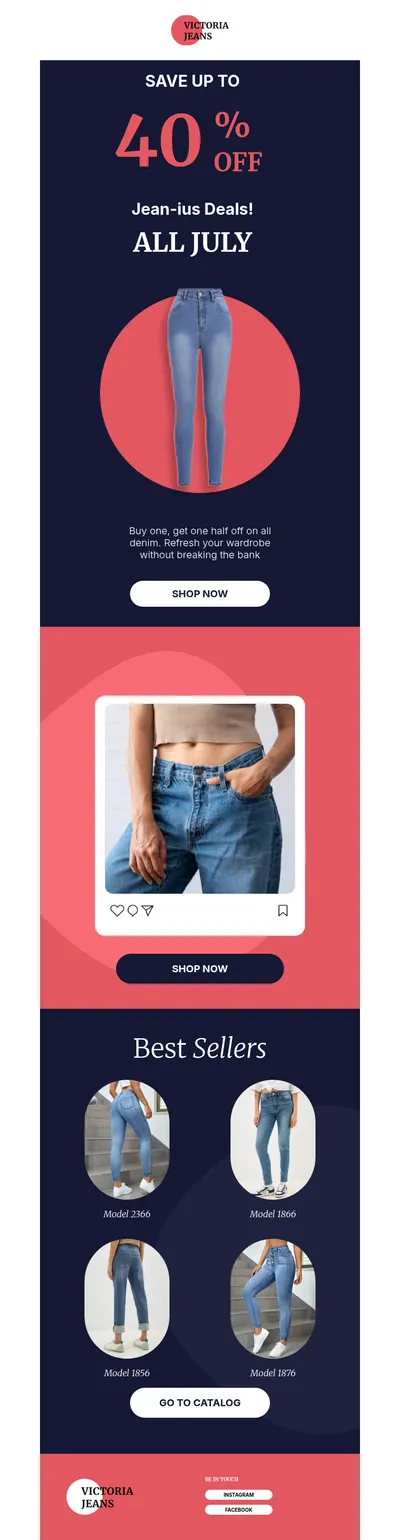
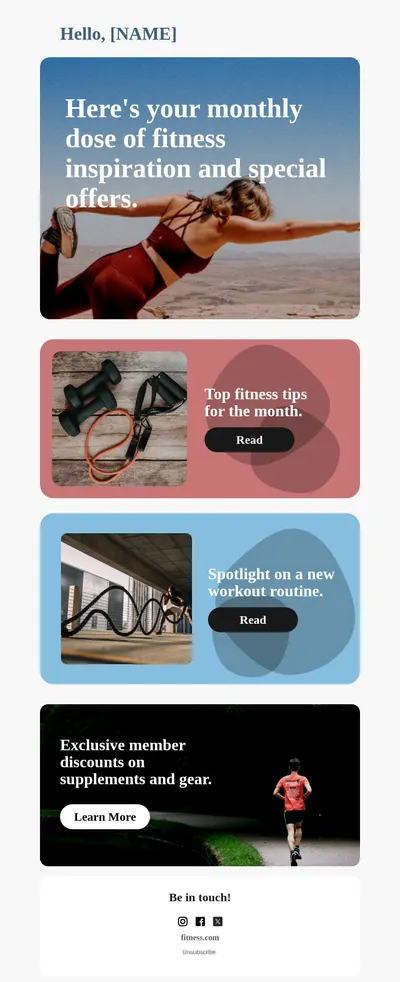
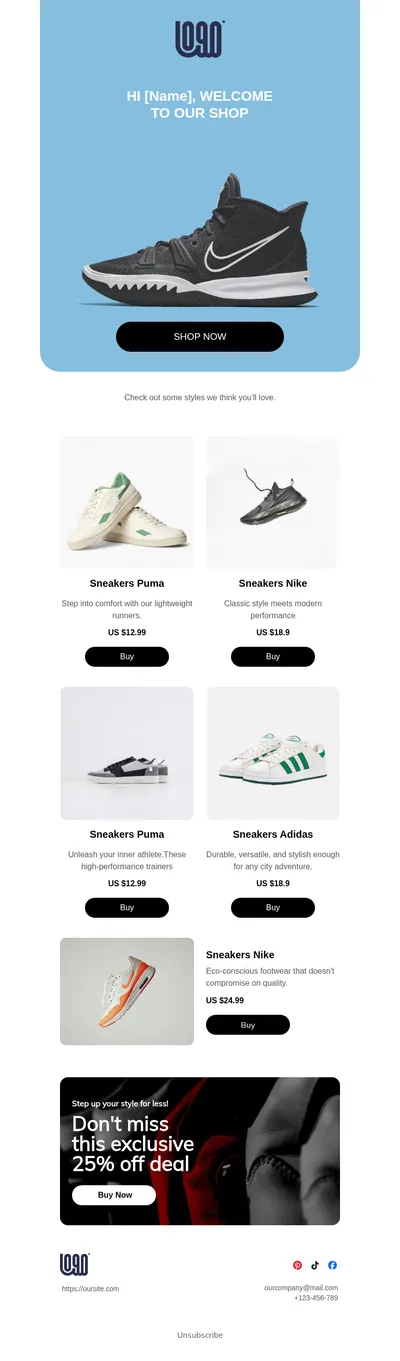
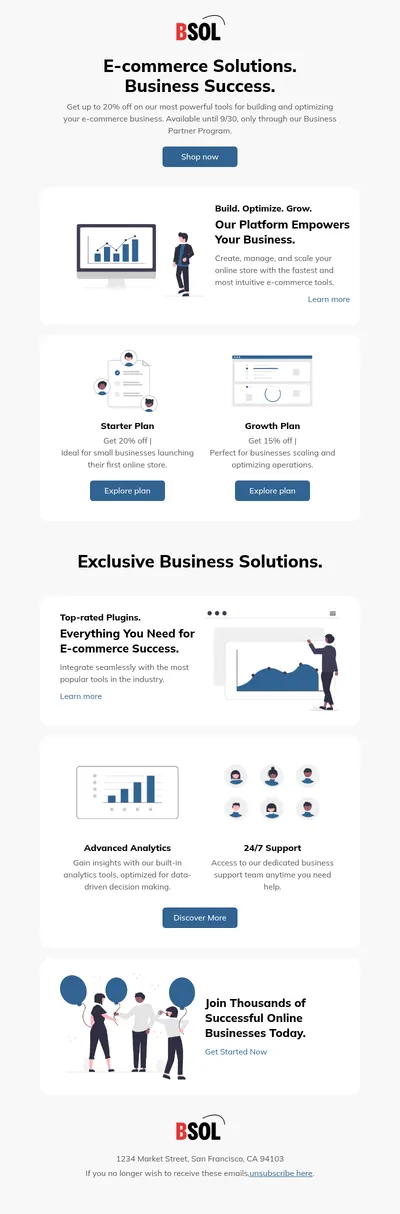
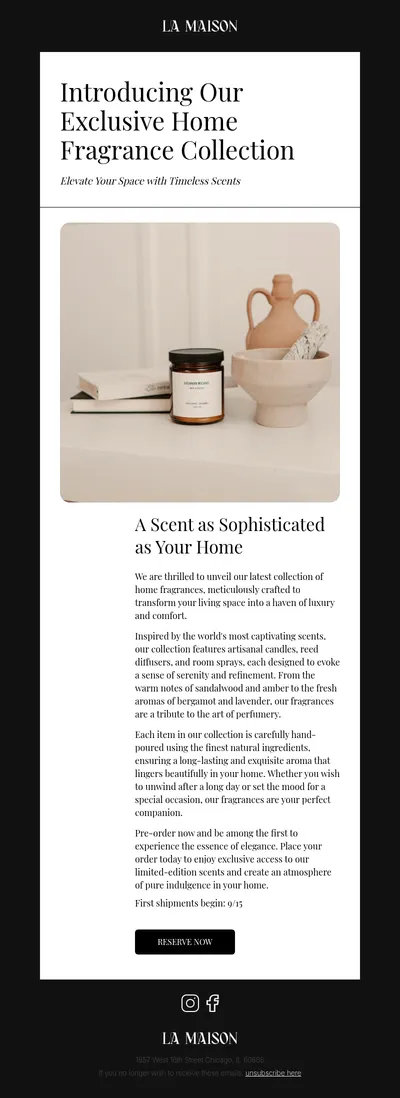
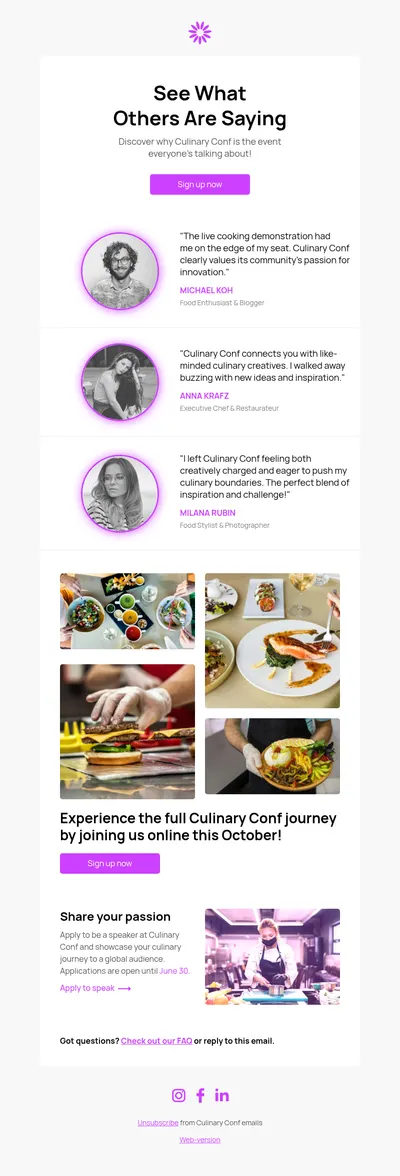
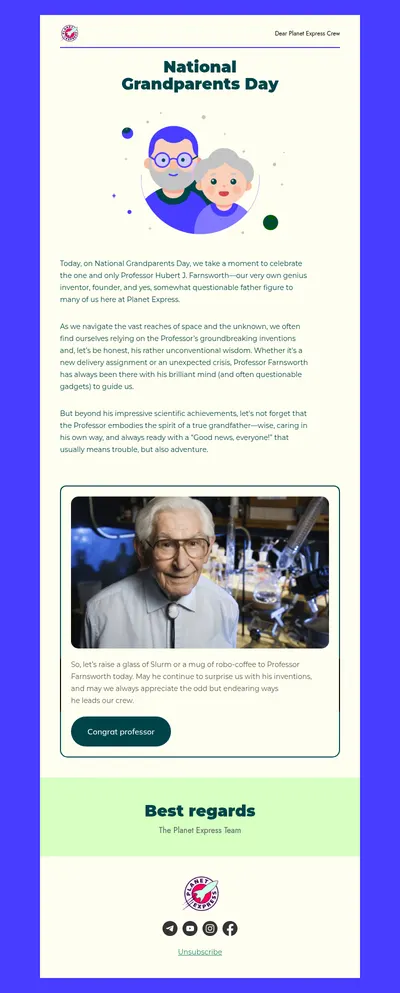
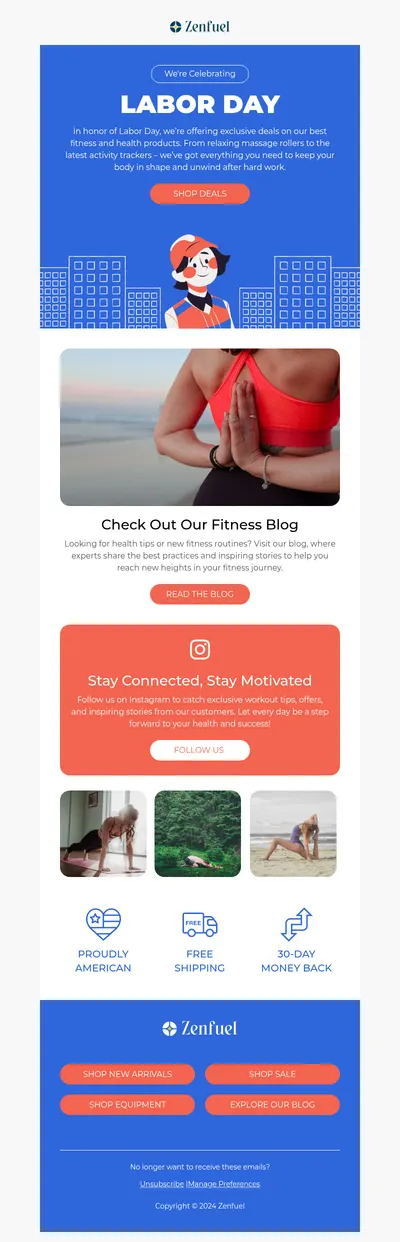
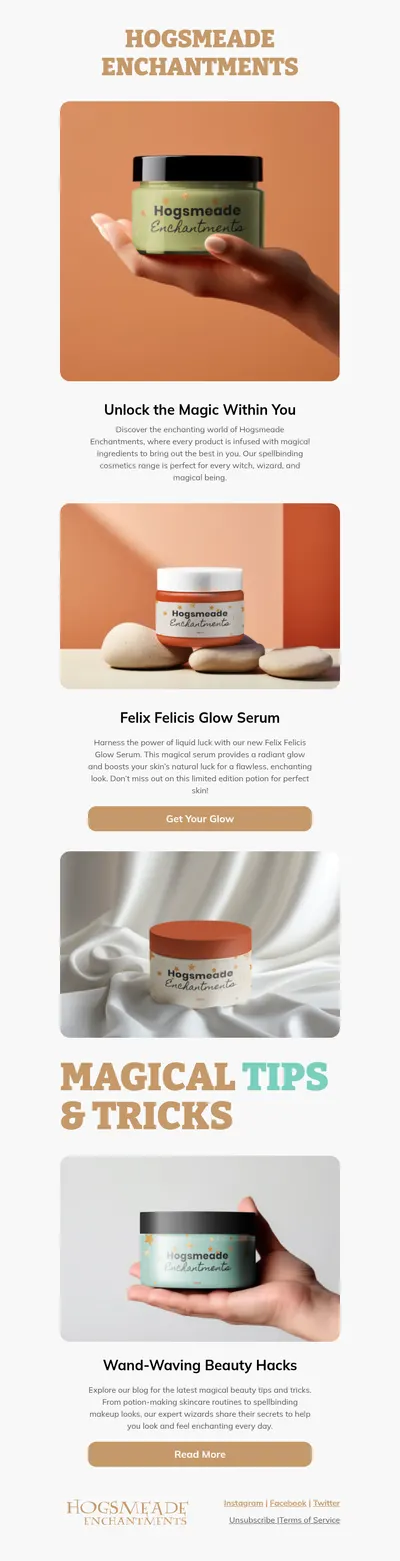
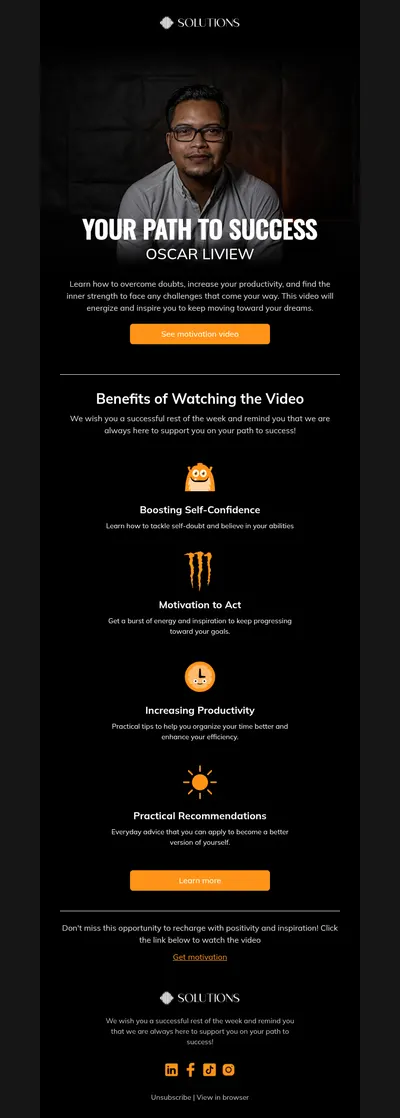
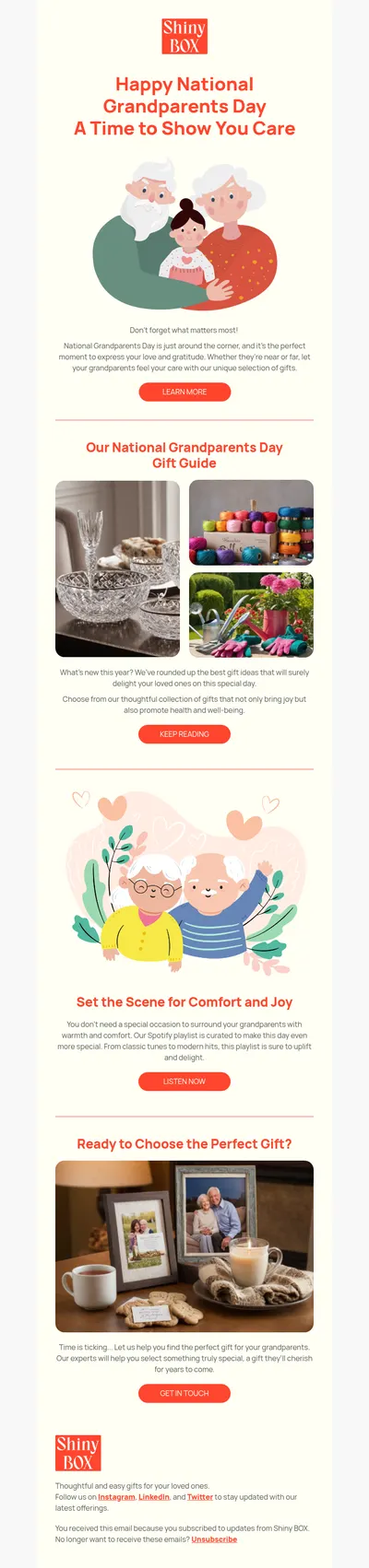
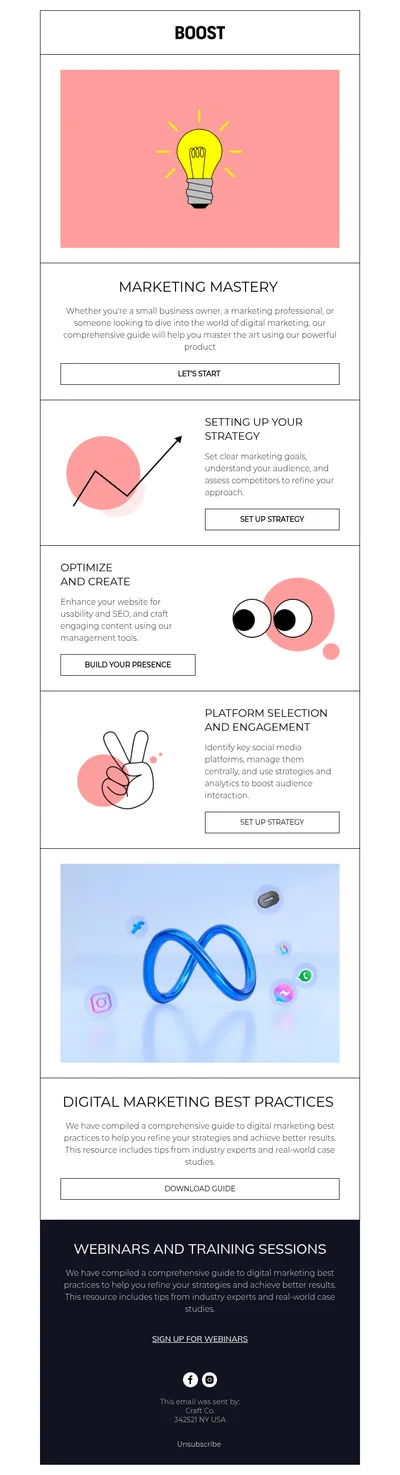
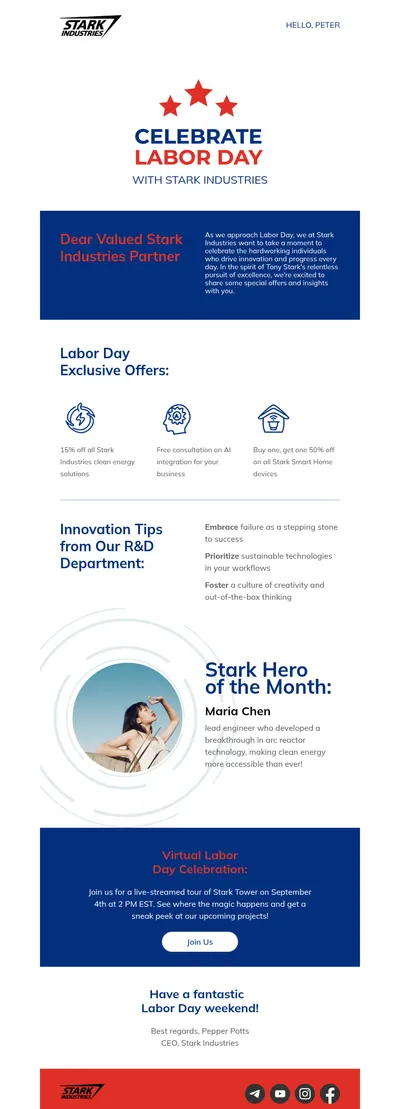
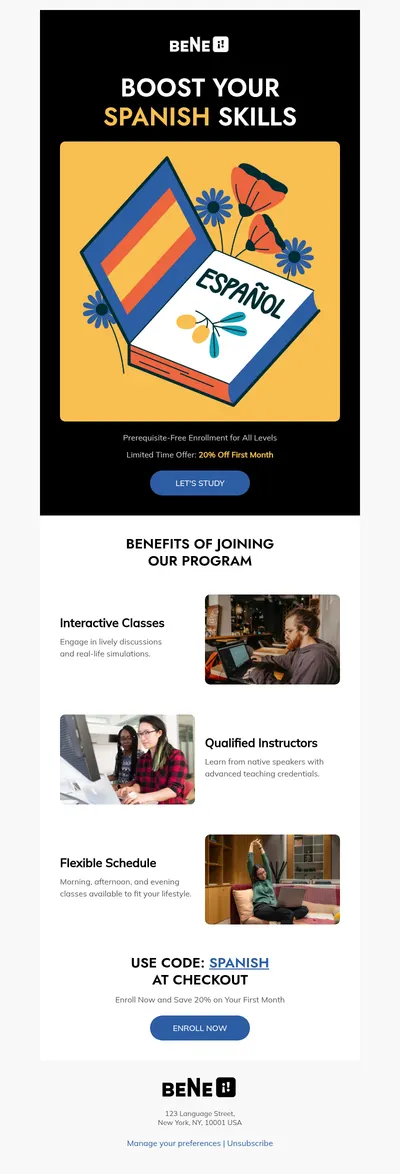
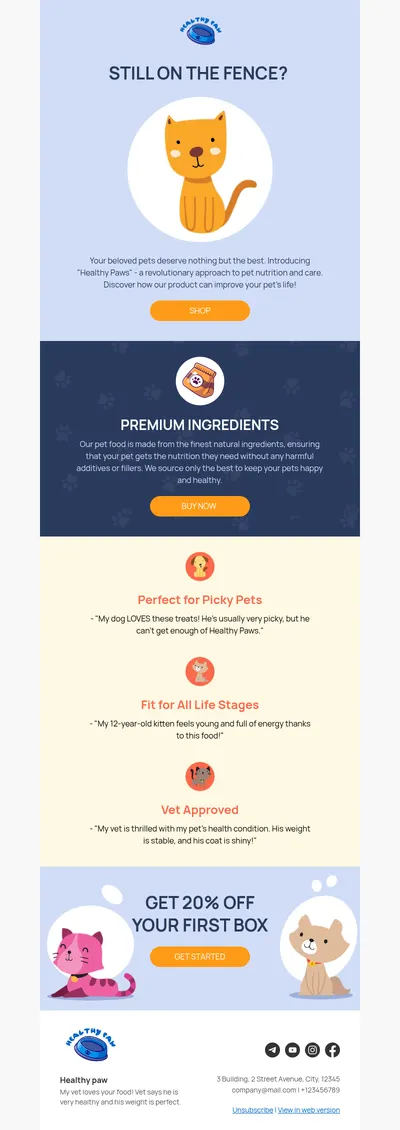
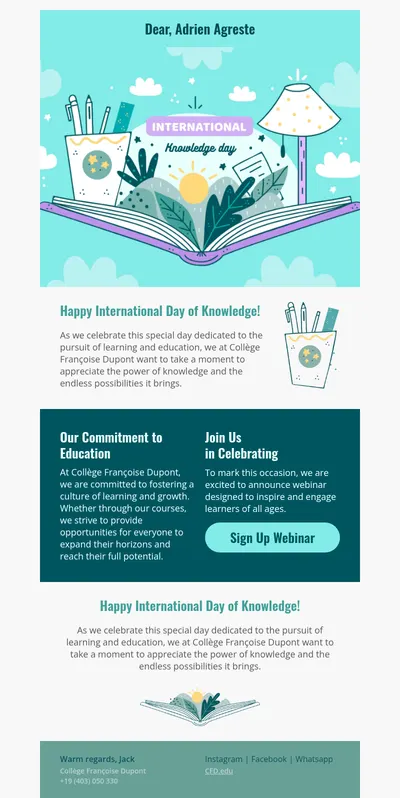
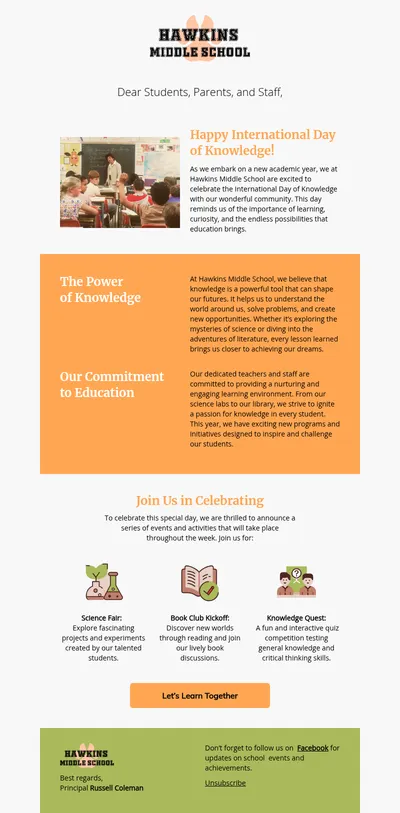
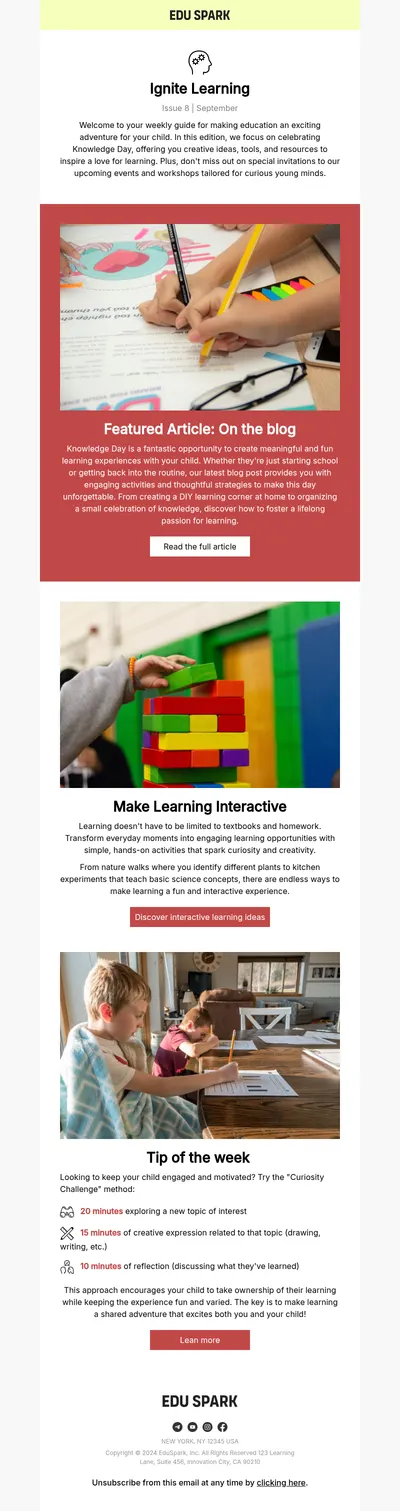
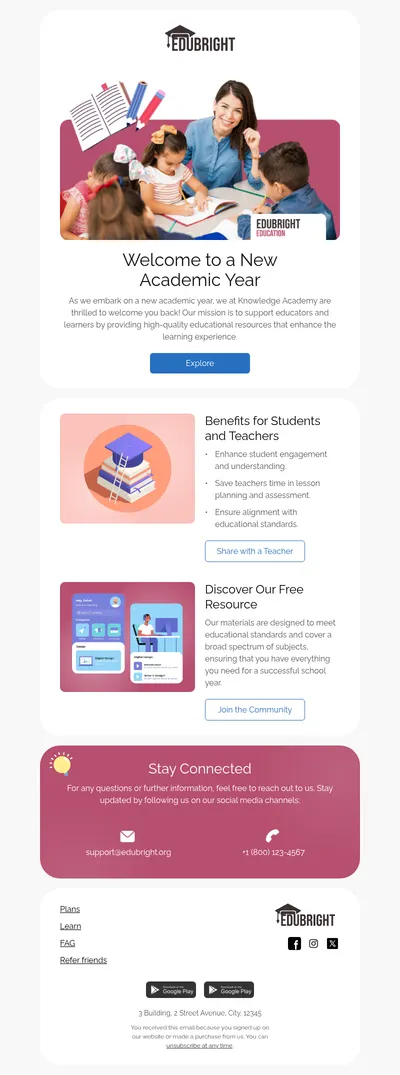
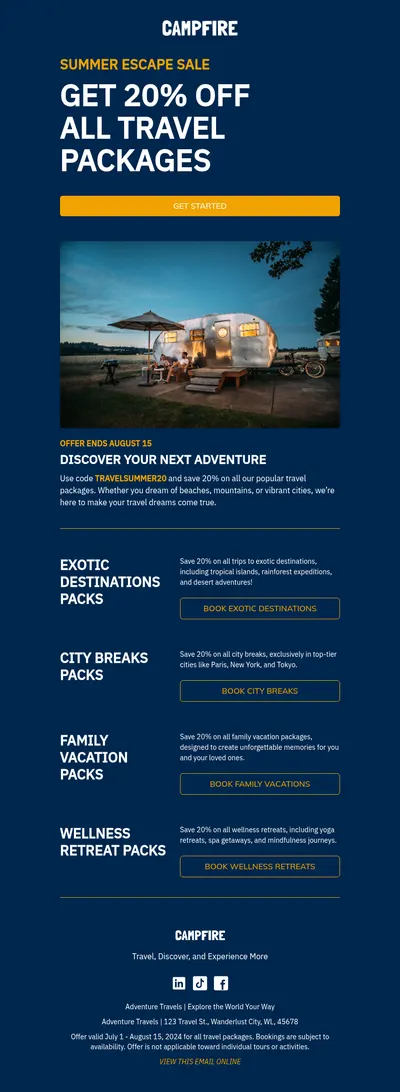
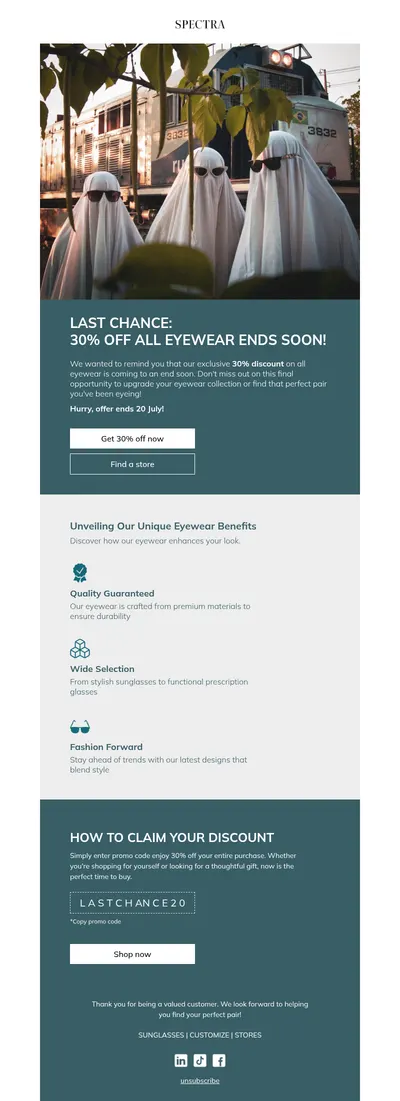
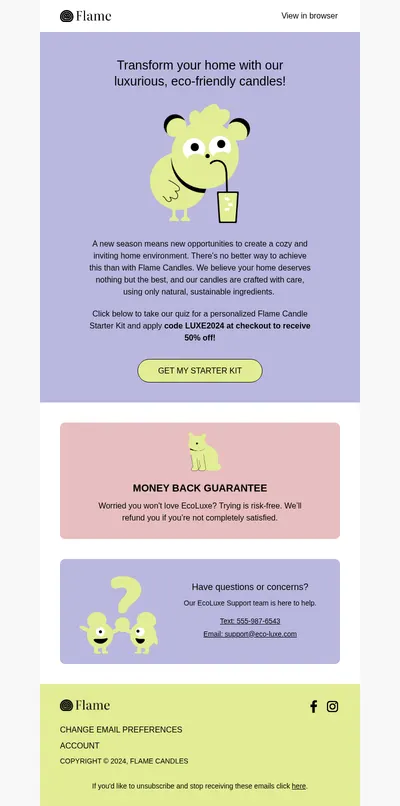
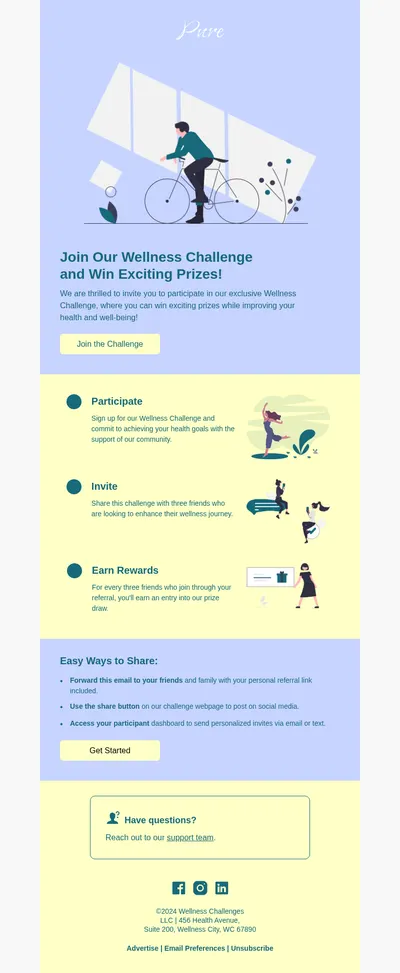
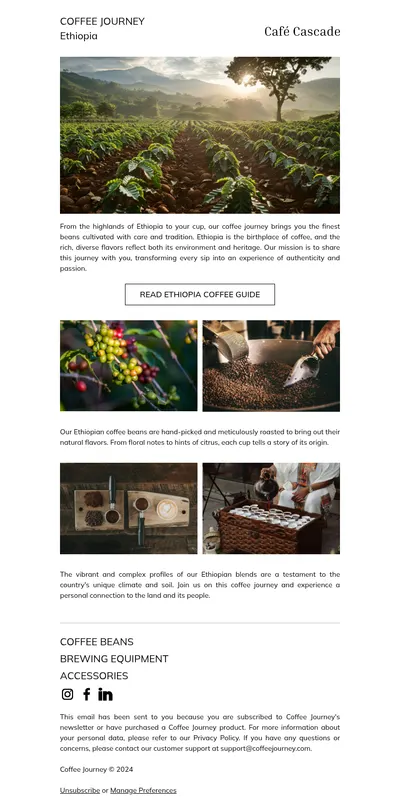
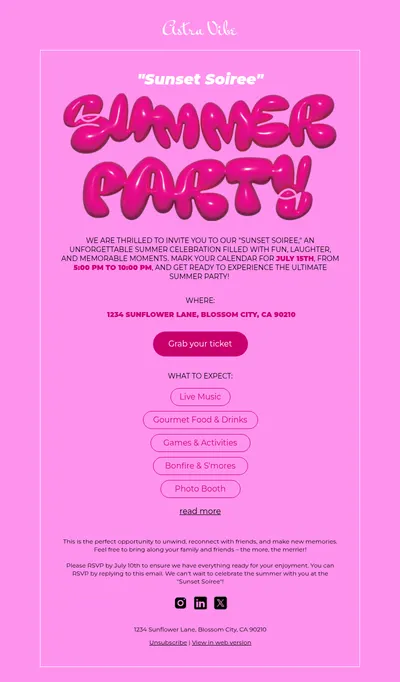
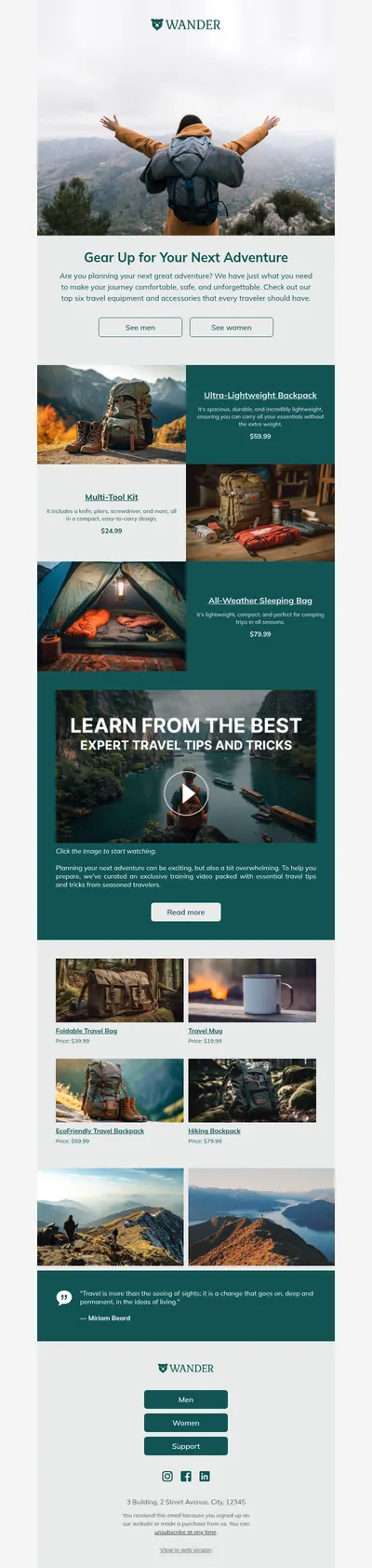
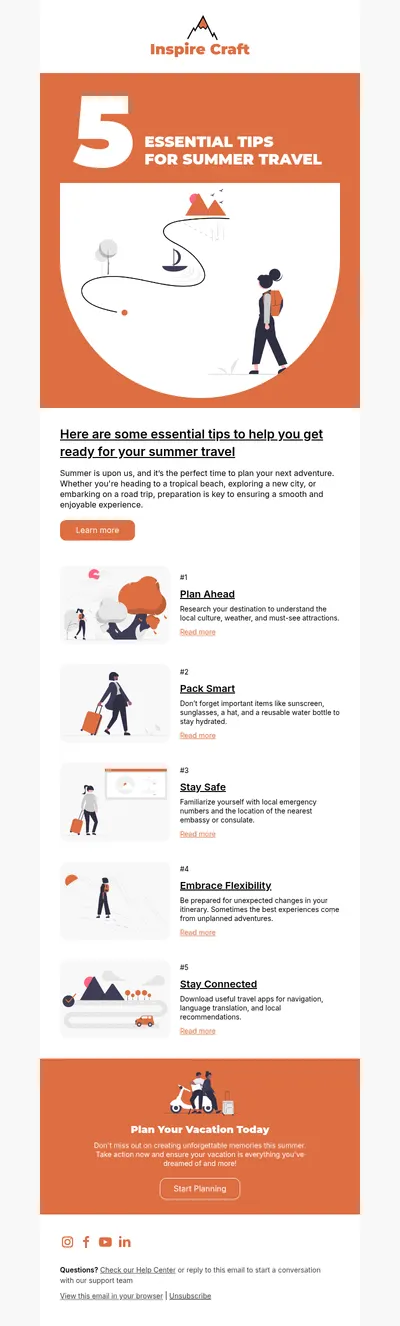
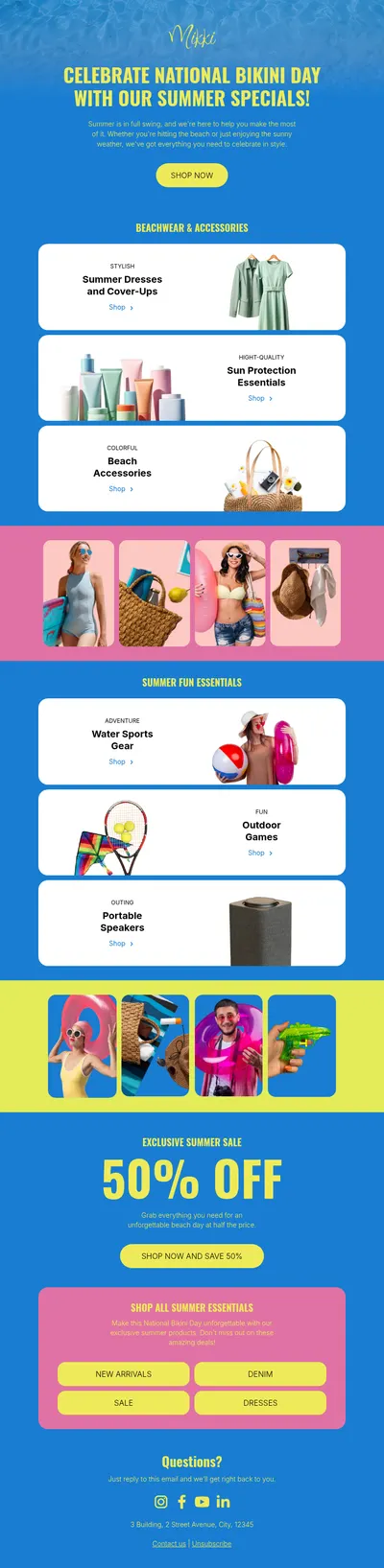
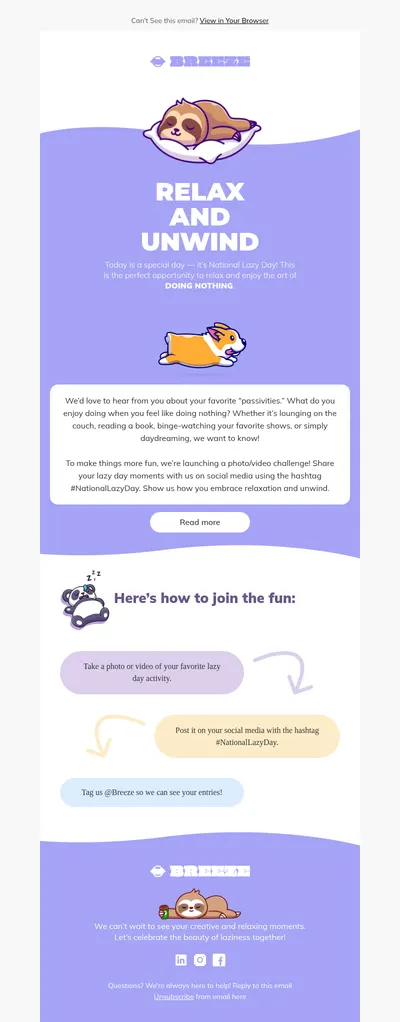
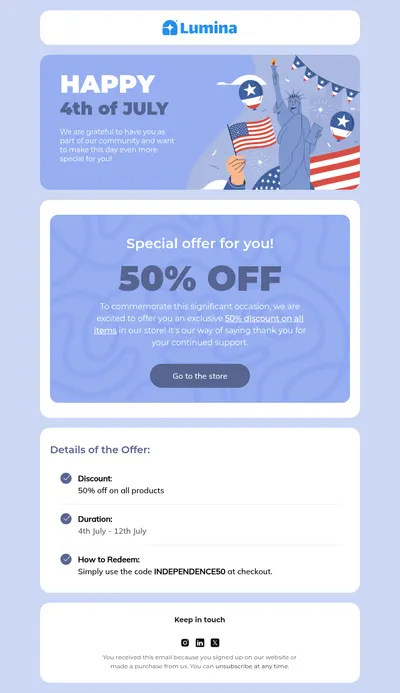
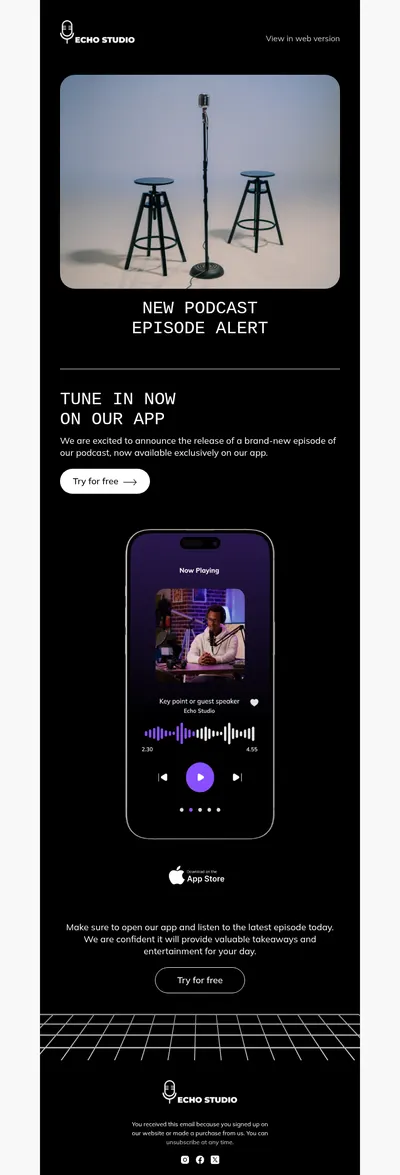
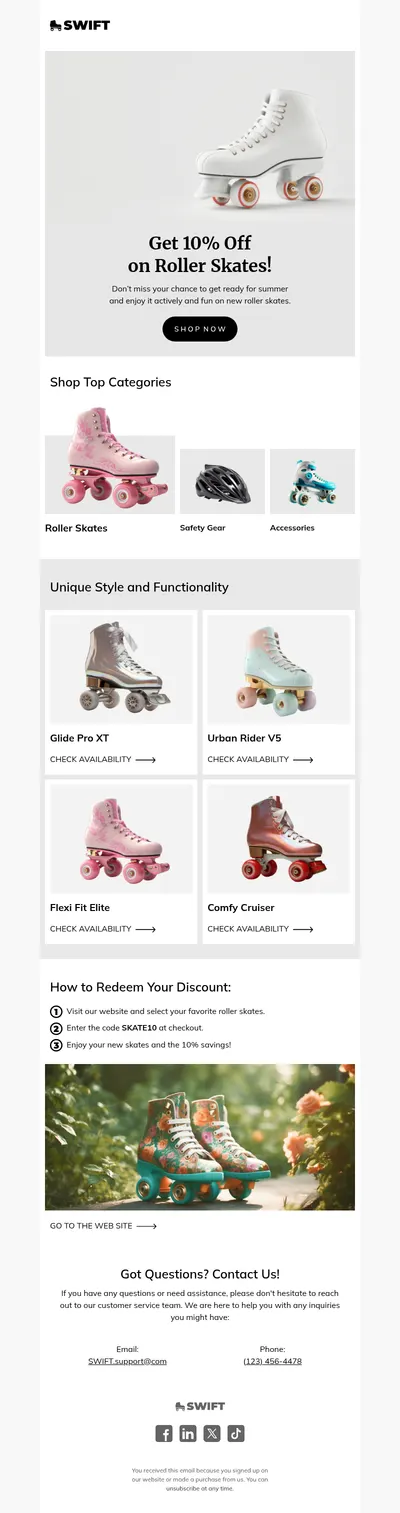
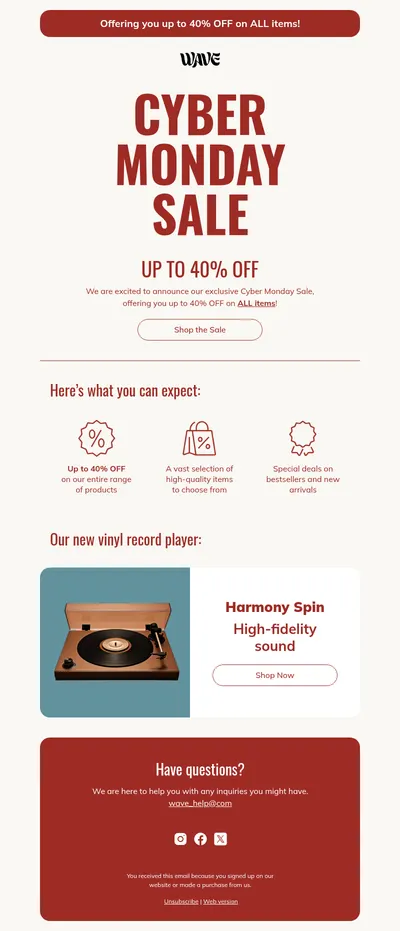
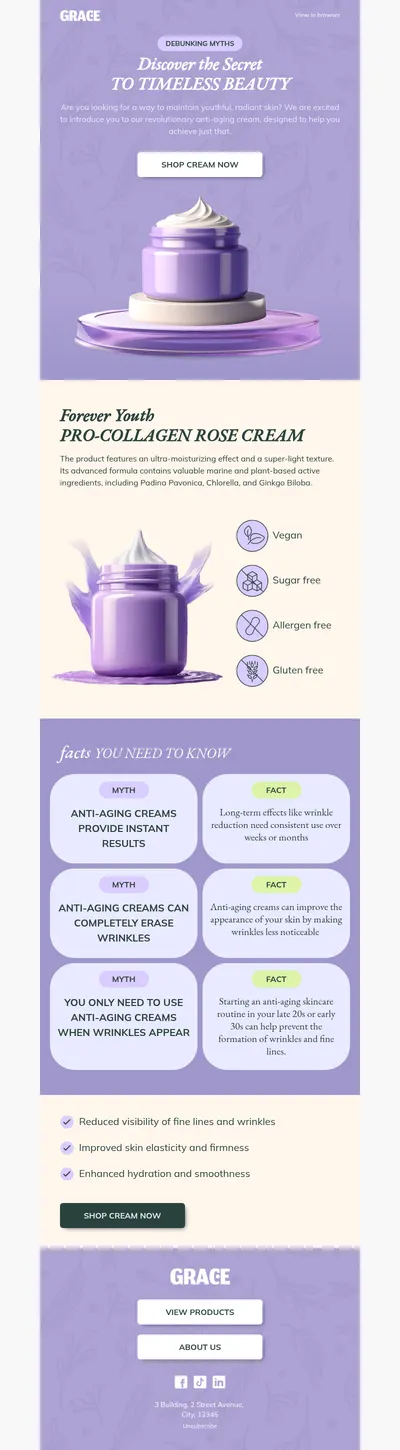
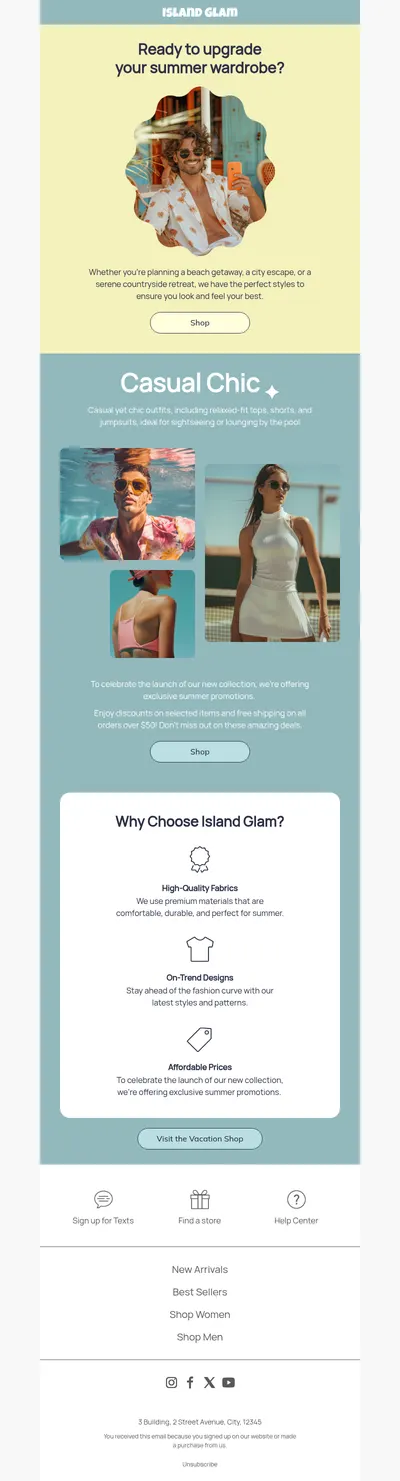
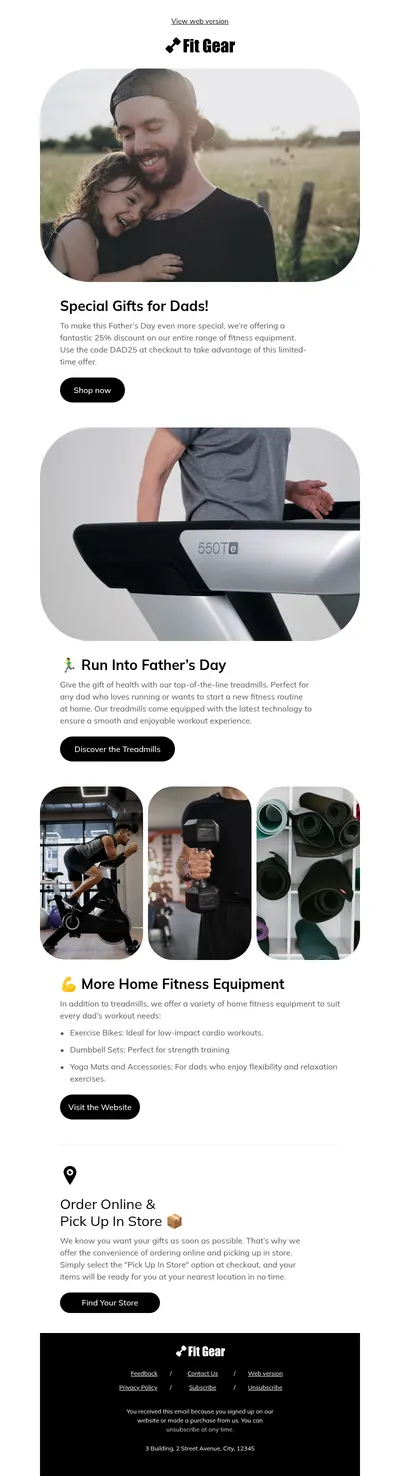
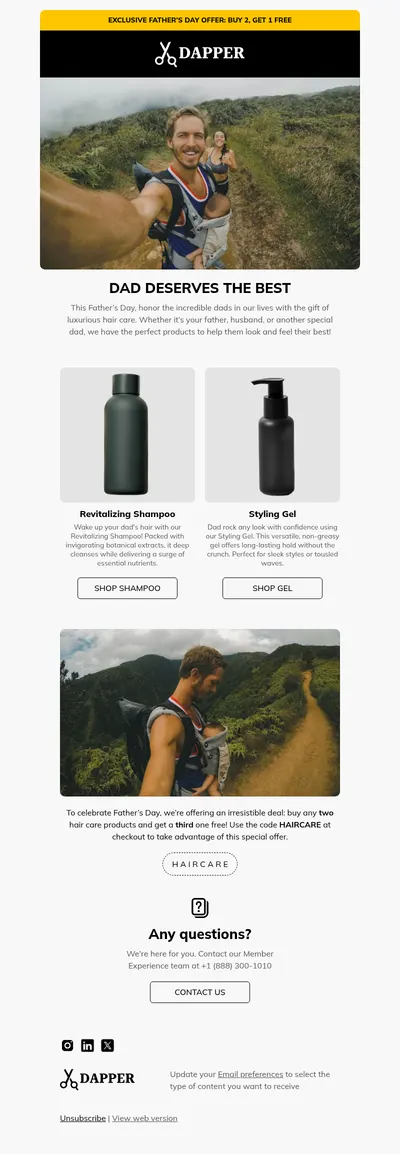
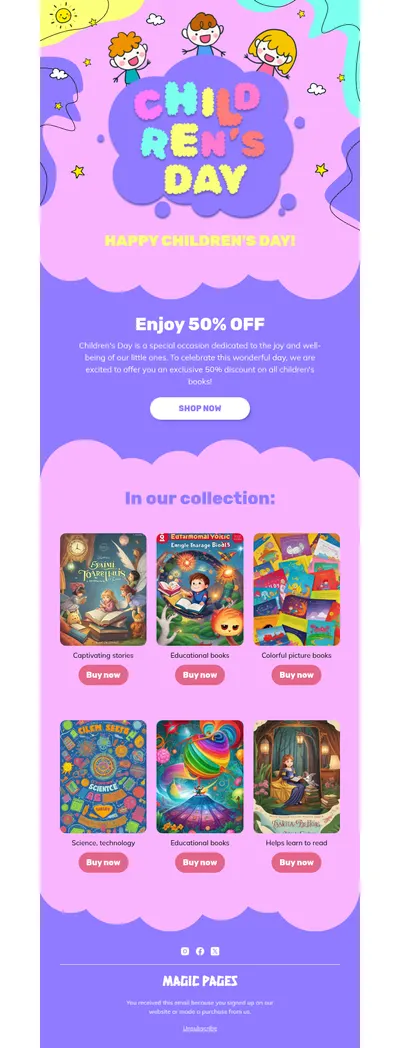
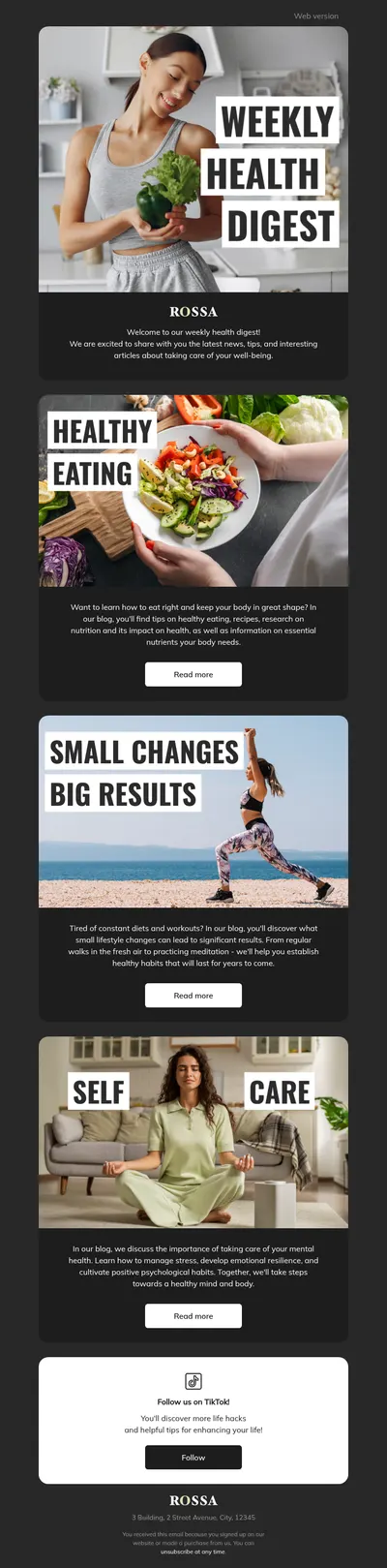
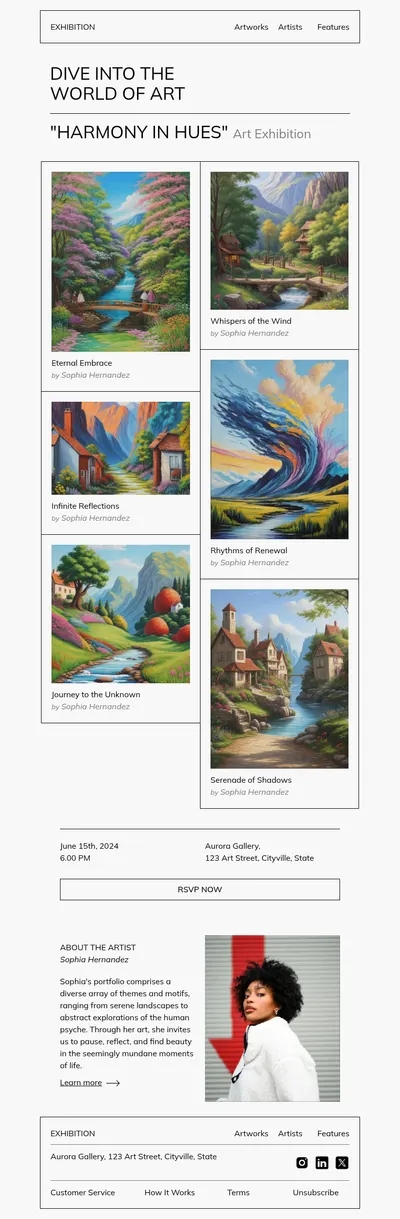
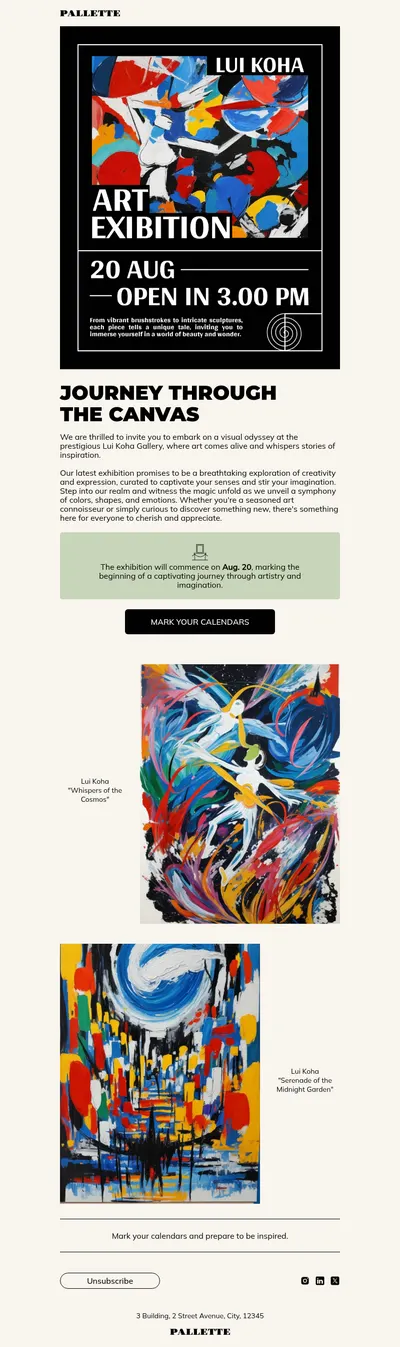
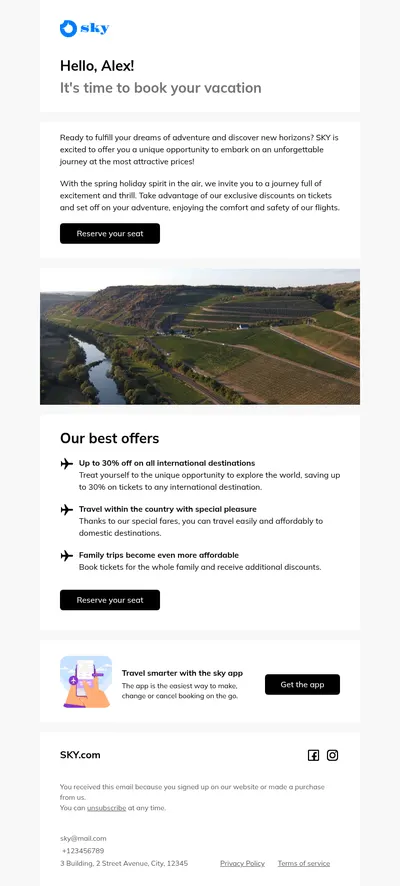
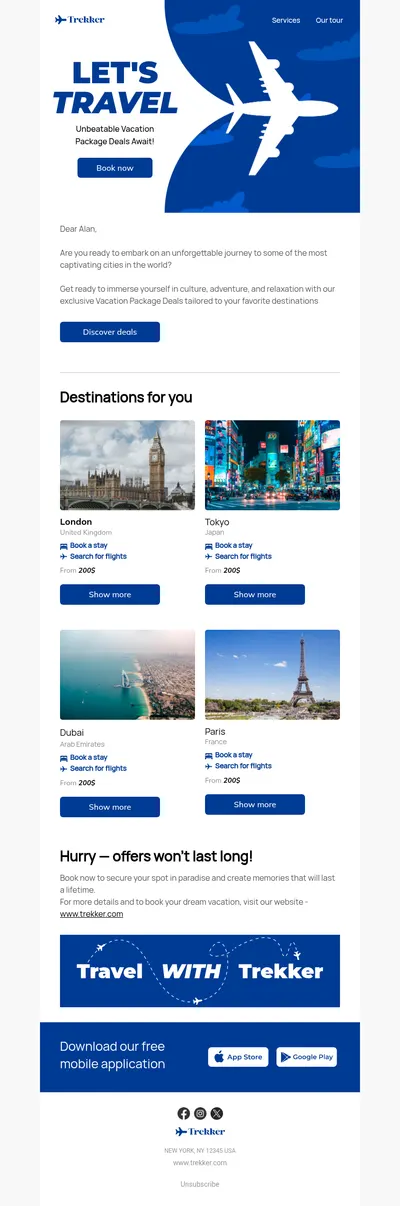
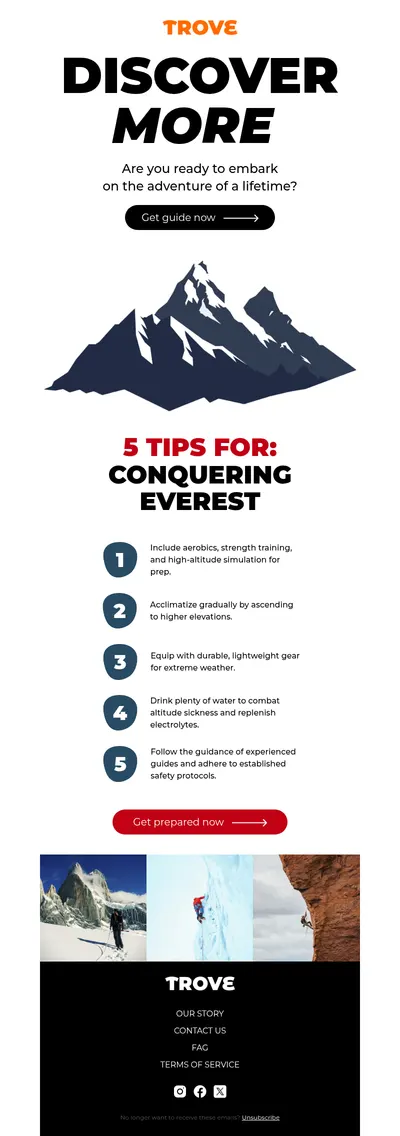
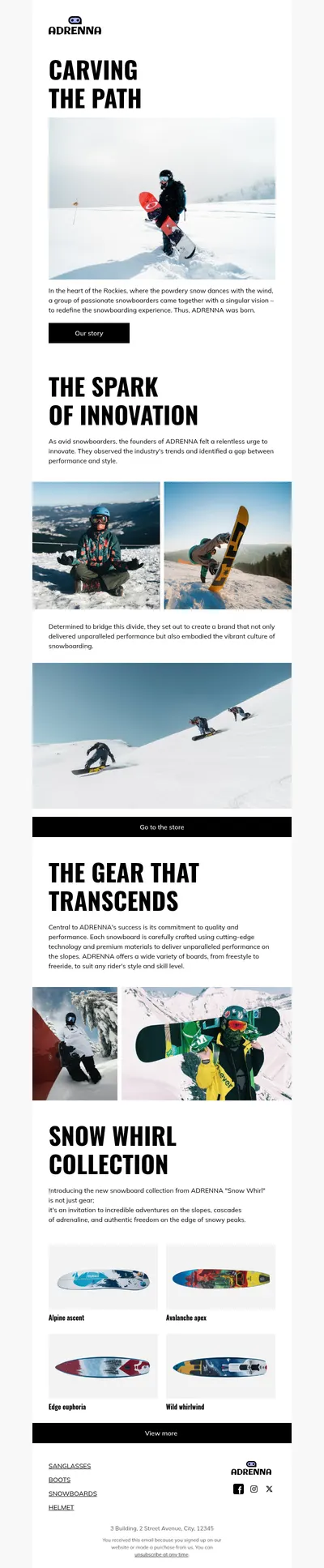
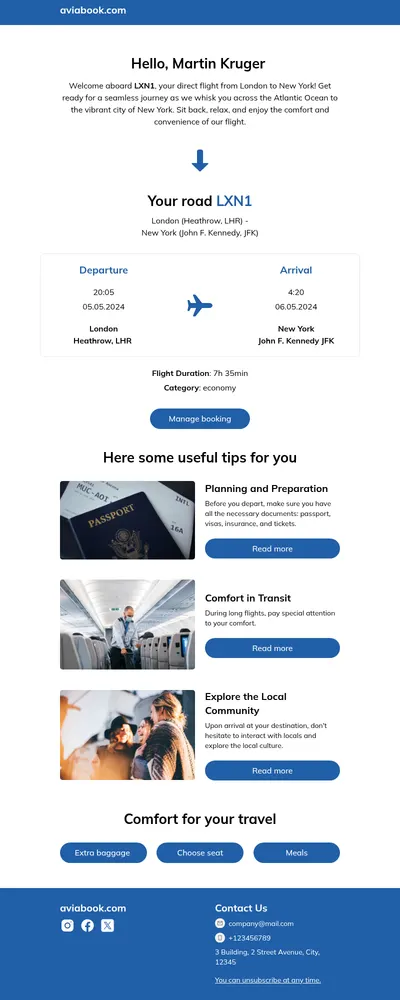

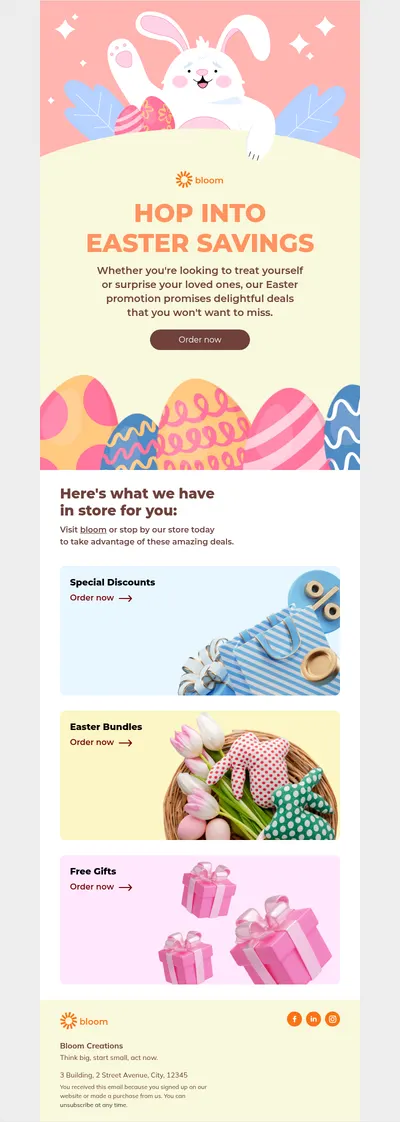
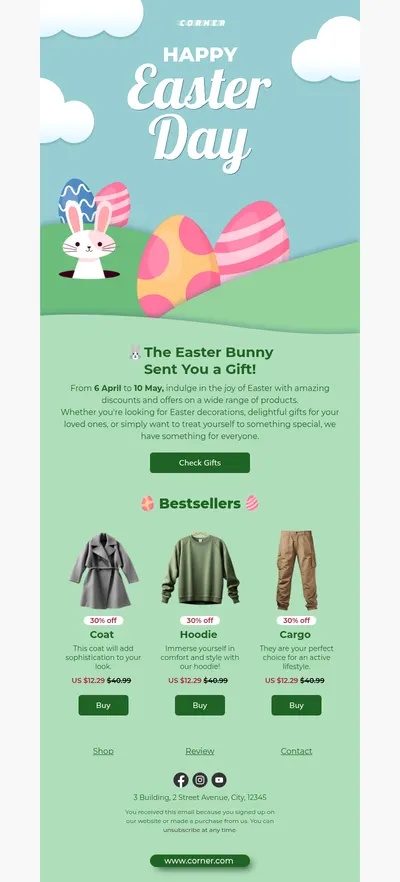
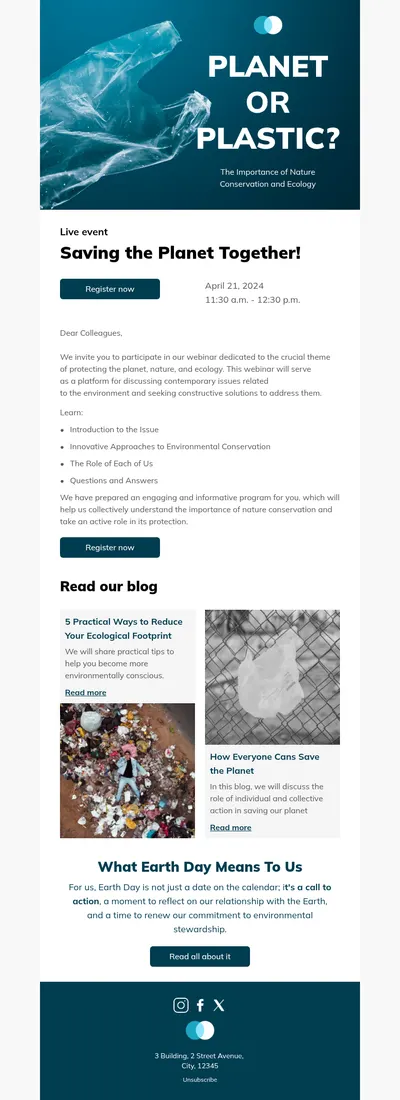
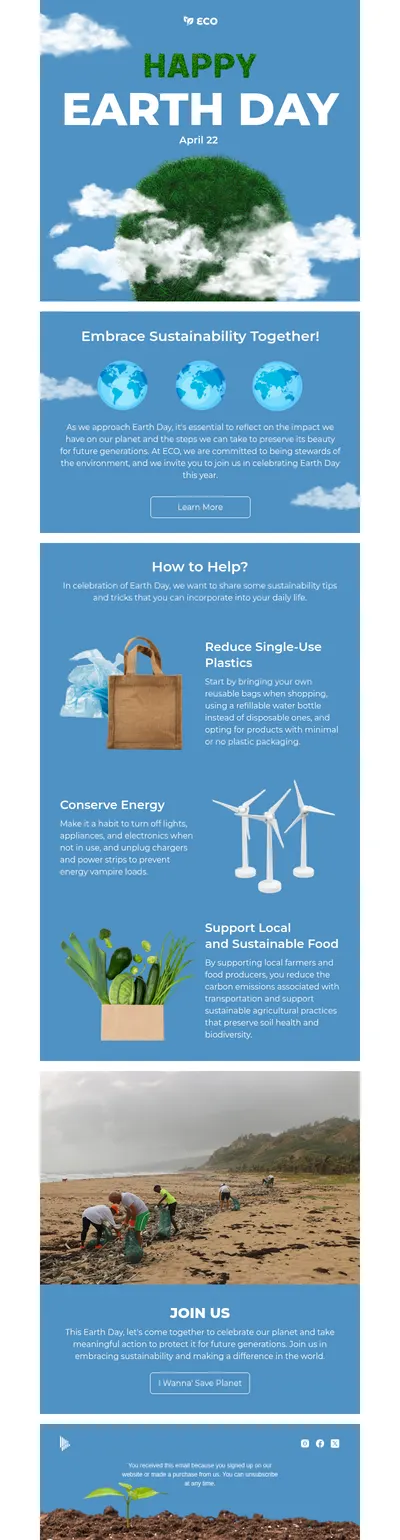
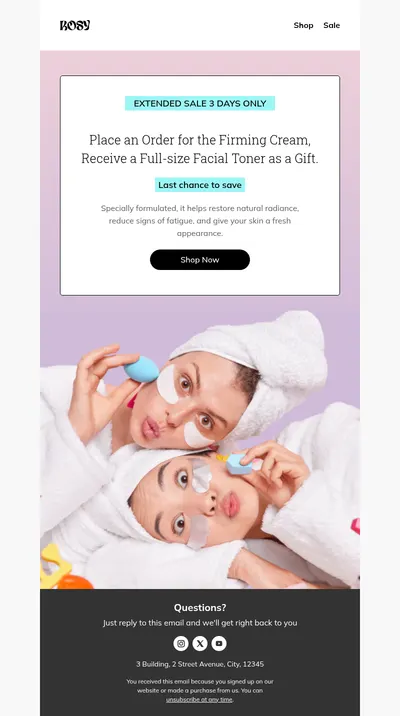
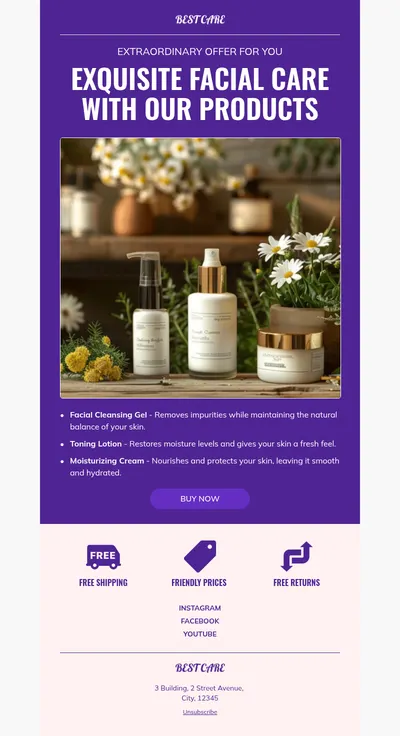
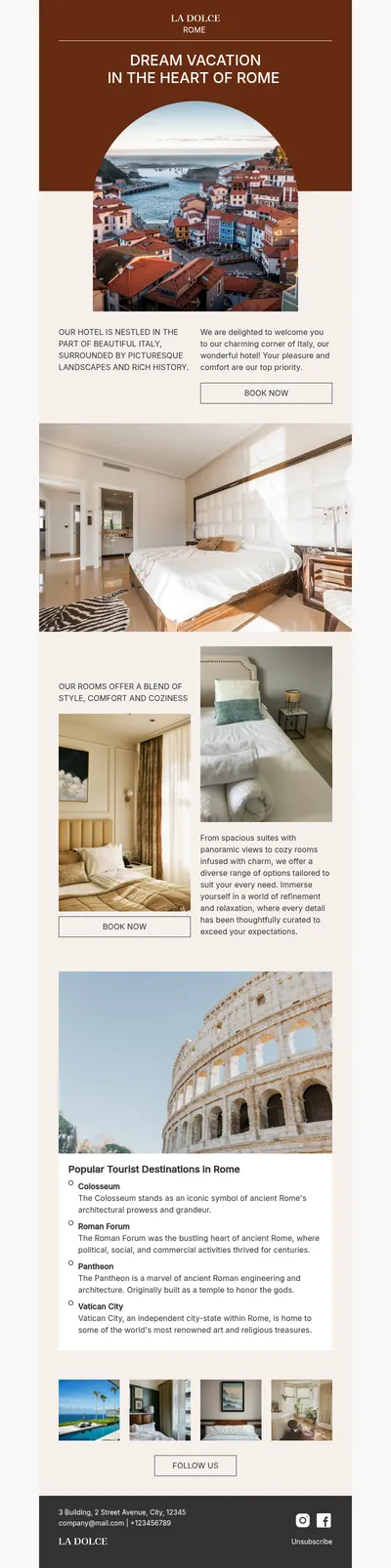
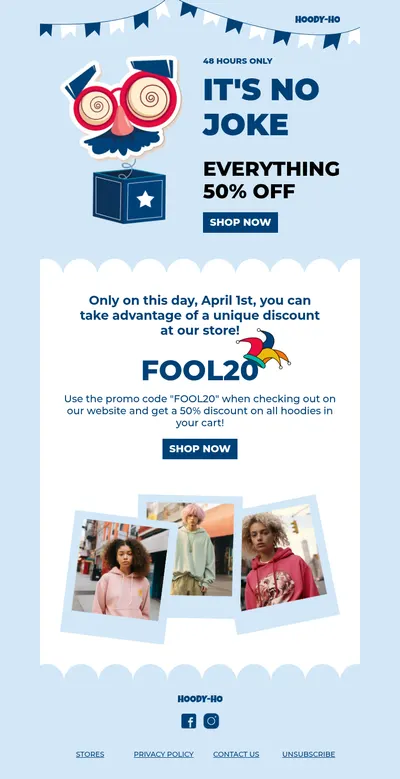
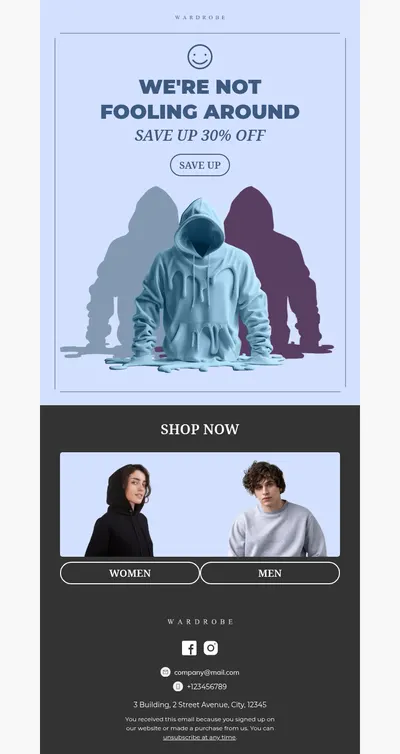
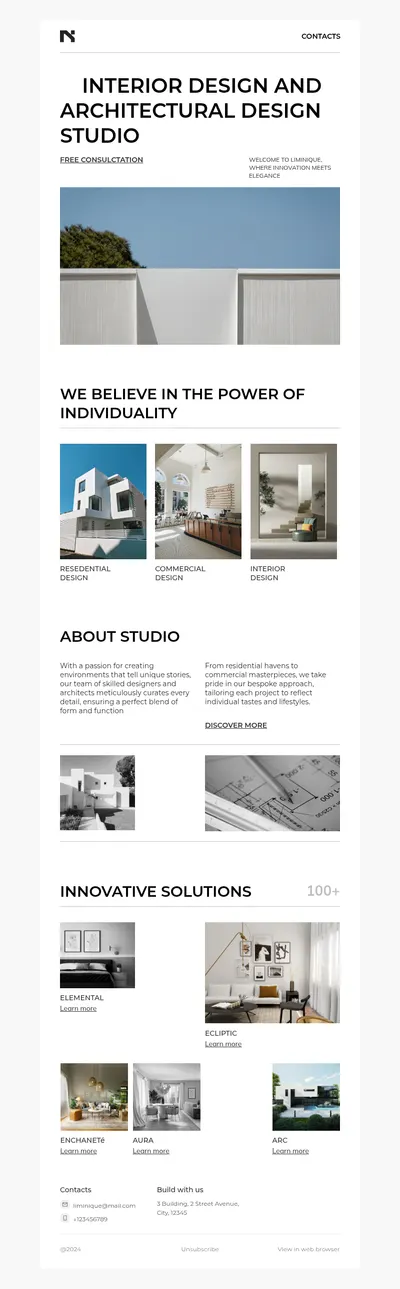
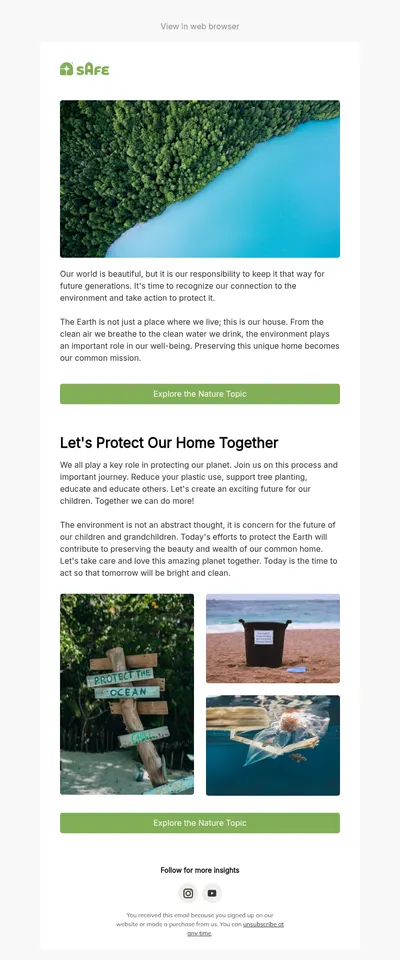
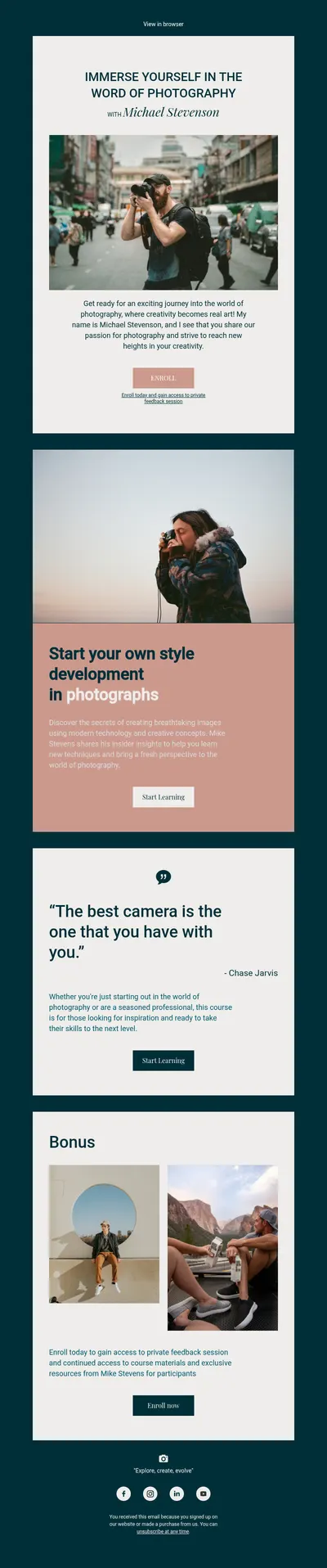
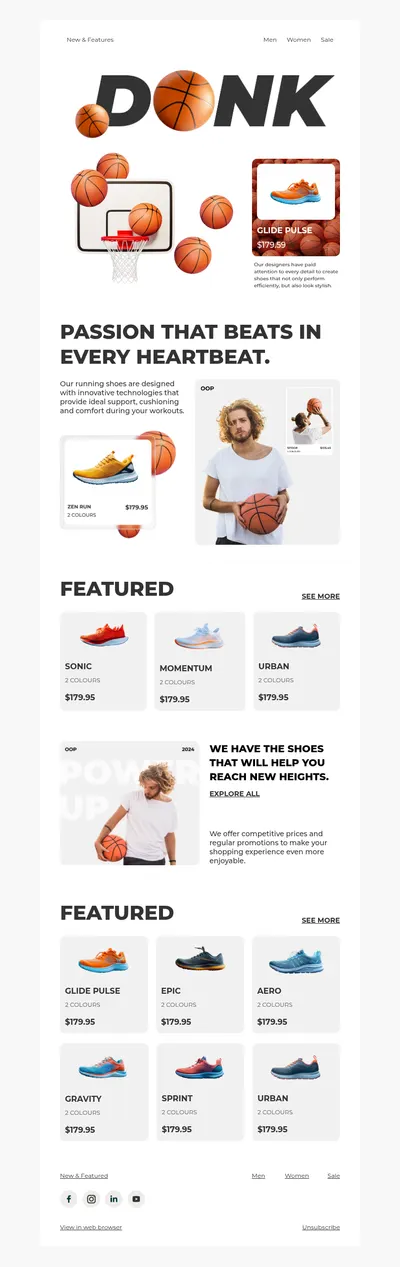
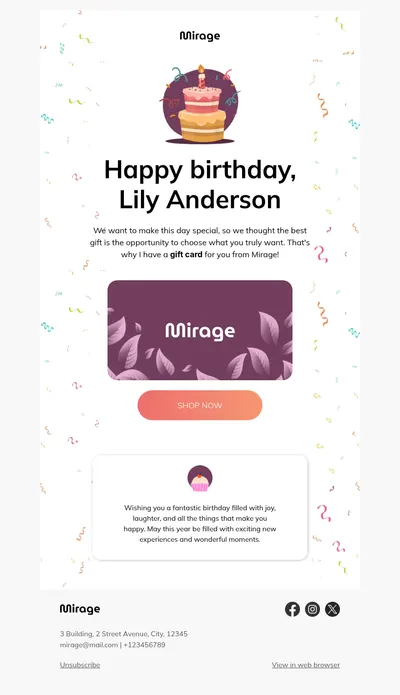
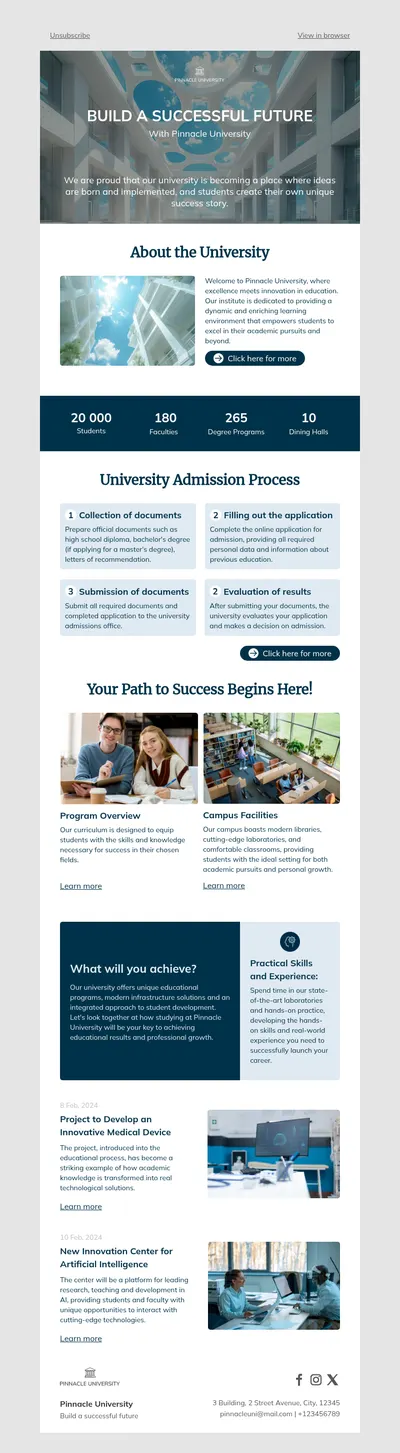
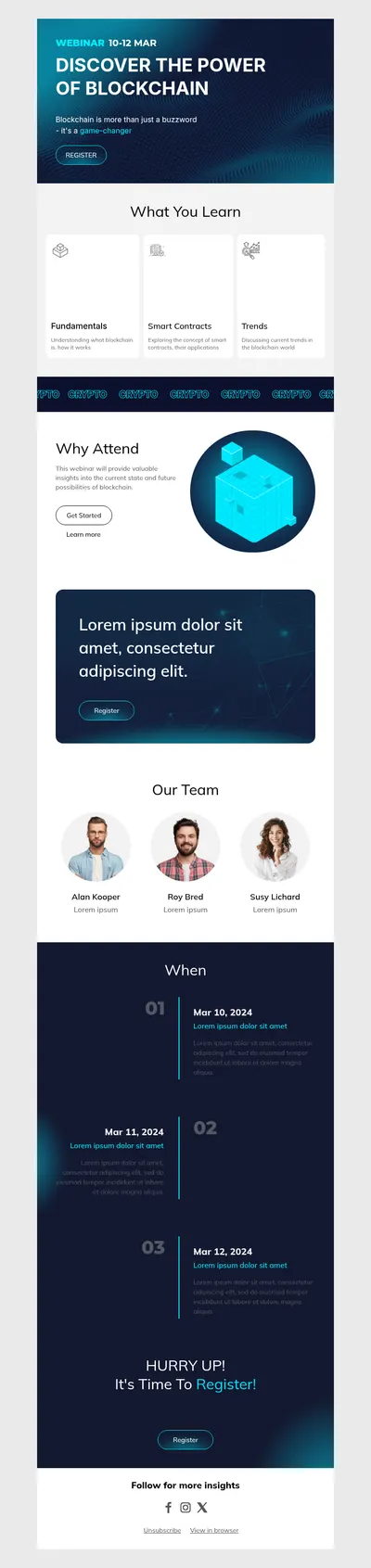
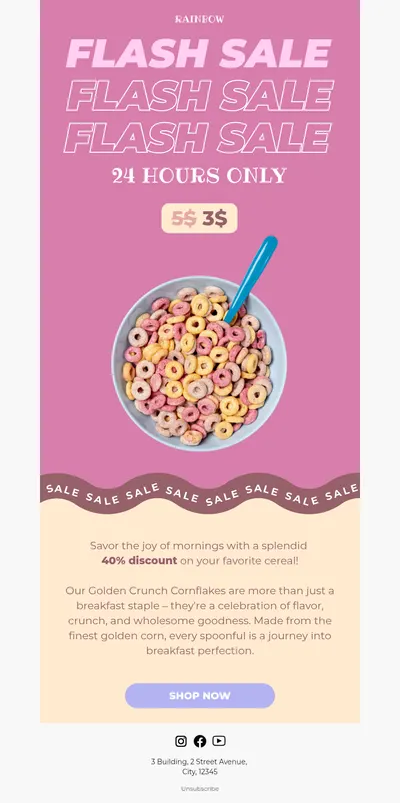
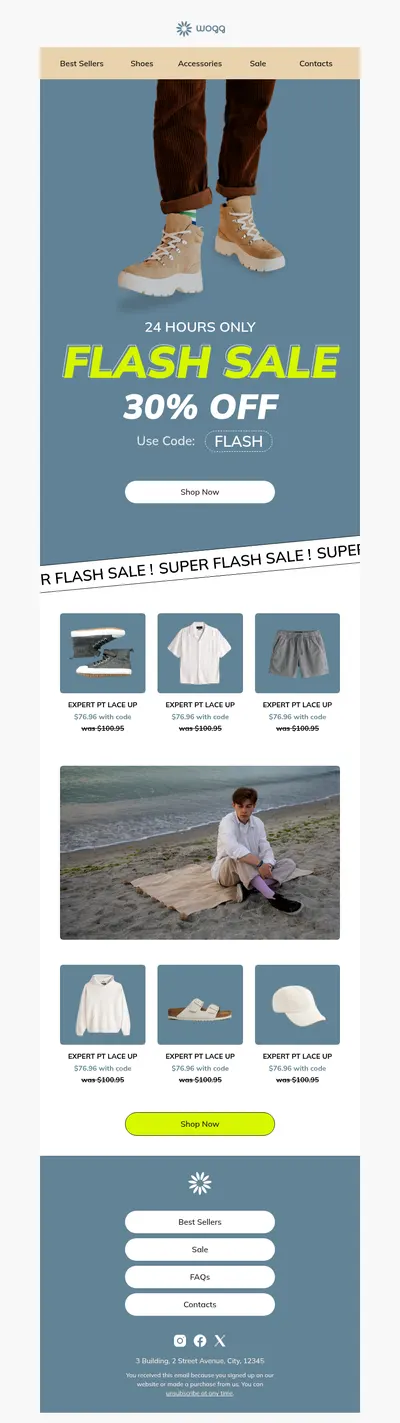
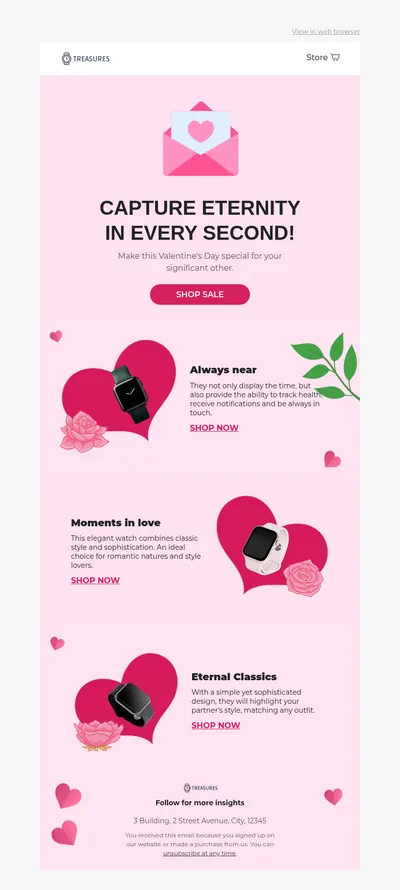
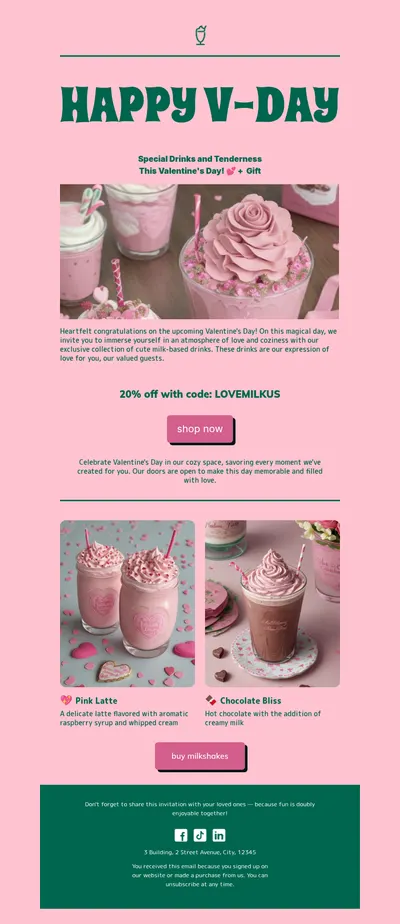

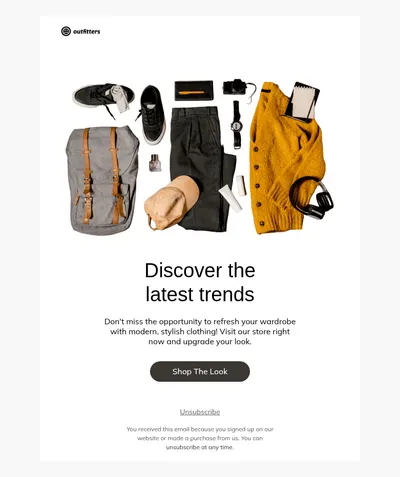
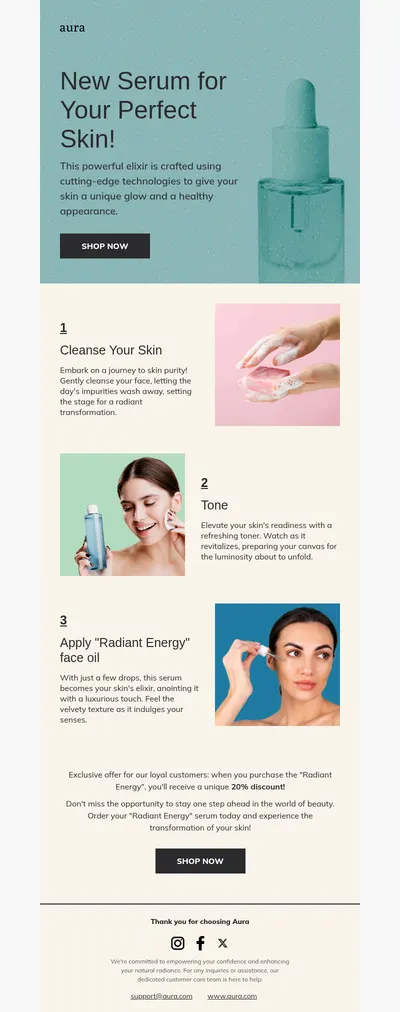

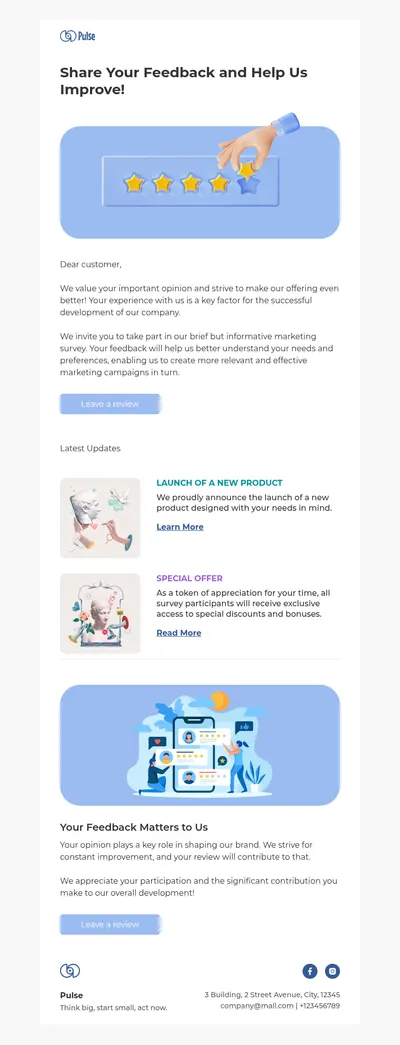
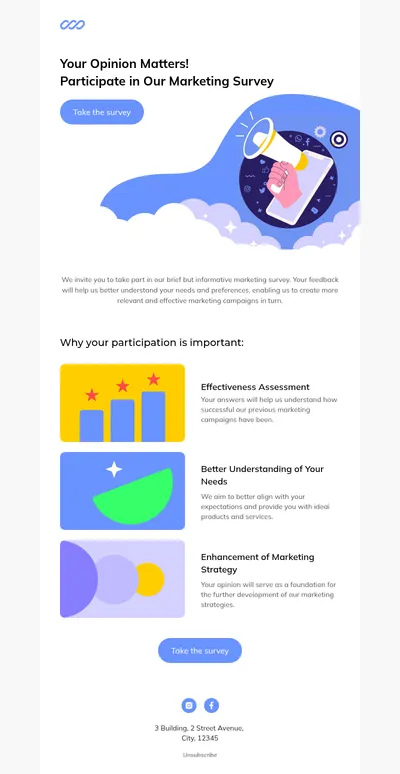
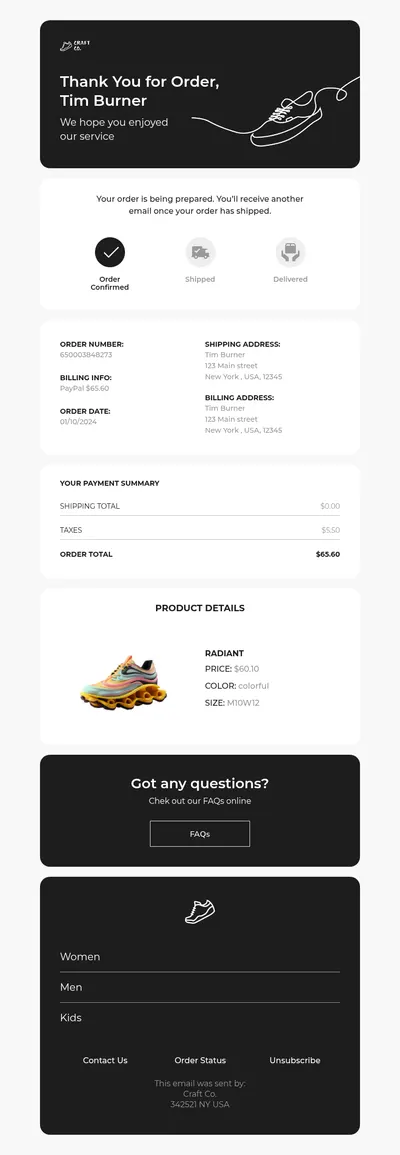
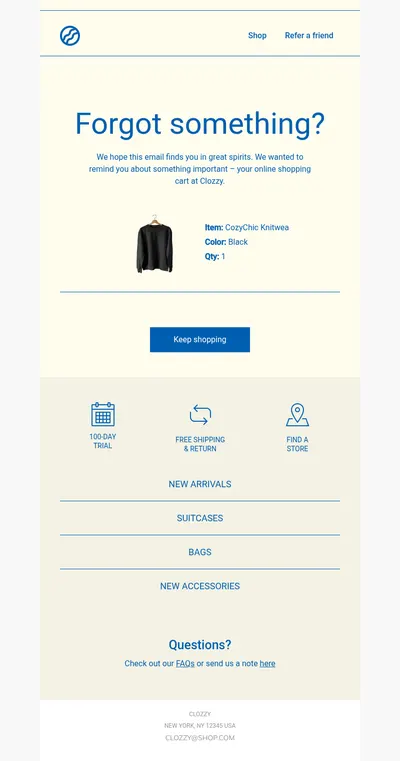
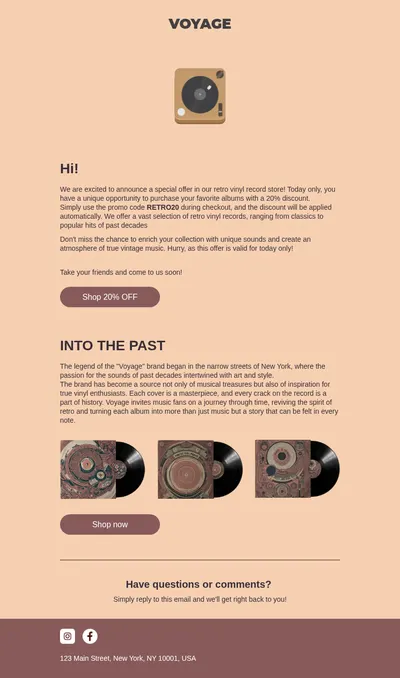
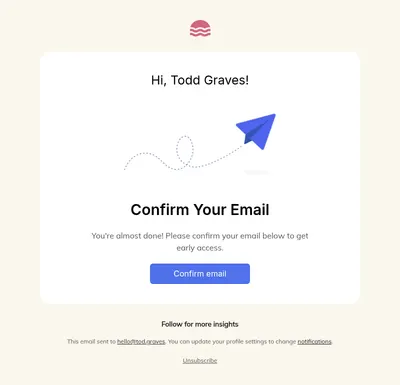
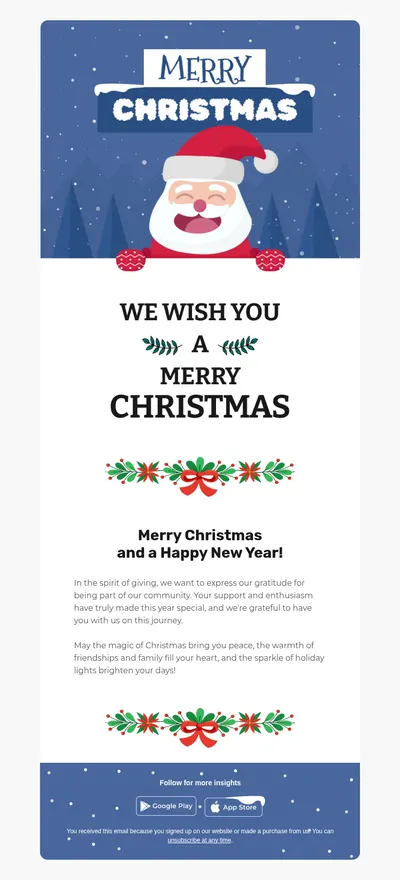

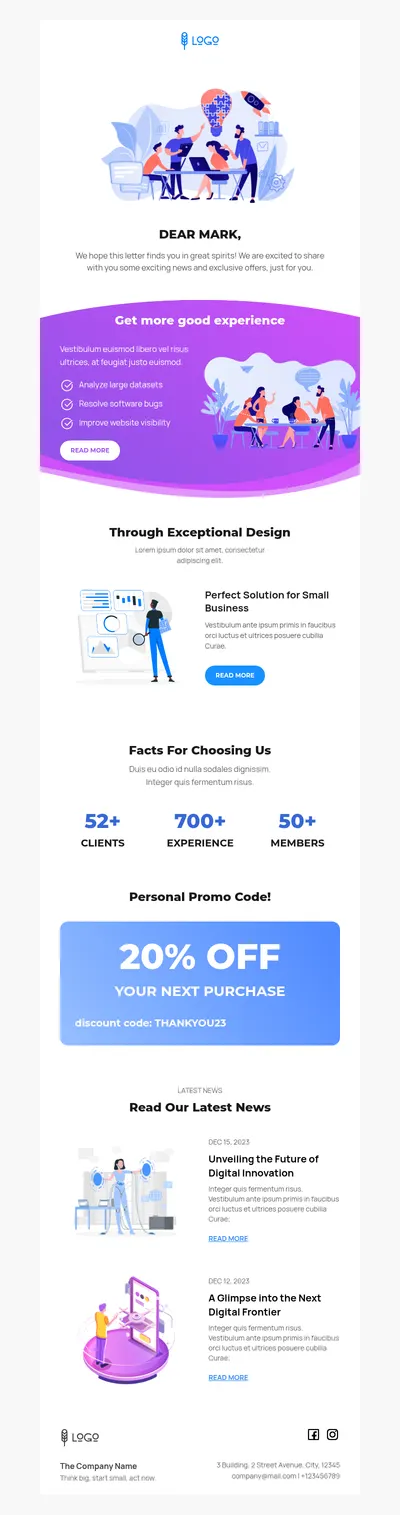
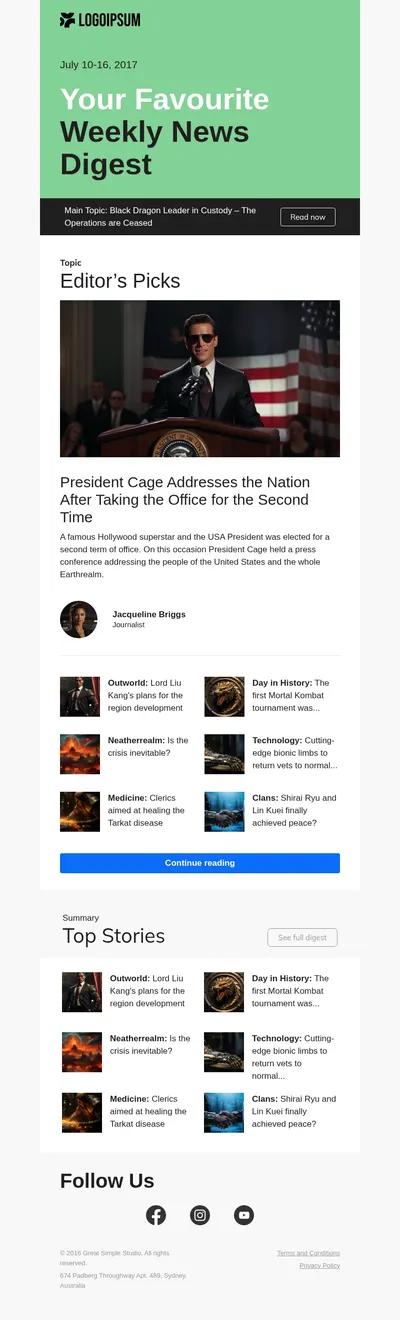
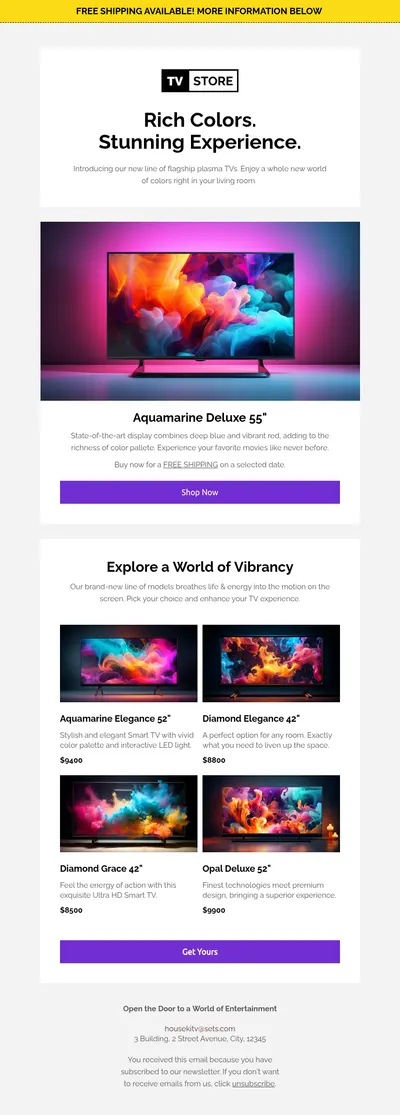
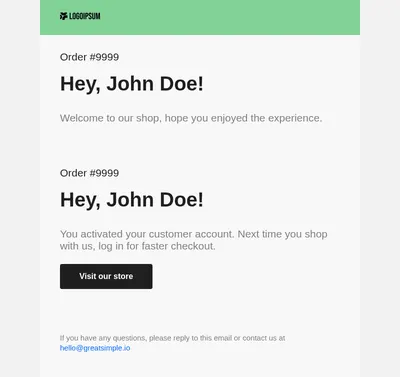
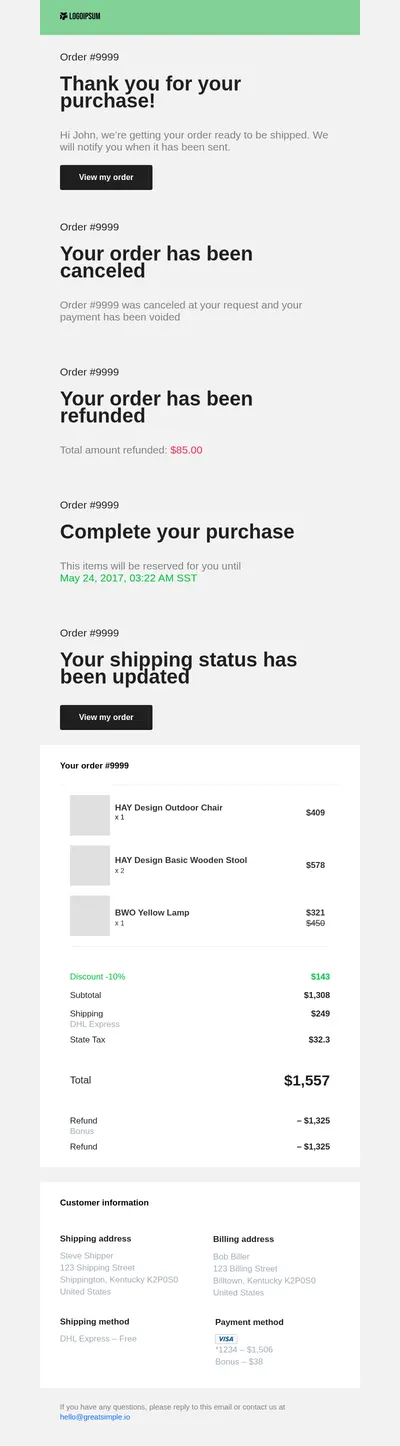
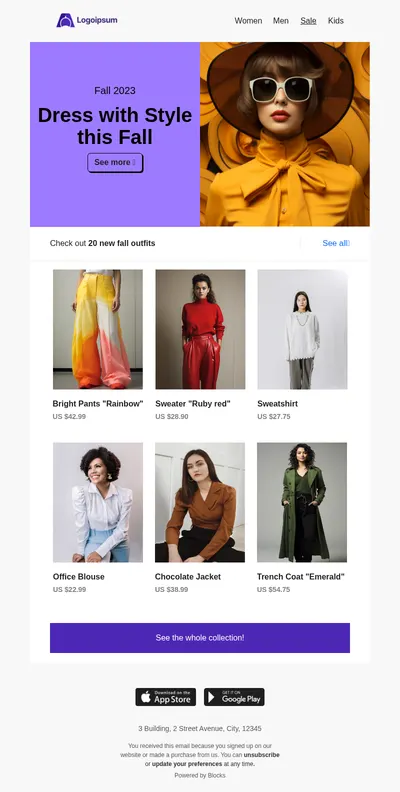
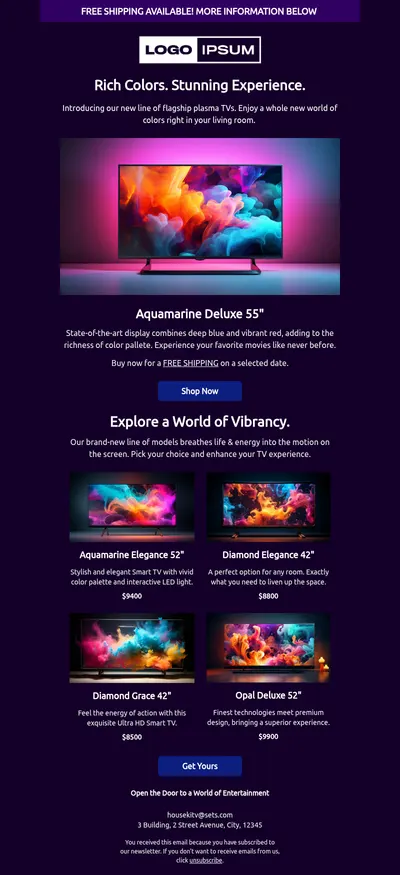
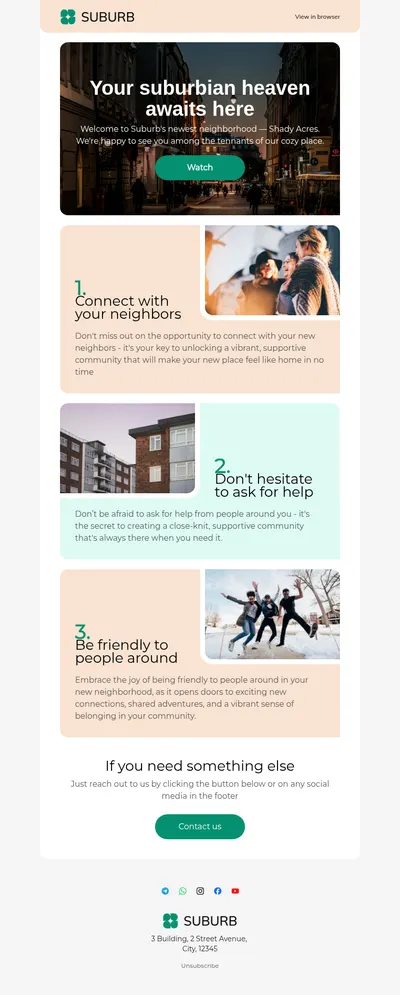
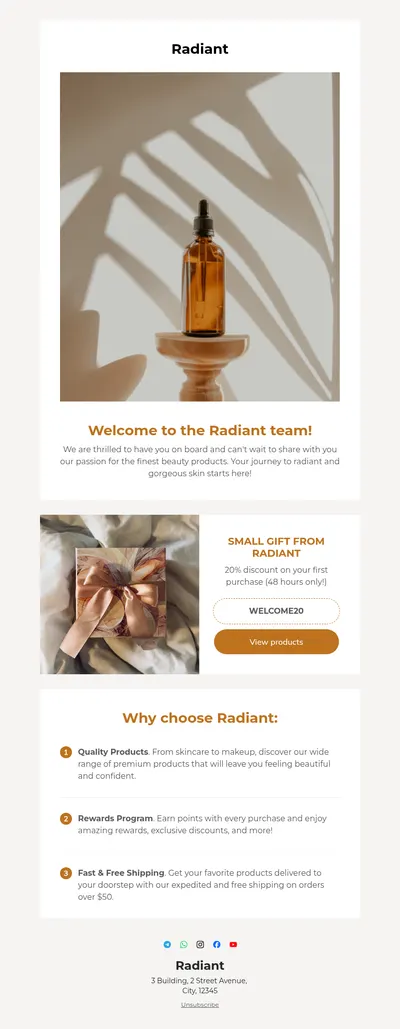
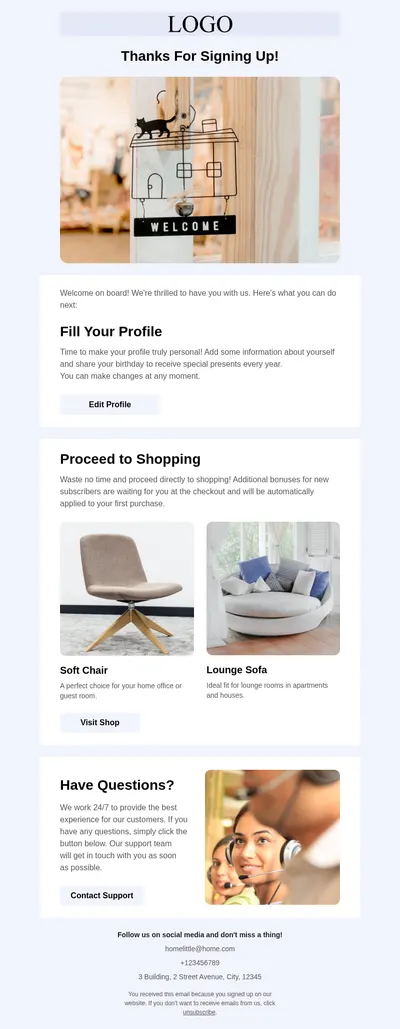
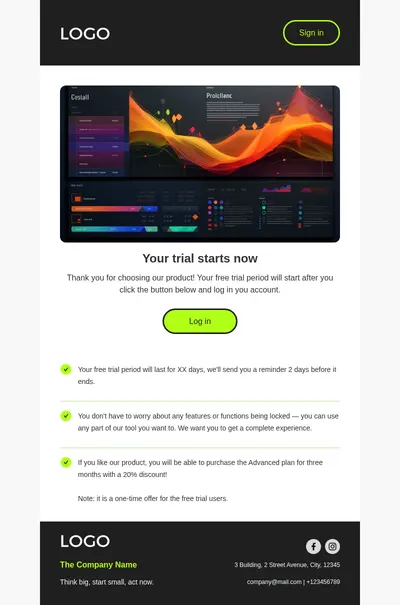
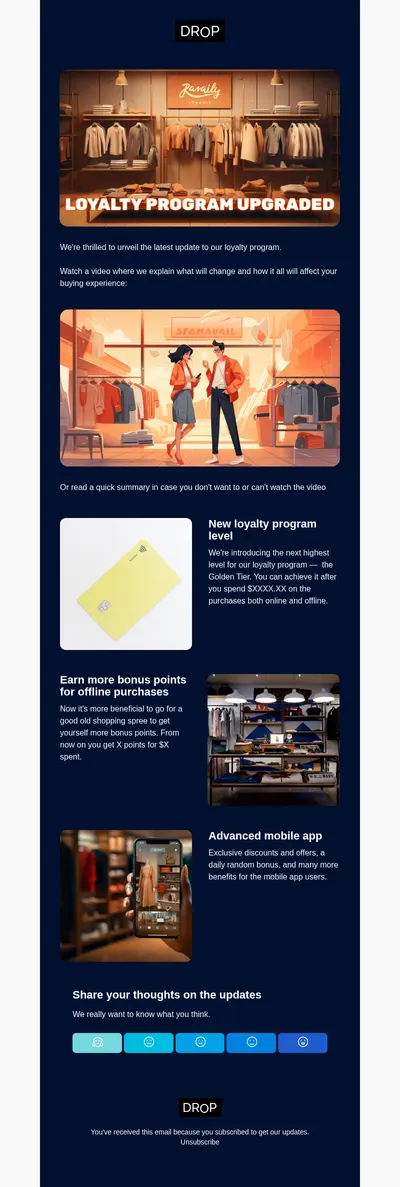
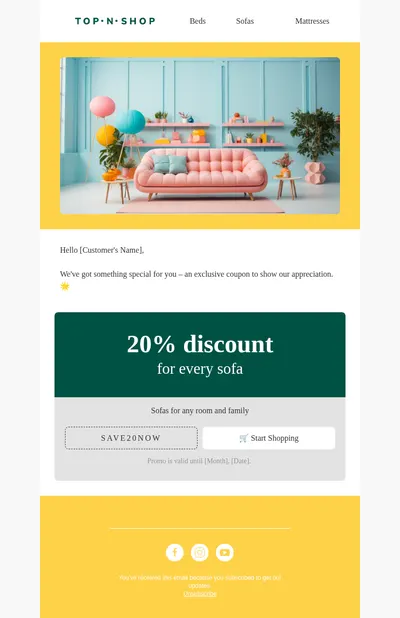
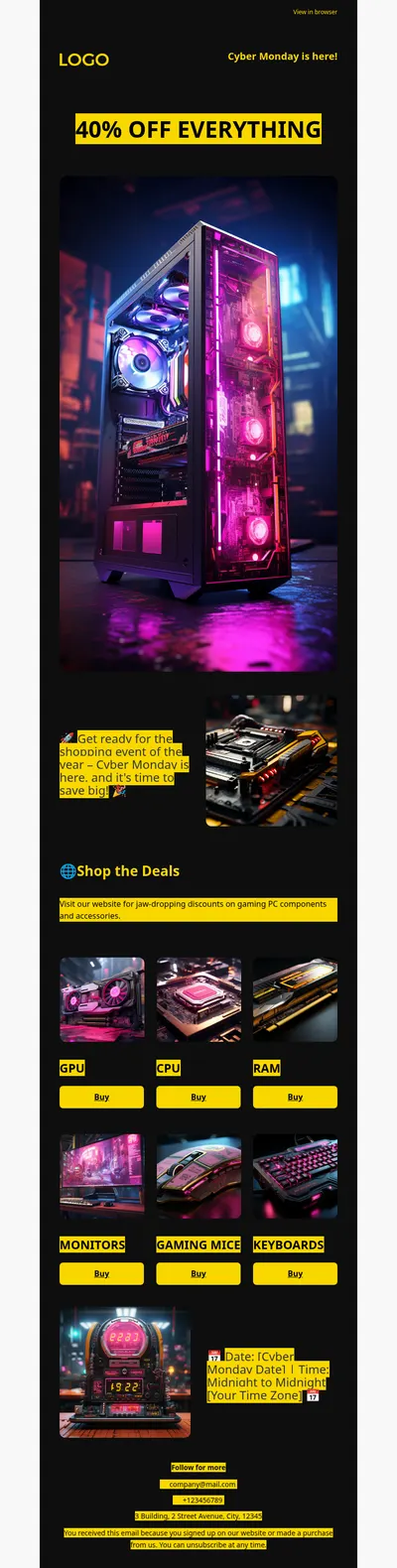
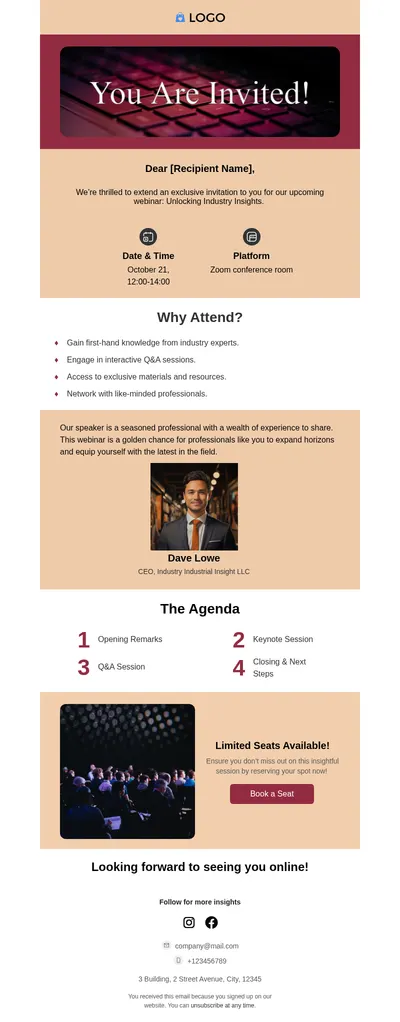
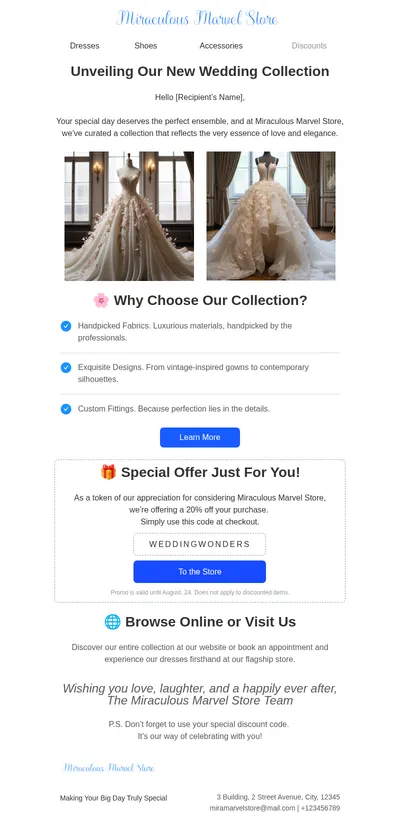
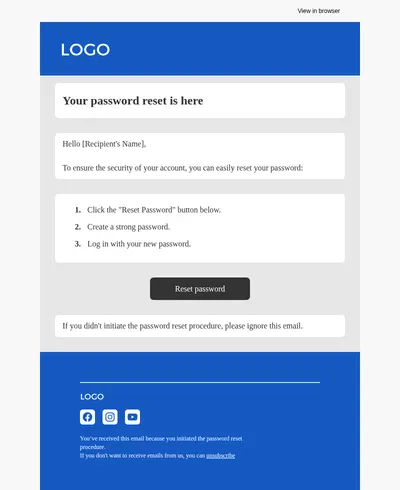
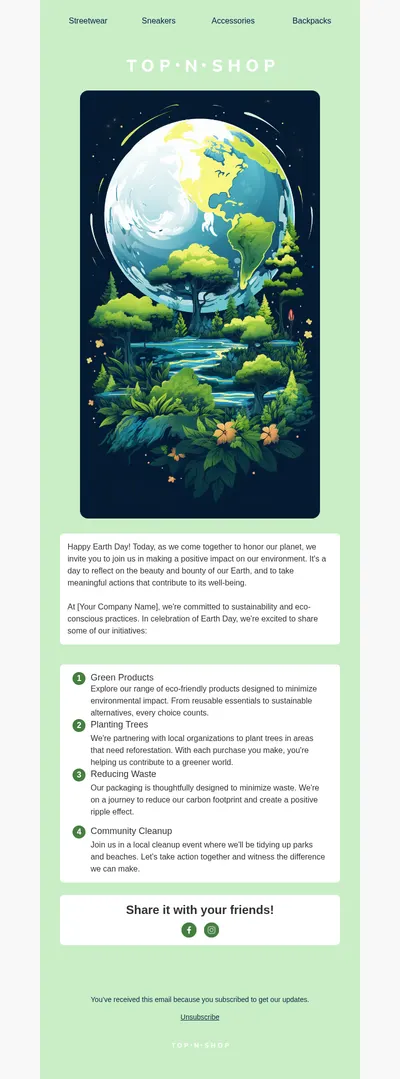
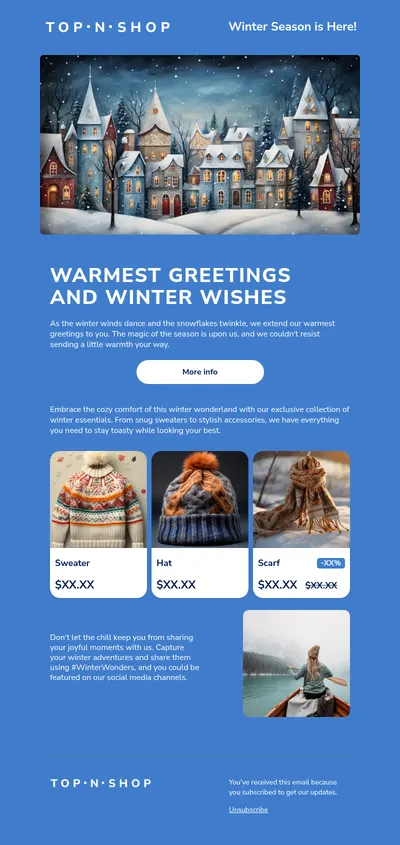
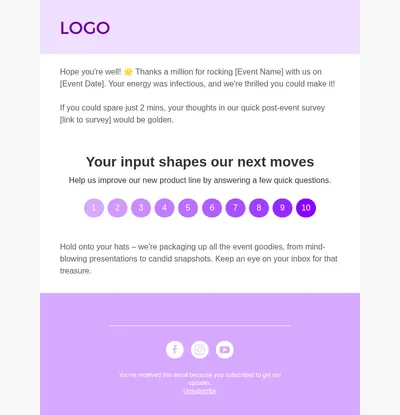
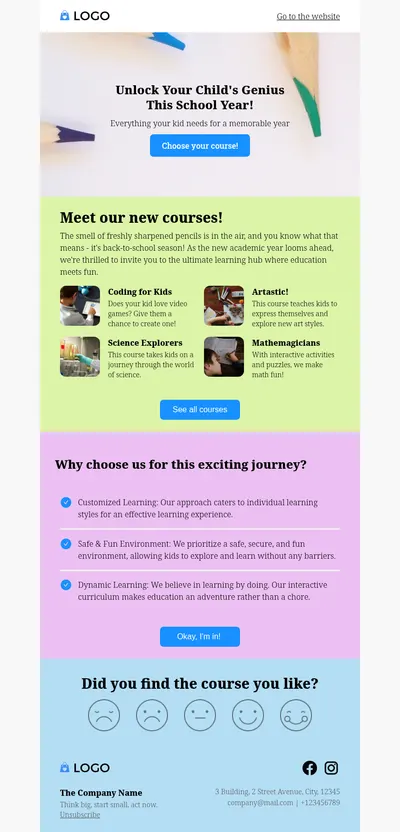
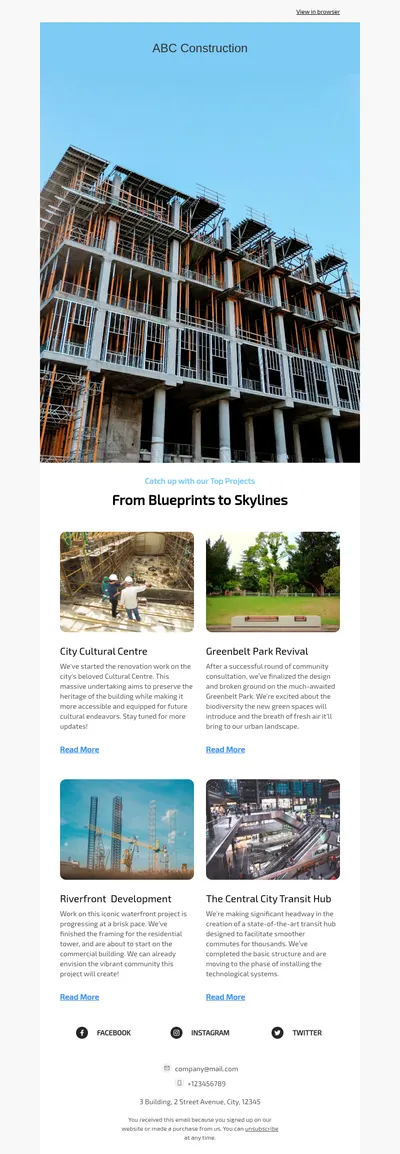
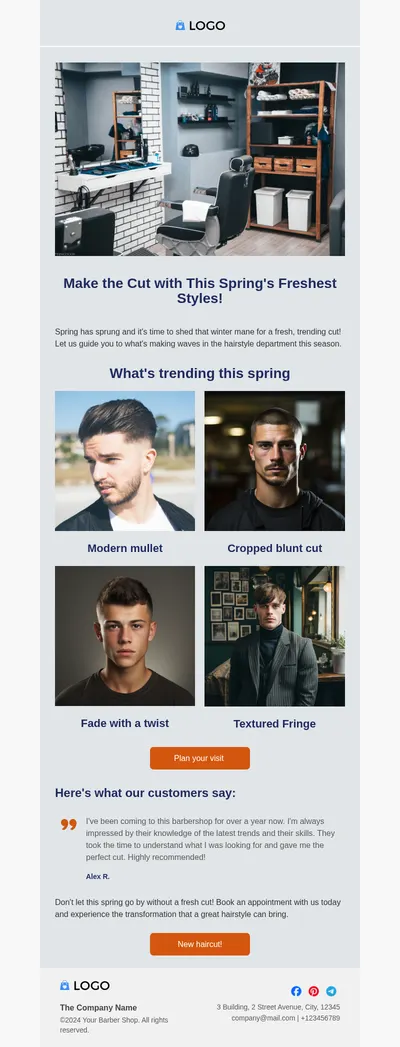
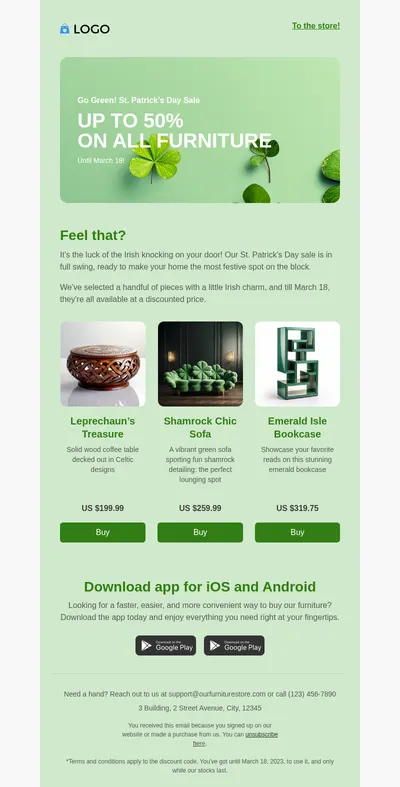
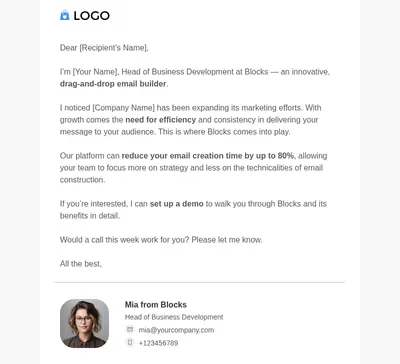
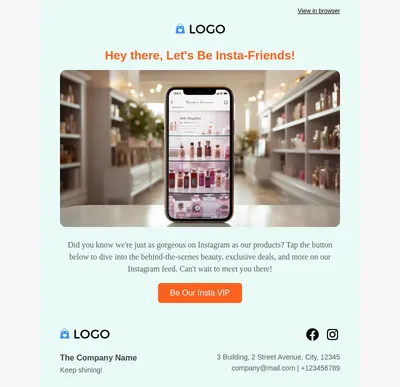

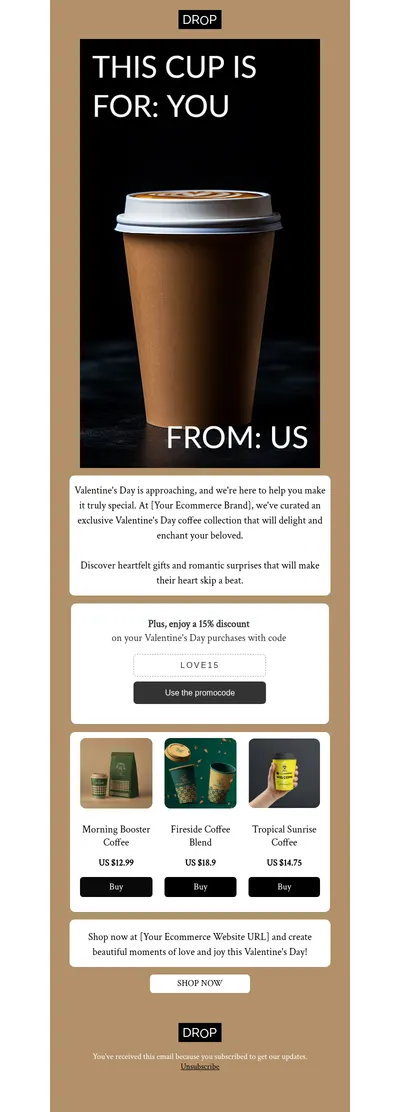
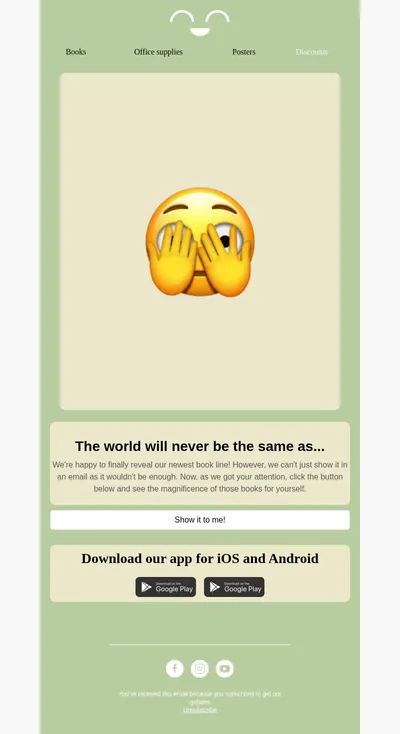
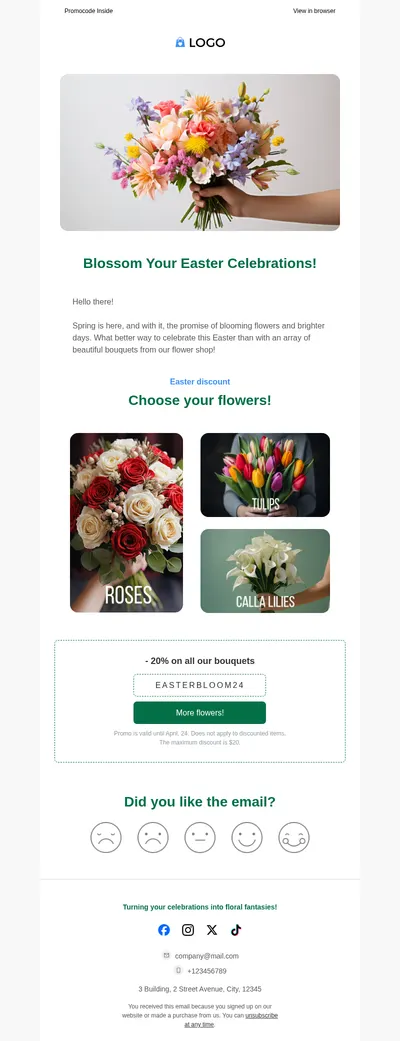

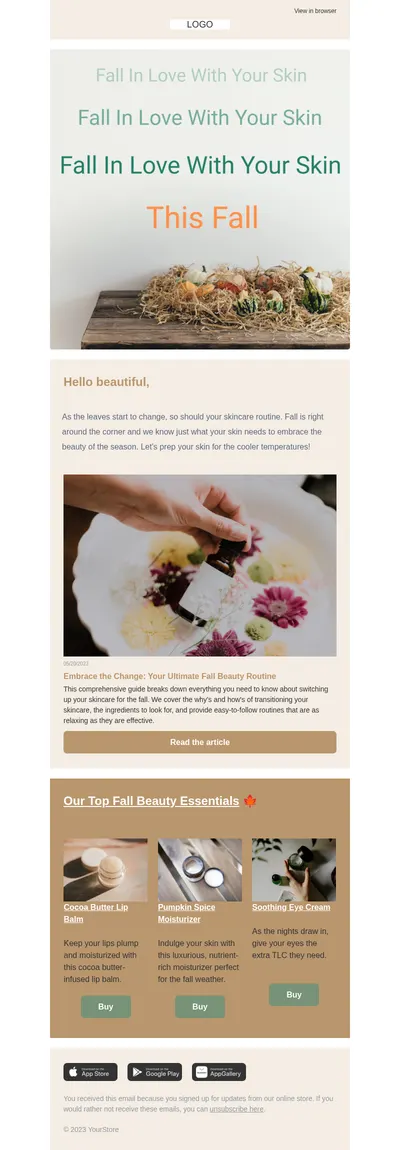
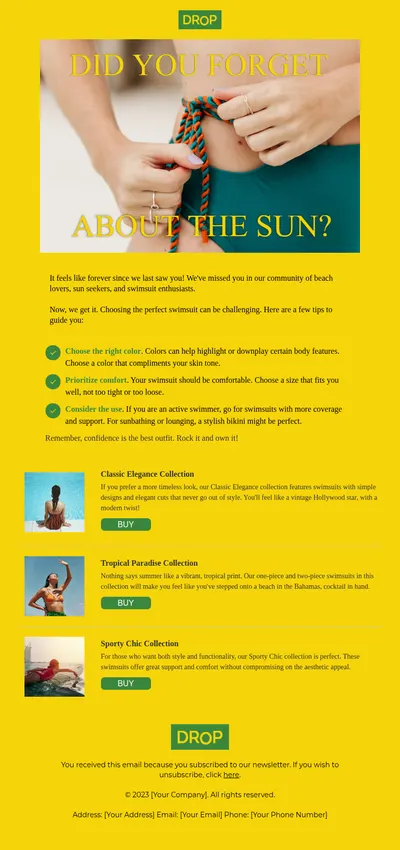
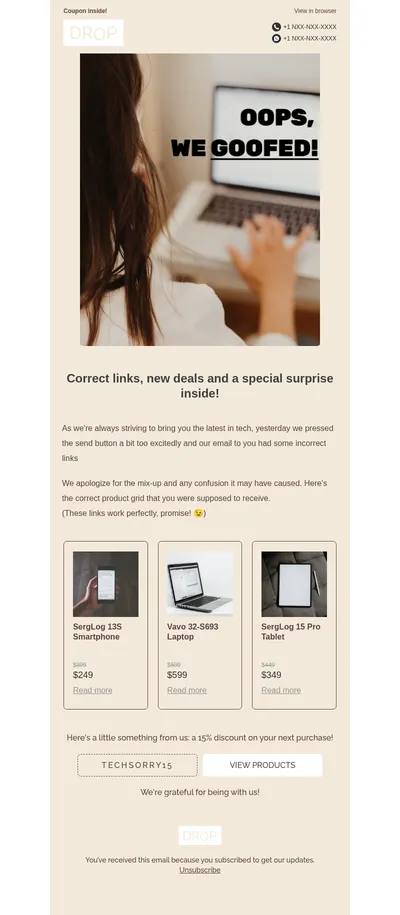
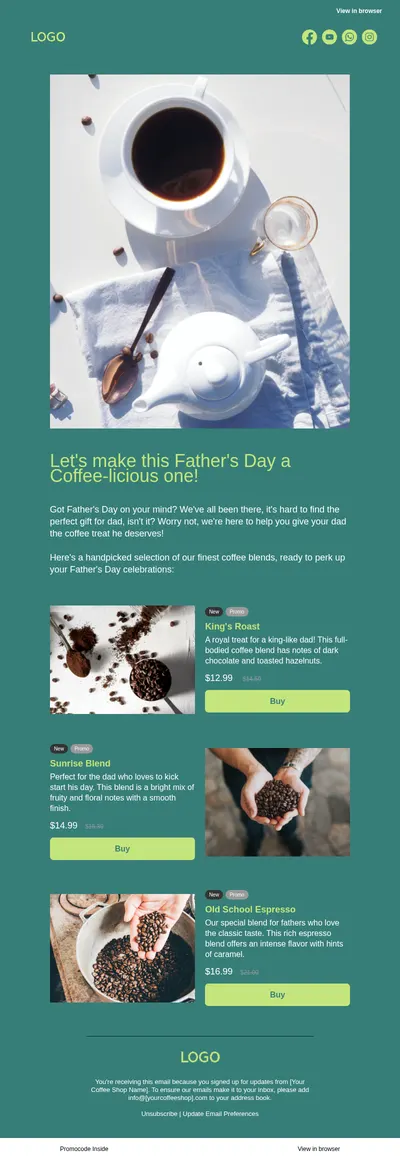
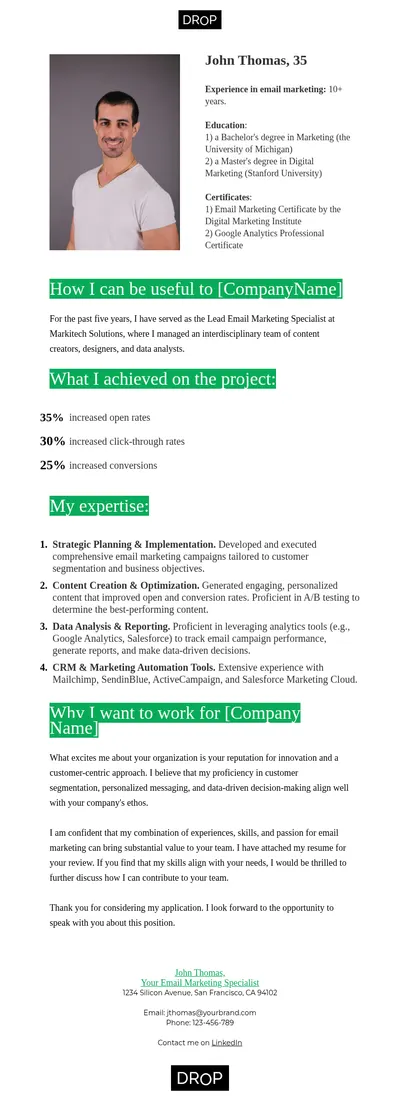
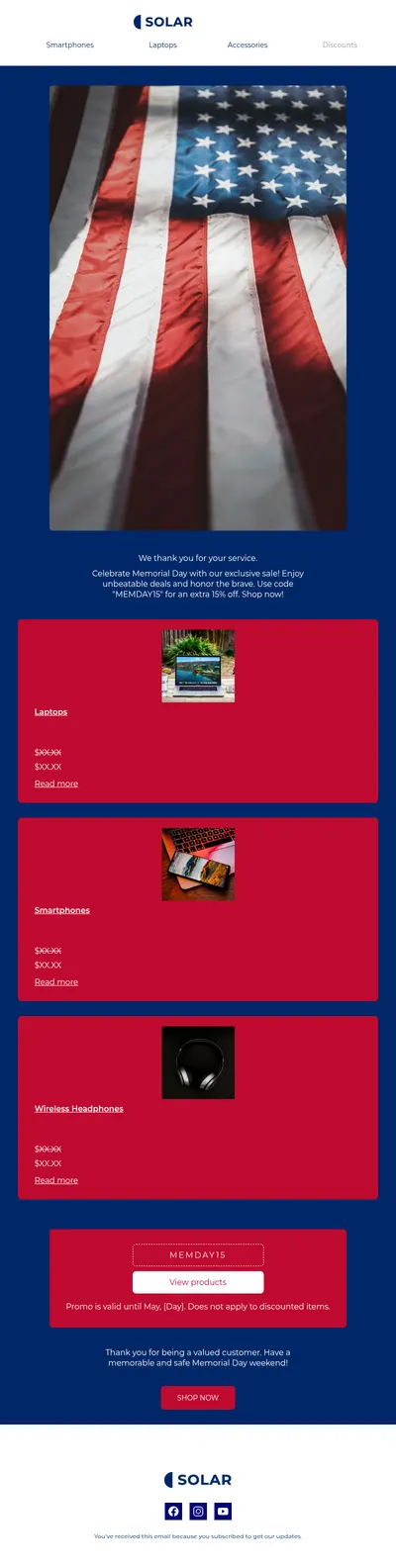
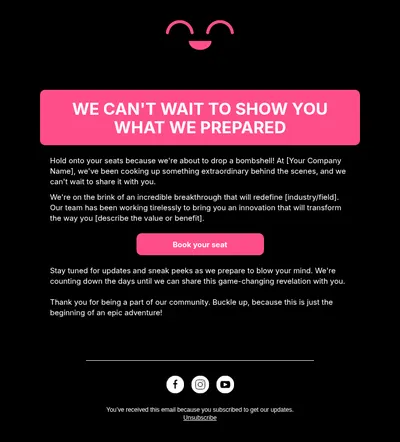
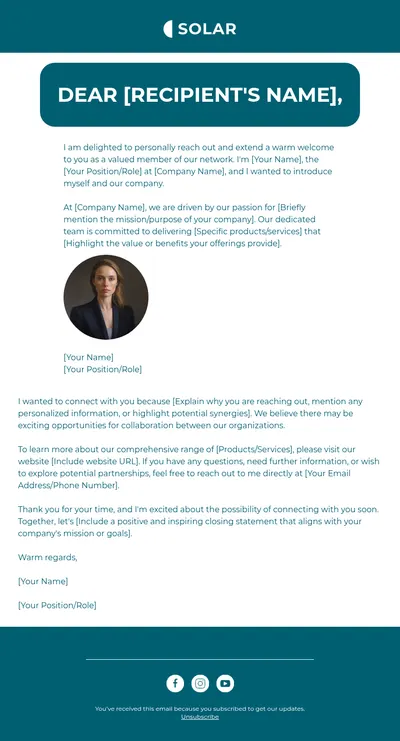
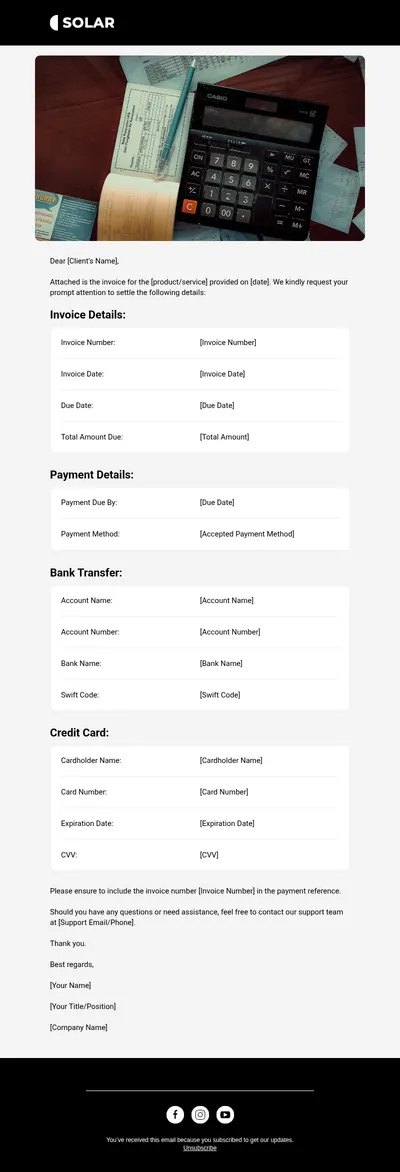
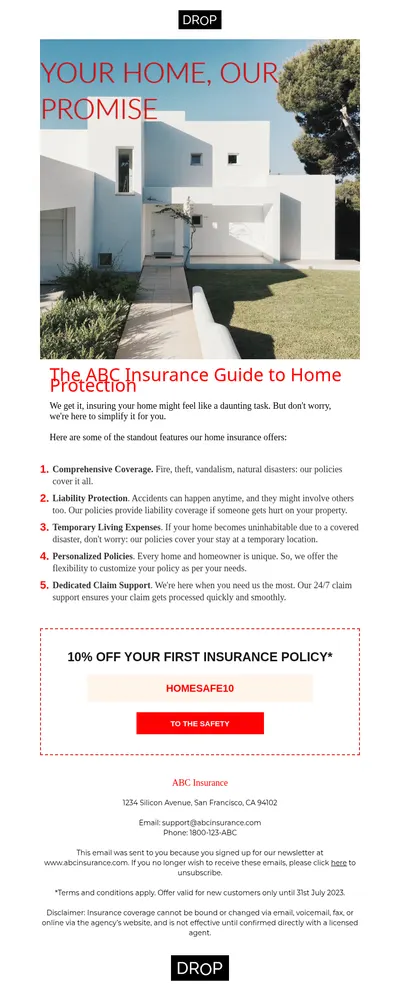
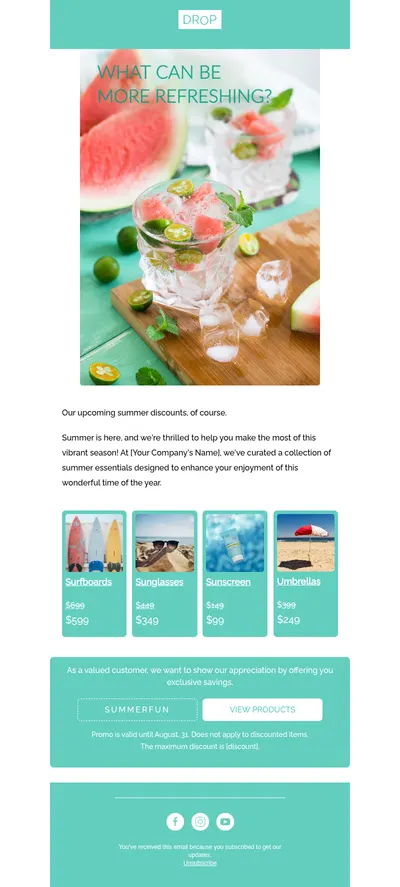
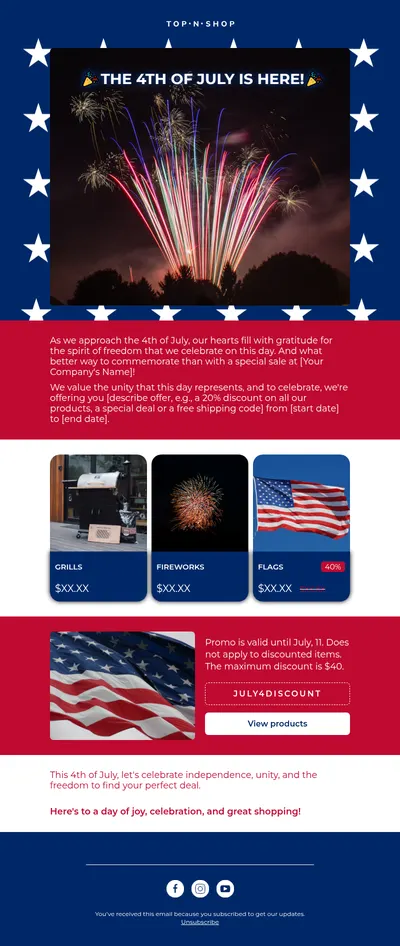
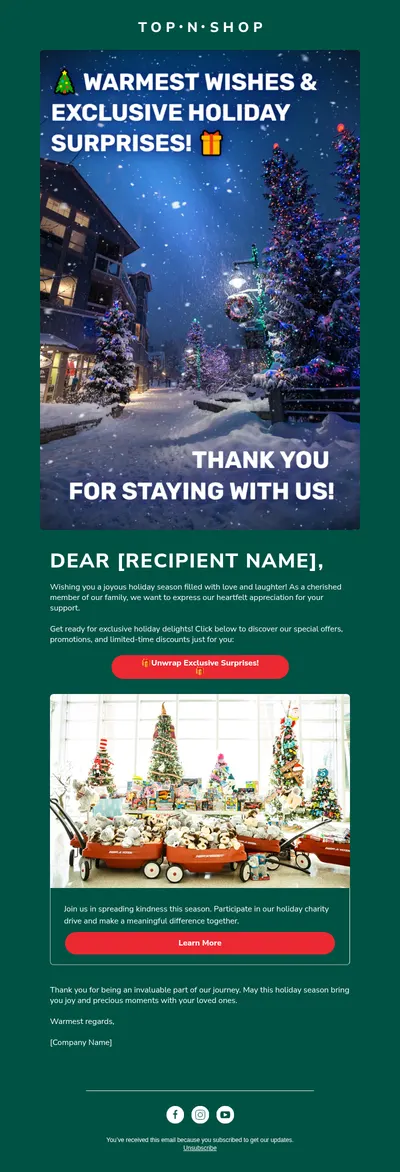
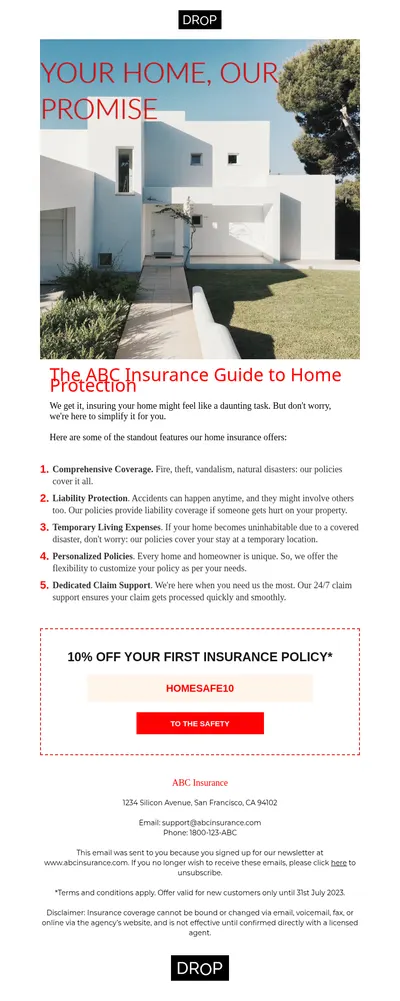
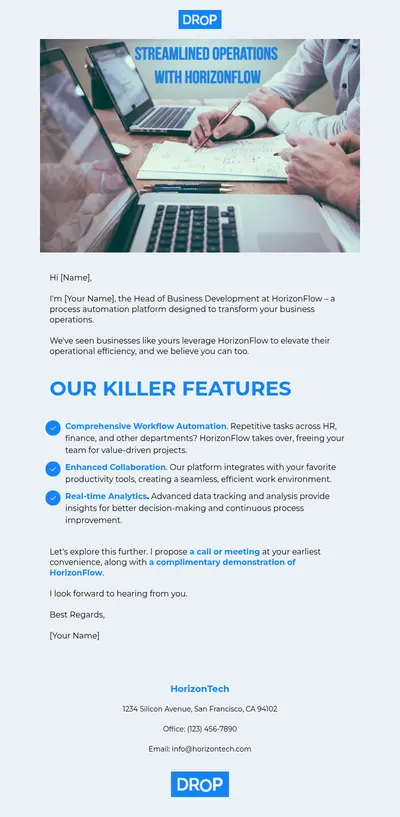
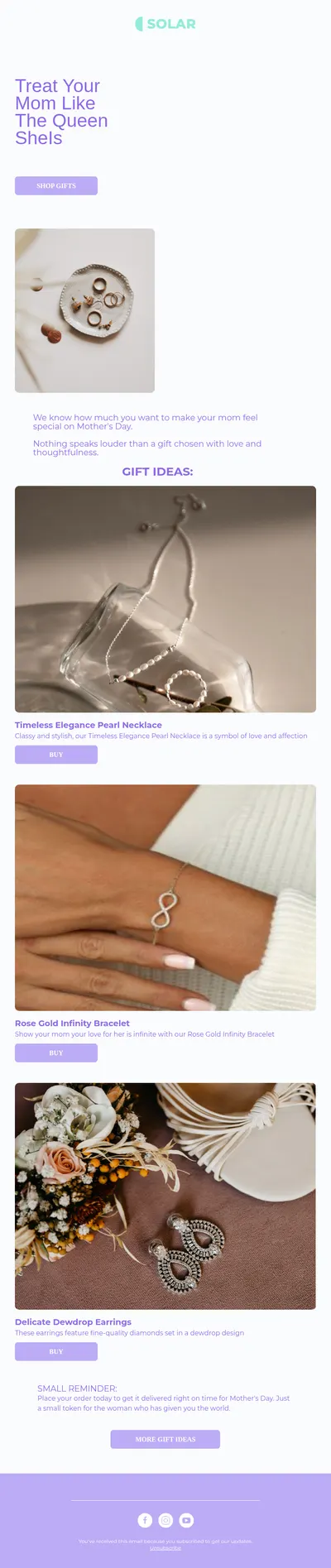
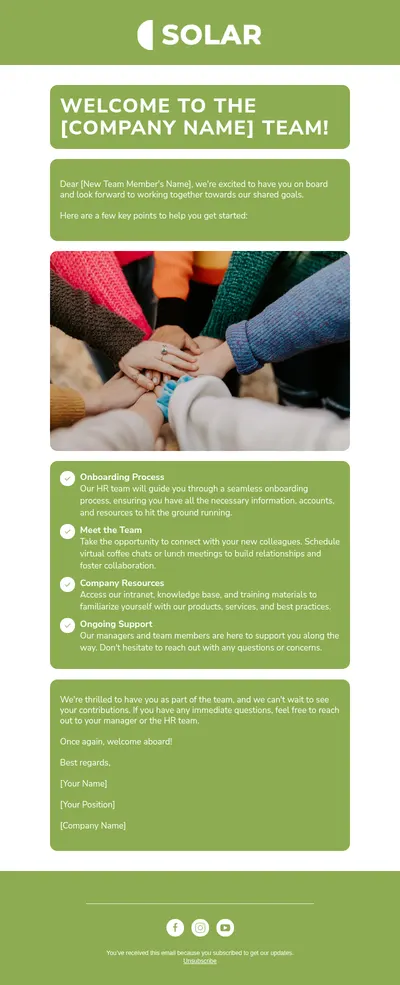
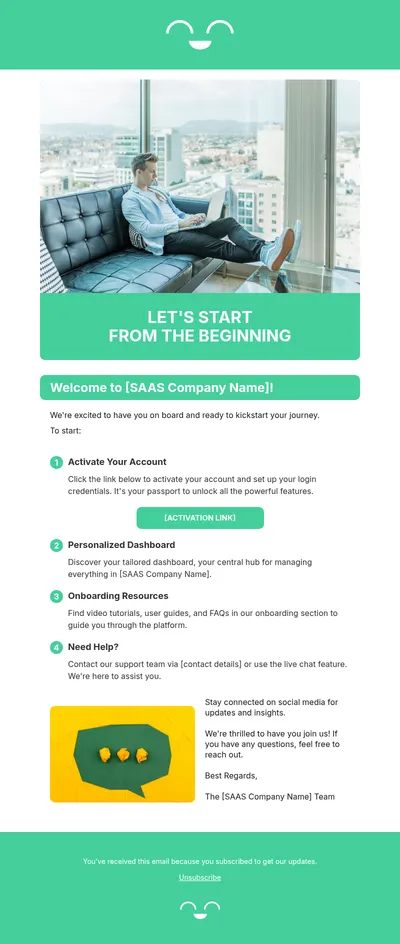
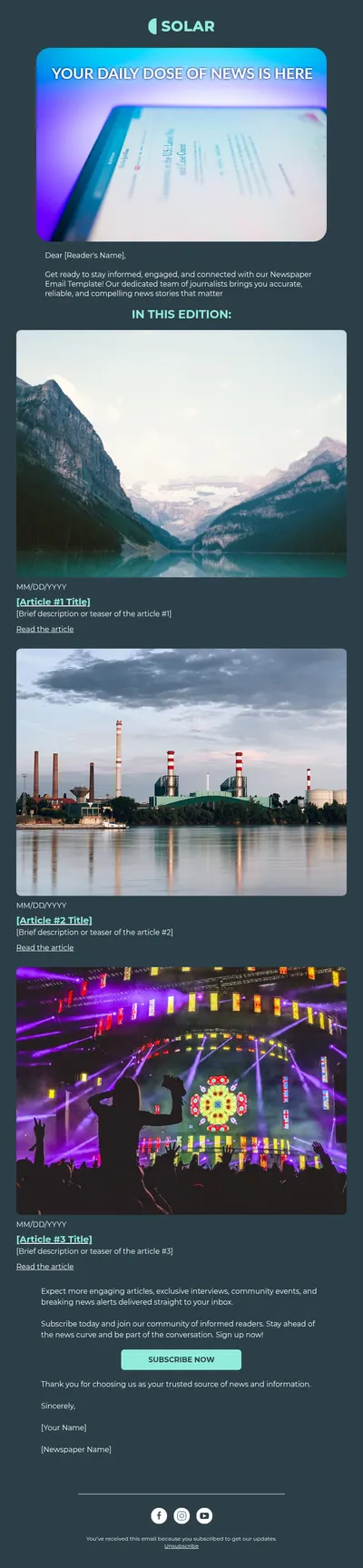
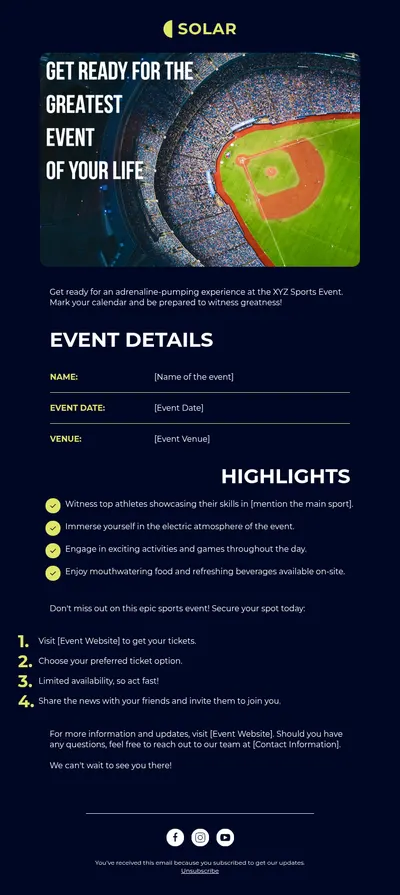
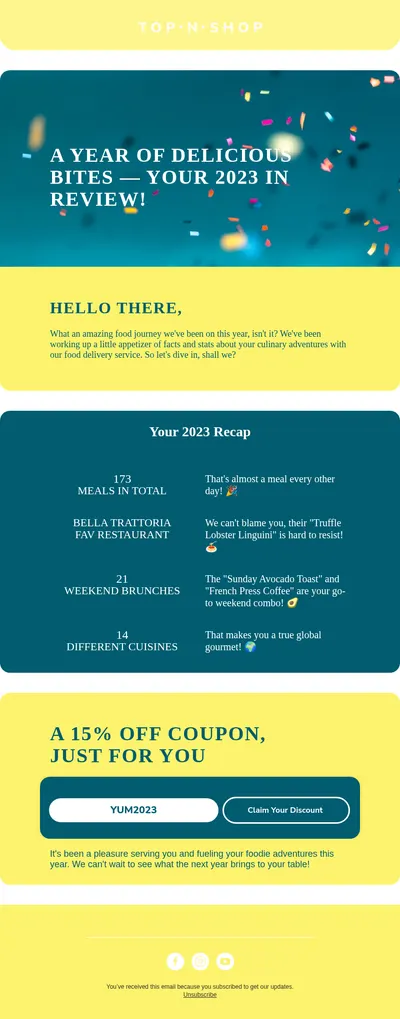

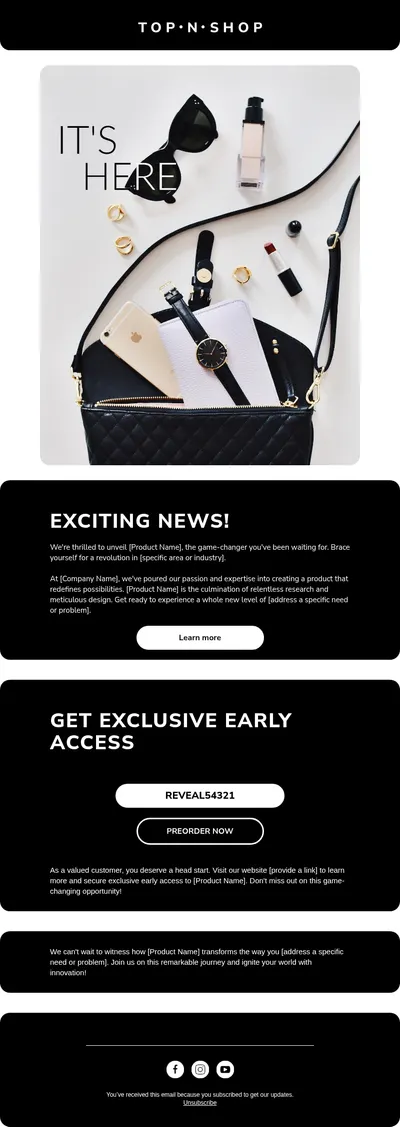
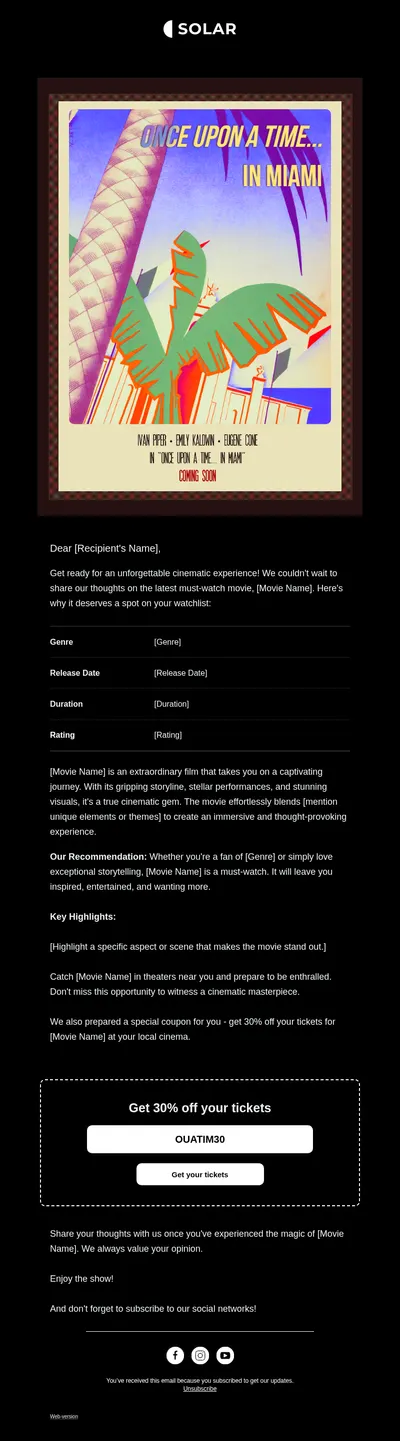
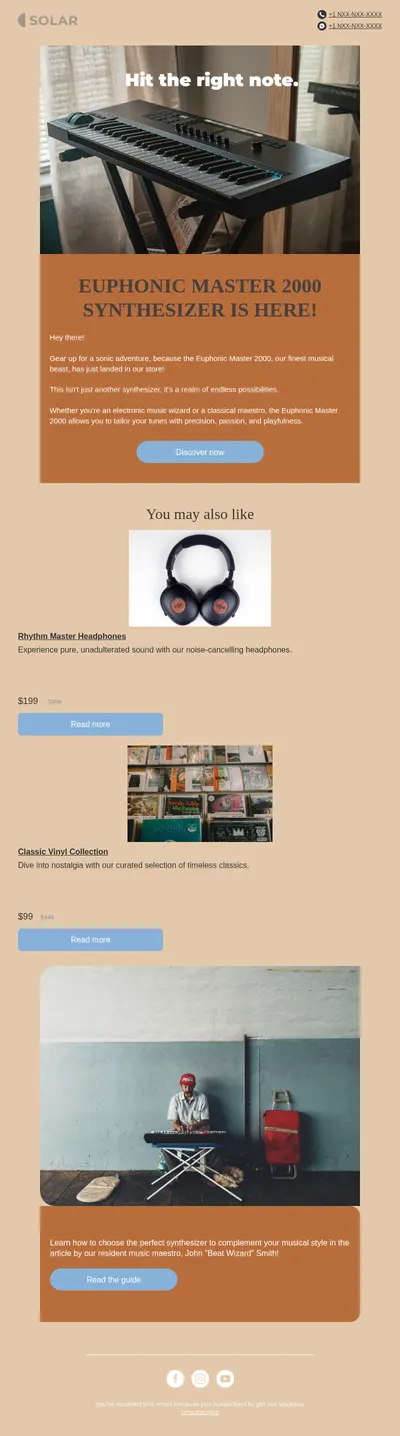
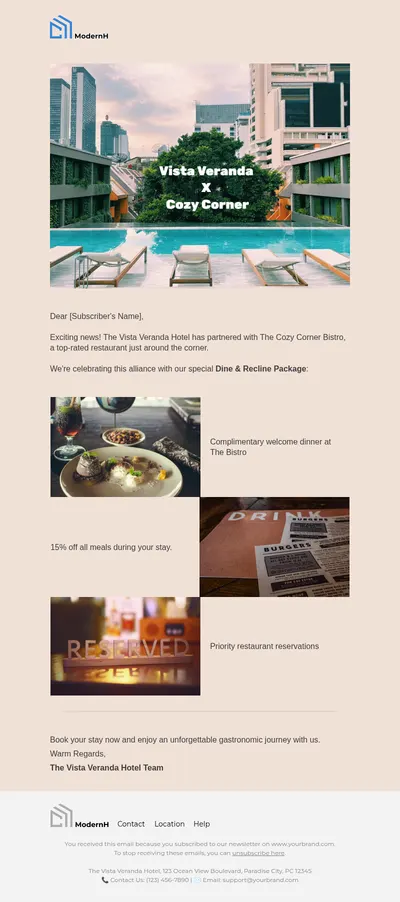
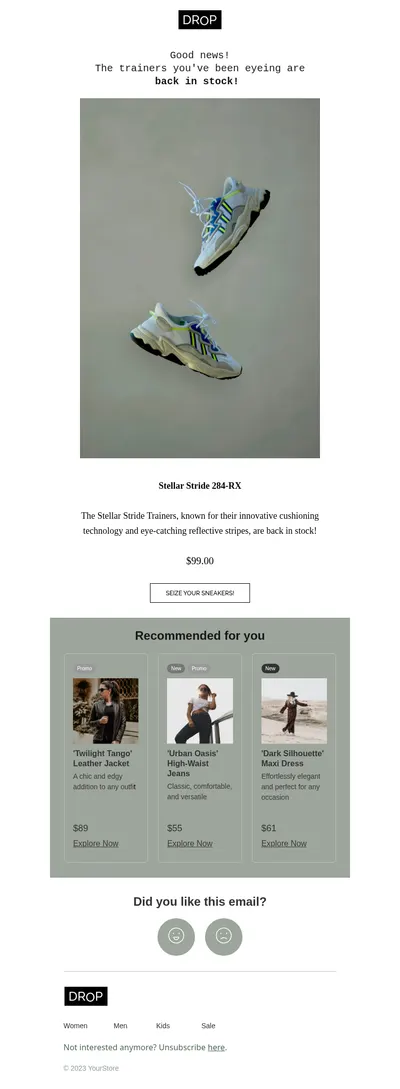


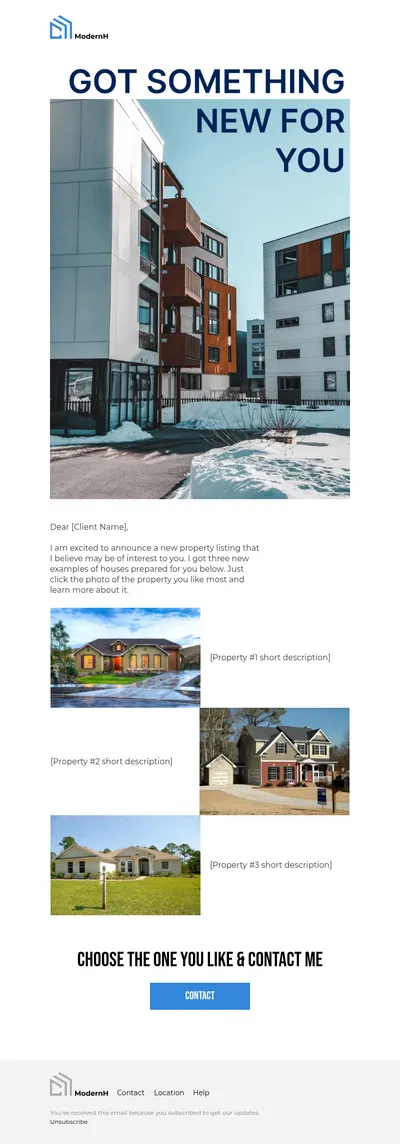
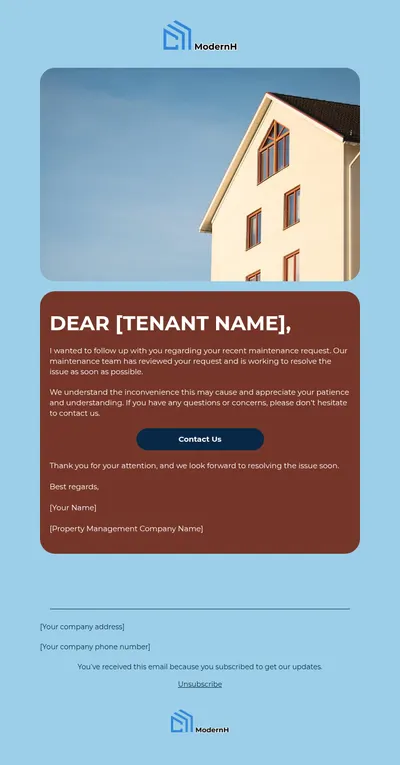
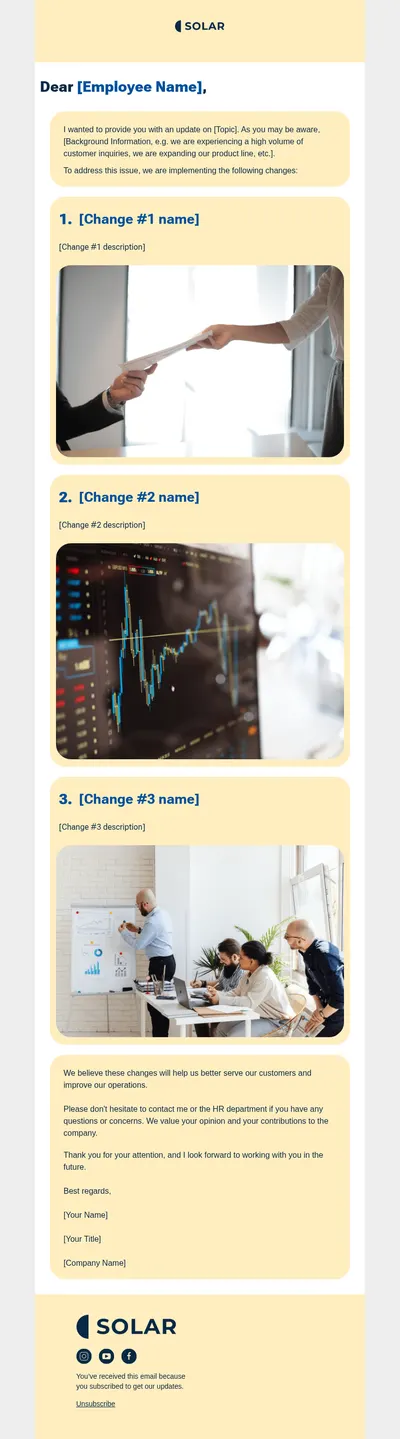
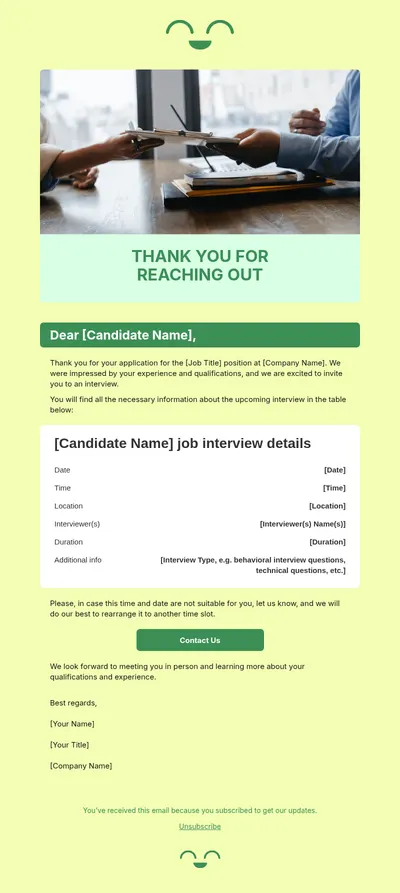
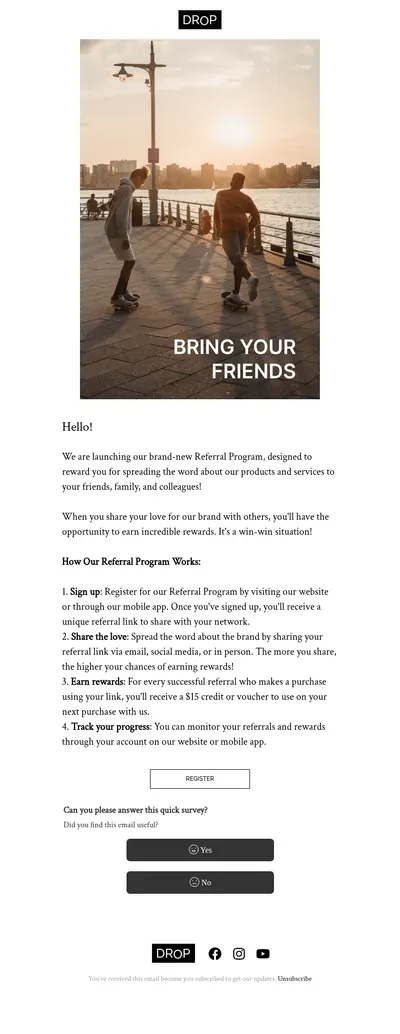
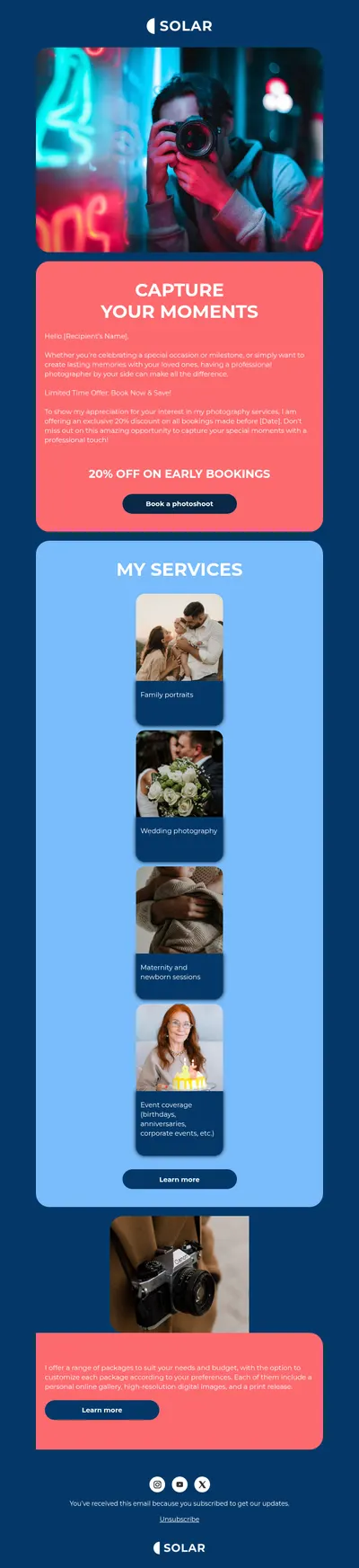
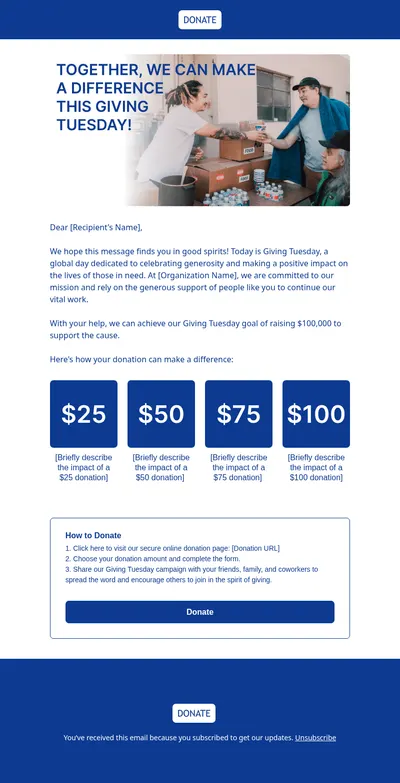
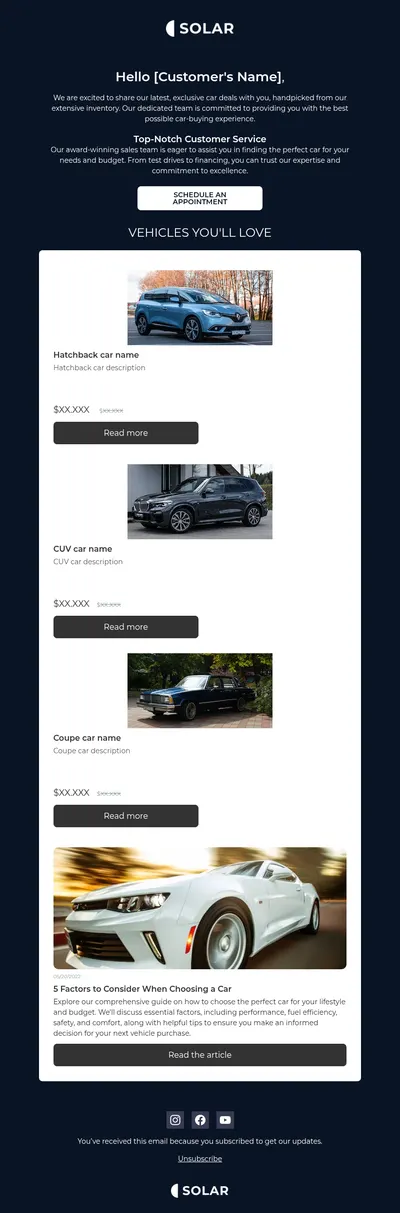
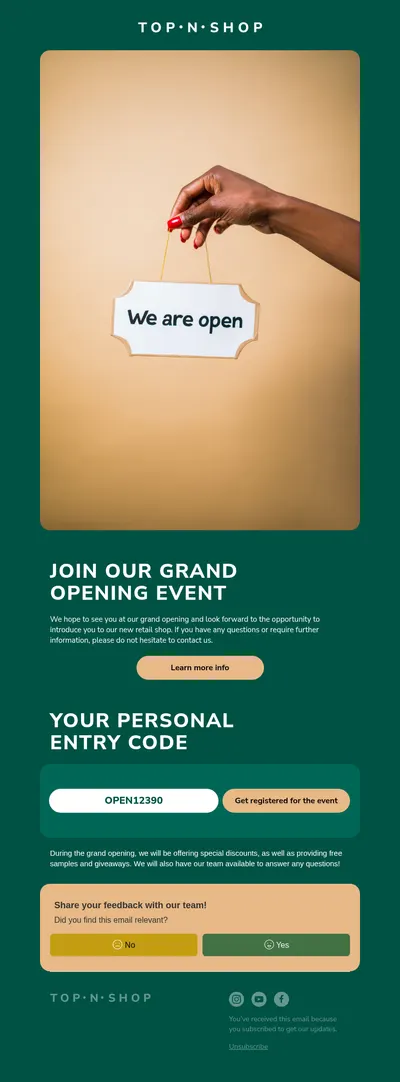
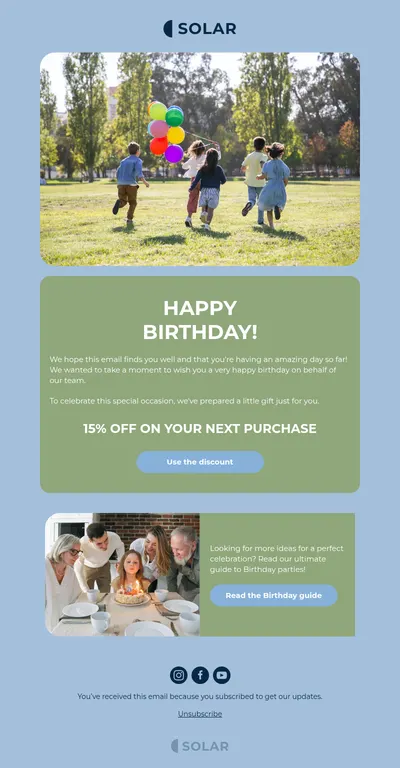
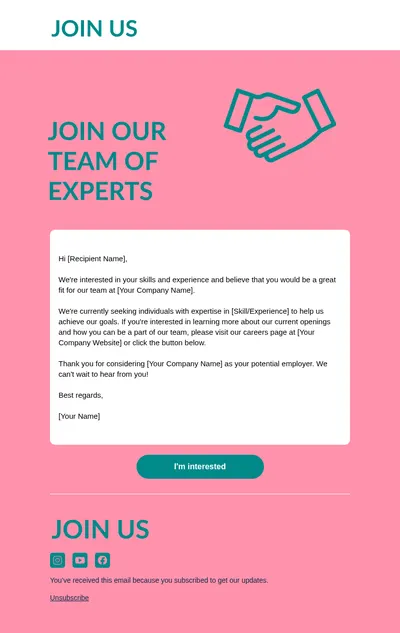
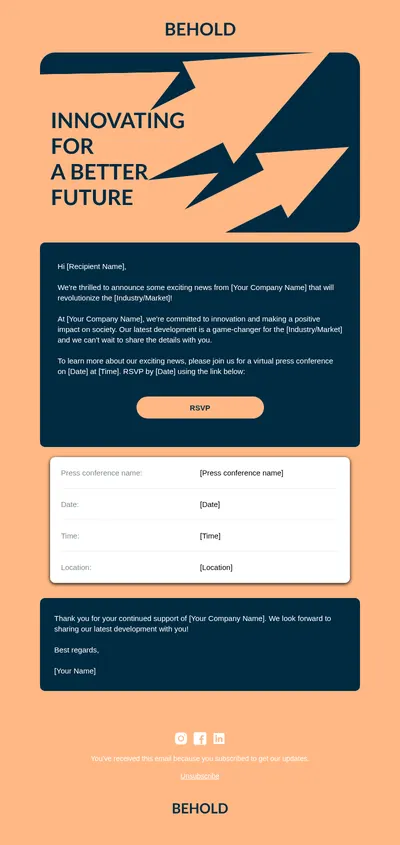
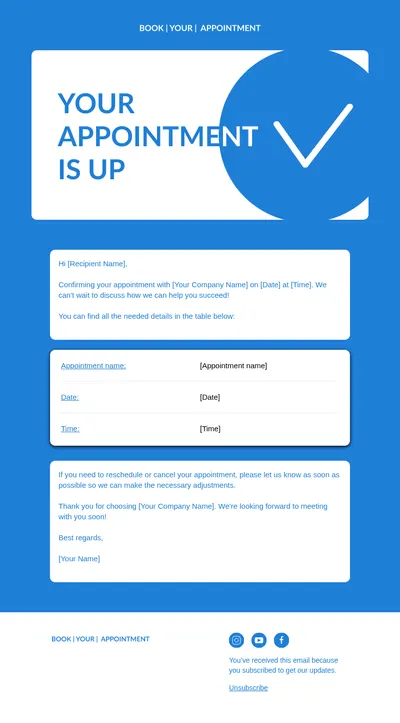
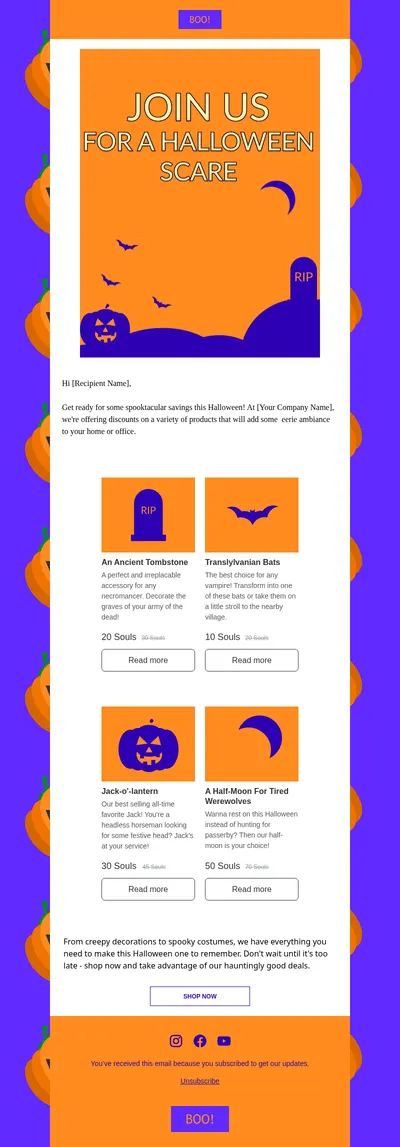
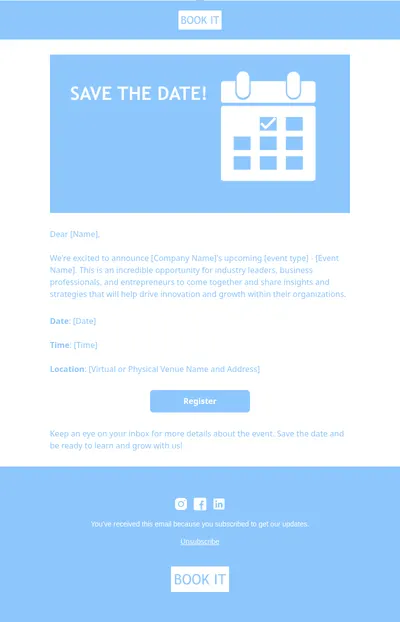
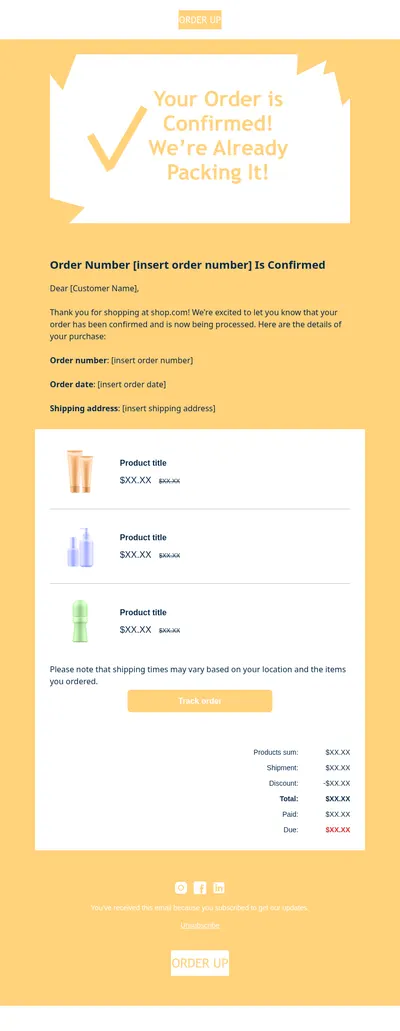
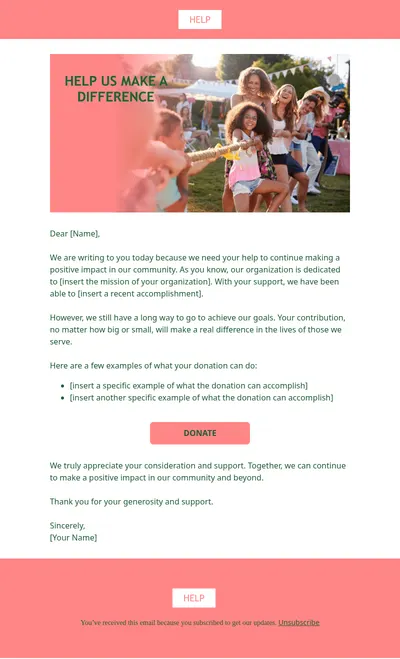
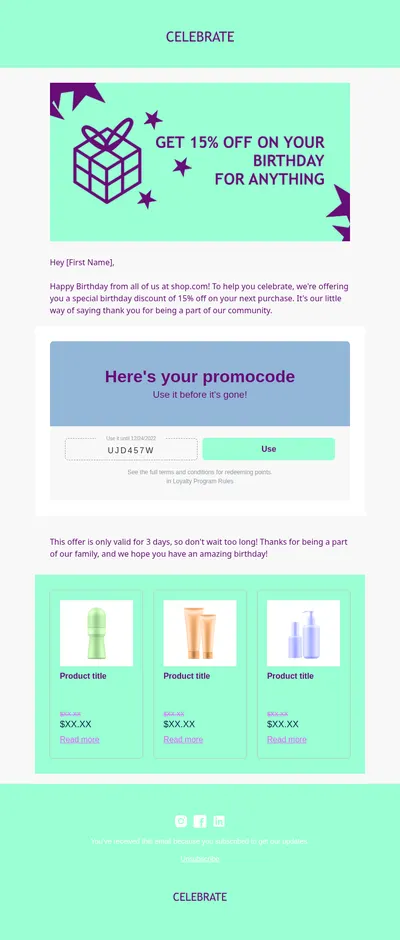
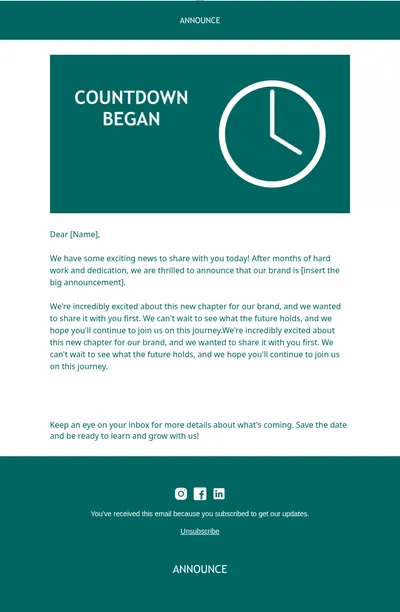
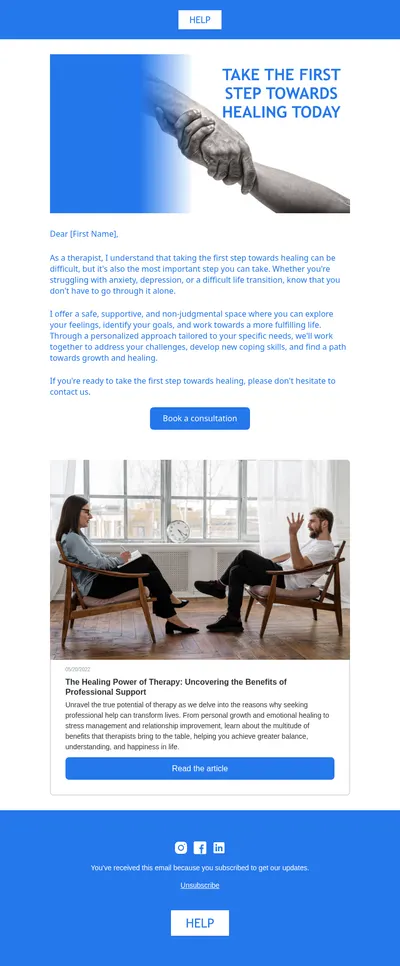
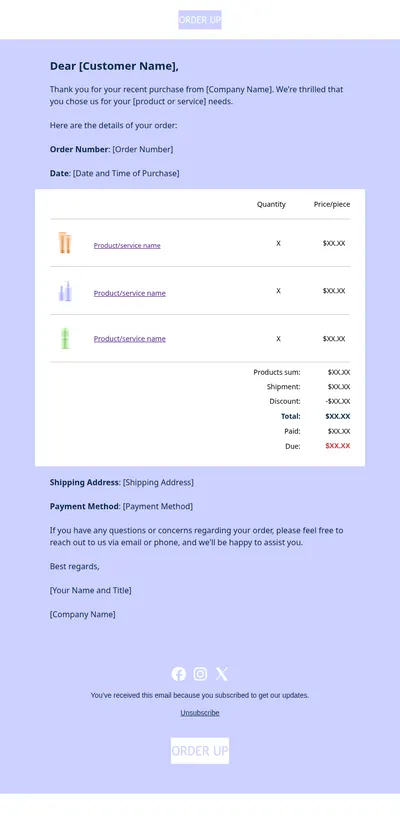
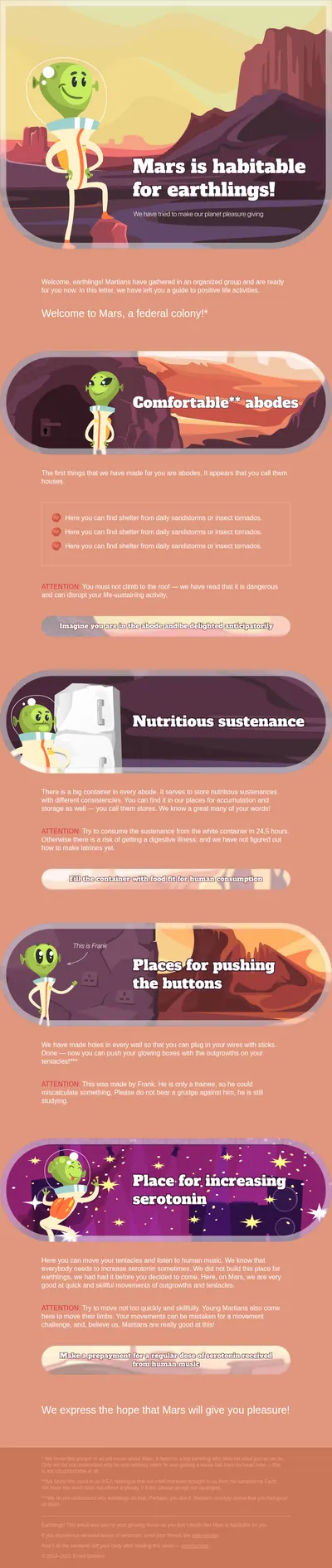
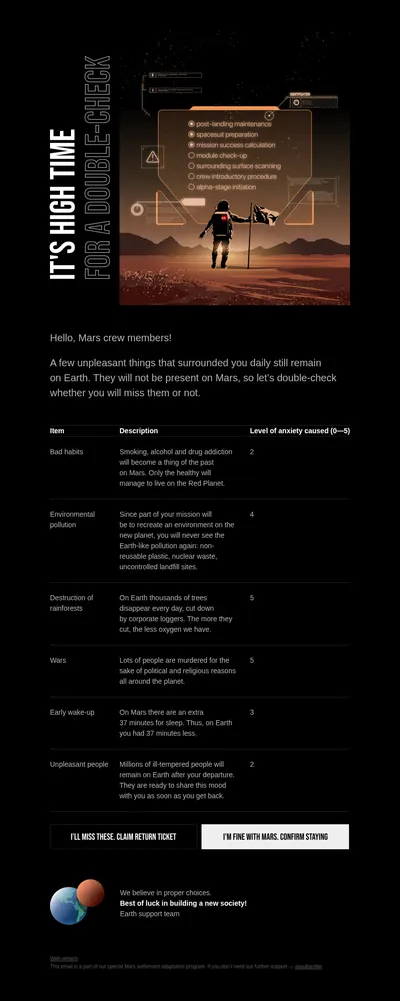
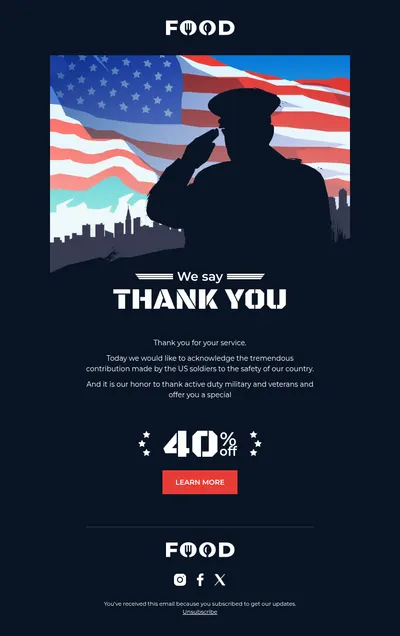
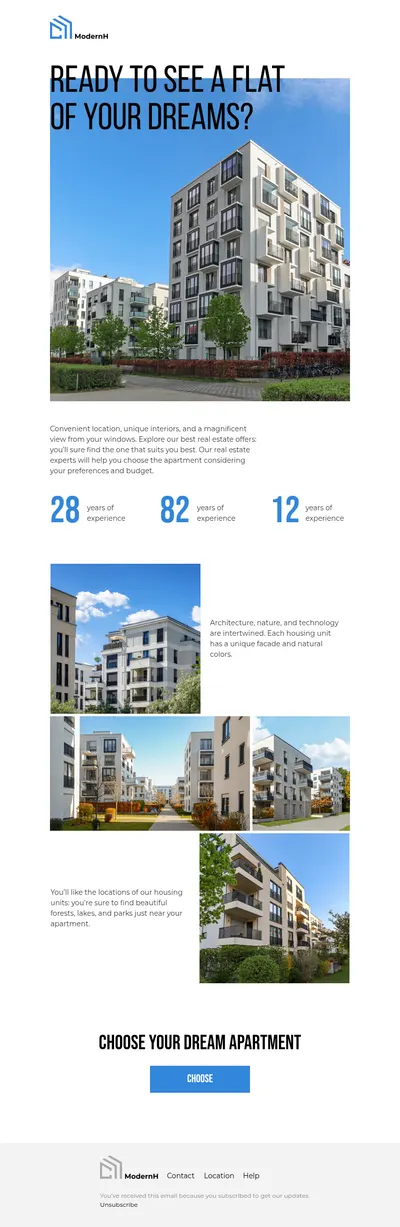
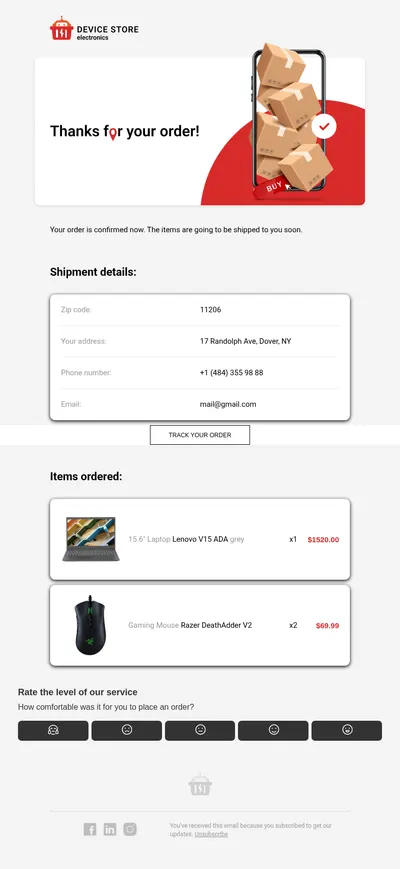
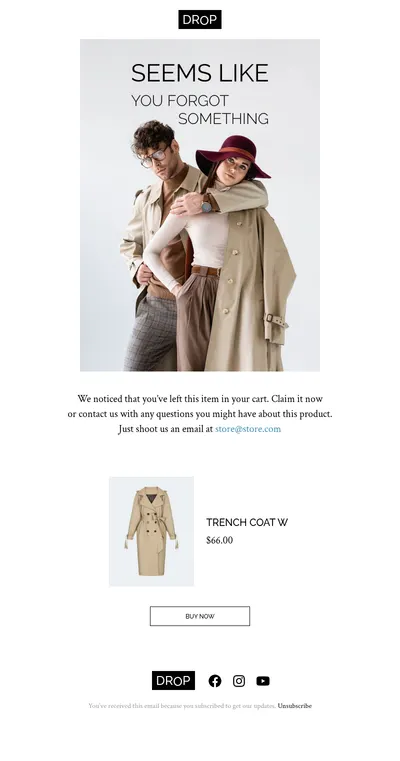
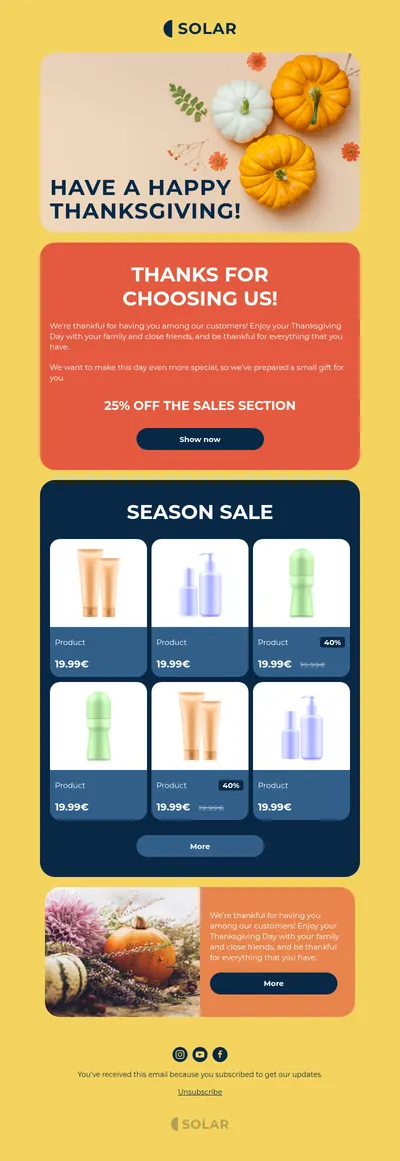
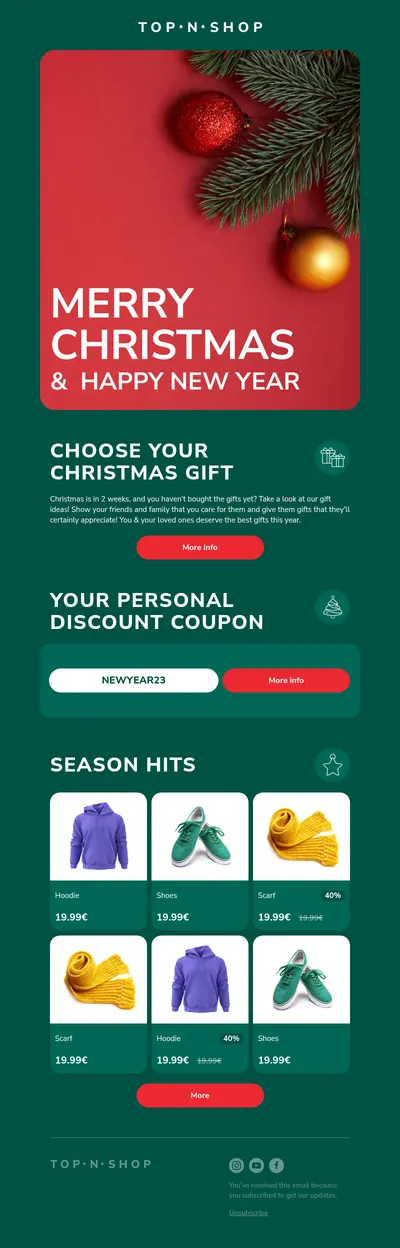
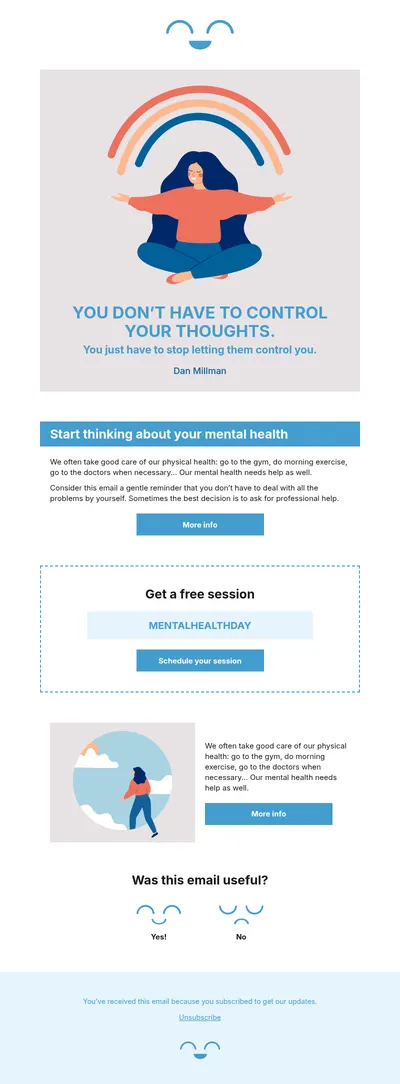
Gmail is where a huge number of people read and send email every day, yet its compose window was never meant for designed layouts. Our free email templates for Gmail let you create a proper HTML email in Blocks and send it from your regular Gmail account, whether it is a newsletter for a small list or a branded note to a client.
How to Make Gmail Email Templates Look Professional
Gmail's built-in formatting covers bold text, links, and pasted images, but columns, buttons, and consistent spacing are out of reach. Designing the email elsewhere and bringing it into Gmail gives you both the look of a marketing campaign and the personal feel of a message from a real inbox.
- Branded emails from a personal address. Replies land in your own inbox, while the email itself looks as considered as a company newsletter.
- Layouts without code. Blocks is a no-code email builder, so you arrange sections and buttons visually instead of fighting the compose toolbar.
- Readable on phones. The design adapts to small screens, which is where many Gmail users open their mail.
Sending a Blocks Design from Gmail
Gmail has no field for raw HTML, so the trick is to let the browser render the design first:
- Build or customize your email in Blocks and export it as an HTML file.
- Open the exported file in Chrome or another browser so the email appears fully rendered.
- Select everything on the page, copy it, and paste it into a new Gmail compose window.
- Add recipients and a subject, send a test to yourself, and then send the real message.
To reuse the design, turn on templates in Gmail's advanced settings and save the pasted message as a template. Keep the email compact, too: Gmail clips messages larger than roughly 102 KB, hiding the rest behind a link.
Emails That Work Well When Sent from Gmail
- Personal notes to clients and partners that feel warm but still carry your branding.
- Cold emails where a tidy layout and one clear call to action help a first message get a reply.
- Appointment reminders for consultants, tutors, and clinics that schedule clients by email.
- Follow-up emails that recap a meeting and outline next steps in an easy-to-scan format.
Tips for Gmail Email Templates
- Keep images hosted online. Pasted designs that reference images on the web stay lighter and display more reliably than ones with attachments.
- Prefer simple layouts. One column with clear sections survives copying and pasting far better than complex multi-column grids.
- Mind sending limits. Personal Gmail accounts are not built for mass mailing, so use a dedicated platform for large lists.
- Personalize the first line. Even with a saved template, a sentence written for the specific recipient makes the email feel human.
Before sending anything important, open the test email in the Gmail app on your phone as well as in the browser. The mobile app is where layout problems show up first, such as buttons that sit too close together or images that push the main message below the fold. Fixing those details in Blocks and pasting the design again takes only a minute.
Finishing touches matter: our email signature guide helps you close every message professionally, and the article on HTML versus plain-text emails explains when a designed layout is the better choice.
Start with Free Email Templates for Gmail
Choose a template above, make it yours in Blocks, and paste it into Gmail whenever you need a message that stands out. When your list grows beyond a personal inbox, the same design can go straight to Mailchimp or HubSpot.