
Roles and their rights
You can view and invite the new members in the Members tab. The project members can view and/or edit the emails and templates.
To invite a member to your project use this guide.
There are three roles available for any member: Owner, Administrator, and User.
Members roles
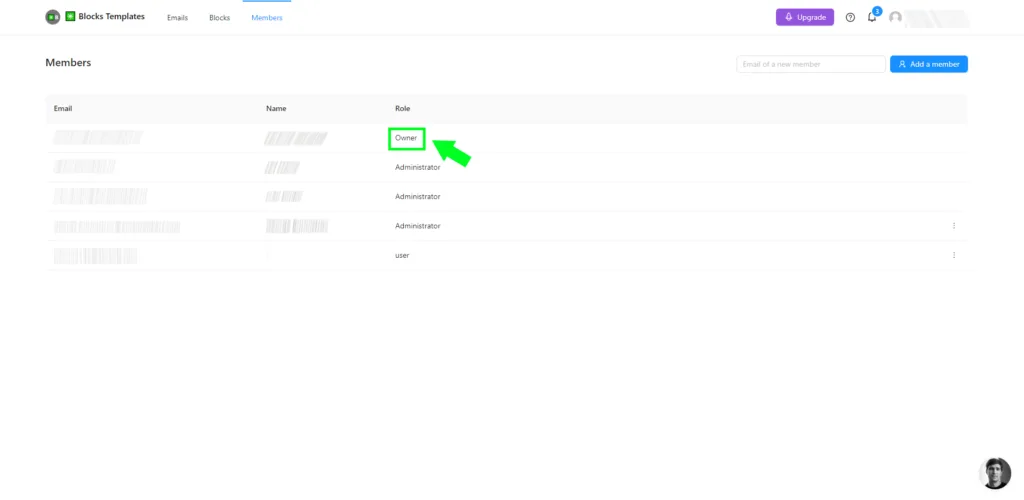
Owner
Owner has access to billing and all features of the project.
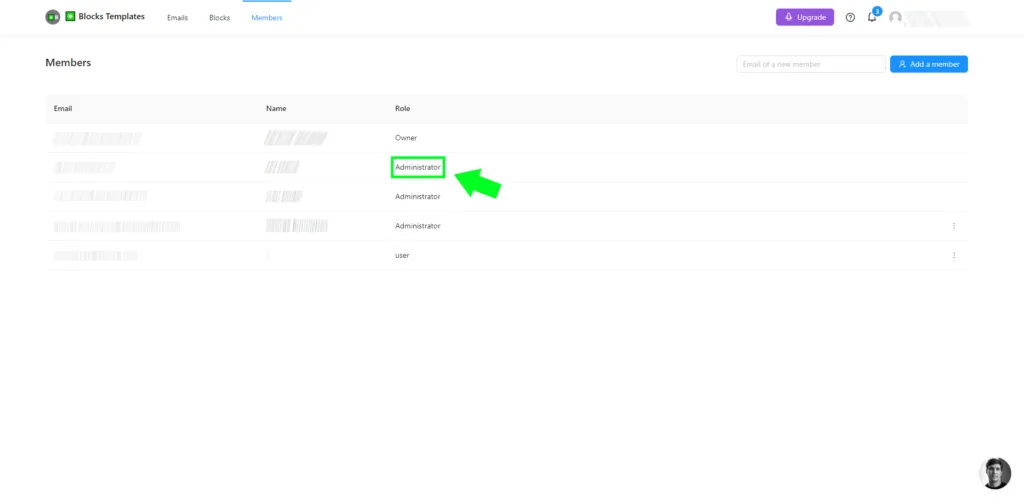
Administrator
Administrator has access to all features of the project besides billing.
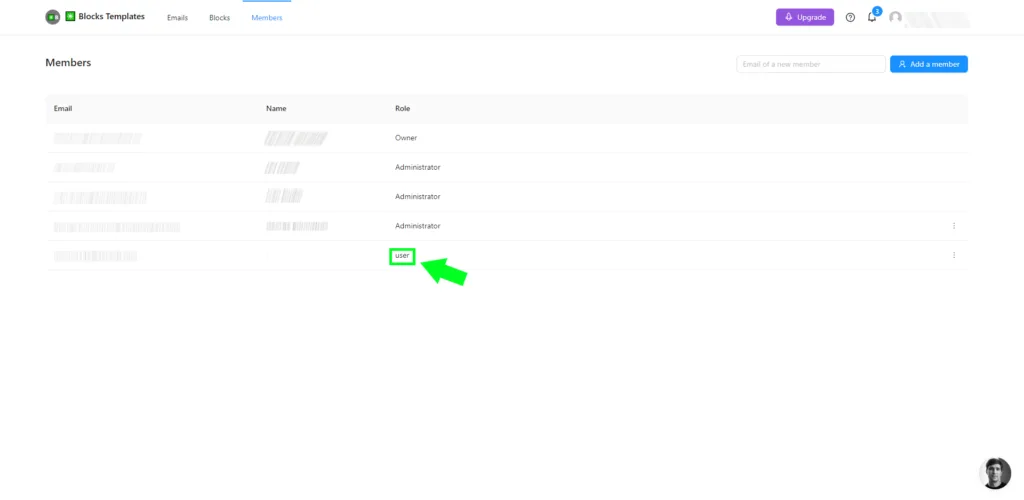
User
User has access to the project, emails, and templates in the view mode.
The number of members you can invite depends on your billing plan.