
Project settings
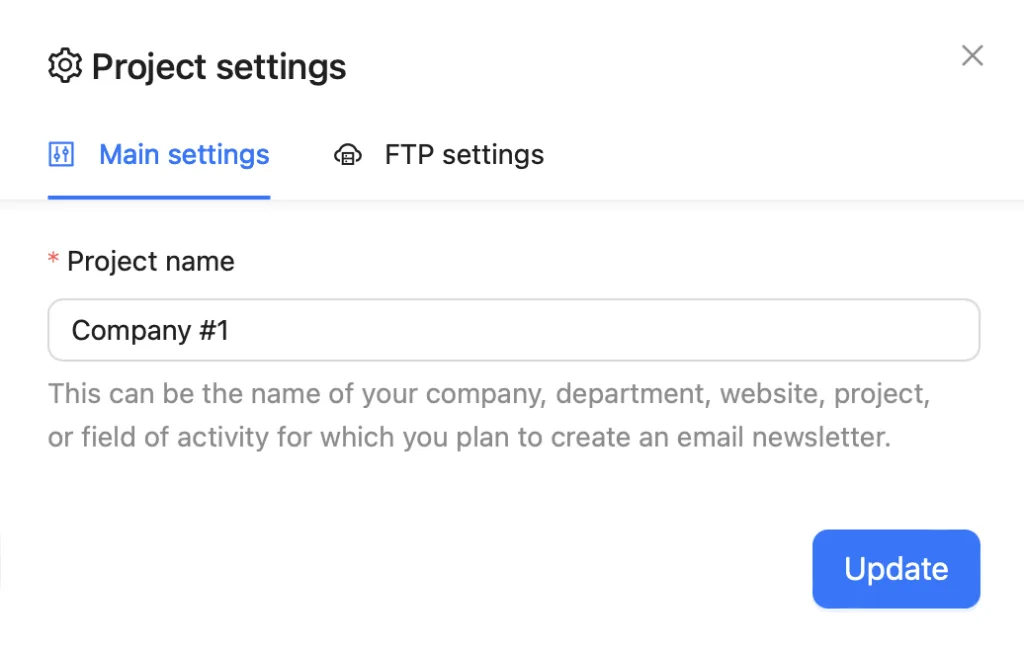
To open the project settings, move your cursor to the Project name in the upper left corner and choose Project settings.
The settings open on a separate page. Here you can change the project name and choose where the project’s images are stored.
Project information
You can change the project name in the Project information tab.
Storage settings
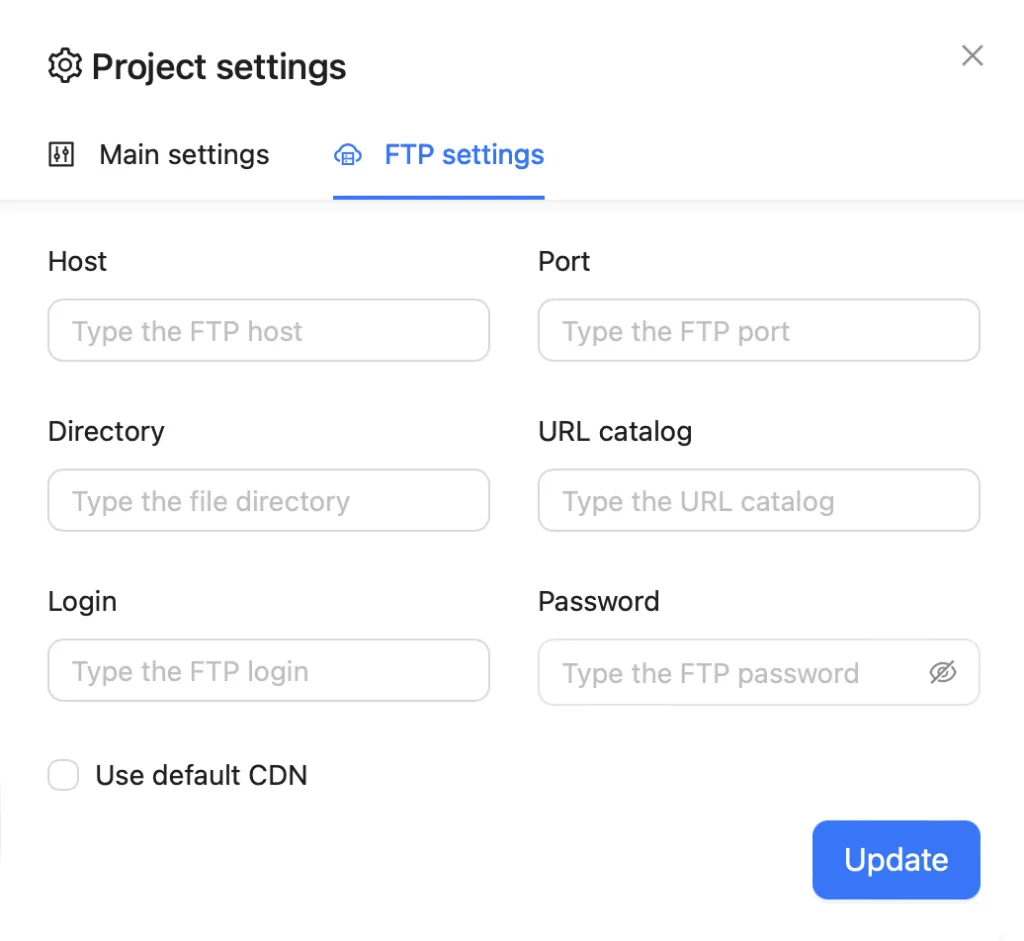
Open the project settings and go to the Storage settings tab.
Choose where the project’s images are stored: the built-in storage, your own server over FTP, or S3-compatible storage. For FTP or S3, fill in the connection details and click Connect — Blocks checks the connection before saving.
After the settings are saved, they will work within this project only.
To go back, choose the built-in storage and click Connect.